Posts Tagged ‘Elecraft’
 Up and running
 February 16th, 2014 |
  Author:
 Today, after completing a few chores, I finally got a chance to assemble my KXPA100. For the record, I did not pre-download the assembly or instruction manuals. Maybe I should have, but I didn’t. I decided to just wing it and go with the flow after opening the box.
A few guys on the KX3 e-mail reflector claimed an assembly time of two hours. I completed mine in just a little over one hour. Basically, all you’re doing is securing the autotuner board to the amplifier, and then putting the housing on. Not much work, easy as pie to do, and you end up saving a couple hundred dollars.
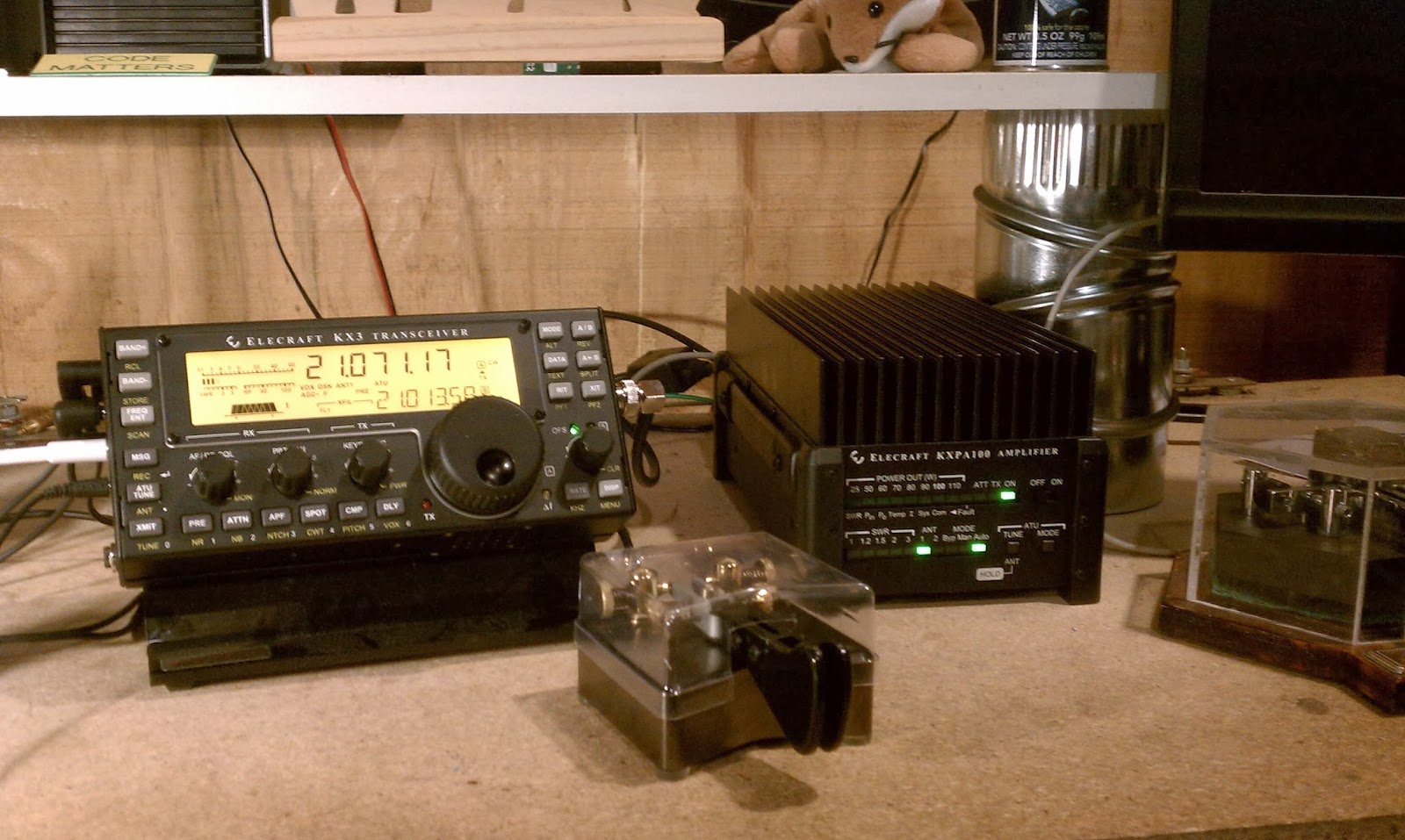
I learned a few things the hard way:
1) Don’t assume you have the latest firmware in your KX3 just because you normally upgrade often. I thought I had the latest version, only to discover I didn’t. When I couldn’t get my KX3 to go above the 12 Watt level, I knew something was wrong. A firmware update took care of that.
2) Keep the KXPA tuned “off”. Sounds strange, doesn’t it? There is an “On/Off” switch on the KXPA100, but it is meant for when you are using the amp with a radio other than a KX3. If you use a KX3, it totally controls the amp. Turning on the KX3 turns on the KXPA100. Turning off the KX3 turns off the KXPA100. If you have the “On/Off” switch turned on while using the KXPA100 with a KX3, the LED indicators don’t work properly. You may set the KX3 for, say 75 Watts – but the LED indicators won’t light up properly. Turnng the switch off remedies that.
Item 1 was prominently mentioned in the manual. I had assumed something, and you know what happens when you assume. I didn’t see anything about the “On/Off” switch in the manual, but admittedly, I glossed through it and did not read it as carefully as I should have – again, my fault.
It is working properly, and I did give it a trial run my making some ARRL DX Contest QSOs at higher power just because I could – not because I needed to. I think in most cases, QRP would have worked. Tomorrow, however, I want to take the amp on a “shake down cruise” and really give it a go – just to see how these boots feel and break them in a bit.
Not that I am abandoning QRP – by no means. For 95 to 99% of the time, my KX3 will continue to purr along at the 5 Watt or less level. But having this amp sure would have been handy a week ago for adding FT5ZM to my log. I’m enough of a DXer to regret having missed that opportunity.
73 de Larry W2LJ
QRP – When you care to send the very least!
It came!

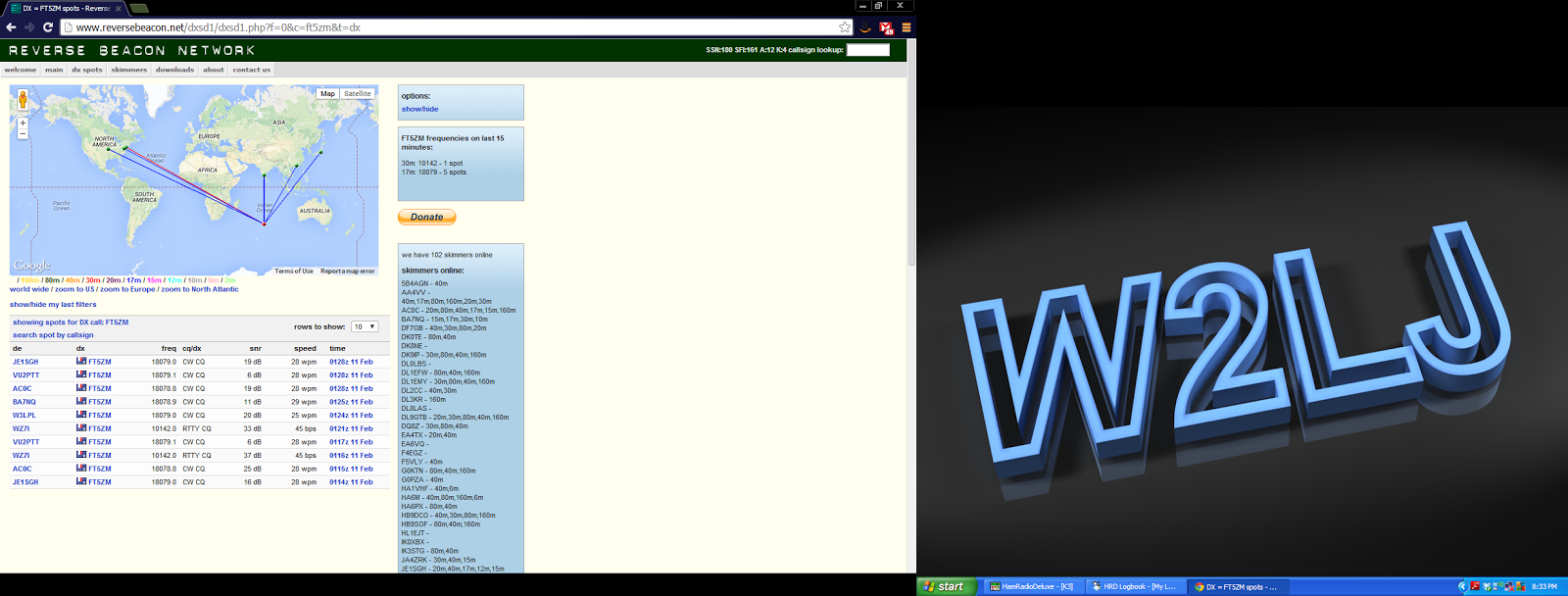
One KXPA100 kit from Aptos, California. It will be assembled this coming weekend. Tonight, I am listening for FT5ZM, and they are nowhere to be found, that I can hear them (of course). They seem to be concentrating on 17 Meters tonight, and all I can hear is their pileup – not them. Crud buckets!
72 de Larry W2LJ
QRP – When you care to send the very least!
A day late and a dollar short
And that seems to be my story regarding FT5ZM, and I’m sticking to it. Last night, I heard them well and couldn’t work them. Tonight, I’ve gone back to not being able to hear them. According to the DXCluster, they are active on 14.023 MHz. They might as well be on the other side of Jupiter, for all that I can hear. I’m not hearing any activity on 30 Meters, either.
Ironically, tomorrow is their last full day of activity before going QRT. And tomorrow is the day my KXPA100 kit is due to arrive from Elecraft. What a coincidence, eh?
I am fairly confident that if I had 100 Watts last night, I would have been able to break through the pileup. There’s no way that I can be 100% certain of that, but you can’t be in this hobby for 35 years without building up an innate sense of these things.
No use crying over spilled milk. Keep your ears open on the bands every day this coming week, QRPers. Next weekend is the big ARRL DX Contest, CW portion. I am already hearing some familiar calls in some familiar places as folks set up and gear up for the big event. Working these stations as they get ready, and then working the contest itself is a great way to earn yourself a QRP DXCC Certificate.
72 de Larry W2LJ
QRP – When you care to send the very least!
Addendum: I went back to the basement to find that FT5ZM came up nicely on 20 Meters. I heard them work my buddy, Bob W3BBO, and fellow blogger and QRPer, Chris KQ2RP. Still no joy for W2LJ, though. I guess tomorrow night will be my last shot, if they’re even on the air at that point.
Just checking!
I got curious and sent an e-mail to Elecraft asking them when I might expect my KXPA100 kit, that I ordered in October.
Good news! Only about another month or so!
To be honest with you, I wasn’t expecting such a quick response. I got my e-mail answer in less than 24 hours. Kudos to Dean and the Elecraft Sales Team.
72 de Larry W2LJ
QRP – When you care to send the very least!
A warm day calls for mobile HF!
 |
| Setup in the car |
 |
| A shot from the car of the lake |
Procrastination
Sometimes I wonder if that’s truly my problem, or if I just have too many irons in the fire. I don’t LIKE to put things off – it’s just that sometimes I am forced to because something else comes up that has to be dealt with NOW. Then I lose my place and that’s how things go by the wayside for me. Maybe I need to take courses in multi-tasking – do they offer those? 😉
Another thing that I did today (besides finish printing the Skeeter certificates) was to finally do something with my Christmas present. That’s right – I haven’t written about my Christmas present, have I?
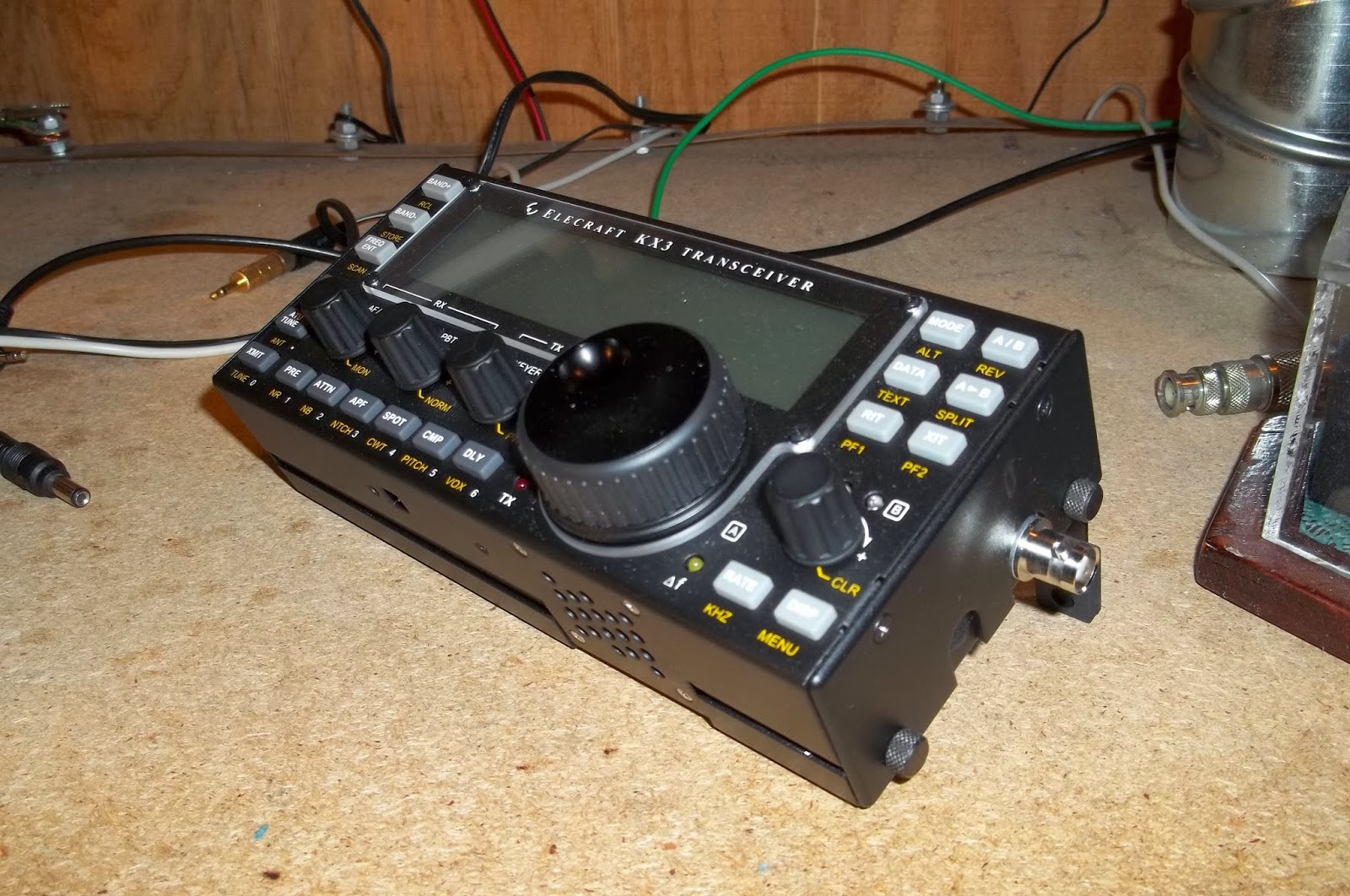
Marianne had no idea what to get me, so I made it simple for her. I made it super simple for her! I ordered a set of SideKX cover plates for my “portable” KX3, the one I take to work with me everyday, and I had them sent here to the house to her attention. I installed them today (super easy!) and instead of sticking my KX3 inside a ziploc bag inside my LowePro bag, it is now protected by the SideKX.
The KX3 before surgery:
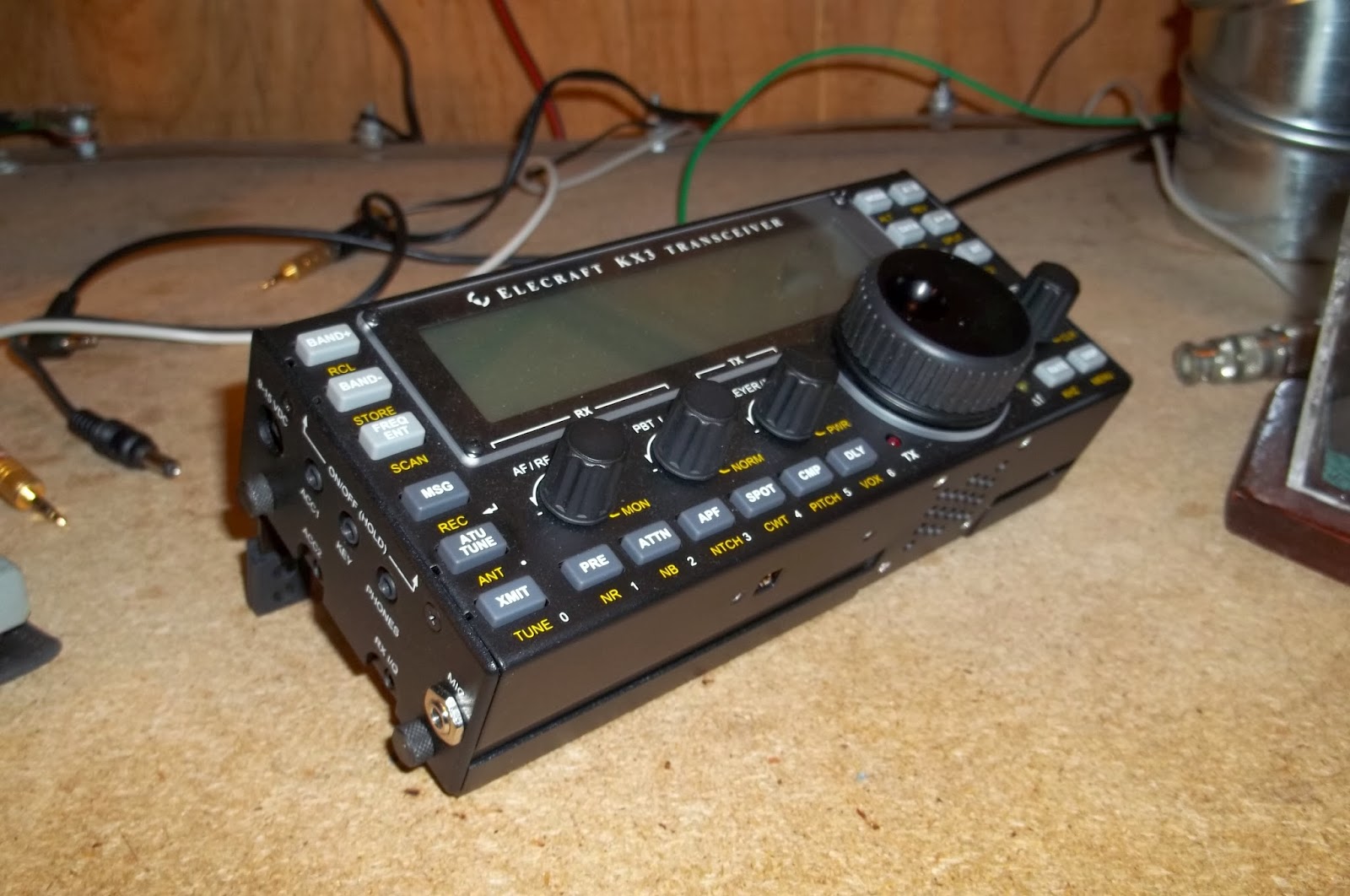
And the KX3 after surgery – now fully protected:
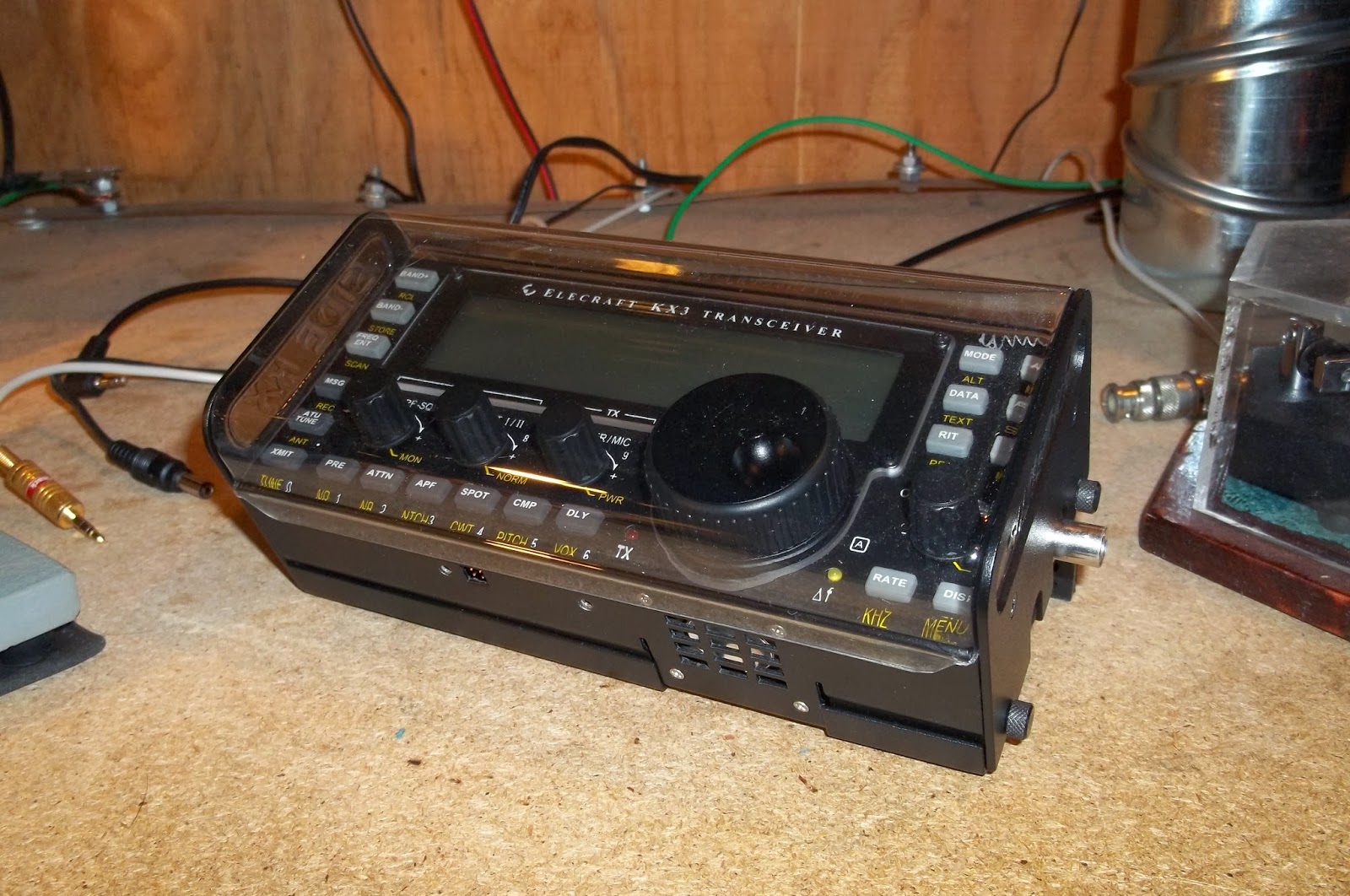
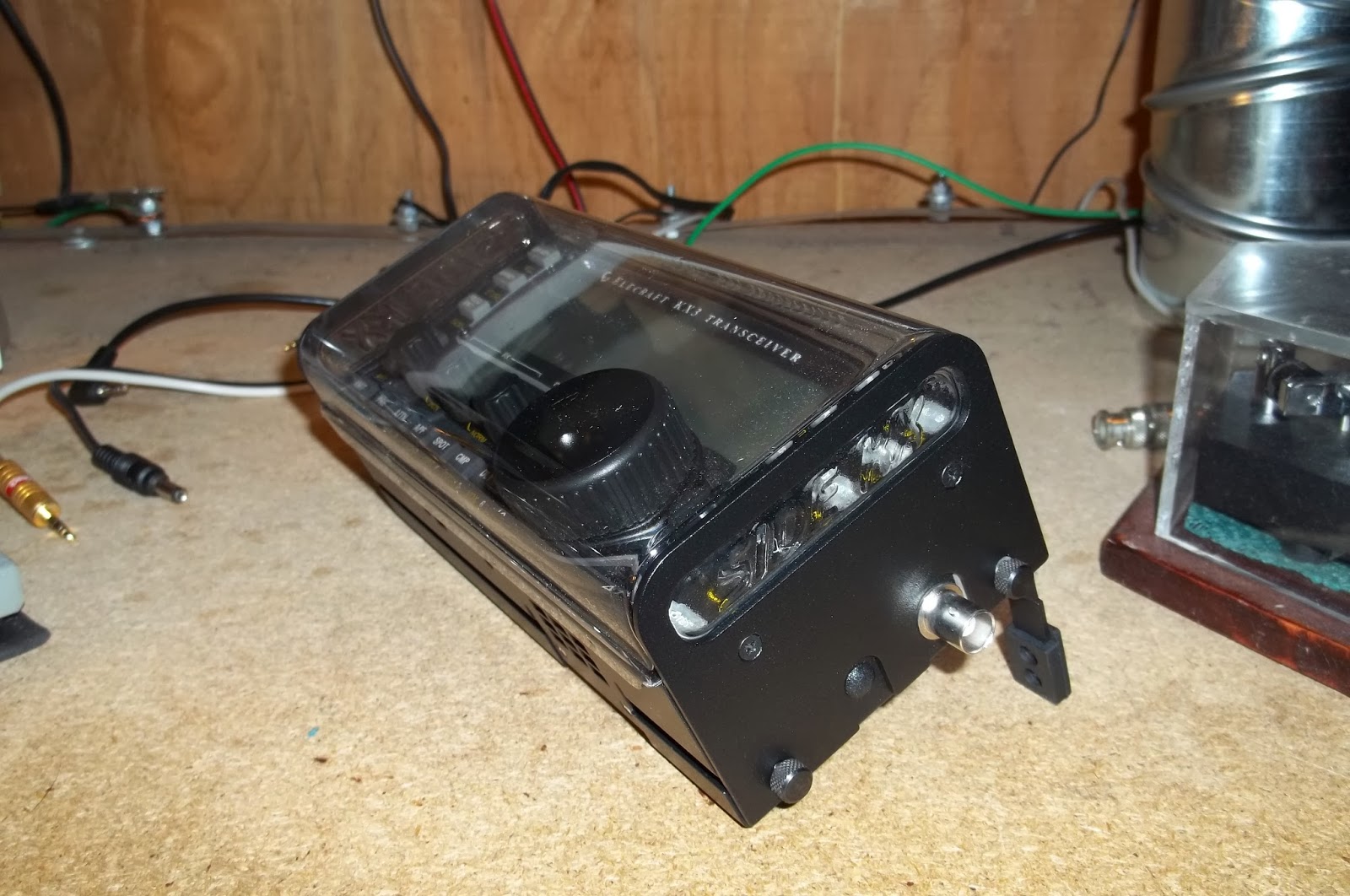
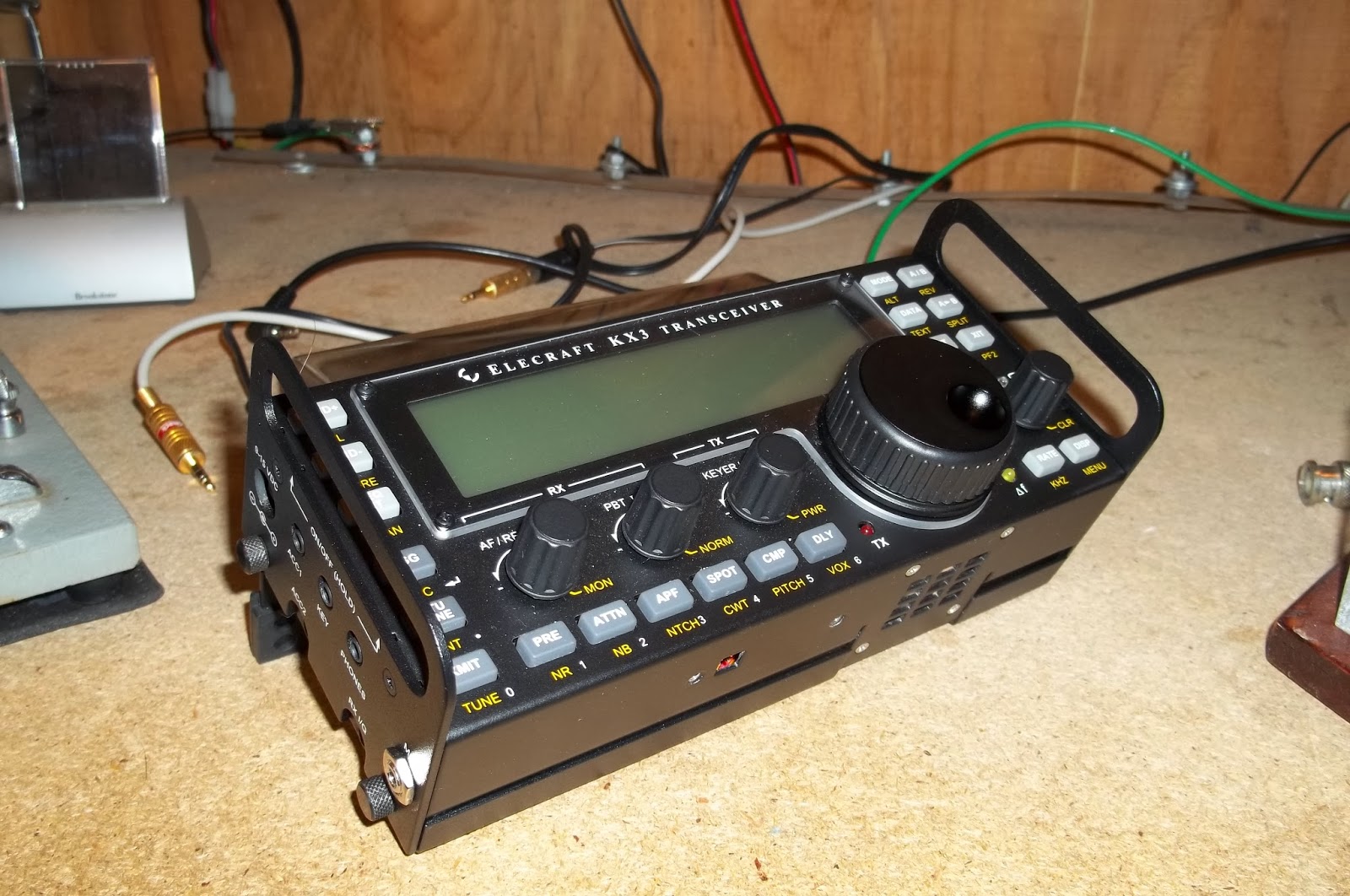
The silkscreening on the SideKX plates is virtually identical to the silkscreening on the original Elecraft side plates. It would take an expert with a lot keener eye than mine to be able to see any differences. The price was very reasonale for the extra protection that you get. Of course, I had to put the radio on the air after its operation, just to make sure I didn’t screw anything up. A couple of quick NAQP contacts on 20 Meters confirmed that I hadn’t!
Oh, one other thing that I got to see today. At this morning’s VE session that I attended and helped at, fellow Volunteer Examiner Bob KB2VMG brought along his KXPA100 that had just arrived yesterday. He ordered his as a pre-built unit in June. I ordered mine as a kit in October. I was hoping to have mine by the end of January, but if Bob just got his, which he ordered four months earlier than I did, I am now hoping to see mine by Easter. Anyway, I got to see one live and up close and personal and got to drool for a little while!

72 de Larry W2LJ
QRP – When you care to send the very least!
Clever K3 macro trick

Tonight I sat down to fiddle with the macros of my Elecraft K3. As I already use M1-M4 for CW memories, I only had the PF1 and PF2 buttons available.
It was the blog post “K-3 Rotating Macros” of W8TN that made me aware of a clever trick for using a macro to reprogram itself. This gives the possibility to have two rather than one function in the PF2 button. My need is for a button that can toggle between the typical pile-up functions Split+1 and Cleanup. In addition I have another macro that toggles speakers on and off.
The two first macros resemble those of W8TN, but are not quite the same:
- Split+1: SWT13;SWT13;FT1;UPB4;RT0;XT0;SWT11;BW0045;SWT11; MN110;SWT12;SWH47;SWT14;
- 0 Split: FT0;RT0;XT0;LN0;SB0;SQ000;DV0;LK0; MN110;SWT11;SWH47;SWT14;
The Split macro in memory 1 means:
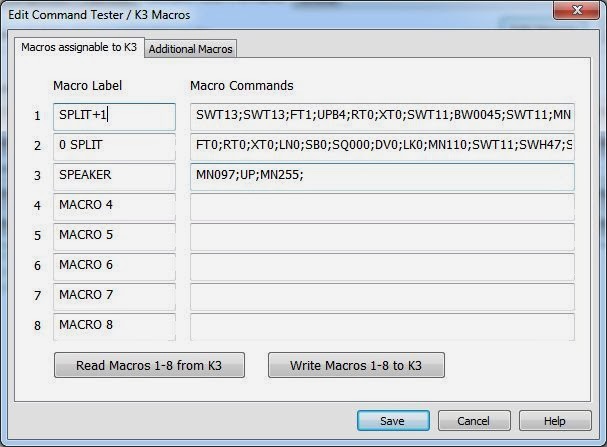
- SWT13; taps A>B once to copy VFO A frequency to VFO B
- SWT13; taps A>B again to copy all other settings to VFO B
- FT1; enters Split mode.
- UPB4; moves VFO B up according to setting 4, which is 1 kHz
- RT0; turns RIT off
- XT0; turns XIT off
- SWT11; taps A/B to go to VFO B
- BW0045; sets bandwidth B to 0.45 kHz
- SWT11; taps A/B to go to VFO A
- MN110; enters Config, Function, Macro
- SWT12; taps the (2) button to choose Macro 2
- SWH47; holds the PF2 button to assign it to PF2
- SWT14; taps the Menu button
Entries 10-13 are the reprogramming steps where the PF2 button is reassigned to the cleanup macro in memory slot 2. The contents of that macro is:
- FT0; turns Split off
- RT0; turns RIT off
- XT0; turns XIT off
- LN0; unlinks the VFOs
- SB0; turns subreceiver off
- SQ000; turns squelch off
- DV0; turns diversity mode off
- LK0; unlocks VFO A
- MN110; enters Config, Function, Macro
- SWT11; taps the (1) button to choose Macro 1
- SWH47; holds the PF2 button to assign it to PF2
- SWT14; taps the Menu button
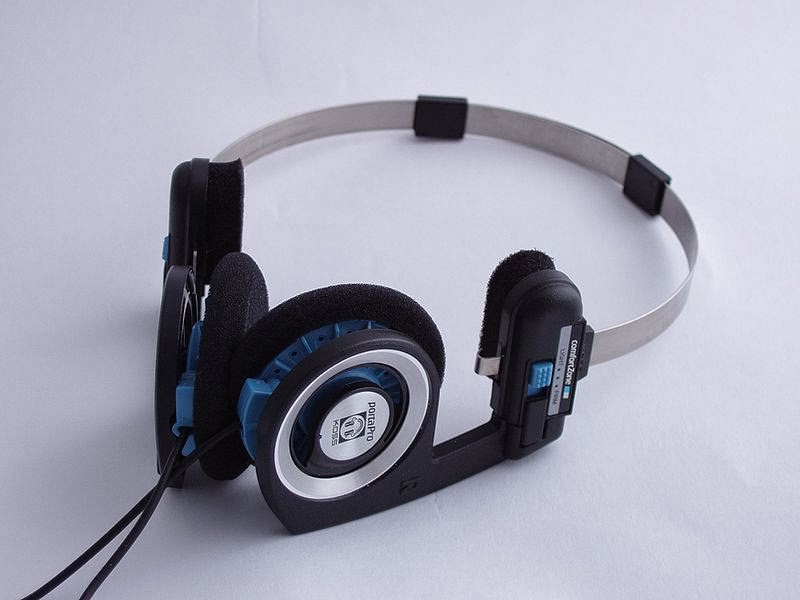 |
| Picture of Koss PortaPro from Wikipedia (Malcolm Tyrrell) |
Since I often toggle between speakers and my Koss PortaPro headphones (connected to the back of the K3), I liked what I just found on the Elecraft list where the command for speakers on/off was reposted. I have assigned that to the PF1 button which is also the RIT (Receiver Incremental Tuning) reminding me that this affects reception.
Macro 3 is MN097;UP;MN255; meaning:
- MN097; Access Menu, Speaker+phone
- UP; Change parameter
- MN255; Access Menu, Exit
After the macros have been loaded into the K3 with the K3 Utility Program, the macros are assigned to the PF1 and PF2 buttons by first entering Config, Macro 3, and then hold PF1, and then Config, Macro 1, and then hold PF2.














