Posts Tagged ‘Computers’
 cAPS Lock Anguish!
 August 19th, 2012 |
  Author:
 Several times a week I have been on the brink of writing this. It’s time to get it off my chest. I curse whoever it was that decided to place the caps lock key to the left of the A on the keyboard. For what seems like one time in two when I go to type a letter “a” I hit caps lock instead (or as well.) I hAVE USually typed several more letters before I realize my mistake and have to bACKTRack, to the accompaniment of loud cursing.
A couple of decades ago, in the days of MS-DOS, it was possible to write a little program called a TSR (from Terminate and Stay Resident.) This program could intercept your keystrokes and convert them to anything you liked. I wrote one that trapped Shift+3 and turned it into the pound sign instead of the US default hash (#). Microsoft provided a utility called KEYB.COM that could do this but it occupied several K of memory and in those days you counted every byte.
I don’t know if that is possible in Windows. But I’d really love a program that could intercept the caps lock key and turn it into an A (or rather, an a) unless you gave it a long press!

Something’s messed up Firefox
I was doing some web surfing in Firefox (Windows) when I had a bit of finger trouble. In response, Firefox popped up a message that said something like “you have chosen to open 27 pages at once, do you really want to do this, continue or quit.” I responded “quit”, Firefox didn’t open any pages and I carried on with what I was doing. However, the next time I opened a new tab it opened, not with a blank tab but one containing large thumbnail images of pages I had recently (or not so recently) visited. I assumed that my bit of finger trouble had accidentally done something to Firefox. But how to undo it?

I racked my brains for a solution until I remembered that I had got Magicure on my system. Magicure is a bit like System Restore but it works for all types of file not just system files. It has got me out of many a scrape in the years since I installed it. So I used Magicure to roll the system back to its state yersterday morning and Firefox appeared to be back to normal. I started the browser, opened a new tab and it came up blank as I wanted.
Everything seemed fine until late this morning, when I opened a new tab in Firefox and it was full of recently visited pages again. This was not how it was yesterday morning. Magicure has never yet failed to restore my computer to its exact state on the date I roll back to. So what the heck is up with Firefox or my computer and how do I get it back to normal?

See if you can identify this mystery interference….

Spinning my ham wheels…………


DXLab’s software
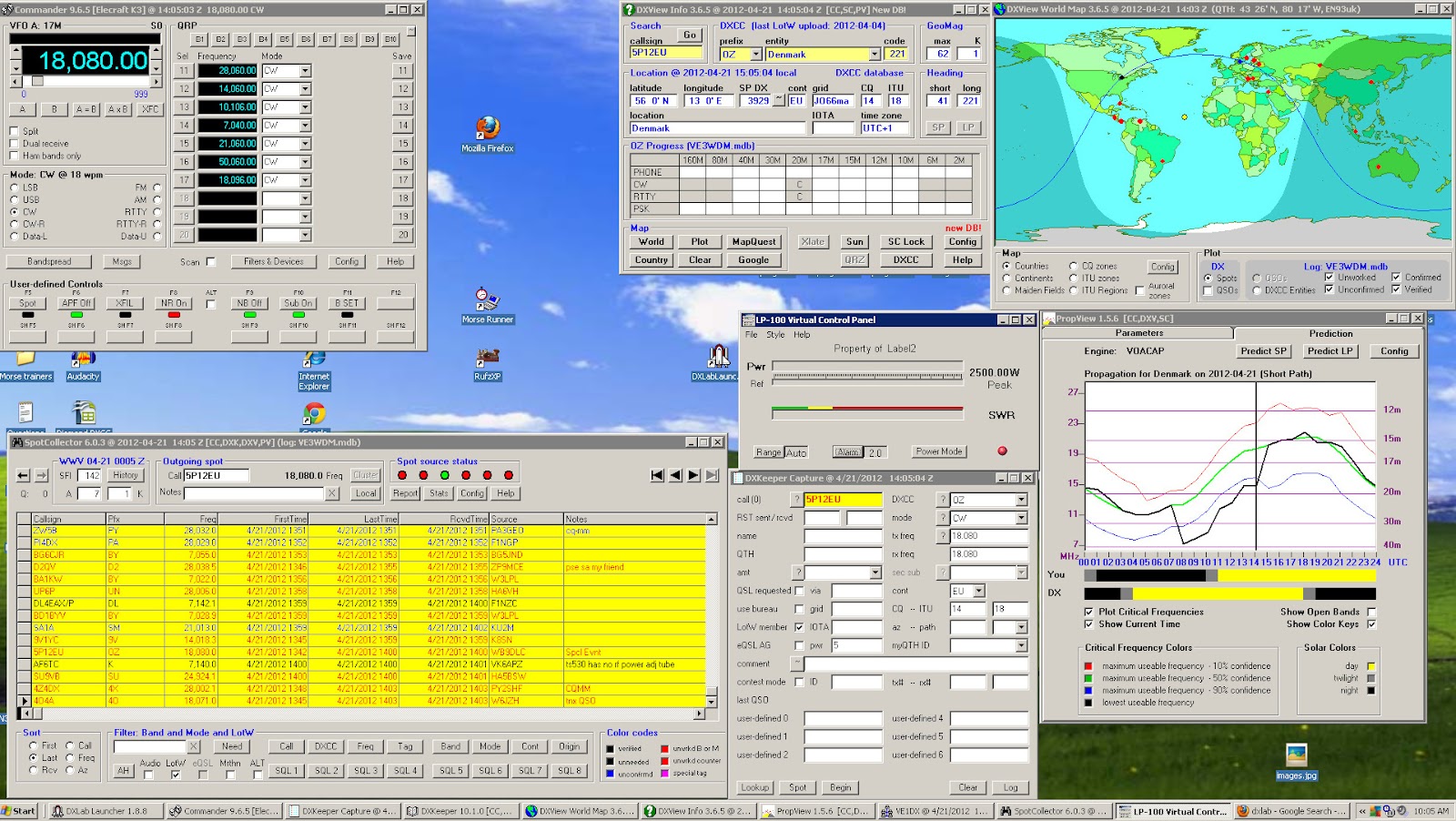 |
| My DXLab's desktop |
- You can pick and choose what applications you want to install.
- Once an application is installed you are able to customize it to your needs.
- Great support, the short time I was running DXlabs they released fixes and upgrades.
- Running all 8 applications did not seem to take up much of the PC's processor.
- Each Application has over the top documentation in great detail.
- It will start up 3rd party applications to run with DXLab. For me so far I have my LP-100A virtual meter starting up within DXLab.
- Make sure you read the documentation to fully understand what each app can do.
- The first application you want to download is called Launcher. This app when up and running at the push of a button install each app you want to try. It also (when configured to) will check for updates of all the programs each time it opens. It will also with one click start-up and shut down all DXLab app's. I made the mistake of not using this program and I manually unzipped, created a folder and installed each application. The Launcher makes installation a painless experience.
- Join the DXLab yahoo group for outstanding support. I posted a questions and it was answered in 20 minutes.

Prolific problems
A package from China arrived in the post this morning – a USB programming cable for the Baofeng UV-3R+. I got it from eBay seller happyhamshop where it was sold as a “USB programming cable for Wouxun handheld radio” but Baofeng claims that the UV-3R+ is compatible with Wouxun accessories. I was going to make my own cable but I didn’t have a 2.5mm stereo jack plug in my parts box so I decided to take the easy option and get a ready made cable for not much more than the cost of the plug from a components vendor.
The cable was detected and appeared as COM1 – the same com port number as my other USB to serial adapters that use the Prolific chipset. I haven’t tried it on the Wouxun – I can’t think of a reason to program channels on 4m – but it works with the Baofeng using both the manufacturer’s software and CHIRP, the platform and rig-independent memory management program.
It took me several attempts to transfer the memories from the old UV-3R to the new one. Writing a file taken from the old radio to the new one using either program caused the frequency display to read DDDD.25. Fortunately I knew enough about this issue to have used the software to make a backup of the factory configuration, which was easily restored.
The solution, if you’re interested, was to use CHIRP to export the memories from a file saved from the old radio to a rig-independent .chirp file, then load the factory configuration from the radio and import the file you just exported.
Problems with programming cables seem to be making up half the traffic in forums and groups dedicated to handheld radios. The problems are all associated with cables that use (or claim to use) Prolific USB adapters. These days, programming cables come with USB adapters built-in, so the need for separate USB to RS-232 converters – which could use a less troublesome FTDI or Silicon Labs chipset – is eliminated. But so, unfortunately, is the option to solve the problem by using a different type of adapter.
A couple of days ago I became aware of something that is certainly not going to make this issue any less common. Apparently a Chinese chip manufacturer has produced an unlicensed clone of the Prolific PL2303 USB to serial chip which is now being used in many of the USB cables that come from China. Prolific is understandably not very happy about this. It has released a new driver that detects the clone chip and fails with an error code 10, causing much frustration for the innocent end user. The solution, apparently, is to turn off automatic updating and install an older driver (the cable vendor will hopefully have a link to a driver that works with the cable they sold you.) The problem seems to be worst for users of 64-bit Windows 7 for which there are fewer old drivers in circulation. I deliberately stay as far from the bleeding edge as possible, and have automatic updates disabled on my shack PC. So far I have had no problems with the 32-bit Windows XP Prolific driver I’ve been using for the last couple of years.

Seeing the big picture
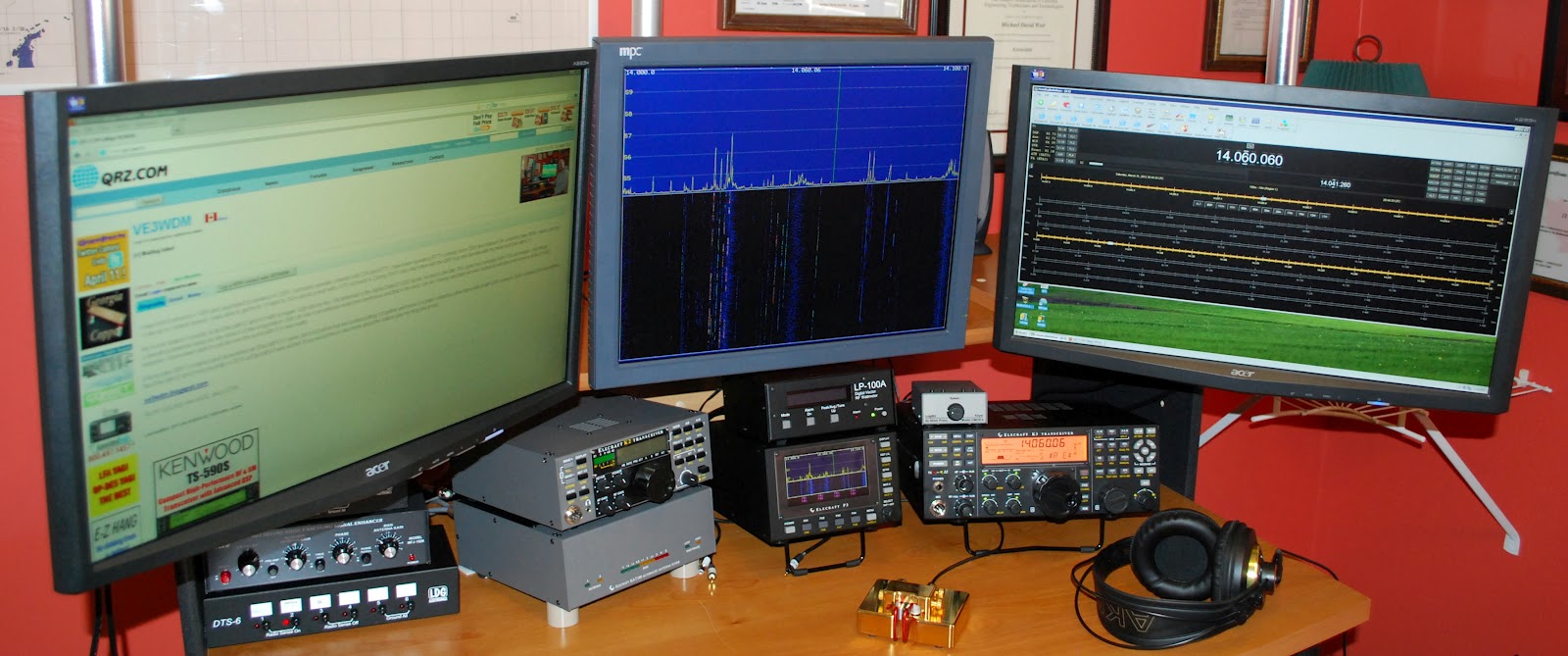 |
| The new setup |
 |
| Old setup |
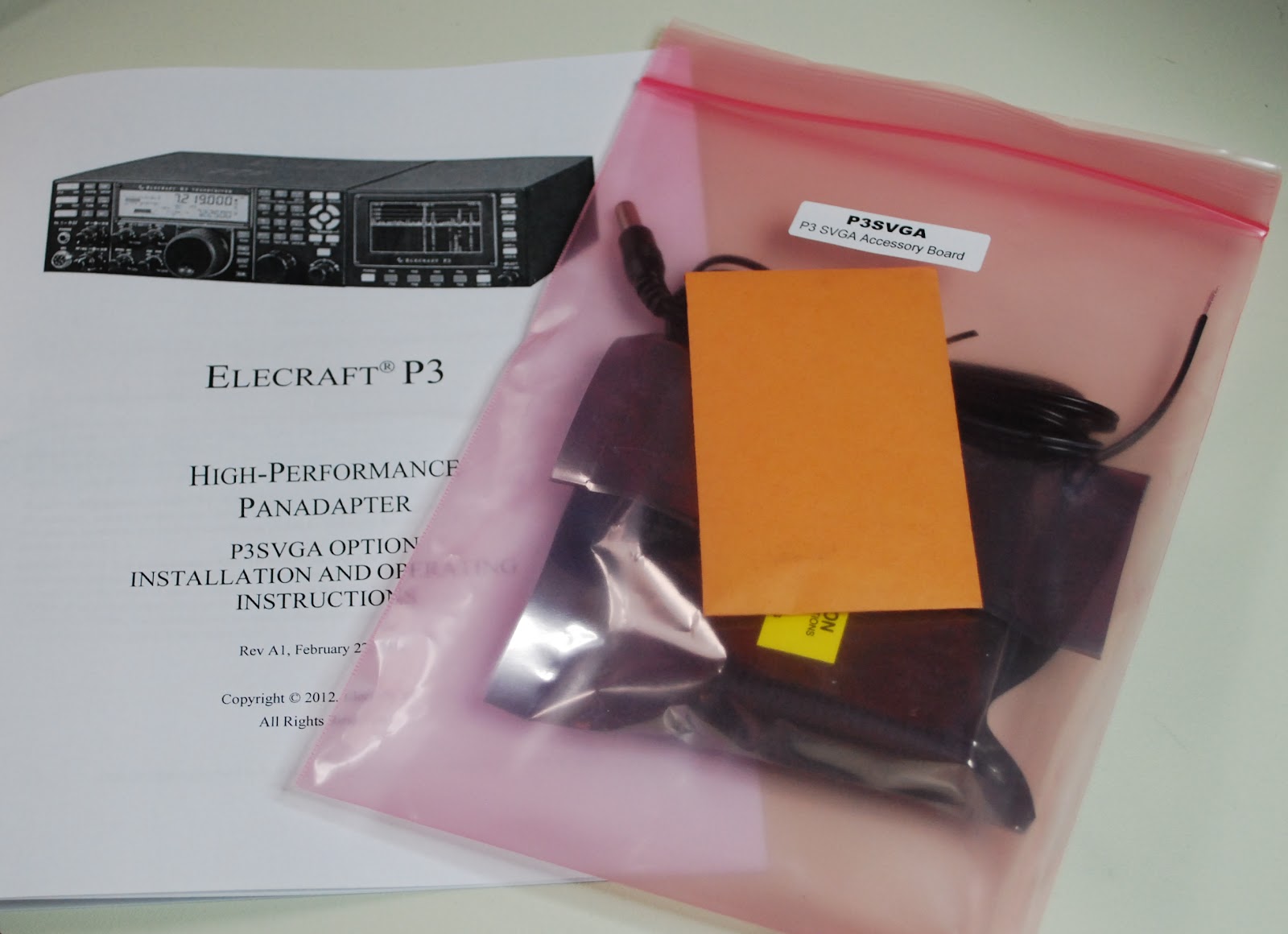 |
| New P3 SVGA |
time to give it a whirl. As a side note I kept a monitor that I was not using but knew I would use it some day. Well the day came when I needed a monitor for the SVGA it's great when I can reuse! The P3 was hooked back into K3 I then powered up the K3 and P3.......BUT the monitor was blank!!! Well lets reboot and try again.....NOTHING..........It them came to me go to the Elecraft site and update the P3's software. I did that and low and behold the monitor came to life with a great looking band scope! It sure is nice to have a scope up close and personal. Now Elecraft has plans to add mouse control, RTTY and CW decoding and more suggestions are piling in. When I added the new monitor I had to do some moving of equipment on the desk. The LP-100A, MFJ 1026 and the LDG switches all found a new home. The monitor was mounted on
moveable arm so when not in use I can move it out of the way. When the final position for all the equipment
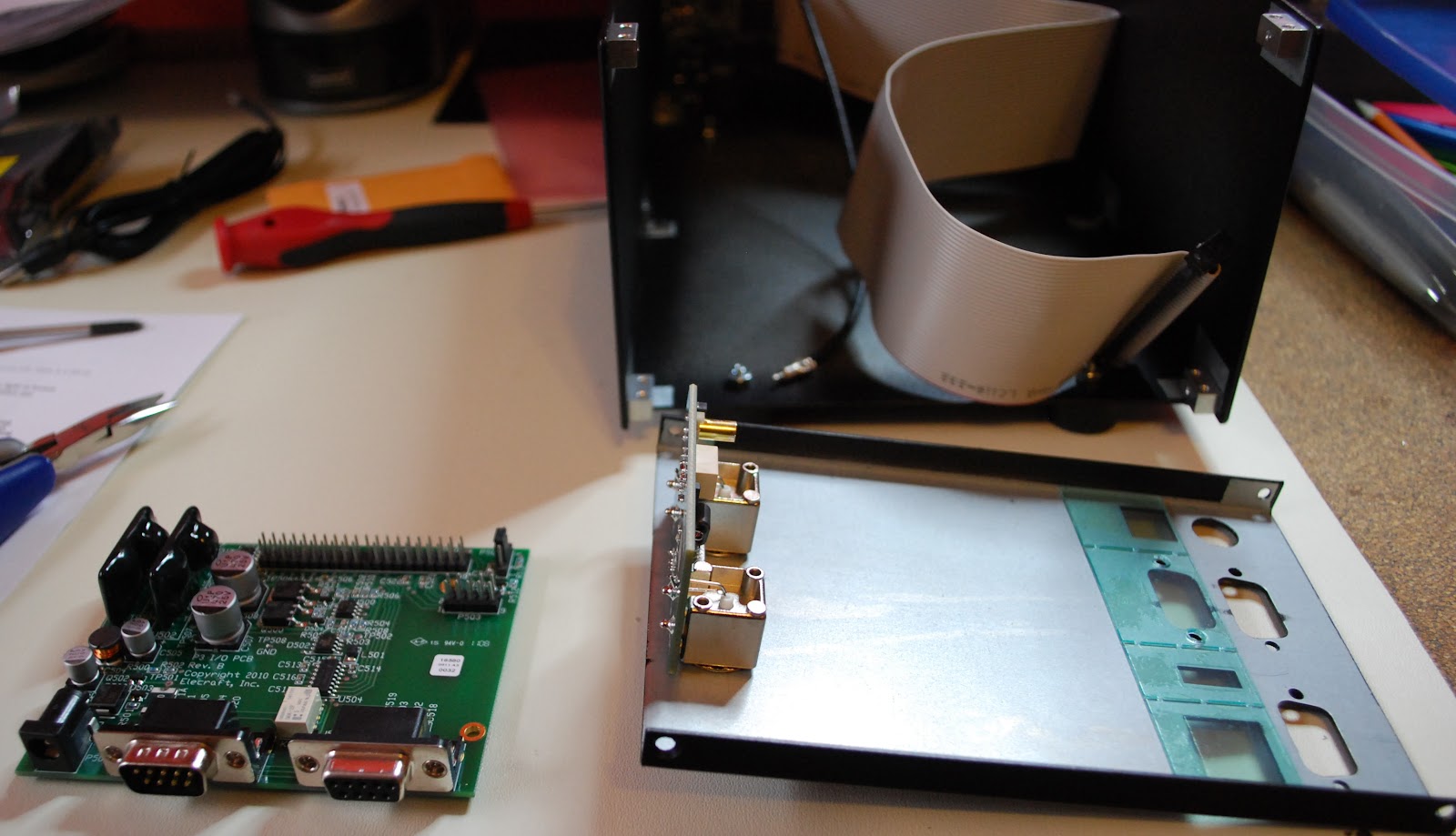 |
| P3 apart and ready for SVGA |
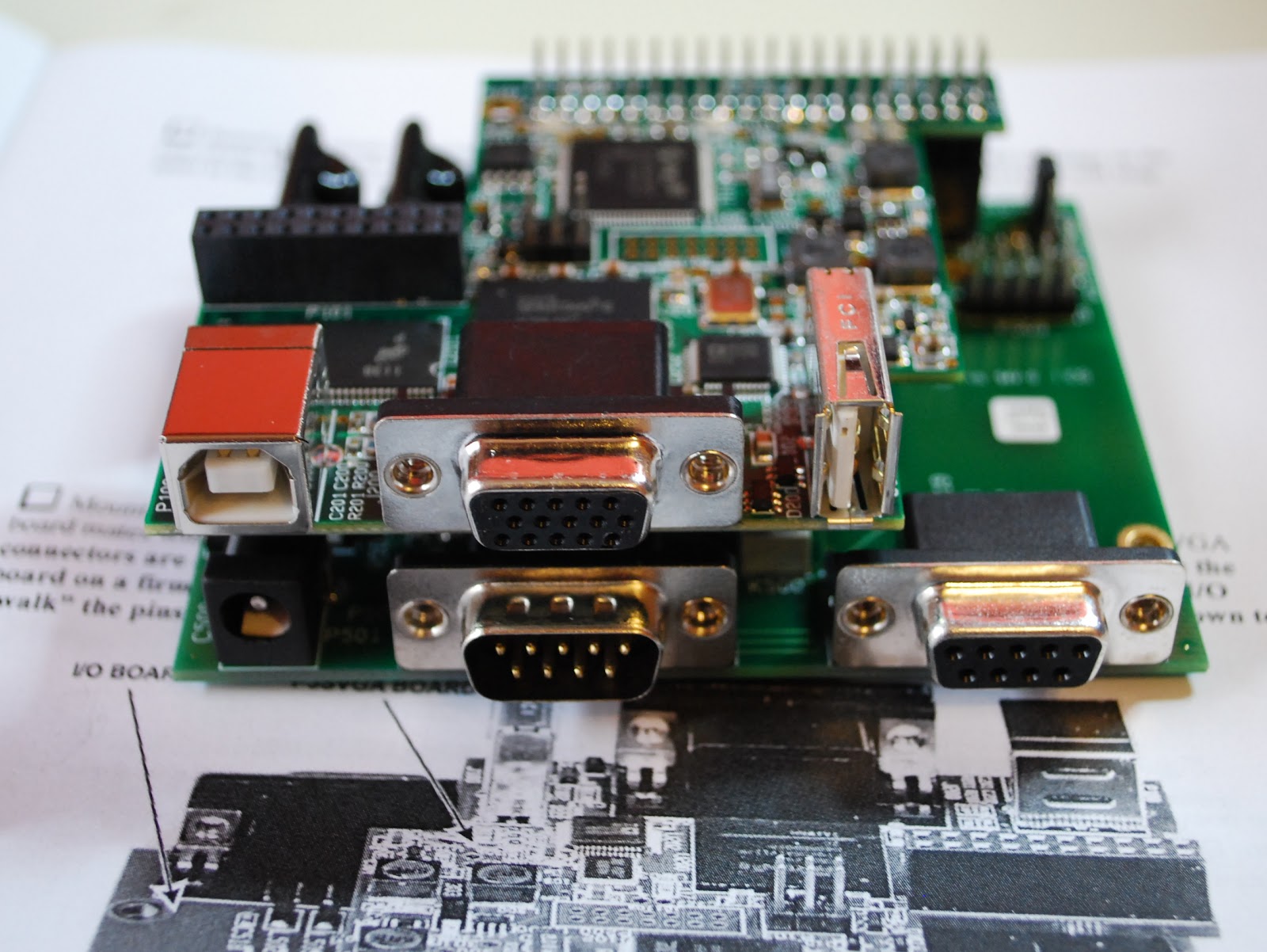 |
| SVGA installed |
labeled cables. My next project is to investigate logging software, radio control software and propagation software. I have been using a hodge-podge of software and I want to clean up the software end of my ham hobby so now it is time to look at some of the free ham software out there....any suggestions would be great!
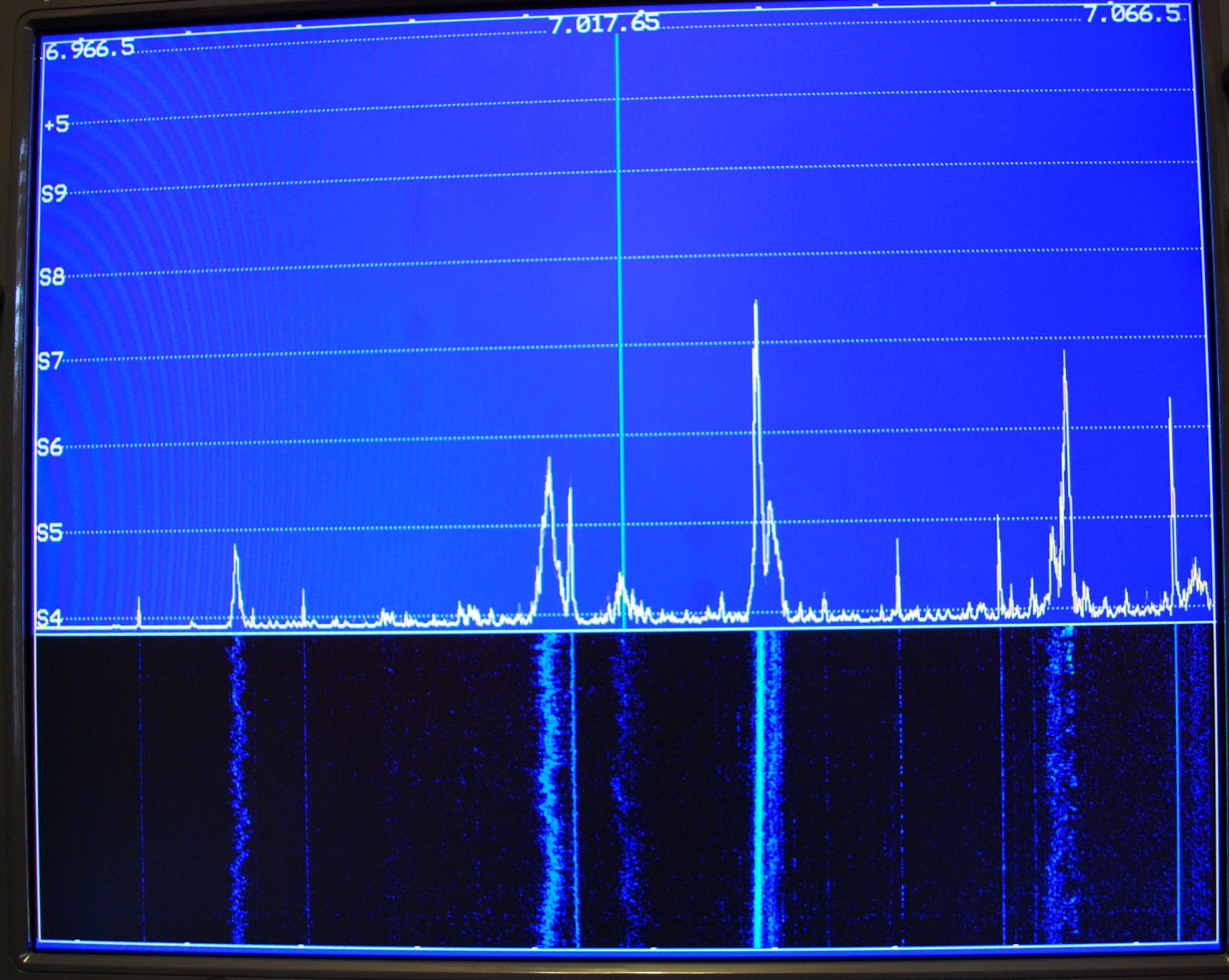 |
| View on the monitor |
 |
| Monitor out of the way |












