Posts Tagged ‘Elecraft K3’

IARU HF World Championship contest

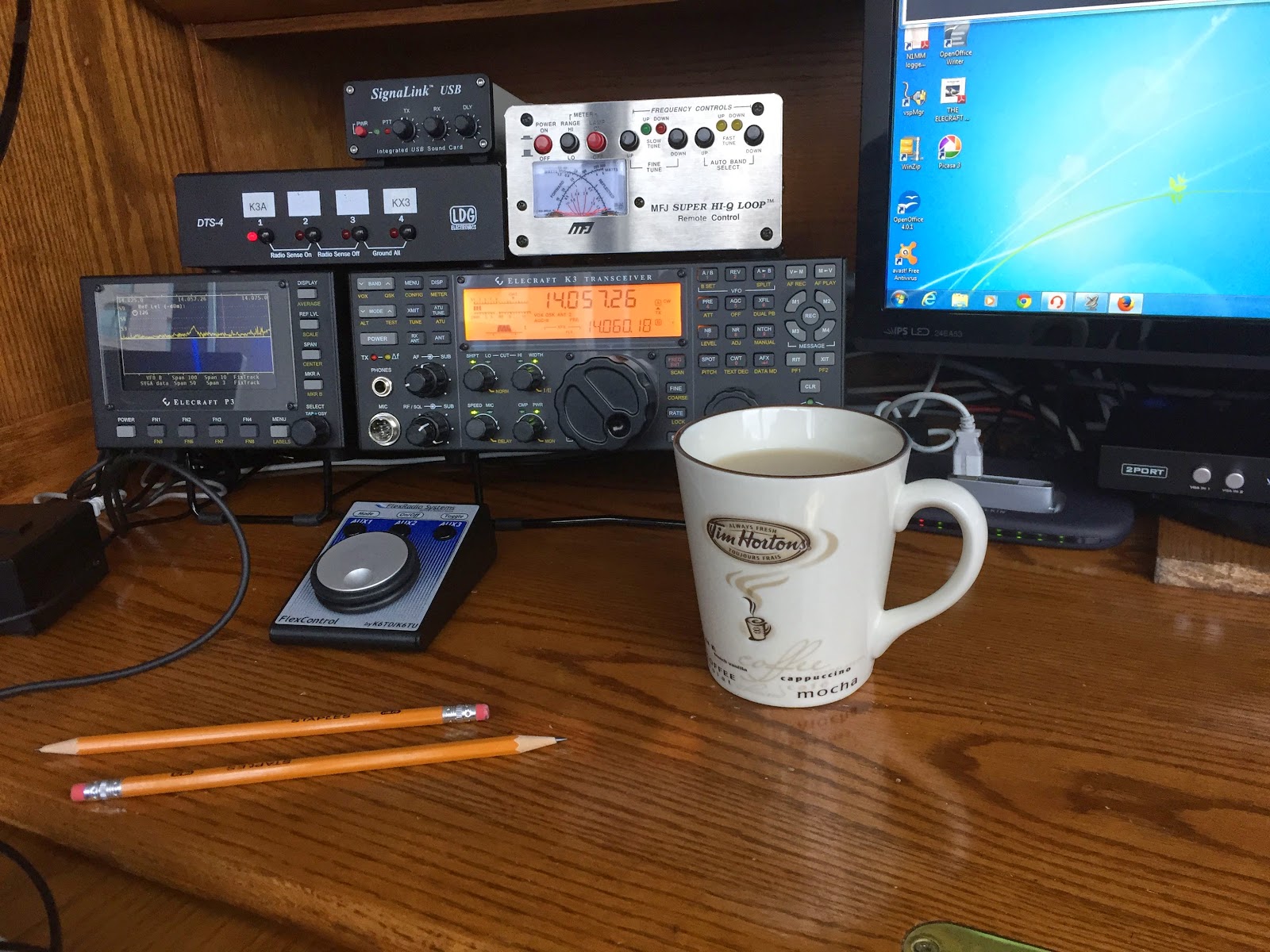
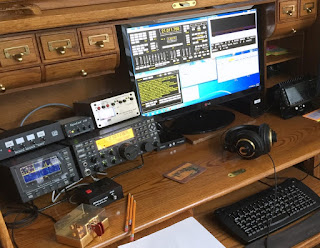
I always enjoy participating in this contest and in years gone past it allowed me add to my DXCC list. This year was a whole other story.......I was only able to contact and hear Canadian and U.S stations only. I came across a VE2 station calling CQ and he sounded like a distant DX station! I was not sure if it was just my station not hearing any Europe stations. I decided to listen in on a few of the big gun U.S station to see who they were contacting. The stations I choose to listen in on were contacting fellow U.S and Canadian stations only.  I made 10 or so contacts all on 20m and with 5 watts QRP.  My station setup was the Elecraft K3, MFJ 1788 loop antenna on the balcony, N1MM+ logging software and Win4K3 Suit rig control software. Also I use MRP40 CW decoding software for the "machine gun" code senders. I found in this contest the top end code speed was in around 35 wpm so no decoding software was needed. I have not been on the radio much as work has been very busy once again. It was nice to sit down and get on the rig again, I knew it had been a long time away from the radio when I wanted to spot a CW station and I had to actually look and look for the spot button on the rig!

IARU HF World Championship contest

I always enjoy participating in this contest and in years gone past it allowed me add to my DXCC list. This year was a whole other story.......I was only able to contact and hear Canadian and U.S stations only. I came across a VE2 station calling CQ and he sounded like a distant DX station! I was not sure if it was just my station not hearing any Europe stations. I decided to listen in on a few of the big gun U.S station to see who they were contacting. The stations I choose to listen in on were contacting fellow U.S and Canadian stations only.  I made 10 or so contacts all on 20m and with 5 watts QRP.  My station setup was the Elecraft K3, MFJ 1788 loop antenna on the balcony, N1MM+ logging software and Win4K3 Suit rig control software. Also I use MRP40 CW decoding software for the "machine gun" code senders. I found in this contest the top end code speed was in around 35 wpm so no decoding software was needed. I have not been on the radio much as work has been very busy once again. It was nice to sit down and get on the rig again, I knew it had been a long time away from the radio when I wanted to spot a CW station and I had to actually look and look for the spot button on the rig!

A CW contest surprise!

I was reading a fellow blogger Bob VA3QV post about the CQ WW CW 2015 contest and how he did in the contest. It got me thinking to head over to see how I did, I gave a rather part time effort and the conditions were not all that great...surprise surprise. Since moving into the condo I have not been giving the CW contests the effort I have in the past. I entered the contest Single op, QRP single band (15m). I read the results with shock........1st place in Canada, 10th in North America and 29th in the world. I was pleasantly surprised.

The numbers are down.

Not really this bad 
It's not ground breaking news to any ham who has had their rig on and searching for contacts that the conditions are not all that great. I have seen the SF index hit over 100 but the low sunspot numbers  are really not supporting a sustained up swing in conditions. I was on the radio this past weekend and was very surprised that my CW QRP signal was not making it to the East coast. That has always been an easy contact for me. I then tried to contact a K6 station calling CQ and I was not even heard! There is this very dusty knob on my K3 and it's called "RF power" knob. I am going to be venturing beyond the QRP limits and jacking things up to 10 watts. It's not a real drastic move but I want to make sure I am not causing any RF issues here at the condo. Having said that I have read of ham's who are in condos using 100 watts without any issues. I'm not going to take that change, not into the "lets see what happens" way of doing things.  So let's see what doubling my output from 5 to 10 watts nets me.

Slow time on the bands.

I took an extra few days off over the Easter weekend with the intention of getting some solid radio time in. As it turned out the only day I had was yesterday afternoon most likely because I knew my vacation was coming to an end and the plan was to get on the rig! I was planning on doing some JT-65 as with the solar conditions not so great and my 5 watts signal to boot it seemed to be the logical move. Before getting on the radio I looked up a website called Band conditions. This is a very nice site that gives you up to date band conditions via nice easy to read bar type graphs. Each HF band is displayed and is update automatically every 30 seconds. There is an arrow for each band graph that is either in the Red, Yellow or green portion of the bar graph……you can guess what color means what. Seeing that 20m and 30m seemed to be the go to bands I booted up WSJT-X and ended up finding 30m not so great but 20m was booming with lots of European stations.  Unfortunately my calling CQ was not being answered. I did check with PSK reporter and my signal was being spotted all over the U.S as well as some places in Europe.  I then closed down WSJT-X and opened Fldigi and now the plan was to give PSK 31 a whirl on 20m. I was not disappointed as there was lots of signals in the waterfall. After spending about 45 min’s on the band I only was able to get the attention of one Spanish station to hear my QRP signal……BUT conditions seemed to change and we never completed the QSO. One thing I took away from the time on the radio is that I have to review what PSK-31 macro’s and simplify some and rename some of the buttons to make them more user friendly to me. 

Can this be done??

I have been using a PC program called Morse runner and going to the LCWO website to increase my contest cw receiving speed and keyboard skill. I wanted to take it up a notch to what I consider a must have contest skill. The skill I am referring to is the ability to exchange contest info with my Iambic key ( Begali Contour) and not only the keyboard. Both Morse Runner and the tools from the LCWO site have been a great help with improving my keyboard and receiving speed and moving it forward. What I'm looking for and asking my blog readers input on is......a PC program similar to Morse Runner were I can use my key to interact with the program. Morse Runner sends you a call, you enter the call in the program (it checks you have enter proper call) then a contest report comes your way you enter it and the program sends your report. If all the info checks out as correct you are able to move on the the next contact. Does anyone know of a PC program out there were I can use my key and not keyboard to brush up on my key proficiency within a contest environment.

Oh and by the way of a radio report..... I was on the rig yesterday not much going on the CW portion of 20m and 30m during the early part of the afternoon. I ventured back around 22:00 UTC and 20m was sending some DX my way. Some of the stations heard but I was unable to contact were LZ300MSP (that call is a key full), T77CS, EA3AIZ from Spain struggled to hear my QRP signal but there was just to much QSB at his end. All was not lost DL3DXX heard me in Germany and gave me a 559 report.

Win4K3suite added to shack.

Win4kSuite up and running
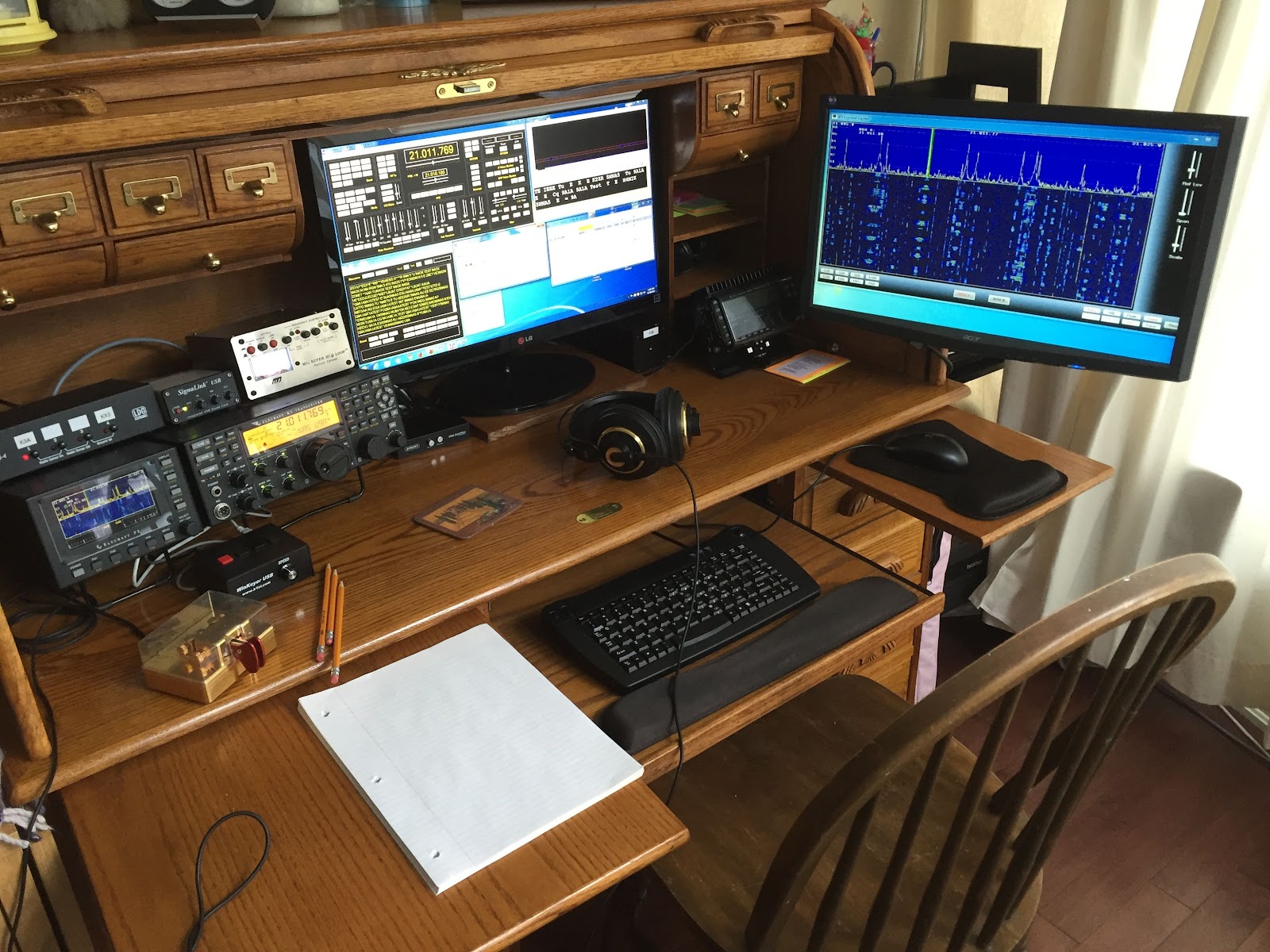
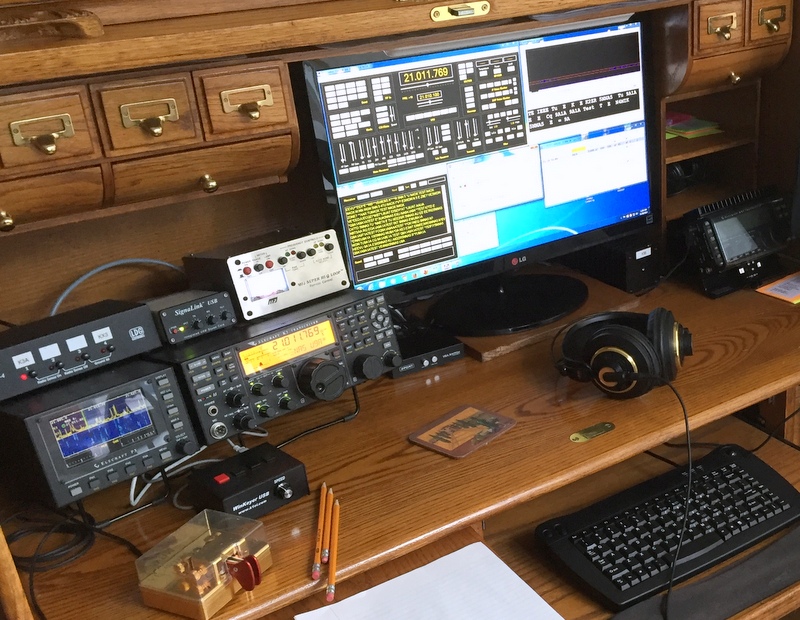
I have decided to change up my rig control software to Win4K3 suite I downloaded the trial version and was very impressed. I would had done it sooner but my PC was not up to the grade to properly run Win4K3 software and to be honest it was long over due for a PC upgrade. The PC was upgraded and if your interested that can be viewed here.  I decided to purchase the Win4k3 software (50.00) and change from my long time N4PY's Pegasus Plus rig control program. Carls Pegasus Plus program is very good and the support that Carl offers is excellent but I found the Win4k3 software was more catered to my Elecraft rigs. Once installed you have full rig control including the Elecraft P3, KPA500 amp and KAT500 tuner and the Sub receiver if you have these installed. (I did have the sub but sold it and I look back on that with regret)  I have the K3, P3 and KX3. The software installation has very good documentation and there are videos as well. Im the type of person who picks up much more from videos than written instructions. With the Win4K3 suite I was able to have PC control of all my K3 functions that some other software programs did not offer, such functions as spot, test, equalizer setup, terminal program, cw decode, Auto tuner and APF just to name a few. I also have the Elecraft P3 and with my PC upgrade I added a VGA capture board and since my P3 already had the SVGA board installed I N1MM contest software and Log40M. (More about Log40M in another post…. great software)
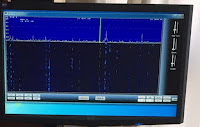
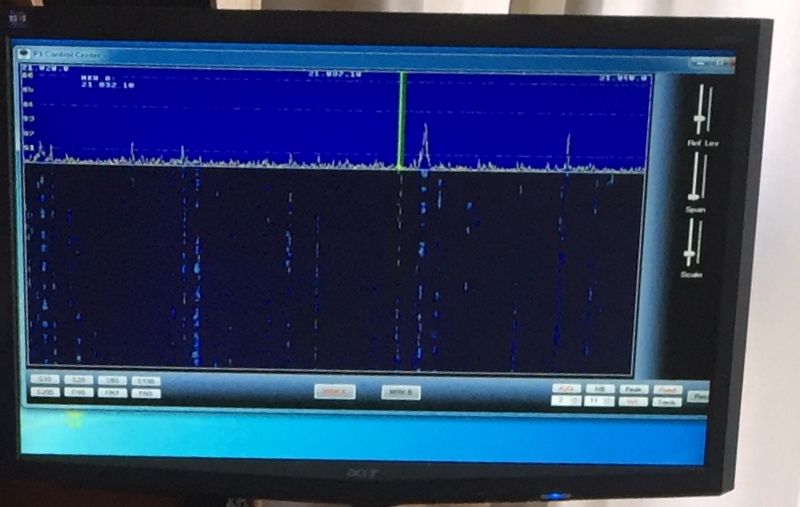
P3 on the monitor
was able to add point and click with my mouse to my P3 and this is great during contests. The SVGA board also allows me to view my P3 on a second monitor and mine being a 22" LCD monitor the P3 looks great on it. This software also has the availability to set up virtual ports. Now in the past just hearing "setting up virtual ports" made me nervous I really never had to much luck setting them up and getting them to work! With Win4K3 suite VA2SFQ makes it almost plug and play with both very detailed easy to follow steps and software that makes it painless…..and best of all IT WORKS!! The 3rd party software I set up to "play" with Win4K3 so far are If you have either the Elecraft k3 or KX3 (I have not setup my KX3 rig with the Win4k3 yet) and you are looking at PC controlled software then consider downloading Tom's trial version and give it a go!


Subscribe FREE to AmateurRadio.com's
Amateur Radio Newsletter

 
We never share your e-mail address.


Do you like to write?
Interesting project to share?
Helpful tips and ideas for other hams?

Submit an article and we will review it for publication on AmateurRadio.com!

Have a ham radio product or service?
Consider advertising on our site.

Are you a reporter covering ham radio?
Find ham radio experts for your story.

How to Set Up a Ham Radio Blog
Get started in less than 15 minutes!


  • Matt W1MST, Managing Editor