Posts Tagged ‘Computers’
 MFJ 1026 noise canceling unit…for today ham!
 March 31st, 2013 |
  Author:
  |
| Things don't seem to work when you really need them |
K1EL Winkeyer USB complete
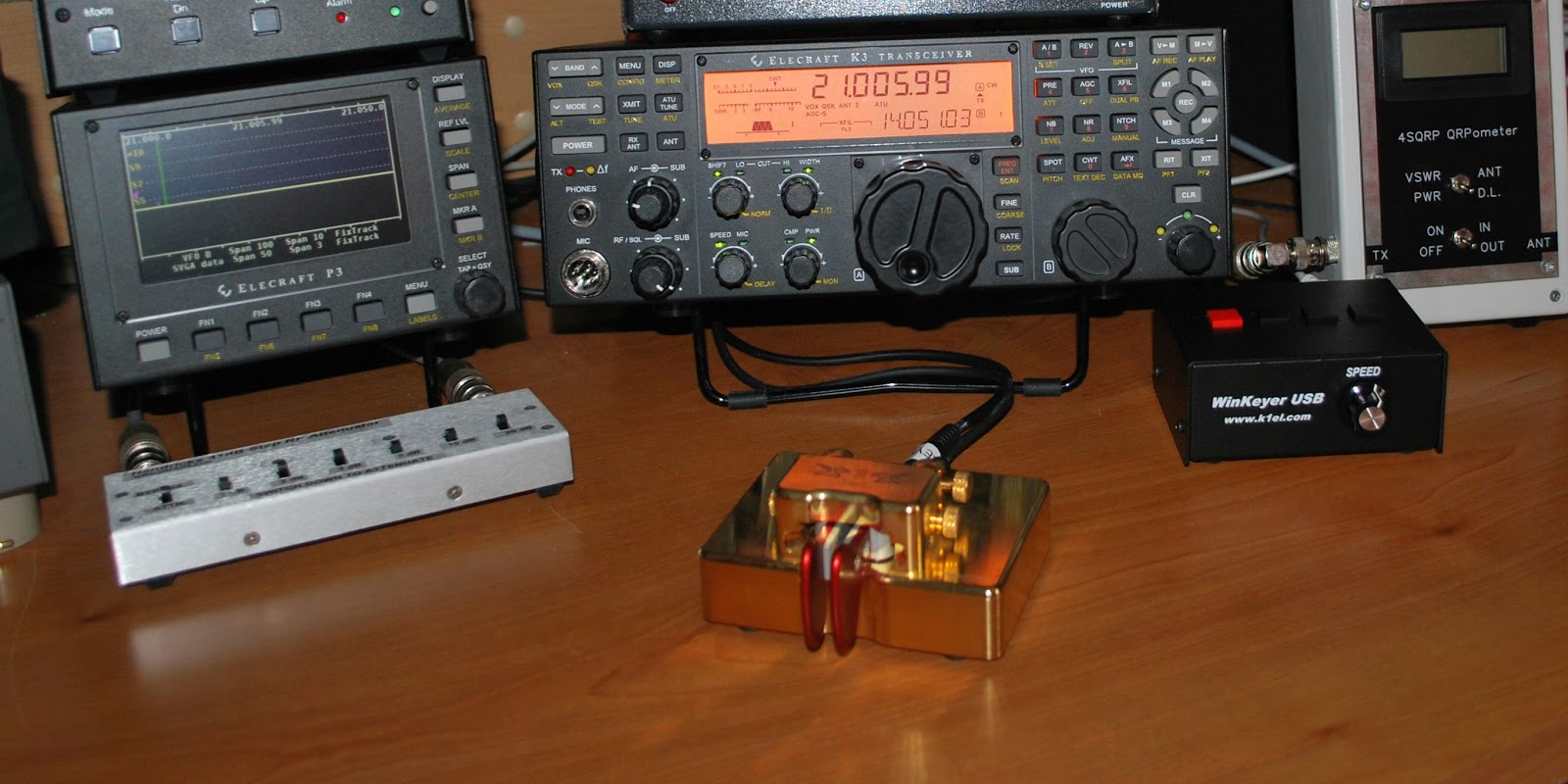 |
| K1EL Winkeyer ready for action |
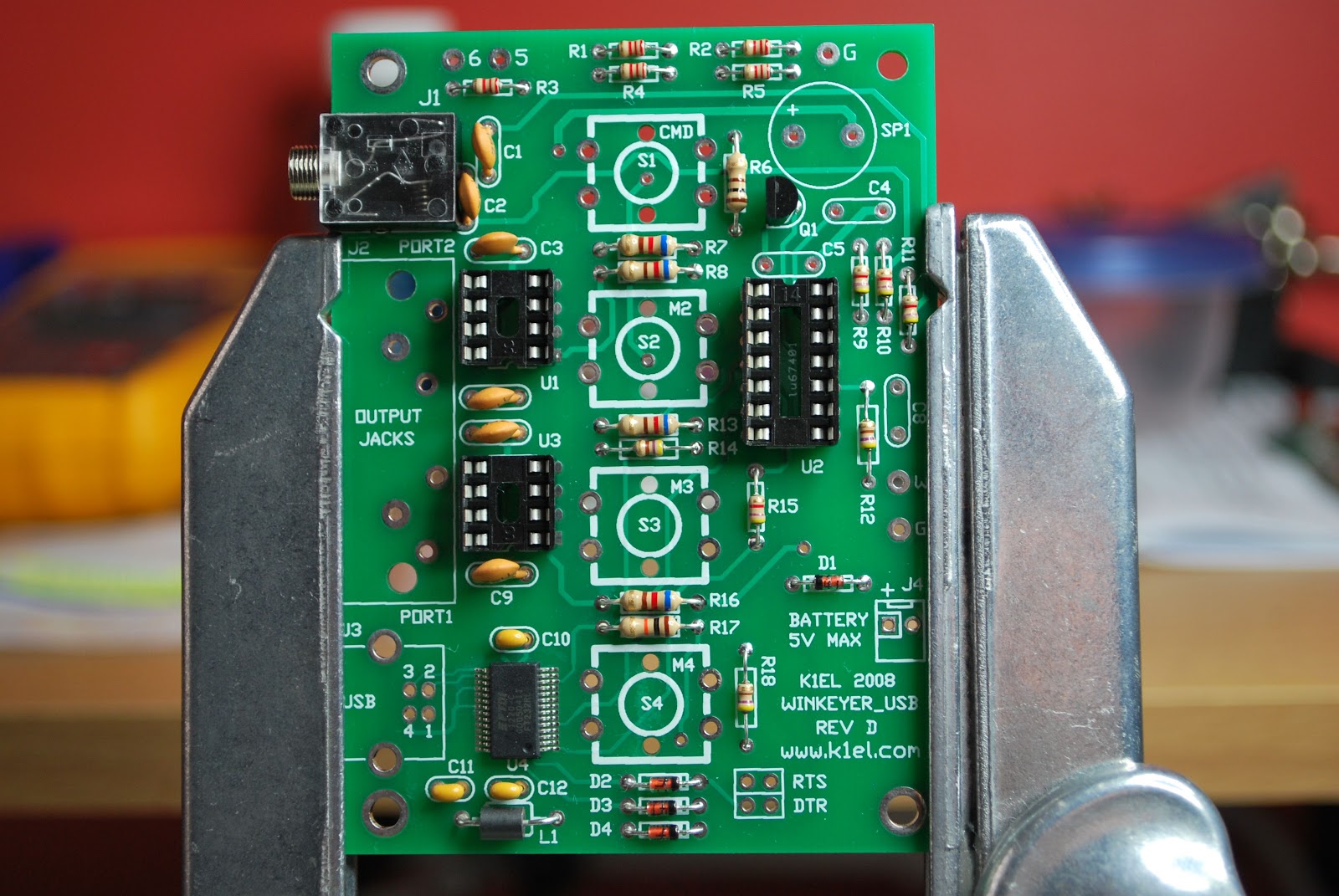 |
| The first day of assembly |
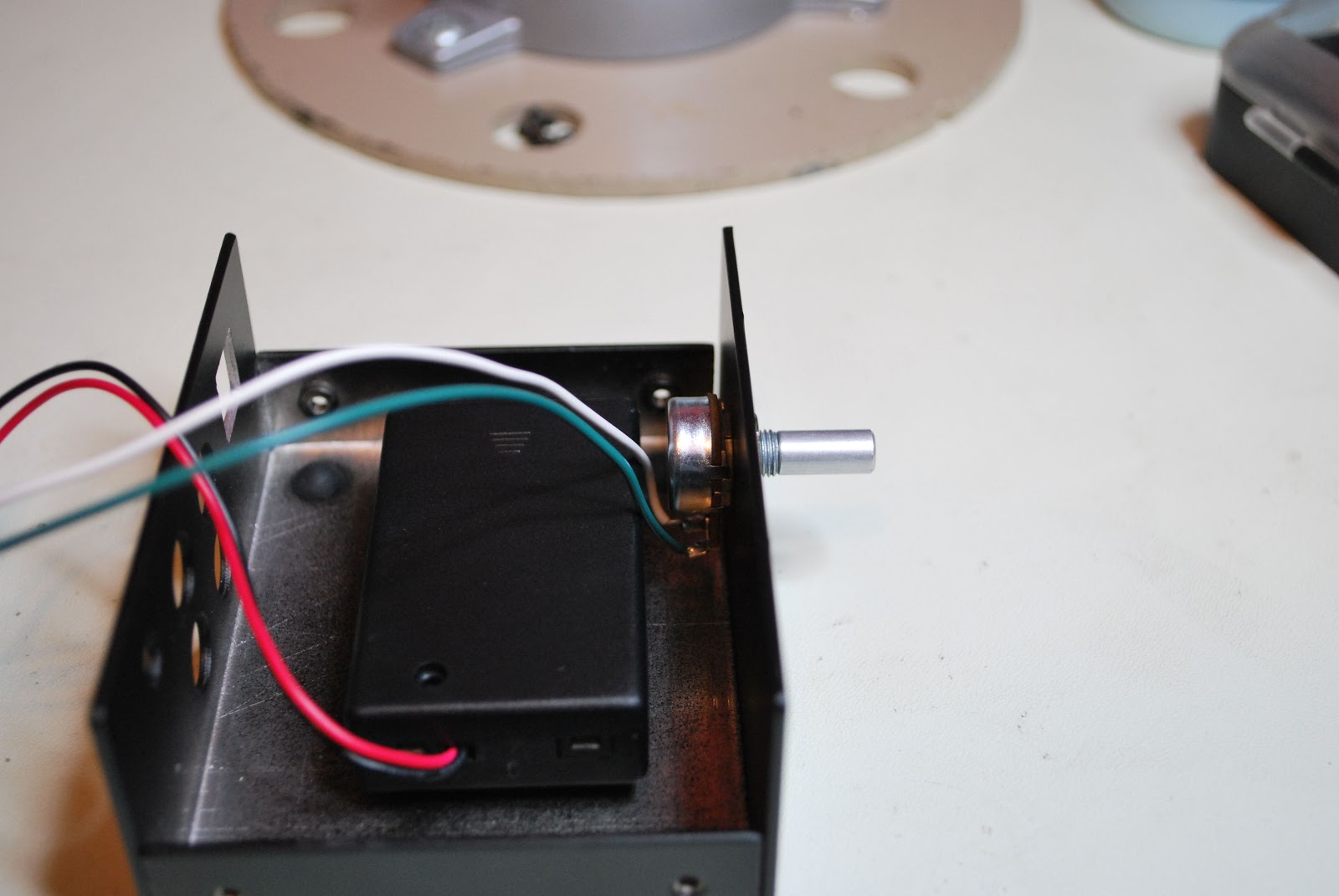 |
| Battery holder |
building will be a smooth experience. Take your time building the unit, it's not a race as certain components such as USB connector, 1/8 jack and 4 way RCA jack should be mounted with care. This makes the final assembly of the two metal covers fit without any surprises.
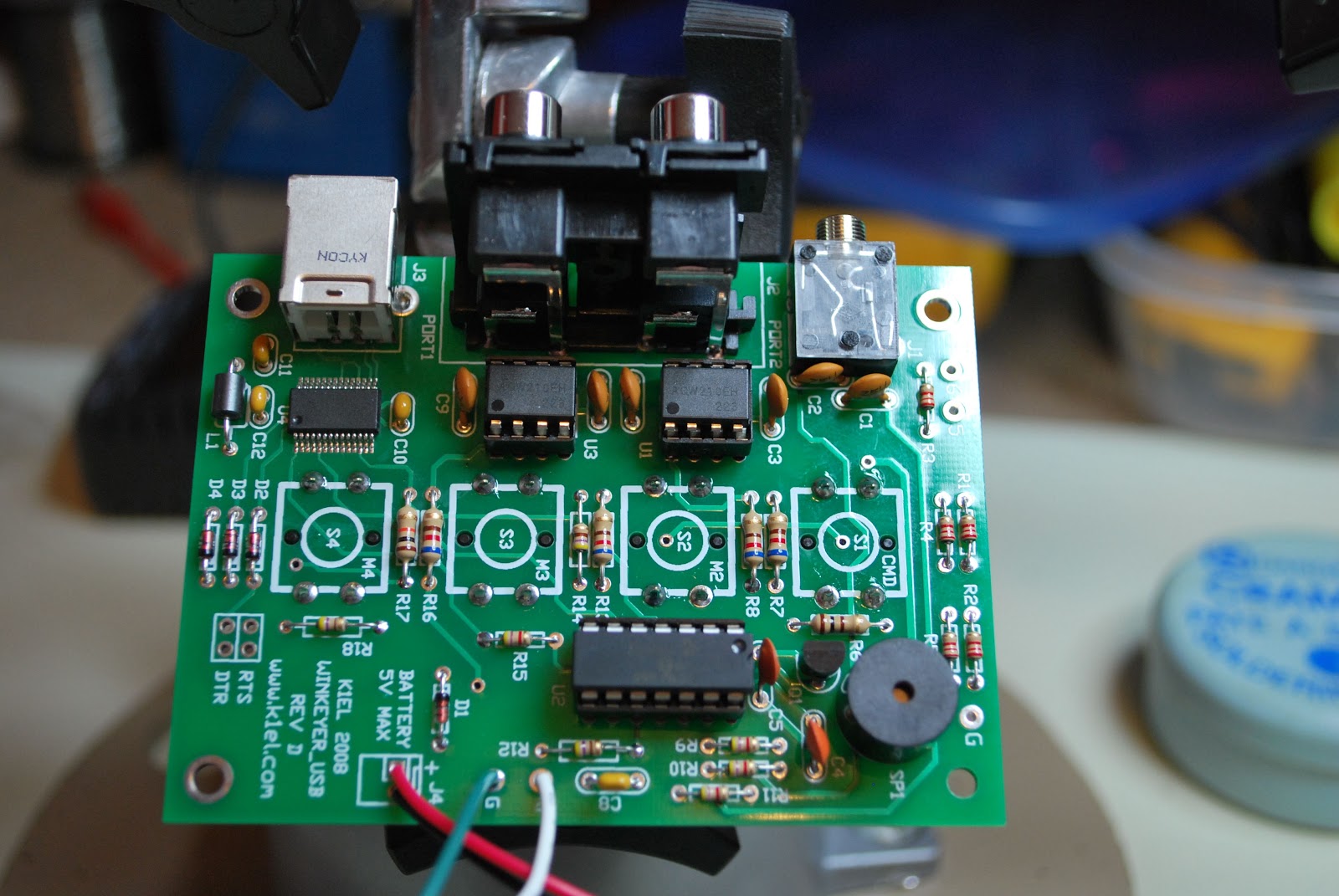 |
| Kit complete |
1. There is a 10k potentiometer and the shaft was just a bit to long and I had to trim it. This was only for looks as I did not like the knob extended away from the keyer.
2. No hookup wire was provided to go from the potentiometer to the board. This is no big deal either as I did have the wire...but.....it would had been nice to include it in the kit.
 |
| Pot before mod |
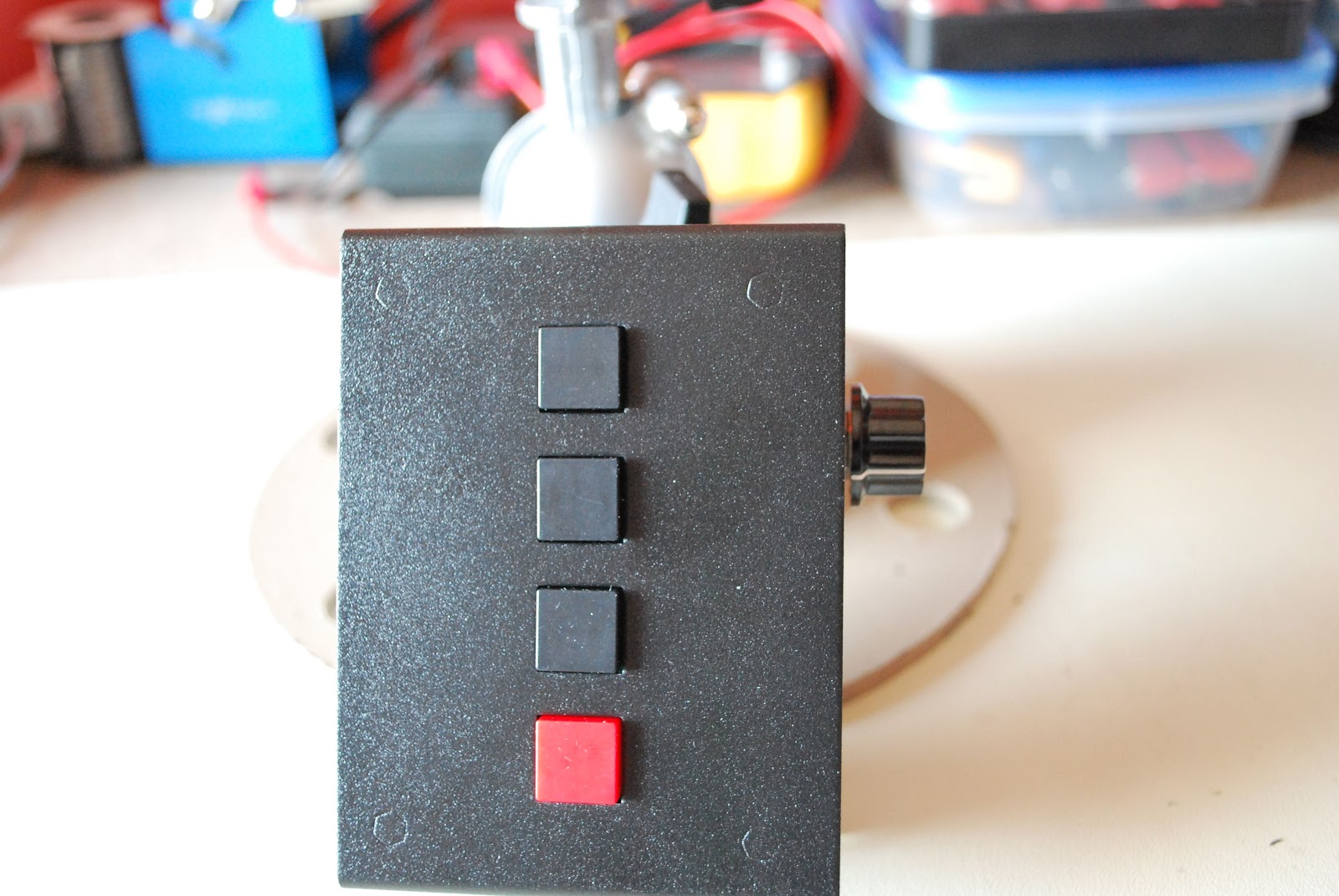 |
| Pot after mod |
Piece o’ cake (almost)
I was fortunate enough to work both 40 Meter QRP-L Foxes tonight. Jimmy WA4ILO and Jerry N9AW are superb operators, both with good ears, so that had a lot to do with it. But I used the KX3 tonight and that made it all the easier.
The “Dual Watch” feature is something else, and makes working split a snap! You go into the KX3’s menu until you get to “Dual RX” and you turn it from “Off” to “Auto”. What happens next is that you hear your quarry on VFO A in your right earbud. VFO B is heard in your left earbud, so you can tune around VFO B until you hear the Hound the Fox is currently working. Once you know where the Fox is listening, it’s just a matter of time! The only caveat is that the Dual Watch feature will only work with splits less than 1.5 kHz.
Anyway, I nabbed Jerry N9AW at 0106 UTC, six minutes into the hunt, and Jimmy WA4ILO at 0139. For the last hour, I was just listening to the two Foxes work my friends.
The past few days, I have been getting very few e-mails. I subscribe to quite a few QRP e-mail reflectors and I was wondering what was up. I thought that maybe it had something to do with that Microsoft / arrl.net thing that was going on last week, as I always use my arrl.net address for e-mail.
This evening, I checked my Web-based Verizon e-mail page. Everything was in the spam, folder! All the spam was in there; but also a ton of good e-mails, too! For the longest time, Verizon’s e-mail spam filter was doing an excellent job and I never really had to give it a second thought. Looks like for the next while that I am going to have to regularly check the spam folder until the e-mail client “learns” what is spam and what is not.
I got an e-mail from my good friend Bob W3BBO, telling me that he was fortunate to work the Easter Island DXpedition on both 12 and 15 Meters today. I haven’t had much luck hearing them loud enough to work them, and when they have been loud enough – they have been calling for EU stations only. I don’t know how much longer they are going to be there; but I do have this Friday (Good Friday) off; so maybe when I’m not in church, I just may get an opportunity. I’ve worked Chile many times, both QRP and QRO, but I have NEVER worked Easter Island. It would be appropriate to work them this week, wouldn’t it?
72 de Larry W2LJ
QRP – When you care to send the very least!
Is this progress?
Is this progress? Give me a computer with a proper keyboard any time.
K1EL WKUSB keyer
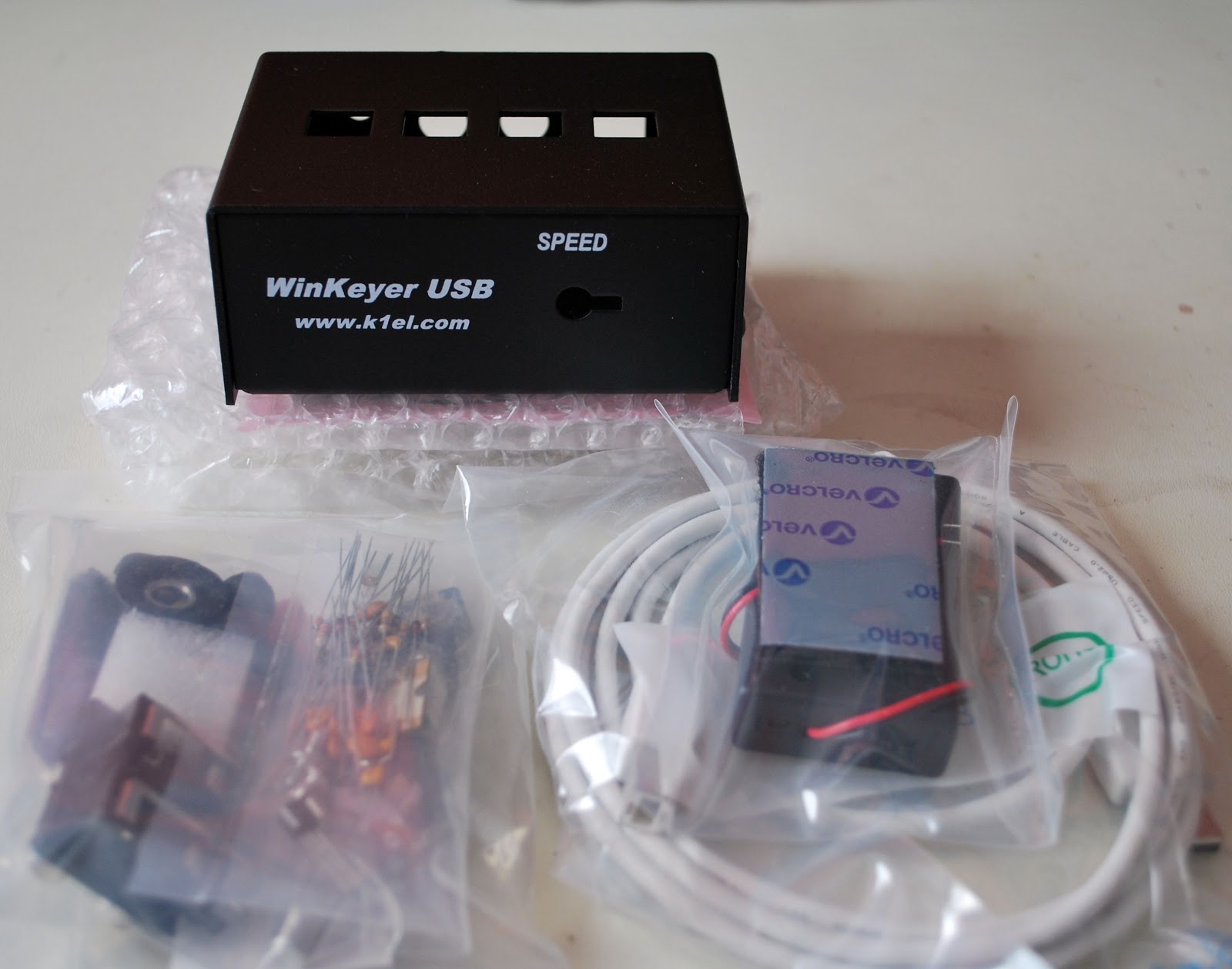
So I sold the Logikit keyer CMOS4 and Julie had purchased me the K1EL WKUSB keyer kit. I am familiar with the WKUSB keyer as some years ago I did purchase a built unit and it worked great. At the time it did seem to have some issues with my contest program N1MM. I ended up selling the unit and as they say hind sight is 20/20 and if I knew then what I do now I would still have it. This keyer has been around for some time now and improvements have been made. To hook it up to the PC is a simple USB cable along with some software and you are off to the races. To change the CW messages you open a program on your PC enter your new message then save to the key and that's it. You are able to enter four separate messages (just great for contests or DXepedtion contacts) The keyer can be connected to two rigs, my K3 and K2 can use the same unit without cable swapping. So back to the software for just one more moment.....not only can you program messages BUT there is a slew of custom settings you can enter such as spacing, weight and tone just to mention a very few extras. I hope this weekend to heat up the soldering iron and point it in the direction of this kit!!
Fix for "Gmail app unreachable" in Google Chrome
This morning when I started up Google Chrome and tried to log in to Gmail the page kept coming up “Gmail app unreachable”. Curiously, when using Firefox Gmail loaded up fine.
I found a solution to this issue that works for me. Right-click the shortcut that you use to start Google Chrome, then on the Shortcut tab in the box marked Target which contains the full path to chrome.exe, append a space followed by –ssl-version-max=tls1 (that last character is a number 1.)

I have no idea what this does but as I say, it worked for me.
Printer problems
Computers have the ability to raise my blood pressure to dangerous levels, but nothing causes quite so much stress as printers. Like most home users I suspect we are not heavy printer users. But we always seem to end up throwing away a little-used printer (usually with a full cartridge of ink) because of some alleged problem with the print cartridges.
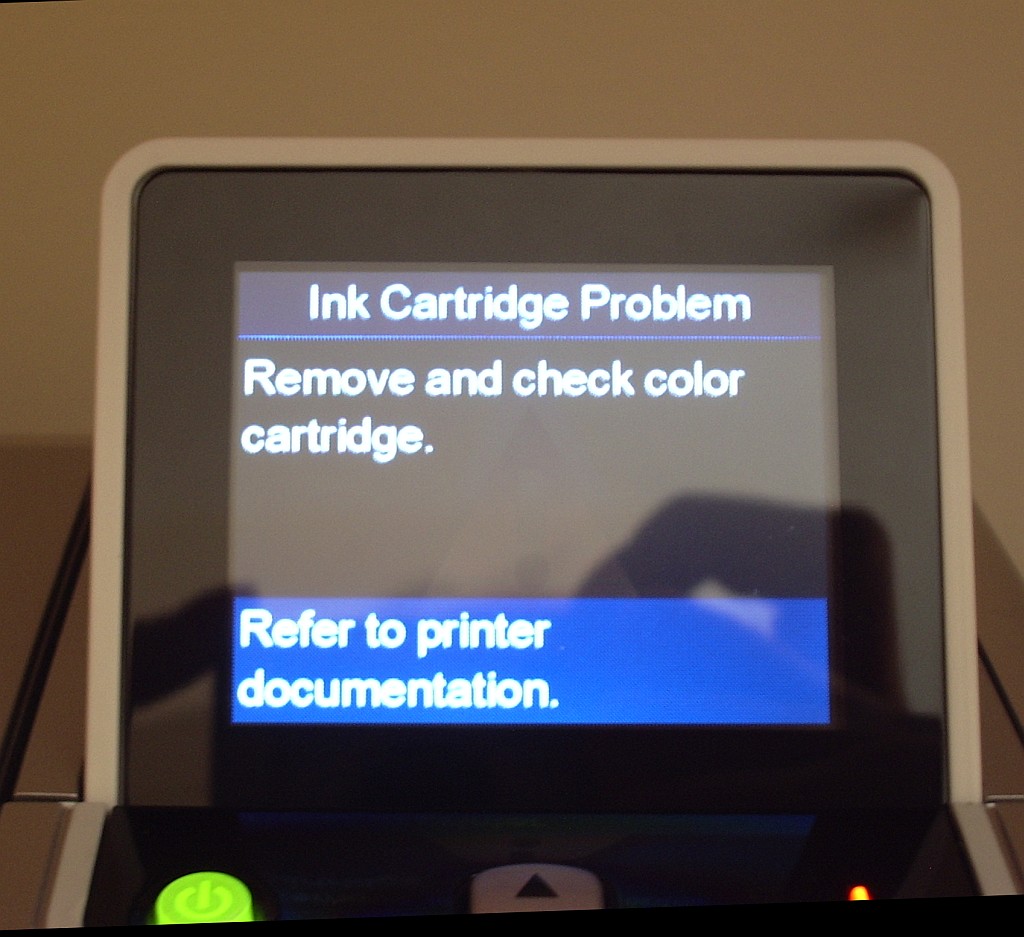
We have an HP Photosmart 2575 All-in-one printer. We have had it for several years. In that time I would estimate that it has used no more than 4 sets of print cartridges. The cartridges installed are full and genuine HP products, not cheap refills. But whenever we try to print a message comes up: “Ink Cartridge Problem. Remove and check color cartridge.”
We have removed, checked and cleaned the colour cartridge. We have removed, checked and cleaned the black ink cartridge. We have cleaned the contacts. We have done this over and over again and still we get the same damned message.
The stupid thing about this is that the printer will still make a perfect colour copy. So I know that it is perfectly capable of printing. But I can’t print from the computer no matter what I do. Grrrr!













