Posts Tagged ‘Computers’
 Is this progress?
 March 22nd, 2013 |
  Author:
 Is this progress? Give me a computer with a proper keyboard any time.
K1EL WKUSB keyer
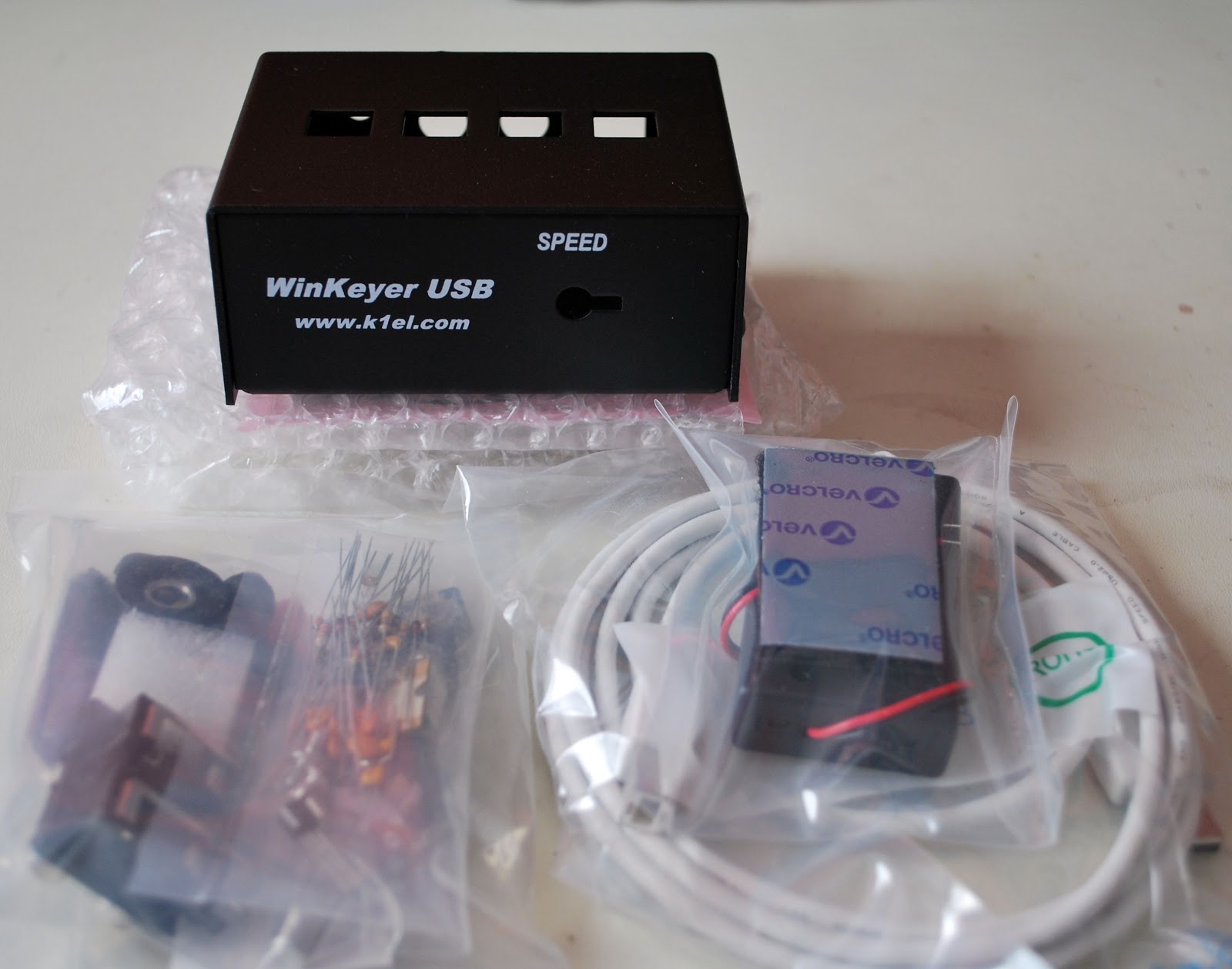
So I sold the Logikit keyer CMOS4 and Julie had purchased me the K1EL WKUSB keyer kit. I am familiar with the WKUSB keyer as some years ago I did purchase a built unit and it worked great. At the time it did seem to have some issues with my contest program N1MM. I ended up selling the unit and as they say hind sight is 20/20 and if I knew then what I do now I would still have it. This keyer has been around for some time now and improvements have been made. To hook it up to the PC is a simple USB cable along with some software and you are off to the races. To change the CW messages you open a program on your PC enter your new message then save to the key and that's it. You are able to enter four separate messages (just great for contests or DXepedtion contacts) The keyer can be connected to two rigs, my K3 and K2 can use the same unit without cable swapping. So back to the software for just one more moment.....not only can you program messages BUT there is a slew of custom settings you can enter such as spacing, weight and tone just to mention a very few extras. I hope this weekend to heat up the soldering iron and point it in the direction of this kit!!
Fix for "Gmail app unreachable" in Google Chrome
This morning when I started up Google Chrome and tried to log in to Gmail the page kept coming up “Gmail app unreachable”. Curiously, when using Firefox Gmail loaded up fine.
I found a solution to this issue that works for me. Right-click the shortcut that you use to start Google Chrome, then on the Shortcut tab in the box marked Target which contains the full path to chrome.exe, append a space followed by –ssl-version-max=tls1 (that last character is a number 1.)

I have no idea what this does but as I say, it worked for me.
Printer problems
Computers have the ability to raise my blood pressure to dangerous levels, but nothing causes quite so much stress as printers. Like most home users I suspect we are not heavy printer users. But we always seem to end up throwing away a little-used printer (usually with a full cartridge of ink) because of some alleged problem with the print cartridges.
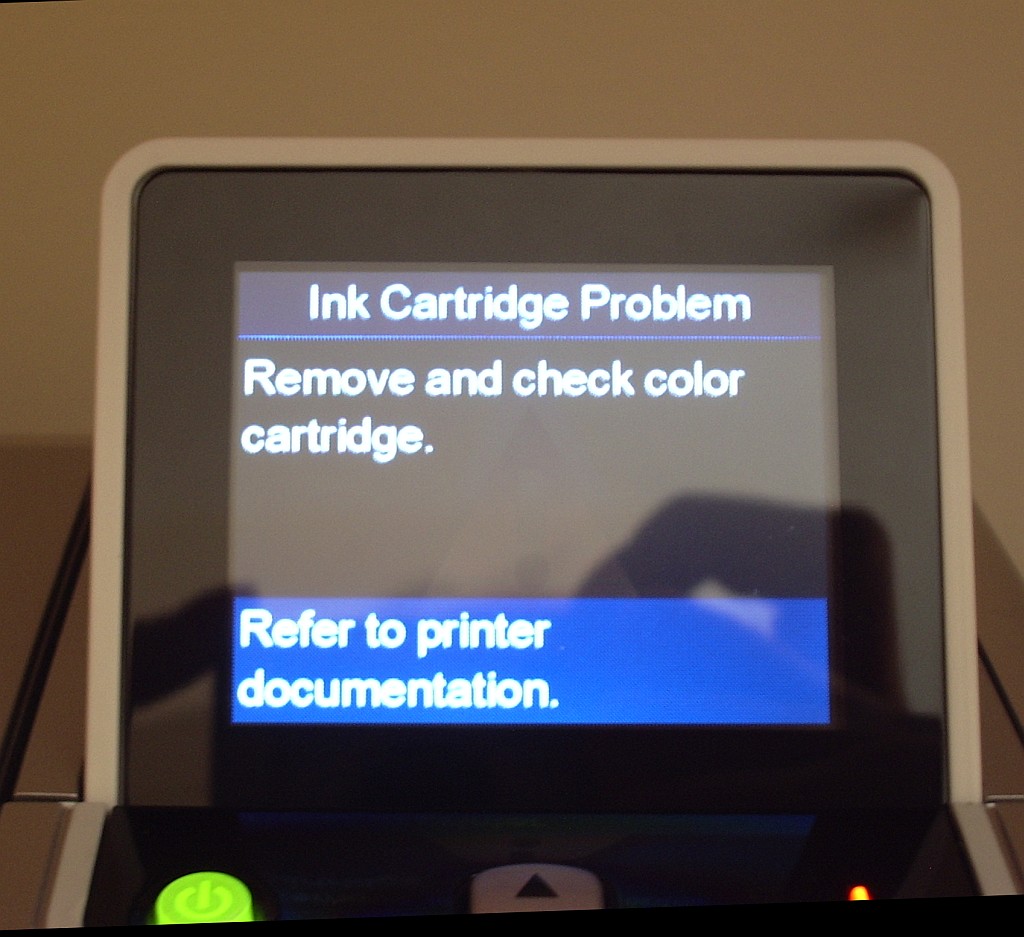
We have an HP Photosmart 2575 All-in-one printer. We have had it for several years. In that time I would estimate that it has used no more than 4 sets of print cartridges. The cartridges installed are full and genuine HP products, not cheap refills. But whenever we try to print a message comes up: “Ink Cartridge Problem. Remove and check color cartridge.”
We have removed, checked and cleaned the colour cartridge. We have removed, checked and cleaned the black ink cartridge. We have cleaned the contacts. We have done this over and over again and still we get the same damned message.
The stupid thing about this is that the printer will still make a perfect colour copy. So I know that it is perfectly capable of printing. But I can’t print from the computer no matter what I do. Grrrr!
Monitor RFI issue…..
 |
| RFI from new monitor |
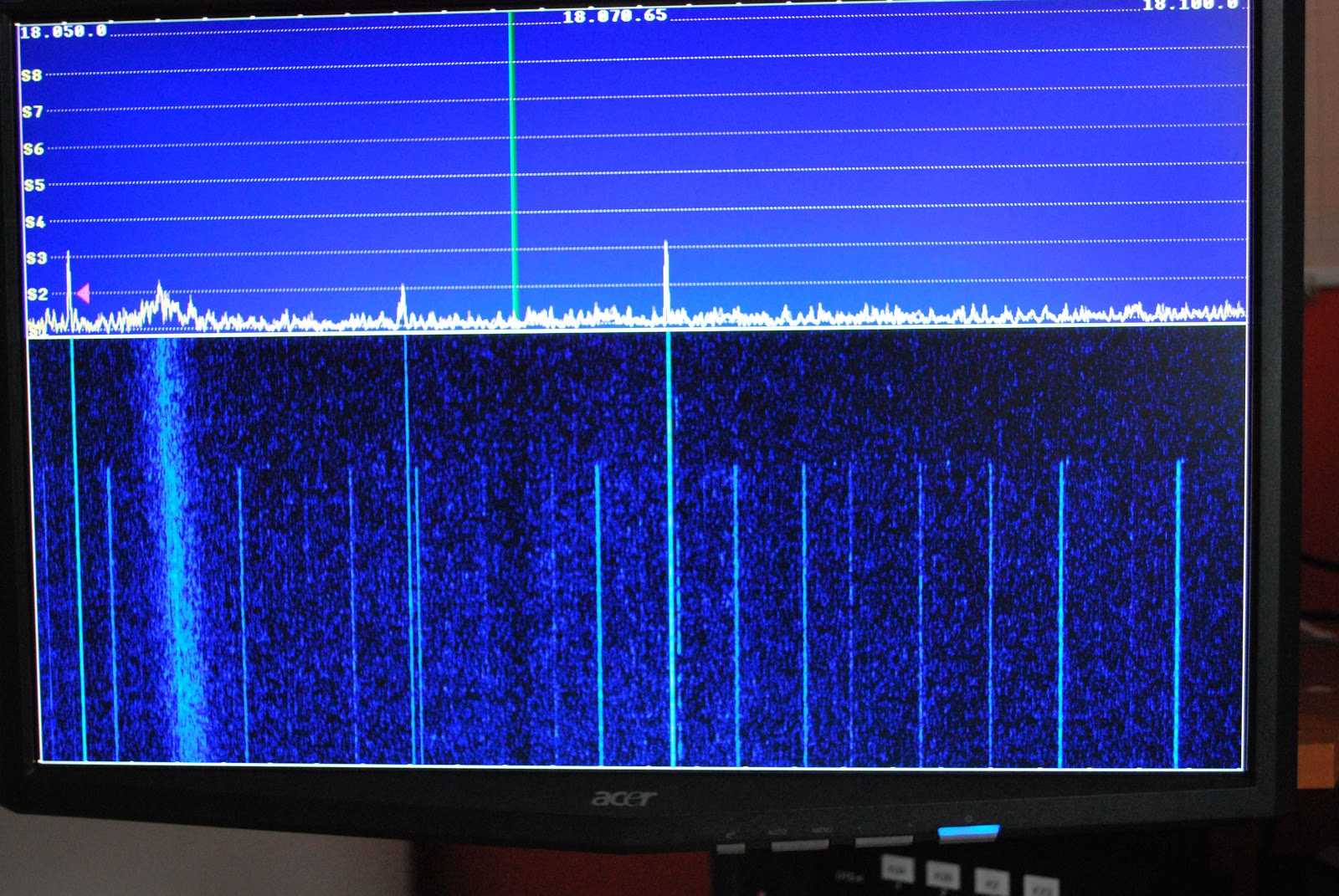 |
| Both monitors off |
New records set at VE3WDM!!
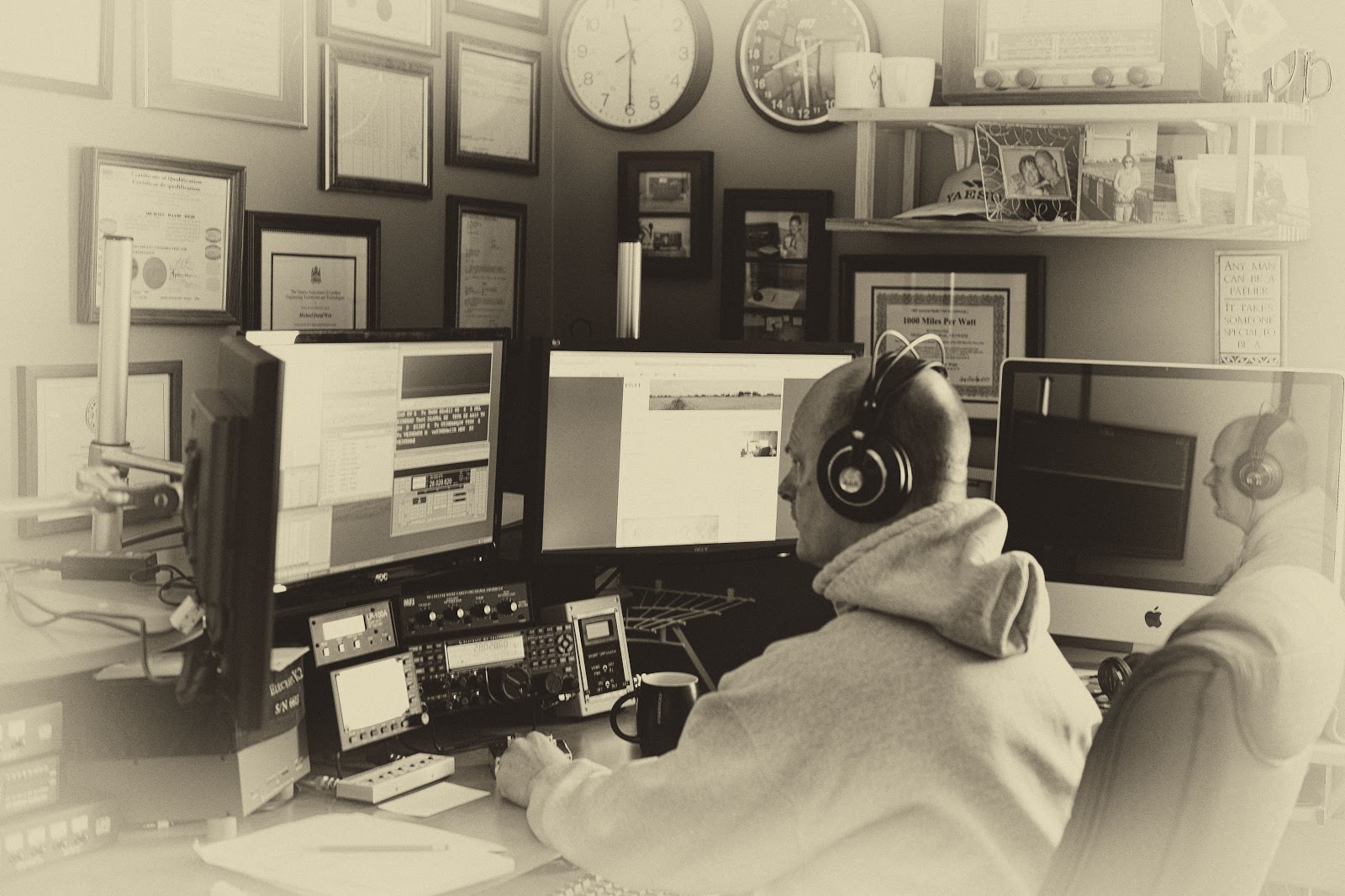 |
| Julie was out and about snapping shots!! |
 |
| At 40mW and below this is the reading |
up purchasing was MRP40 cw decoding program. Now my code is not to bad at all but during contests I have found that for some reason some stations send at the speed of sound. (not sure why as they may loose more contacts that gain as folks just move on being not able to understand the fast code) For those stations this is were MRP40 shines.
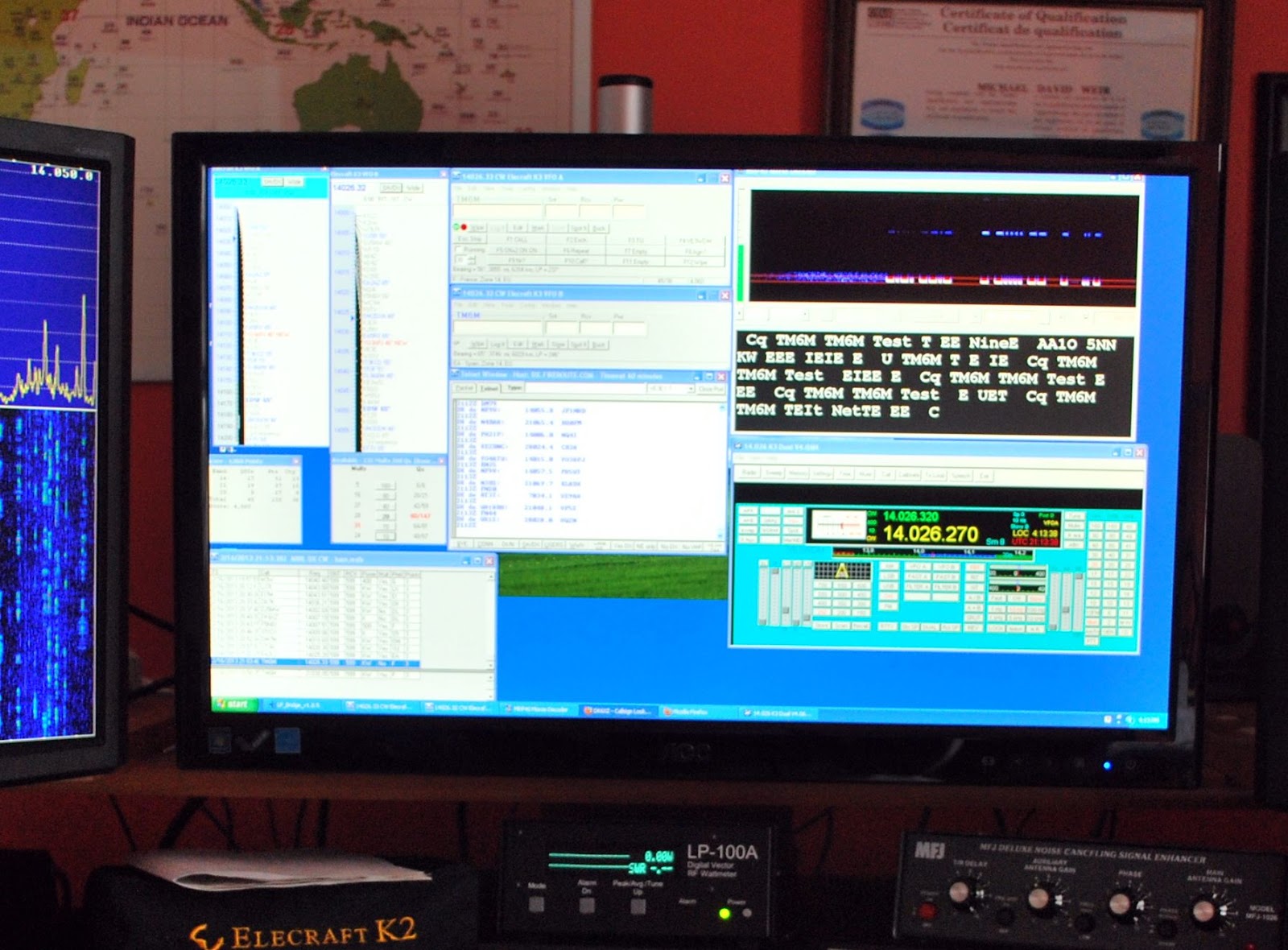 |
| Programs running during the contest |
That was the software success for the contest other great events were being able to keep my power down to 1 watt....except for 2 contacts were the power creeped up to 3 watts. Did I say the power was kept to 1 watt? That was for a total number of 6 contacts the rest of the DX contacts went into the log with power numbers varying from 10mW's to 900mW's!!
Here is how the power numbers broke down
Contacts Power
2 10mW
13 20mW
2 40mW
4 50mW
14 100mW
22 500mW
12 From above 500 to 900mW
6 1 watt
2 3 watts
77 TOTAL
I did say there was some records broken here at VE3WDM and they are
1. 69 DX contacts with under 1 watt in a contest!
2. Miles per watt bar is set higher.....CR3A with 10mW is 344,468 miles per watt
DL6FBL with 10mW is 400,126 miles per watt
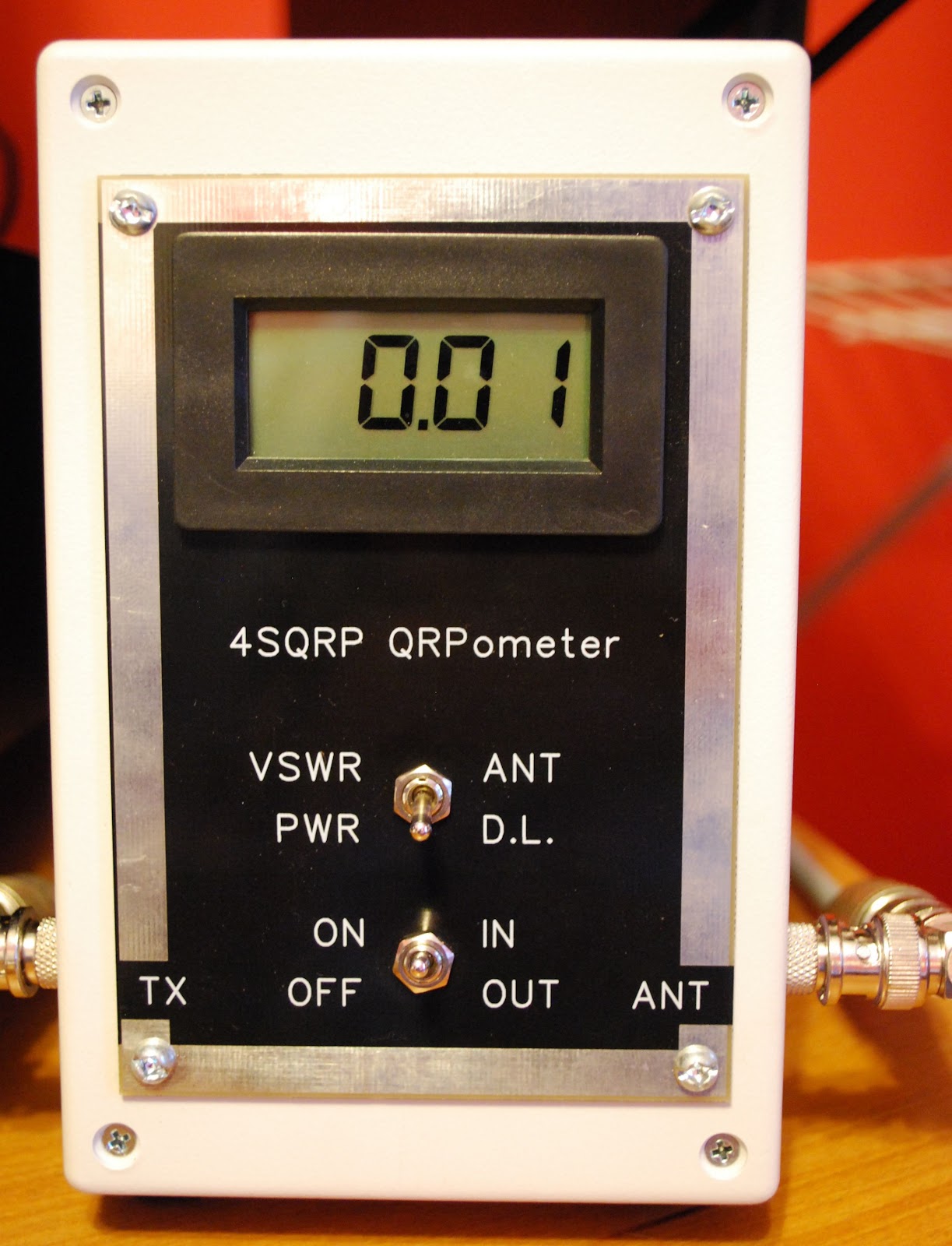 |
| 10mW on the QRPometer |
Contest goals close to 50/50
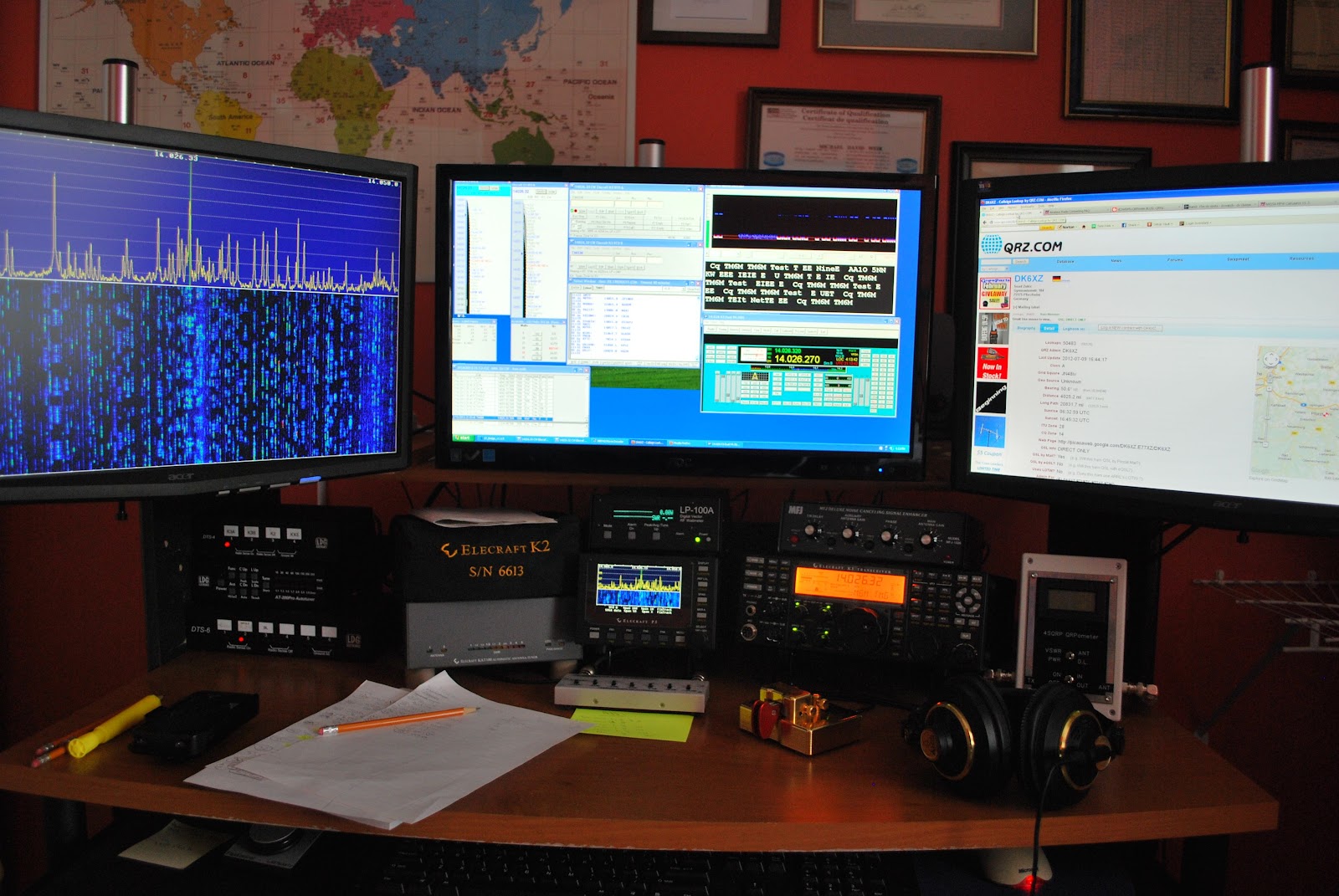 |
| In the thick of things |
1. Contacted DL6FBL with only 10mW's for a miles per watt total of 433,756 per watt an all time record for me.
2. As was already mentioned 92% of contacts are QRPp and a majority of those are at or below 500mWs.
3. There are so far 9 contacts at or below 50mWs and again all these contacts are DX and not U.S stations.
As for the rest of the goals like getting up early and racking up lots of time on the contest.........well the bed was sooooo comfee this morning it was very hard to get up and out before 8am! So that goal up to this point has not been met...but there is Sunday!! (dreams are free they say)
As for spending more time in the chair that will have to be weighted out on Sunday evening when the total time on air is looked at.
Contest on....it's off to 40m and maybe 80m as well..........will keep you posted











