Posts Tagged ‘Computers’
 Time for some radio time………
 January 6th, 2013 |
  Author:
 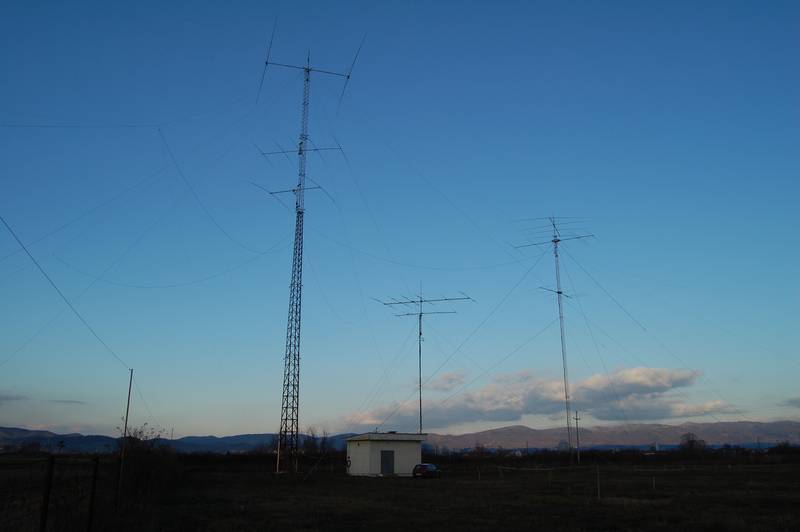 |
| Some of E77DX's antennas!!! |
I was able to make a fast DX 599 and go report to E77DX in Bosnia and I check on QRZ.COM and he sure does have a wild setup!! Emir was coming in around an S3 and I had to use my APF to really pic him out of a rising noise floor. This was on 30m's and I seem to find this a really go to band for me. I then for some reason jumped down to 10m's and VA7WW was calling CQ and he was in around an S2 to S3 here
%5B1%5D.jpg) |
| Now that is some great looking landscape!! |
to cut the QSO short but it was nice to have a CW conversation as to the 599 and move on. At this moment I am on 10m's again with VFO A in my right ear listening to QX3XR and KR7Q in my left ear on another spot on 10m's. Well I just contacted Peter OX3XR in Greenland he gave me a 559.......radio is so much more fun than farting around with the computer....
Grounded
I hope all of you had a very good Christmas. I was not very well a couple of days before the holiday. Nothing to do with my cancer, I’m glad to say, but possibly a result of all the treatment for it. I’m feeling a lot better now, but have got to have more tests and may have to go into hospital for removal of gallstones or kidney stones – I’m not sure which as I’ve been told I have gallstones but I have had some sharp pain in the kidney area. As a consequence of this I haven’t felt much like getting up at a reasonable hour to start the beacon monitor or HF APRS gateway.
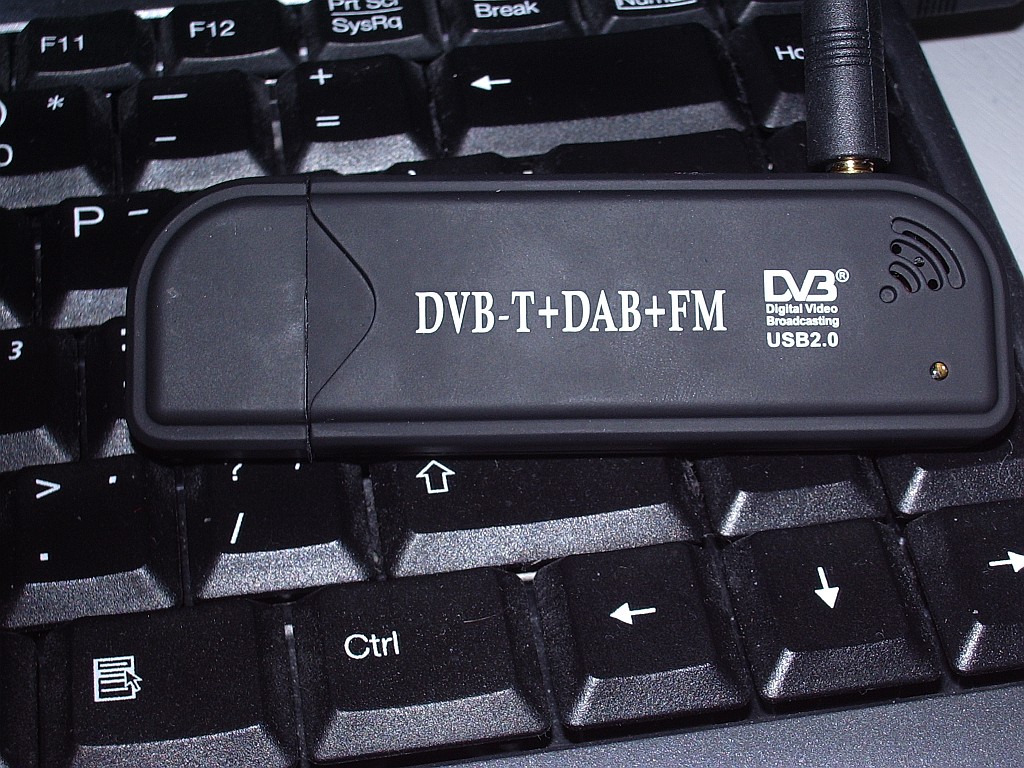 |
| Creative Design New FM+DAB USB DVB-T RTL2832U+R820T |
Before Christmas my interest was piqued by Tim G4VXE’s adventures using cheap digital TV dongles as receivers for, amongst other things, aircraft spotting. The first dongle I ordered was described as a Creative Design New FM+DAB USB DVB-T RTL2832U+R820T with antenna, and cost just over six quid!
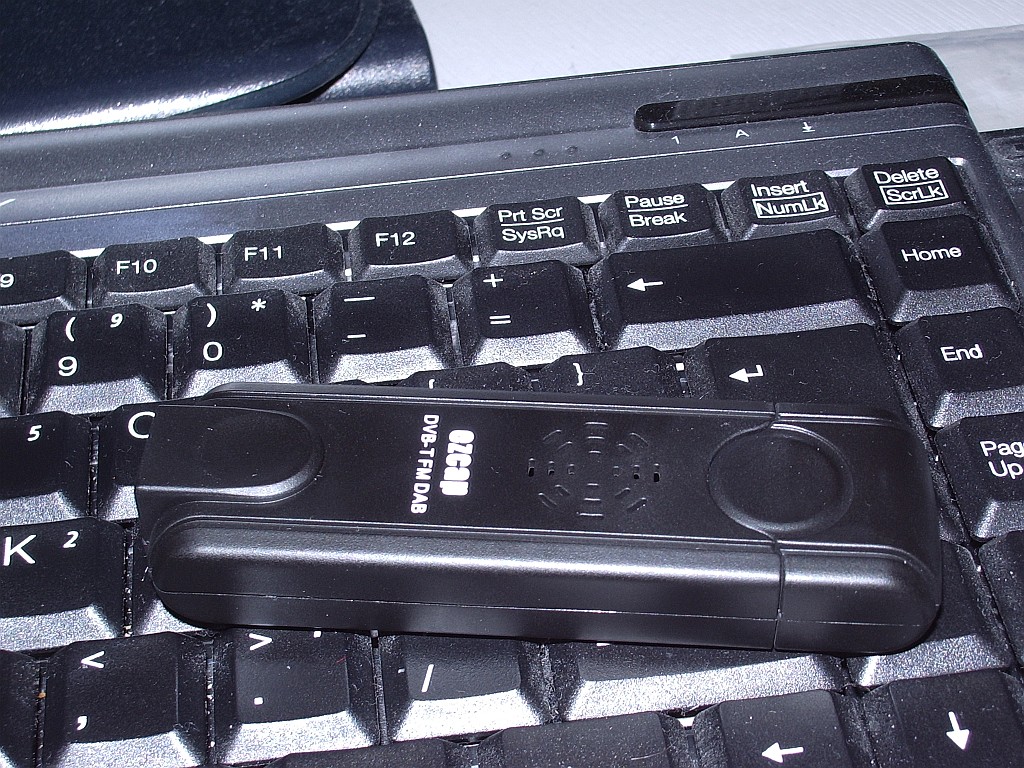 |
| EZCAP eztv645 RTL2832U / FC0013 USB DVB-T Digital TV Dongle |
After a bit more reading up on the subject I began to doubt that this would be compatible with the software everyone was using so I ordered a second one, described as an EZCAP eztv645 RTL2832U / FC0013 USB DVB-T Digital TV Dongle for WIN7 LINUX SDR which was a massive £8.68 including postage from Hong Kong.
Both arrived yesterday. I tried the ezcap first, but my shack PC didn’t like the mini-disc that came with it so I was unable to test it as a TV receiver. Following the instructions for the aircraft decoders I installed the driver using zadig_xp, then downloaded and ran rtl1090 which is a decoder for the ADSB packets. This seemed to work – no error messages appeared – but nothing else happened. To display the aircraft data that I hoped to receive I downloaded ADSBScope and installed it. I then spent a lot of time trying various options to connect ADSBScope with rtl1090 but got nowhere. I also tried SDRSharp in the hope that I could use the dongle as a VHF/UHF SDR, and ADSBSharp as an alterntive to rtl1090. But neither of them received anything.
After a while I gave up, disappointed. I then installed the Creative Design dongle and its software. A scan for channels found about 55 TV channels with its quarter wave antenna hung in the window. So it was obviously working. Just not with any of the SDR or ADSB software, as I had suspected.
This morning I tried installing the ezcap software CD that my shack PC couldn’t read on another computer. The software installed perfectly on this laptop so I plugged in the dongle and hung the antenna in the window. The software scanned for channels and found precisely nothing. I think this proves conclusively that I have a duff ezcap dongle. Ah, eBay!
The Blue screen of DEATH!!!!
 |
| The Blue screen of death |
Merry Christmas to all my readers!!!
Beacon monitor failure
After wasting most of the weekend trying to get it to work I have abandoned the idea of monitoring the IBP beacons using Faros. Although I did have it working with my Elecraft K3 I did not want to tie up this expensive transceiver on such a task. But my efforts to get my FT-817 working with this software came to nothing.
The first problem was getting Faros to control the FT-817. It uses a program called Omni-Rig to do this. The solution – no thanks to the developer who has still not replied to my plea for help – turned out to be a bad FT-817.ini file installed with Omni-Rig. I tried other programs to verify that my FT-817 CAT interface was working properly. I even ran the same developer’s CW Skimmer software which also uses Omni-Rig, and which controlled the FT-817 just fine. The idea of looking to see if there was a different FT-817.ini file was just a flash of inspiration.
Having got Faros controlling the radio the second and final problem was getting it and the Yaesu talking to the same sound card. This did work if I used the computer’s built-in sound card, but that is normally used by my K3. I have several radios in my shack, most of which are connected to the shack PC and all of the others use various USB sound devices. Whilst all of my other software – including my own program KComm – produce a drop-down list showing distinguishable names of all these devices, Faros displays a list showing three lines that all say “USB Sound Device.” I tried selecting each one of them in turn, but I could not get Faros to talk to the sound device that was actually connected to the FT-817.
If it was confusing for me trying to choose from identically named devices, it also seemed to confuse Windows, which ended up sending PSK31 audio out of the PC speaker instead of to my K3! I had to reboot the computer to get sound using the correct devices again. At this point I threw in the towel and admitted defeat. Some things just aren’t worth the hassle.
So endeth my attempt at beacon monitoring.
Print me an enclosure
 |
| Picture from nextdayreprap.co.uk |
Jason, NT7S has just posted an article entitled “3D Printed Enclosures” on his blog. As a ham with a drawer full of unboxed projects who has often spent hours searching for suitable enclosures for a project and only finding ones that are either a wee bit too small or miles too big, the idea of being able to make my own custom enclosures is very appealing.
I had heard about 3D printing before, but thought it was either an April Fool spoof gone wild or one of those blue sky ideas that never become reality. My (admittedly cursory) searching has so far failed to turn up any articles that explain how it works, who makes 3D printers or what they cost. (However the site from which the picture was taken, nextdayreprap.co.uk, looks like a good place to start.)
A radio on every port
I left Faros running overnight. I needn’t have bothered: Nothing whatever was heard on the bands 14 – 28MHz from 1730 yesterday until 0730 this morning. Even now, the Finland beacon OH2B is the only one making much of a showing on the lower 3 bands, though there is a flicker of a signal from VK6RBP on 15m. I haven’t interrupted beacon monitoring to take a listen on 10m yet but prospects for the ARRL 10m contest don’t look very good.
I am going to have to interrupt beacon monitoring some time soon. I need to yank the shack computer out to install a spare 2-port RS232 board to give me two more real serial ports. I should have left it in instead of replacing it with the 4-port board whose four serial ports are now all used up (K2, K3, TM-D710 TNC for 2m APRS and TM-D710 Echolink control, since you ask.) I want to use my FT-817 for beacon monitoring as it is a bit of overkill to use my K3 for this, and the FT-817 CAT cable I have has a DB-9 for a real serial port. I could always use a USB to serial adapter of which I have three, or even make up a USB cable using a wire-ended USB-to-serial plug. But USB ports are in equally short supply, as you might imagine. Whilst the cover is off the computer I will take the opportunity to hoover out the inside which has an amazing ability to attract dust!
Being able to use the 817 for beacon monitoring won’t solve the conflict between monitoring and operating as I still have only one suitable antenna for both tasks. But it will allow me to give the K3 a rest!
I should practice what I preach…………
 |
| All is going well.....for now |
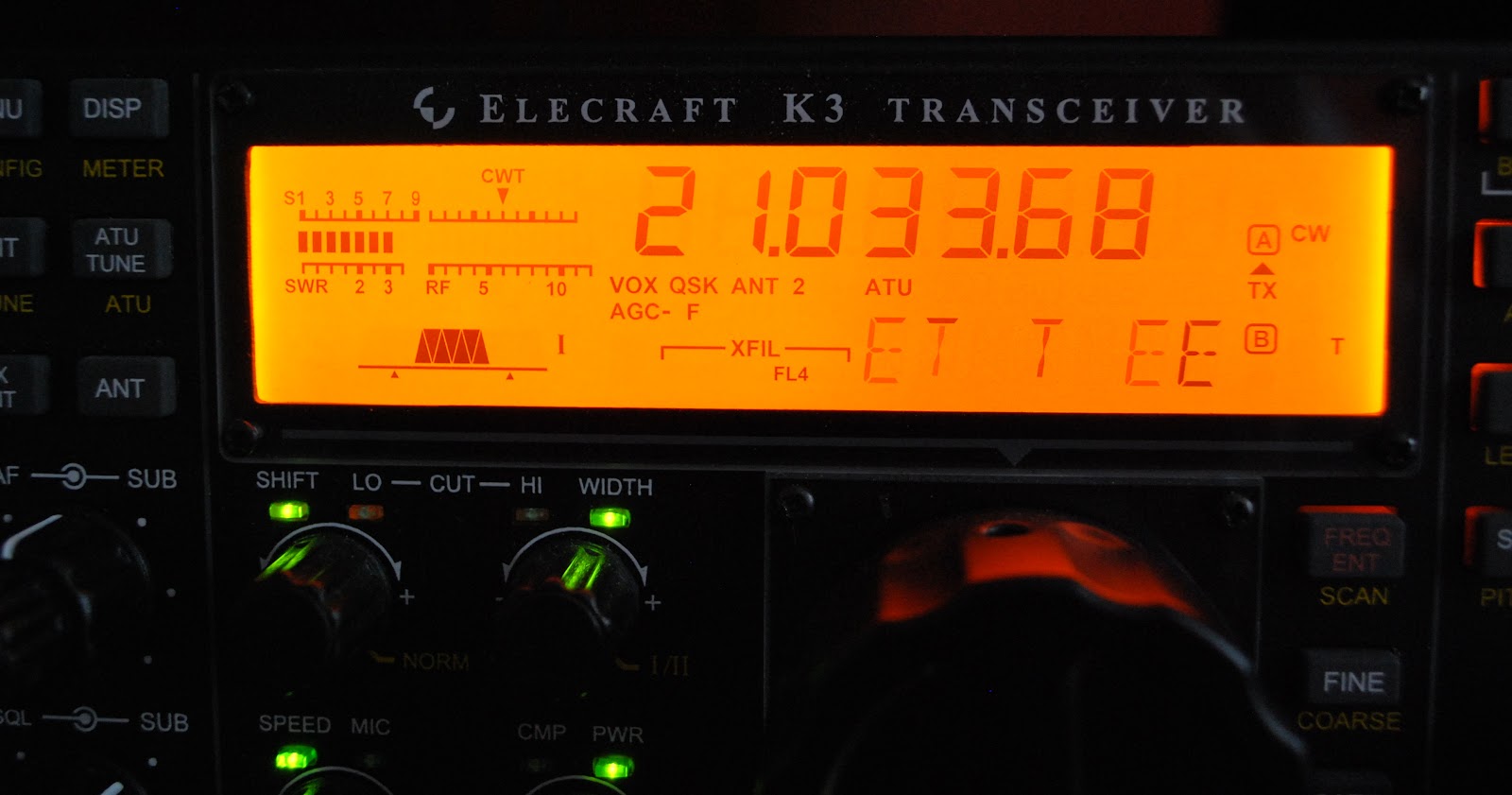
Last weekend I participated in the CQ WW CW contest and in a post just before the contest I shared some things I included and avoided regarding contests. One would think that because it's my list and I was "preaching" about it on my blog that I for sure would be one to follow it.........WRONG and boy did I pay for it!! The contest was going along just fine the propagation was great, 10m was wide open and my QRP signal seemed to be getting out just fine. Now this being a CW contest and a world wide one at that I found the CW was being sent as fast as a bullet. To copy these fast calls was taking more time than I wanted to
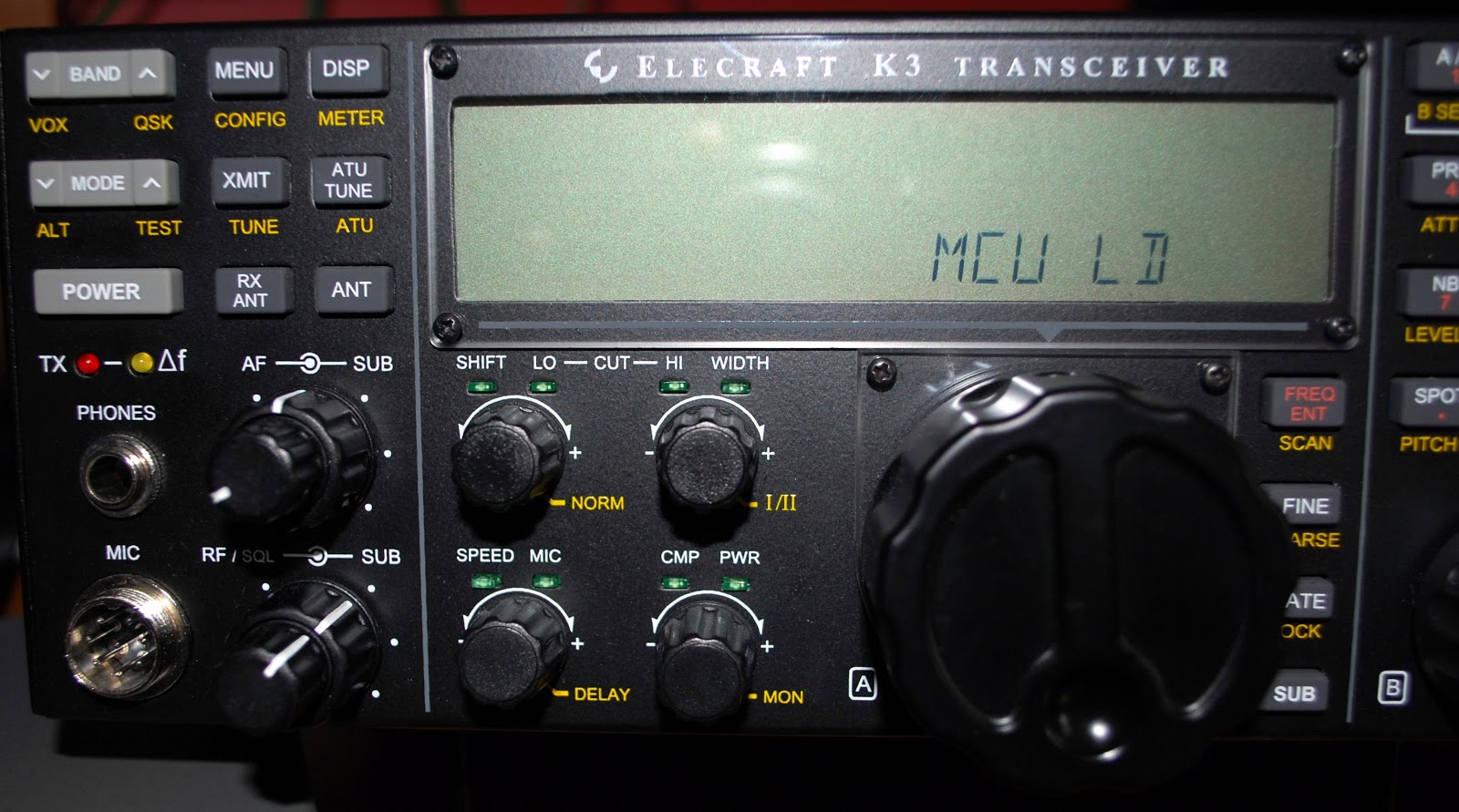
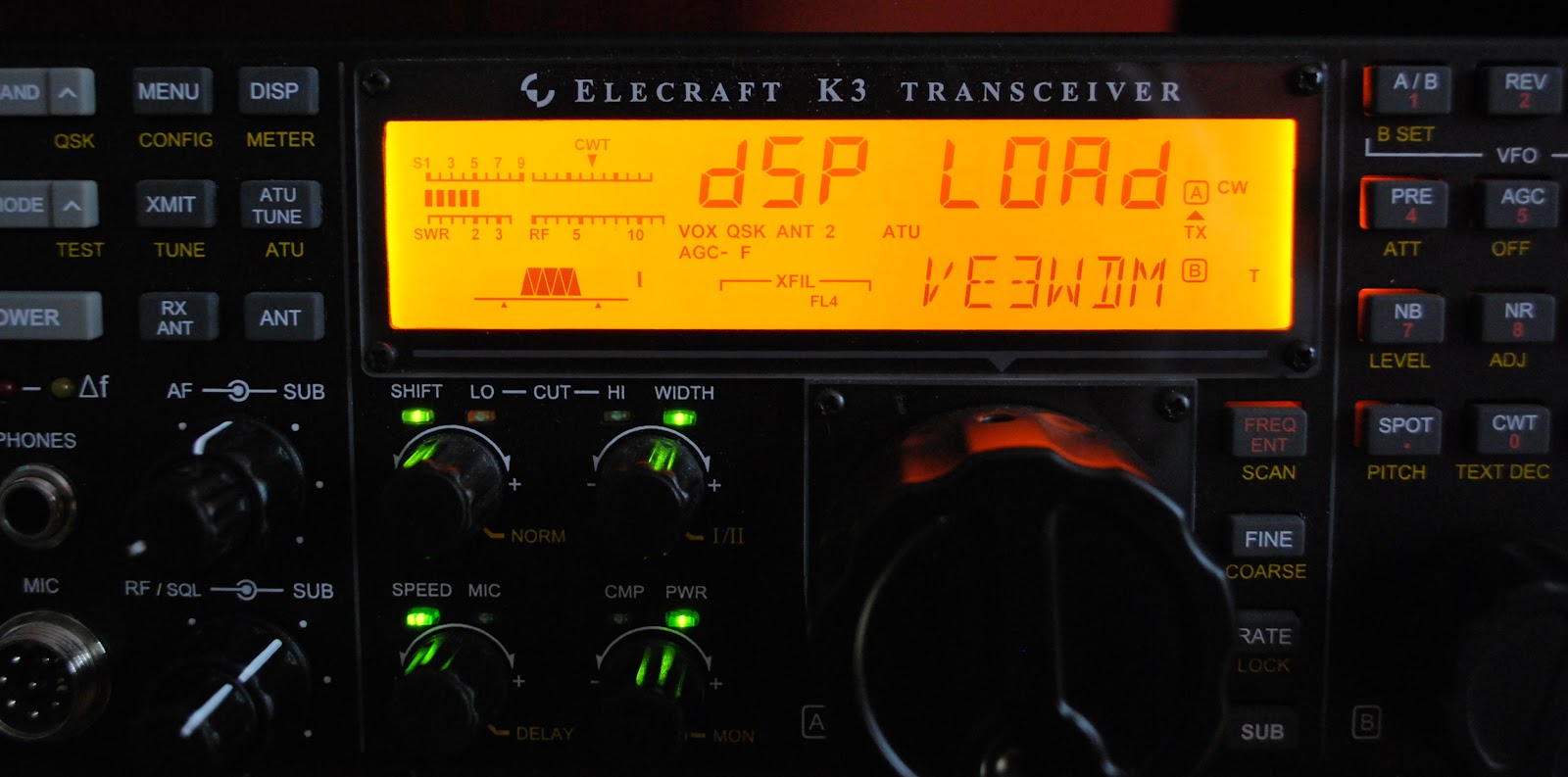
spend, but the stations were much needed multi's or possible DXCC's. In the past this is were my trusty Elecraft K3 has helped me out. The K3 has the ability to copy code and scroll it at the bottom of my Elecraft P3.......but it was not happening and no matter what I adjusted I could not get the rig to read the code.
 |
| Firmware download going well |