Posts Tagged ‘Computers’
 Shifting the focus…….
 February 9th, 2014 |
  Author: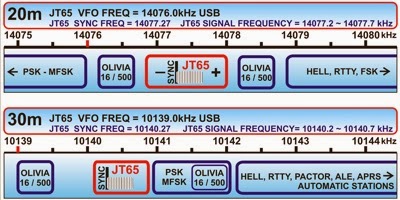
The last time I was in digi land PSK31 was the ground breaking mode and I have come to understand by many of the blogs I read there are some new modes in town!! PSK is still around but it too has changed. There is also now SIM31 and 63, JT65, Olivia and the list goes on, I have been out of digital for some time now and am not sure what all is out there. What I am looking for is something that uses a narrow bandwidth, (most digi modes do) only requiring low power, would be great to have a "conversation mode" and not signal reports and goodbye and not a mode that takes forever for exchanges as I have heard about some digi modes. Having said all that one thing I can remember about the digi modes is they can be lot of "fun" to setup with your rig and PC! BUT that is all part of the fun I guess. So you digi fans out there help me out with some suggestions as to an HF low power narrow bandwidth digi mode I can scramble my brains with. Oh and if it helps the bands I have available are 10-40m and the rigs I have are the Elecraft K3 and KX3.
The lunatics have taken over the asylum
This is a repost of a posting made in 2009. It is still as true today as it was then.
I received an email a couple of hours ago to tell me that the Windows setup file for VOAProp is reported as containing a trojan at VirusTotal, so I checked for myself. It’s true. Thei nstaller is reported as containing a trojan by 8 out of 41 scanners none of which I have heard of or have any reason to take seriously.
I checked the original copy of the KComm setup file that I have here just in case my web site had been hacked and a trojan planted. But the result was the same. I also checked the downloads of a couple of other programs of mine including MorseGen and VOAProp. They produced virtually the same scan results as for KComm.
 For years I have advised people that if they have downloaded a file from a source they would trust and their security software flags it as suspicious, they should scan it at VirusTotal to get a consensus of opinion as to whether the file really is a virus, a trojan or spyware, or just a false alarm. Unfortunately, VirusTotal has kept on adding new virus scanners to its armoury regardless of whether they are any good or not. The lunatics are taking over the asylum and as a result, VirusTotal has become useless as a tool for ordinary PC users to check whether a file is suspicious. I recommend jotti.org instead.
Some of my programs that are accused of containing a trojan were last updated several years ago. They have since been downloaded by hundreds or thousands of people. It is inconceivable that they could have contained a trojan that remained undetected all that time. The thing that all the programs have in common is that the installers were all created using the same setup generator. The likelihood is that somebody used the same setup generator to create an installer package for a trojan and the third rate scanners are picking up on something in the installer package that is not unique to the trojan.
I have no desire to waste my time contacting the developers of obscure anti-virus products to inform them about this false reporting of my programs. Nor do I have any plans to repackage all the programs using a different setup generator. I’m sorry, but third rate virus scanners are not my fault and I don’t have the time or the inclination to deal with the problems they cause. If you choose to trust your virus scanner instead of me I won’t argue with you.
Some of the scanners are flagging the fact that the files have been compressed using UPX. This is a harmless tool used to make executable files smaller. It is not a malware. But I don’t know how users of these scanners are supposed to know that.
A mystery at the new QTH
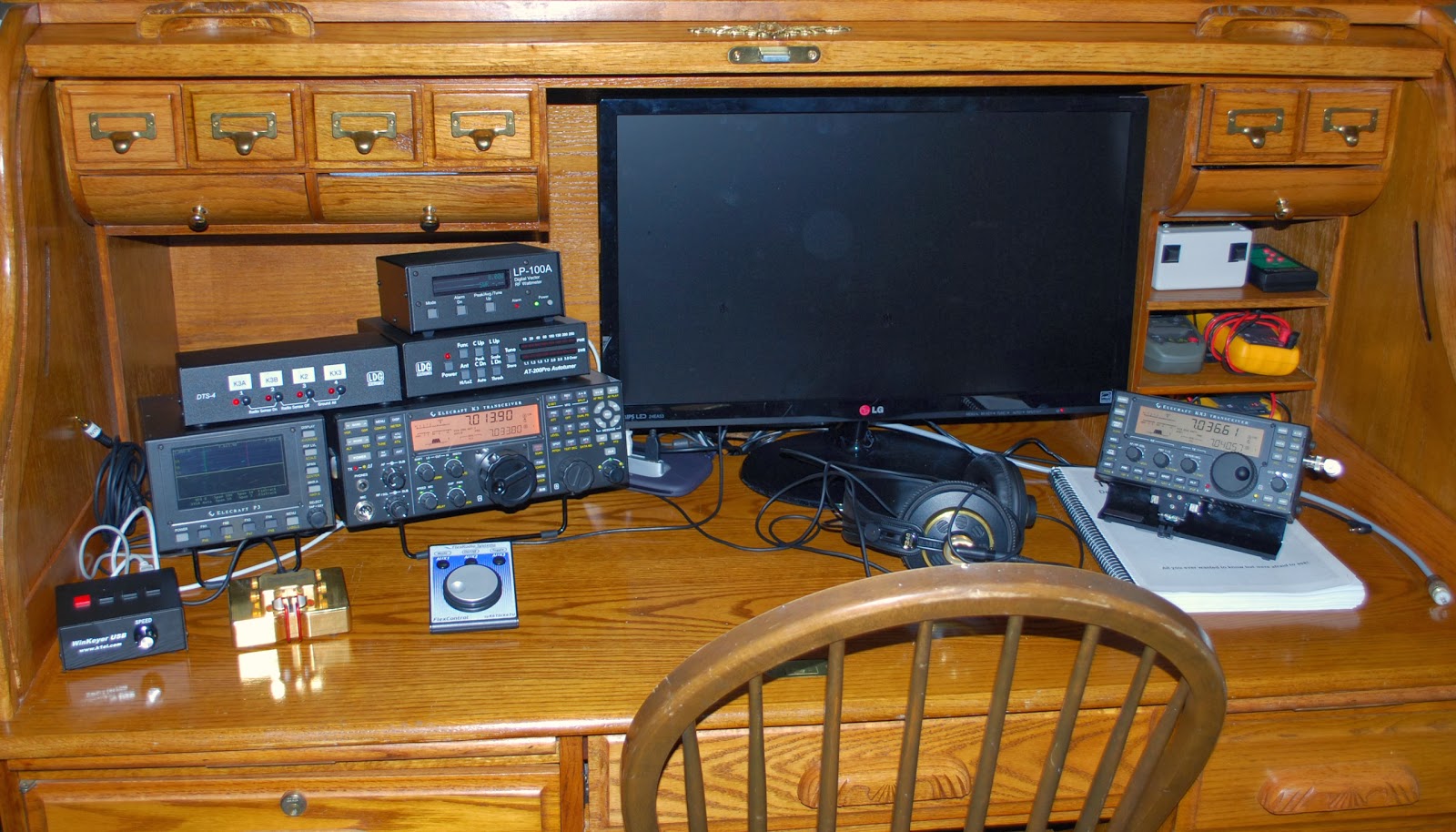 |
| Things are coming along |
My setup is a stealth operation and really can't put the Alexloop on the balcony but I am 6 stories up and back in the townhouse I did have the Alexloop inside and it did very well so at this point I am stumped.
Learning more about the Alexloop
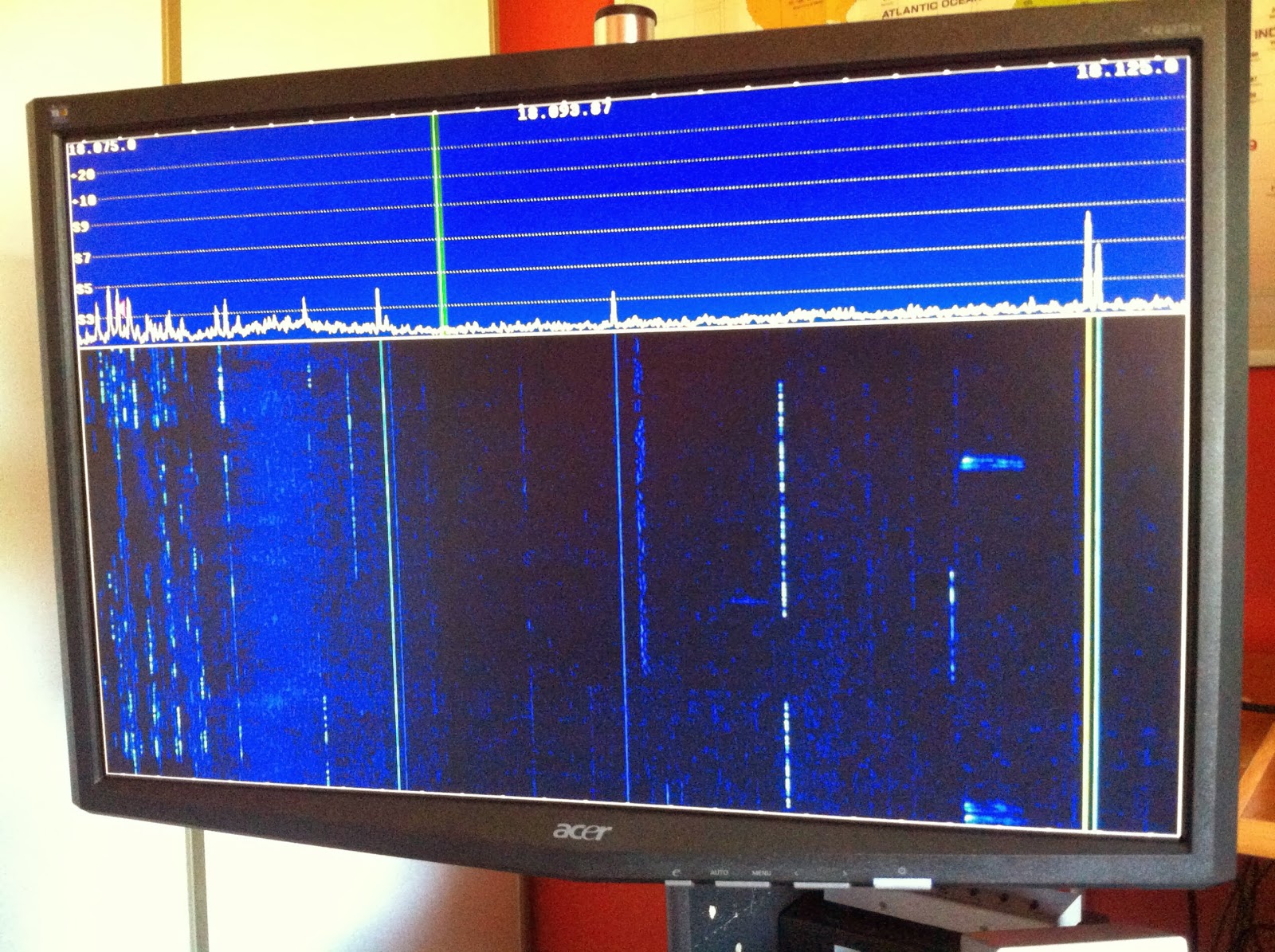 |
| What turning the loop can do |
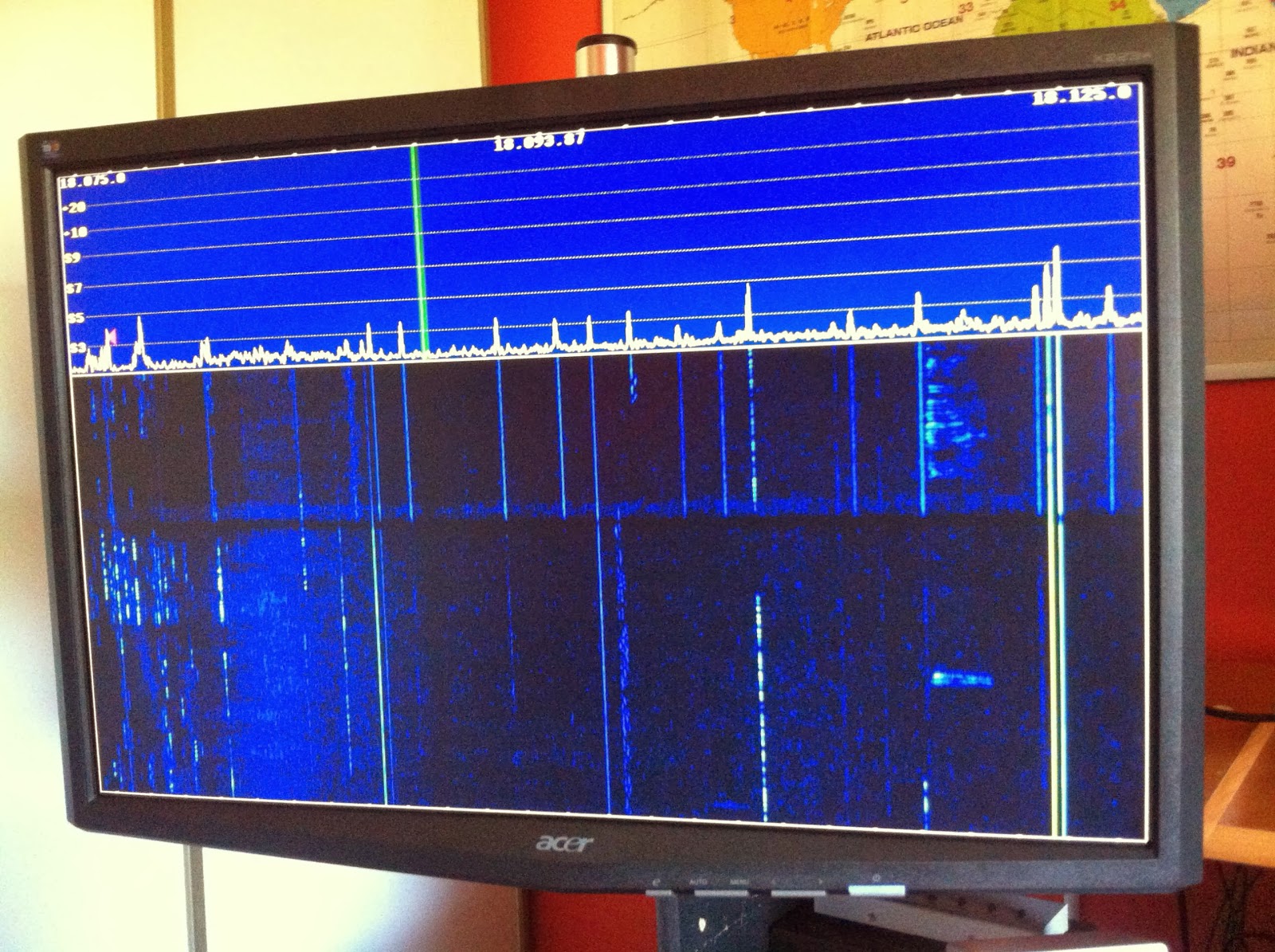 |
| Man made noise on the band |
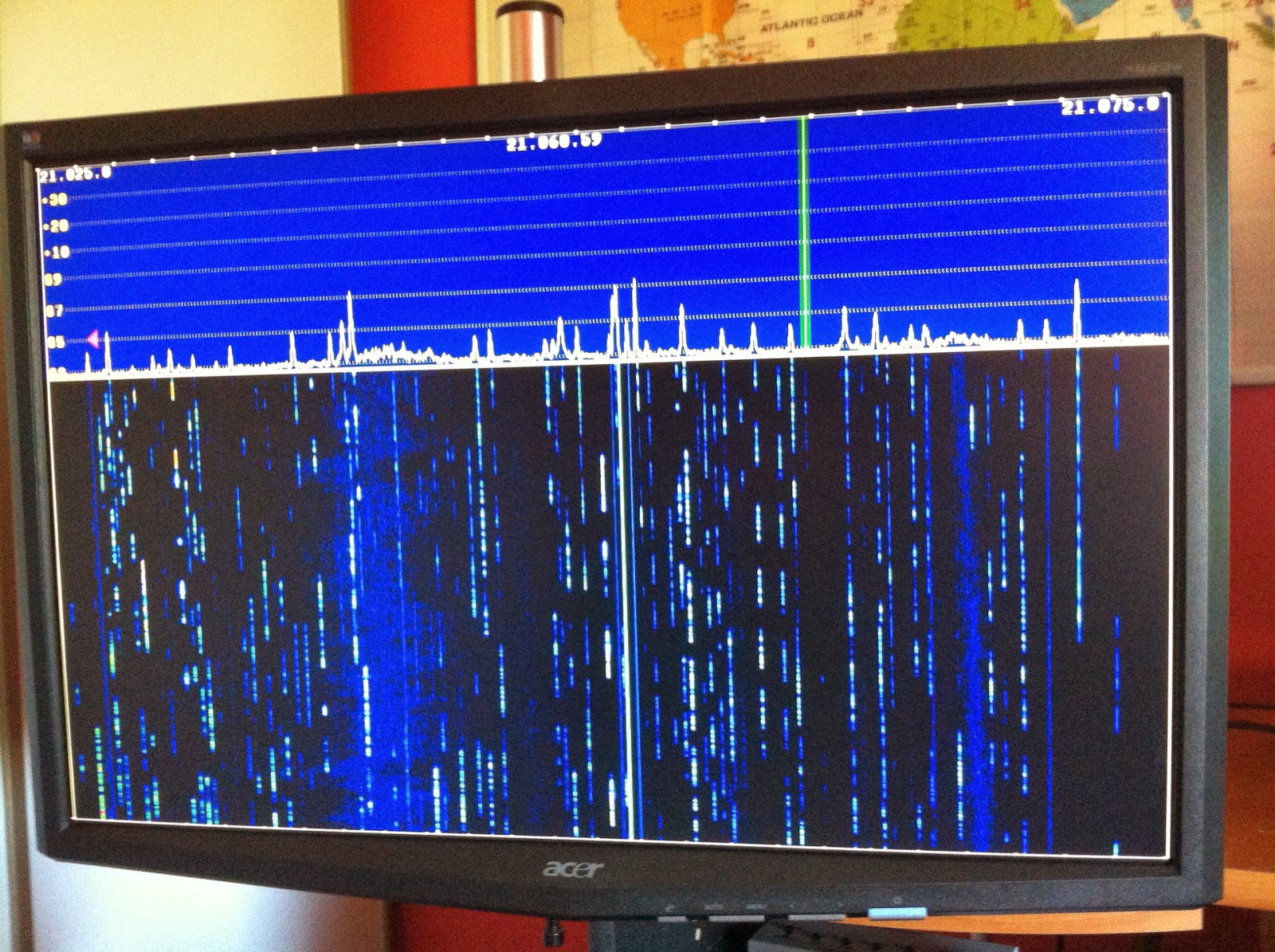 |
| A nice bandwidth with the loop |
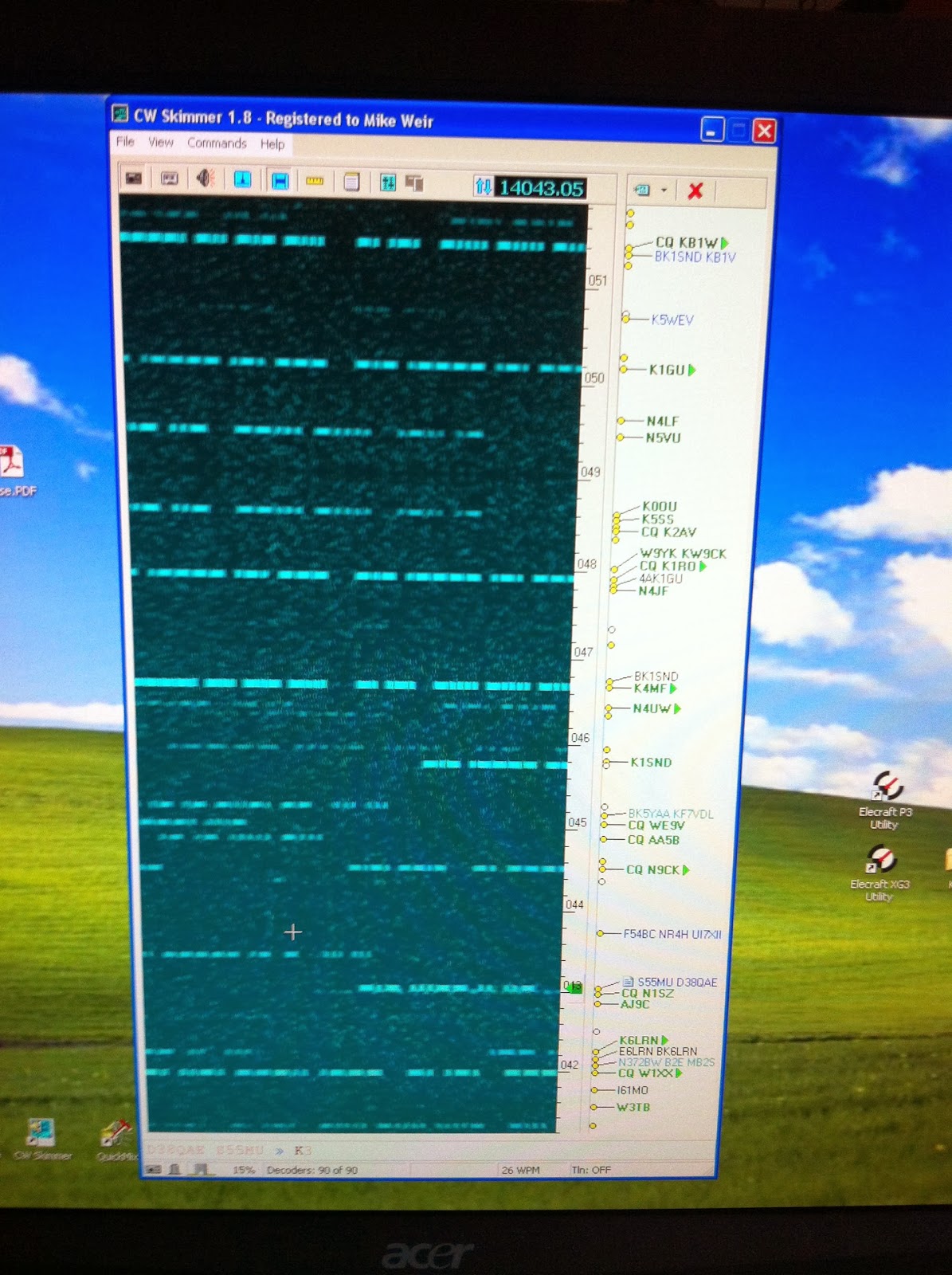 |
| Skimmer showing the picture |
20m WSPRing
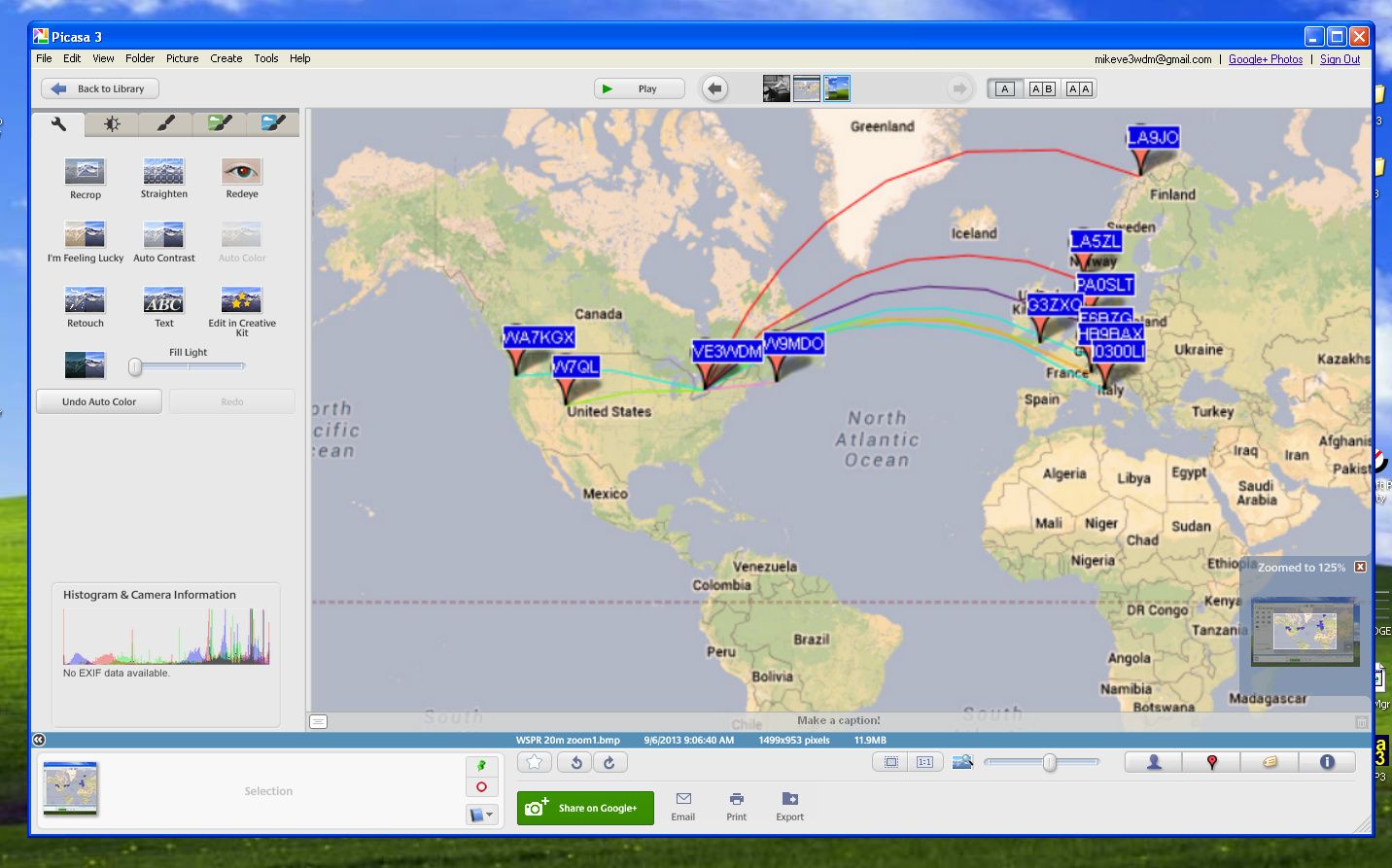
I have changed the shots to try to make them larger as some readers were wanting to see more details. The original pictures were done with Windows Print screen key. Not a very good option if one wants to see detail....lesson learned.These are not the greatest but the best I can do with the original prints.
Well I'm off work today and tomorrow I was off last week with a very bad cold and sinus infection but went back to early and am off again. Now I'm on med's and things seem to be turning around. Oh one thing the doctor asked me to try was a Neti Pot. In a nut shell you flush out your nose with water, it goes in one nostril and flows out the other!! I have heard of this and my son actually does it but there is just something funny about running water all the way through your nose up and into the sinus cavities and out. You just have to be careful and not use tap water and only the solution that is advised to use..........any way what does this have to do with WSRPing.......NOTHING.......I again have set up my Elecraft K3 for WSPR and it works better than ever. I set it up on 20m this afternoon to see how my 5 watts could venture out and about. I was very surprised that my signal made it over into Europe. A fellow blogger Paul PC4T in the Netherlands has hoped to have a WSPR signal meeting....up to this point it has been a no go. But this time around I did make it into the Netherlands to PA0SLT and PA3EDR as well as Italy, Switzerland, Finland and France.
I’ve been had and taken for a ride!!
 |
| You think a deal is deal....NOT |
Well that was the end of that call and my PC was not fixed at this point, as a matter of fact he never even used this software to see if a fix could be done. So I ran the software and it finished, it removed my ham programs and would not allow me to download them again. I have contacted PayPal to dispute this product and get my money back so we will see what happens there. They are in the final steps so I should know soon.
My solution was to re-format my hard drives and get a good Mal-ware/spyware tool!!
Error 2908 is gone……

The error is now gone and most if not all of my ham programs have been loaded, now it's time to get them running the way I want them too. This is the part that takes time up to this point my only trouble has been getting N4PY radio control program and N1MM contest logger to talk to each other via VSP manager!! I can remember having trouble with this in the past and I just can remember what I did for them to get along. Once the system was up and running it was then I had some "you can't be serous moments"....I did not save a backup copy of my log from DXlab, I did not save any of my contests in N1MM nor all my macro setups.........oh well at least the PC is healthy again........until that is another virus or malware decides to play games with me that is!!













