Author Archive
K1EL WKUSB keyer
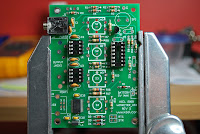
About a month ago a new kit arrived and is still sitting waiting to be built. With some thought and over time I ended up selling my Logikit CMOS4 keyer that I built. I sold it not because it's a poor keyer but being a stand alone keyer made it for me a hassle to program. I missed just starting up the PC opening a program typing in what I wanted the keyer do and simply saving that sequence. I do a lot of CW contests and have to keep changing the exchanges. With the CMOS4 keyer I was always taking out the manual and refreshing my poor memory with the proper sequence of buttons to push on the keyer to enter and save morse code in the CMOS 4 memory.
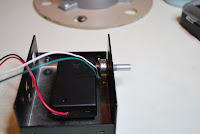
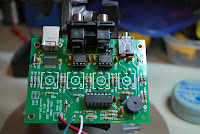
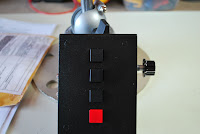
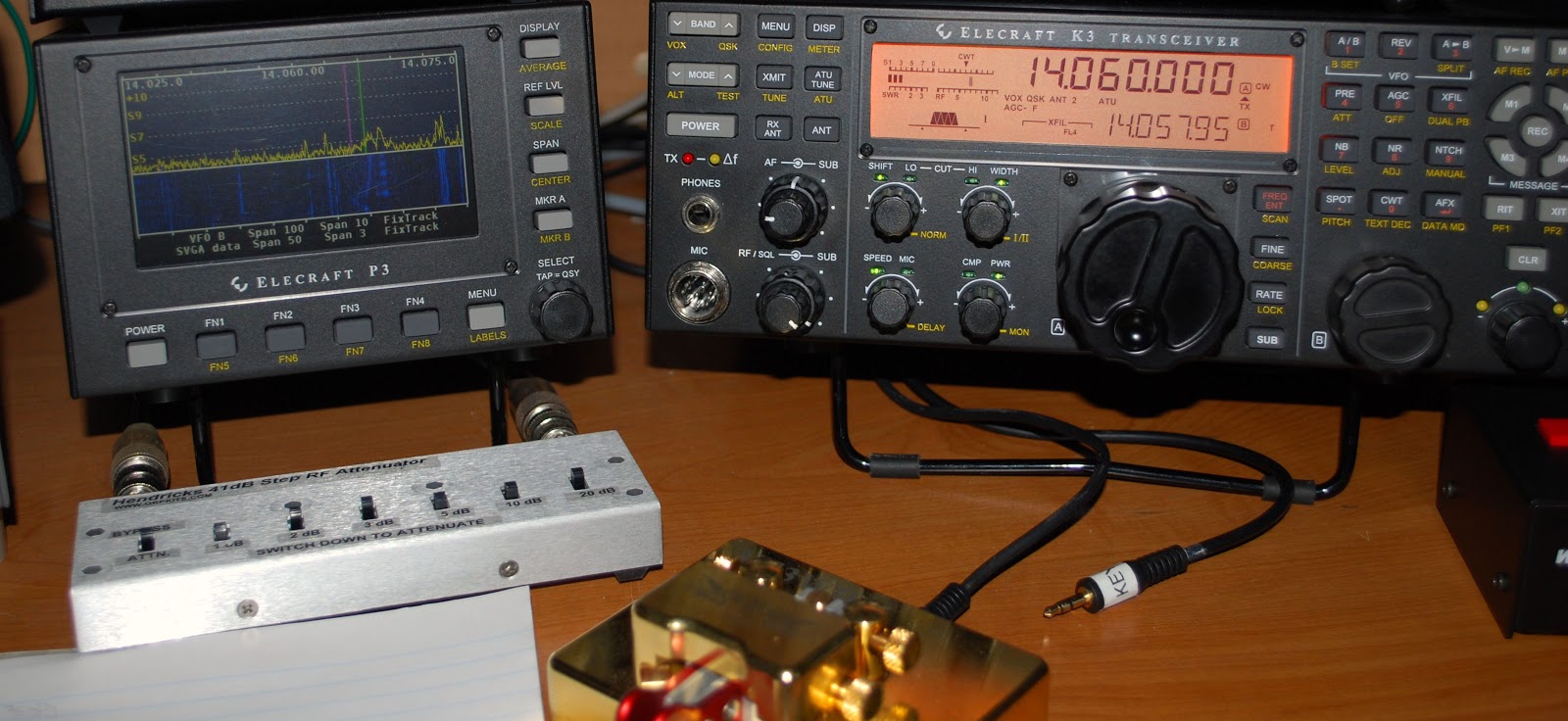
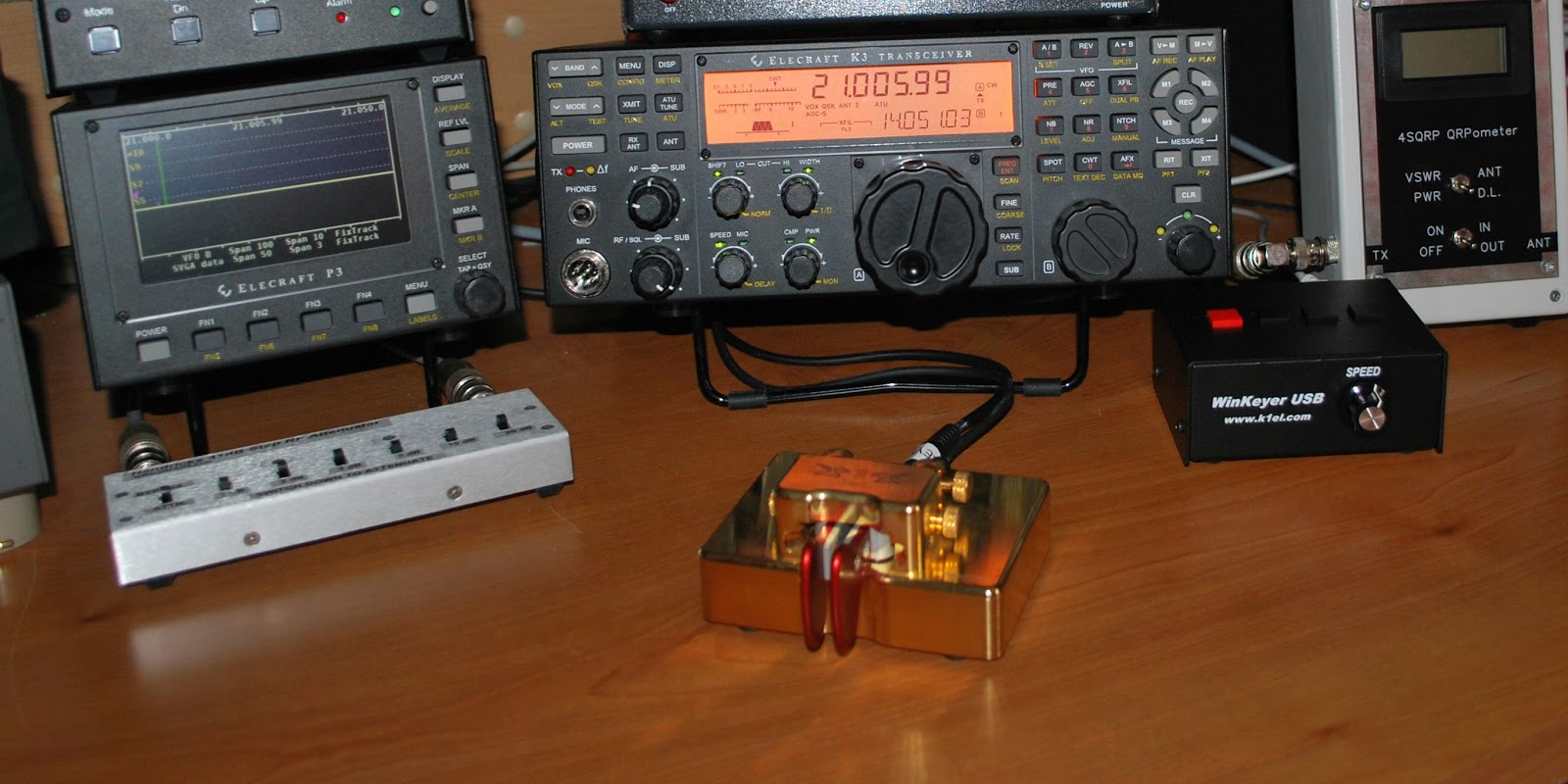
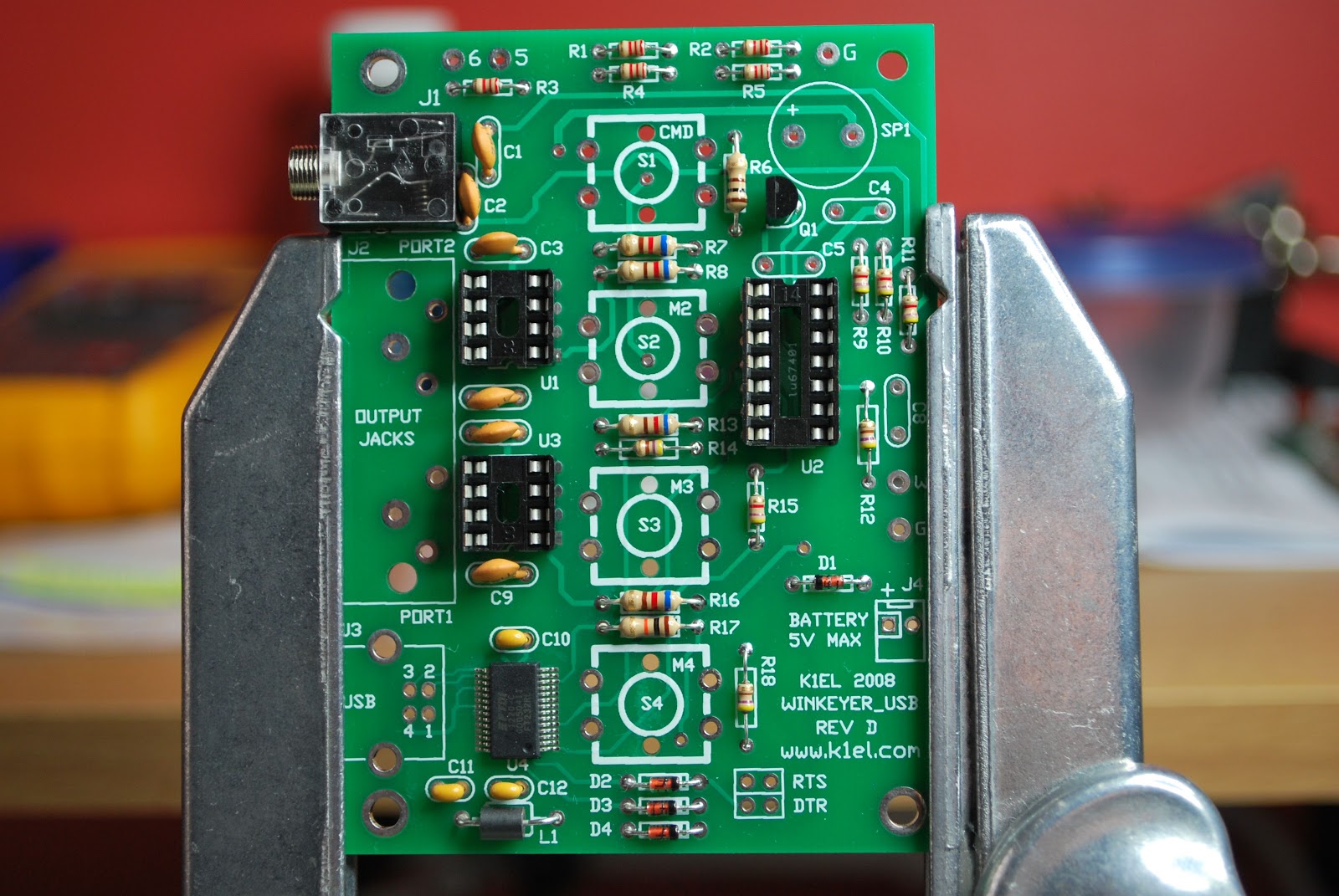
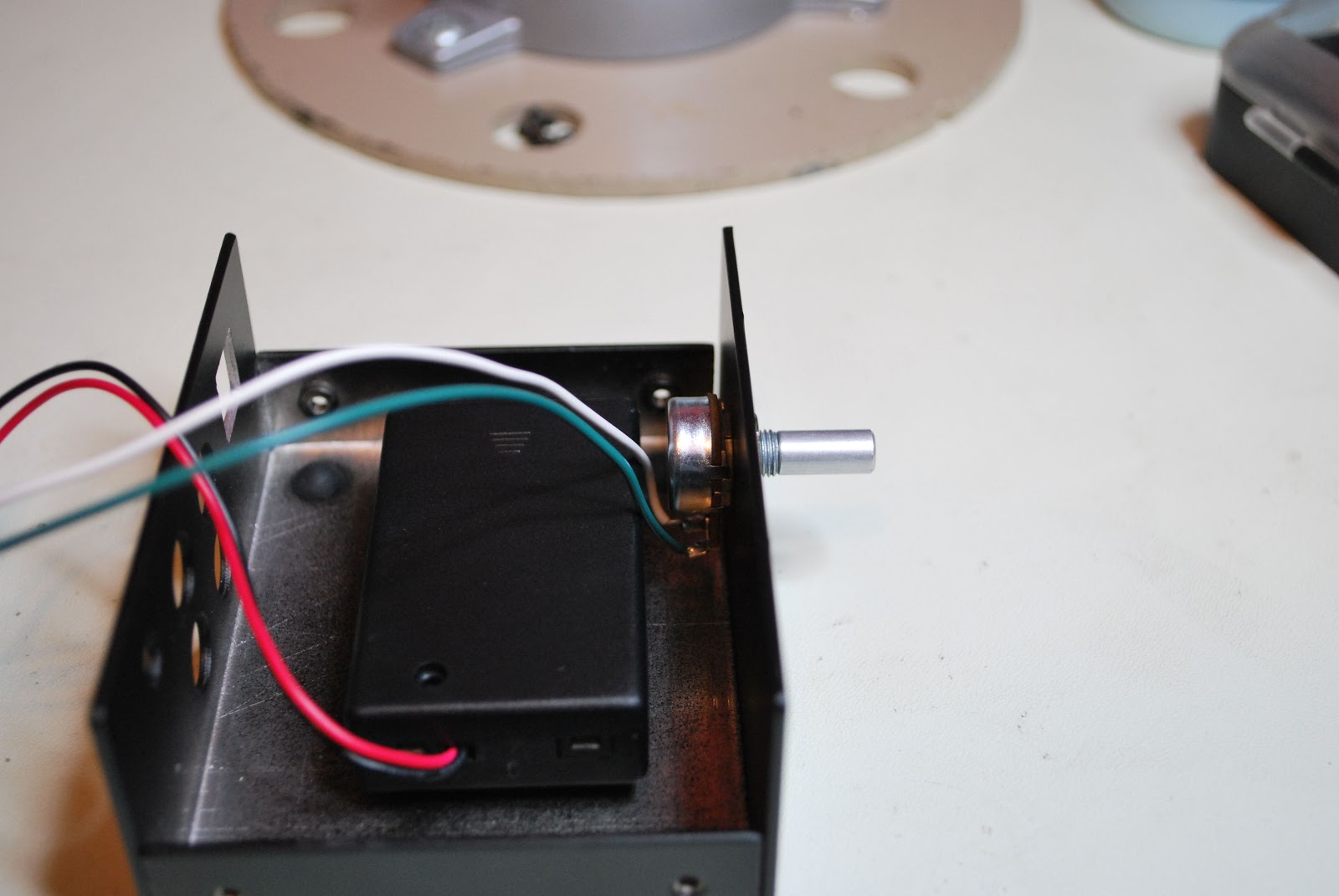
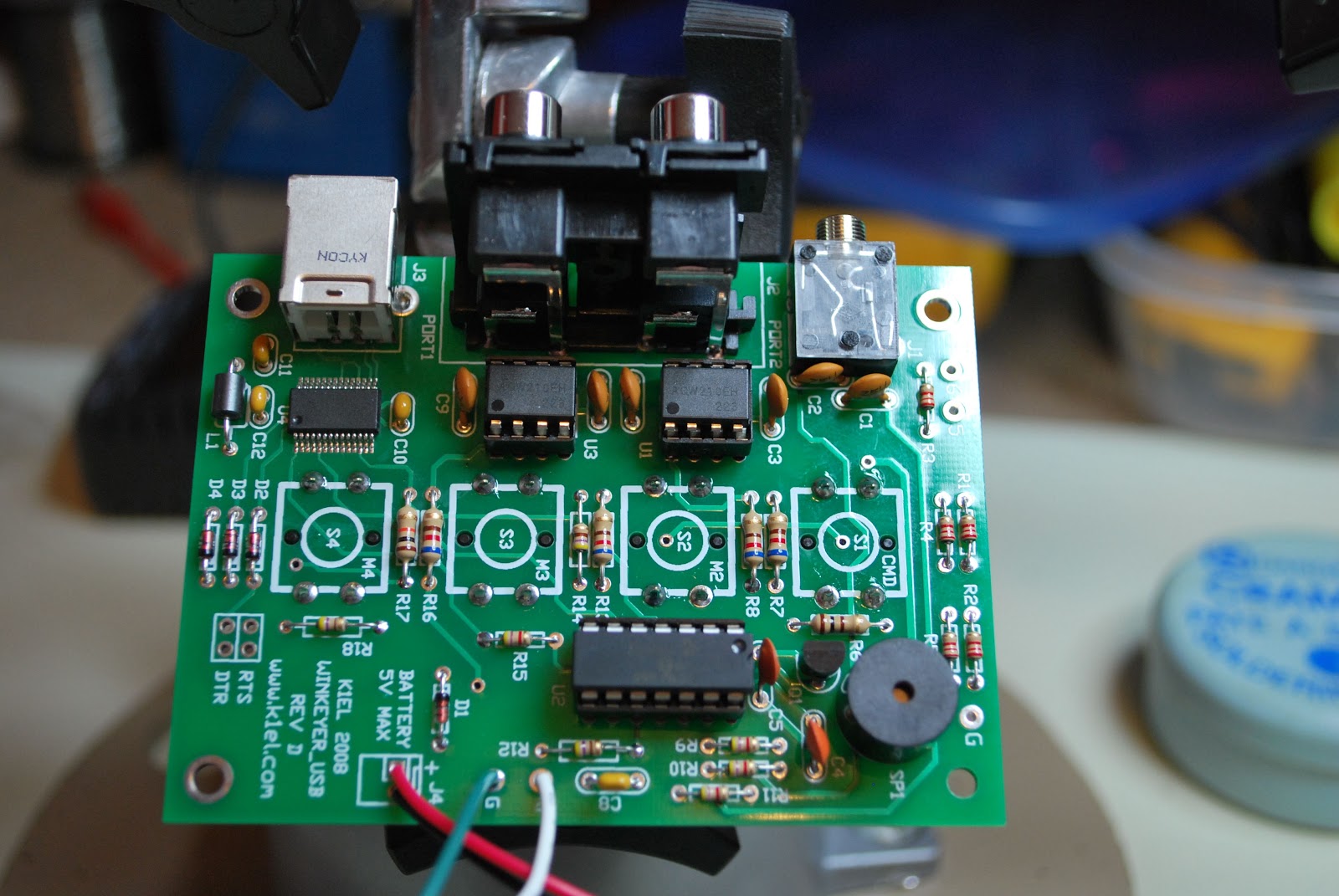
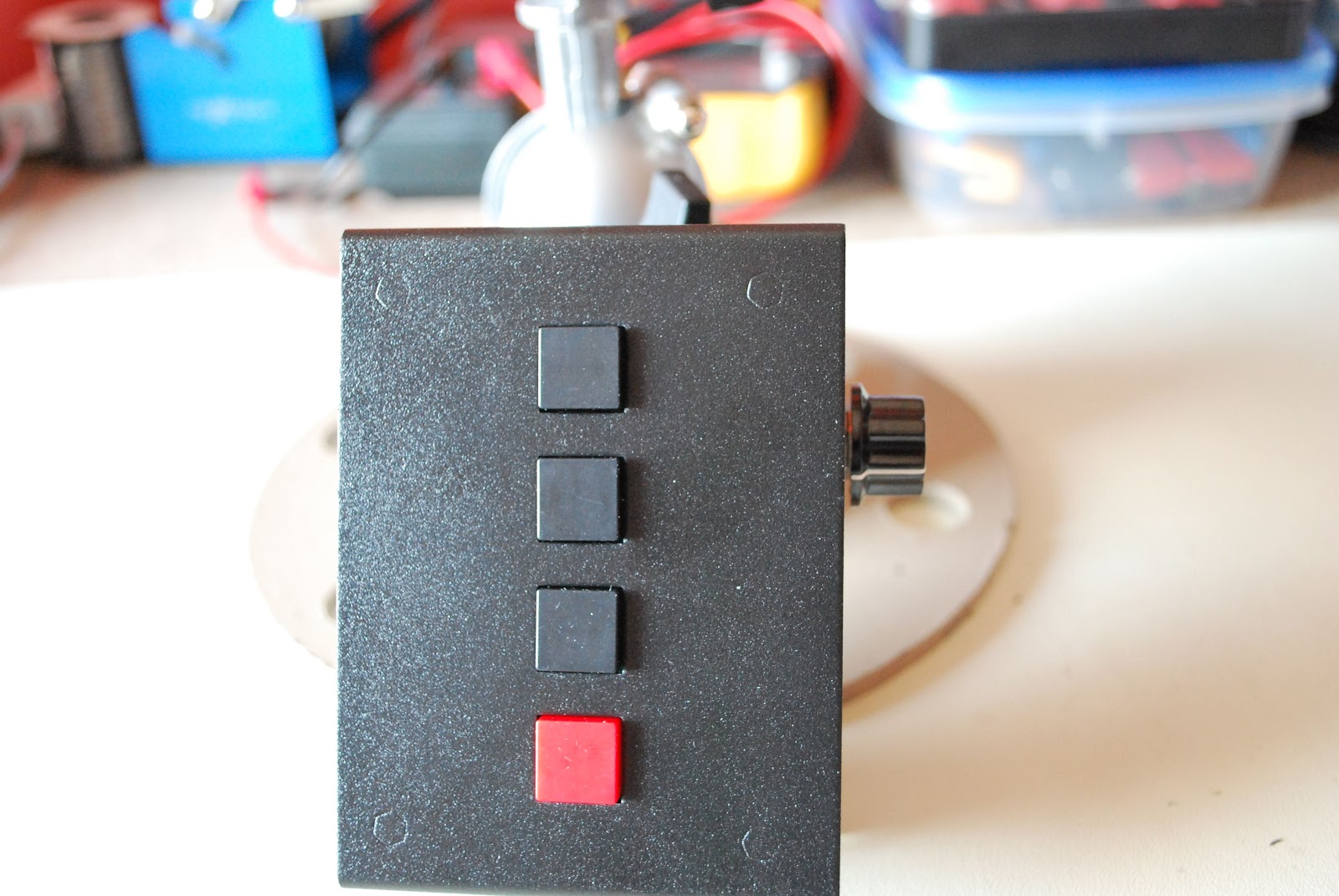
So I sold the Logikit keyer CMOS4 and Julie had purchased me the K1EL WKUSB keyer kit. I am familiar with the WKUSB keyer as some years ago I did purchase a built unit and it worked great. At the time it did seem to have some issues with my contest program N1MM. I ended up selling the unit and as they say hind sight is 20/20 and if I knew then what I do now I would still have it. This keyer has been around for some time now and improvements have been made. To hook it up to the PC is a simple USB cable along with some software and you are off to the races. To change the CW messages you open a program on your PC enter your new message then save to the key and that's it. You are able to enter four separate messages (just great for contests or DXepedtion contacts) The keyer can be connected to two rigs, my K3 and K2 can use the same unit without cable swapping. So back to the software for just one more moment.....not only can you program messages BUT there is a slew of custom settings you can enter such as spacing, weight and tone just to mention a very few extras. I hope this weekend to heat up the soldering iron and point it in the direction of this kit!!
Nice openings on 10m
| Signals on 10m this afternoon |
![]() |
| EA2LU antennas |
I was now noticing some stronger signals, the first I tuned in was EA2LU from Spain. I tried Jorge with 500mW's and made the contact without any troubles. He was running a Yagi at 100 watts. This was a nice contact as we were able to exchange rig info, antenna info and
| EA2LU setup |
Anonymous is getting very smart!
| Happy to be back from the vet's |
First off I took a vacation day from work as I had to take Oliver (our cat) to the vet for a followup after dental surgery and by the way looking back on my career decisions I should had been a veterinary dental surgeon! They do say hind sight is 20/20. Oh and for those wondering Oliver had a great checkup, he was ecstatic to get out of the veterinary clinic and home. Some of the other time today was spent on the radio TRYING to make contact with TX5K. On all the bands I had absolutely no problem hearing the pileup trying their luck at making contact but I could not even hear TX5K!! On Saturday my wife has a hair appointment and a trip to the dentist.....no surgery just a checkup....BUT in ham radio lingo what does XYL at the salon and dentist spell........RADIO TIME!!! So I am going to give TX5K another go before the DXexpedition is over. So why did I entitle this post "Anonymous is getting very smart!" In the past I had maybe 2 or 3 "anonymous" postings a week. Now let me clarify what I mean my anonymous......these are advertisers trying to post a comment on my blog but the main idea is to plug their biz with a link! Blogger has been excellent with the ability to discern between the real deal anonymous comment and the...let me take advantage of your blog and plug my biz anonymous comment. Over the last month I have noticed a large increase of anonymous comments (the take advantage type) trying to use my blog. Not sure why this is.....my blog can't be all that popular? I really don't care if they "try" to post their fake comments but what I have noticed is they must be getting smarter in how they word the comment. Blogger is not recognizing it as spam but seeing it as a legit comment. These past couple of weeks I have had to go through my comment section of blogger and delete comment posts that are just plain spam! Has anyone else had this issue? Or do you have suggestions on how to deal with this?
Seems doing nothing is doing something…..
| RFI Friday night |
1. I changed out the video cables and wrapped them with chokes as well.....did nothing.
2 Moved the monitors to other locations on the operating desk...that was loads of fun and it too did nothing.
3. Tried running the K3 just off battery power and.... nothing.
4. Ran the monitors from the 12 volt Astron power supply and again nothing.
5 Put snap on chokes on ALL cables coming out of PC and the ALL cables from each monitor.....NOTHING!
6. Even tried tin foil on the back of the monitor and grounding it...only made monitor look sci-fi.
7. Put 1:1 balun on the coax coming out of the K3 and still had problem.
8. Tried my Elecraft K2 (maybe just a K3 problem) found same issue with K2.
| Sunday...not to bad |
9. Plugged monitors into separate AC outlets on different circuits and did not fix issue.
10. Ran a ground up to each monitor and video card on the PC (PC is already grounded) and nothing.
11.Repositioned screen to see if that made any difference I thought it did but turned out not to.
So that was how my Saturday was spent and from doing all the above I was able to find out a few things that I hope may ring a bell on how to solved the RFI isssue
1. As I move my hand closer to the monitor the RFI increases.
2. When the rig is on the dummy load the RFI is gone.....but so is everything else regarding signals.
Now it's Sunday and I have come to the understanding that I am going to just have to live with the problem. I know where it is coming from that sometimes that is half the battle! I am going to do some reading and thinking about the issue. I came into the shack to just roll the desk back up against the wall and tidy up the room. I then turned on the K3 along with the PC and for some reason the RFI is still there but not as much at all!!! Seems doing nothing is doing something!!
Monitor RFI issue…..
| RFI from new monitor |
| Both monitors off |
Announcing a new blog
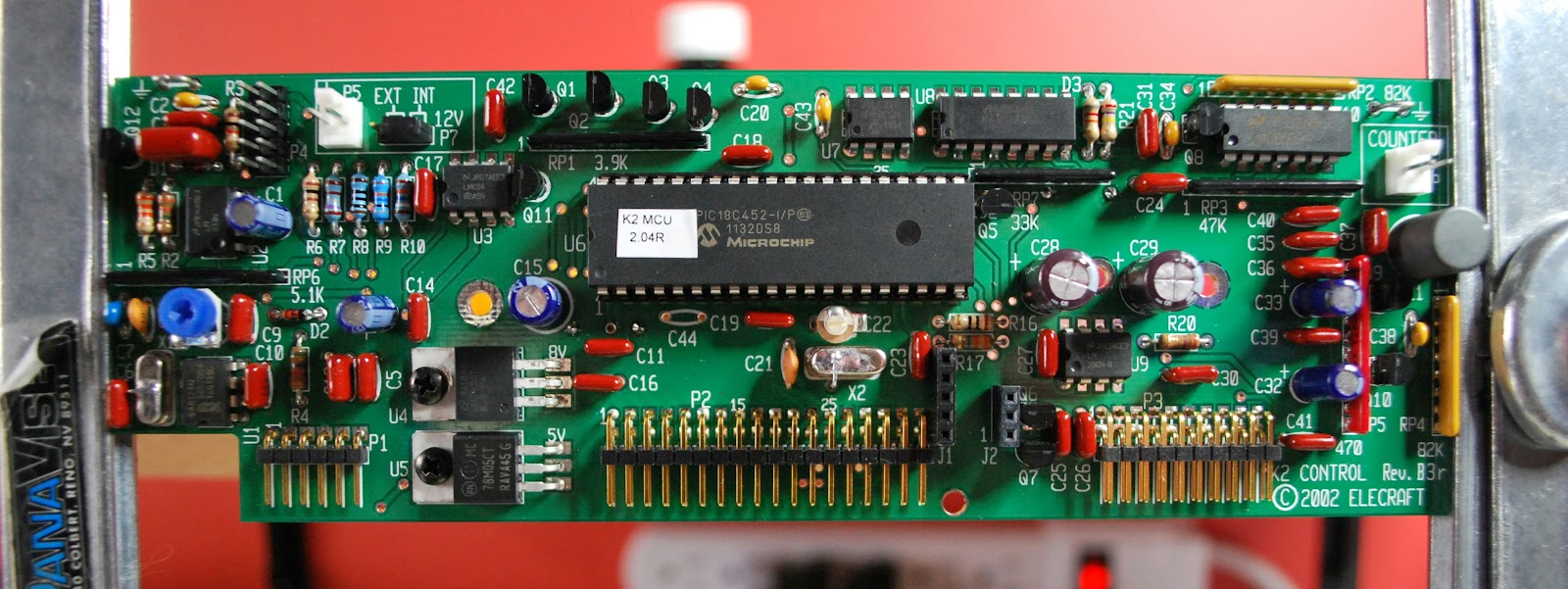
Back in December when my second Elecraft K2 kit arrived I tossed around the idea of starting an additional blog about my K2 build. I planned to not only document my kit build but to keep the site updated with links and sites that will help out fellow builders. I have up to this point produced 3 pages and some updating posts on the blog itself. Check out the blog and give me your feedback as well as any info you would like to see on the site as well.
Too close for CW comfort
Monday was a holiday here in Ontario called family day Julie is taking some photography course's and with that comes homework. Today she had to get out side and take some pictures we came up with the idea of a raptor bird sanctuary not to far from home. I also got to thinking that while she was snapping I could be dahing and ditting on my KX3!! This was a win win for the two of us we were out spending time with each other (kinda) and doing our hobby's to boot. My setup was the Elecraft KX3, mobile whip on a diamond trunk lip mount. The temperatures outside were way to cold for me to venture out. During the evening it dropped to -17C and during the day was up to -10C. I opted to stay in the car with the sun shinning in it was very comfee and a little to warm at times. We were there for about 2 hours, I was able to make just one contact. But it's all about having fun with the radio and getting out. Joe W2KJ is from North Carolina and was also running a KX3 (my first KX3 to KX3 QRP QSO) at 4 watts. I found Joe calling CQ on the 20m QRP frequency. We gave each other 559 reports and some antenna info, name, QTH, power and then it was time to move on. My KX3 being set at 1 watt gave me a miles per watt contact of 644.
So why did I title this post "To close for CW comfort" this has to do with the other CW "events" that I was exposed to! I have read about this in other blogs from other op's which are CW operators who seem for some reason to blend letters together regarding their call. I had at least 6 op's who's call I had a very very hard time making out. There was one DX station who's call ended in WVR BUT for the longest time I was not sure if it was W##, even the code reader on the KX3 was having a real hard time. I then ran across 10+ on the S meter European station but I could not give him a call as I had (and I mean NO CLUE) what his call was!! It was very hard to tell were the CQ stopped and the call was being sent. Now folks for any of you reading my blog and who also have had a CW QSO with me I know my code elegance has left you scratching your head at times.....but I just can't understand how code that has no spaces and just runs as one long word how these op's ever get answers to their CQ requests.
When I got home I put my Elecraft k3 into test mode (meaning no code is sent over the air) and tried to send some sloppy code and watched to see if the K3 was able to decode. (you can setup the K3 to not only show incoming code but also your code as you send it) The only reading the K3 would give me were not letters or numbers just lots of *****......translation...the K3 also has no idea. As with most CW op's out there you also have your code being sent to you through your headphones. Does the code not sound odd to these op's???
Anyway time to get off my soapbox now.............
So why did I title this post "To close for CW comfort" this has to do with the other CW "events" that I was exposed to! I have read about this in other blogs from other op's which are CW operators who seem for some reason to blend letters together regarding their call. I had at least 6 op's who's call I had a very very hard time making out. There was one DX station who's call ended in WVR BUT for the longest time I was not sure if it was W##, even the code reader on the KX3 was having a real hard time. I then ran across 10+ on the S meter European station but I could not give him a call as I had (and I mean NO CLUE) what his call was!! It was very hard to tell were the CQ stopped and the call was being sent. Now folks for any of you reading my blog and who also have had a CW QSO with me I know my code elegance has left you scratching your head at times.....but I just can't understand how code that has no spaces and just runs as one long word how these op's ever get answers to their CQ requests.
When I got home I put my Elecraft k3 into test mode (meaning no code is sent over the air) and tried to send some sloppy code and watched to see if the K3 was able to decode. (you can setup the K3 to not only show incoming code but also your code as you send it) The only reading the K3 would give me were not letters or numbers just lots of *****......translation...the K3 also has no idea. As with most CW op's out there you also have your code being sent to you through your headphones. Does the code not sound odd to these op's???
Anyway time to get off my soapbox now.............