Posts Tagged ‘RFI’
 Is is wise to buy your wife an appliance for Christmas…..maybe!!
 December 6th, 2016 |
  Author: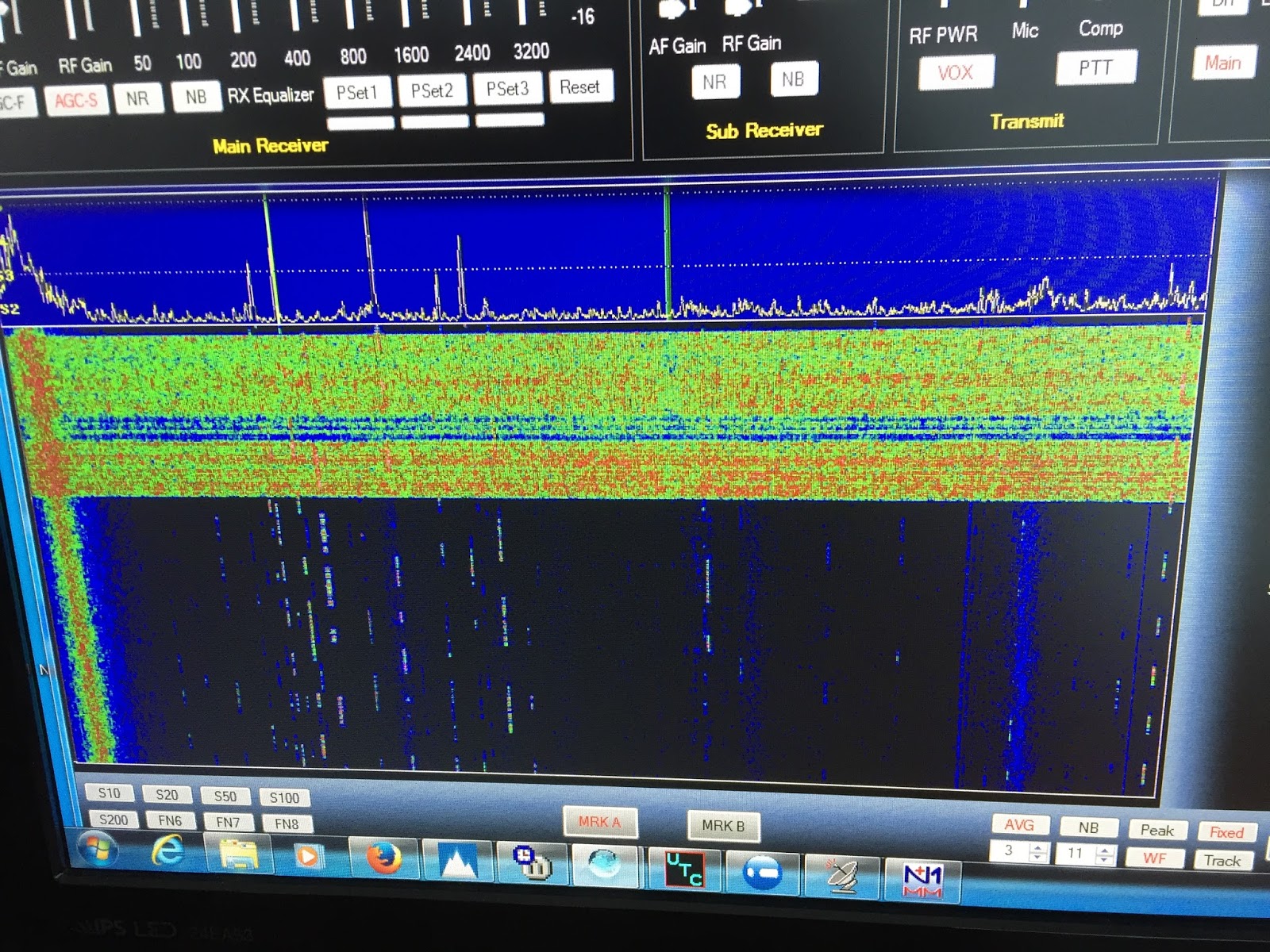
Got Noise?
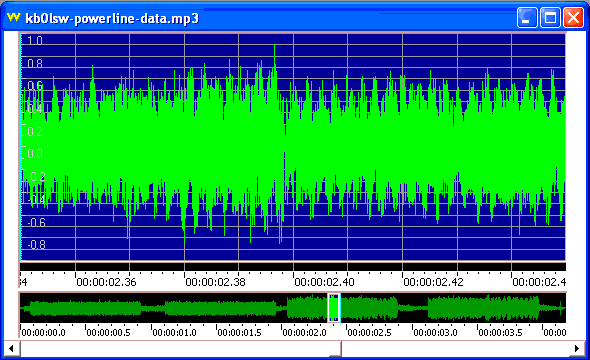 |
| courtesy: ARRL's Utility Noise (RFI) Signatures |
Excuse me if I seem somewhat cynical, but where have they been for the past twenty years as RF pollution, of now unbelievable proportions, has become the norm for most amateurs living in populated regions? In view of the present ubiquitous level of noise pollution, asking this question now is really akin to closing the barn door long after the horses have escaped ... and sadly, they are going to be very difficult, if not impossible, to round-up.
As radio amateurs, we are probably high on the list of those most negatively impacted by unwanted RF crud and were probably the first to bring this issue to the forefront. Many amateurs have watched, and continue to watch helplessly, as their noise floors climb higher and higher. For some, it happened overnight. In major cities and suburbs, it has become increasingly difficult to listen to normal AM radio because of RF noise pollution, so it's not just hams who are affected.
In many cases, the noise is powerline related and although this is part of the inquiry, in most cases this is probably not the main problem. Powerline noise is well acknowledged and here in Canada, RF pollution stemming from powerline radiation is illegal. Hydro authorities are required to clean-up noisy lines by government mandate (Industry Canada) and seem to react positively to complaints by amateurs. I believe a similar mandate is in play south of the border but because of the vast numbers of hydro operators operating in so many jurisdictions, getting action often seems fraught with difficulty.
The inquiry seems focused on the more nefarious types of radiation sources ... those that are not powerline-related, such as RFI caused by switching power supplies, light dimmers, electric motors, high efficiency lighting, computers, portable electronic devices, wireless routers ... generally any type of device radiating unwanted RF emissions.
Presently, complaints about this type of RF noise to governing bodies or to national associations, mostly seem to go without effective response ... solutions to the problem seem to be left to the amateur to "fix" the offending device or to just "accept it", rather than to put responsibilities on the manufacturers creating the problems. I know personally of amateurs who have just given up the hobby or have moved to the countryside because of impossibly-high illegal noise levels. It seemed as if calls for tighter government controls on electronic device emission-levels, especially on inexpensive and poorly-designed imports, largely from the far east, fell upon deaf ears. Some European jurisdictions found a ridiculous solution to the growing complaints by slackening even further, the allowable 'accepted' levels of spurious emissions. Previously illegal noise-making devices became legal overnight!
In the meantime, noisy electronic devices continue to flood the market at exponential levels ... only now, does the FCC pose this mind-boggling question! Equally stunning is their assertion that "... in search for concrete evidence of increased noise floors, we have found limited quantitative data to support this presumption." Perhaps if they had been maintaining vigilance instead of ignoring complaints when the problems were first reported, they would already have a huge body of the 'quantitative data' they are now seeking.
The Technical Advisory Council Noise Floor Inquiry (ET Docket No. 16-191) is well worth reading for any radio amateurs interested in finding solutions to growing noise problems. The three-page document includes a short list of questions to which responses are sought ... your input is vital, especially if hard data can accompany your comments.
Is it too late to turn the tide? There is no doubt that at this late date, it will be a huge uphill climb. The public notification document can be found here and the deadline for submissions, which can be made here, is August 11, 2016.
SOTA Summit Activation: Sandia Crest (W5N/SI-001)
Joyce KØJJW and I were headed to the Duke City Hamfest in Albuquerque when we decided to make a side trip up Sandia Crest for a low overhead (read: slacker) Summits On The Air (SOTA) activation.
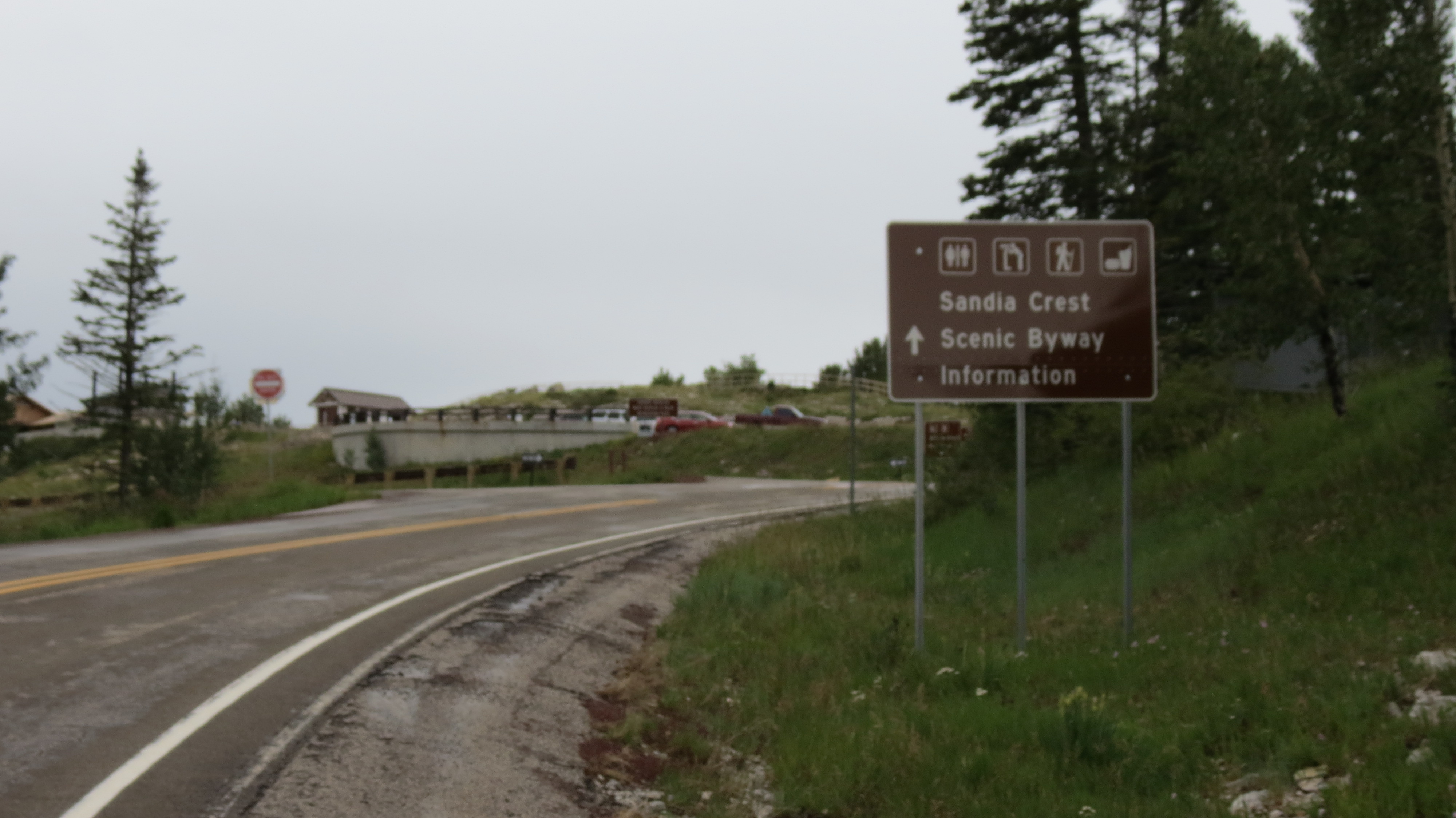
The view of the summit when approaching via the Sandia Crest Road.
Sandia Crest pokes up 10,678 feet, towering over Albuquerque at roughly 5000 feet. Although the weather was rainy, we enjoyed the drive up the paved Sandia Crest Road through the Cibola National Forest. This looks like a great area to explore and we’ll probably be back sometime in the future.
At the parking lot, about 40 vertical feet below the summit, we paid the $3 per day use fee (self-service USFS station), grabbed the radio gear and headed up the walkway to the top. There is a gift shop and restaurant at the south end of the parking lot, along with several hiking trails. A large radio site on the north end of the parking lot has numerous towers and high power transmitters. The field strength is so strong that a sign has been placed there to warn of radio interference to car alarms and keyless remotes.
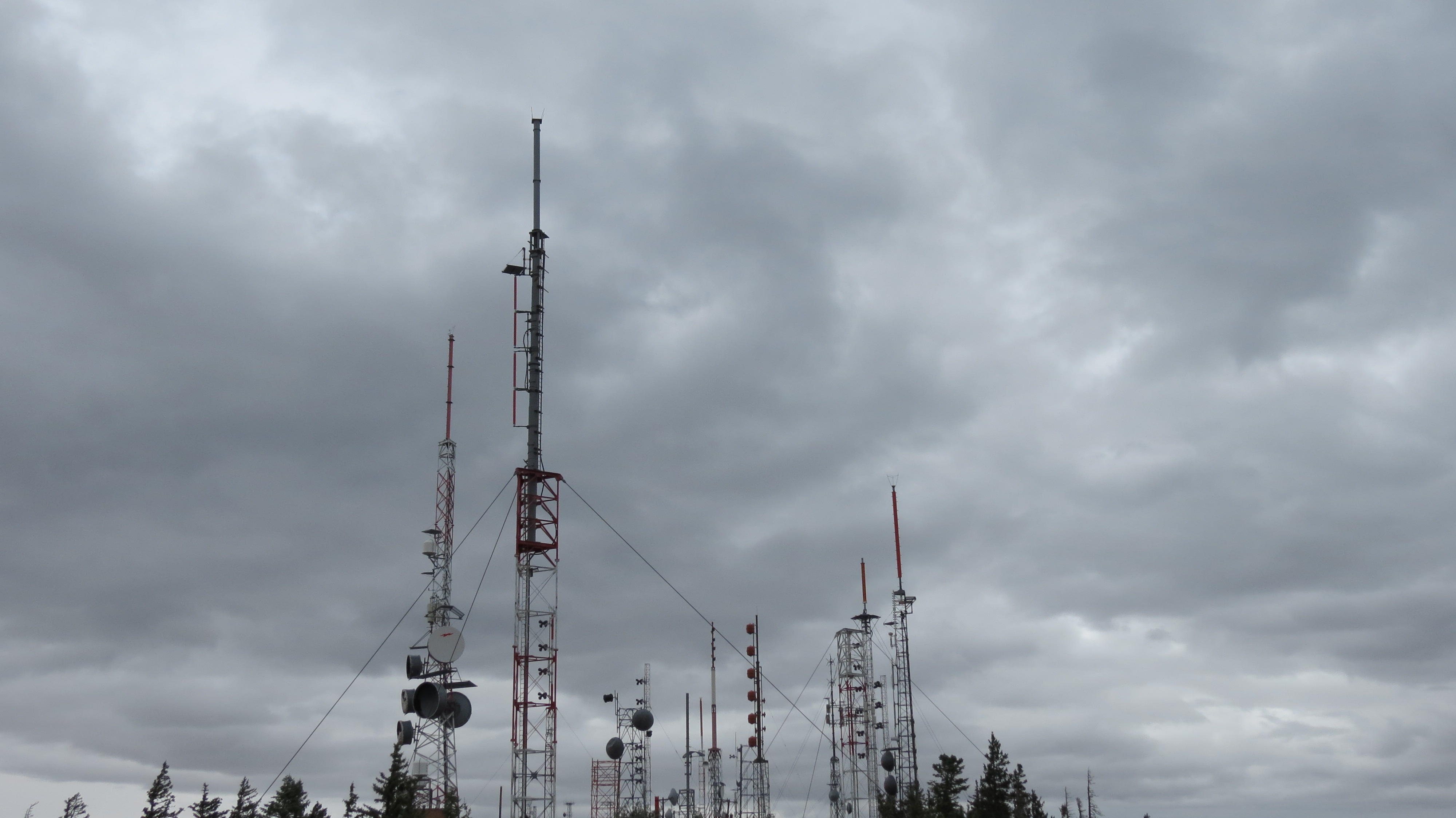
There is a large radio site with powerful transmitters near the summit.
I pulled out the trusty Yaesu FT-60 handheld transceiver with the MJF-1714 1/2-wave antenna for 2 meters. I gave a few calls on 146.52 MHz and heard no replies. I am thinking, “surely with so many hams in town for the hamfest, someone is listening on five two.” Joyce was standing next to me with her FT-60 and a rubber duck antenna. We noticed that her radio was hearing signals that I could not hear.
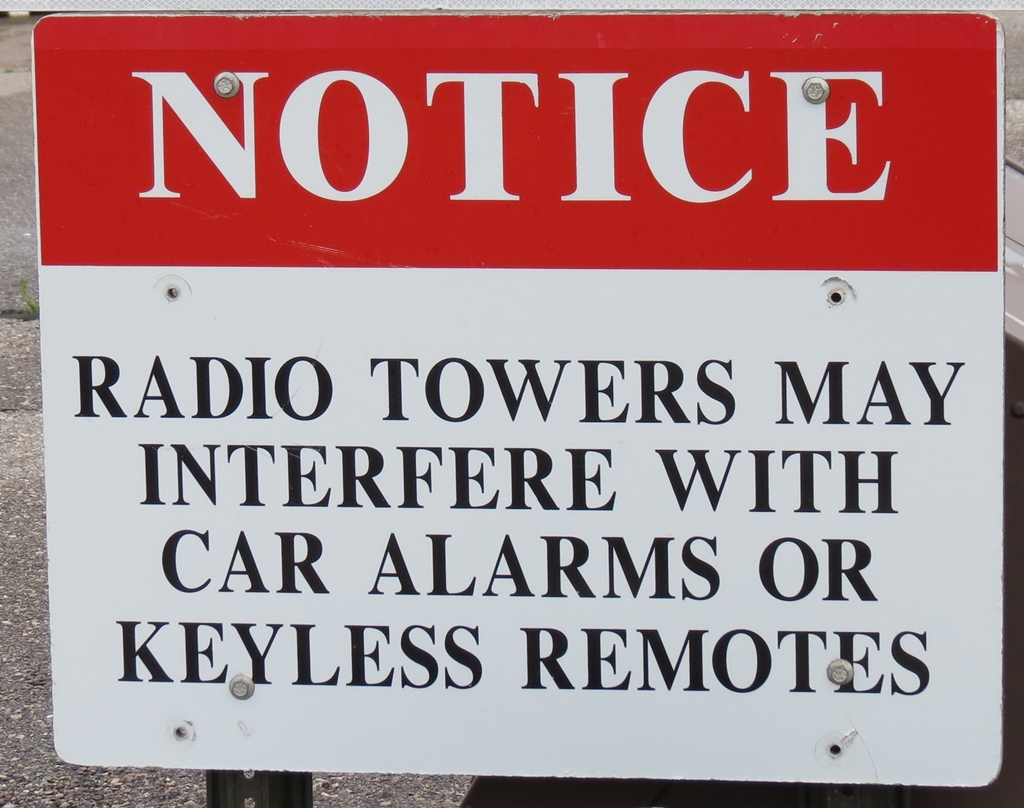
Well, this sign did warn me of radio interference.
Hmmm, the radio with the better antenna is not able to hear anything but the radio with a crummy rubber duck is working fine. At this point, I realized that my HT was being overloaded from the transmitter site with my high-efficiency antenna doing a great job of coupling those signals into my radio. I had to chuckle about this since I’ve often pointed out the poor performance of your typical rubber duck antenna. In this case, the less effective antenna was doing us the favor of reducing interference.
I swapped antennas and began making calls on 2m fm with the rubber duck. I also moved further away from the radio site to reduce the signal level. Yep, now I heard some guys coming back to me on 146.52 MHz. I could tell there was still some interference but it was workable. In short order, I had these stations in the log: KE7WOD, W5AOX, K5LXP, WB5QXD and K0JJW (after moving downhill outside of the activation zone),. Thanks for the QSOs!
I will admit that NM5SW mentioned the interference problems on this peak, so I had fair warning. Keep in mind that the FT-60 has reasonably good intermod performance, probably better than your average HT, and was getting completely blocked with the long antenna. I was glad that I was not using one of the Baofeng HTs. It made me wonder how well my FT-817 would do under the same conditions, but that will be a test for another day.
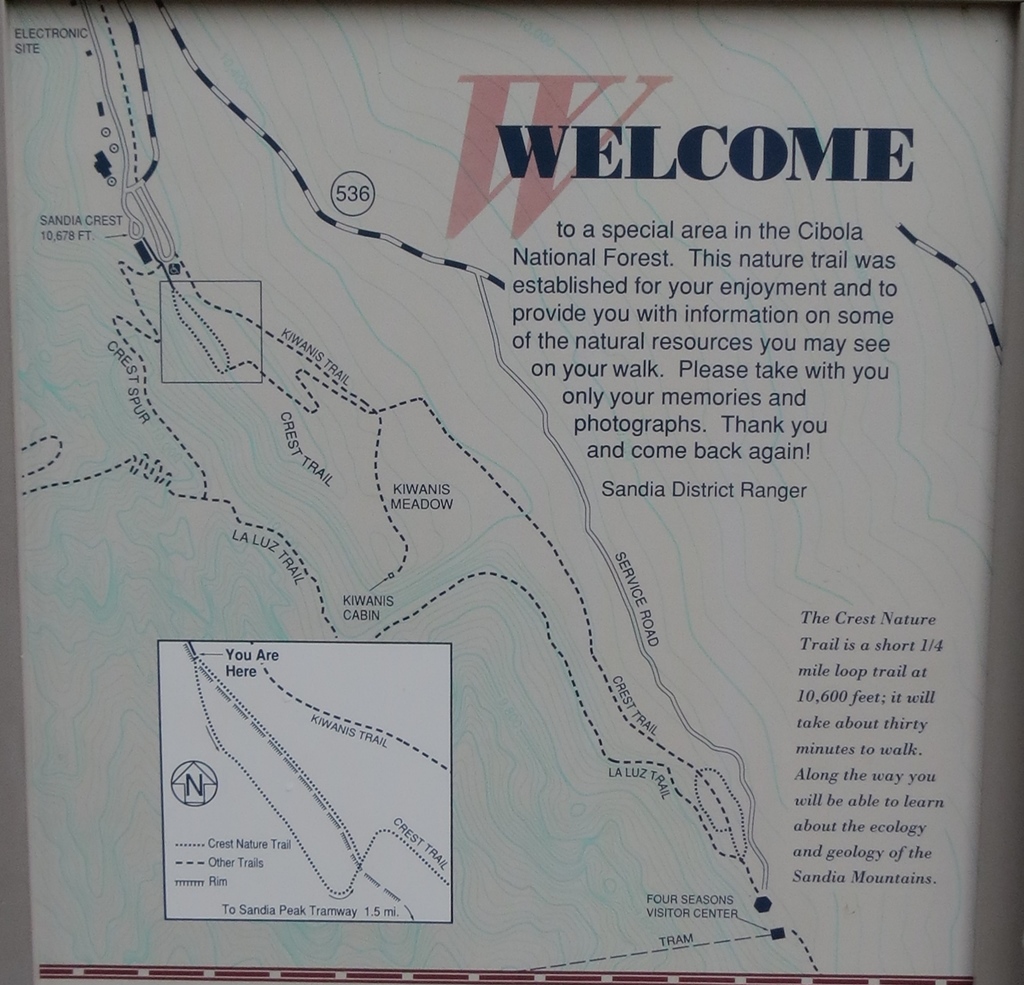
This sign shows the trail system at the summit and the location of the tram.
Another way to ascend the peak is via the Sandia Peak Tramway, which comes up from the Albuquerque side. We came across this sign that shows the trail system near the summit and indicates the top of the tram (click to expand). The tram drops passengers off some distance from the actual summit, so you’ll have about a 1.5 mile hike to the summit.
In summary, it was a successful activation although the weather could have been better. The big thing I learned was that a more efficient antenna is not always the best antenna. Sometimes a crummy rubber duck does better!
73, Bob K0NR
P.S. I later heard from Mike KD5KC that the Kiwanis Cabin (shown on the map) is a good place to operate from without radio interference issues on HF and VHF.
Learning more about the Alexloop
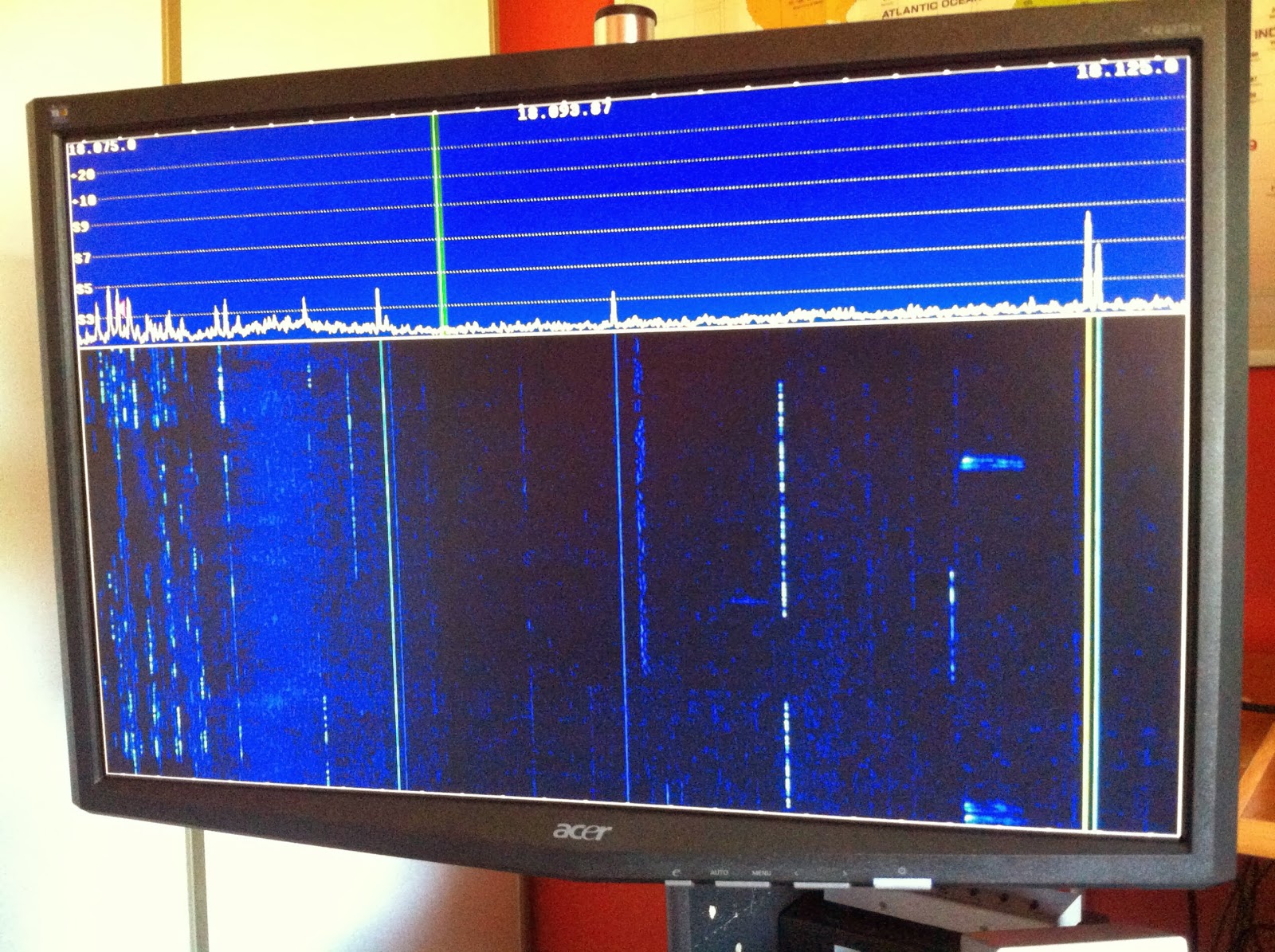 |
| What turning the loop can do |
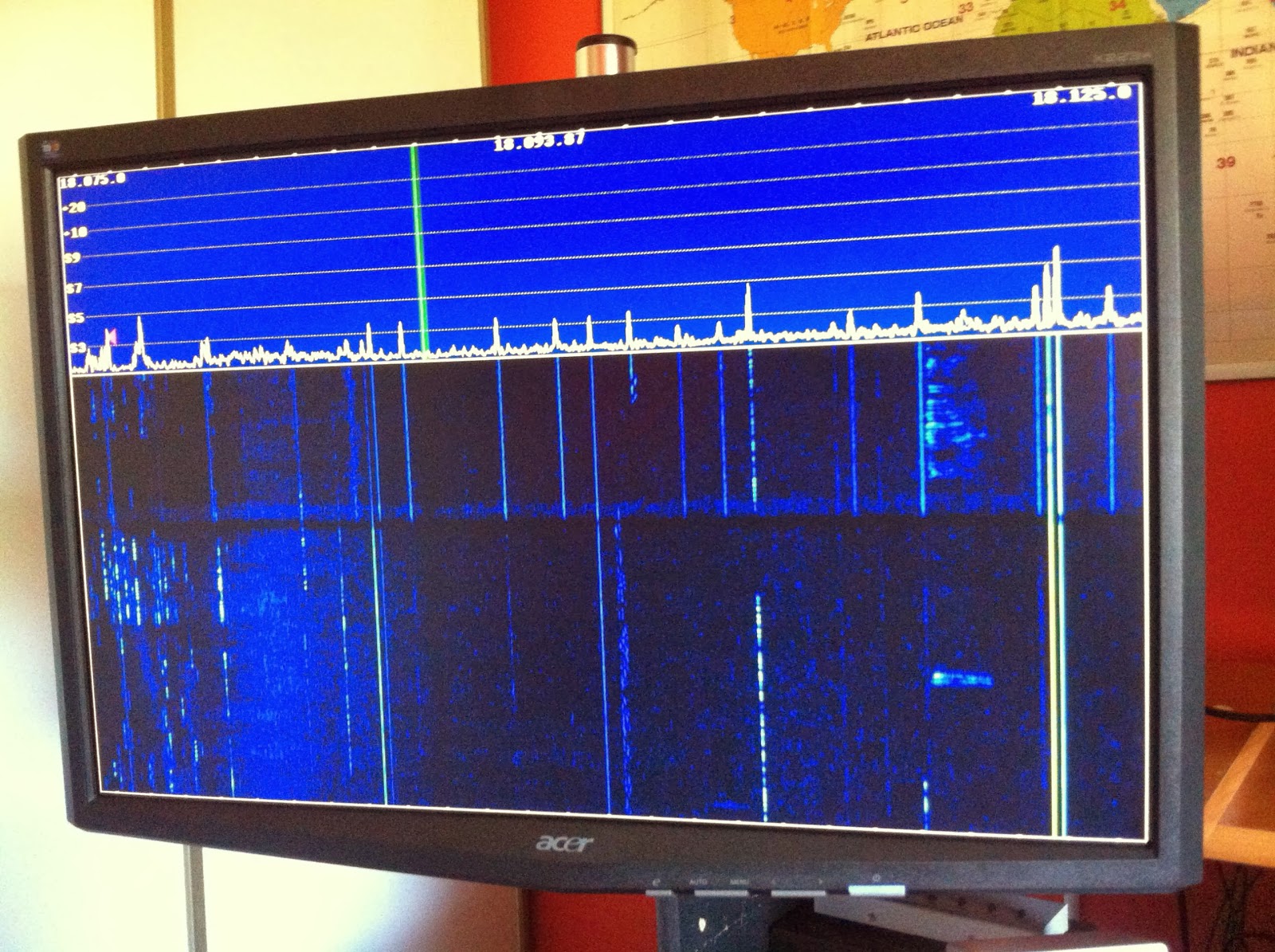 |
| Man made noise on the band |
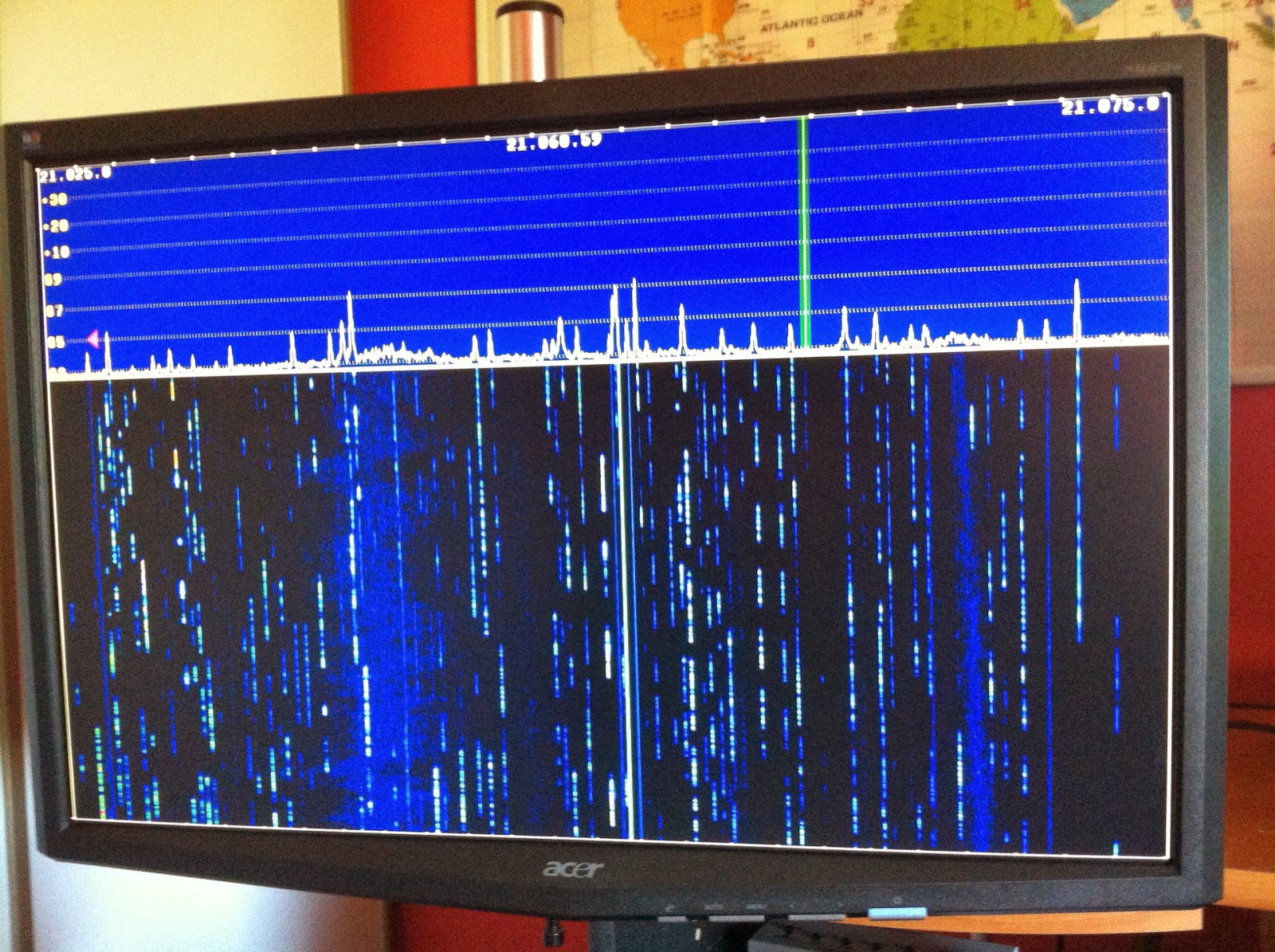 |
| A nice bandwidth with the loop |
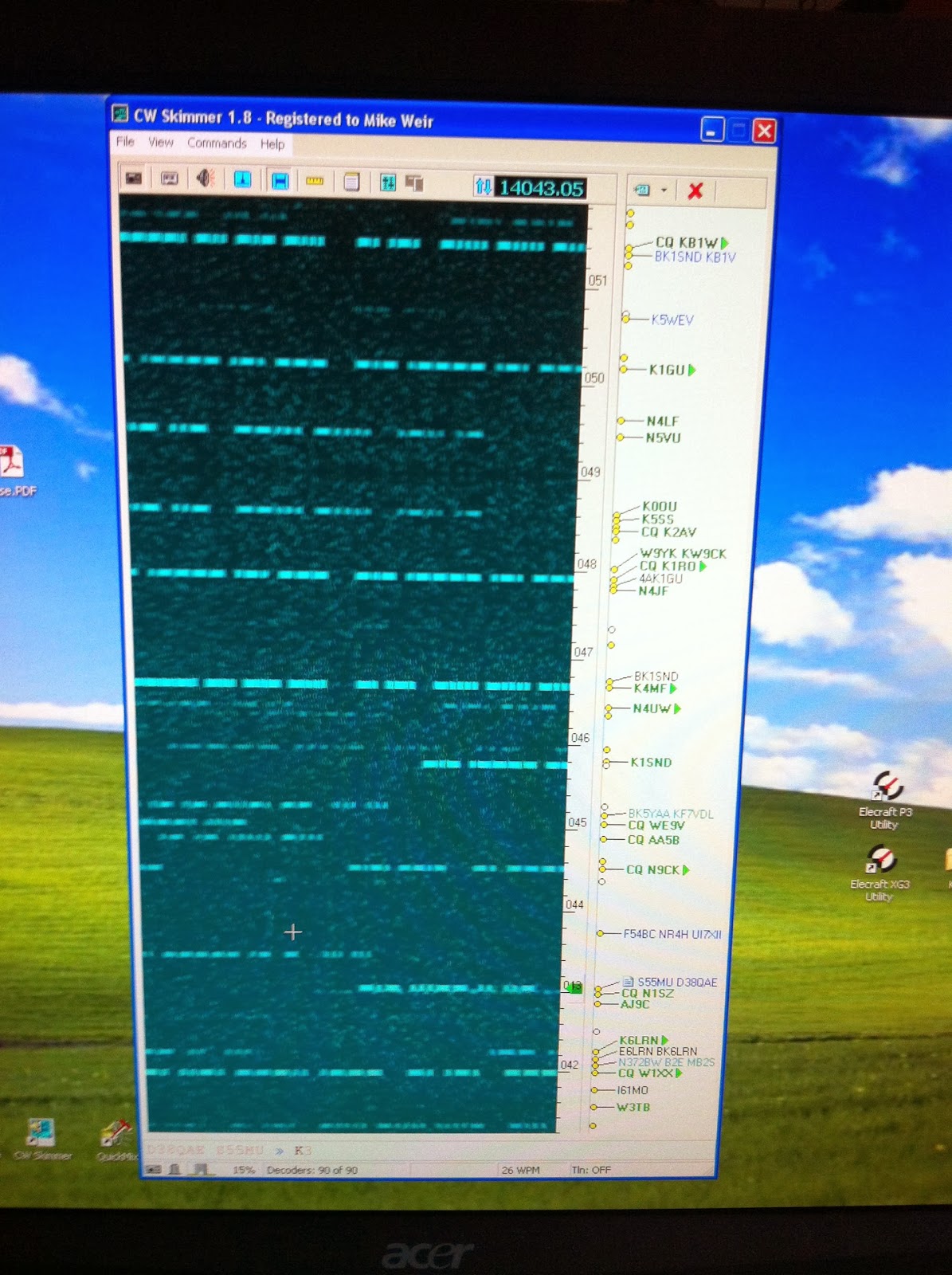 |
| Skimmer showing the picture |
Repeater work on Sandia Crest
I had the opportunity of a lifetime to traverse through the nation’s most RF dense mountaintop towersite, and possibly reduce my chances of having children by a large amount…in any case, today’s work was bucket loads of fun.
 |
| Towers lining the crest. [Wikimedia user Skoch3, Photo] |
The work at the site was simple — some regular maintenance to the W5MPZ D-STAR repeater and gateway.
So, I got up early and headed off to Ed’s (KA8JMW) place to pick up the caravan to the peak. We packed the truck with some server rack shelves and tools, and headed to pick up Brian (N5ZGT), then Chris (NB5T).
And then, the 10,768 ft (3,255m) summit.
The road was blocked by the Forest Service since the park was closed due to fire danger. Thanks to some prior planning, we had no trouble getting past.
And not two turns in to the curvy mountain road, we meet our first deer, head on. Thanks to Ed’s quick foot on the break (maybe he was practicing for QLF?) the deer zipped across the road, perhaps only with a bruised tail.
We were warned that with the lack of humans, nature tends to take over a bit
The one thing I though of going up the road is, what if you had this road all to yourself (like we did then) with a nice, fast rally car?
I think deer would have a problem with that.
Anyway, we got to the top, and met the first obstacle:

Chris dispatched the lock on the well-signed gate and we were in. At that point, we had entered the danger zone; the steel forest. With at least 26 FM stations, almost half being over 20 kilowatts, 33 TV stations, more than half over 100 kW, and an uncountable number of microwave dishes, log periodics, yagis, verticals, radomes, funny looking phased arrays and dipoles supported on dozens of massive towers, I swear I could hear KOB in my teeth.


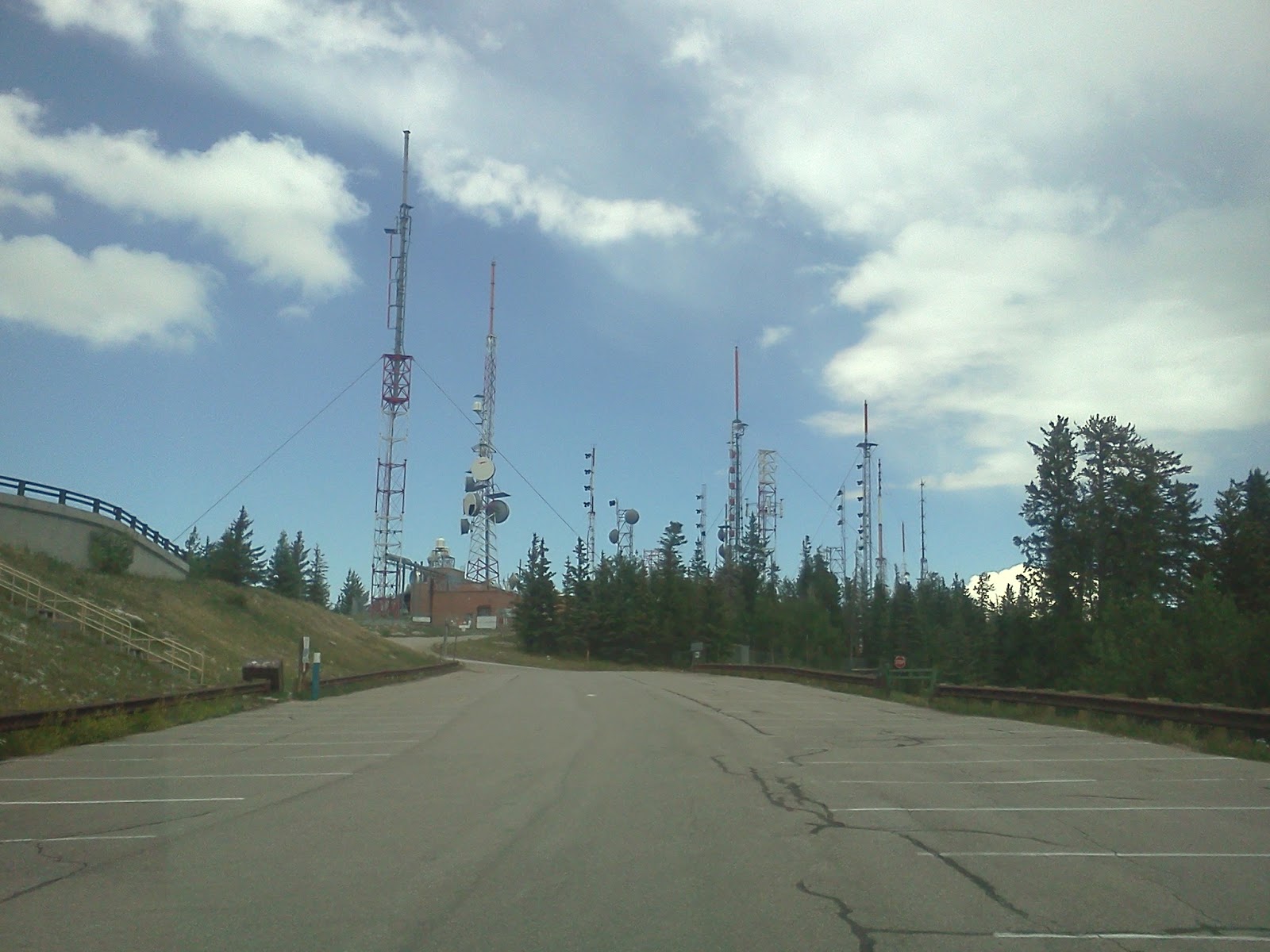
After driving through the entire site, we arrived at our final destination: the Sandia Nat’l Lab’s personal radio playhouse.

The guys began working on equipment, while I snapped photos and gazed in awe of the city of Albuquerque all within my field of view.
 |
| Chris, Ed, and Brian “working.” |

Brian took the job of tightening the D-STAR antenna, which he did adamantly, without falling, thanks to his fancy harness. It’s funny how dinky that antenna seems, but being over 3,000 ft ( 914m) above the rest of the world, it can see almost 100 radio miles (150km). With my 40w mobile radio, it comes in full signal in Socorro, NM, 75 miles (50km) away.
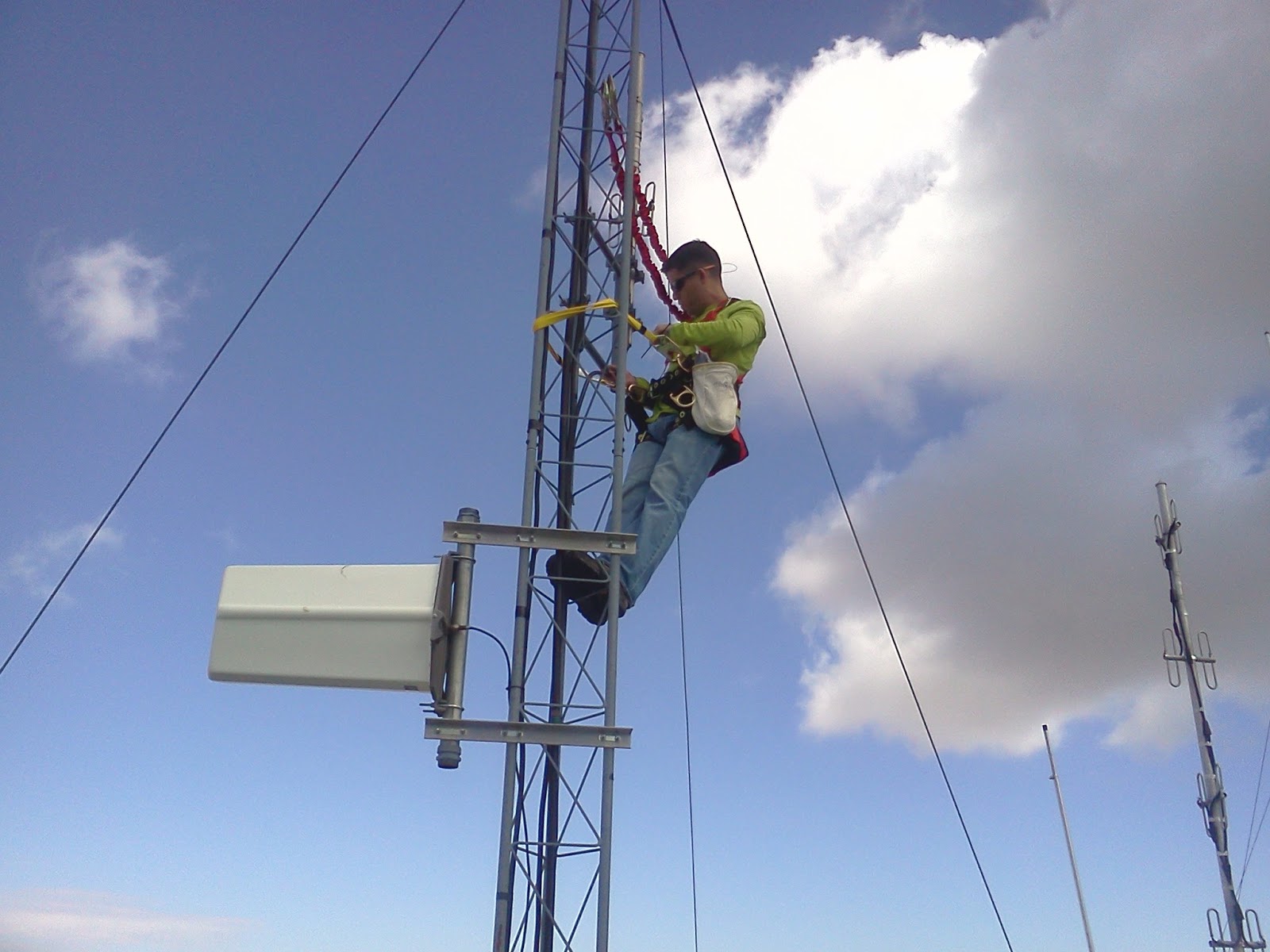
The team was successful of getting things done, cleaning up the shelves of an obtrusive monitor, keyboard and mouse (by going SSH only) and installing a NetIO internet-controlled AC power killswitch.
 |
| Before… |
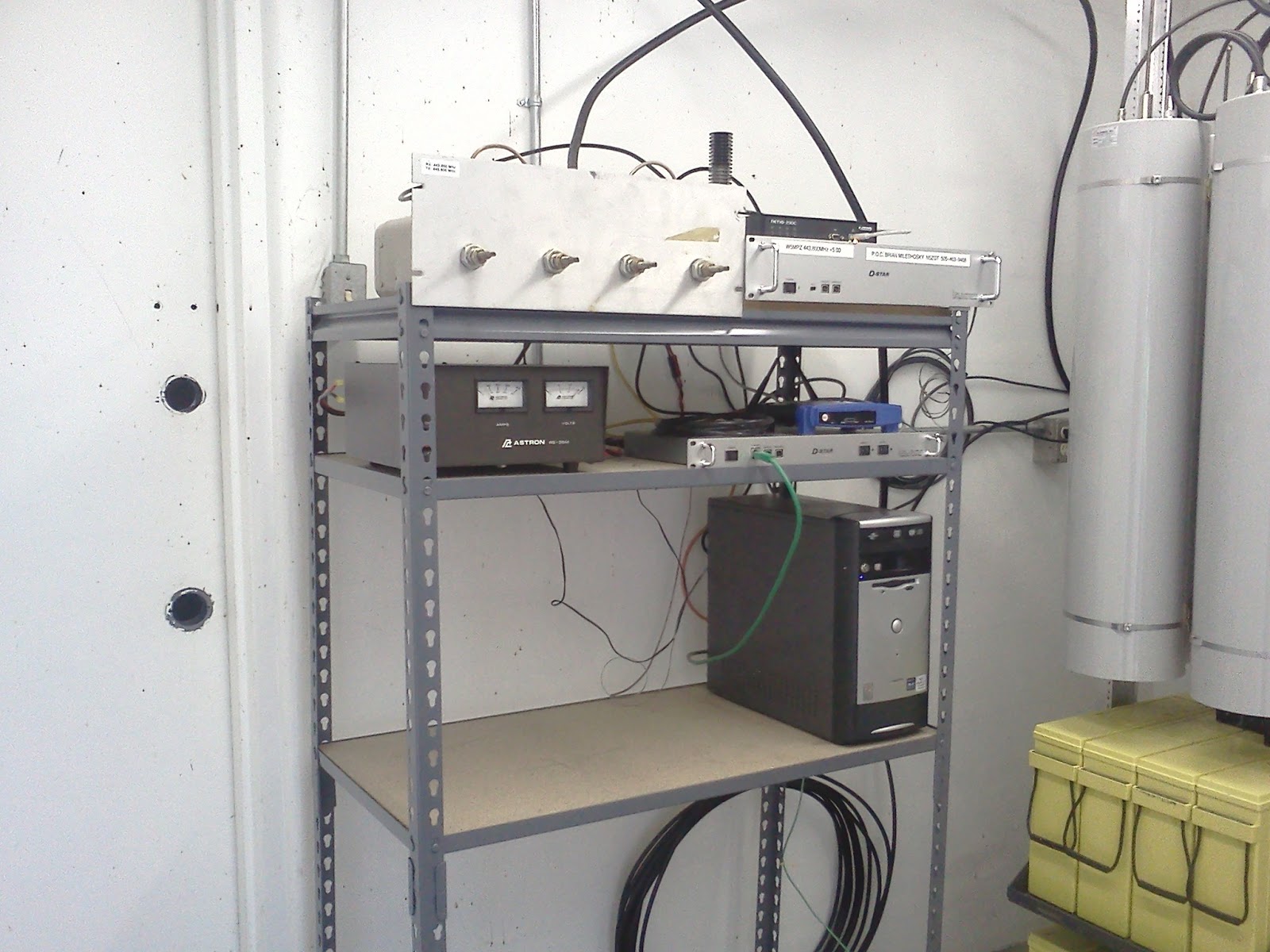 |
| After. Notice the new black box on the top right. That controls power for the whole thing via the web. |
The work was complete right on the dong of noon, and we had ribs for lunch. YUM! After that, Chris’s wife treated us to some homemade ice cream at his place, and we toured his shack, nestled on the edge of a HOA-restricted subdivision. That doesn’t stop him from loving ham radio!
Next on the list is to move this stuff to its permanent home on server racks. Sadly, I won’t be here, with only two weeks left in my VLA internship. I don’t wanna leave! 🙁
I would like to thank Ed James KA8JMW, Chris Aas NB5T and last but not least, Brian Mileshosky N5ZGT for taking me on this mighty heighty outing. Perfect timing for knocking another thing off my New Mexico to-do list.
The only part I forgot on that list was to bring a spectrum analyzer up there. It would have probably blown up in my hands.
 |
| Me, Ed, Chris and Brian on the edge of the crest. |
A trip into the attic.
 |
| Alpha Delta DX-EE with balun. |
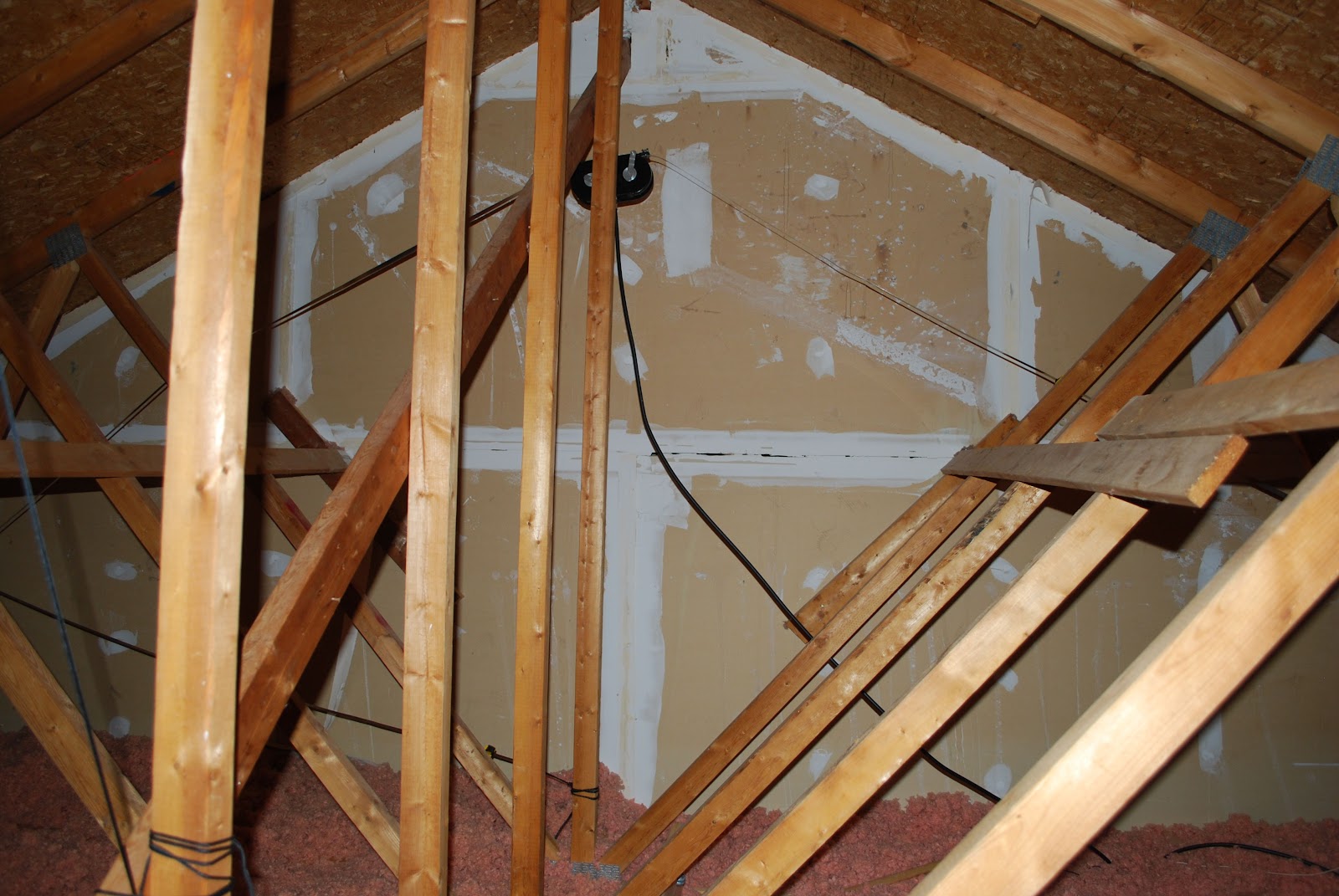 |
| Hy-gain noise antenna |
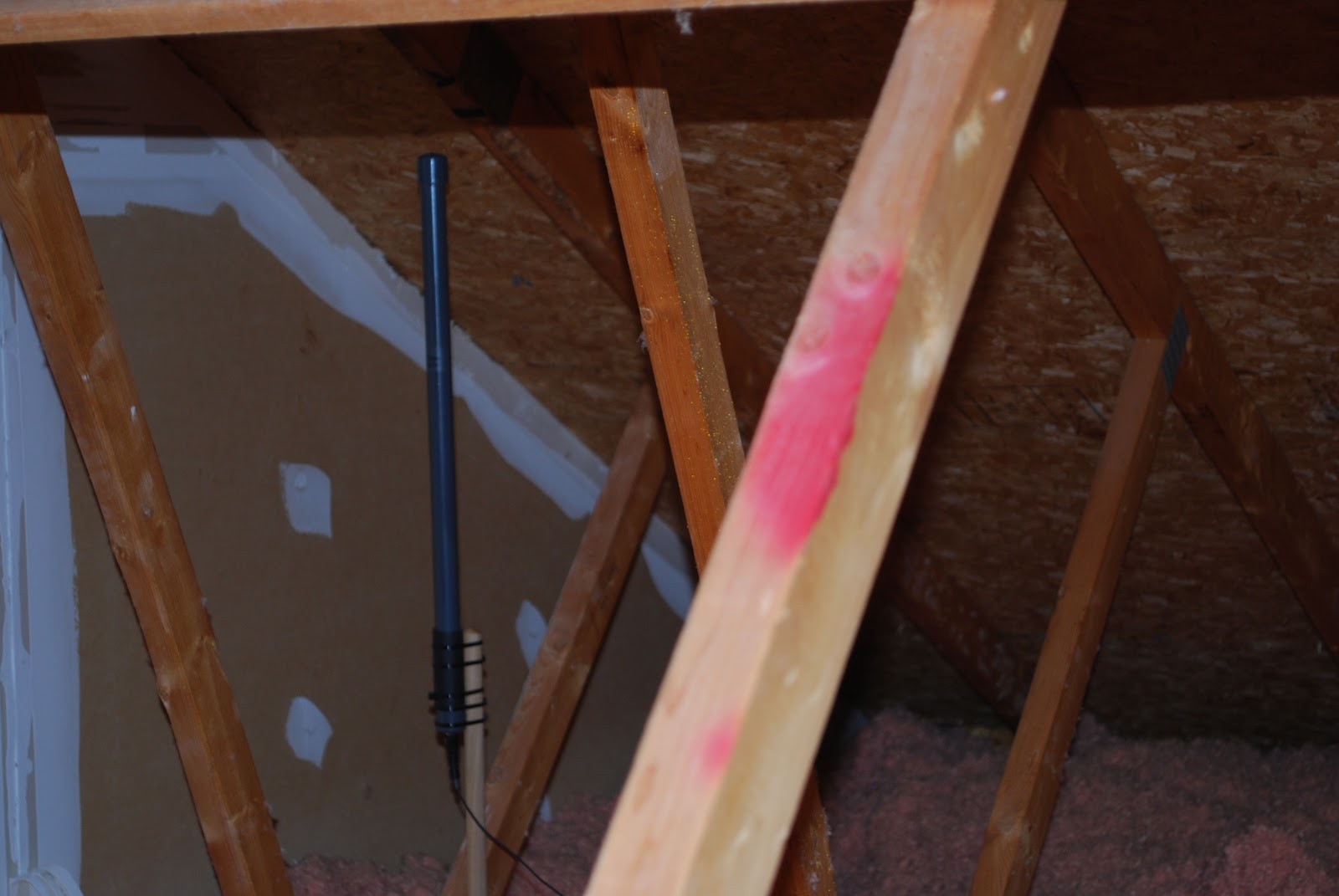 |
| H-900 active antenna |
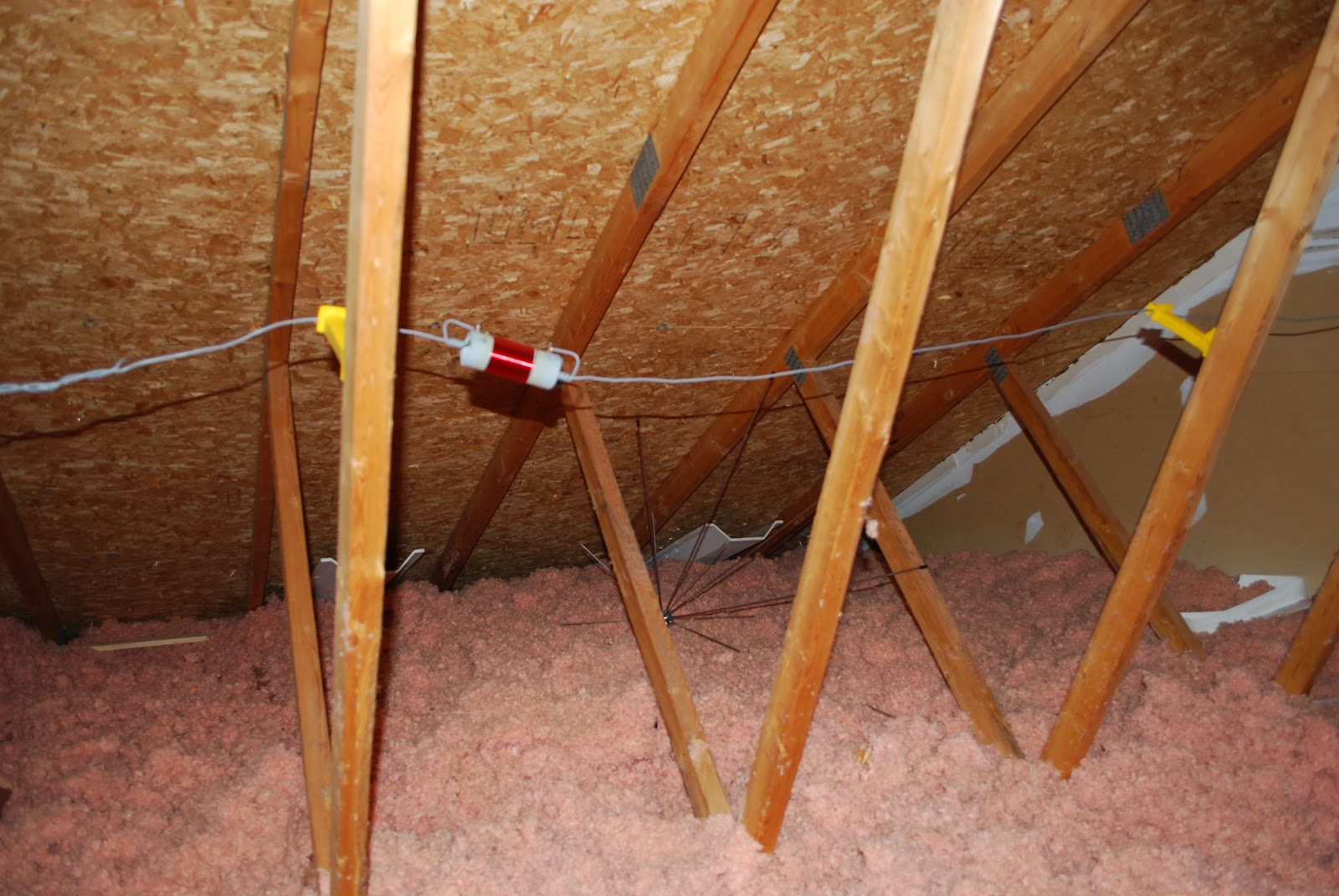 |
| Sagging 40m trap |
Don’t play Ingress at Radio Observatories
A few weeks ago, the IPG got some curious email from some ABQ-ians asking if they could play Ingress at the VLA to capture some GPS-based portals. If you’ve never heard of Ingress, think of it as geocaching with a Virtual Reality spin. Check out their website here.
Ingress is played on smart devices, which require data connections to operate. These data connections are fine and dandy unless you’re at the world’s greatest radio observatory; here they aren’t so dandy.
RF-EMS
Below is a screencap of our RF-EMS (Radio Frequency-Environmental Monitoring System) which captured two WiFi access points (the darker blotches) from an RV containing a Verizon 4G hotspot and another router for something else.
 |
| Your VLA on WIFI |
In the last blog I described the 10′ dish for pinpointing RFI. We also have a (usually) 24/7 monitor that uses some pretty nifty antennas and preamps on a 50′ tower, sending it to an HP 70000 Spectrum Analyzer in a RF-shielded room from which we can record and upload plots like the one above, every day for the past 5+ years.
 |
| RF-EMS Tower and Bunker |
The biggest downfall is adequate locating of interfering transmitters. Currently, I’m designing a method which will allow the IPG to quickly and accurately pinpoint people with any kind of transmitter, be it a cell phone, hotspot, or vehicle keyfob (if we wanted to locate such things). My idea is based on multilateriation, which uses multiple receivers around the site which compare arrival times to calculate a four dimensional location. Keeping the bill of materials as low as possible, simplicity, ease-of-use and network integration (without causing RFI itself) a prime focus.
It may be overkill, but it gives me something to do in the free time.
Other Doin’s: Testing out and Debugging the 74 MHz System
When I’m not having free time, this is what I’m doing. A new feature of the Expanded-VLA is observations on the 4 meter band. The current system in place uses these simple crossed dipoles hoisted a few meters below the sub-reflector.
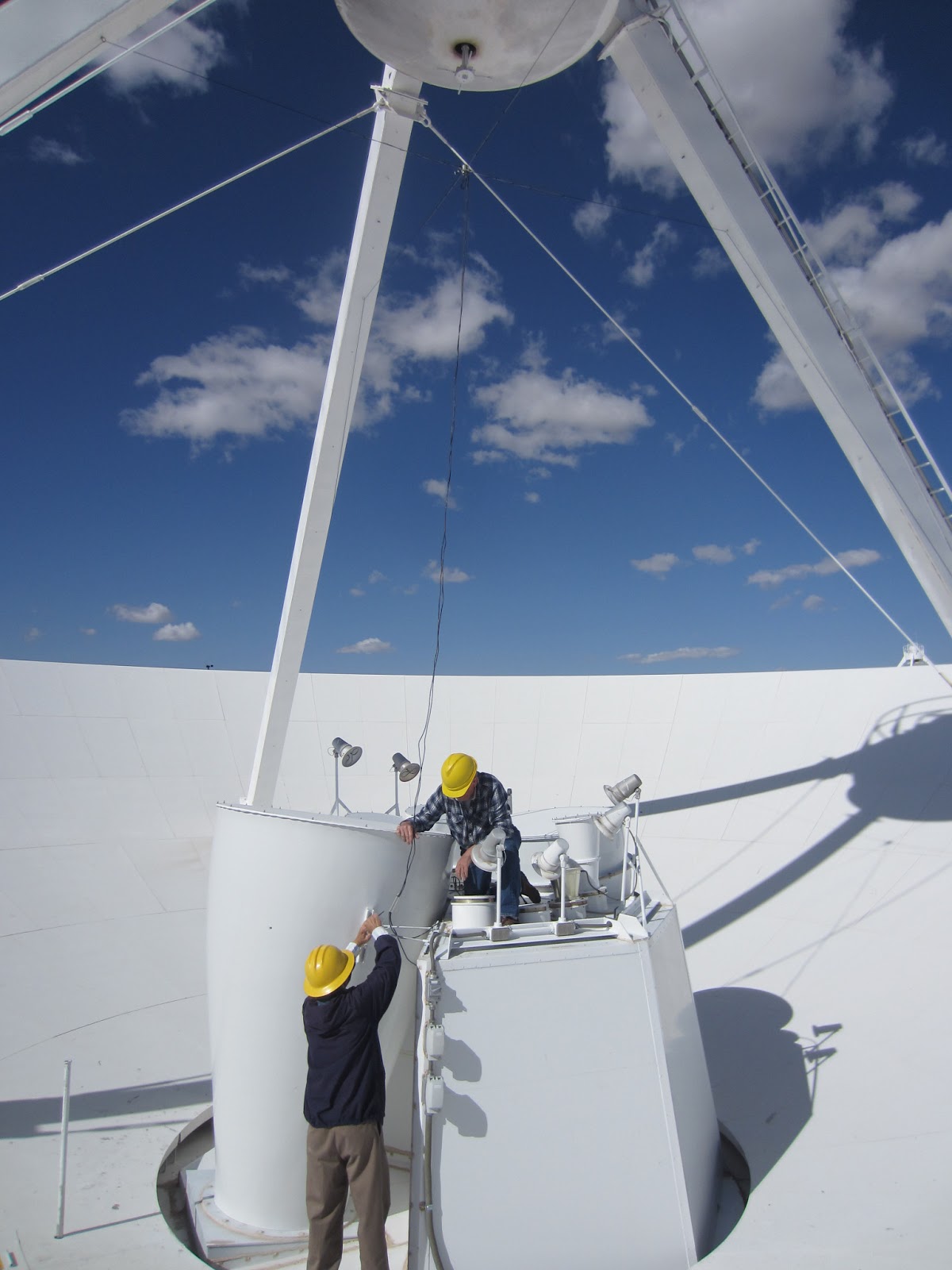
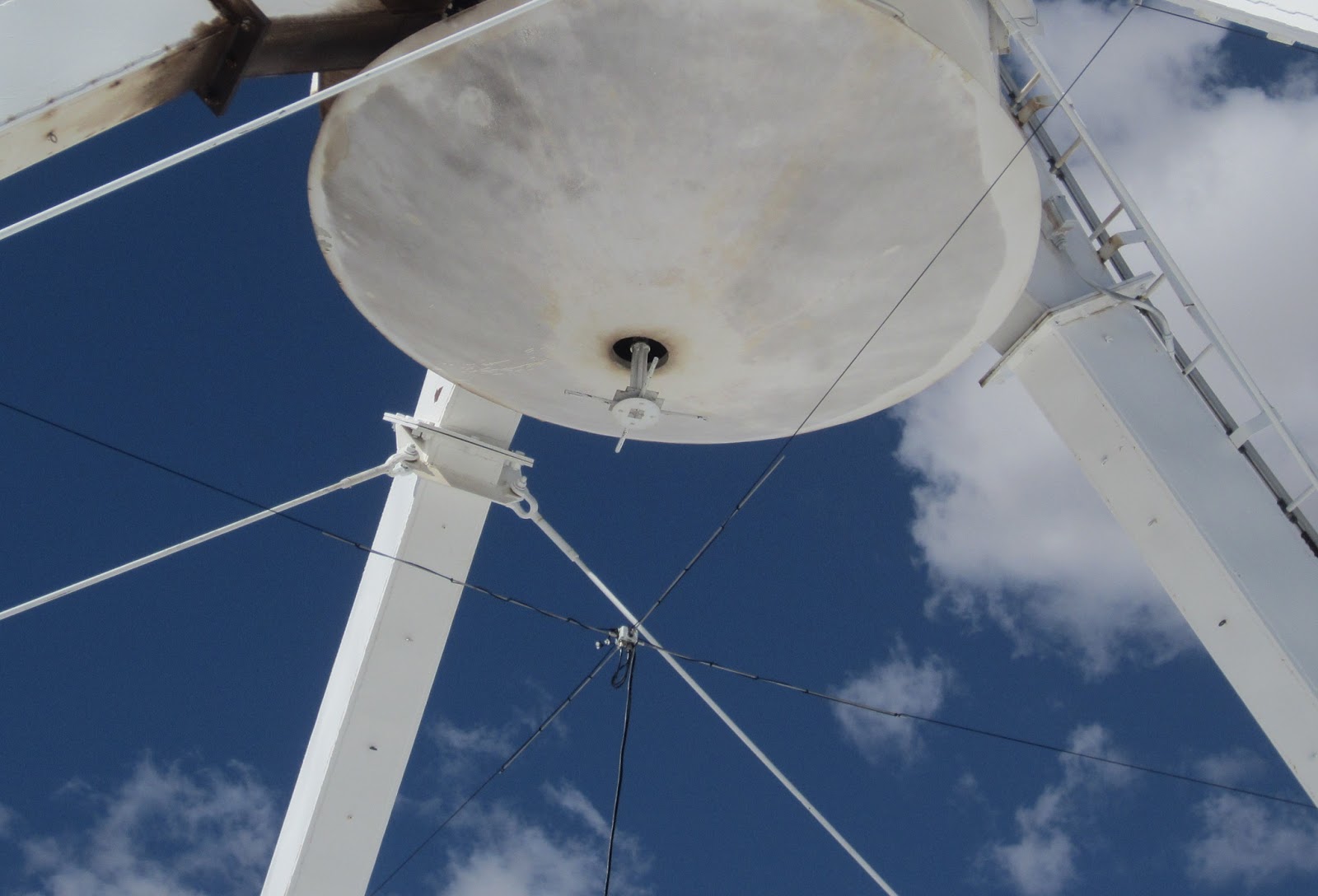
The cross dipoles connect to our receiver, which hooks up to the rack that magically digitizes the signal and turns it into pulses of light which the correlator feeds upon.
One of the problems we face are things broken that don’t have to do with our antennas and receivers. For example, the first test we do to examine the receivers performance is a band pass plot. Often times, we see something like this:
 |
| A bad bandpass plot caused by a faulty relay in the T301. |
This is ugly! What we want to see is this:
 |
| A beautiful bandpass! You can see 4 band on the left, and P-band in the middle with RFI spikes all over. |
First we go digging in the LO-IF and FE racks for a place to stick a spectrum analyzer to…
|
| Eric the BAMF next to the LOIF and FE rack. Our culprit is on the left, in the middle of the top rack of modules |

And from that we figure its’ this T301 which does the first IF up-conversion from 0-1GHz to 1-2GHz.
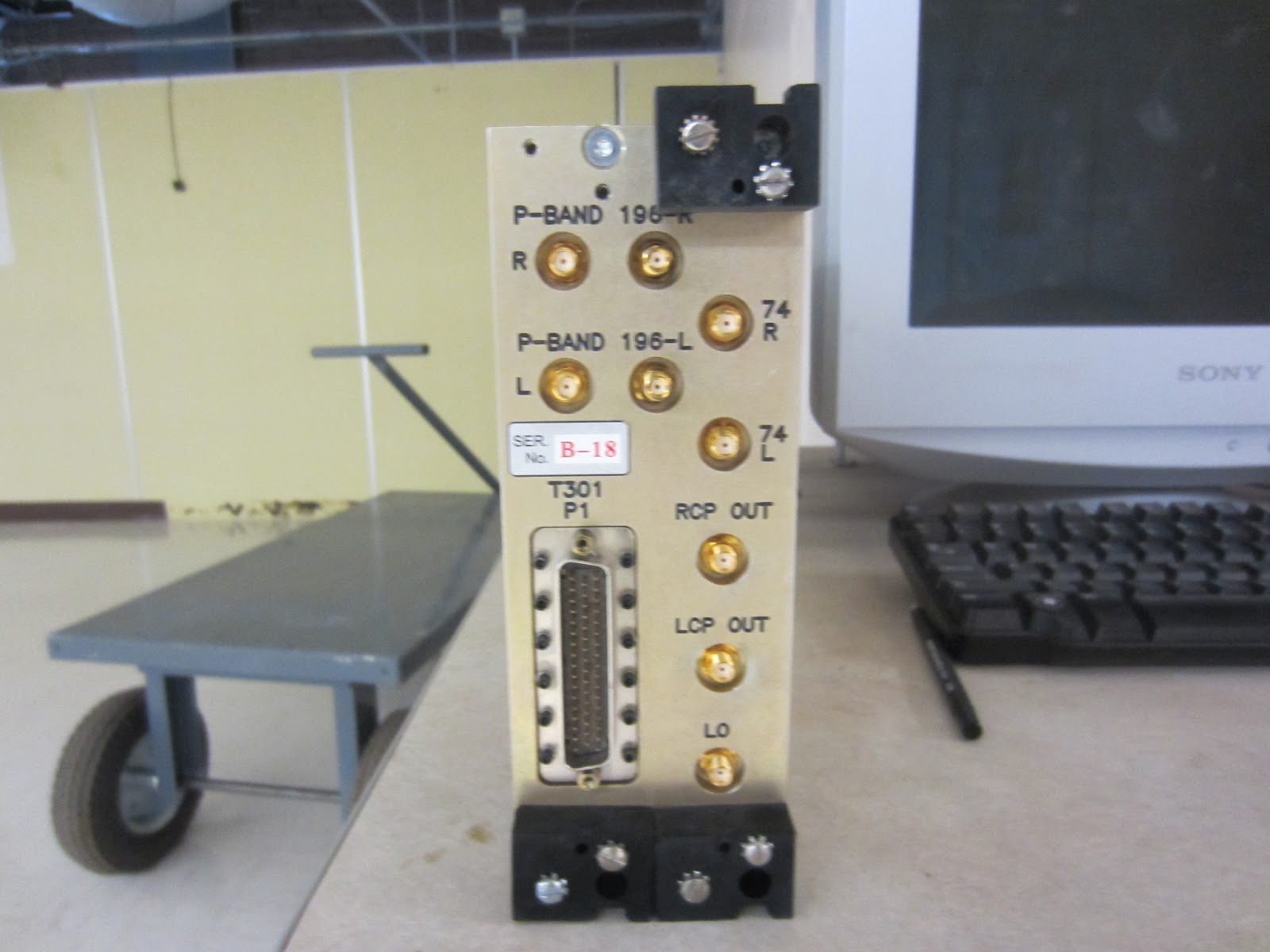
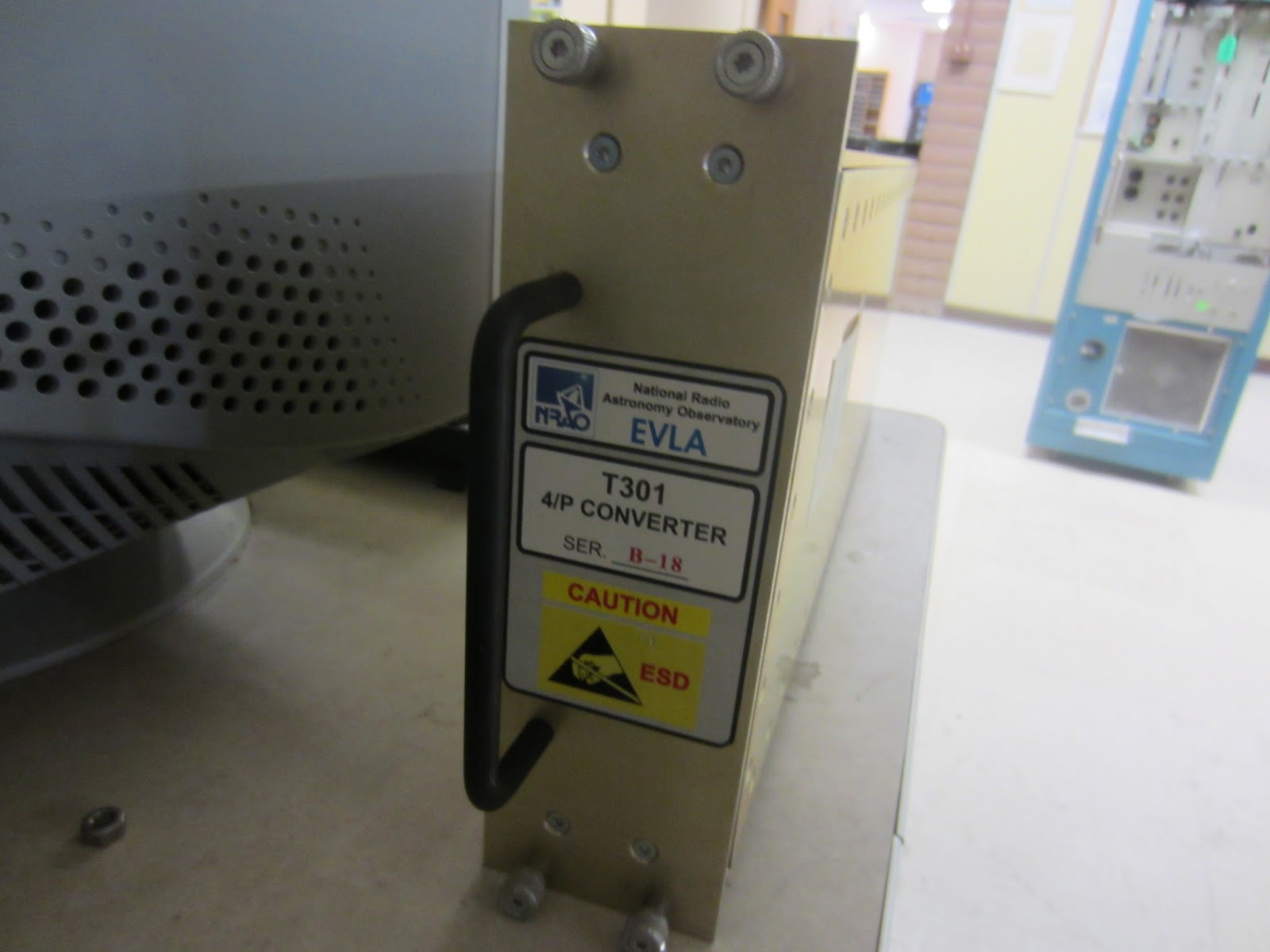
We get a new one, stick it in, turn it on and voila, it’s alive!













