Posts Tagged ‘Computers’
 Haunted?
 February 27th, 2015 |
  Author:
 You know the story. The other night, I loaded the latest version of TQSL for LotW and requested a new call sign certificate from the ARRL. The certificate came, I tried loading it, it wasn't recognized. I tried re-booting the computer several times - nada. I uninstalled TQSL and re-downloaded it and re-installed it. Zilch.
I e-mailed the League and described my problem. They kindly sent me an eleven page .pdf file, describing what to do with troublesome call sign certificates. I was going to un-install TQSL again, delete my certificates and start from scratch. But then I got this nagging little feeling. Give it one more shot, a little voice said.
I successfully signed and uploaded my ADIF file to Newington, without so much as a hiccup, burp or hitch. I did NOTHING new, different or out of the ordinary. Tonight it worked like a charm, when the other night nothing worked. Then I took a look at the certificate properties. "Successfully loaded 2/23/2015" or words to that effect. What? But that's not possible! At least that's not what it was saying the other night! The other night, the certificate couldn't be found!

Excuse me while I run out for some Holy Water. Computers are dark magic and evil. Either that, or I have just crossed over into the Twilight Zone.
72 de Larry W2LJ
QRP - When you care to send the very least!
ARRL CW Contest done QRP style
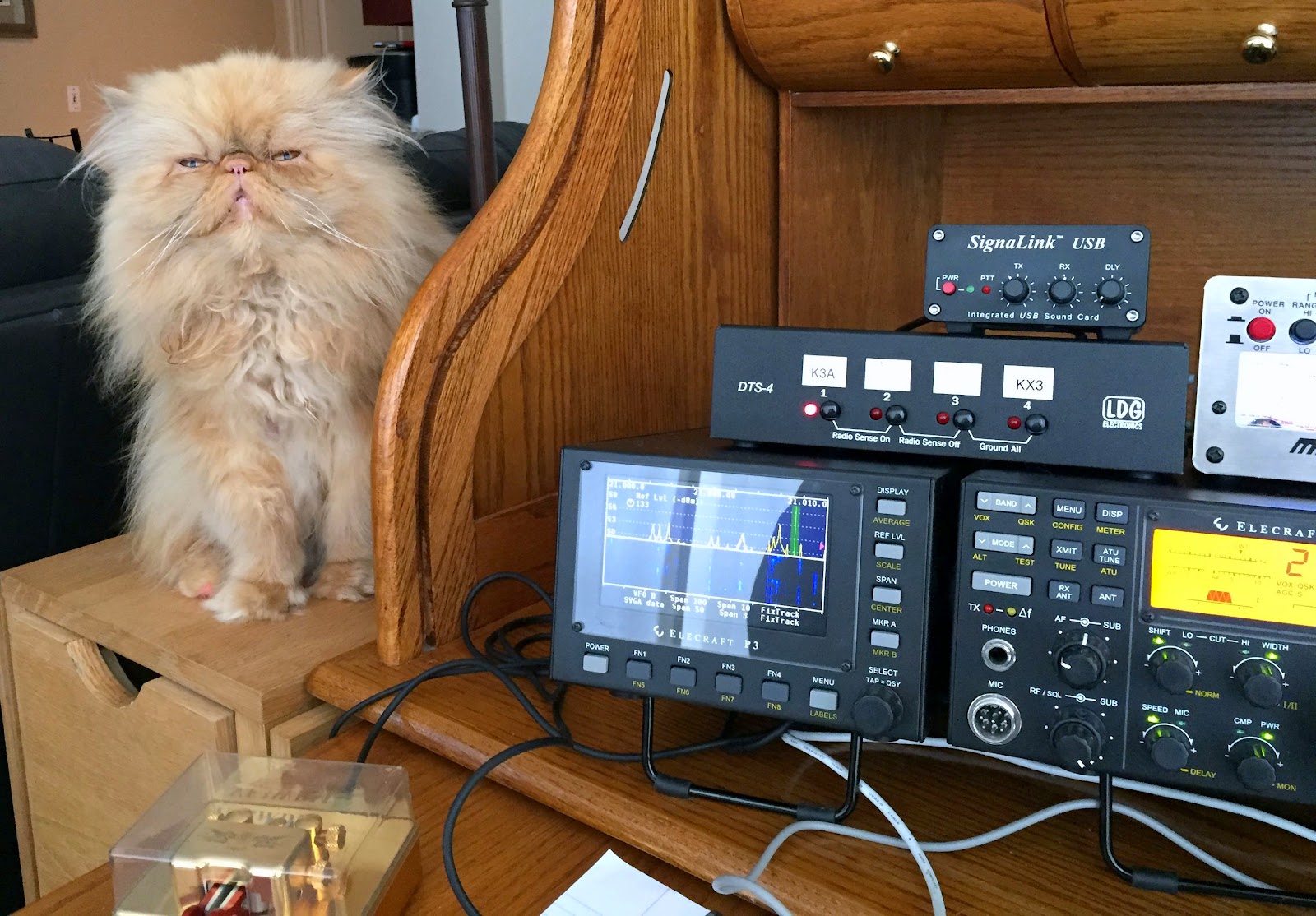 |
| Oliver is asking……"Ahhhh dinner!!! |
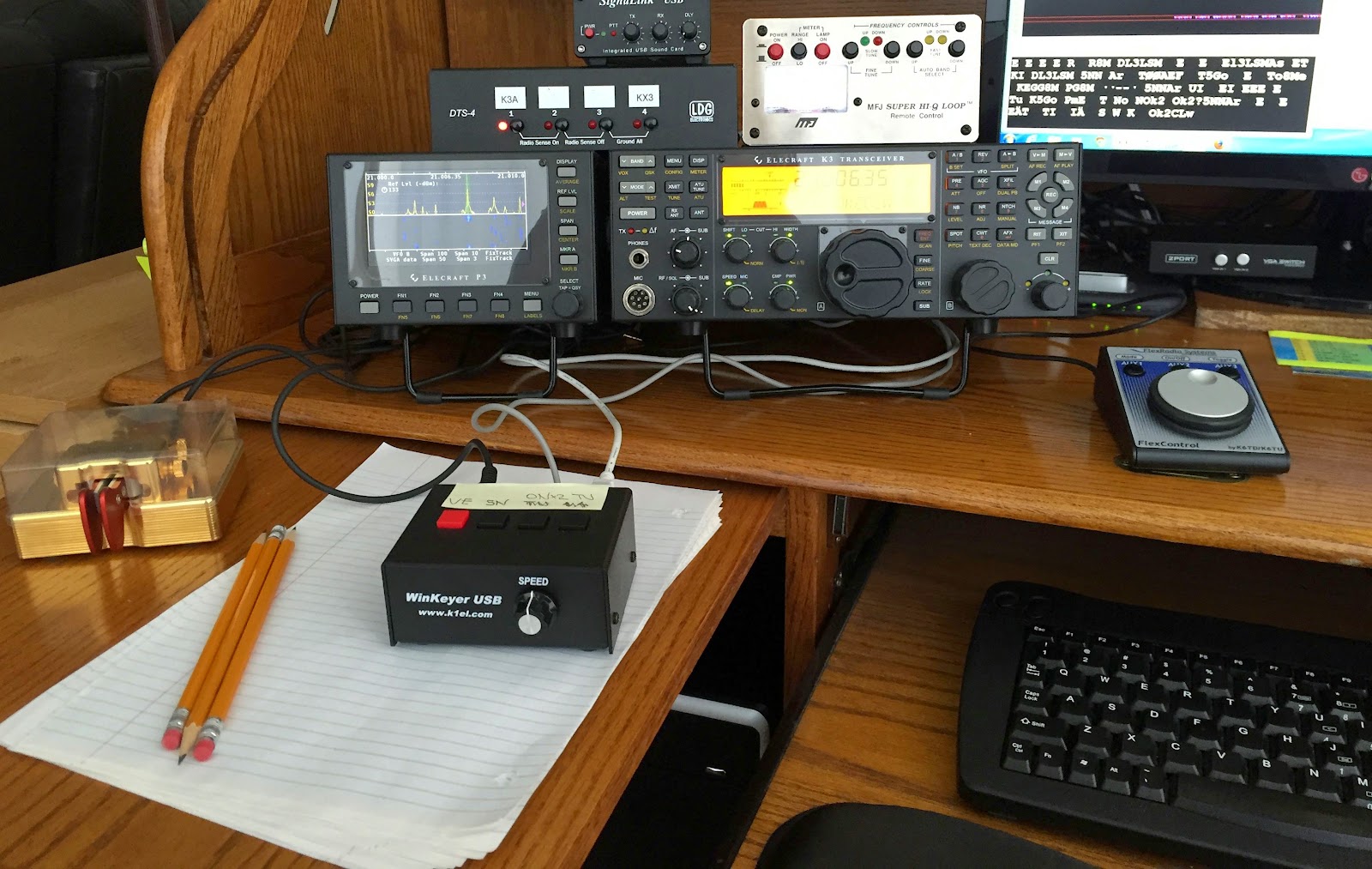 |
| The rig setup |
Score rundown is as follows
Contacts DXCC's Points
81 39 9360
The equipment used was the Elecraft K3 with 500,400 and 250 inrad filters, the Elecraft P3, Begali Contour Key and the Flex control external VFO knob and last but not least the MFJ 1788 Magnetic loop antenna. The software used were N1MM+ contest software, N4PY rig control software and MRP40 CW code reader for the chain saw speed code. I never had Murphy pay me any visits during
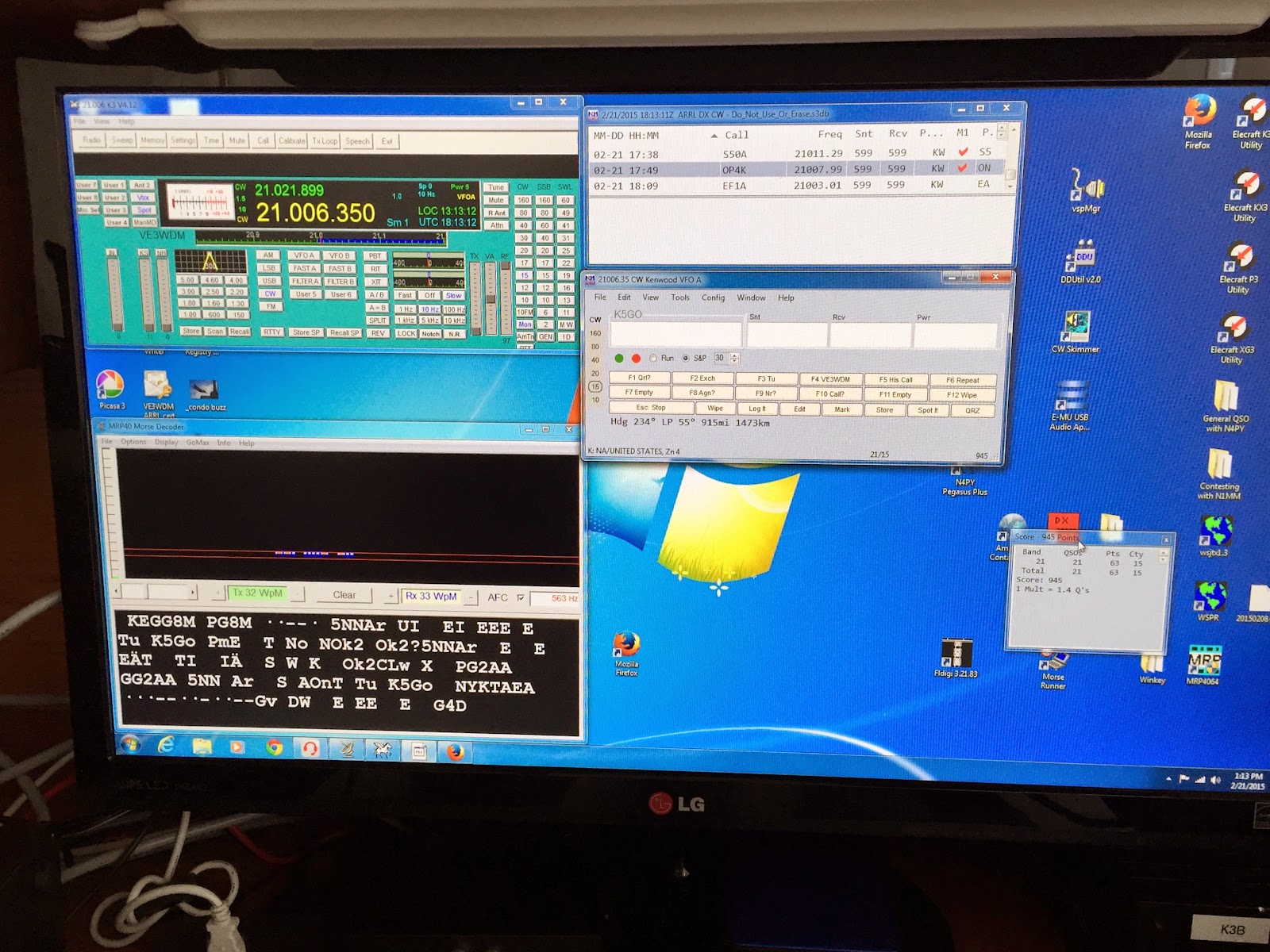 |
| The contest software |
Build a Zork Teletype Machine
I thought this linux teletype project was pretty amazing. If you have not heard of Zork, read up here.
Are there any amateurs still running old teletype equipment for regular RTTY QSOs?
Sunday radio time.
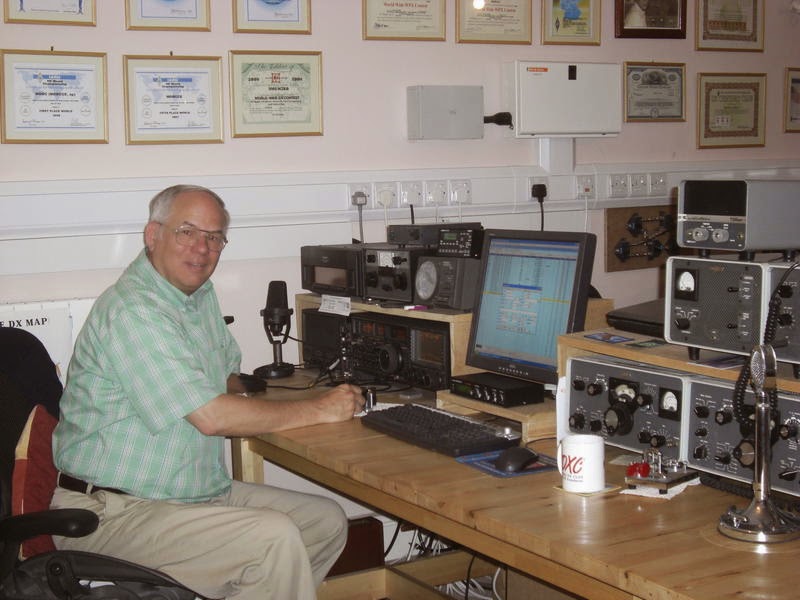 |
| MX0CCE Bob |
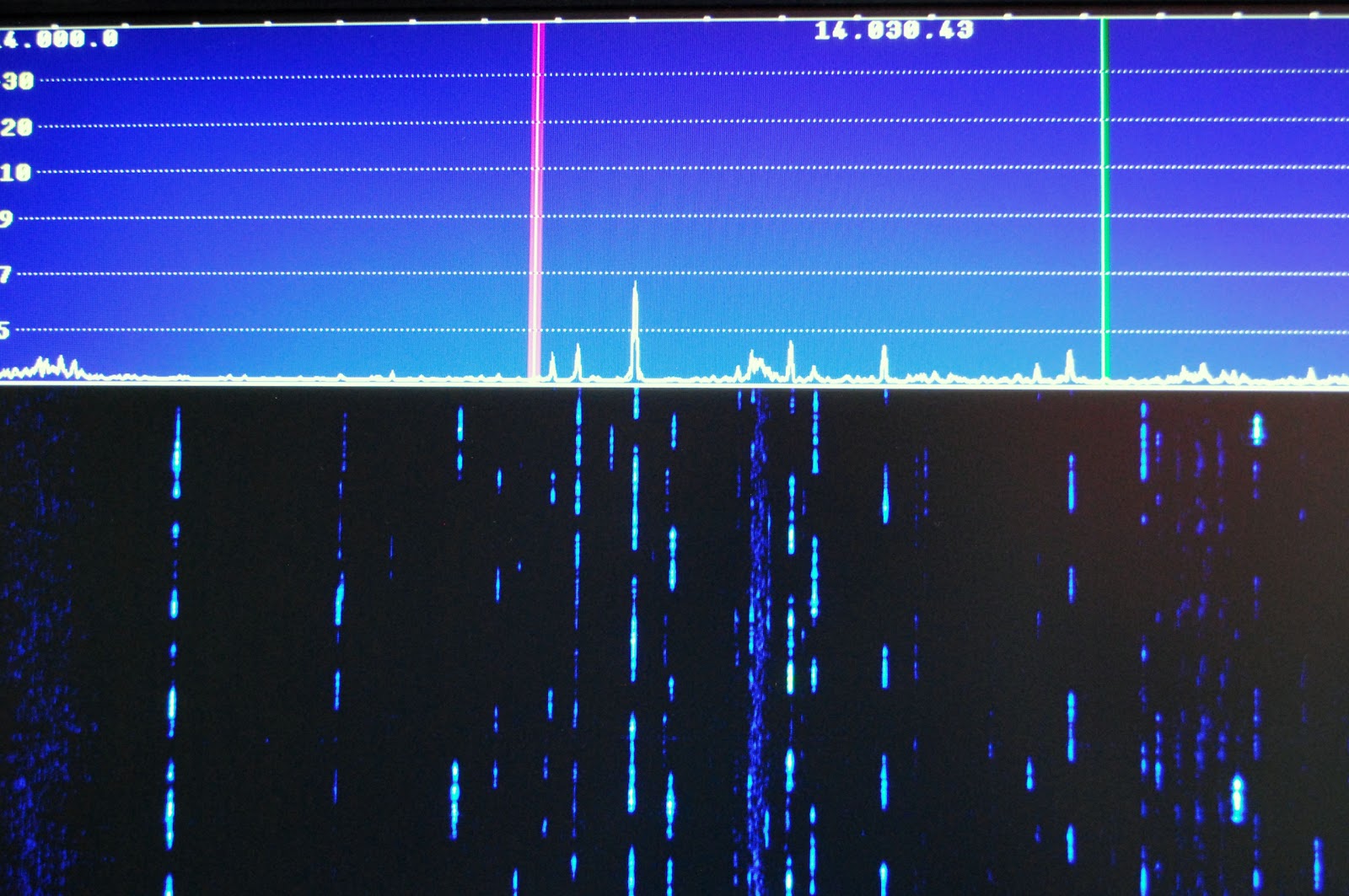 |
| Not much going on |
What’s up with Microsoft Hotmail?
I had the Hotmail cop's send me a "code" to my Gmail account and was told it was sent, well when I opened up my Gmail there was no "code" just a link so I clicked on the link. I was taken to a page that asked me to enter my Hotmail account that I was trying to verify. I thought I am in the home stretch so I entered my long time Hotmail account and was told "We're not ready for you yet, your account is still in the waiting period." WAITING PERIOD FOR WHAT!!!
When you move to a new address you can get the post office to forward your mail is there anything out there that allows my Hotmail emails to be forwarded to my Gmail account.?I have had it with Microsoft and the "code" they want to send me so I can let them know I am who I say I am!!
Refurbed computers
In a recent post, I had mentioned how I had purchased two refurbished Windows 7 computers from the Blair Group via eBay. One was to replace the family computer that died, and the second was to replace my shack laptop that has seen better days and is in the throes of dying.
I just wanted to mention that so far, I am pretty well pleased with both machines. I spent $139 for each, which is a bargain when you take a look at the price of brand new computers today. But when you’re saving up for a new radio accessory (PX3), you have to save pennies when and where you can.
Each computer is a basic box with Windows 7 installed. You might consider them a bit behind the current OS curve, but for me, this was a step up from XP and Vista. These are very basic computers, with no fancy software bundles, and I like that. A lot.
I don’t need a fancy or overloaded desktop as everyone in the house does basic Web surfing and e-mail reading through tablets now, anyway. The family computer is now basically a homework and formal document machine and you all know what the shack computer is, more or less. If I get 4 or 5 years from each of these, I will be happy.
So if you’re in the market for an inexpensive, yet decent machine, check the Blair Group on eBay. They do a good job.
72 de Larry W2LJ
QRP – When you care to send the very least!
Mental gyrations
Yesterday, the bands seemed a little on the “light side” when I headed out for lunch. Both 15 Meters and 17 Meters had some signals, but it seemed like most of the DX stations were ones I have already worked before. So I decided to go to the 20 Meter QRP watering hole and put out a CQ.
I was answered by Bob AK4JA in Georgia. He was a solid 589 at peaks and he gave me a similar signal report. Here’s the thing – while I was using my normal 5 Watts, Bob was running 500 mW! And his signal was fantastic! While I am fully aware how QRP signals don’t necessarily equate to “weak signals” – even I stand up and take notice when a QRPp signal almost pins my meter. I kind of felt like this guy – remember him from TV commercials a few years back?

For those readers not from the US, the Department of Energy ran a series of public service announcements a few years back asking people not to be “Energy Hogs”. Normally, running 5 Watts can make you feel smug with that regard. Yesterday, using even 5 Watts made me feel piggish.
For the record, Bob was using a Yaseu FT817 to a dipole – and it was doing a fantastic job for him. His 1/2 Watt signal almost sounded like he was transmitting from a location just down the street.
When I got home a “new” computer was waiting for me. I purchased a refurbished Dell Optiplex 320 from the Blair Group via eBay. This was the same place from which I had purchased a Compaq to replace the family computer which died a few weeks back. For a very good price (under $150), I got a Windows 7 box to replace my shack laptop, which is not only an XP machine, but is physically on its last legs after suffering through years of “kid abuse”. I figured that it’s better to replace it now, while the laptop is still barely kicking, so I can access all the data that is still there before it totally dies. As it was, I was already using an auxiliary keyboard and monitor, so I only had to purchase the box.
So I ran through the Windows 7 setup with nary a hitch. But then, of course, comes the fun part. Getting all the important Amateur Radio programs up and running. I downloaded Log4OM and got that running. I followed the directions for transferring all my log data and configurations from the XP machine to the Windows 7 machine. Everything seemed to be OK – except the program wasn’t displaying any of my previous QSOs! Log4OM said they were all there, but it just wasn’t showing them in a visible way. It turns out that the W2LJ.sql database file needed to be in a different sub-directory than where it was located on the XP machine. Once I got that figured out, things were good. But for a while there, the little beads of sweat started popping out on my forehead while I started muttering to myself, “Where are all my QSOs?”
The next problem to tackle was downloading the KX3 and KXPA100 utility programs from Elecraft in order to get them running, as well as OmniRig for CAT control for Log4OM. Downloading and installing the programs was easy enough – the computer did all the work while I tuned around 20 Meters. The hard part was figuring out why the computer didn’t want to talk to the KX3 or the KXPA100.
For whatever reason, it didn’t turn out to be as “plug and play” as it sometimes is. Every time I tried to get the KX3 utility to talk to the KX3 – nada, zip, zilch. The radio and computer were acting like a husband and wife after a marital spat – not talking to each other. It appears that the KX3 was looking to talk via Com1 – but that was being used by another device. And when I hit the “Scan for Ports” button on the utility, that was all that I was getting.
That caused me to make a sharp right turn and head off to the dreaded Control Panel and even more dreaded Device Manager. For those of us who don’t consider ourselves to be all that computer savvy, this is dreaded territory. Kind of like walking through the Valley of the Shadow of Death.
But it was there that I was able to scan for hardware changes, open another port (Com 3) and load the drivers for the Elecraft KXUSB cable. After that, the KX3 and Log4OM and the utility programs and the Dell were all smoochy-smoochy like a newlywed couple.
Satisfied that I got the very basics covered, I looked up at the clock to discover that it was after Midnight. Holy cow! When you get up before 6:00 AM, post Midnight is late – very late! I still have to download and install Avast (one of the first things I did was to uninstall and trash Microsoft Security Essentials, which IMHO is useless). After that, there are a few more remaining Amateur Radio programs that I have to re-download and get running – like DX Atlas for instance. Then I need to transfer accumulated documents and photos from the laptop and then I can finally say “Good-Bye” to Windows XP.
And that, in itself is kind of sad, as I consider XP to be the most stable and useful platforms that Microsoft has ever come up with. If it wasn’t for the fact that my laptop looks like Rocky Balboa after a tussle in the ring with Apollo Creed, I probably would have kept it going for a while longer. However, time marches on and I suppose it’s appropriate to modify that well known saying – “Time and Microsoft wait for no man”.
72 de Larry W2LJ
QRP – When you care to send the very least!











