My memory is good just short!

DSP board version
When I installed my new synthesizer board in my Elecraft K3 I also wanted to take some pictures of the other boards that are in my radio. The reason for this is the K3 has many optional boards that can be added as the operator gets the funds or finds the need to add or upgrade a board. For this reason your rig can have a board with certain versions that go along with it. I have read on the Elecraft site for example a DSP board that is version "C" and above does not need a certain upgrade but the
Filters that are in the K3
boards below that can be improved  with an upgrade. So this begs the question what board do I have??? I really don't want to tear down the K3 just to see the DSP board version. Another example for me is what darn filters did I instal in the K3?? I won't go on and I think you get the idea as to why I took pictures once the K3 was apart. Now having said all this I have on problem that I would like the input from my Elecraft readers. When purchased my K3 I ordered it with  lots of options but since then I have lost the paper work detailing the options I ordered. Most if not all are very easy to see once you open up the rig.... but not the TCXO oscillator. I am not sure if I ordered the upgraded 1 PPM high stability or the stock unit? Below are 2 picture of what's in the rig now your input would be great!
The mystery TCXO

It’s been just too long since my last post!

New Elecraft synthesizer
Old synthesizer board
The time sure has been flying here at VE3WDM! I just can't believe it has been over a month since my last post. I have been off and on the radio more off than on, not sure why other than the evenings seem to get away from me. As for the weekends it's sunny out and the weather has finally changed from snow and cold to nice sunny days with great weather need I say more..........guess what I am saying is Julie and I have been out and about. My last post was when I modified the K3 and since then I also installed the new Synthesizer board as well. I have not even had a chance to really give the new addition to the rig a workout. I have been reading very positive reviews on the Elecraft user group site. I am looking forward to getting on the air and trying this new board out. This weekend the WPX CW contest is on and that would had been a great time to check out how this new and improved synthesizer board improved things!
The board installed in the K3


Elecraft surgery part 3 of 3

Back to life again
It's time to solder in the new P30 and P35 headers into the K3 then put the rig together hold my breath and plug it in! Now that the old headers are out and the solder pads are cleaned off I now want to fit each header into it's spot and see how they fit. Then I will solder them in and it's very important these headers sit flat on the board. Here is the process I use to solder the headers in, I first only solder the 2 outer most pins. This allows me to reheat the pads if the header is not flat on the board if you solder 4 or more pads at once it's very hard to reheat them if you have to reposition the header. Once I am happy the header is sitting properly on the board I then solder the rest of the pins to the board. I
Soldering end pins 
don't solder them one after the other but instead I solder every other pin and then go back and solder the other pins. I do this because the plastic that supports the pins do get hot. I found if you solder one pin after the next the plastic supports have melted on me. Once the top side has been soldered I then turn the board over and solder the bottom solder pads in the same manner. Now that the pins are in I take a break and then come back and take a very close look at the pins. I am looking for proper soldering job,

Imports of checking both sides of board
also there has been no flow of solder from one pad to the next. Finally that I did solder all the pins, I have had this happen in the past were I have missed a pin. This is why I take the break as I have found if I don't I end up seeing what I want and I miss the unsoldered pin because I want to get to the rig put back together and try it. Satisfied with the solder job its time to clean the solder pads and I use a tooth flossing brush with 99% alcohol. This cleans off any residue and the alcohol evaporates. With the new headers installed it's time to put the rig back together and do the smoke test. At this point it's very important to take your time as you put the rig back together. There is the excitement in getting the rig back together and see how it work! This is the time you forget parts, not tighten parts, rush and misalign parts. Great care has to be taken when mating up the new headers. I had all go together well and as you can see from the picture at the top of the post the smoke test went well.
Flossing tool used to clean board
New header lines up with front board. 

Part 2 of the K3 surgery.

It's time for the surgery
Beware of other components 
It was time to heat up the soldering iron, hold my breath and begin the surgery! First off you have to get to the P30 and P35 headers. Taking the radio apart is a very important step that close attention is required. Don't take short cuts, for example screws that are removed put them somewhere safe. When handling the rig use an anti static mat and wrist band. Finally when handling covers and boards be aware of fragile components, the last thing you want to do is damage components. Once the rig is apart I identify the components to be changed and made sure they really were P30 and P35. I then look at the parts Elecraft sent to me, last thing you want to do attempt to install an incorrect components. I now looked at the PC board and become familiar other components, wires or anything that I could damage when soldering. I have found in the past when concentrating on a very small section of a PC board you could at the same time place your very hot soldering iron close to sensitive comports and your not even be aware you are doing it. With my project today I had to move a wire that was close to P35 and I have to be aware of 2 components that
Front control head removed
Fume trap and soldering iron ready
are close to the pins on header P30. The first step is to cut the header pins right  the 90 degree bend and I am left with pins protruding from the board. With this completed I am left with pieces of pin sticking though the board that have to be removed. It's now time to setup my soldering station, fume extractor and solder feed station. What I do is hold the pin with my needle noise pliers and heat the solder pad and at the same time pull the pin out of the board. All but two pins came out which considering how many pins had to come out I was pleased with the results. I am left with solder pads to clean out (both top and bottom of board) and work on getting the 2 stuck pins out. The best tool to clean the solder pads is my Hakko 808 desoldering tool, it does a clean and fast job! With all the pads clean it's time to deal with the 2 remaining pins. I decided to trim the pins down close to the board and use the Hakko 808 to suck the pin out once it melted the solder. It worked great and I am now ready to install the new headers.
Trimming the header pins
The two stubborn pins
After using Hakko 808
Old out and new ready
The installation of the two headers is going to be part 3 of the post I have added some extra pic's or the removal of  P30 and P35

Doing surgery on the Elecraft K3 part 1

It's time for some surgery.
I contacted Elecraft to see what upgrades were available for my K3 and since my rig is not the 100 watt model it eliminated some upgrades. I have already done some modification upgrades to my rig already. There sure is something to be said for opening up your rig and waving a hot soldering iron over it for the first time. I will admit I never get used to the modifications that involve soldering. The next upgrade for my rig was replacing P30 and P35 which are headers. The new headers are gold plated and transfer data from the radio's brain to the rest of the rig. The new gold headers are more reliable and all new K3's are being shipped with these. P30 is a small 5 pin header but P35 is a 30 pin header! Before undertaking this task you need to have the "right" tools for the job. I am a firm believer that the right tools can be the difference between success and and the "oh my god" results. In this first post I'm going over the equipment I will be using.
First off an anti static mat with a wrist strap, when dealing with state of the art radios this is a must! A medium quality soldering station makes your soldering jobs a pleasure. I have the WellerWES51, this is a nice temperature controled unit. The tips can be changed out for varied soldering jobs and what's nice with this grade of soldering stations the tips heat up very fast and stay hot.
A soldering station would not be complete without some solder. I have in the past built the Elecraft KX1, 2 Elecraft K2's and at least 25 or more other projects having to do with ham radio. The solder I use is what's called SN63PB37. So what does this mean..........it's make up is 63% tin and 37% lead. This solder flows well and does not take real high temps to get it flowing. For the job at hand with my K3 I am using a diameter of .020. Also a good idea is to get a nice solder stand. The one I have was reasonably priced and allows me too gently pull and I have enough solder. I am not fighting with tangled solder or solder that keeps
rolling off the desk. When you solder there is smoke and it's a good idea to pickup a fume fan of some type. I purchased the Fume trap brand of fans. It works great and keeps the fumes away from you breathing them in.  You then have the hand tools that again have to be chosen and purchased wisely. You don't have to break the bank but don't go for super cheap. For this job I will be using my screw drivers, tweezers and diagonal cutters. Finally with this project I have to remove old solder from the pads that are on the K3's PC board. This is a part of the project if things go bad they can go really bad! In the past I have used the hand held spring loaded desoldering pump. They are ok but not great, I took the plunge and purchased the Hakko 808 desoldering tool. This has been one my best investments! This are most of the tools that I am going to be using and for this post that's about all I'm going to talk about. My next post (part 2) I am going to get into the steps I used to change P30 and P35 headers.


Out and about with my KX3 radio

The KX3 being used in my lap.
It's the Easter weekend and I normally get the Friday and Monday off work but this year I decided to also take the Thursday and Tuesday. Today was to be a great day with the temperature in around 17C the forecast was for sunny skies in the morning and early afternoon but then rain rolling in for later in the day. I decided early in the week that with the nice weather I was going to make today an outdoor radio day........well from the car just a bit muddy and wet to setup outside just yet. I took  my Elecraft KX3 and some mono band HF whip antennas that attach to a mount on my car. I set my sights on 15m and the conditions seemed great and the DX was rolling in. For the time I was on the DX contacts that I made were:
1. I1YRL from Italy and Luc was very strong and no fading what so ever. While talking to him I found out that in the summer of 2014 he and his wife visited Toronto. Luc gave my 5 watt QRP signal a report of 579. Luc was very surprised I was QRP 5 watts using a mobile whip from my car. 
2. EG90IARU/5 this was a special event  again they were booming in and I was able to make the contact on my first call. This was a very fast contact with the usual 599 report.
3. IT9NJE and Gene again from Italy gave me a 549 signal report.
Over all I was very pleased with my hour on the radio from the car out in the park. I was happy I did not have any Murphy moments but I did have an "old age" moment..................I installed the 15m mono band whip antenna on the car. For some reason (old age) I set the KX3 to 20m and could not understand why the antenna tuner was needed everywhere on the band! Then in occurred to me I was on 20m using my 15m antenna. Once that was sorted out the morning went very well.

VE3WDM is back into QRPp very low power contacts!

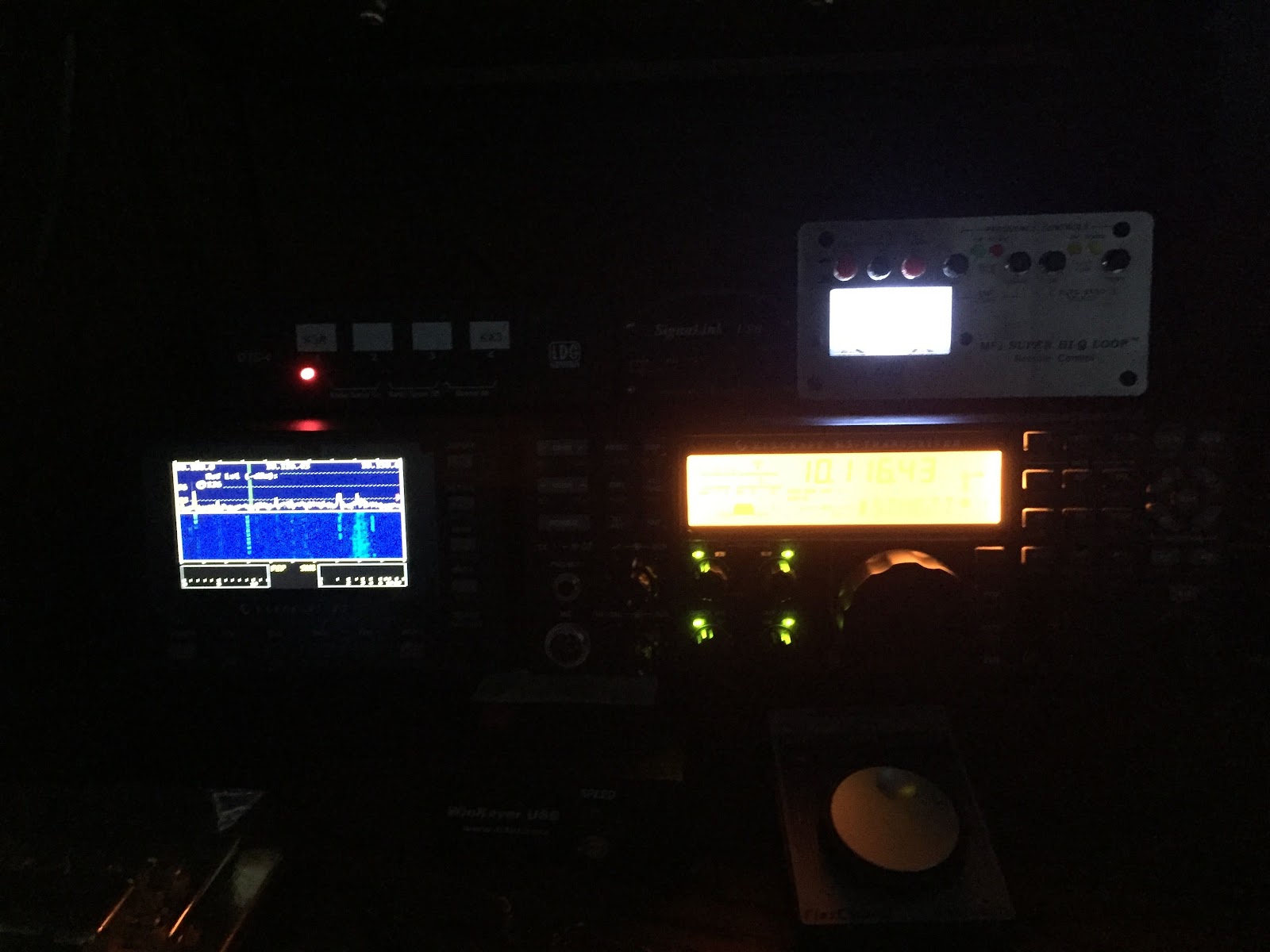
I was feeling under the weather this weekend and thought it would be nice and relaxing to spend some time on the radio. It so happens a CW contest was in full swing the Russian DX contest. I was not into competing but just handing out points. The propagation conditions this past week were a struggle to say the least. Today the conditions were on the rebound a K index of 2 and the Sunspots were in at 27 and the solar wind was still up at 615. I parked on 15m and there was lots of DX rolling in for the contest. I made only 7 contacts for Saturday (so far) most were done with QRPp power! I was very pleased that my condo antenna was able to get out to make some great QRPp low power contacts. My K3 is only able to get down as low at 100mW's silly me I sold my attenuator thinking my contacts under 100mW's were over! I was able to make 3 contacts at milli watt power, 2 contacts at 1 watt, one contact at 3 watts and finally 5 watts. My first QRPp contact in the contest was K5WA in the states, my next QRPp contact was with EA3CX in Spain. Then finally F5IN in France with 500mW's of power.
The 7 contacts break down as follows
1. F5IN          500mW          7,500 miles per watt
2. K5WA       100mW         13,213 miles per watt
3. EA5CX     100mW         39,956 miles per watt
4. DK3QZ     1 watt             3,818 miles per watt
5. DL0AO     1 watt             3,818 miles per watt
6. HC2SL      3 watts            
7. ZF2DX      5 watts

Subscribe FREE to AmateurRadio.com's
Amateur Radio Newsletter

 
We never share your e-mail address.


Do you like to write?
Interesting project to share?
Helpful tips and ideas for other hams?

Submit an article and we will review it for publication on AmateurRadio.com!

Have a ham radio product or service?
Consider advertising on our site.

Are you a reporter covering ham radio?
Find ham radio experts for your story.

How to Set Up a Ham Radio Blog
Get started in less than 15 minutes!


  • Matt W1MST, Managing Editor