Time to look inside the MFJ 1788

Taking a close look at things
It's the fall and time for some antenna maintenance for me there is no tower to climb or any outdoor work for that matter. It's as simple as bringing the MFJ 1788 indoors from my balcony and having a look. I have had the cover of the antenna off in the past so it was no problem to quickly remove it and start investigating. Some of the things I look for are poor solder joints, little critters who have made my antenna home, the smooth operation of the tuning capacitor and the over all health of the components.  It was a good thing I did check the mechanical connections and without exaggerating I have to say that almost all nuts were
Checking the cap fins
loose......some very alarmingly loose! The hardware holding the stepper motor in place was the worst but not far behind was the larger nuts that held the large tuning capacitor in place. I can't remember the antenna acting funky at all but I do believe it was just a matter of time before something reared it's ugly head like a quirky SWR! Another thing I like to do while the antenna is apart and fully cycle the tuning capacitor for not only smooth operation but the equal spacing of the moving fins along side the stationary fins. There was only some minor adjustments needed to the capacitor fins.........BUT where does "Murphy"  fit into this adventure........well just as I was finishing my adjustments the antenna slipped off the TV tables I had it on and the control wire that runs the motor broke off the circuit board! Also the "feed loop" wire was distorted somewhat. The feed loop is 10
Some of the many nuts that were very loose.
Control wire torn off.
gauge wire in the antenna that is contorted into a egg shape, this little baby can really play games with how the SWR outcome on the loop is determined. I played with it when I first got the loop and that was a mistake as it occupied about 2 hours of my time to get the antenna's SWR back to "normal". I vowed to never touch that feed loop again, but thanks to Murphy it seems I have to revisit that dark cave again. I re-soldered the stepper motor wires back in place and did my best with the feed loop wire. The antenna was put back together and with my fingers cross I tested it and to my utter surprise the unit was working better than it has in the past.

Adding a receive antenna

My stealth MFJ 1788 
There have been many a time when on one band I have wondered if conditions had changed and another band had opened up. I have the MFJ 1788 mag loop and with this antenna to check another band another a total retuning is required, this means loosing the sweet spot on the band I am on! It can get frustrating retuning the loop to find out the band you were checking out is more or less dead from my spot on the map. With the downturn of the bands of late and sometime reading on spotting networks how a certain band is now open but to find out after a retune of the loop the propagation gods really didn't allow my neck of the woods to benefit from any opening. I then have to venture back to the previous band and once again retune the loop antenna. Don't get me wrong I am very happy with the MFJ 1788 it has allowed me a means to get on the air from this very antenna restricted area that I am in. I have also made some amazing contacts and am still very much able to enjoy the hobby of ham radio......but the retune thing can get to be a real pain! It was due time to try to come up with a solution, here at VE3WDM it seems that I sell a piece of gear to only find out that later on I need it!!!!!
LF Engineering H-900 that was sold
The easiest way for me to find out what is going on with the bands and at the same time leaving  the mag loop antenna alone is to have a separate receive antenna. But in my case just to string up a separate "receive antenna is not so simple being Im a condo ham. The receive antenna still seemed to be the simplest and best solution for me. I had to knock a receive antenna down to condo size and the best way to do that is the "amplified active antenna". Oh thats right I used to have one of those (LF Engineering active antenna) but wise me sold it and now once again I need it!! Before I dish out some cash for an active antenna I wanted to see what the reception was like with a wire antenna from the condo. Before stringing a wire antenna in the condo I wanted to see what was available to me.....I had a receive antenna looking right at me! I have a curtain rod that is metal and about 20 feet long. I ran some coax up to the curtain rod and down to the Elecraft K3. On the K3 you can add what's called the KXV3A board ( I have one installed on my K3) it allows you do add a separate receive antenna via a BNC connector.
KVX3 board in K3
At this point I have not been able to honestly give my receive antenna/curtain rod a good work out. But I am one step closer to my goal of having a separate receive antenna.

VE3WDM's QRPower BLOG 2015-10-01 23:00:00

On to the next step. 
Setting up internal jumpers
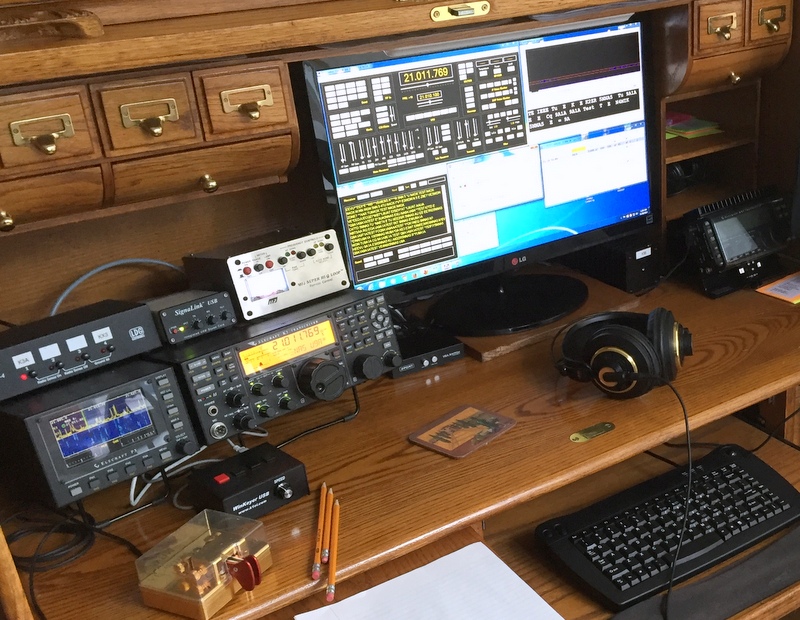
Getting my digital operating off the ground has been off and on the last month as we have had relatives visiting from the UK so we have been out and about with them. The latest is I have been able to download and install WSJT-X's software. There is an online install guide that is just great and I followed it slowly step by step. In the past I have found when the digi modes have tripped me up it's been my own fault in most cases. I rush the process and something along the line is overlooked and problems arise that cost me time and frustration. The WSJT-X software is up and running and I have been able to get my Elecraft K3 to communicate with the software. This has always been a challenge in the past to get the proper settings so rig and software get along. Next is to get the Signalink USB own sound card to be the stand alone card for my digital operations. The PC's sound card can look after all windows 7 tasks. The Signalink USB is a very nice unit and in the past I did have one and sold it....story of my ham career! On their site they have some very detailed easy to follow setup instructions for most if not Windows OS's and most but not all digital software. Well it's off to the next step in my digital adventure.

A very important step when planning digi modes.

Status report
My digi adventure is slowly coming along, I have decided to start off with WSJT-X this will give me JT9 and JT65 to start off with. I found  a GREAT user guide that takes you step by step through installation and setup. Right off the bat the guide stresses the importance of your PC's clock being spot on! With these modes the timing of transmissions and reception can make or break your success with this mode. The user guide suggests using Meinberg Network time Protocol and gives you a link to the web page.  That for me is just way to easy to turn down, for me its "KISS....keep it simple stupid". Not wanting to search all over the web for a program I went with Meinberg NTP program. In the past I have found the internet can be a great resource and at other times a HUGE waste of time. With this program right at my finger tips time can be saved and I will be able to speed up my setup and that's all I needed! This user guide walks you through each step with  suggestions regarding best directory locations. As with most programs as you install them you come across "suggested" install options, this user guide makes it very clear as to the best choice to make. Nothing bothers me more when you install a program and click through the options only to find out via trouble shooting that other options should had been chosen!! I have have used other time protocol programs in the past and to be honest I was  not sure if it was working or not. With Meinberg NTP program you can go to your Windows command prompt and type in ntpq -p and see what's going on with the program. Now having said that after entering this code and hitting the enter button you are shown a screen of numbers, letters and columns such as ST, T, WHEN, POLL and REACH.........if your like me this is a foreign language! Fortunately the Meinberg Network time Protocol link also explains very simply what all the numbers mean and how to tell if what your reading is correct and if not suggestions needed to fix the program so it's running properly. So my clock sync program is working great it's now time to get to the install of the actual program!

The HF bands were dead today.

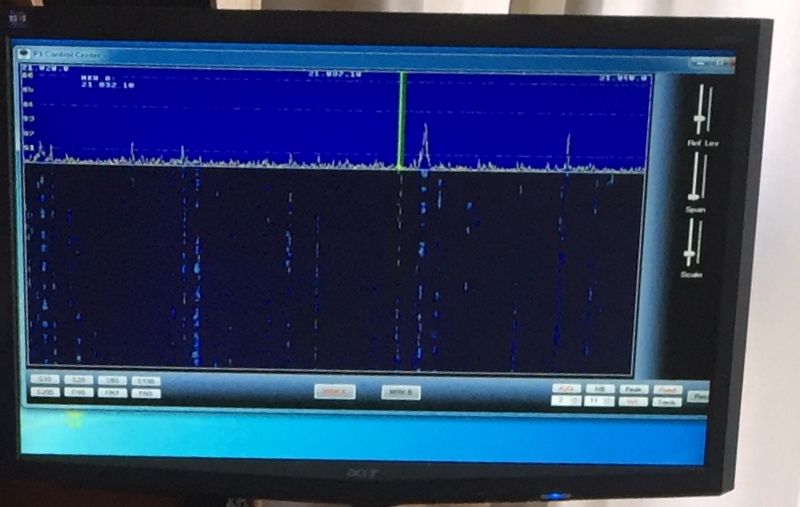
I was on the HF bands today and there was a QSO party happening state side but other than that the bands were dead. Is this what I have been missing for the past few months?? I am thinking the way to go at this point in time may be the digi modes? Once again I will have the joy of setting up my sound card modes…..thats always "fun". I ordered Win7 64 bit and according to the online tracking it should be here Monday. Not wanting to really setup any radio related programs on my desktop PC as when I install Win 7 64 bit it's going to be a clean install. Time to head out and  pick up  my better half from work, hope your weekend is going well out there!

I’m back…

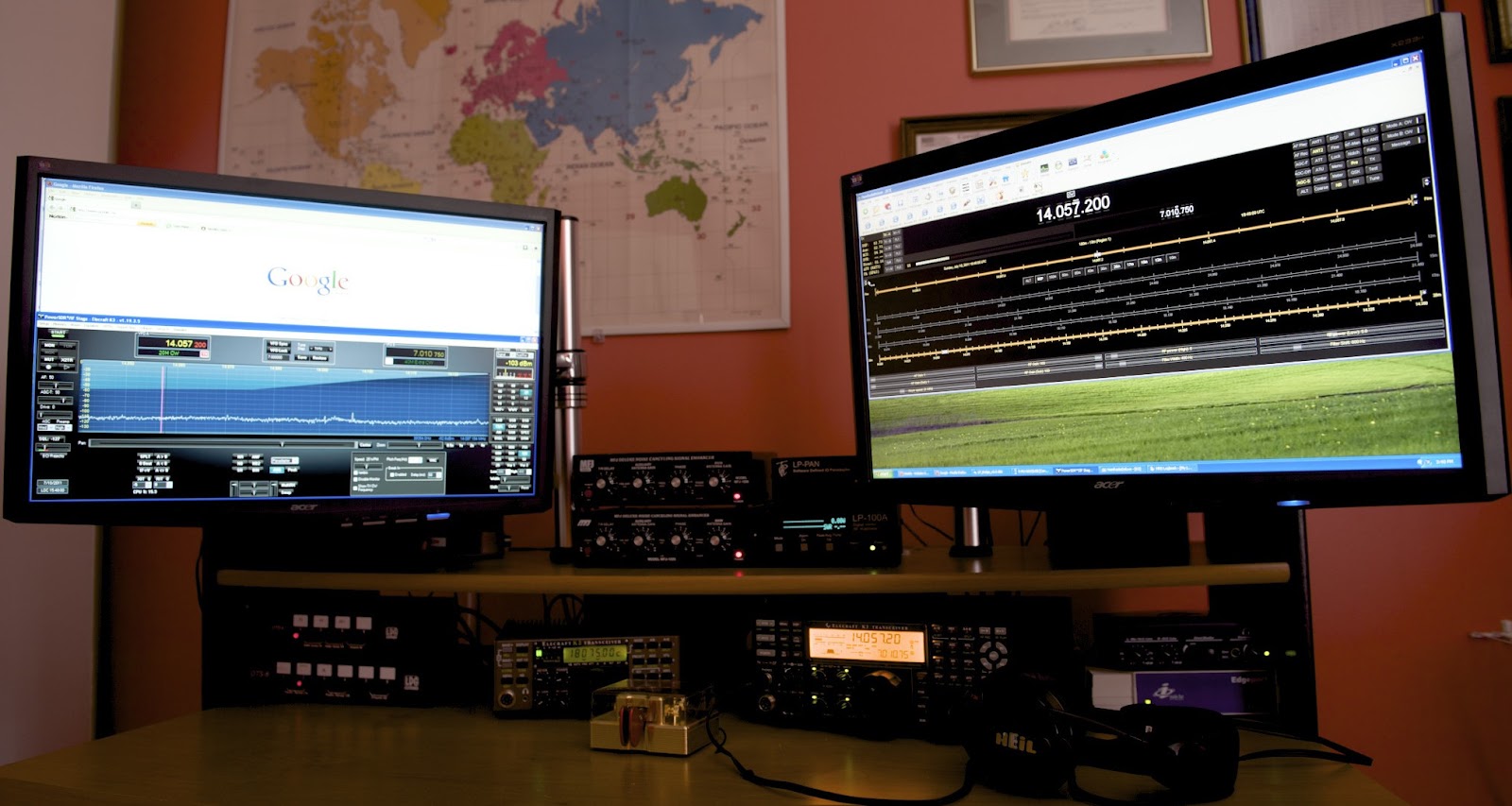
So where have I been..........really nowhere actually I can't believe my last post on the blog was June 10 but at least I am still in the year 2015!! The blog has gone quiet for almost 3  months and really so has ham radio here at VE3WDM. I have been very busy with work, here in Toronto we hosted the Pan Am games and I was directly involved with that.......to the point of around the clock standby. Before Pan Am there was the prep time and then after the post Pan Am "stuff" To be honest there was time at home but after getting home I just just to tired to turn the rig on or post on the blog. I have been reading all your posts and really enjoyed that. Now that things are slowing down a little bit of "normal" seems to be happening I'm back in the radio saddle. I did check my blog stats and readership sure has fallen to almost nothing but that makes sense seeing it's been same old same old regarding my blog content. So what is new here? Well, most of the "new" things happen in the last few weeks as I started to slow down. First off I sold my Alexloop antenna it seemed I just was not using it  now that I moved to Toronto. I posted the sale online and it was gone within an hour! With the sale of the Alexloop I was able to purchase the P3TXMON add on to my Elecraft P3. This week I also upgraded my PC.  One of my hard drives gave up the ghost, the one with the OS on it!!. At the same time I figured it was time to move up to the next level with my PC.  So I looked at purchasing a new machine or just upgrading what I have. I decided to upgrade the PC as I have 3 fairly new hard drives in the tower, up to date video card, I just replaced the power supply and the DVD player has no issues. The decision was made to upgrade the motherboard, the processor and ram. So the new system is Gigabyte GA-990FXA-UD3 motherboard, AMD 8320 8 core processor at 3.5 GHz, 8 Gb (2x4) of DDR3 ram at 1600 mhz. I really had not done this before so lots of reading on the internet and YouTube videos, surprisingly things went smoothly. I now have an Asus M3A76-CM motherboard, AMD Phenom IIx4 2.8GHZ fan cooled processor, 4 Gb of SDram, Zoltac GT620 64 bit graphics card, and D-Link 1GB lan card hanging around..........may put it up for sale.

WHAT an SWR of 99:9!!

The other evening I had an opportunity to get on the air it has just been to long and I was very excited about spinning the dial around the HF band! I ran the coax out to my MFJ 1788 on the balcony and fired up the K3. I jumped on 20m were not to much was happening but on 30m there was some Dutch DX that was calling CQ so I thought I would give them a go. Prior to calling my SWR on the loop antenna was tuned to 1.2:1 BUT when I started to call the Dutch station my SWR readout on the K3 magically became 99.9:1!!! It was like the coax had been removed from the antenna and was sitting on the ground. It was late so I wanted to look into this at a later time, this evening was the later time so I hooked the antenna up and gave 20m a go and the SWR once again on the K3 was showing 99.9:1. It was time to trouble shoot, was it the coax, MFJ 1788 antenna, the K3 or my LDG antenna switch? The first thing I wanted to do was to remove the antenna as the problem.
Without LDG antenna switch
I removed the coax from the antenna and in it's place put a 50 ohm dummy load. In a way I was relieved to see the 99.9:1 SWR thus removing the MFJ 1788 from the problem. Next I bypassed the LDG antenna switch and low and behold the SWR now was 1.1:1 and me saying thank god it was not my K3! So it would seem the LDG  antenna switch is the problem so I took the switch cover off and looked around. I cleaned the SO-239 connectors, check the internal connections and all seemed to be great. The only problem spot to me could be the switching relays with internal contact troubles? After exercising the relays the trouble in the LDG antenna switch seemed to be ok. If the trouble comes back this is a 4 position switch and I only use 2 positions I could swap out relays and look at ordering all new relays. At this point all seems to be working well but stay tuned to see if relay swapping and ordering is in the near future.
Relay in the LDG antenna switch

Subscribe FREE to AmateurRadio.com's
Amateur Radio Newsletter

 
We never share your e-mail address.


Do you like to write?
Interesting project to share?
Helpful tips and ideas for other hams?

Submit an article and we will review it for publication on AmateurRadio.com!

Have a ham radio product or service?
Consider advertising on our site.

Are you a reporter covering ham radio?
Find ham radio experts for your story.

How to Set Up a Ham Radio Blog
Get started in less than 15 minutes!


  • Matt W1MST, Managing Editor