Author Archive
One step closer to being a ham techie!
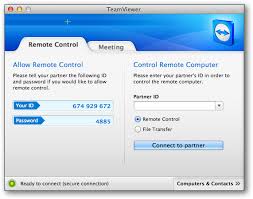
Now that I can use one Signalink USB unit on either my Elecraft K3 or KX3 I thought it was now due time to investigate operating my rigs remote from my laptop using my router. I have read many ham who do this so it’s not anything new…BUT….for me this is cutting edge and can be “kinda fun” to get it up and running. I can across software called Teamviewerwhich allows you to remotely access your PC from another PC. Once logged on and a connection is made you have (on your remote PC) a mirror image of your home PC. You have the same control over your home PC as if you were sitting in front of it. The software allows you to access your Windows PC via a Mac and so on. This Windows/Mac cross over was great for me as my home PC is Windows and the laptop is a Macbook Pro. I set out to download and install the software on my Windows PC. It went very smooth and error free, I then installed it on my Macbook pro laptop and all went well until I started the program. The program just
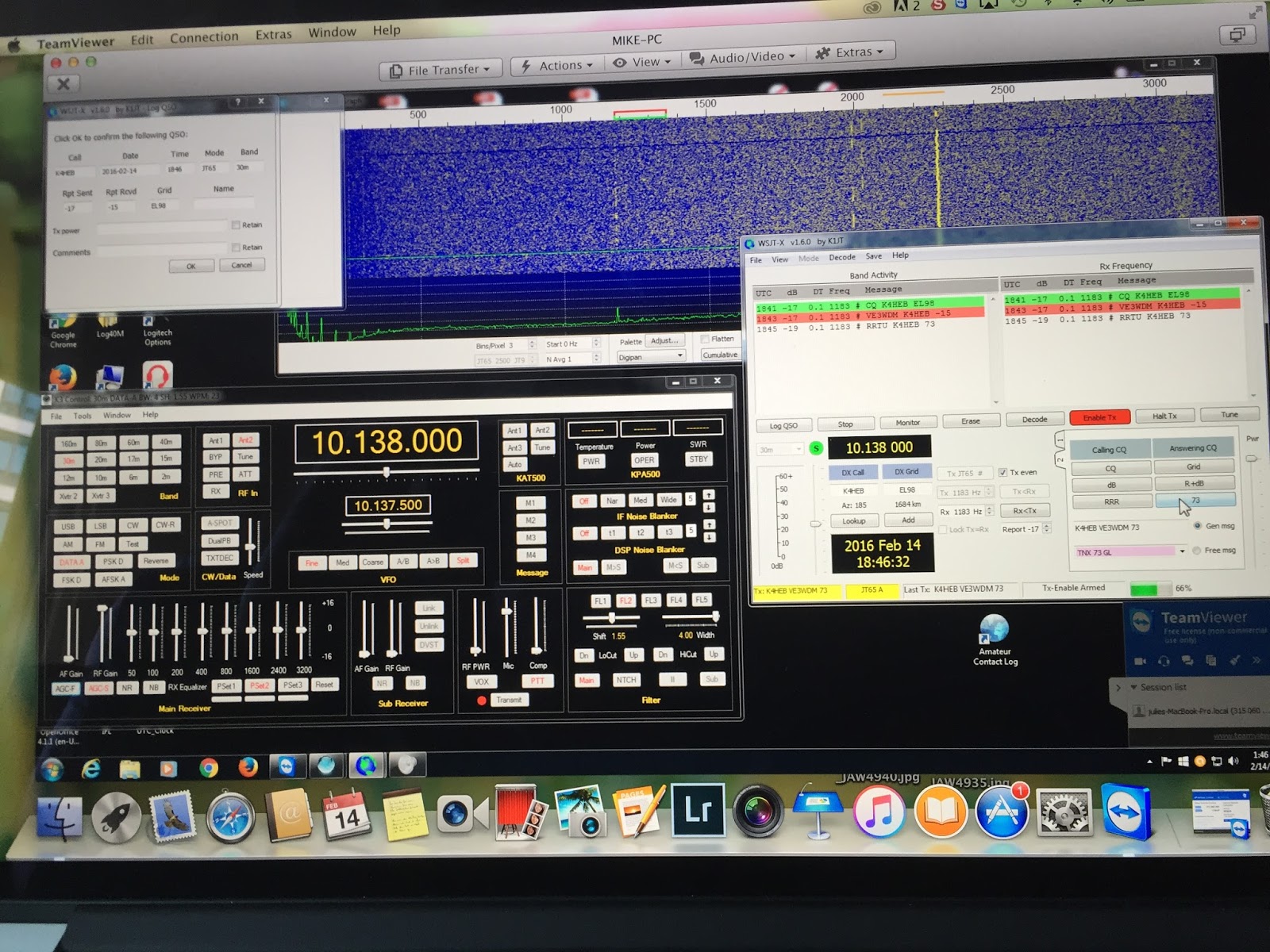
would not start it just got hung up and I had to do a force shutdown. I tried a few things but just could not get the program to run. I then installed it on my wife’s Macbook pro laptop and it operated withouta hitch! The only thing I can figure is my Macbook is a bit older and may not be up to the task. I was on the internet to see if I could see what the issue might be but could not find anything. I am going to email the company and see what their input is. On the weekend I was not interested in troubleshooting or emailing for an answer I just wanted to get the program up and running. With the program installed on both PC’s and it was time to make the link. It is very straight forward to do, you open the program on each PC. You are given a 9 digit ID number on each PC and since I want to use my laptop to control my main PC on my laptop I enter the 9 digit ID number from my main PC and press “connect to partner”. I then enter a password (setup during program install) and in no time I have full control of| My remote PC operation |
PART2: Mod for Signalink USB so it can be used with 2 radios
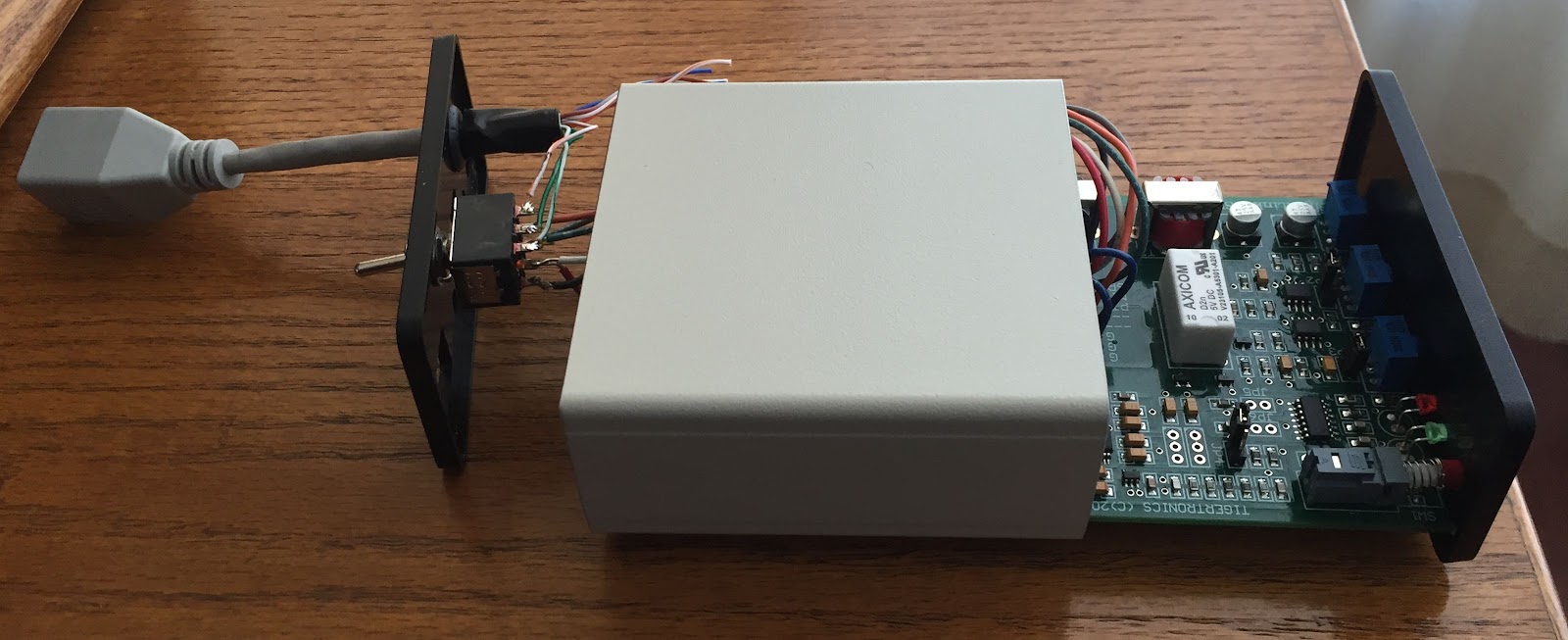
| The finished product |
Below are some of the options I came up with to see if I could get my Signalink USB to work with two different radios……
- Rewire the internals of the unit each time I switch radios, this was just not an option as it is time consuming and the unit I believe over time would not stand up to these continual wiring change outs.
- To purchase Signalinks plug and play boards, you simply plug in the board for the K3 or the KX3. This is for sure an option but again I was wanting to not take the Signalink apart each time I wanted to change out the radios.
- There is also the option of purchasing a second Singalink USB unit but this is very pricey for what I wanted to do.
- Try to figure out if it is possible to set up the internals so with the simple flip of a switch mounted on the outside of the unit I could change the internal wiring to make either the K3 or KX3 work. This was the option I decided to work on.
internal mod wiring
So settling on option 4 as my choice I set you to see if and how it could be done. I did an internet search because the way I look at it is why try to reinvent the wheel if someone else already has! My results turned up only 2 that I could find were the unit was being used for 2 radios. Both did not seem to suit my need. The first seemed the operator configured a device that allowed the use of two of the same radiosbut at different locations. Each radio could be controlled by the same Singnalink unit. The other site I found this op used 3 RJ45jacks in a separate box to do just what I wanted to do…BUT…..I was looking to not have yet another “box” I was ultimately looking for an “all in one” solution. I ended up drawing out many possible circuit diagrams and at one point almost finished wiring what I thought was the "solution". I then realized it just was not
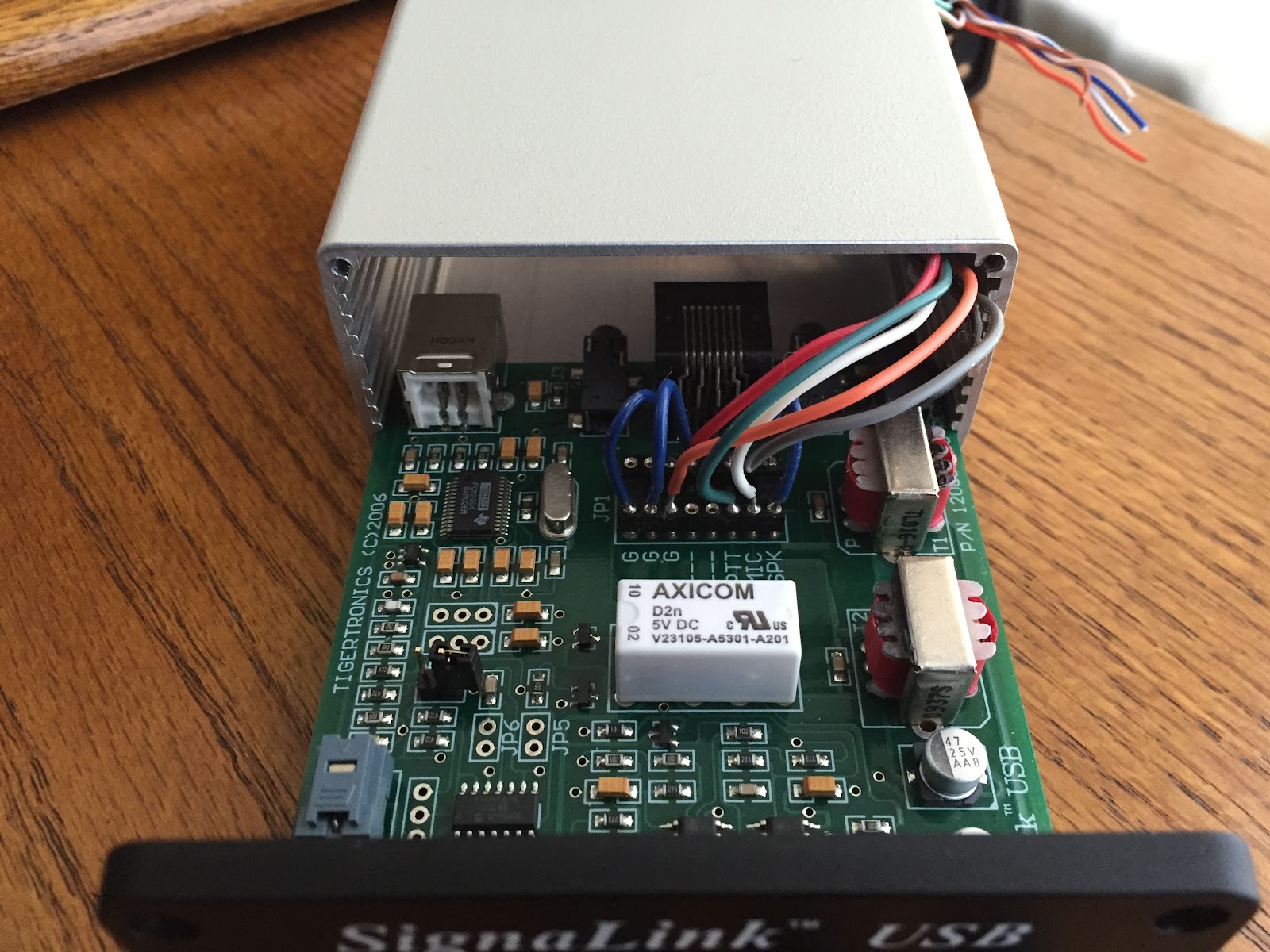
going to work and had to hit the drawing board again. I finally came up with a workable plan that involved drilling only two holes in the back panel of the Signalink. I had to install a ON-NONE-ON mini switch and a hole for an RJ45 pigtail to be placed. Some of the things I ended up learning as I went along were:
| One final check before assembly |
1. A long pigtail had to be made on the connections between new rear panel switch and the 8 pin DIN wiring. This allow the removal (if needed) of the circuit board.
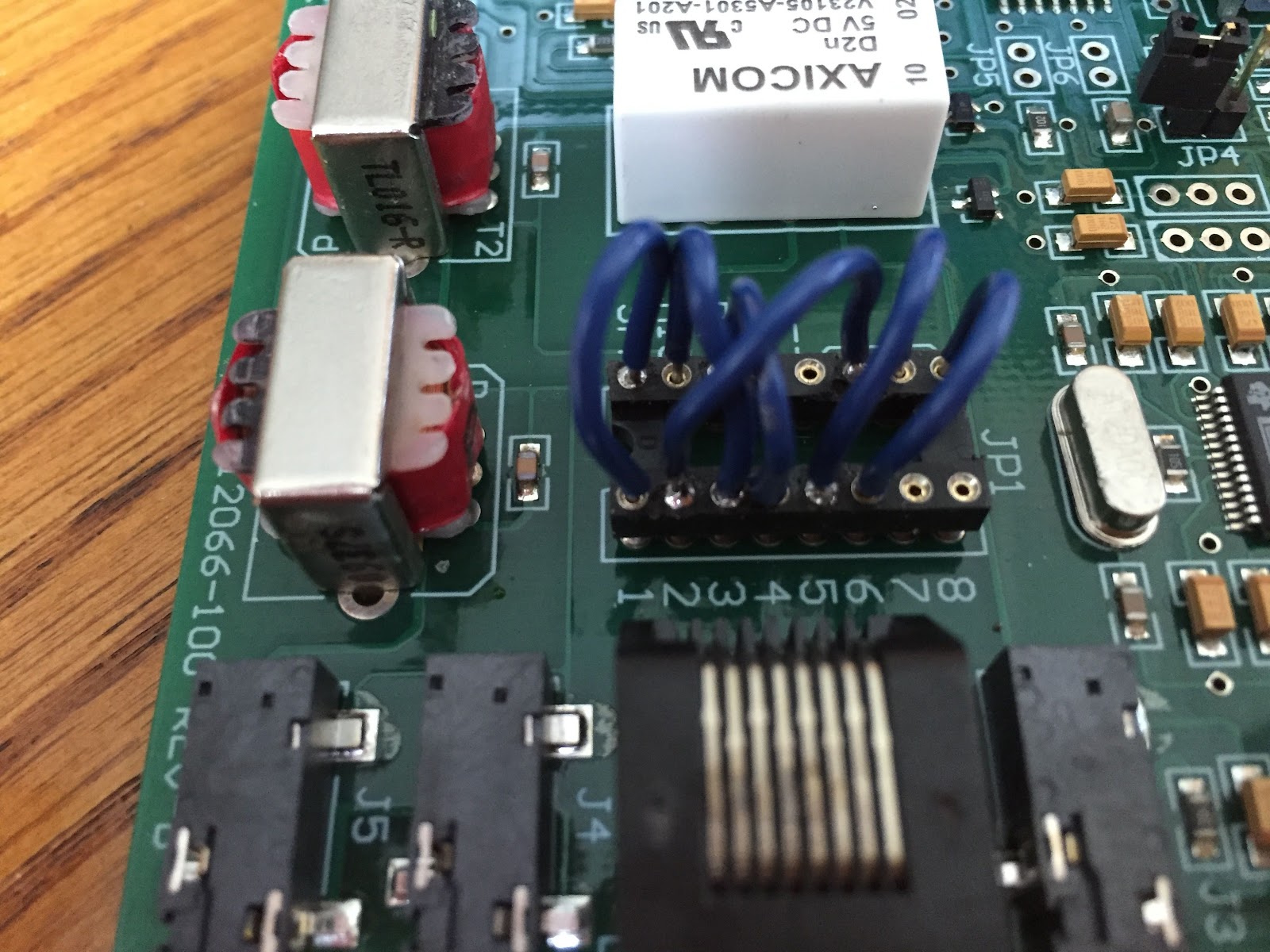
2. I had to solder the wires into the 8 pin DIN they just did not stay in place and with the extended pigtail there was lots of movement in the wires as the covers were put in place, I didn't want any wires coming loose once assembled.
3. I ended up removing the pigtail and adding a rubber grommet as the plastic housing seem to have a sharp edge to it.
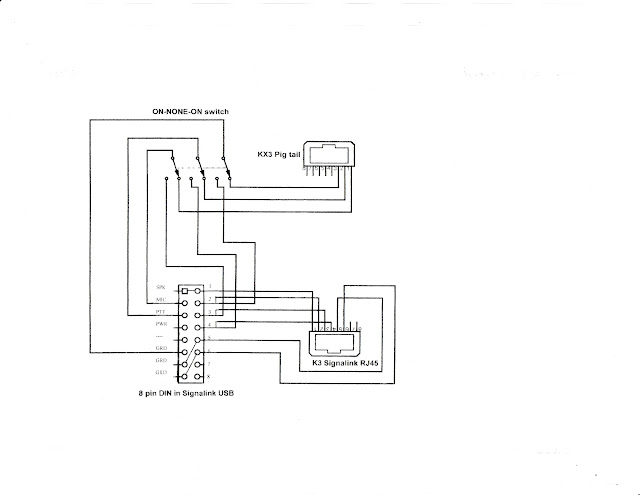
Below is my diagram for the mod, the "K3 Signalink RJ45" is the internal jack on the unit. The wiring shown in my diagram for this RJ45 is the wiring that is on the circuit board and does not need to be added. Also on the 8 pin DIN there are jumpers between Spk-1, GND-5 and GND-6. I have tried the unit both with my K3 and KX3 and it works great. The final thing I have to do is just label the rear switch.
3. I ended up removing the pigtail and adding a rubber grommet as the plastic housing seem to have a sharp edge to it.
Below is my diagram for the mod, the "K3 Signalink RJ45" is the internal jack on the unit. The wiring shown in my diagram for this RJ45 is the wiring that is on the circuit board and does not need to be added. Also on the 8 pin DIN there are jumpers between Spk-1, GND-5 and GND-6. I have tried the unit both with my K3 and KX3 and it works great. The final thing I have to do is just label the rear switch.
PART1: Mod for Signalink USB so it can be used with 2 radios
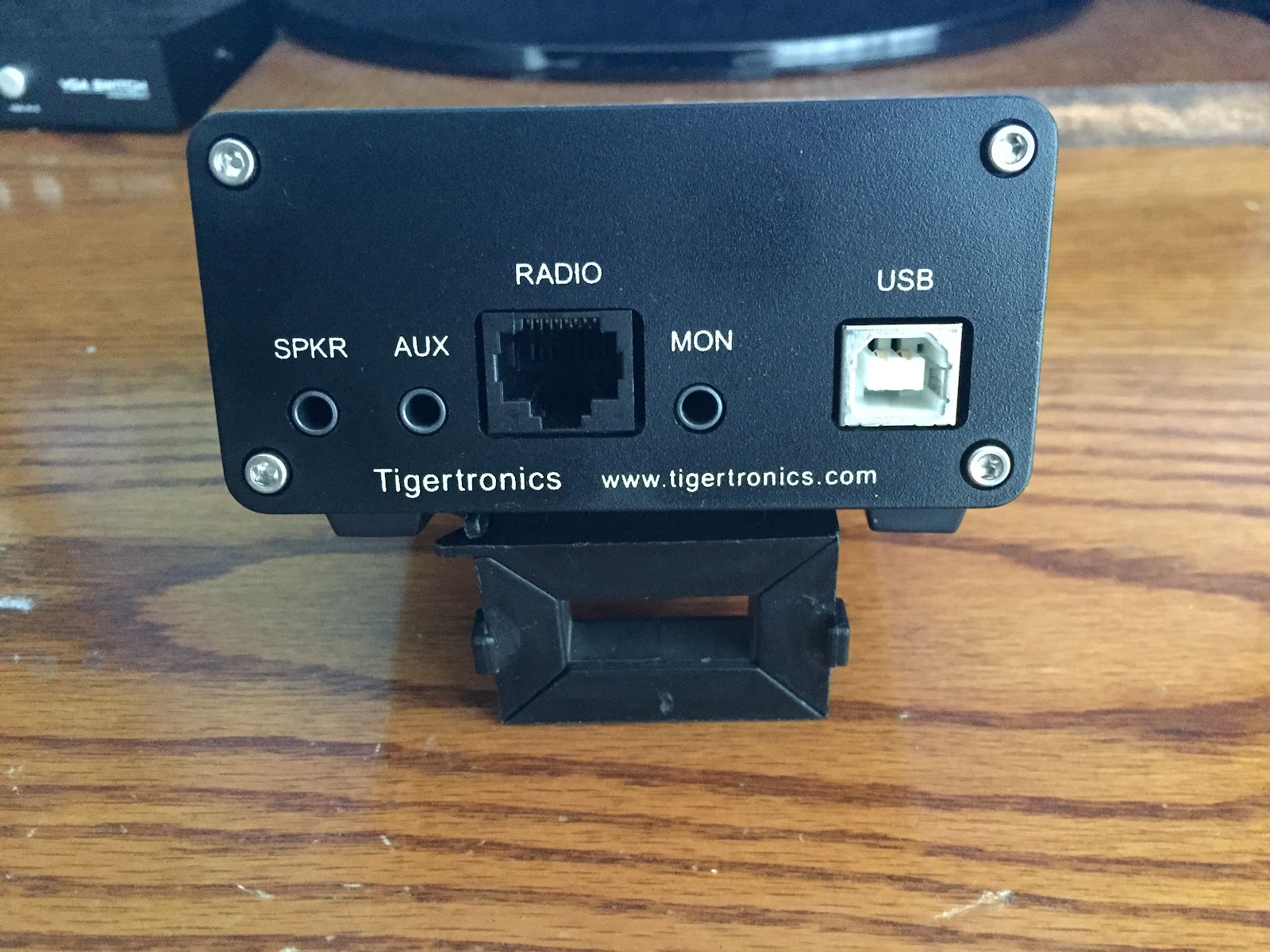
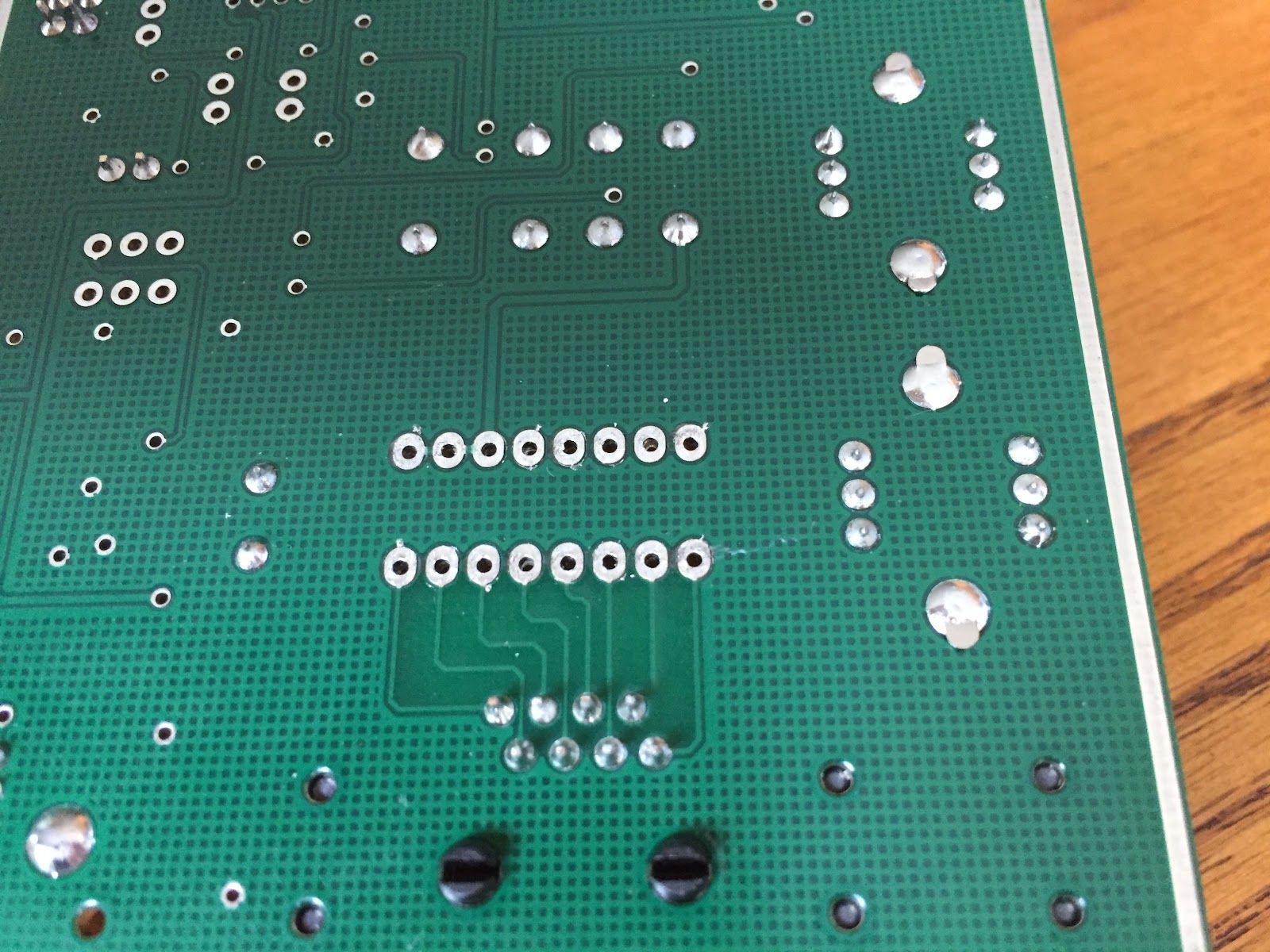
| Rear view before the mod's |
| Soldered jumpers |
| After the Hakko 808 is done |
Virtual ham radio…sounds interesting!
For the past few weeks I have been up and down the bands in the evening hours looking for some CW activity and with the current conditions signals have been few and fare between. This has forced me to get a firm handle on the digi modes and to be more specific JT-65 and JT-9. As the saying goes "if you don't use it you loose it" and this is my concern due to the lack of CW activity I have been involved in lately, I have worked to dare hard getting my CW speed up to just see it drop off due to lack of activity. Last evening this got me thinking.....what about the internet there must be some interactive over broad band CW happening out there?? In my travels I came across two programs neither are free but they offer CW (and SSB) operating over the internet. Not really ham radio as such but it helps my CW skill stay sharp until the band slump is over. The first program I came across was QsoNet based out of Canada the cost is a modest 40.00 per year and you are given a free 30 day trial which is great. I looked the website over and found the their discussion forum, the last posting was from 2012 and the latest update was back in 2011. This made me wonder if I was just going to be listening to empty broadband due to the fact no one was around. I also wondered if there was active support for the site as well. I then moved on to another site called Hamsphere base out of Europe. This program was 30 EU per year along with a free trial but I was not able to locate for how long. This site seemed to be very up to date and a new version 4 had come out that looked very professional. Their forum was very up to date with postings from 2016 so it seemed like things were alive and well. Hamsphere seemed to be a very in-depth program with such things as a virtual Ionosphere, DX alert system, awards, contesting, multiple antennas to choose from, you can use your own keyer and DX cluster.....and the list goes on! I checked out some online YouTube videos of the program and WOW it sure is a professional program. I was watching one video when the commentator said "these are the antenna selections I have PURCHASED" I thought.....wait a minute what did I just hear and sure enough that's what was said "PURCHASED". I investigated this and found Hamsphere shop and this was the show stopper for me. It seems the 30 EU per year is not the only cost, at this site you can purchase antennas were the price goes as high as 90 EU!! Check out the link and it seems that there is lots of items for the radio that need to be purchased. I was not able to find anywhere on the home page information about extra purchases. It did say you could build your own rig and that there were a 100 antennas to choose from but again nothing about added cost. Another odd thing was you were never asked for your radio license. At QsoNet you had to fax in a photo copy of your license, it seemed not so with Hamsphere. Has anyone out there used either of these programs?? Do you know of any other interactive CW over the internet programs out there??
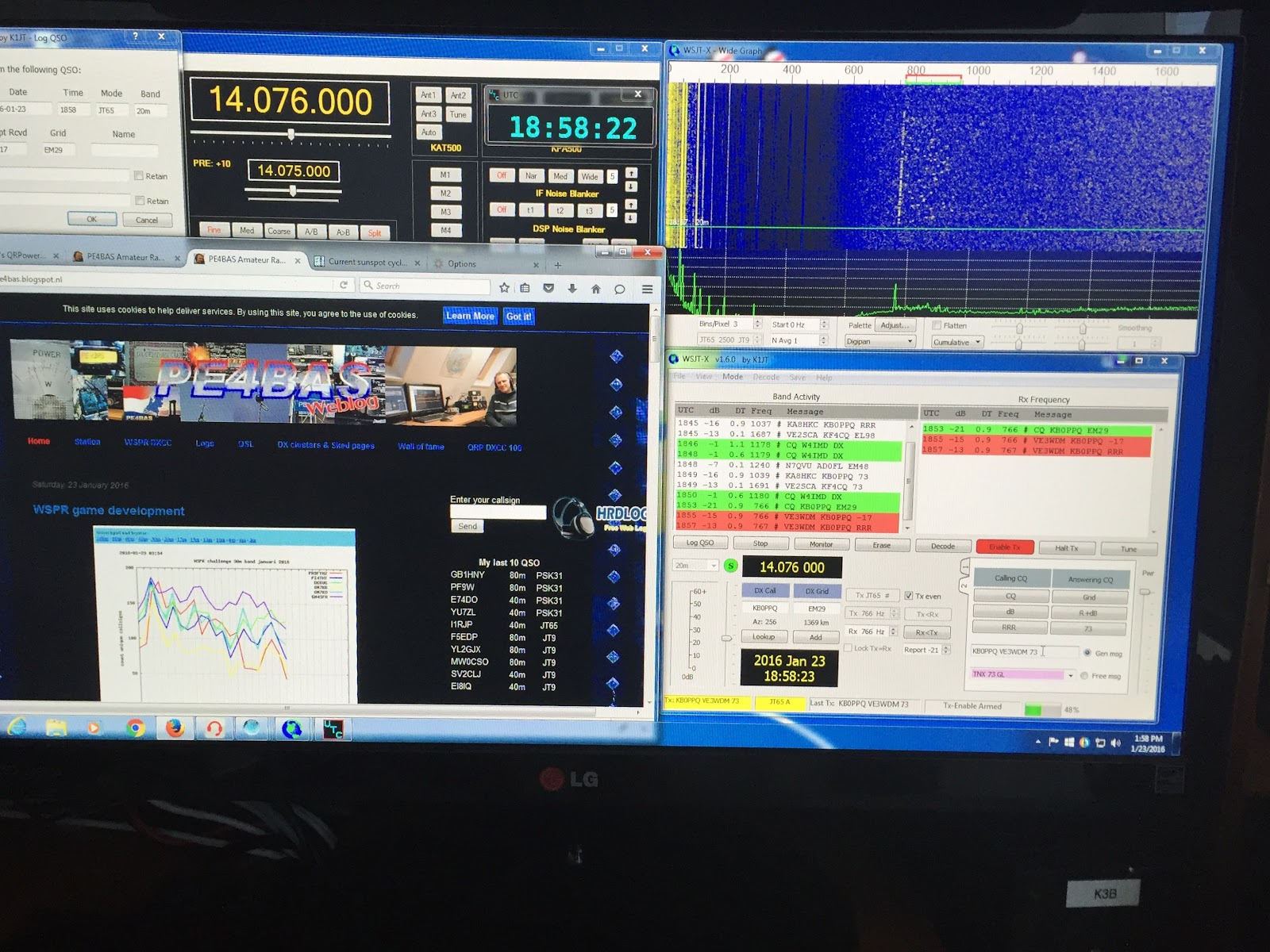
Multi tasking at the rig.
| Reading blogs and operating JT65-HF |
An afternoon with JT-65HF
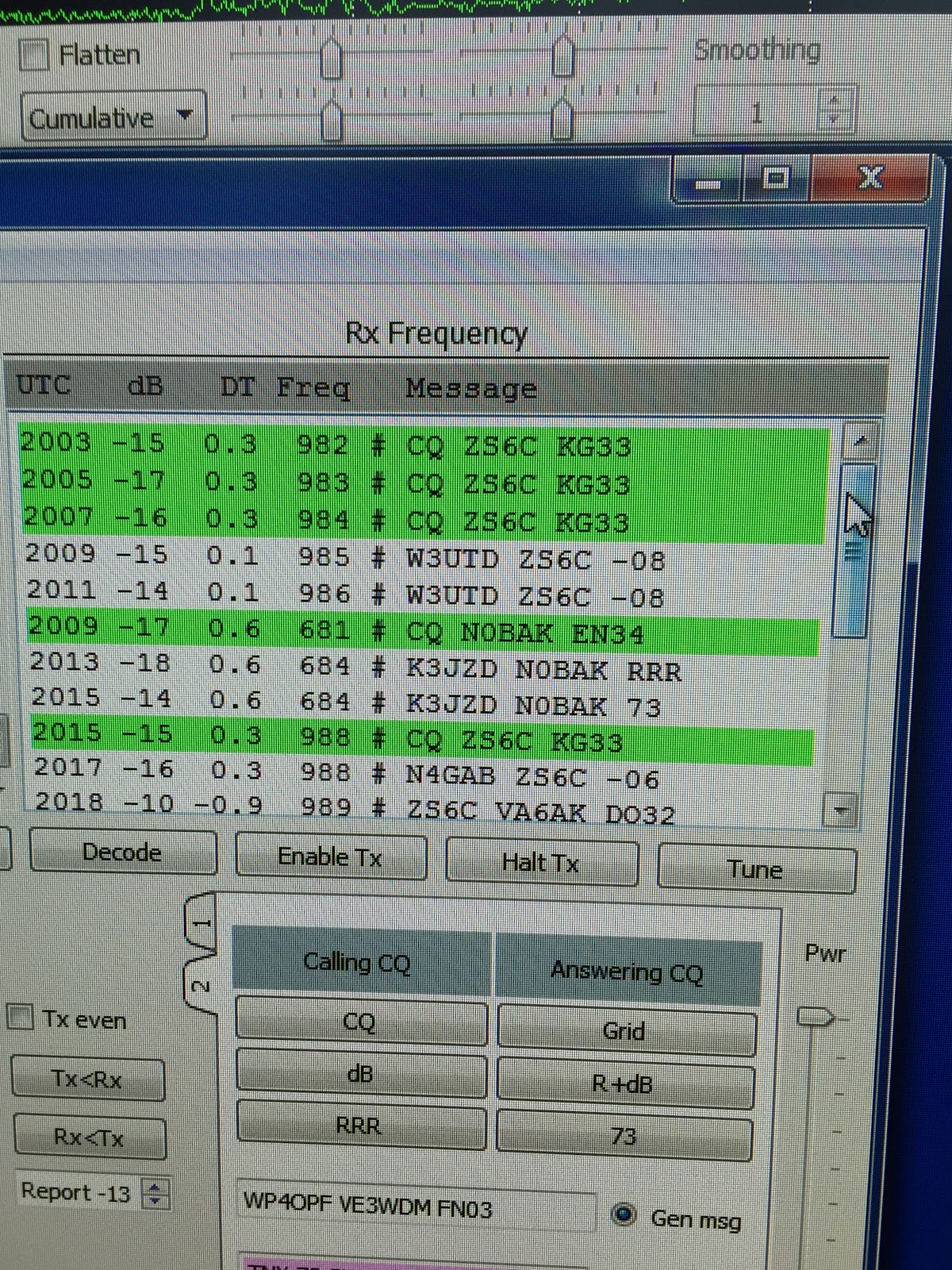
The morning today was full of chores that had to be done so it was up early and go go go. That plan worked out just fine and it allow me to have some time at the radio. I listened for a bit on the CW portion of 20m and it was very slow. I then decided to stay on 20m but move onto JT-65HF and see what was happening there. Right off the bat I decoded ZS6C from South Africa I was not able to connect up with him after several tries he seem to fade off the waterfall. That sure would had been a nice contact but on the positive side I have seen him on the waterfall many times in the past so there will be more opportunities. I did have lots of U.S stations calling CQ as well but I was not able to make contact with any of them either day......just not my day on the waterfall. I then changed it up and moved to calling CQ...oh and this post was being written while I was operating JT-65HF you just have to keep an eye on the waterfall and the decoded message. It is going to take a while for me to get the hang of the timing down. When you call someone on the waterfall there is not much time during decode to see if they are coming back to you, coming back to someone else or calling CQ. I did have KA4HOT come back to me but we were not able to complete the QSO most likely because I'm still getting the hang of the QSO rhythm.
UTC time on the desktop
| My new UTC clock on the PC desktop |