Author Archive
 A QSL card that was almost a quarter century in coming!!
 January 28th, 2012 |
  Author:
 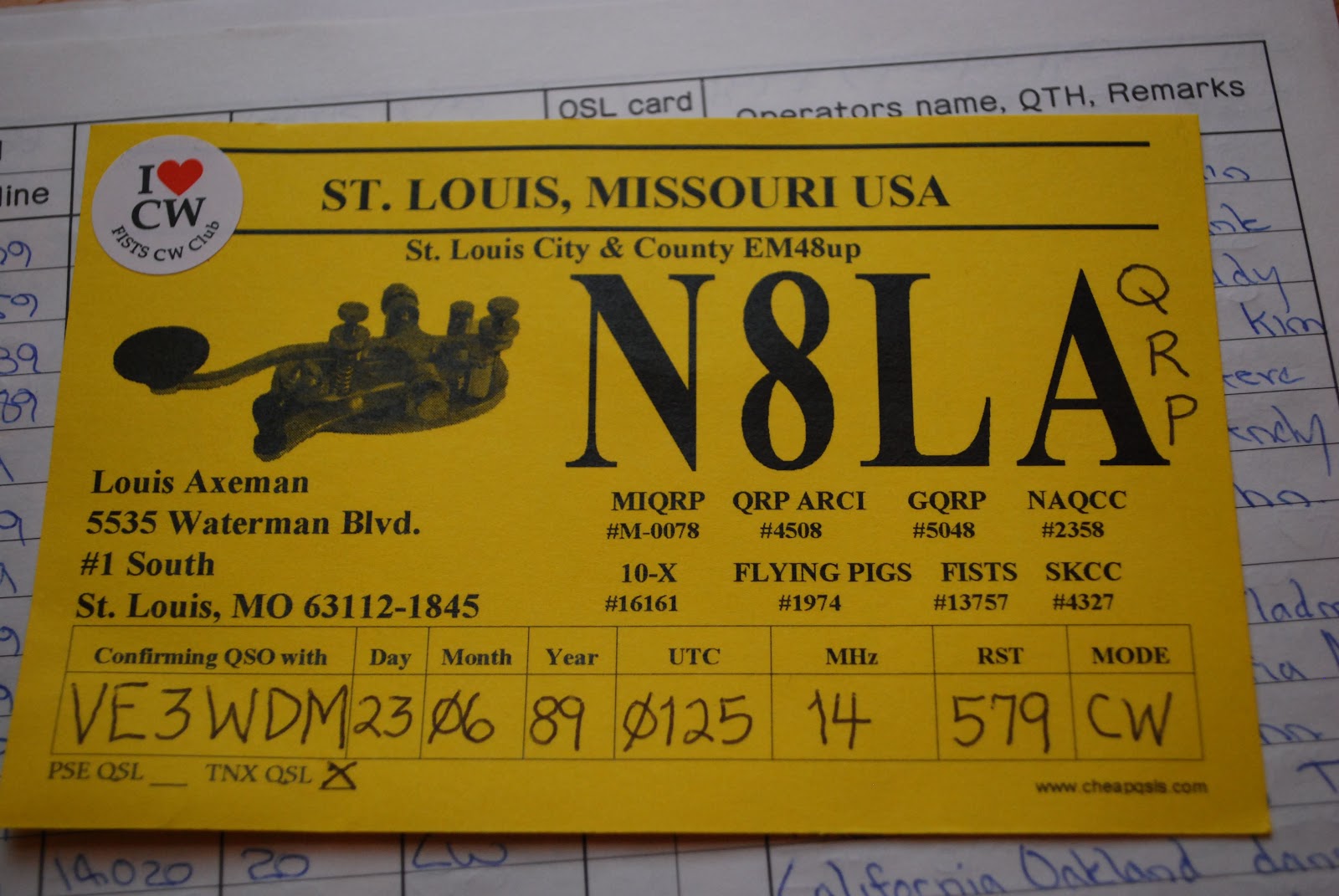 |
| A contact from 23 years ago |
have not sent out QSL cards (all electronic cards now) for over 10 years. Now I was just a bit confused...maybe this was a mistake....he must had copied a call wrong and sent me a card......Then I look a closer look at the front of the card..... this card was from 1989!!! To say the
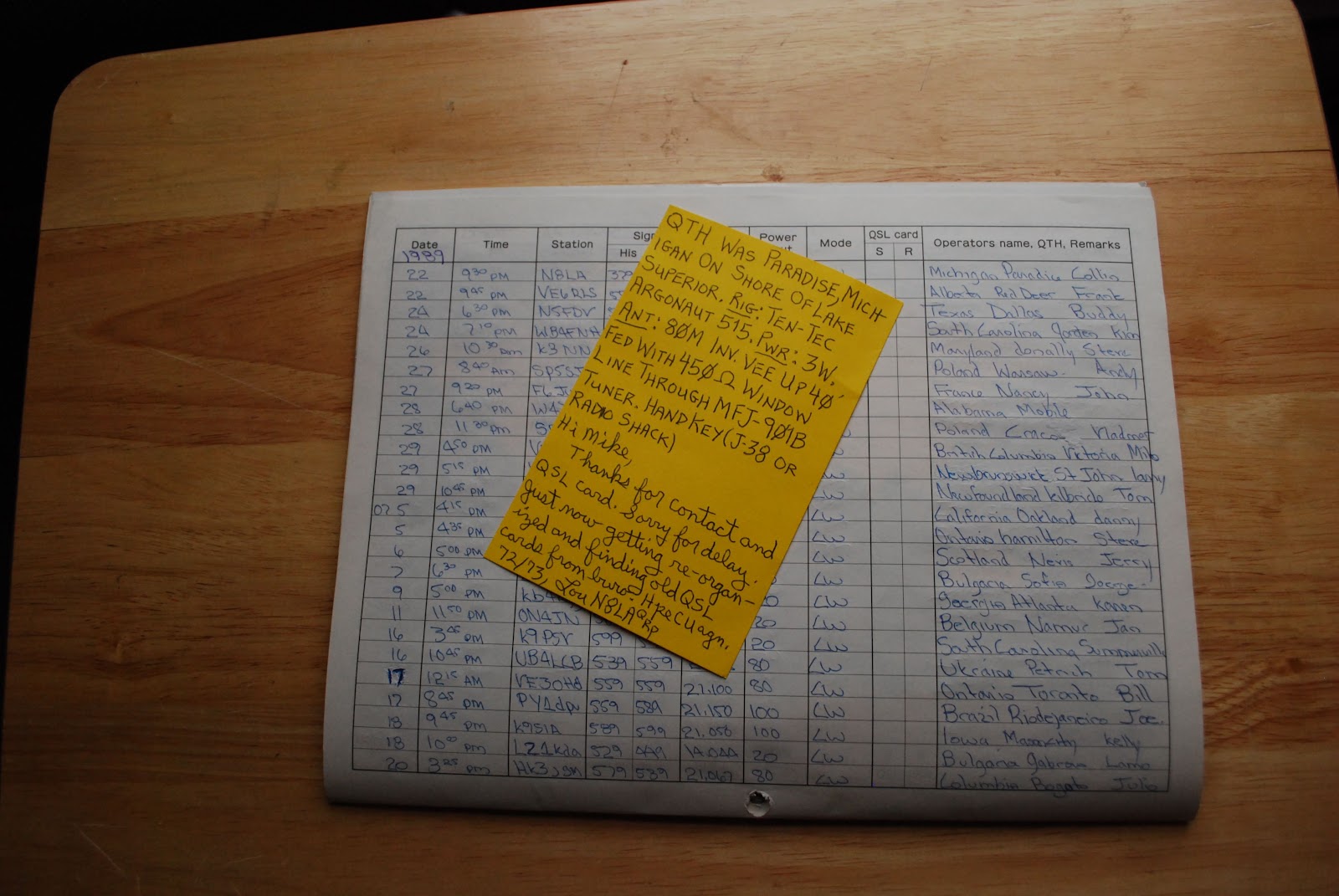 |
| The back of the card |
 |
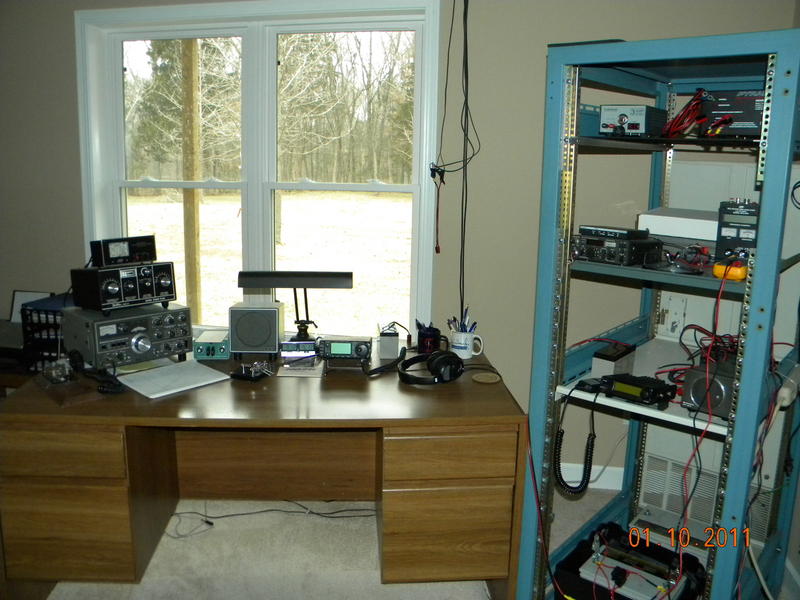
| The station 23 years ago |
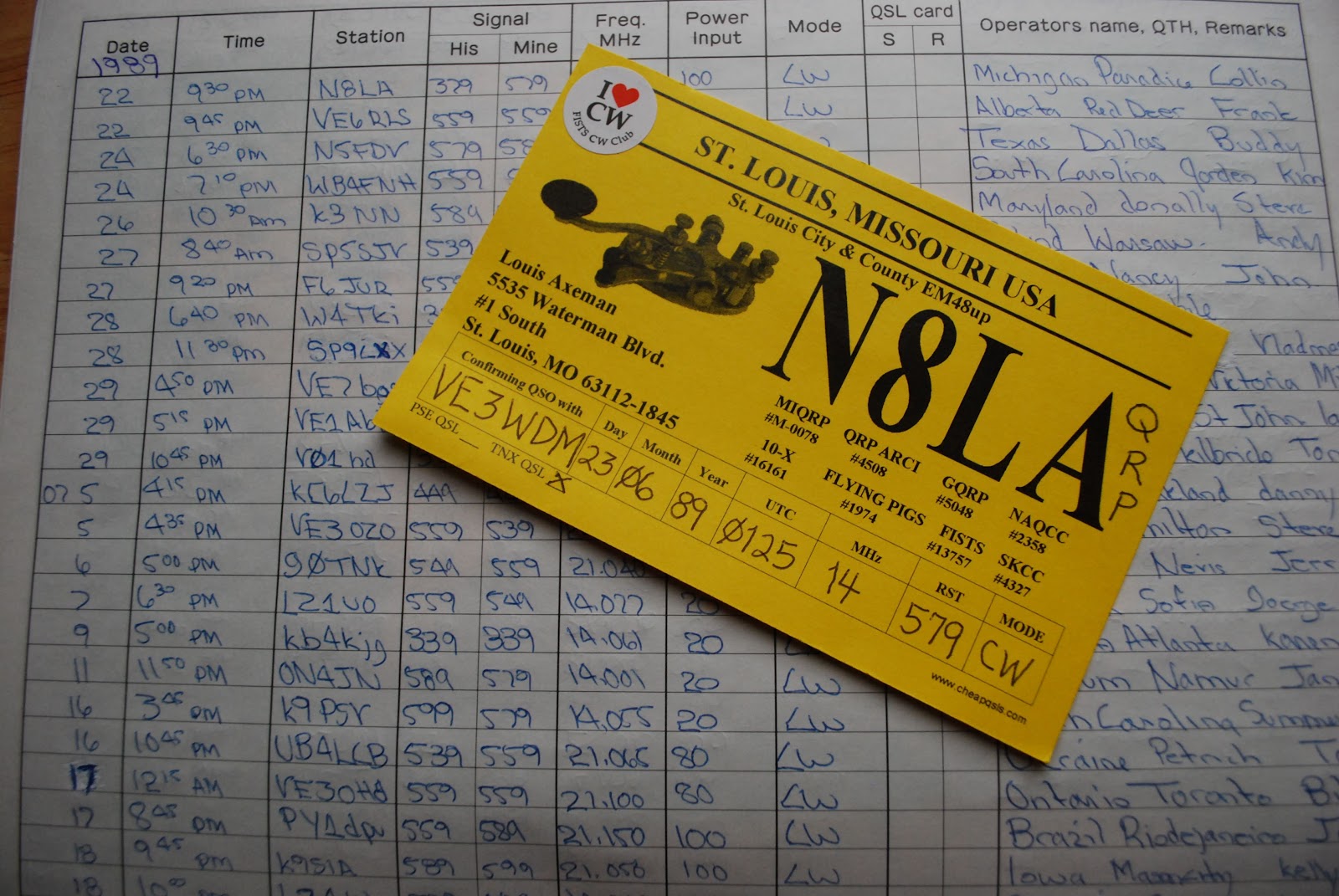 |
| The log (N8LA at top of log) and QSL |

My YouTube debut……

has some good advantages over the way I am now......or was using.

With this configuration I am able to just push the RX ant button on the K3 and both units are inter connected. Also the way the MFJ 2026 is adjusted is a little different than I had previously adjusted the unit. I tried it and it is very easy, fast and works great!! So what are the advantages of hooking up your MFJ 1026 this way....well you never have to worry about the RF from your transmitting antenna getting into your receive antenna. With this hookup they are totally isolated. To include the MFJ 1026 it's as simple as powering up the MFJ unit and pushing the RX ant on the k3 and then some simple adjustment of the MFJ unit. Finally I decided to use my Iphone to video the results of the MFJ 1026 and the K3 and how they dealt with the Plasma TV noise. You will have to excuse the reflection of me in the Elecraft P3 and the audio may not be that great either but give it a go as it does show how the Plasma TV's interferance can be dealt with.

QST is going digital…………..
This afternoon when I checked my email there was a very interesting email from the ARRL. In June of this year QST is going digital!!
Well almost they are still going to offer their paper addition but ARRL
members will also have access (free of charge) to the QST digital
version. The digital version will have some content that is only offered
in the digital layout along with videos and hyper-links. Now if you are
a regular reader of this blog you may remember back in August of 2011 I
posted about Monitoring Times digital addition. They
were offering a digital only subscription at a cheaper price than the
paper version. I went for it and well...it was the reason the alarm
bells went off
when I read my email from the ARRL's regarding the introduction of a digital version of QST. I have to admit I have had the digital version of Monitoring Times for 5 months now and well this digital thing sounds very sci-fi and geeky...BUT......it just has not worked out for me. For example on December 17th I was emailed the new Monitoring times issue.....it's still in my Hotmail in box a month later. It's almost time for the next issue!!! There sure are some cool things about the digital issue with the hyper-links and instant emailing feedback to articles.
I have come to the conclusion there is nothing like the paper version. There is something to say for pulling out a periodical when you have a spare minute. With the digital version I found this very hard to do. It's not easy to roll up a laptop or Kindle and toss it in the glove box of the car. I think QST has the right idea offering both for the same price and not making you chose between the two. I am looking forward to June and see what this digital version has to add to the paper version.
when I read my email from the ARRL's regarding the introduction of a digital version of QST. I have to admit I have had the digital version of Monitoring Times for 5 months now and well this digital thing sounds very sci-fi and geeky...BUT......it just has not worked out for me. For example on December 17th I was emailed the new Monitoring times issue.....it's still in my Hotmail in box a month later. It's almost time for the next issue!!! There sure are some cool things about the digital issue with the hyper-links and instant emailing feedback to articles.
I have come to the conclusion there is nothing like the paper version. There is something to say for pulling out a periodical when you have a spare minute. With the digital version I found this very hard to do. It's not easy to roll up a laptop or Kindle and toss it in the glove box of the car. I think QST has the right idea offering both for the same price and not making you chose between the two. I am looking forward to June and see what this digital version has to add to the paper version.
Resting and radio……..
 |
| CT1IUA on the beach |
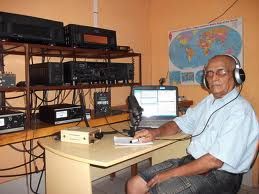 |
| PV8ADI at the desk |

Down but not out!!!!!!


QRP ARCI Pet rock contest over…….
 |
10m, 15m gave forth some contacts but the best band was 20m. In this contest it was nice leisurely CW not like the world wide contests were CW sounds more like machine gun fire! Also during the occasional contact more was given than the required exchange info.....SAY IT AIN'T SO........we tossed around our names, rig and at times a hearty 72. ( that was not a typo 72 is the 73 of QRPers) This was the first time the Elecraft P3 was used in a contest and it was a great aid. It would show you what looked like just the noise floor but in the water fall below on the display a signal is made very apparent. Then along with the K3's APF (audio peak filtering) the signal just jumped out and a contact was made. This really was the first time I was able to see how great the APF was on the K3 I had tried it in the past and to be honest was not impressed but that has changed.
Power output 5 watts ( I can say I operated QRO compared to others)
Total contacts 9
Total points 2352
It's no record breaking contact count but this short contest was a blast there were some contacts I just could not put in the log as I did not get the full exchange due to fading. Also at times I got so excited about making a contact it wasn't until the contact was complete and it was ready to be entered into N1MM that I realized it was a Dupe!!! But not once did I get the CW sent to me B4...sorry for not paying closer attention gents and ladies regarding this but thanks for your understand.

Making QRP to QRP contacts…..
 |
| VE1BA's shack |
I then called CQ on 14.060 and Mike N0ZH came back to me with a 559 signal. He gave the the same signal report. It was not long before Mike started to fade in and out and very hard to read. So my QSO to Missouri came to a fast end. For this QSO the K3 was at 1 watt with a better miles per watt at 694 miles. I did hear KF5HGL calling CQ I started returning his CQ at 500mW's and climbed all the way up to 5 watts and he was not able to copying me. So either conditions were changing or it was not time for me to make a QSO into New Mexico.
 |
| N0ZH's shack |














