Author Archive
 Listening to my readers
 September 17th, 2012 |
  Author:
I have listened to my readers and have taken down all social media anything from my blog. This blog is here for the readers to enjoy, grow in the hobby and share their information and learning curves with me and the other readers....It's NOT a place to spread computer virus's and to have readers who found the blog useful and entertaining at times to pack their I.P address and go elsewhere.
As of this posting VE3WDM'S QRPower blog is social media free. The readers have been heard and action has been taken.....continue to enjoy the blog.

Passwords and email address’s

Now that the blog is two years old and I have started to get the hang of posting, linking URL's, uploading pictures and changing the format of the blog around now and then. I felt it was time to move the blog (and me) along toward the social media arena. I have had a Facebook site (this link has been disabled due to possible virus threat) for some time now but have not really used it. I do have a Twitter (this link has been disabled due to possible virus threat) account as well and have been known to "tweet" now and then. I have not really been committed to either Facebook or Tweeter. It's not because I feel they were of no use it was just...no I had idea what I was doing!!!
Well this weekend was the time to take the social media swan dive, easier said than done. I tried to log into my Facebook account after numerous password failures I was asked to have a pass word reset sent to my email. For some reason it was sent to my (forgotten about) Gmail account. Kinda hard to get the Facebook reset in an email account were AGAIN I had no idea what the password was!!!
At this point I am two passwords in the hole, Gmail wants me to enter the "hint" regarding my password...favorite pets name of which I had many and the list went on. After many failed attempts Gmail is going to send a reset password to my Hotmail account, now we are cooking with gas I know that account and password!!
I logged into my Hotmail account and there was nothing from Gmail. After waiting for over a half hour and nothing meant something was up.....to make this a little shorter story apparently I have TWO Hotmail accounts well you learn something new each day. BUT back to no password again!! After several attempts a reset was going to be sent to my other Hotmail account. To finally get into my Facebook account I have to receive a reset password in one Hotmail account to then log into my second Hotmail account to reset that password to allow me to get the reset info for the Gmail account. One hour and 10minutes later I am in Gmail....not sure why now but I'm there. Oh it was to get info on the Facebook log in troubles, I am happy to say Facebook is now up and running and so is Twitter. Oh and the Twitter adventure I am not even going to get into but a very similar safari to that of Facebook.

My Elecraft P3 YouTube video
I put together this somewhat short presentation on how I use the Elecraft P3 along with my K3 to help me snag contacts. As a matter of fact I believe most pan-adapters will accomplish what I am doing with the P3. Have a look see what you think and I hope it helps out with your hobby endeavors.

I tried and I tried…..
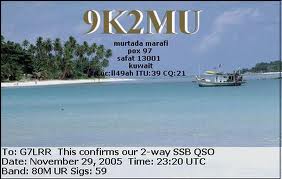 |
| It was not addressed to me....this time!!! |
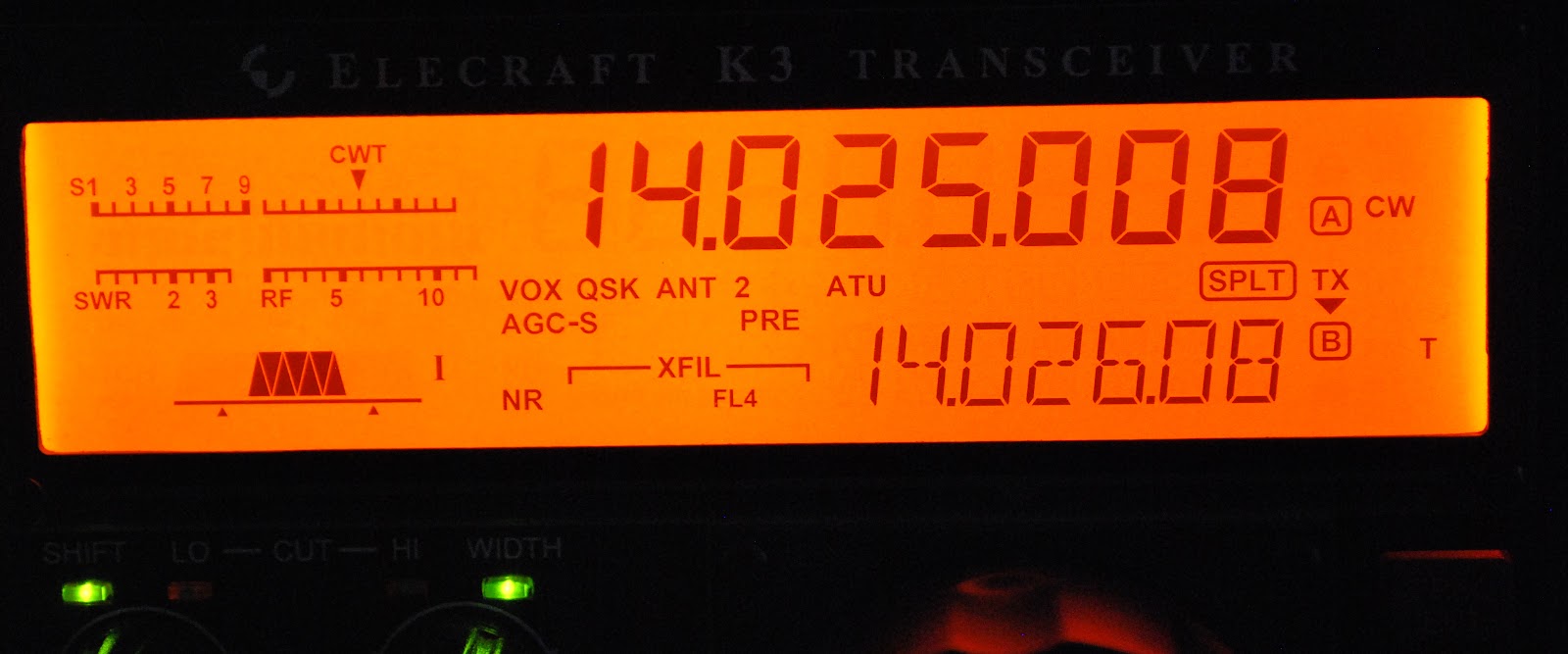 |
| Just not meant to be today. |
is just simply deaf. Just as fast as he came in.... he was gone and just replaced with static at 23:15!! Did I make the contact....NO.... but I gave it may best effort and it was not my time. This is what I love about ham radio it's the surprises that help sharpen your skills but at the same you understand that you have so much more to learn.......it just never becomes boring!!!

Happenings over the last few weeks
Over the past few weeks I have been able to get on the air during the evenings for about an hour and this has paid off with some new DXCC's. I have been finding a spot on one of the clusters (a DXCC I am in need of) from either DX Watch or the data base in DXLabs spotcollector software. Tuning to that frequency but in the past if I heard nothing I just moved on to another spot. Now I have been sitting on the frequency listening whilst doing other things on the computer....like this post. I have found that as conditions change the static breaks and the new country comes into focus!! At times I have had to use my Audio Peak filtering (APF) which works great to bring the new contact up from just above the noise level. There have been times when I should had acted faster, like the time Somalia broke through the static. By the time I "filtered up" it was only static and no Somalia!!!
D3AA from Angola: I had seen for many evenings D3AA on the spotting networks, I found either there was a huge pileup trying to contact him OR he just was not there even after laying in wait on the frequency for 15 minutes or so. Then one evening as I was looking at my Elecraft P3 pan-adapter, I noticed a signal to one side of the frequency I was monitoring. I spun the VFO and to my surprise it was D3AA calling CQ!!! He was just above the noise and I could copy him fine so I called and he came back to me first call with a 559 and he is in the log.

Below is a YouTube By PY1FR showing the APF on the K3 in action.
Below are some of the contacts I had made along side a little background
D3AA from Angola: I had seen for many evenings D3AA on the spotting networks, I found either there was a huge pileup trying to contact him OR he just was not there even after laying in wait on the frequency for 15 minutes or so. Then one evening as I was looking at my Elecraft P3 pan-adapter, I noticed a signal to one side of the frequency I was monitoring. I spun the VFO and to my surprise it was D3AA calling CQ!!! He was just above the noise and I could copy him fine so I called and he came back to me first call with a 559 and he is in the log.
FP/VE2XB St.Pierre& Miquelon: These are French islands off the coast of New Newfoundland...Here in Ontario that is like next door when it comes to ham radio. It surely would be an easy catch and one for the DXCC books.....WRONG......The propagation gods were not smiling down on me at all. Most of the time I could hear the pileup trying to work FP/VE2XB but that was it. Every night he was on and the spotting network had him being spotted from all over but could he be heard here at VE3WDM...NO!! It was with this contact I found my new strategy, to just sit on frequency and wait and see. One evening in came FP/VE2XB and after a few calls I got him in the log book.
UPDATE....I UPLOADED THE WRONG SOUND FILE....ALL IS GOOD NOW.
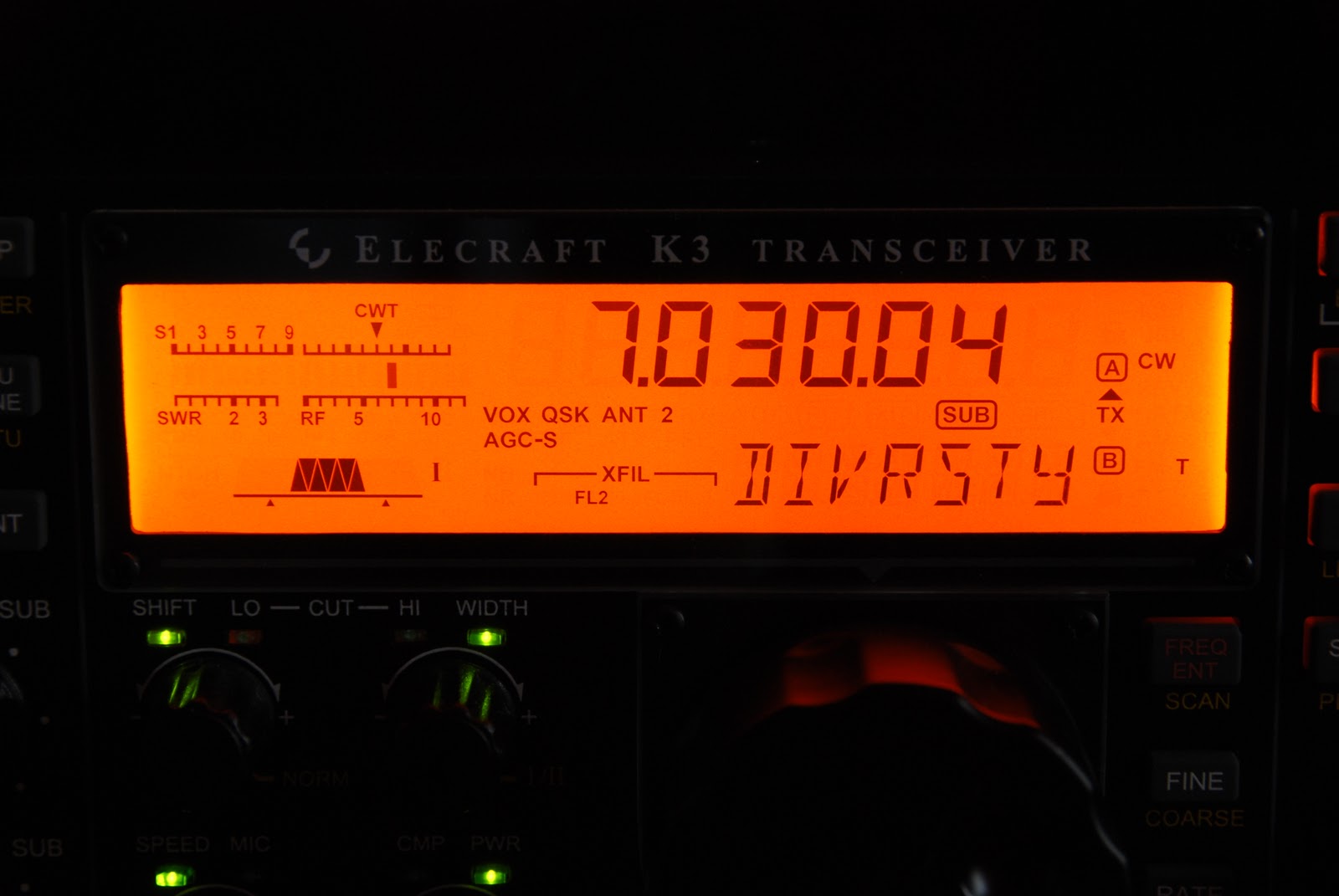
Here is an audio sample from my K3 of a DX-pedition operating split ( calling on one frequency and listening on another frequency) using the main and sub-receiver. You can very clearly hear the pileup in one ear and the DX in the other ear...you have to have some headphones on to hear this. There is a point were a station is calling on the DX's calling frequency.
This is just but another feature of the k3 that allows me to snag DX-peditions and add them to my DXCC count.
UPDATE....I UPLOADED THE WRONG SOUND FILE....ALL IS GOOD NOW.
Here is an audio sample from my K3 of a DX-pedition operating split ( calling on one frequency and listening on another frequency) using the main and sub-receiver. You can very clearly hear the pileup in one ear and the DX in the other ear...you have to have some headphones on to hear this. There is a point were a station is calling on the DX's calling frequency.
This is just but another feature of the k3 that allows me to snag DX-peditions and add them to my DXCC count.
5N7M Nigeria: This contact was booming in and I called and he came back to me with 599 and that was it. Each night I have seen 5N7M spotted he has been booming, I wish all the DX was like this...oh well it would take the fun and challenge out of it.
OY1CT Faroe islands: This group of islands is just above England and are Danish. To get this call into the log I had to pull out all the stops. He was fading in and out but when his signal was good it was about an S8 and then moments later just above an S2 noise level. I ended up making the contact when he was in around S3. I found I was watching my monitor that was displaying the feed from the Elecraft P3 pan-adapter. I could see his signal in the waterfall and it was then time to try the Audio Peak filtering along with Diversity receive. That did the trick here at the receive end but was my signal going to make it to him?? I gave him a call and he came back to me........well so I thought.....have you ever have this happen....You want to make the contact so bad that you "think" you hear your call but in fact it's just background noise?? This was what I thought was happening until he gave my call out again and this time he was S7 so the contact then was completed at my end.
Two years of blogging…………


Once again it is the readers time to give me some input......
What they would like to see more (or less) in the blog?How is the flow of the blog?
Are there topics you enjoy more than others in the blog?
How is the setup of the blog sit with you?
Finally any other input you would like to add don't hold back let me know!

A VERY SMART charger
 |
| Charger ready for testing |
1. The charger can be connected to the battery indefinitely and no harm will come to the battery. Once the battery is fully charged the Smart charger will remain in maintenance mode delivering a float charge. Therefore the battery cannot be over charged.
2. The charger can stay hooked up to the battery while operating the radio if you so choose to do so. The charger will enter the bulk mode to help with the load of the radio operating.
3. When the charger is connected it automatically determines the type of charge the battery needs.
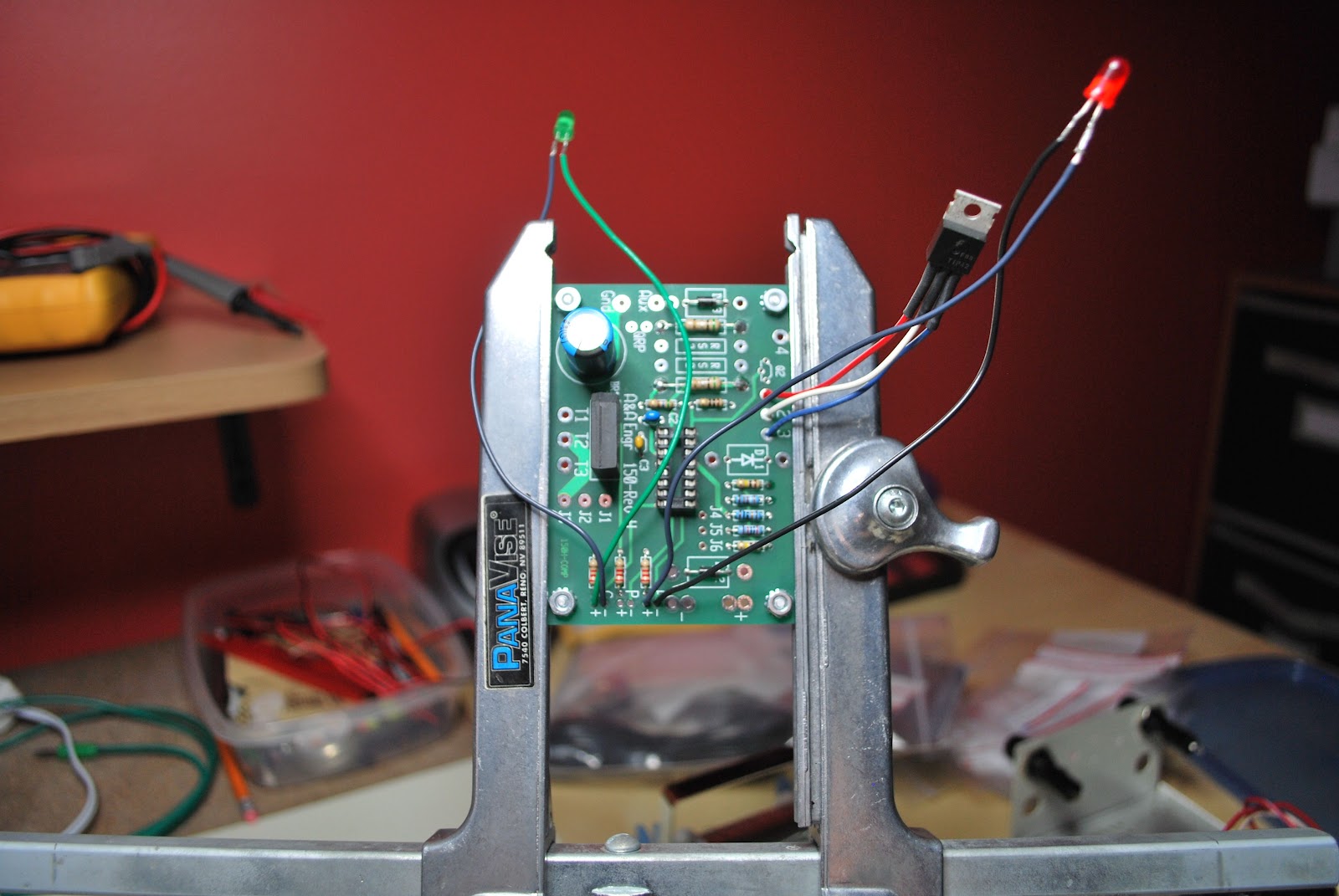 |
| Close to done but no heat shrink on LED |
 |
| Top view with no jumpers or D1 ops |
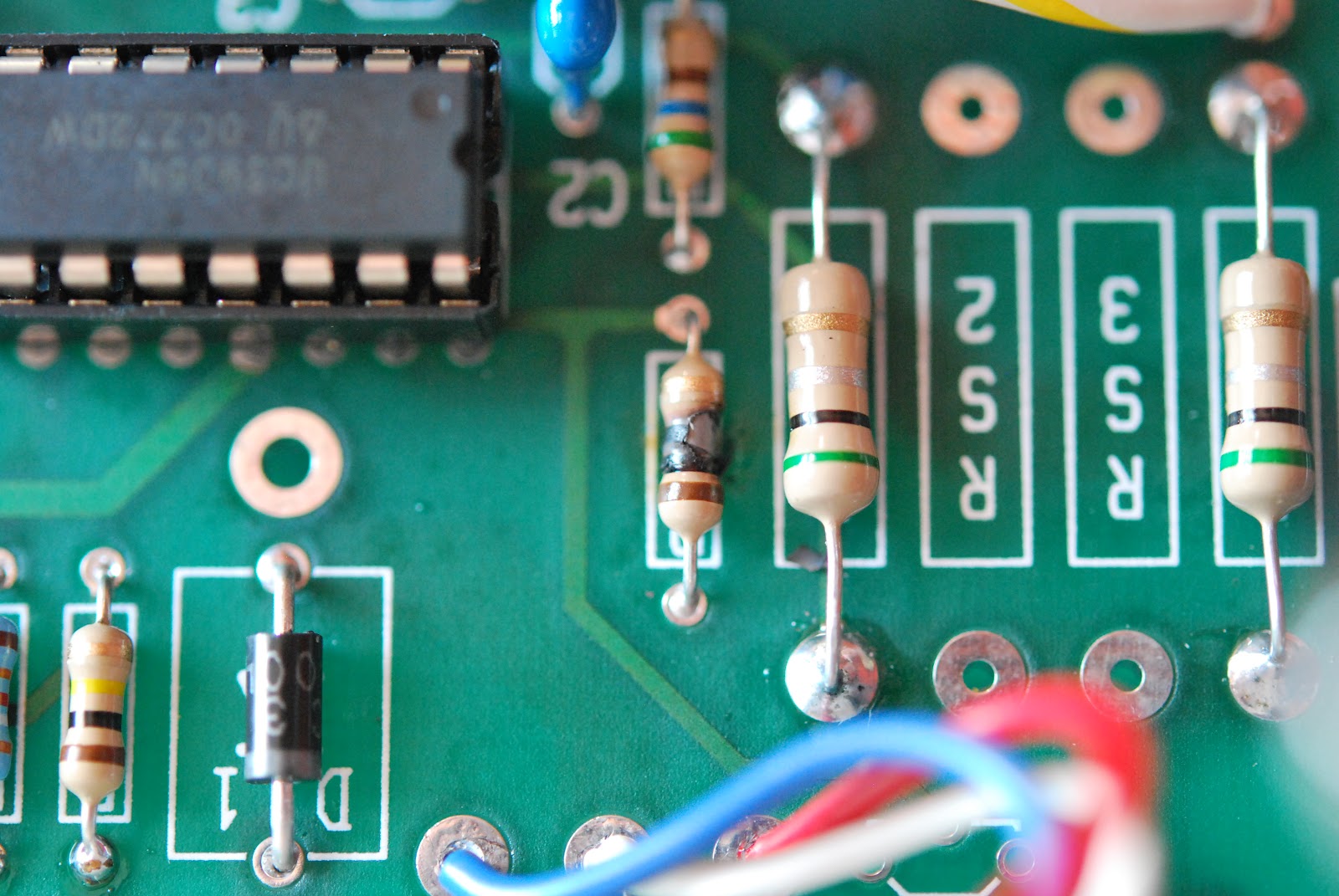 |
| Fried resistor |
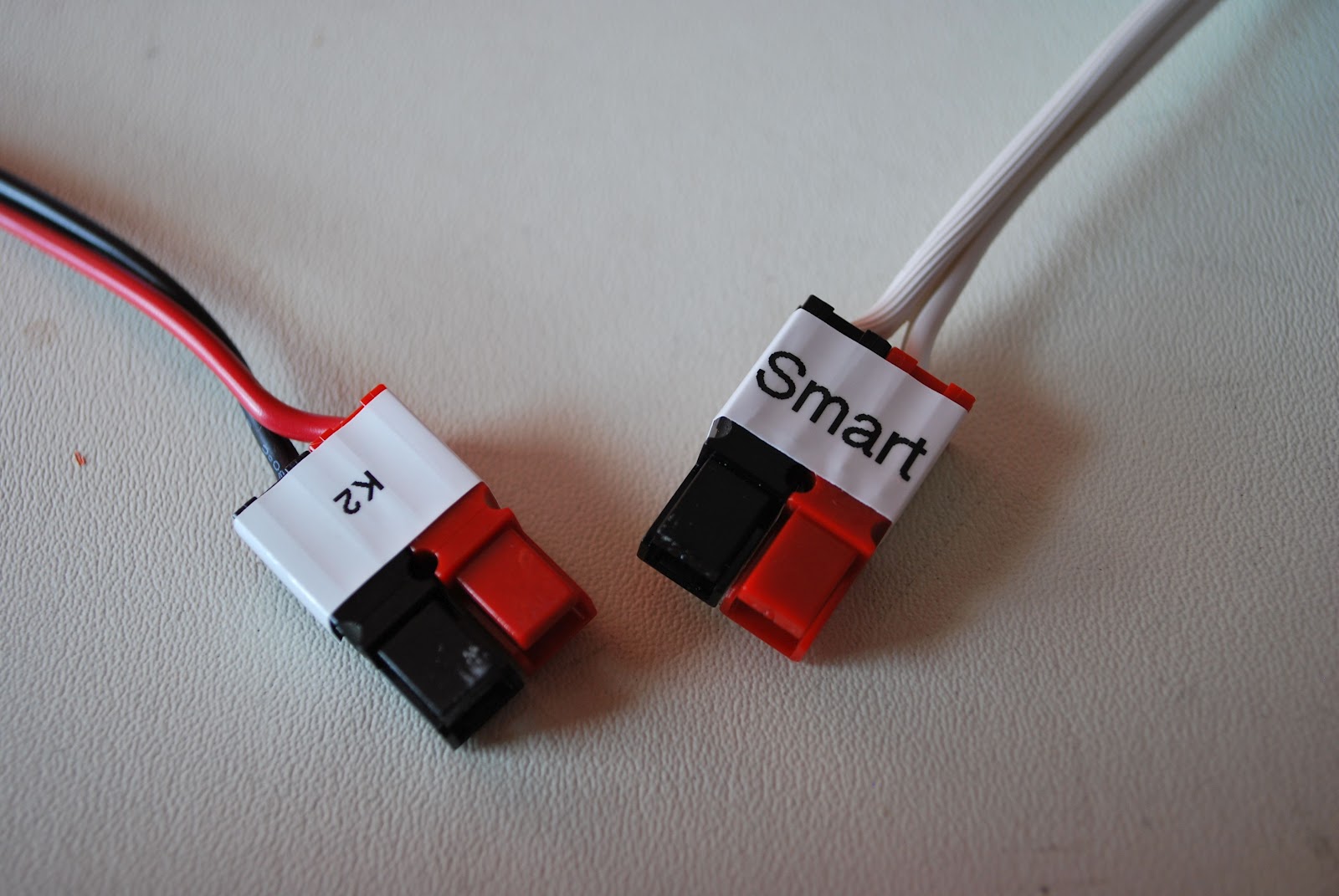 |
| Decided to use Anderson conn's |
either:
1. You are in measuring in the wrong place.
2. You have made a mistake in the assembly.
In either case nothing has been toasted
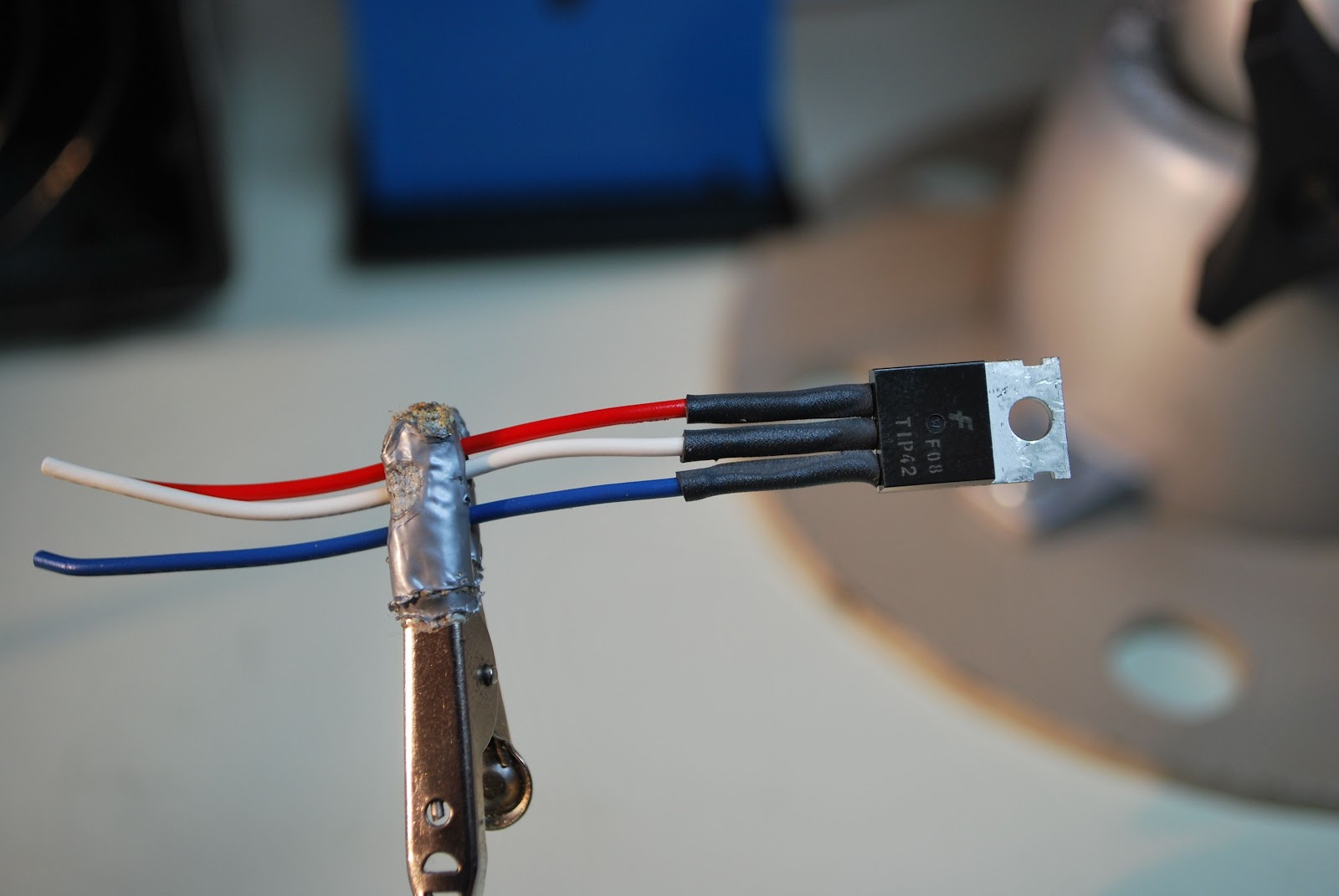 |
| Some heat shrink fun |
1. The heat shrink tubing is very clearly stated to go on the transistor but it also should go on the leads of the LED's...that was not so clear and I have redo the LED's.
2. Make sure you add the jumper J1 to J2 in my case it is mentioned but off to the side of the instructions
3. There is no diode to be installed in D3 position, instructions just say install parts and there are is D1, D2 and D3. Just install the diodes (both are the same diode) one in D1 the other D2.
 |
| D1 needs to have the diode not D3 |
4. If you ordered the QRP version of the charger as I did you will get a separate kit that allows the charger to switch between two charging currents. Read those instructions and install the resistors they tell you too or you will end up removing resistors if you follow the main instructions then move to the add on kit instructions as I did.
5. When done remember the output leads will SHOW NO VOLTAGE UNLESS A LOAD IS APPLIED.
6. The document required to test the unit can be found at the link above under "test procedure". BUT when you do it be very careful!!!