Posts Tagged ‘Elecraft K3’

Seeing the big picture

The new setup
Old setup
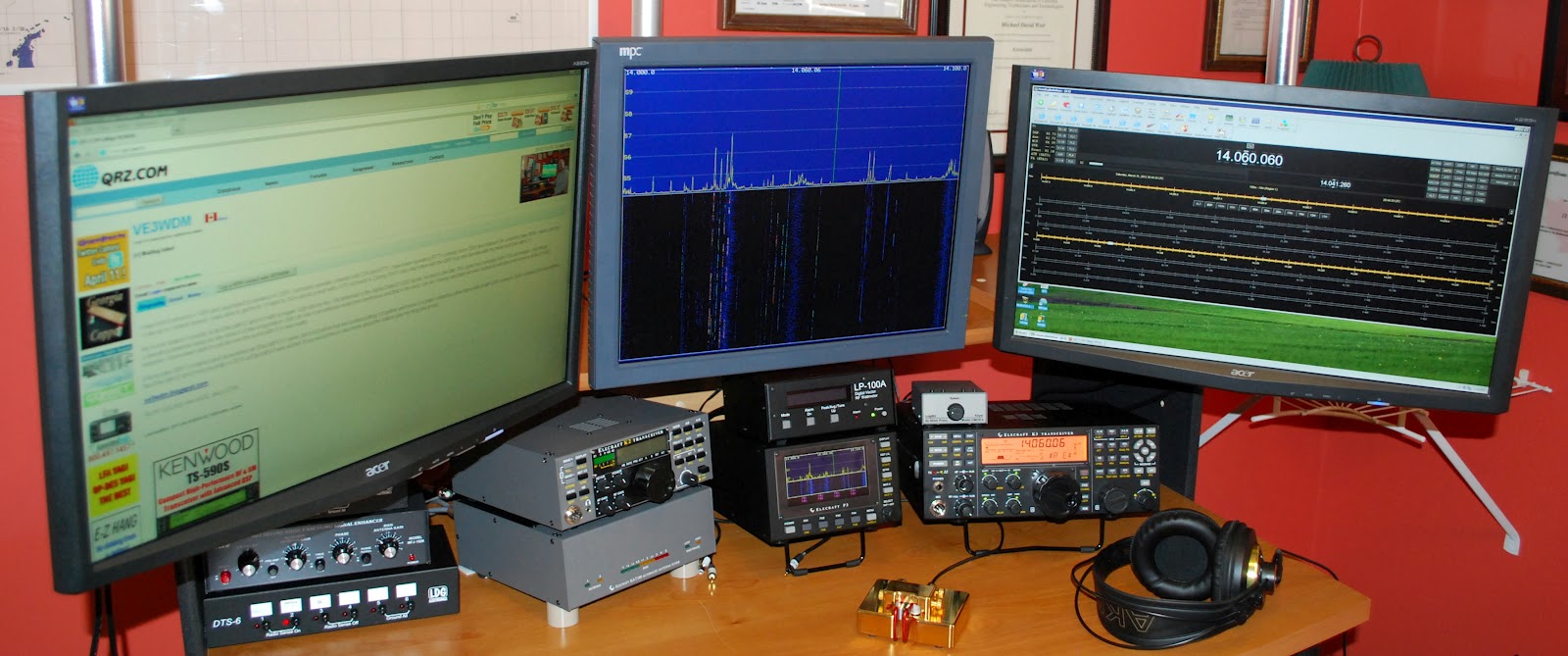
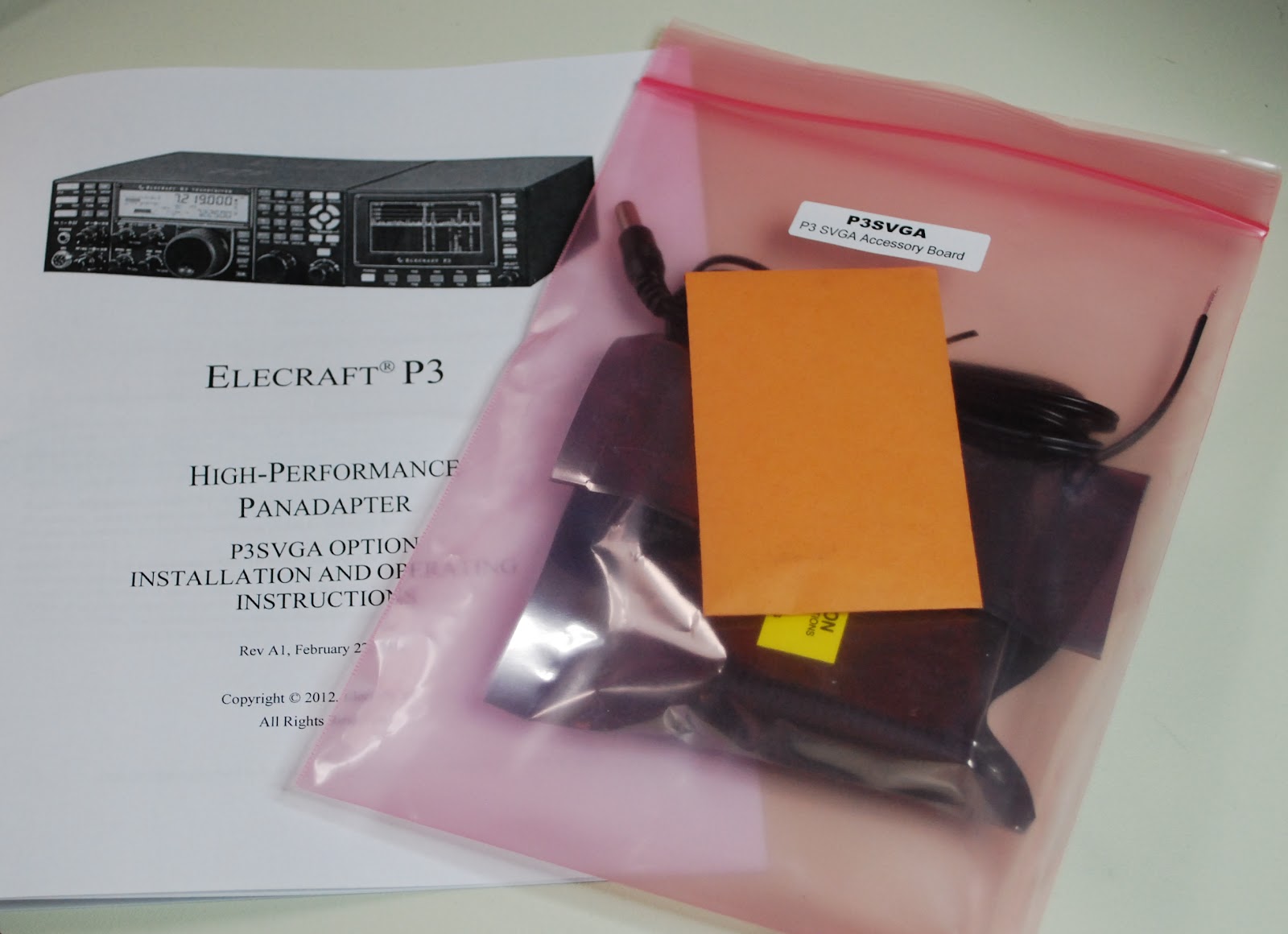
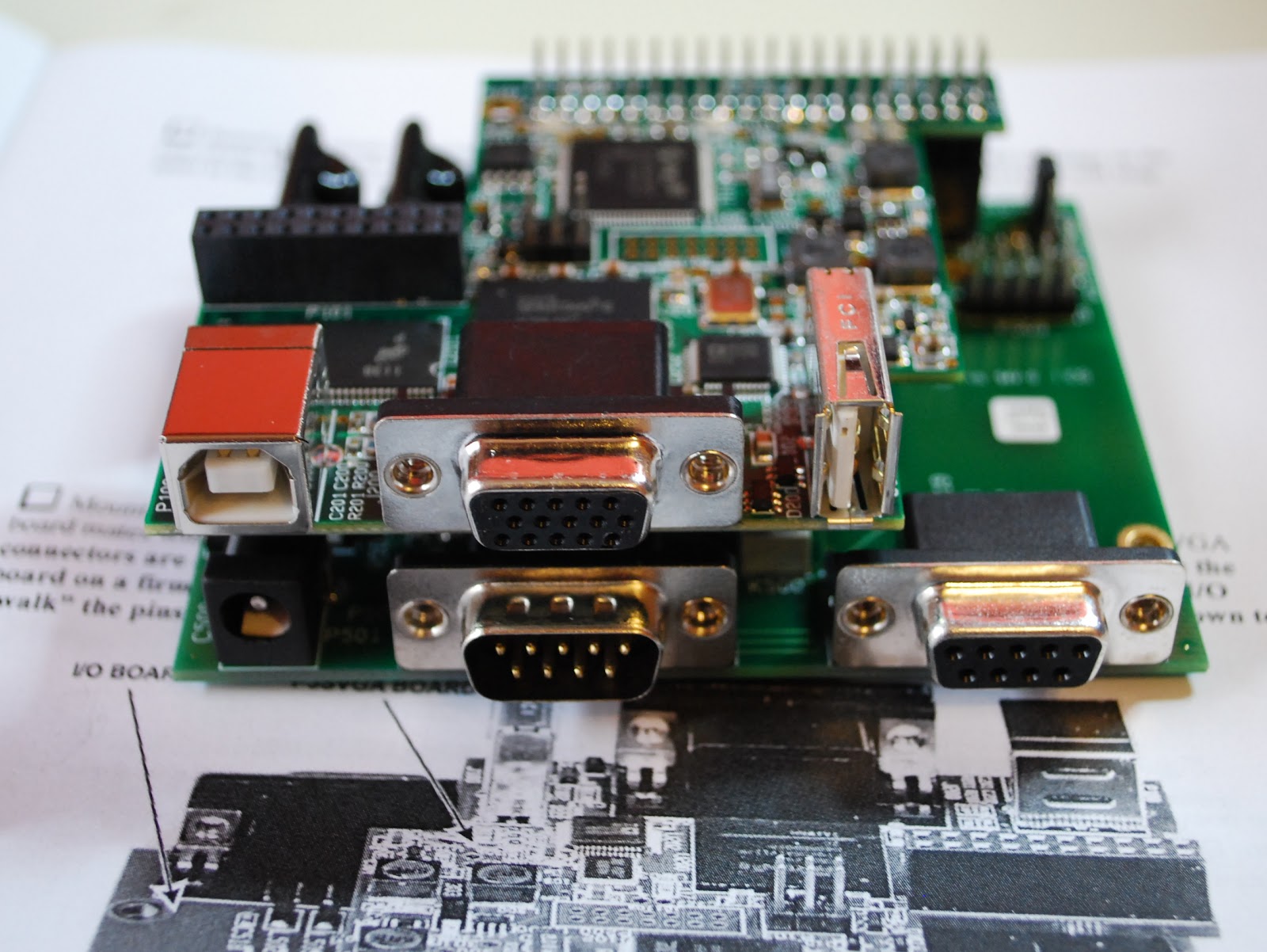
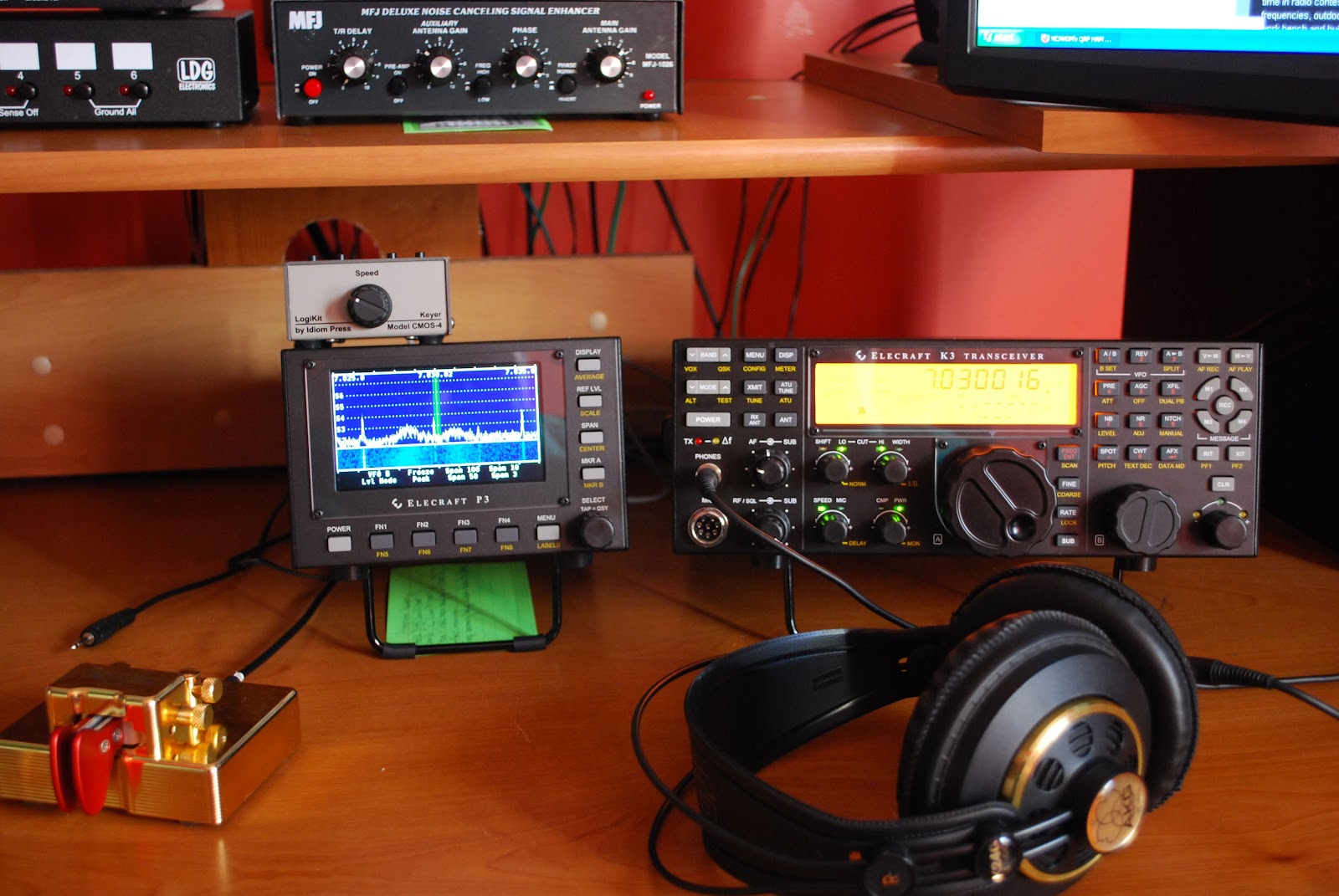
 On Friday my new P3 SVGA card came in this cool add on allows me to move the band scope that is on the P3 up to a large monitor. This has been an add on I had been looking forward to for sometime. The SVGA card from Elecraft fits into the P3 and took about 20 minutes to complete the installation. It was then
New P3 SVGA

time to give it a whirl. As a side note I kept a monitor that I was not using but knew I would use it some day. Well the day came when I needed a monitor for the SVGA it's great when I can reuse! The P3 was hooked back into K3 I then powered up the K3 and P3.......BUT the monitor was blank!!! Well lets reboot and try again.....NOTHING..........It them came to me go to the Elecraft site and update the P3's software. I did that and low and behold the monitor came to life with a great looking band scope! It sure is nice to have a scope up close and personal. Now Elecraft has plans to add mouse control, RTTY and CW decoding and more suggestions are piling in. When I added the new monitor I had to do some moving of equipment on the desk. The LP-100A, MFJ 1026 and the LDG switches all found a new home. The monitor was mounted on
moveable arm so when not in use I can move it out of the way.  When the final position for all the equipment
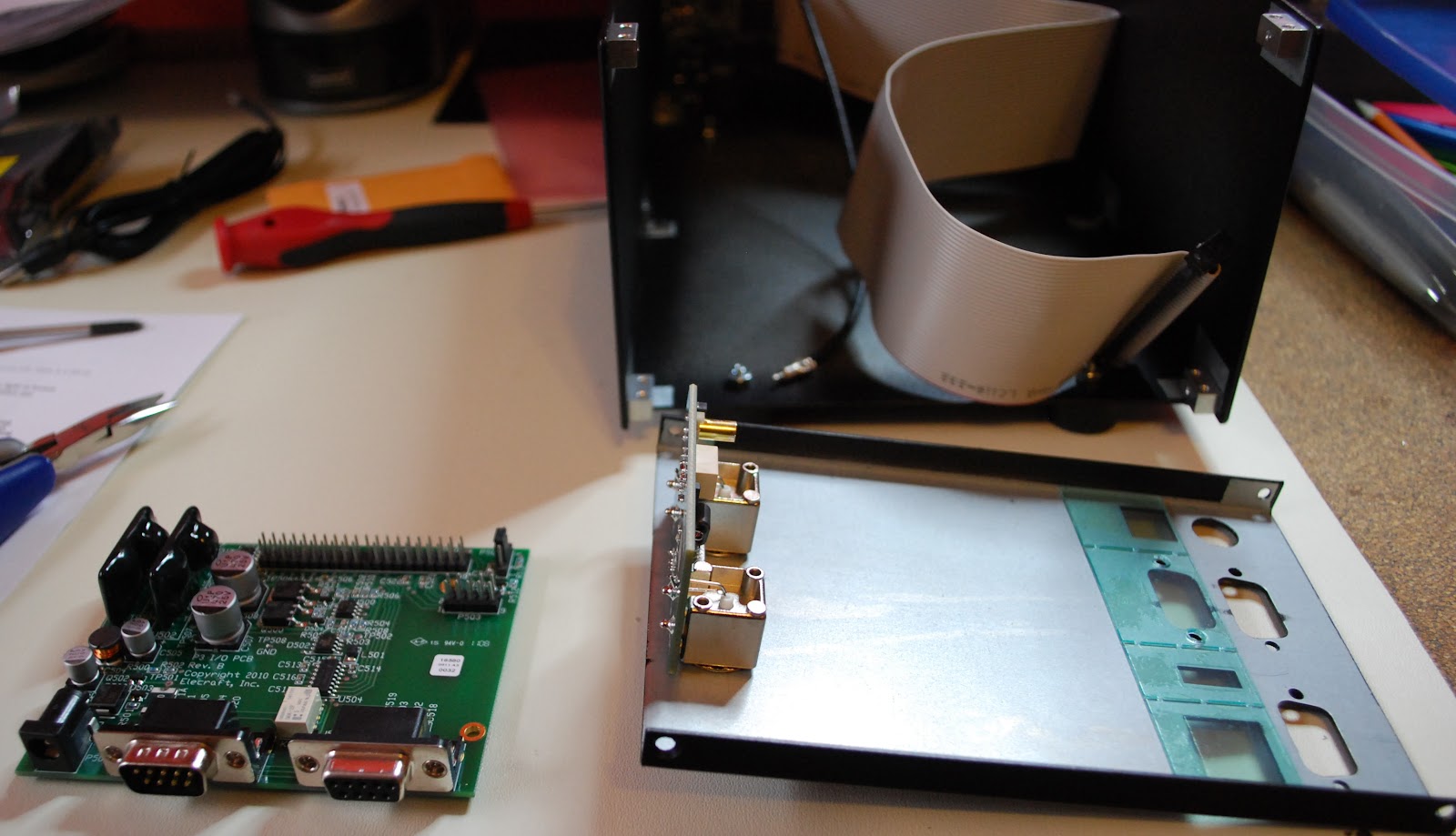
P3 apart and ready for SVGA
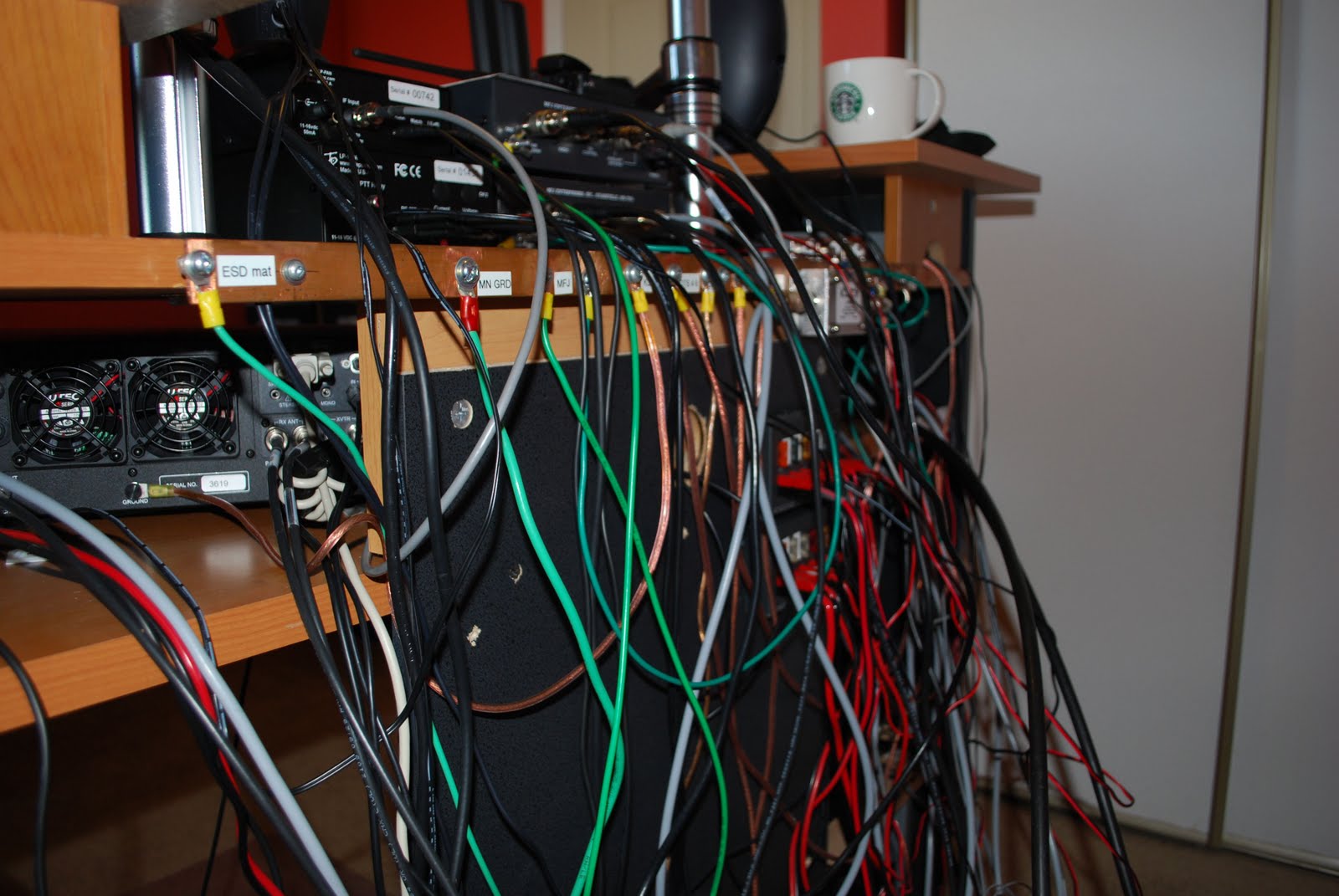
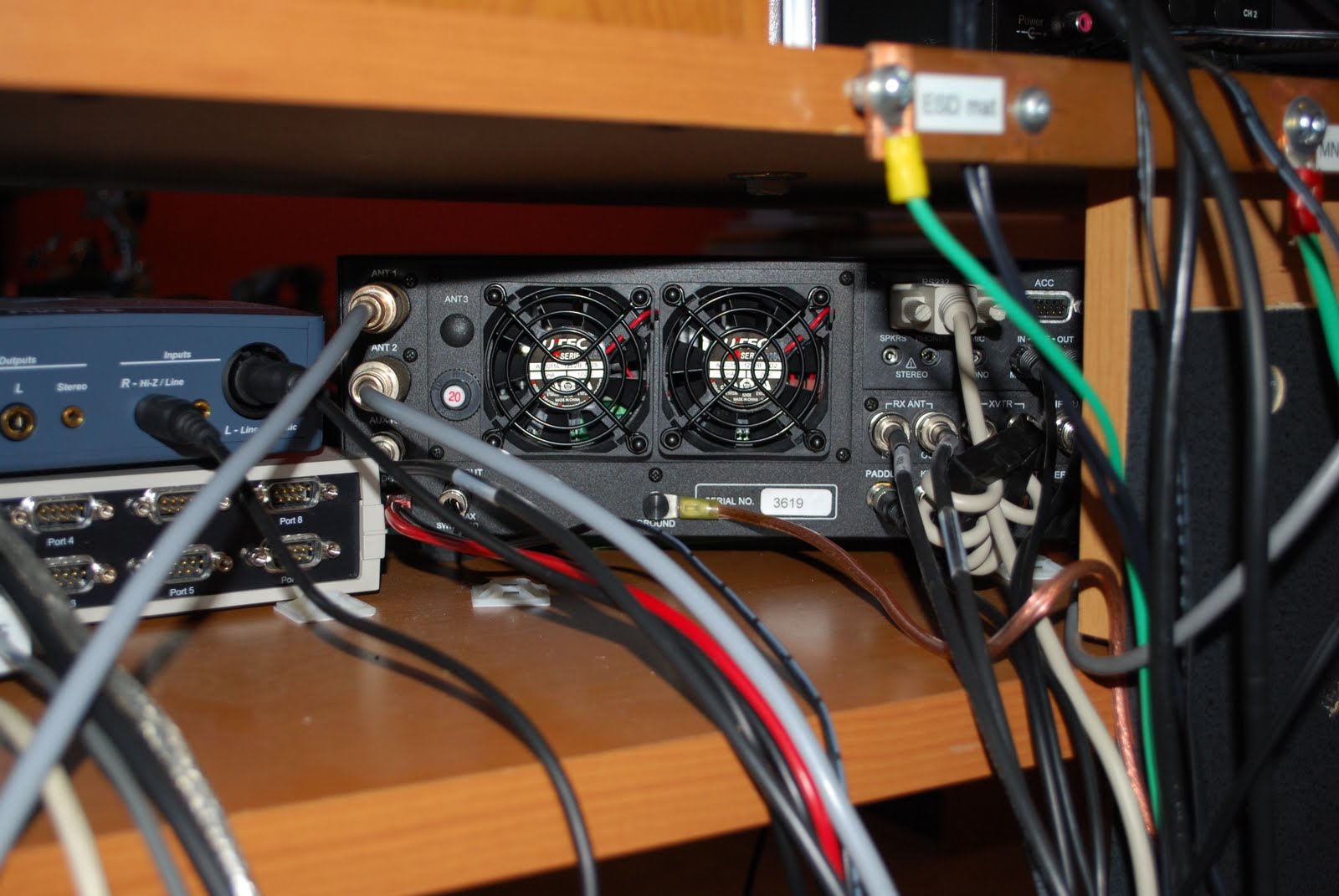
 was found it was better than the old setup. All my ham equipment is on the same level and easier too view and adjust. Also it was due time to label all the cables and wires at the back of the ham gear. There has been many a time when I have removed cables to only have to re-connect them later that day and sure as shootin somehow I messed it up  with some very strange results. I pulled out the P-Touch label machine and tagged all the cables. It was a job that was long overdue and had to be done.  Now that I plan on making the Elecraft K2 portable I will be removing it from the desk along with all the hookup cables. Once I am done my portable op's the K2 can be hooked back into the desk position via the
SVGA installed

labeled cables. My next project is to investigate logging software, radio control software and propagation software. I have been using a hodge-podge  of software and I want to clean up the software end of my ham hobby so now it is time to look at some of the free ham software out there....any suggestions would be great!
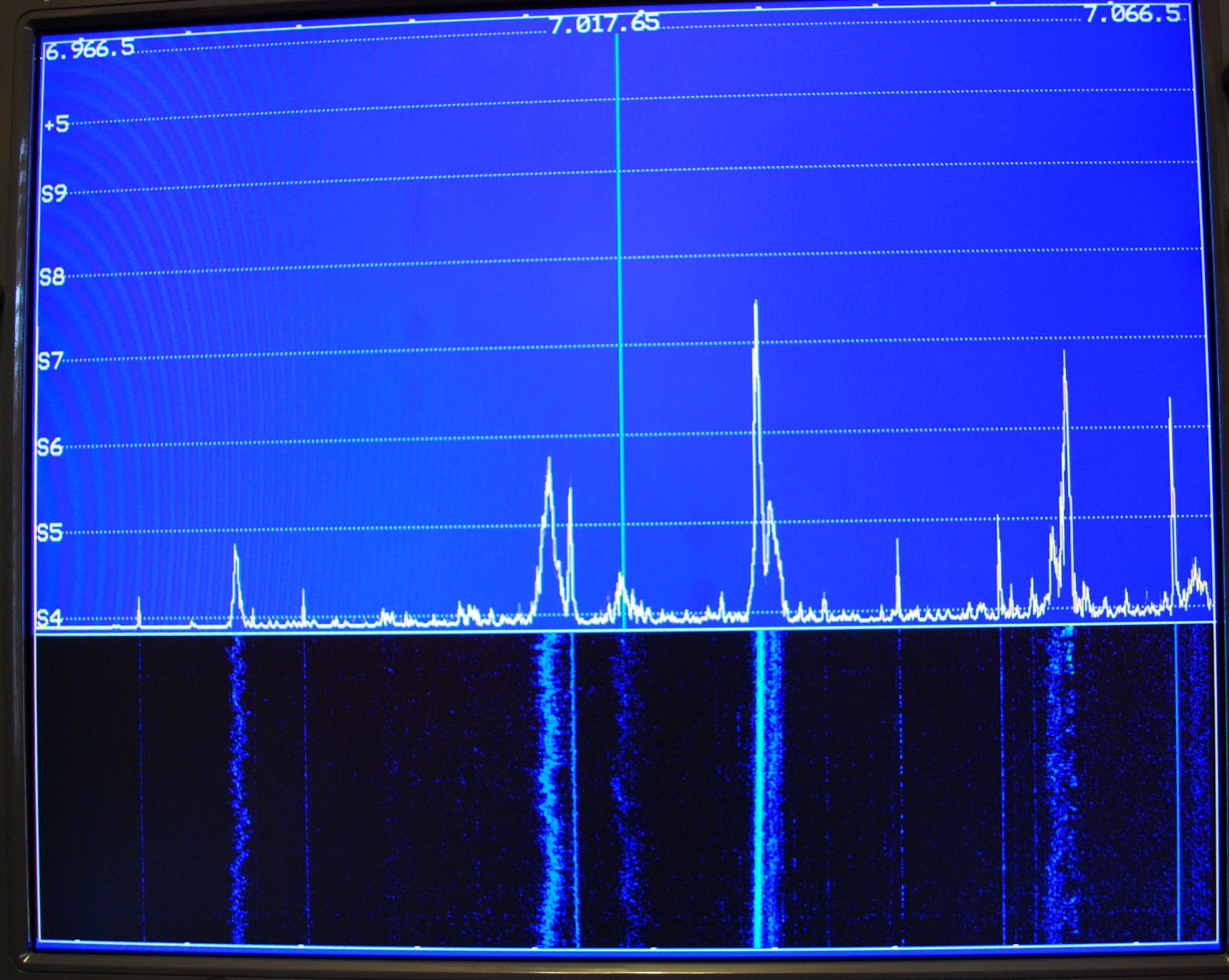
View on the monitor
Monitor out of the way

Things are a changing……….

Lots of changes
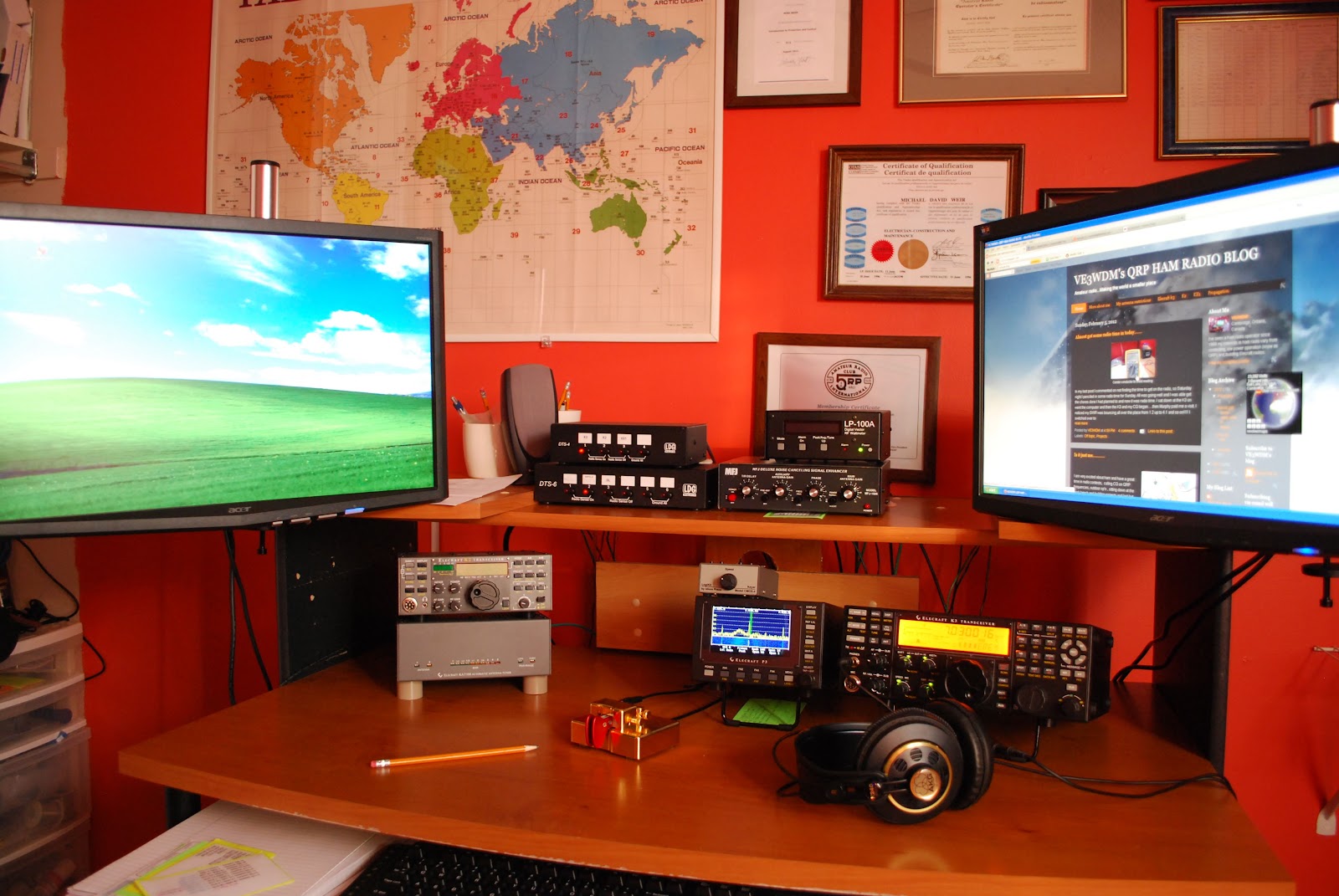
As those of you know who have been reading my blog that I have no problem selling items that are no longer being used here at VE3WDM....and it would look like I am not done but that is a whole new subject. Since I have sold and bought items, things here at the shack have changed a lot. This afternoon I was looking at the pic on my blog of me sitting at the op desk and boy is it out dated!!! Some of the gear in that picture no long find it's home here but are being used at other op's. Just some of the items that no longer call it home are the LP-Pan (along with it the external sound card) that I built and was very hard to let go seeing it

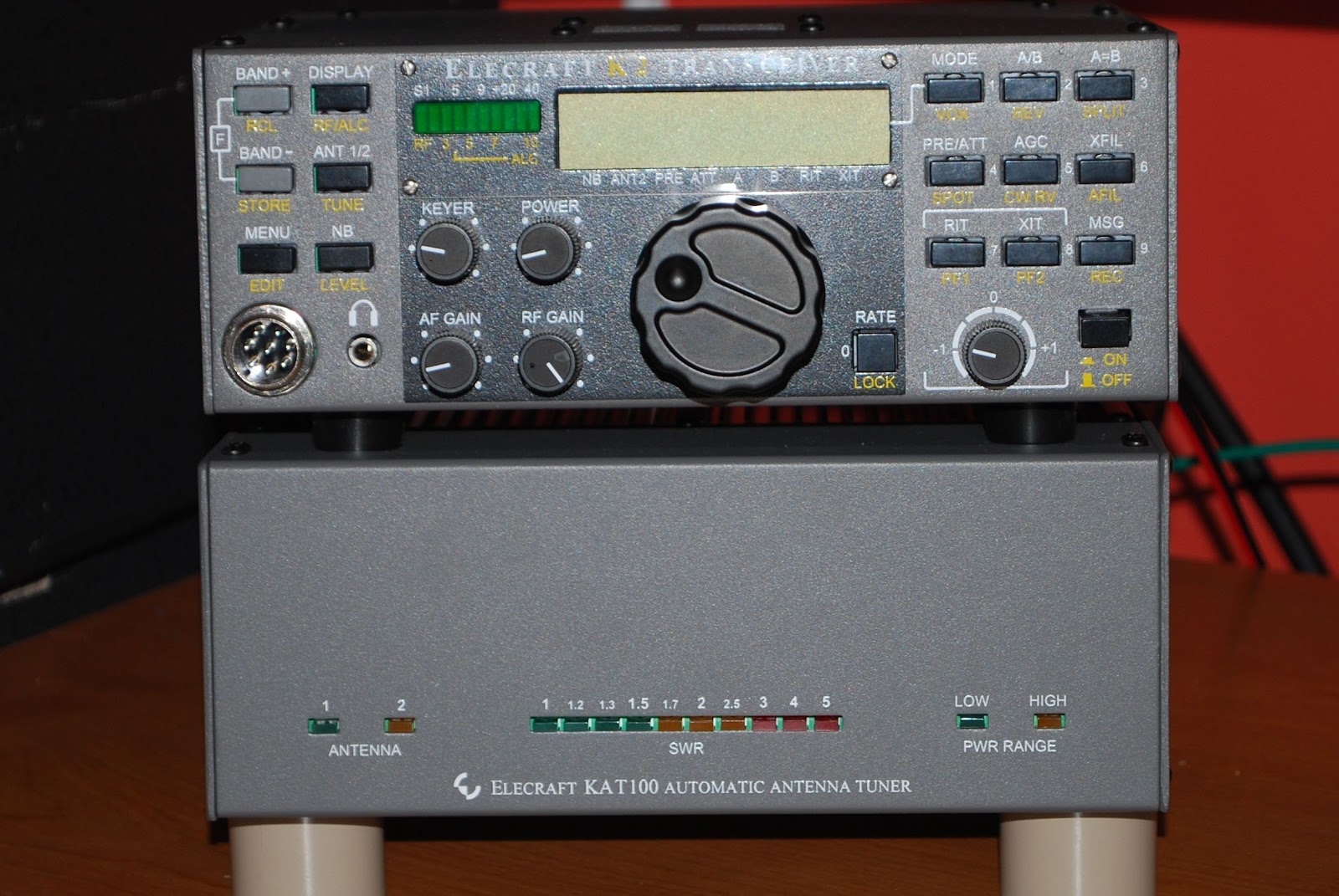
The KAT100 and 100w amp enclosure
P3 and AKG headphones
was a project of mine. There was a second MFJ 1026 noise canceller which by the way went to soon in hind sight I would had sent it down to Larry W2LJ. I now know that he is looking for one due to Plasma TV troubles...would had sent it to him to try and buy. Then there was the K1ELUSB keyer that seemed to just be taking up space. Some the additions to the shack over the last little while are Elecraft P3 and all I can say is "it's excellent"!! I have remote mounted my Elecraft KAT100 tuner and 100 watt module in a separate enclosure. This allows me to run the K2 both at home and then grab and go for portable op's. Soon the battery and internal tuner will be installed in the K2 for the full portable operation experience. Another addition to the ham family was the CMOS-4 Logikit keyer by Idiom press. That seems to be about all the changes that have gone on here and I will be updating my profile picture soon to reflect the changes. I also sold the Heil Pro headphones since I am 100% CW then the Pro set plus was a waste. I read glowing reviews of the AKG K240 headphones I decided to go with those.

Got some QRP time in this past Sunday………
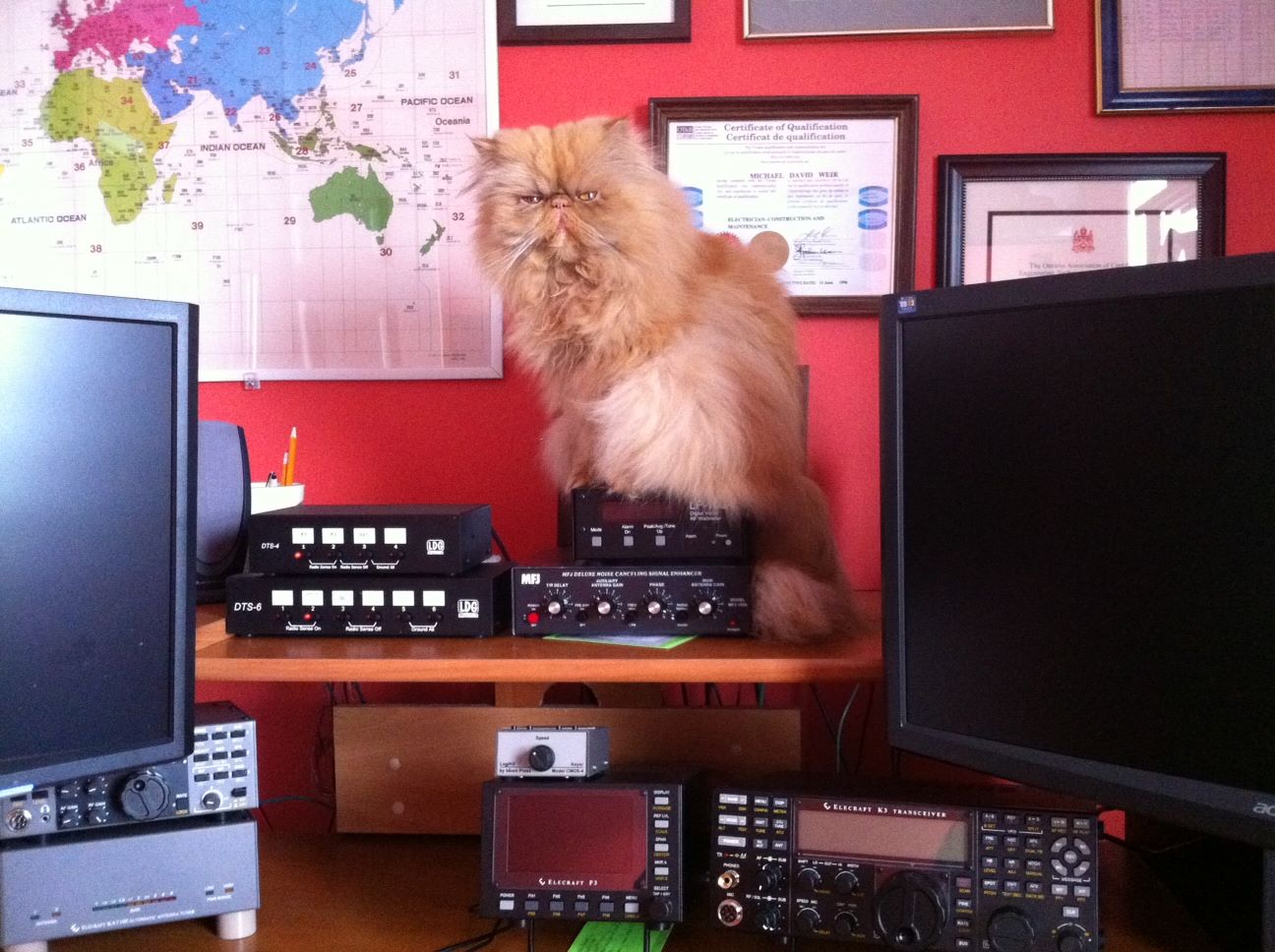
Lets play radio
This past Sunday I sat down and got some radio time in, it seems there is so much that can come up to pull me away from some K3 time. I wanted to make an effort to sit at the rig today, relax and call CQ on 14.060 and to see what happened. I cranked the K3 up to 5 watts and let the CQ ring out over the airwaves!! It was not long before Peter KG4GR came back to me he is located in  Iowa. I was exspiraneing some type of AC QRM most likely from the 230KV hydro lines at the back of our home. The noise blanker on the K3 seemed to take care of it but Peter was in and out and I got the impression I was the same with him. Maybe
it was this huge solar eruption of the sun the other day that was still having it's affect on the bands. In the past I had  checked out the solar forecast before hitting the air waves but I found it used to cloud my ambitions. So now I just go for it without checking or if I do I don't let it affect my operating time. Anyway.........Peter's signal gave me a chance to try out the K3's APF (audio peak filter again. I have had some troubles in the past with getting this feature just right and it does I am told take some practice. Well it sure did help with Peters signal. I had a nice QSO that had to be cut short as another station unknowingly was calling CQ. I then gave things a little rest and started to read and comment on some blogs I still had the rig on and the head phones around my head just in case China happen to be calling CQ......HI HI. Once again I called CQ and WD9F/QRP came back to me.....and this QSO was a very humbling experience . For some strange reason my brain went into neutral, I just could not get my ears around the /QRP in the Woody's call!!! I asked him for a repeat...still did not get it and at the end of each transmission I would try his call and end it with ?. Well Woody was very polite and patient and dropped the /QRP and stayed with his call only. Once he did that it clicked what was going on. Boy did
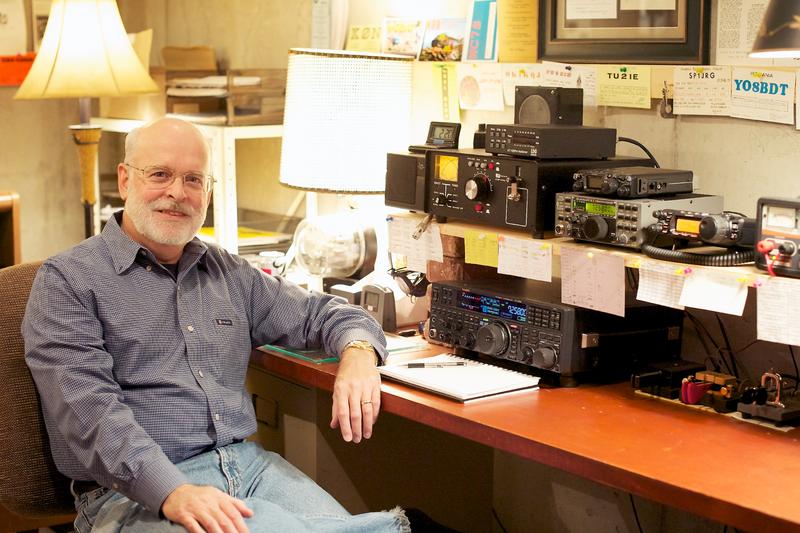
WD9F/QRP
I feel foolish and as the QSO went on my foolishness bloomed. I was a bit flustered once I figured out his full call. Then it happened the QSO went off the standard exchange and into a CW conversational  QSO. Woody spoke of how he reads my blog and enjoyed my last post about the late QSL card. That was the end of my brain and the connection to my left hand at the paddle!!! It was like the keyer was working on it's own and not in a flattering way. Woody was very polite and weeded through my if you could call it "code". All I can say is nerves got the best of me. Oh well just have to keep plowing along and the weekend is coming and time to practice the brain vs left hand communication again.

My YouTube debut……

The other day I received an email from the Elecraft reflector site mentioning Plasma TV's and the problems they can cause ham op's. I do have a Plasma TV and it sure does affect things here at VE3WDM so this thread interested me very much. As you know from reading my other posts I do have the MFJ 1026 noise cancelling unit and I have had good success with it. The post on the Elecraft reflector had a great link to a load of information on how the K3 and the MFJ 1026 can work together very well. Well since I have the K3 and the MFJ 1026 I investigated the link.  I found a very cool way to hook the both units together that
has some good advantages over the way I am now......or was using.

 With this configuration I am able to just push the RX ant button on the K3 and both units are inter connected. Also the way the MFJ 2026 is adjusted is a little different than I had previously adjusted the unit. I tried it and it is very easy, fast and works great!! So what are the advantages of hooking up your MFJ 1026 this way....well you never have to worry about the RF from your transmitting antenna getting into your receive antenna. With this hookup they are totally isolated. To include the MFJ 1026 it's as simple as powering up the MFJ unit and pushing the RX ant on the k3 and then some simple adjustment of the MFJ unit. Finally I decided to use my Iphone to video the results of the MFJ 1026 and the K3 and how they dealt with the Plasma TV noise. You will have to excuse the reflection of me in the Elecraft P3 and the audio may not be that great either but give it a go as it does show how the Plasma TV's interferance can be dealt with.

Elecraft P3 pan adapter
I have been debating this one for a long long time and that is do I or don't I want (want not NEED) the Elecraft P3 pan adapter. There were two factors that drew me away from this unit, the price and the size of the screen.
Well I have sold some unused "stuff" here at VE3WDM so the funds are there. I contacted Lisa at Elecraft and I was told that in a few months there is a board coming out to put the P3 video up onto your monitor along with other goodies that it can do as well. For example decode on the monitor CW, RTTY and PSK31 to name a few. So
 on Friday I called Elecraft and sealed the deal. I hope it comes in time for Christmas and in keeping with tradition I ordered the kit version!!

Elecraft K3 filters…AGAIN!!!

All done... an event worth celebrating
In my last post after installing the general coverage receiver in my K3 and all was
Before the change
After the change

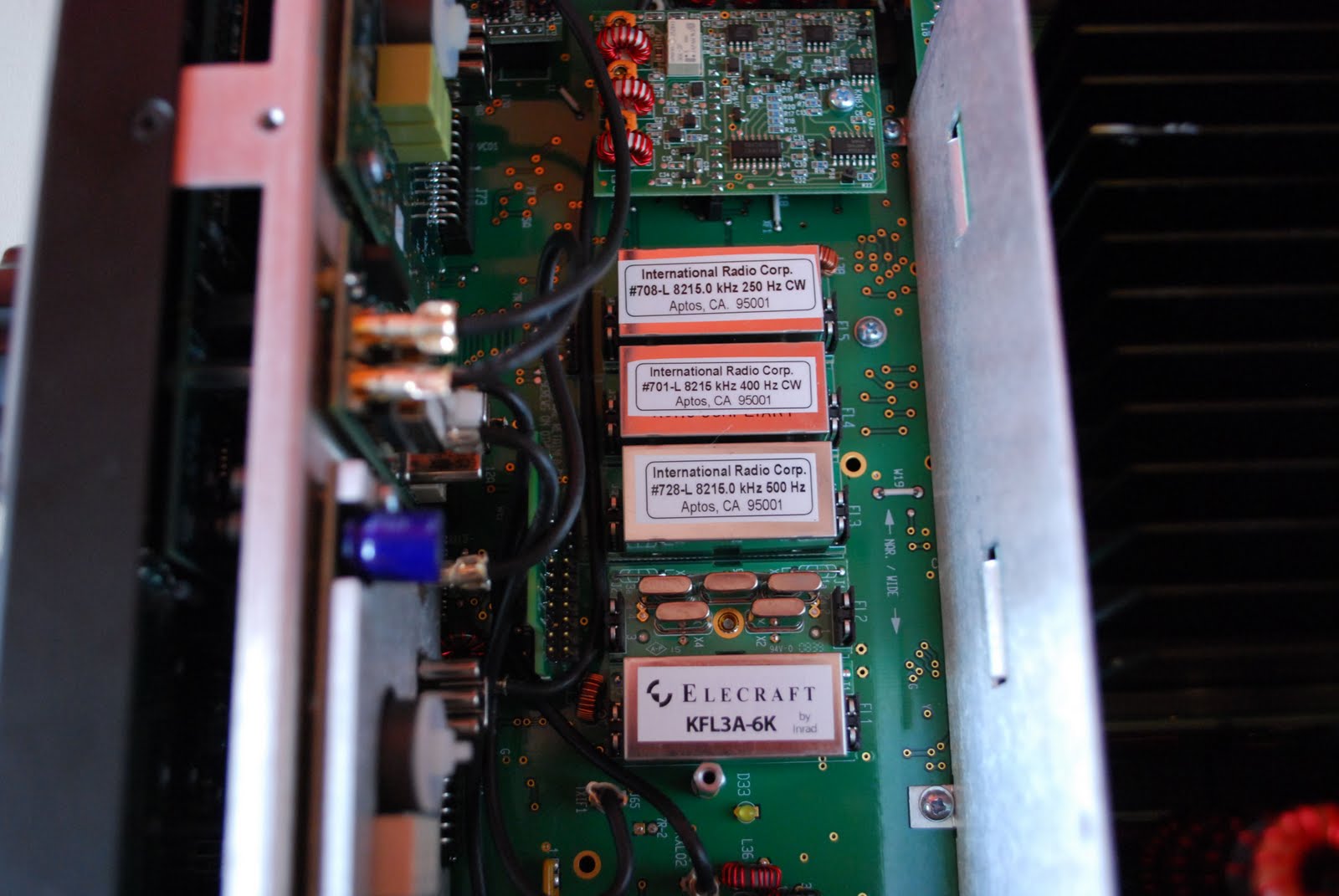
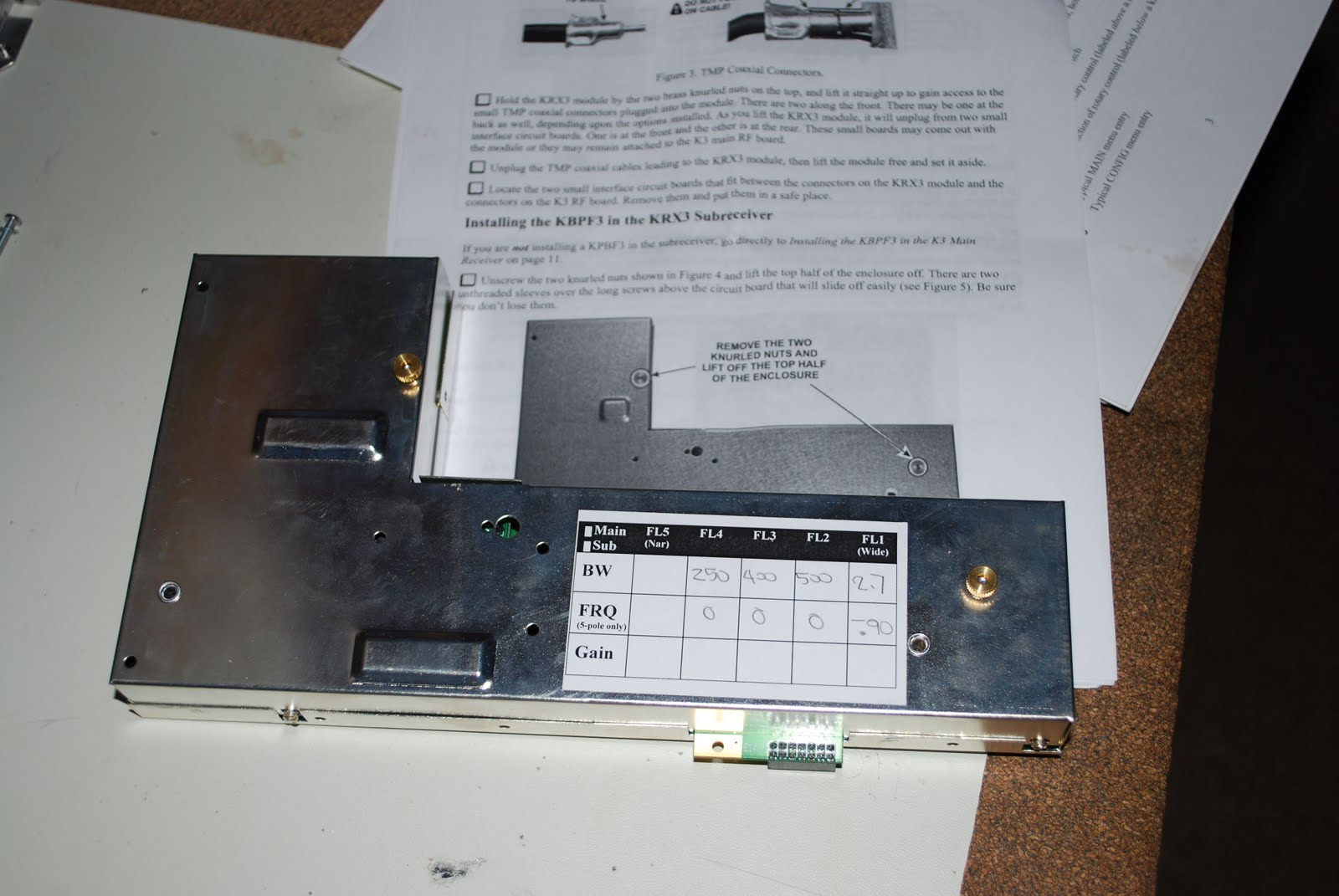
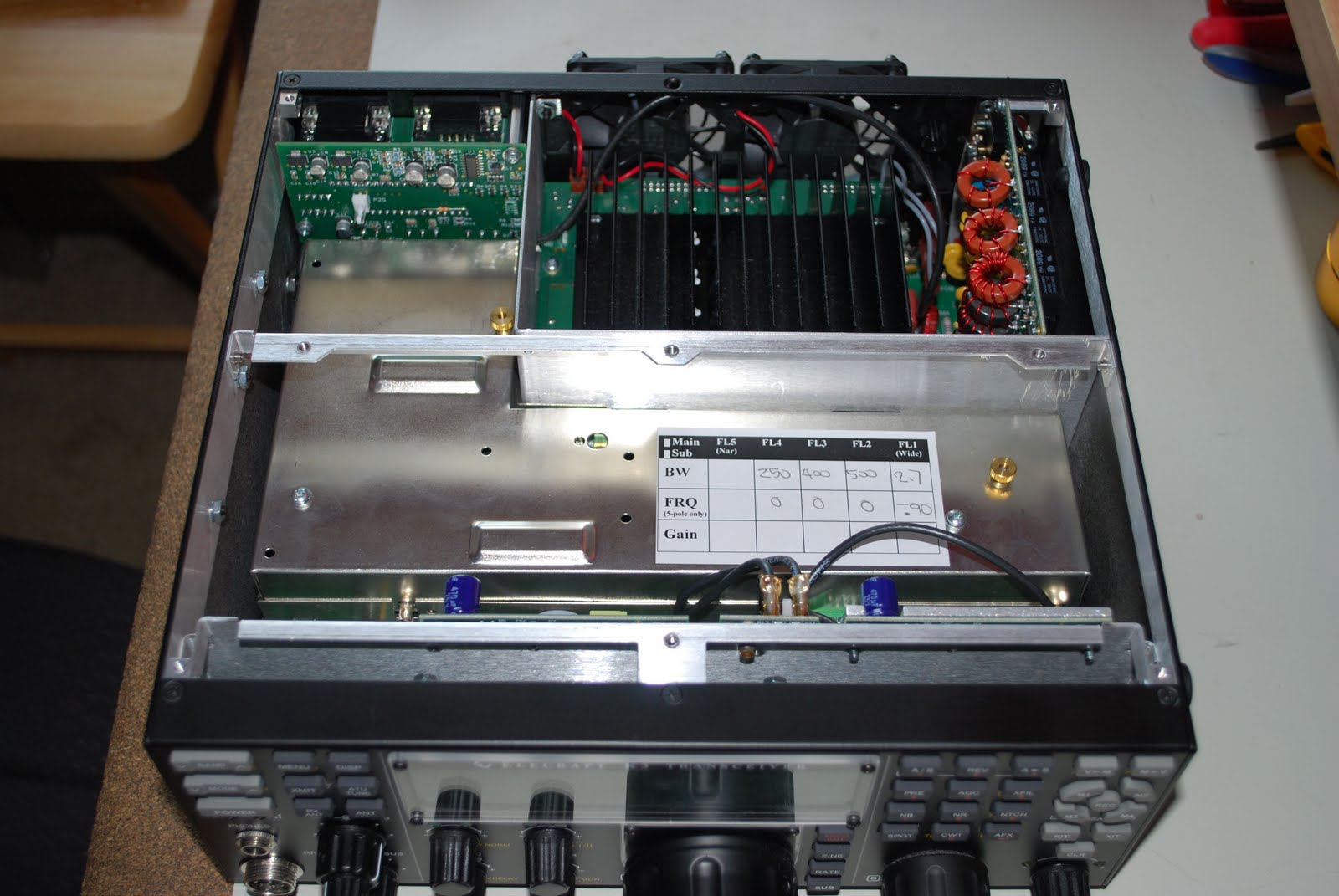
put back together I realized I had not put the filters in descending order. For some reason I started with the 2.7khz and then the 6.0khz. So it was now time to disassemble the K3 AGAIN to switch the order of 2 filters. While the rig was apart I also wanted to open up the sub-receiver....what the heck eh. It has it's own set of filters which had to match the main receiver's order of filters.
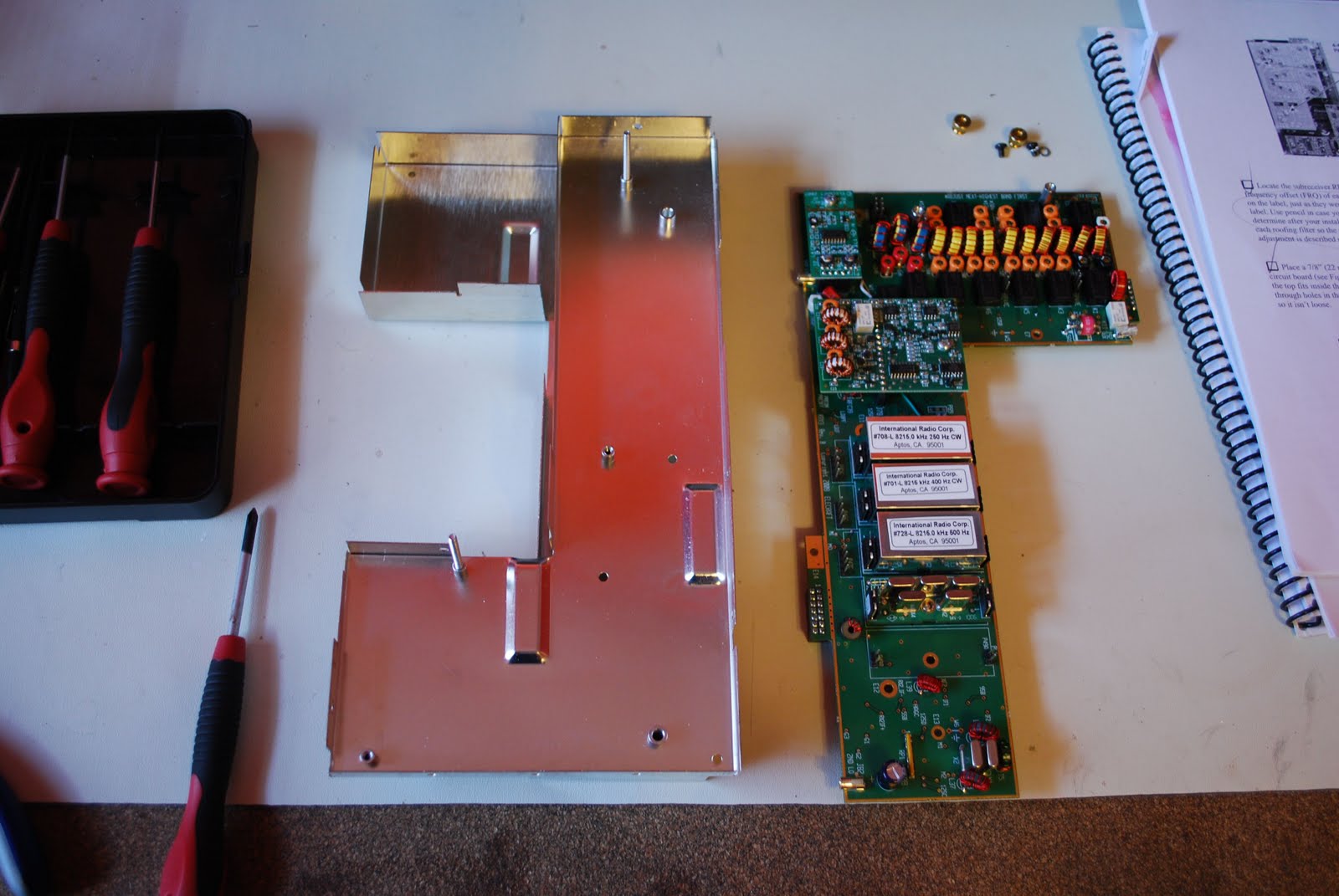
The sub-receiver apart filters switched
sub-receiver back together now to change labeling
All of the sub-receivers filters had to be moved down one slot. The "event"  went a bit more smoothly this time it was like I had just taken it apart.....wait....I just did!! All is back together now and working great.

Installing Elecraft’s general coverage option
KBPF3 board
The mess
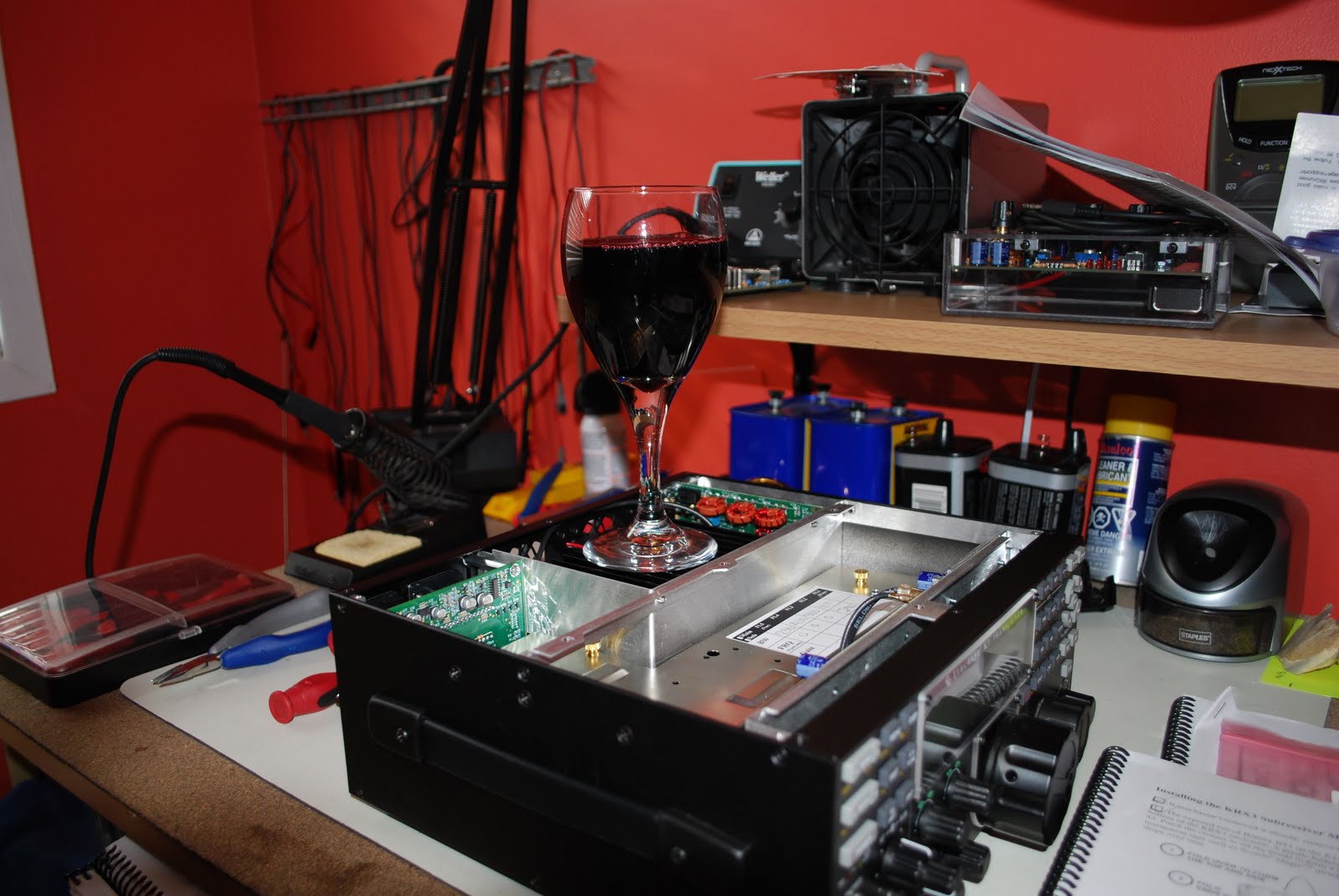
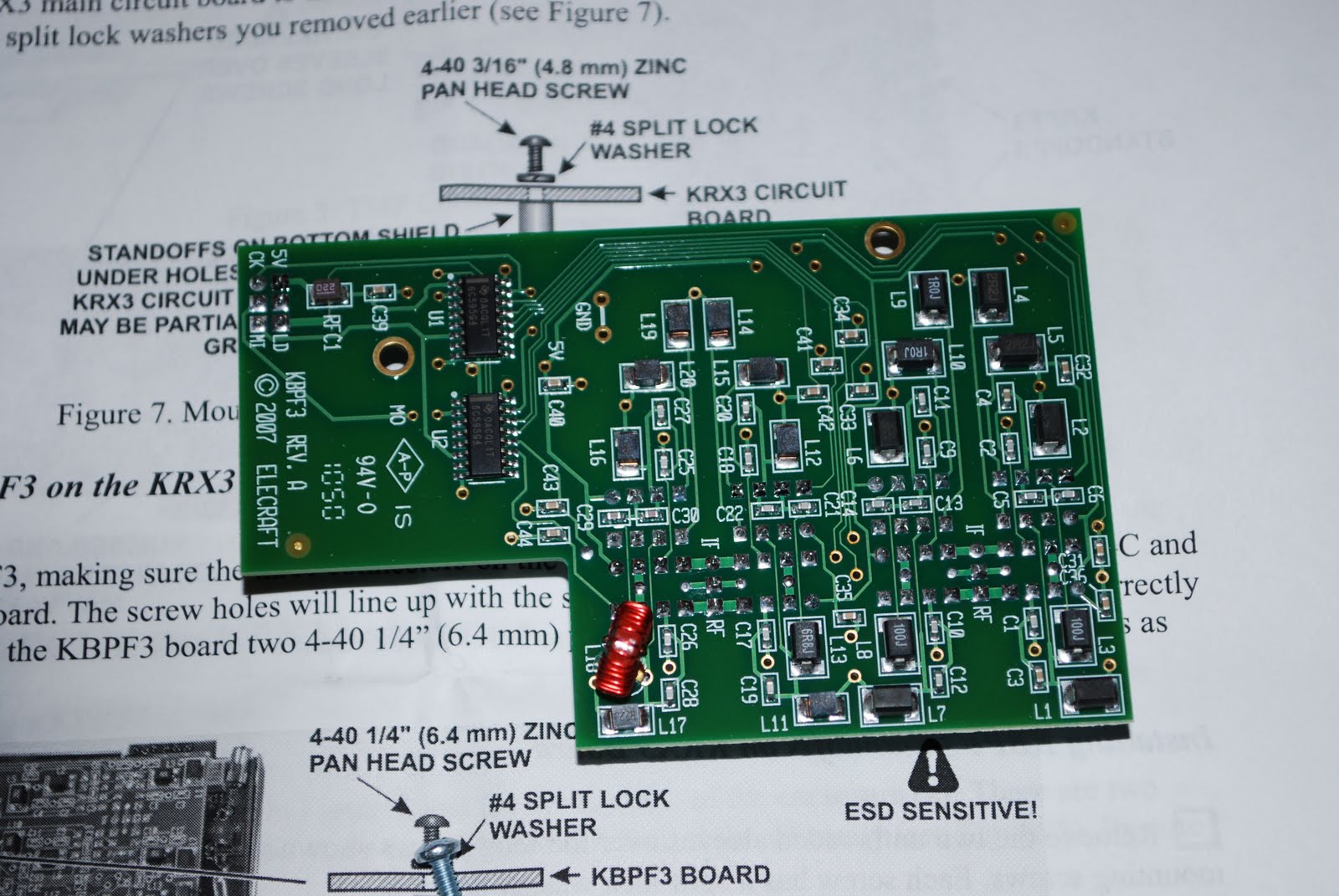
About 2 weeks ago I emailed my order into Elecraft for the KBPF3 general coverage board. It arrived on Thursday and was placed off to the side until Saturday. I did my reading to familiarize myself with the installation. It seems I was not familiar enough as I made an amateur mistake but more on that later. My K3 has the sub-receiver installed so I have the choice of putting the general coverage unit in the main or sub receiver. I choose the main receiver. So the first order of business is to get the work bench all cleared off and get the K3 on it. That is easier than it sounds as the back of the radio desk is a snake of wires and cables. Before taking ANY cabling comes off the K3 I made notes of where all the cabling came from and went too. In the past  it was delusional of me to think I can just "remember" where all the cables went on the
K3 hookup
back of the K3. So it was off to the bench with the K3 and the ESD band went on!! Removing the top cover was very straight forward and exposed the insides of the K3. Now I don't know about you but I am never thrilled about digging into the K3 and adding and removing parts. The Sub-receiver was the first item to be removed. There are 3 TMP coaxial cable connections that have to be removed. Unfortunately I have nice fat farmer's fingers I managed to remove the cables and pull the sub-receiver out.  This exposed the main K3 board where the KBPF3 was to be installed and a new 8 pole

Top cover off
6khz filter to be added. The general coverage kit came with 2 standoff's for mounting the board but in Elecraft's wisdom the standoff's were already on the main board.,so that was one step I could forget about. The KBPF3 board fit into place very smoothly the only concern was mating the KBPF3 connecting pins to the main board. That was done by feel and was only known if it was done correctly when the stand offs on the main board matched the holes on the KBPF3 board. Then it was time to install the 6khz 8 pole inrad filter. The filters have to be installed from wide to narrow. This meant it
Sub-receiver

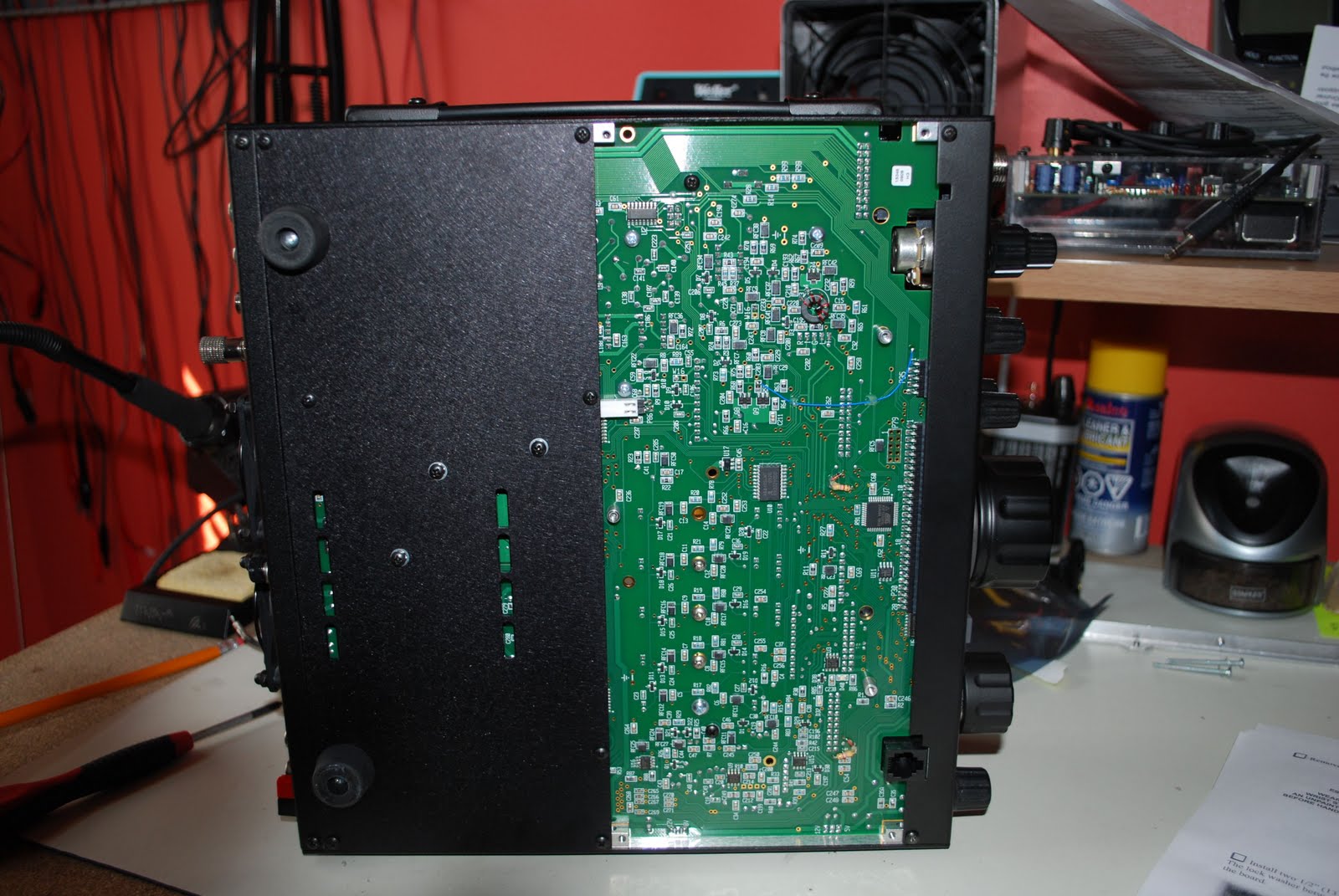
was time for me to move filters around to accommodate the new wide filter.  Removing a bottom cover was in order to expose the filter's fastening screws.  With the KBPF3 board in, sub-receiver back in....just a note of caution make sure the plastic cover is  on the battery on the K3's main board. If it inadvertently came off and was left off it will come into contact with the sub-receiver's case and that is not good. Next all the covers went on

KBPF3 installed
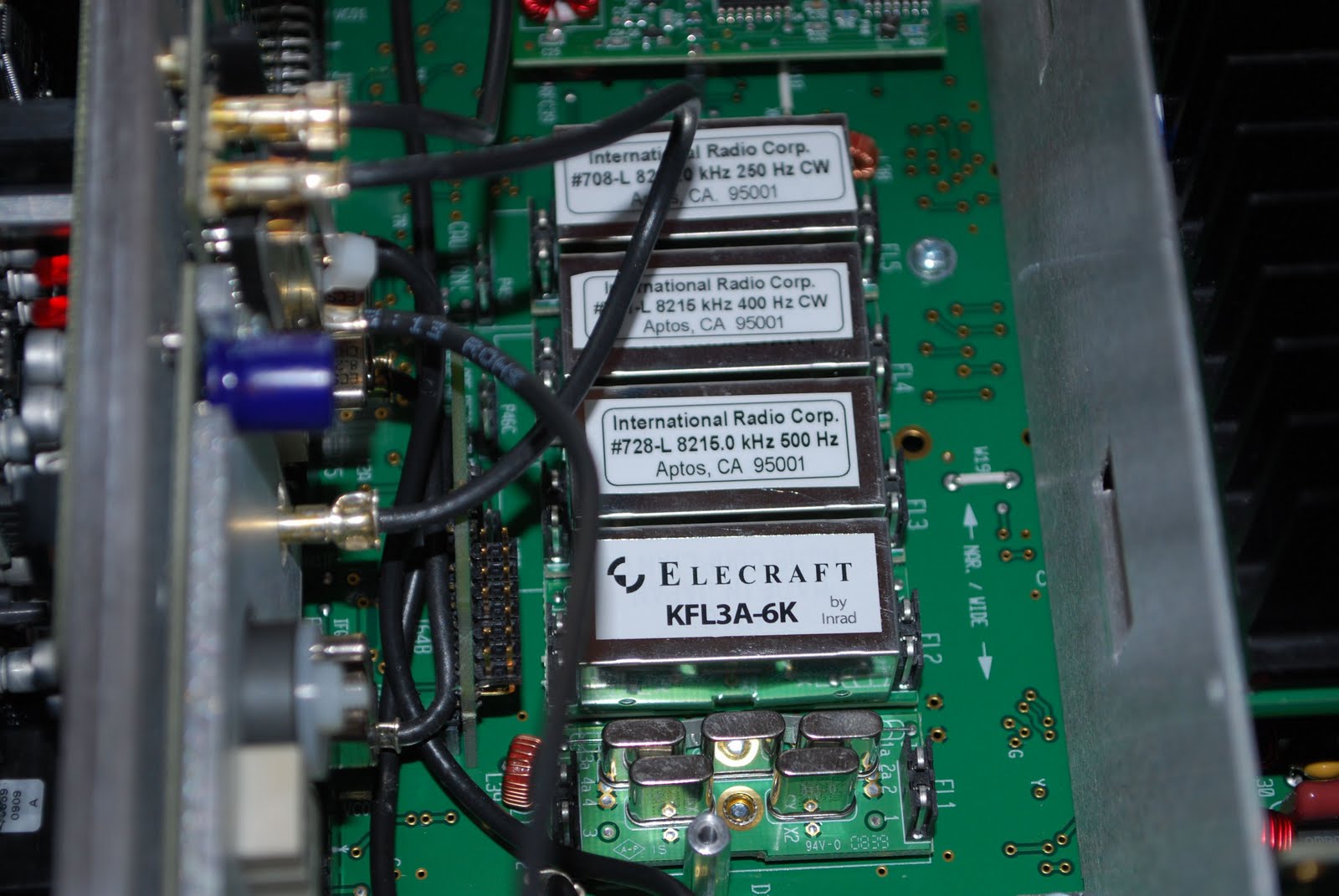
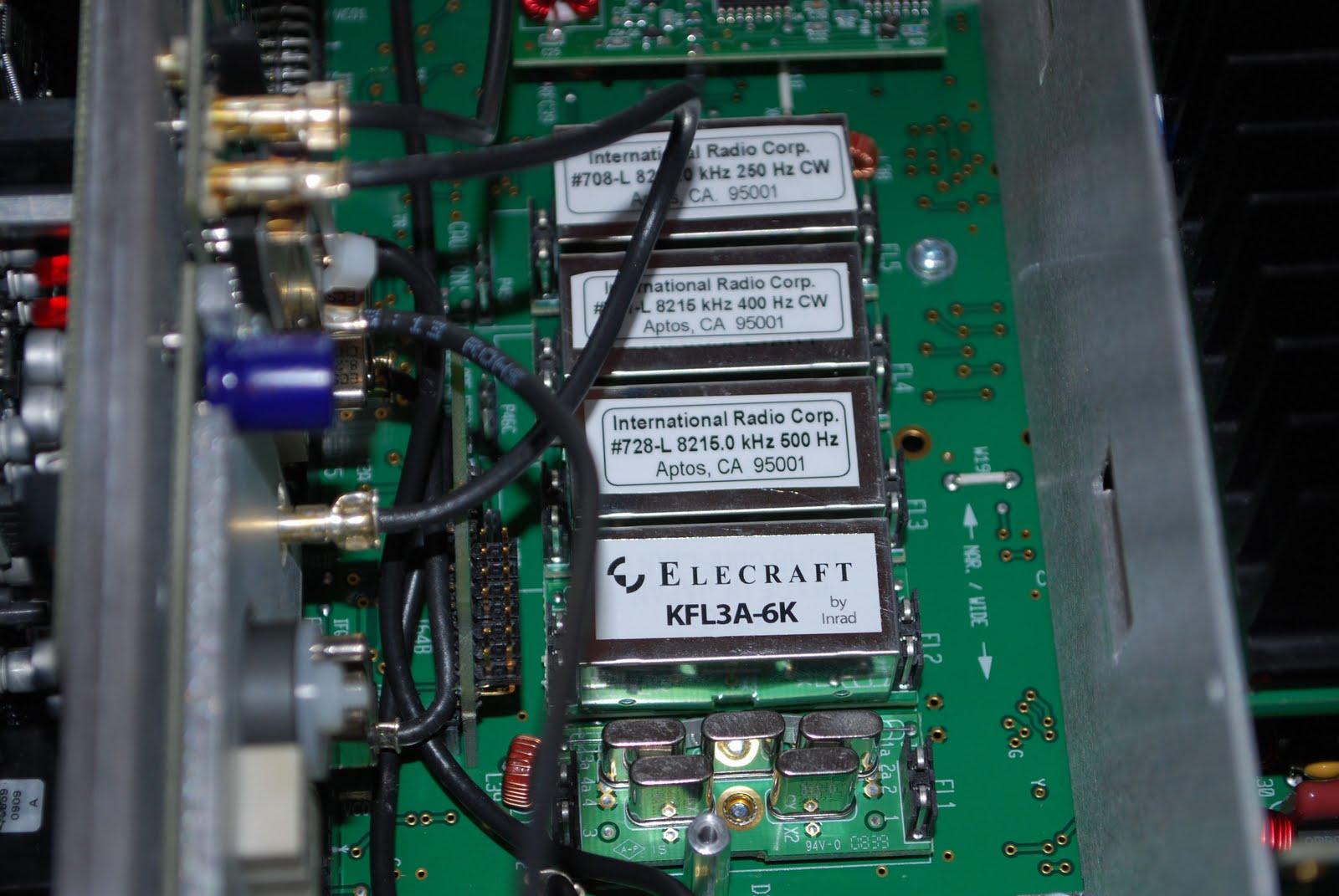
and it was time to hook the radio up and turn the general coverage board on in the K3's sub-menu's. Also setup the new filter within  the elecraft software. This is when it hit me....I MADE A VERY AMATEUR MISTAKE!! The filters have to be installed wide to narrow bandwidth. I checked out my pictures and sure enough for some reason (brain dead

Note the wrong order of filters!!
moment) I have the 6khz filter after the 2.7khz filter. I have not done it yet but I have to take the whole radio apart to switch the two filters around. After that mistake I stopped for the evening I won't check out the general coverage until the filters are switched around.
Bottom cover off


Subscribe FREE to AmateurRadio.com's
Amateur Radio Newsletter

 
We never share your e-mail address.


Do you like to write?
Interesting project to share?
Helpful tips and ideas for other hams?

Submit an article and we will review it for publication on AmateurRadio.com!

Have a ham radio product or service?
Consider advertising on our site.

Are you a reporter covering ham radio?
Find ham radio experts for your story.

How to Set Up a Ham Radio Blog
Get started in less than 15 minutes!


  • Matt W1MST, Managing Editor