Posts Tagged ‘Computers’
 Refurbed computers
 May 23rd, 2014 |
  Author:
 In a recent post, I had mentioned how I had purchased two refurbished Windows 7 computers from the Blair Group via eBay. One was to replace the family computer that died, and the second was to replace my shack laptop that has seen better days and is in the throes of dying.
I just wanted to mention that so far, I am pretty well pleased with both machines. I spent $139 for each, which is a bargain when you take a look at the price of brand new computers today. But when you’re saving up for a new radio accessory (PX3), you have to save pennies when and where you can.
Each computer is a basic box with Windows 7 installed. You might consider them a bit behind the current OS curve, but for me, this was a step up from XP and Vista. These are very basic computers, with no fancy software bundles, and I like that. A lot.
I don’t need a fancy or overloaded desktop as everyone in the house does basic Web surfing and e-mail reading through tablets now, anyway. The family computer is now basically a homework and formal document machine and you all know what the shack computer is, more or less. If I get 4 or 5 years from each of these, I will be happy.
So if you’re in the market for an inexpensive, yet decent machine, check the Blair Group on eBay. They do a good job.
72 de Larry W2LJ
QRP – When you care to send the very least!
Mental gyrations
Yesterday, the bands seemed a little on the “light side” when I headed out for lunch. Both 15 Meters and 17 Meters had some signals, but it seemed like most of the DX stations were ones I have already worked before. So I decided to go to the 20 Meter QRP watering hole and put out a CQ.
I was answered by Bob AK4JA in Georgia. He was a solid 589 at peaks and he gave me a similar signal report. Here’s the thing – while I was using my normal 5 Watts, Bob was running 500 mW! And his signal was fantastic! While I am fully aware how QRP signals don’t necessarily equate to “weak signals” – even I stand up and take notice when a QRPp signal almost pins my meter. I kind of felt like this guy – remember him from TV commercials a few years back?

For those readers not from the US, the Department of Energy ran a series of public service announcements a few years back asking people not to be “Energy Hogs”. Normally, running 5 Watts can make you feel smug with that regard. Yesterday, using even 5 Watts made me feel piggish.
For the record, Bob was using a Yaseu FT817 to a dipole – and it was doing a fantastic job for him. His 1/2 Watt signal almost sounded like he was transmitting from a location just down the street.
When I got home a “new” computer was waiting for me. I purchased a refurbished Dell Optiplex 320 from the Blair Group via eBay. This was the same place from which I had purchased a Compaq to replace the family computer which died a few weeks back. For a very good price (under $150), I got a Windows 7 box to replace my shack laptop, which is not only an XP machine, but is physically on its last legs after suffering through years of “kid abuse”. I figured that it’s better to replace it now, while the laptop is still barely kicking, so I can access all the data that is still there before it totally dies. As it was, I was already using an auxiliary keyboard and monitor, so I only had to purchase the box.
So I ran through the Windows 7 setup with nary a hitch. But then, of course, comes the fun part. Getting all the important Amateur Radio programs up and running. I downloaded Log4OM and got that running. I followed the directions for transferring all my log data and configurations from the XP machine to the Windows 7 machine. Everything seemed to be OK – except the program wasn’t displaying any of my previous QSOs! Log4OM said they were all there, but it just wasn’t showing them in a visible way. It turns out that the W2LJ.sql database file needed to be in a different sub-directory than where it was located on the XP machine. Once I got that figured out, things were good. But for a while there, the little beads of sweat started popping out on my forehead while I started muttering to myself, “Where are all my QSOs?”
The next problem to tackle was downloading the KX3 and KXPA100 utility programs from Elecraft in order to get them running, as well as OmniRig for CAT control for Log4OM. Downloading and installing the programs was easy enough – the computer did all the work while I tuned around 20 Meters. The hard part was figuring out why the computer didn’t want to talk to the KX3 or the KXPA100.
For whatever reason, it didn’t turn out to be as “plug and play” as it sometimes is. Every time I tried to get the KX3 utility to talk to the KX3 – nada, zip, zilch. The radio and computer were acting like a husband and wife after a marital spat – not talking to each other. It appears that the KX3 was looking to talk via Com1 – but that was being used by another device. And when I hit the “Scan for Ports” button on the utility, that was all that I was getting.
That caused me to make a sharp right turn and head off to the dreaded Control Panel and even more dreaded Device Manager. For those of us who don’t consider ourselves to be all that computer savvy, this is dreaded territory. Kind of like walking through the Valley of the Shadow of Death.
But it was there that I was able to scan for hardware changes, open another port (Com 3) and load the drivers for the Elecraft KXUSB cable. After that, the KX3 and Log4OM and the utility programs and the Dell were all smoochy-smoochy like a newlywed couple.
Satisfied that I got the very basics covered, I looked up at the clock to discover that it was after Midnight. Holy cow! When you get up before 6:00 AM, post Midnight is late – very late! I still have to download and install Avast (one of the first things I did was to uninstall and trash Microsoft Security Essentials, which IMHO is useless). After that, there are a few more remaining Amateur Radio programs that I have to re-download and get running – like DX Atlas for instance. Then I need to transfer accumulated documents and photos from the laptop and then I can finally say “Good-Bye” to Windows XP.
And that, in itself is kind of sad, as I consider XP to be the most stable and useful platforms that Microsoft has ever come up with. If it wasn’t for the fact that my laptop looks like Rocky Balboa after a tussle in the ring with Apollo Creed, I probably would have kept it going for a while longer. However, time marches on and I suppose it’s appropriate to modify that well known saying – “Time and Microsoft wait for no man”.
72 de Larry W2LJ
QRP – When you care to send the very least!
Switching to Windows 7 adventure.

The old boy is making a change…..

As most of you know Windows XP has come to an end….. and how does that affect WinXP users.....will WinXP refuse to start up?……no it will start, will your programs start up and run……yes your loaded program will still run. So what's the big deal you ask? The end of Windows XP means Microsoft no longer "supports" XP and if you serf the net this could be an issue as you will no longer receive security updates. (maybe you could get past this issue with 3rd party virus protection) If you are a big IE browser fan and you continue to use it you will do so at your own risk as there is no updates. If your XP machine is just used to run off line ham and family related stuff you are good to go…….UNTIL…..you want to upgrade to a new program as most programs may stop supporting Windows XP platform as well. Windows XP was released in 2001 and it's hard to believe it has been around that long. In the past Windows has had some bust OS's for example ME, Win98 and Vista. If you have a PC that is not going on the net and your only going to use the programs that are on your PC I would think you could stick with XP! As for me Windows XP is really the only OS I enjoyed using and really had no troubles with. It has been around for a long time and those high up at Microsoft felt it was time for a channel change! My PC is on the net all the time both for ham radio and personal use. For this reason it is time for an OS change at VE3WDM. I chose to go with Windows 7. It has been around for some time ( released in 2009) and has good reviews, one bonus for me is you can run XP programs from within Win7. My PC will have no problem with Win 7 as the processor, ram and HD memory are well within spec's of whats required to run Win7. I have ordered Win7 and it's on it's way and my first decision is…….upgrade PC to Win7 or clean install ? So blog world give me your feedback!!
VE3WDM's QRPower BLOG 2014-04-04 10:02:00

AVGfree ......this freeware say it protects against virus's, malware and spyware but to get a firewall, safe data download protection and anti spam you have to pay 60.00 per year.
Spybot S&D is free and will protect me in the malware dept but not sure since AVGfree does that if I am just repeating a protection? I know there must be other free software out there or others that cost money but not asking you for more each year? What do you use.....how is it working for you......I'm open to suggestions as I am very fast running out of time.
Push power on and………NOTHING!!!
 |
| Faulted part |
power supply fan was missing some blades. Once the supply was opened up I quickly found the faulted
 |
| Cables everywhere |
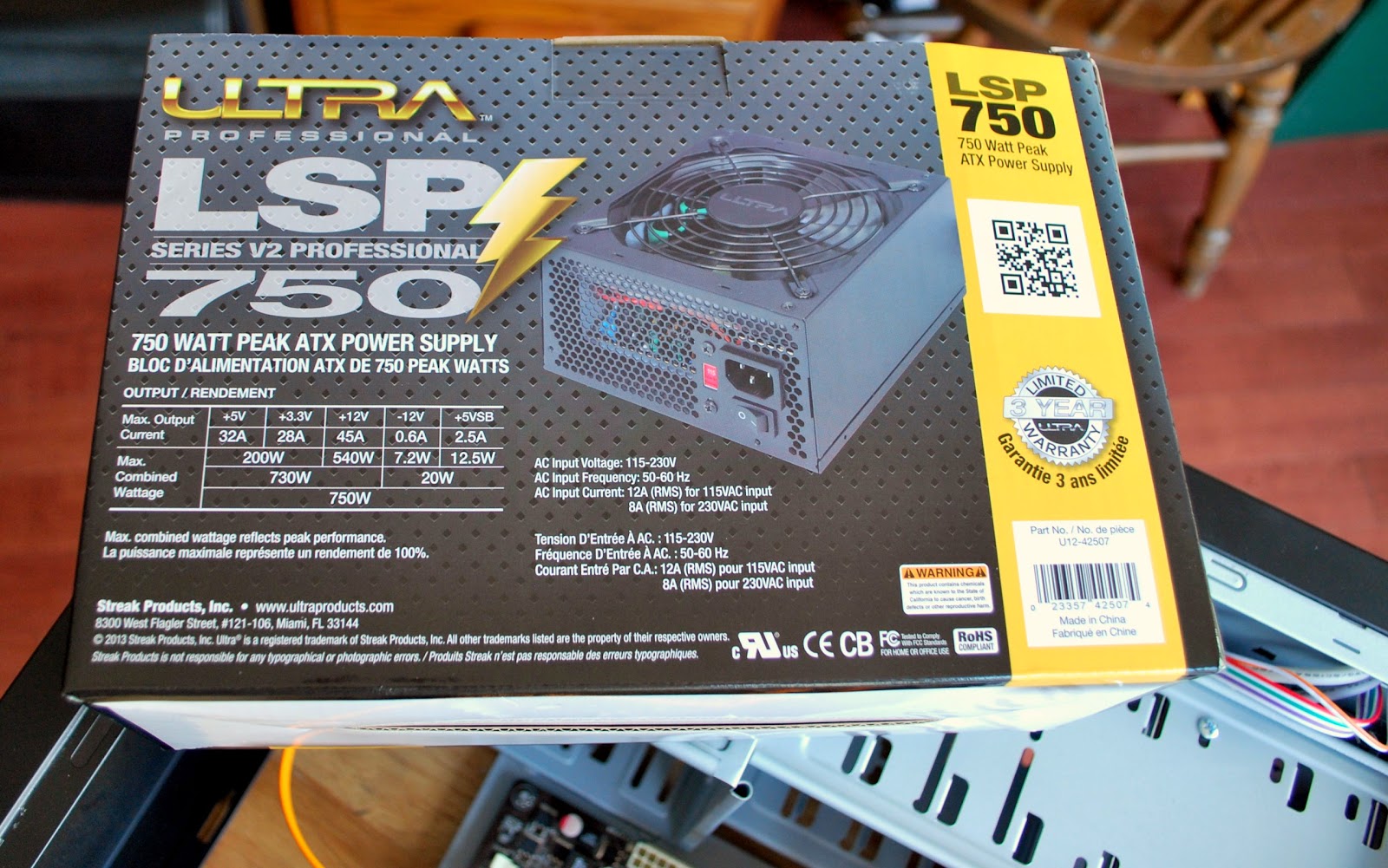
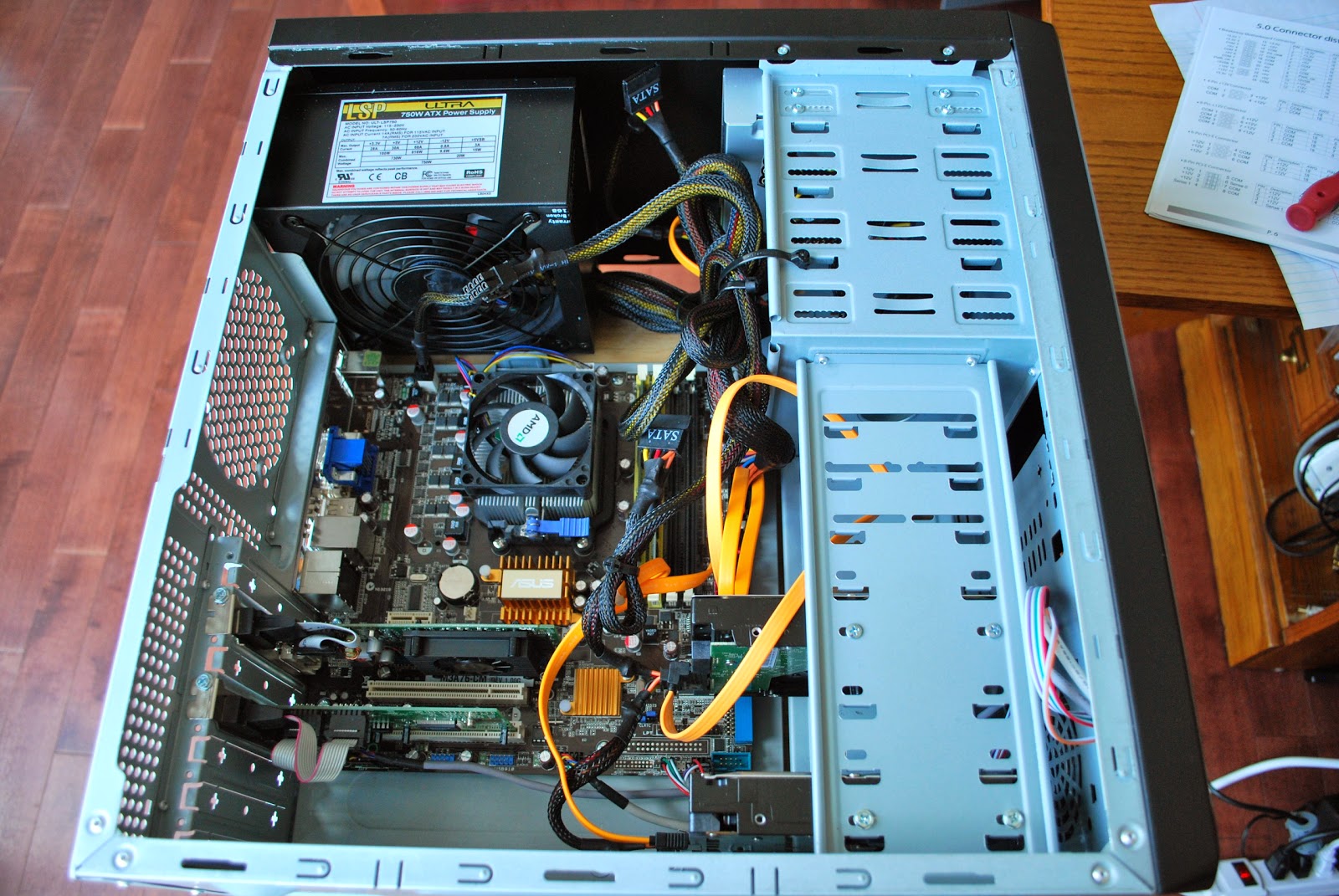
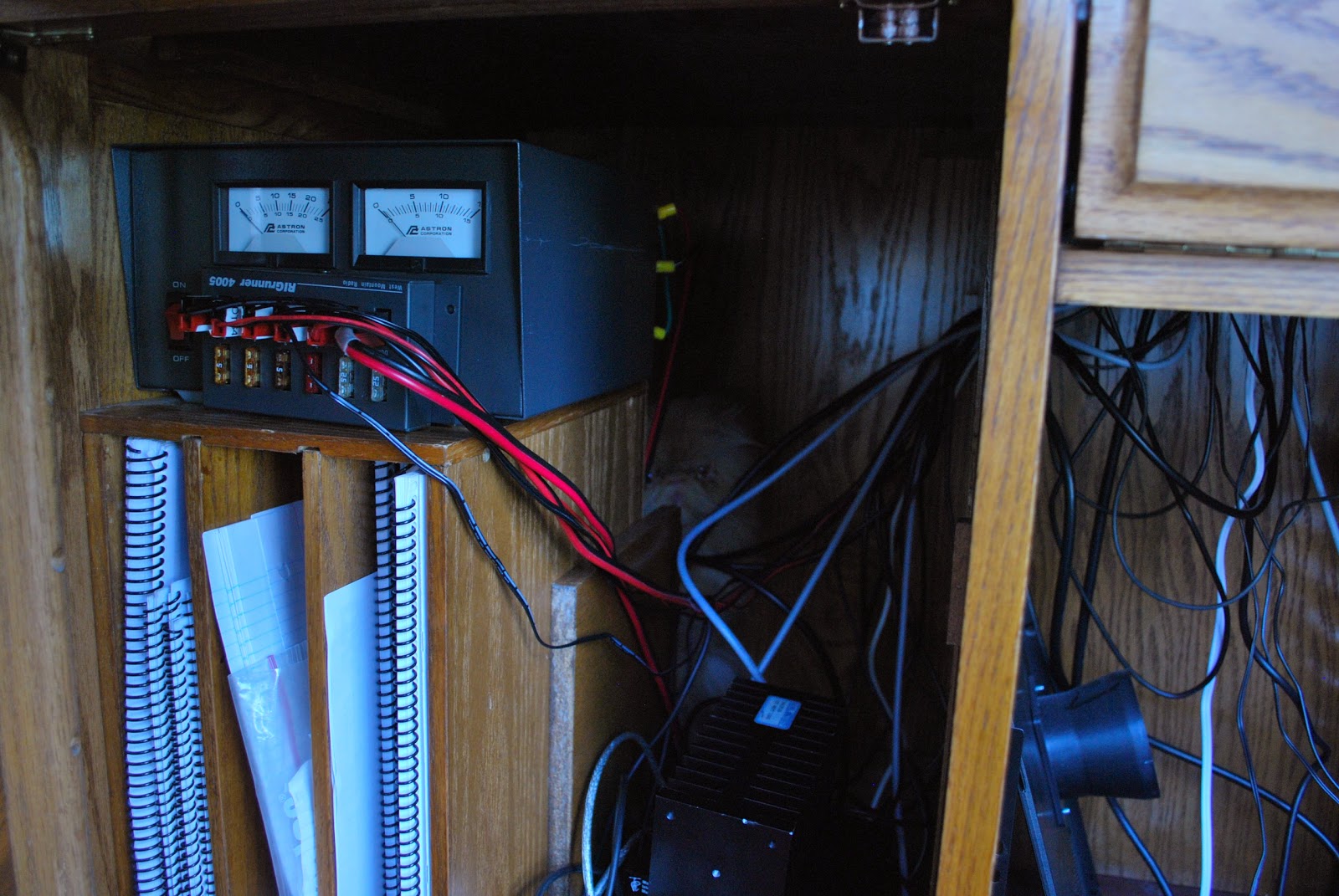
The old supply was a 500 watts supply the new one is 750 and can be used with a new PC when I decide to build one. The new supply fit perfectly into the tower and there sure were lots more cables on this supply! I ended up using only 5 of the some 20 cables so the rest were tucked away in an open bay for future use. With all the cables plugged into the mother board, hard drives and CD drive and the spare cables were as I said tucked away. Before putting the side panels back on it was time to plug in the new supply and power up the PC. I then pushed the power button and NOTHING!!!! Ok I said lets try that again…..NOTHING!!! First thing that came to mind was, did the faulted power supply take something else with it?? It was time to take a breath and think of my next step, time to recheck all the mother board connections. After all I did take time to clean the dust off the board while the side panels were off
 |
| Ready to power up |
 |
| The problem found |
 |
| If you look hard Oliver can be found |
Ham radio “ZERO” doing everything but radio “TEN”
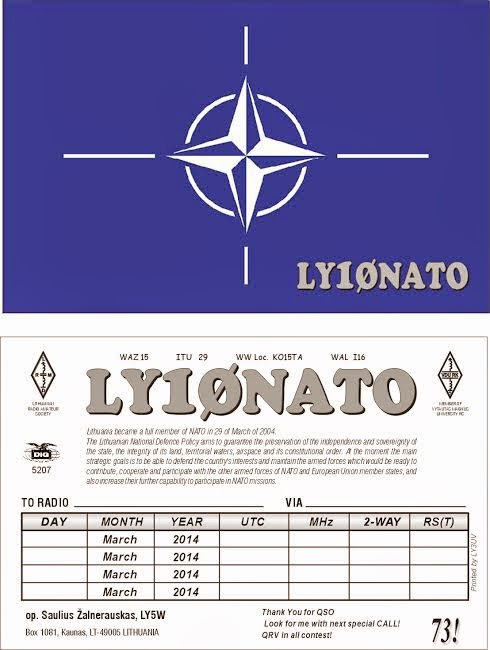
So things are up and running and on Friday I was able to make a fast contact with LY10NATO. This as you guessed it is a special activity call pertaining to NATO. The contact was made with 5 watts and my MFJ 1788 antenna. The weather here is still a winter wonderland with 15cm of snow on Wednesday, then it was temps of plus 9C on Friday and now this evening a cold weather alert has been issued! Anytime this winter wants to exit…… all the better.













