Posts Tagged ‘Computers’
 This won’t take long…famous last words!
 May 17th, 2016 |
  Author:
- Installed the new WD hard drive inserted Win7 CD and started the PC. The screen goes blank and PC shuts down!
- I reboot again and get a message “can’t read boot manager”
- I reboot again this time a blue screen and the message “ corrupt bios”
- I now remove the WD drive from PC and boot from the second drive in the PC (my drive for backup’s) with the Win7 CD all booted ok.
- I now figure the WD is bad but I put the WD drive back in on its own removing the Seagate drive just to make sure. Restart PC and it boots into the Win7 CD without issue.
- I now add the Seagate drive and restart and the PC screen once again goes blank and the PC shuts down.
- I Googled it and found out I may be powering both drives from the same daisy chain on the power supply and it can’t handle it. I have to power each drive from a separate daisy chain from the power supply.
- No problem I thought I will just plug in to a second daisy chain……it was too short!
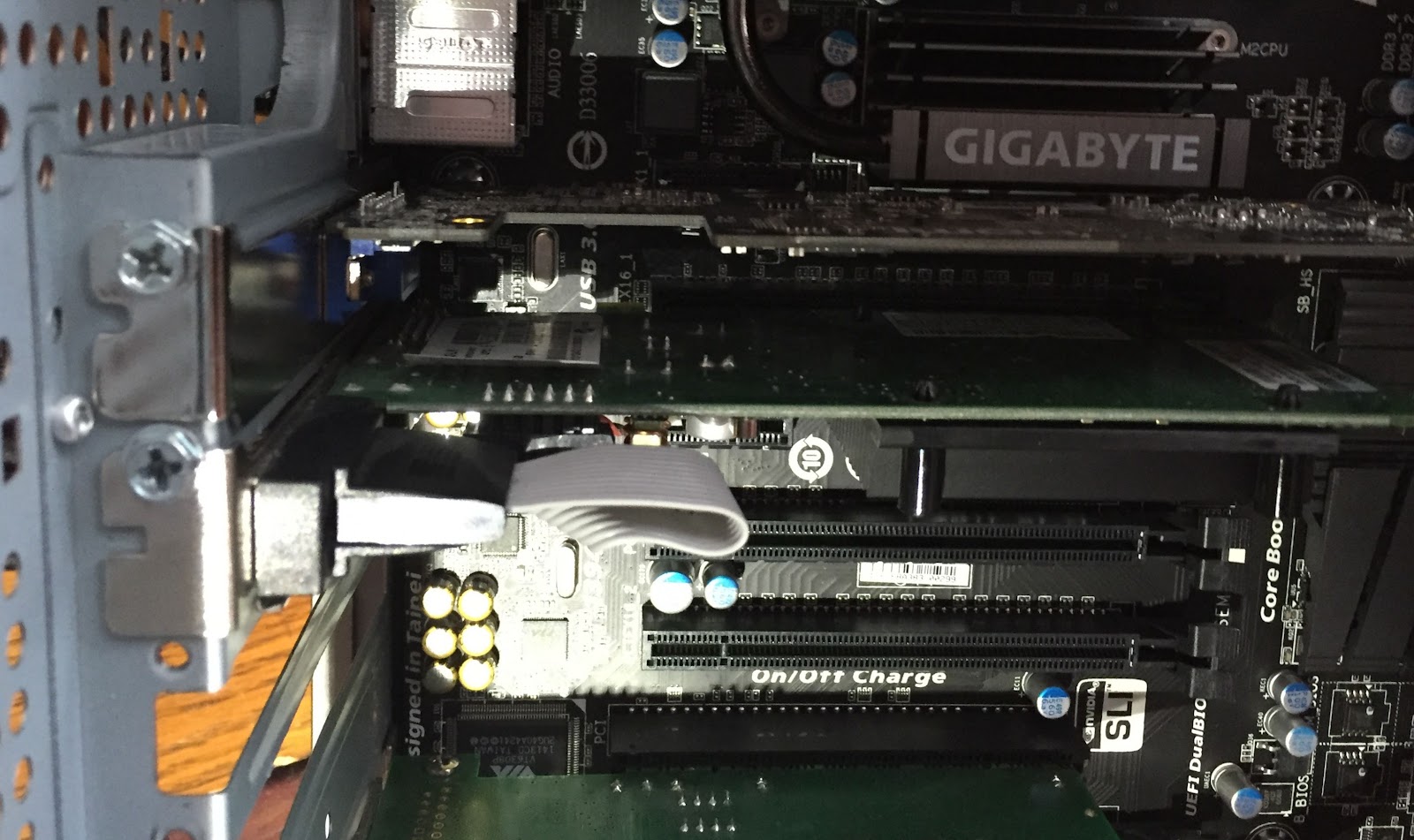
- I had to move the drive down 3 bays which meant removing RAM and the video card.
- With that done the PC starts no problem and low and behold Win7 starts to install on the WD drive.
- Then all of a sudden part way through install I get a blue screen and a message “memory dump” and this is just an ongoing cycle!
- I went onto a PC forum site and was told to run a WD diagnostic program and I did and I was told my new drive was defective.
- Back to the store with bill in hand and a hard drive that is hours old.
- I was told at store that drive could not be returned as I did not have anti-static bag. I flipped and the exchange was made.
- Put the new drive in the PC and this time I ran the diagnostic program first (learned my lesson) and the drive passed.
- It then loaded Win7 without any issues and it was now time to start loading programs.
- I was told I can’t load this version as I am only running Win7 32 bit???? That’s very odd as I know without a doubt I was using the 64 bit version.
- Then it hit me……I installed my Win7 32 bit version and not the Win7 64 bit version!!!!!!
- So had to reformat the WD drive and start all over again. I installed Win7 64 bit and all went well with the software install.
- Finally I wanted to reformate the Seagate drive as it did have some programs on it from before. I wanted to use it to store my backups on.
- As I went to reformat the Seagate drive I got a message “not an active drive” whatever that means!!!!
- Back to the PC forum and I was guided on how to make the drive active and format it.
- So now I have a Seagate 1TB 32mb 7200 drive for backup and storage. The new Western Digital black 1TB 64gb 7200 drive as my main functioning drive.
When you backup it’s not all about going in reverse!

- Why even bother with a backup, it’s not a business computer, I have no crucial financial documents, I don’t store any pictures on my PC………let me stop here and say “have you EVER had to re-install you amateur radio software?” I just did and have done in the past, all I can say is “it can be a real pain in the ass”. You find a new respect for….
- Getting your software to seamlessly work with your rig again.
- Hoping your Eqsl, LOTW or Clublog is up to date so you don’t lose contacts.
- Sending out emails to get passwords so downloaded programs I paid for will work again.
- All your software’s niffy macros you worked so hard to tweak are now gone.
- Revisiting the virtual comport software program that worked well and now you have to figure it out again….the problem being you forgot how you got it to work great last time.
- So answering a loud and clear “YES” to the above question it’s time to check out the backup programs out there. I found lots of them and as stated earlier I wanted to avoid at all costs complicated ones. I chose Acronis 2016 and there are lots out there that I imagine are better or just as good but this is the one I chose. For me Acronis was easy to understand, walked you through your backup in detail and it worked!
- Where was I going to back up too……….my new hard drive is partitioned but it makes no sense to back up on the same drive that could end up failing? I have a second drive in my PC (Seagate 1TB) and that was my choice.
- Step 3 just seemed too easy and the more reading I did the more it was driven home……backup to more than one place and preferably 3 places! I ended up choosing my network Western digital 3TB external drive and a Western Digital passport USB drive. Oh and just for the record I have no connection to Western Digital…..:) From my readings one choice should be a “cloud” type storage. For me it was just too pricey and I have these drives at home and ready to use.
- I did a full backup of the drive including system reserve portion. This backup will always be kept as is, this way I have a copy of the drive just after a clean install of the OS and all programs.
- I have scheduled an incremental backup for once per month as I don’t change too much on my PC over the course of a month so I felt this length of time should be fine. I use Log40m and configured it to auto upload my QSO’s to club log, Eqsl and LOTW so I will not have uto be concerned with updating my log file it will be store in 3 places online.
- Each time a back is done the program will perform a “validation” of the backup. Having said this I have found when a failed validation has happened and I run it again the backup will then pass? Not too sure what’s up with that and may need more investigation.
- The PC is set to shut down once the backup is completed, this way I can leave and go to work.
- I receive an email once the backup is done along with a report.
- I did have the software set to repeat the backup if the validation fails but I found the software can get into a “loop” of backing up all day if a continued failed validation persists.
Looking for some help!

It’s time cooler heads prevail!
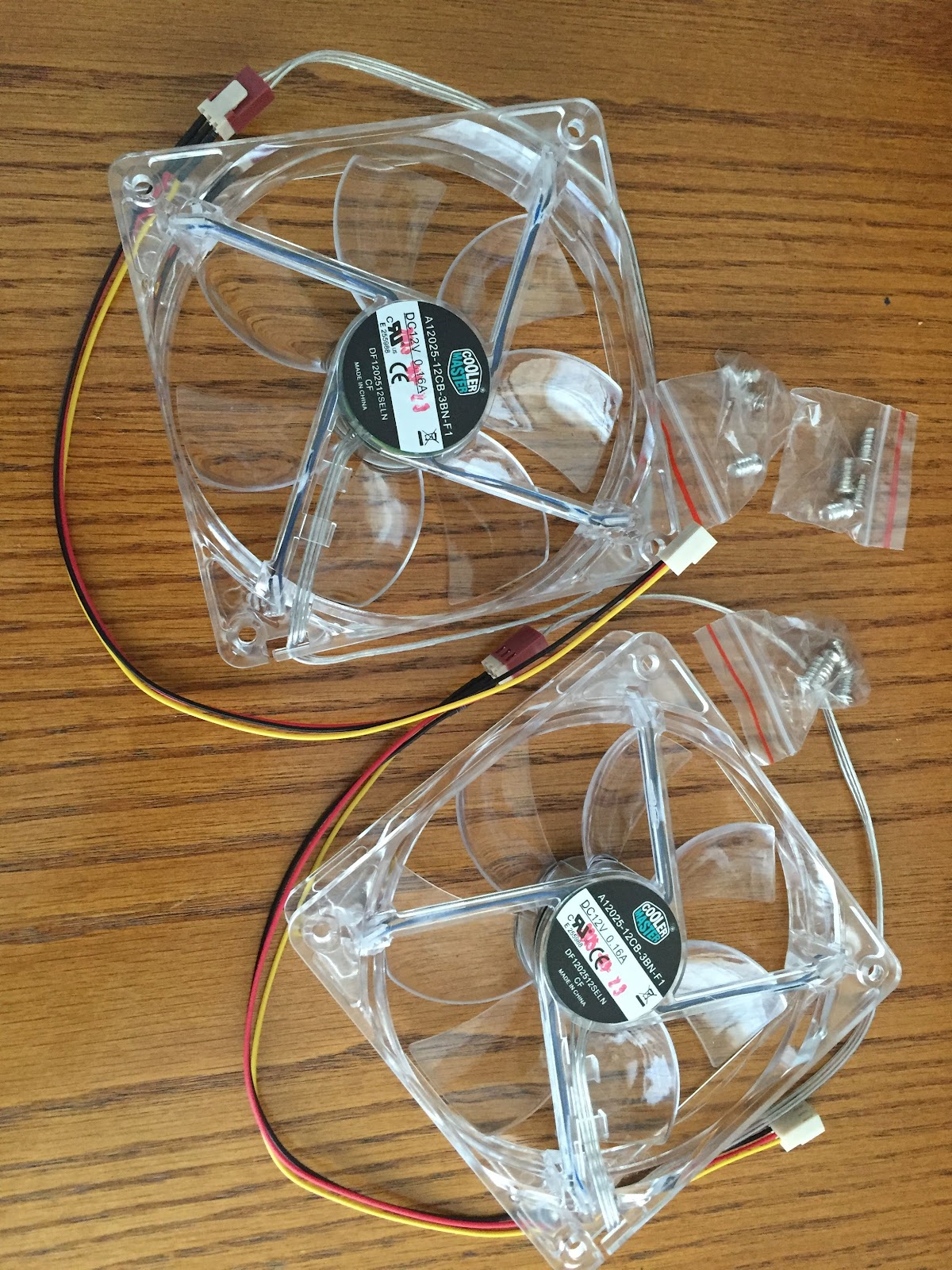 |
| The fans |
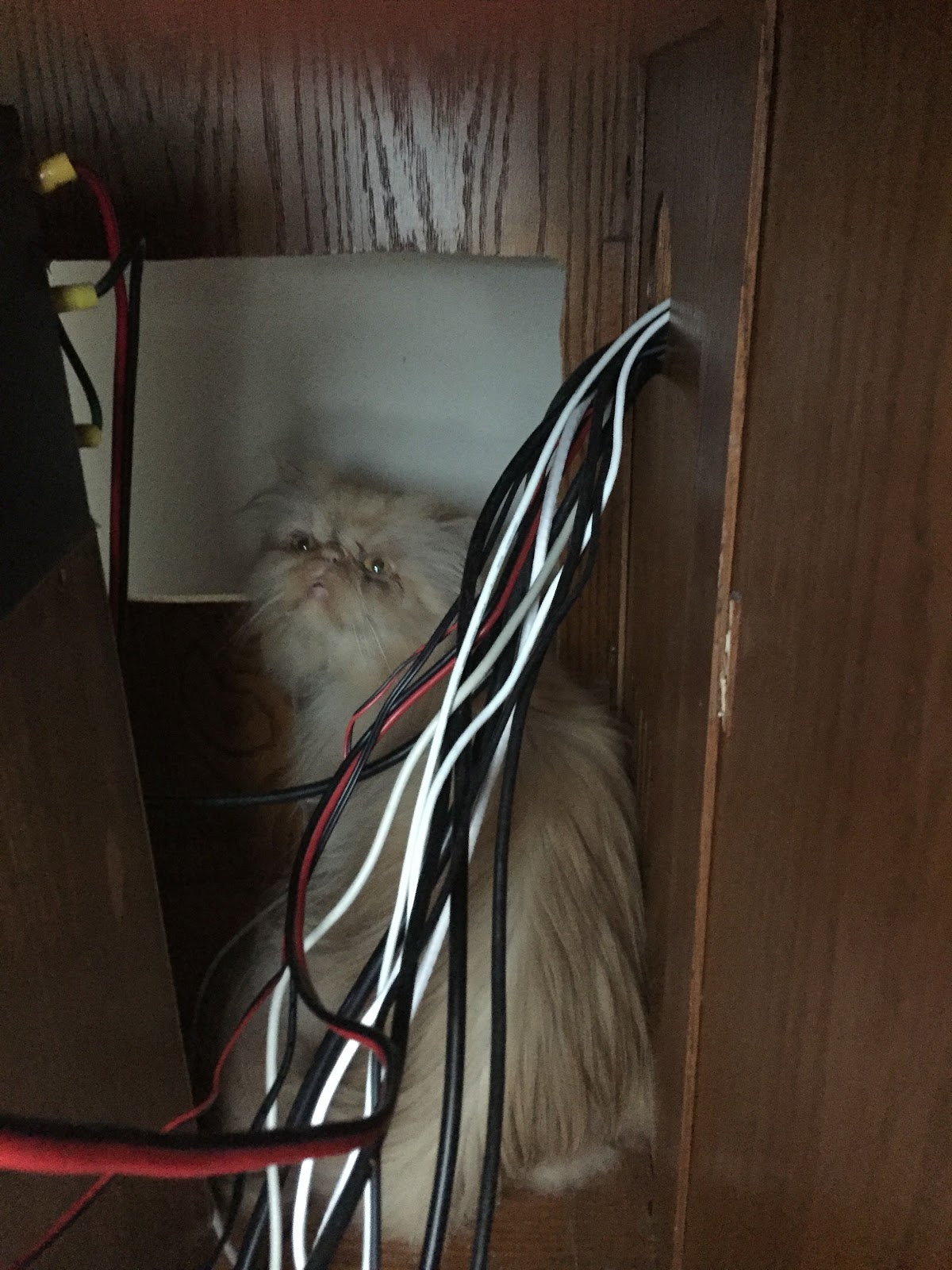 |
| Snoopy checking on progress |
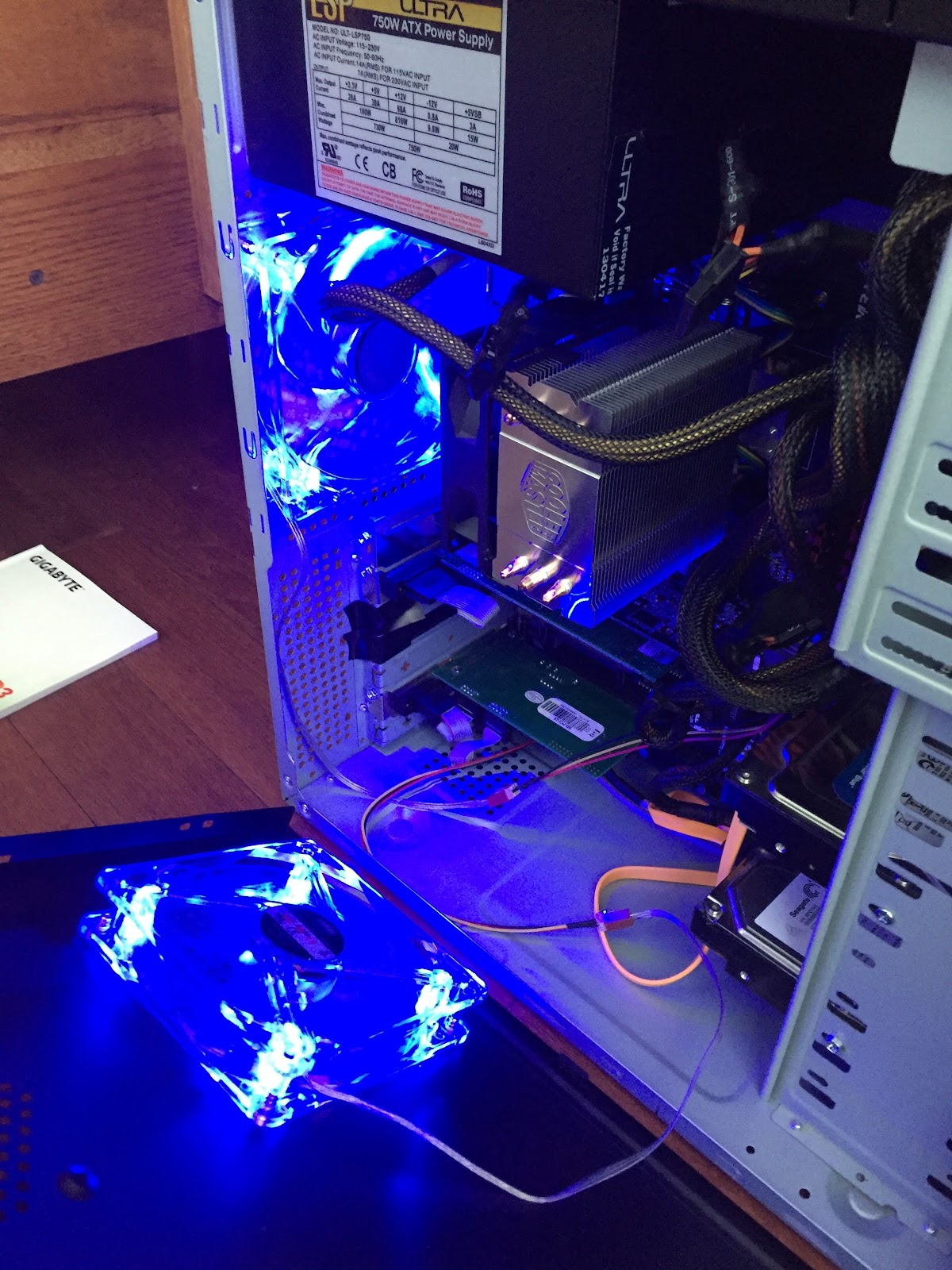 |
| Mood fans....:)) |
HF Email From The Mobile?
Last summer when we were camping in the national parks, there were many campsites where we had no cell phone service. I am not complaining about that, but our work around to communicate back home to the XYL often required a trip to the pay phone (sometimes hard to find). I thought about perhaps using APRS’s capability of relaying short pieces of text as emails. Part of the problem is that there are many areas of the parks that don’t have any APRS digipeater coverage (Glacier and Yellowstone National Parks for example). How to get a message through?
Then I remembered my MARS station (AEN5AC) in Iraq. I was using an ICOM IC-7000 and an SCS PTC-IIusb modem to pass MARSGRAMS from my location north of Baghdad to another station at the US embassy in Qatar. The pairing worked quite well and I was consistently able to connect and pass traffic using PACTOR 3 at the 1400 baud rate. Could I use a similar setup to provide an HF email option while camping this summer?
I dug out my SCS PTC-IIusb modem. I had not used it since shutting down the MARS station in June of 2008. Everything was still in the box. To include the cables necessary to interface the modem with an ICOM IC-706MKIIG… the same rig I use for HF mobile.
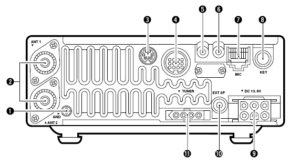
I pulled out my spare IC-706MKIIG. Coming back to Kansas from Field Day in California back in 2009, my IC-706MKIIG quit on me. I ended up buying a second at the HRO in Denver and sent the broke one to ICOM. ICOM fixed it and returned it. I kept it in the box and it went back on the shelf. I did order a 6 pin Molex connector with powerpoles to allow for an easy power connection (#9). I connected the two cables from the modem to the rig. Once cable is for the data and plugs into the 706’s 13 pin accessory connection (#4). The other cable connects to the 706’s CI-V interface (#6) to have the radio change frequencies based on what station is being contacted.
I had the basic hardware of a HF email station, except for a computer. I would need one that would function out of the vehicle. This would probably require a laptop. I also decided for the ease of simplicity that the computer should be Windows driven (instead of Linux). Gasp! The bottom line is that the software and drivers required to send email via HF and use the SCS PTC-IIusb modem is Windows based. The answer ended up being an Dell XPS 15.

Using a Windows based computer helped me with a number of summer travel tasks that could not be accomplished by my small Linux laptop:
(1) Run the software required for HF email (more on Winlink and Airmail later)
(2) Run ARRL’s TravelPlus for Repeaters
(3) Run RT Systems radio programming software for my TM-D710A
(4) Run RT Systems radio programming software for my VX-8RGs
(5) Read the SD card from my Canon digital camera
Interestingly enough, the new laptop does not have a CD/DVD drive nor an RJ-45 connection for a LAN cable. Neither of these have been a show stopper yet.
ARRL’s TravelPlus for Repeaters
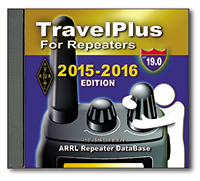 I had purchased TravelPlus for Repeaters with the intent of installing it on my existing Linux laptop and running it under a VirtualBox Windows session (similar to how I run iTunes on my Linux laptop). However the software failed to install. I tried troubleshooting and looking at suggested fixes found on the forum sites but still had no luck. I tried installing TravelPlus using WINE. It installed but would not run as well.
Dell XPS 15 to the rescue. As the laptop does not have a CD/DVD drive, I copied the drive onto network storage. I then was able to install TravelPlus over the network and it is working without issue.
RT Systems Programming Software
The RT Systems programming software works fine under a VirtualBox Windows session. As I was moving all my vehicle related radio/computer tasks to the new Windows laptop, I attempted to install the programming software for the TM-D710A (used for beaconing the location of my vehicle and talking on VHF/UHF). Following a similar procedure that worked for TravelPlus, I copied the programming software from the install disks to a network drive. The software installation for the TM-D710A worked without a hitch. The software for the VX-8RGs (HTs we use for around camp and hiking) failed to load. The error said that I must use the original disk to install. A big challenge when the laptop doesn’t have a CD/DVD drive. The work around is that you find another Windows computer with a CD drive, load the software CD, then back on the driveless laptop, map the CD drive (like you would map a network drive). That worked and I was able to install the programing software for the VX-8GR.
HF Email Software
There are two main choices for software to allow for HF email: RMS Express and Airmail. I installed both. Airmail was the same program I used in Iraq and it offered easy configuration with the IC-706MKIIG and the SCS PTC-IIusb.
I now had all my equipment for a test run setup in my basement hamshack: spare IC-706MKIIG, SCS PTC-IIusb, and the Dell XPS 15 with Airmail. I connected the IC-706MKIIG to my Elecraft tuner and used my existing G5RV antenna. Airmail configures easily. The software has a list of stations offering mailbox services that can be viewed on a propagation chart by frequency and distance. Based on time of day, I selected a station in Texas that offered a 40M PACTOR 3 connection. Airmail allows me to click on the frequency in the propagation chart which then changes the dial frequency of the radio. After listening to see if there were any ongoing connections, I initiated contact. The modem lights flashed and the rig clicked between transmit and receive. The connection was made and I was able to send a test email as well as a position report.
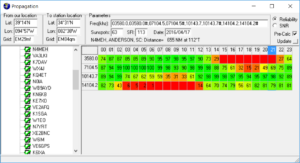
Success! The position reports that go into the Winlink system are copied over into APRS. Now, even if I am not able to reach a digipeater with my VHF APRS beacon, I can send a position report over HF to let the XYL know where we are.

I then thought about the steps I would have to take of transitioning my IC-706MKIIG configured for HF mobile to be ready to work with the PTC-IIusb to send email. As the remote head is located up near the drivers seat, this would present problems with being able to observe the modem, laptop, and radio control head all at the same time.
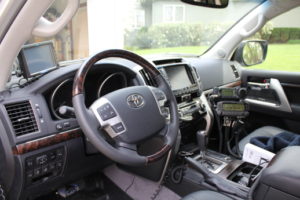
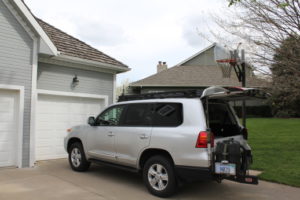
What if I just dedicated the spare IC-706MKIIG rig to the task of HF email? It would save me time and bother in pulling and plugging cables. It would also give the camping option of being able to operate HF from outside the vehicle.
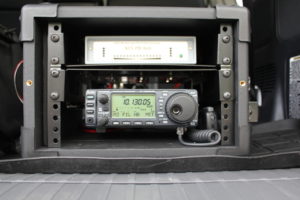
Using an additional iPortable box, I rack mounted the spare IC-706MKIIG and the SCS PTC-IIusb. Now I will have a spare HF rig with me, so if one goes out I will still be operational. I also attached the Tarheel screwdriver antenna’s rocker switch to raise and lower the antenna on the side of the box. During normal HF mobile operations, the TurboTuner (connected to the other IC-706’s tuner connection and CI-V connection) manages achieving a correct match between the operating frequency and the screwdriver antenna.
I only have the one TurboTuner. The TurboTuner requires a connection to the CI-V. So does the SCS PTC-IIusb. My solution was to leave the TurboTuner alone. Instead, using the rocker switch, I can manually tune the antenna while visually observing the 706’s SWR meter.
To transition between using the 706 dedicated to HF mobile to the 706 now dedicated to HF email, I have to do the following:
(1) disconnect the antenna feedline from the TurboTuner
(2) disconnect the control line that goes from the TurboTuner to the Tarheel screwdriver antenna
(3) connect the antenna feedline directly to the HF email 706
(4) connect the control line to the rocker switch
(5) connect the laptop to the SCS PTC-IIusb via a USB cable
(6) connect the iPortable’s powerpole connection to the junction box in the back of the vehicle
… then I am ready to go. The iPortable box rests nicely on the vehicle’s tailgate, next to the laptop. All at about lawn chair height. Not only can I use this setup to send email via HF, but I can also use it for causal National Parks On The Air contacts as well.
What’s left to do:
(1) Constant cooling fan modification for both IC-706s (see AD5X’s article)
(2) An extended control cable for the Tarheel screwdriver antenna. This will allow me to further remote away from the vehicle, but still use the antenna.
(3) A length of antenna feedline for remoting.
(4) A length of powerpole-ready powerline to attach to either the travel trailer battery or directly to the spare vehicle battery… again for remoting away from the vehicle.
(5) I have a set of Heil headsets that worked with my IC-7000. I think if I get the AD-1ICM, I should be able to use them with the 706.
(6) A Heil HS-2 hand PTT switch to use with the headset.
Blue is a nice color but not on my monitor!

 |
| Crammed cards |
 |
| Video card moved to bottom |
 |
| The cramped quarters |
Remembering things is the hard part……
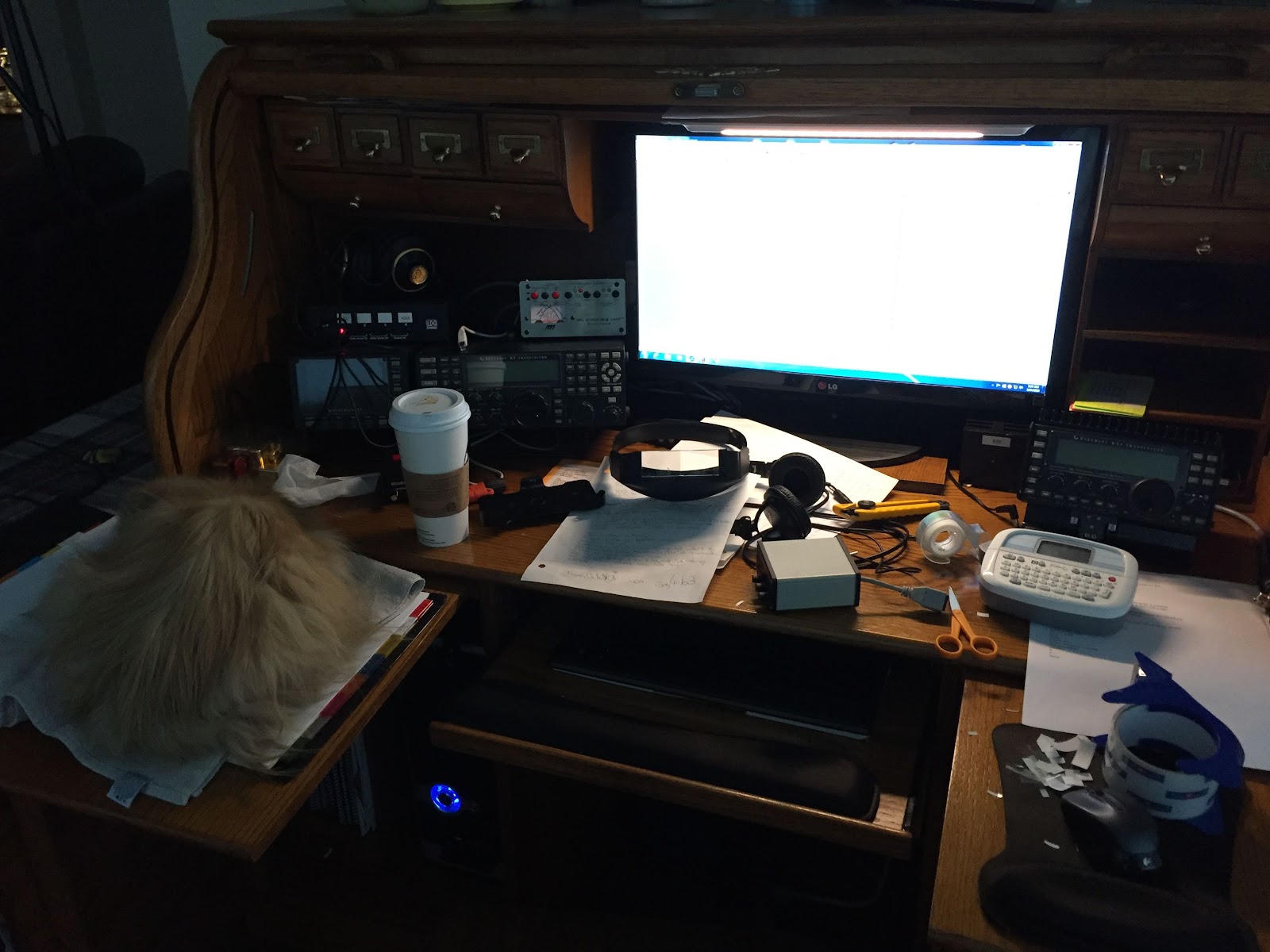 |
| My work station and my assistant...sleeping. |
Some of my memory games are:
1. Removing cables from a piece of equipment thinking I have a photographic memory....only when it comes time to re-connect the picture is blank!
2. Running digital software and an issue comes up.....I know its happened before and it's a easy fix if I could only remember the dam fix!
3. When software is not playing well together and it's a com port issue....I will be darned if I can remember what com port goes where!
4. A real good one for me is some of my software share the same virtual comports it's always a brain teaser to figure out what software can and can't work together!
It was now time to address the above issues the Easter weekend was here and I have some extra time on my hands.
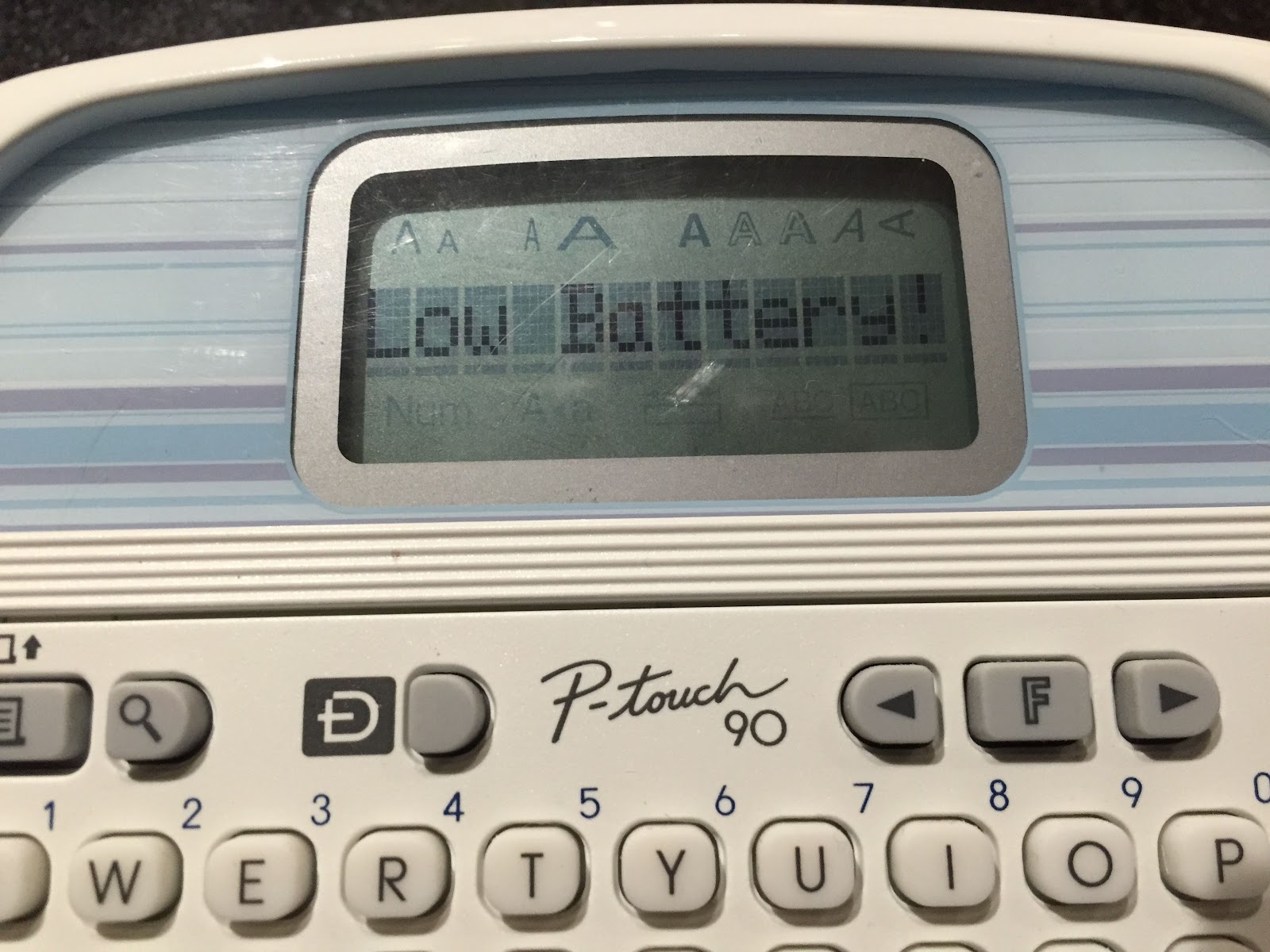 |
| Murphy strikes |
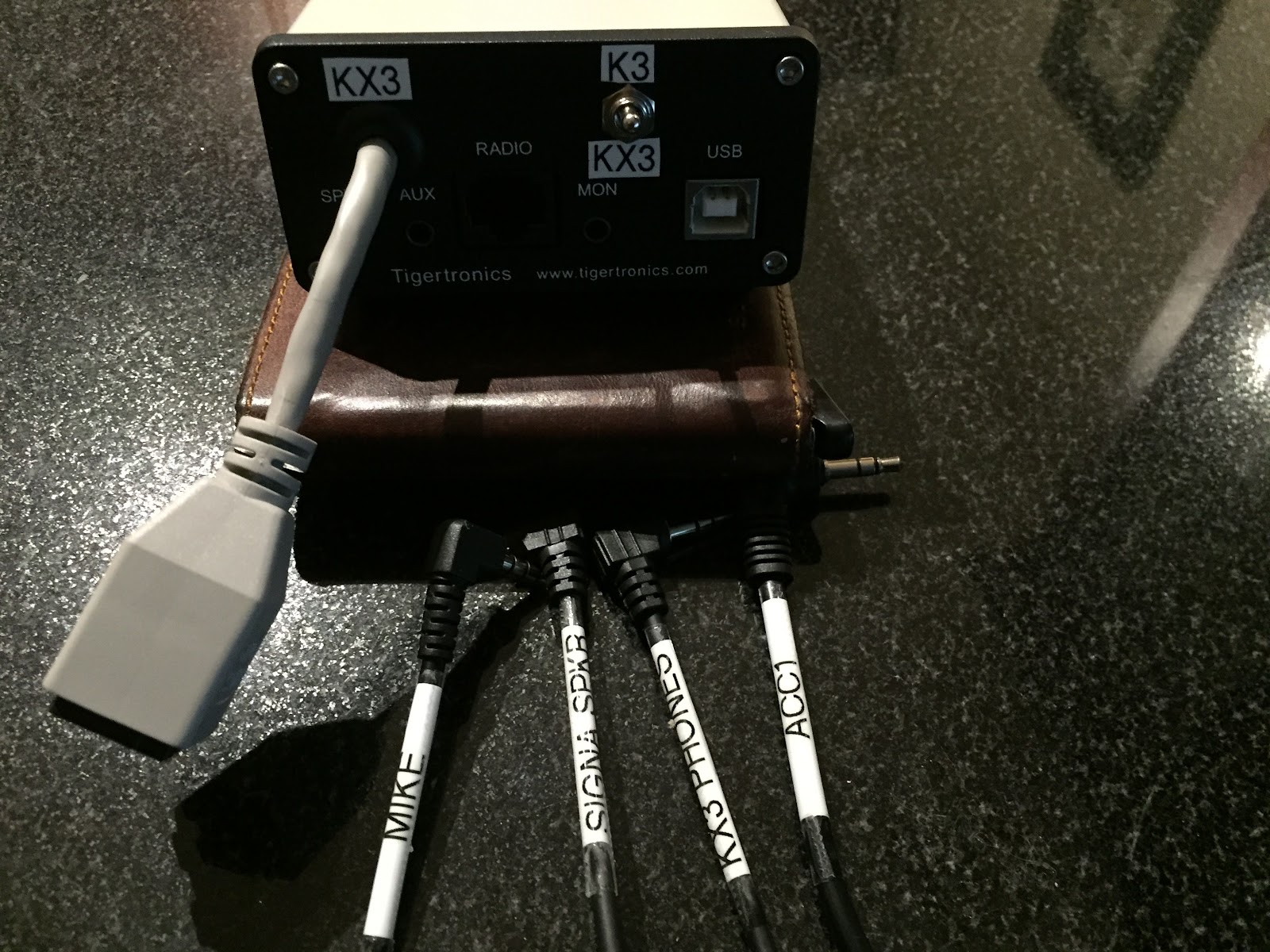 |
| Starting the labeling |
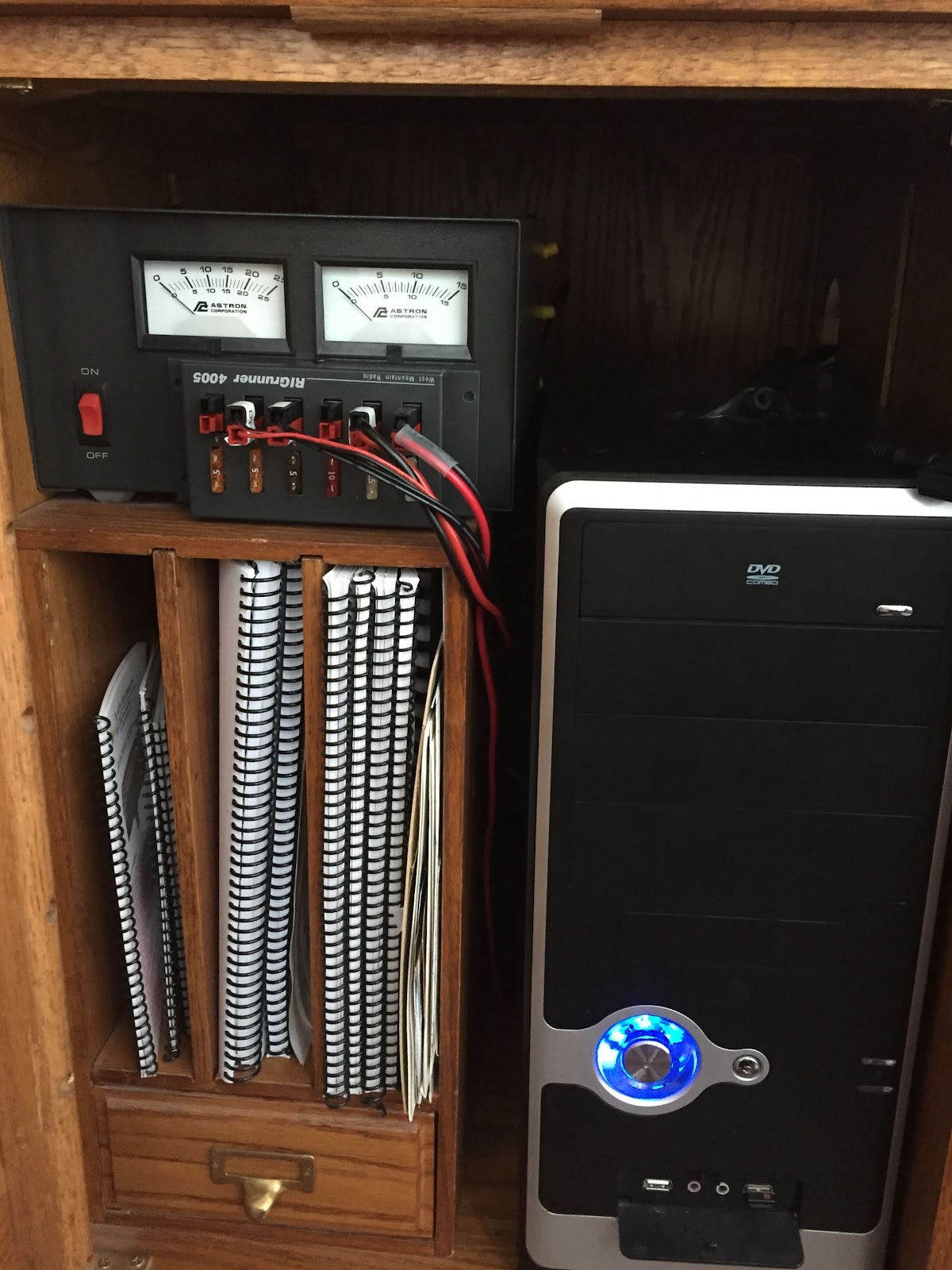
Ah yes the 3rd issue....the comport circus! I have found that software does have a mind of it's own and I have had on occasion comports get changed around. So now I have a master list of what comport is for what software.
Finally number 4.......for rig control software I use Win4k3suite and you have available up to 4 virtual comports. Thats fine if you only have 4 programs you would like to use along side Win4k3suite. As for me I have a few more than just 4 programs mind you Im not using them all at the same time but you have to be aware to not run 2 programs that share the same virtual comports.....or.....things will just not work. To help me out I made a list of what programs and their virtual comports.













