Posts Tagged ‘Computers’
 Monitor RFI issue…..
 February 27th, 2013 |
  Author:
  |
| RFI from new monitor |
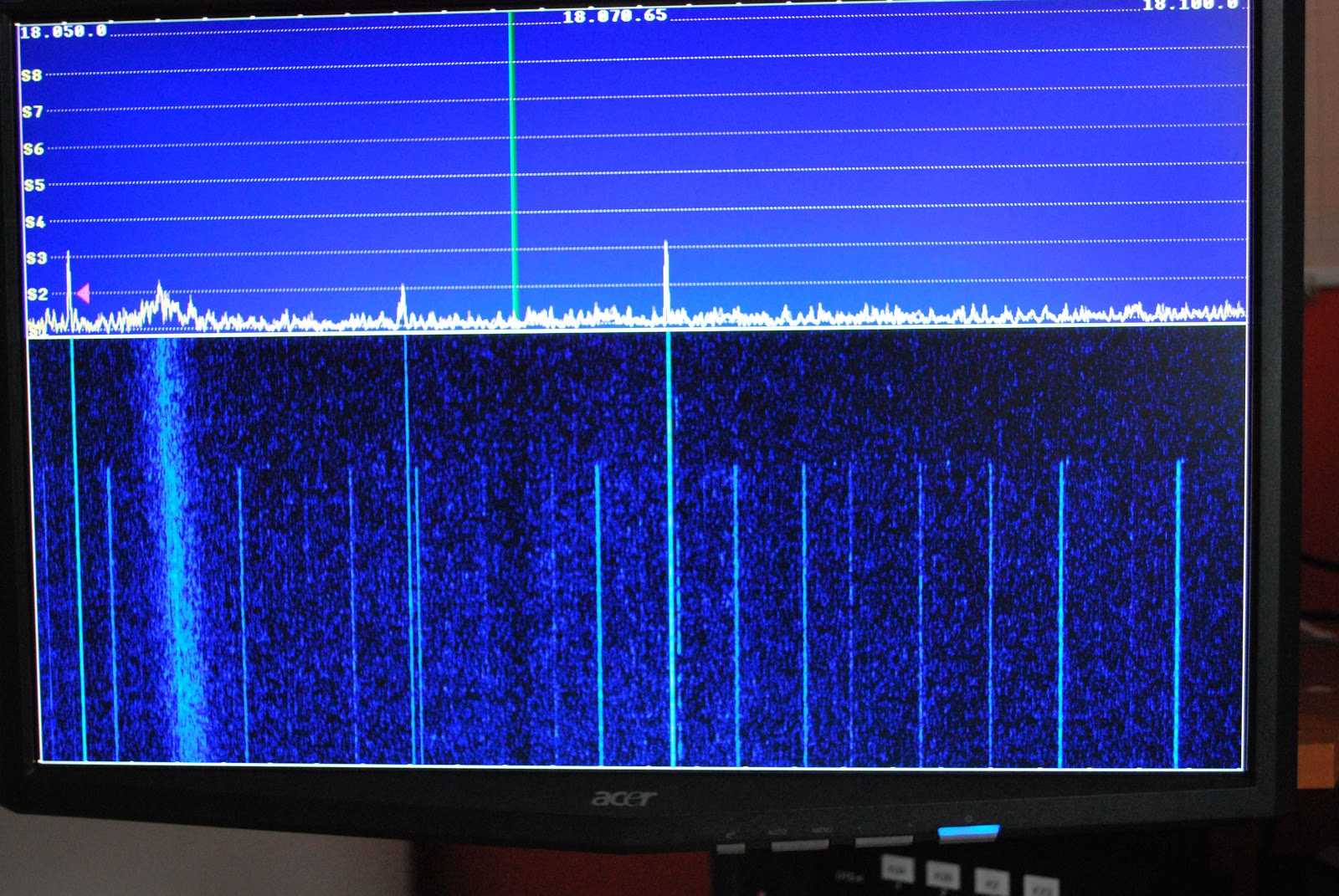 |
| Both monitors off |
New records set at VE3WDM!!
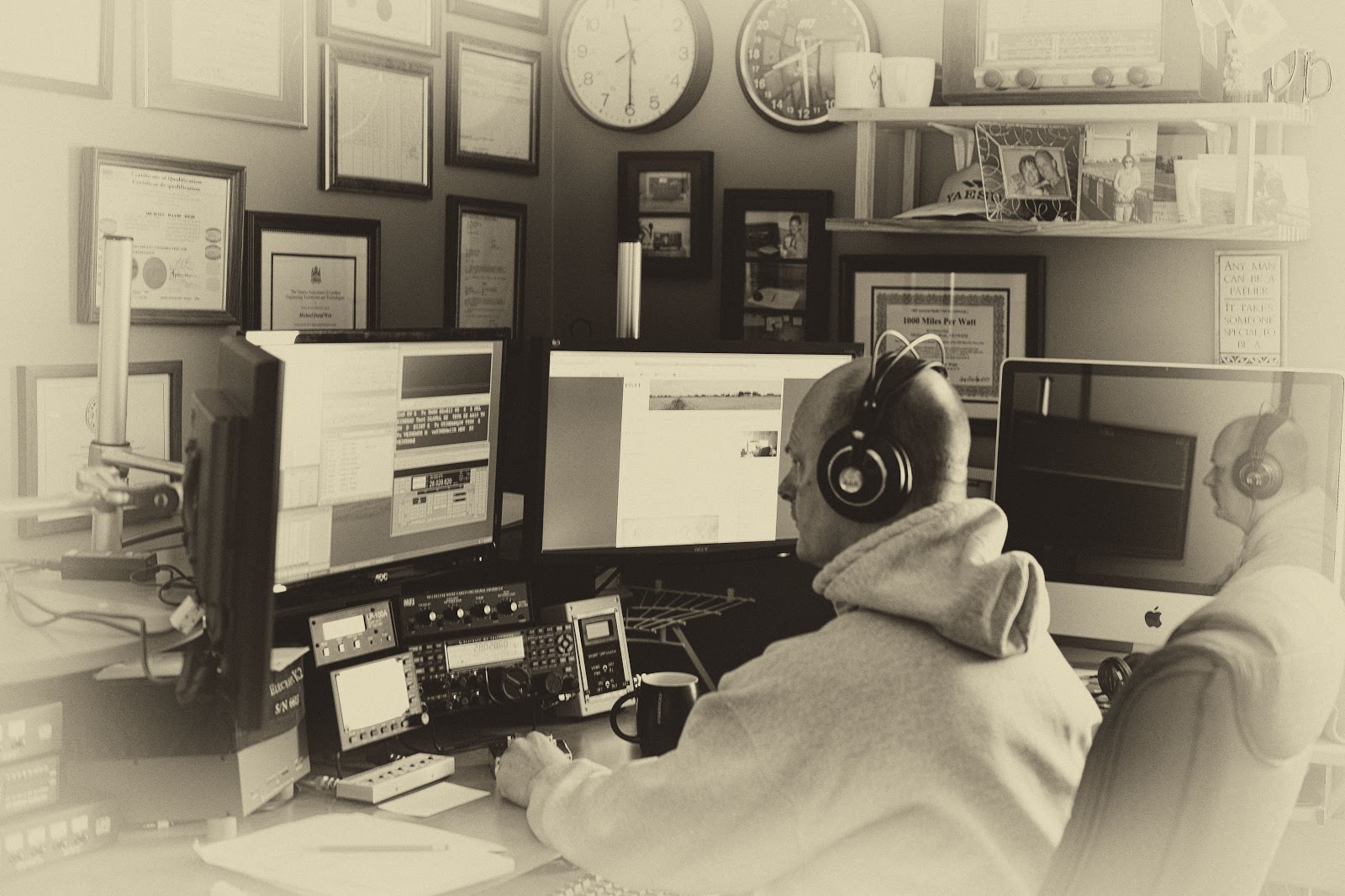 |
| Julie was out and about snapping shots!! |
 |
| At 40mW and below this is the reading |
up purchasing was MRP40 cw decoding program. Now my code is not to bad at all but during contests I have found that for some reason some stations send at the speed of sound. (not sure why as they may loose more contacts that gain as folks just move on being not able to understand the fast code) For those stations this is were MRP40 shines.
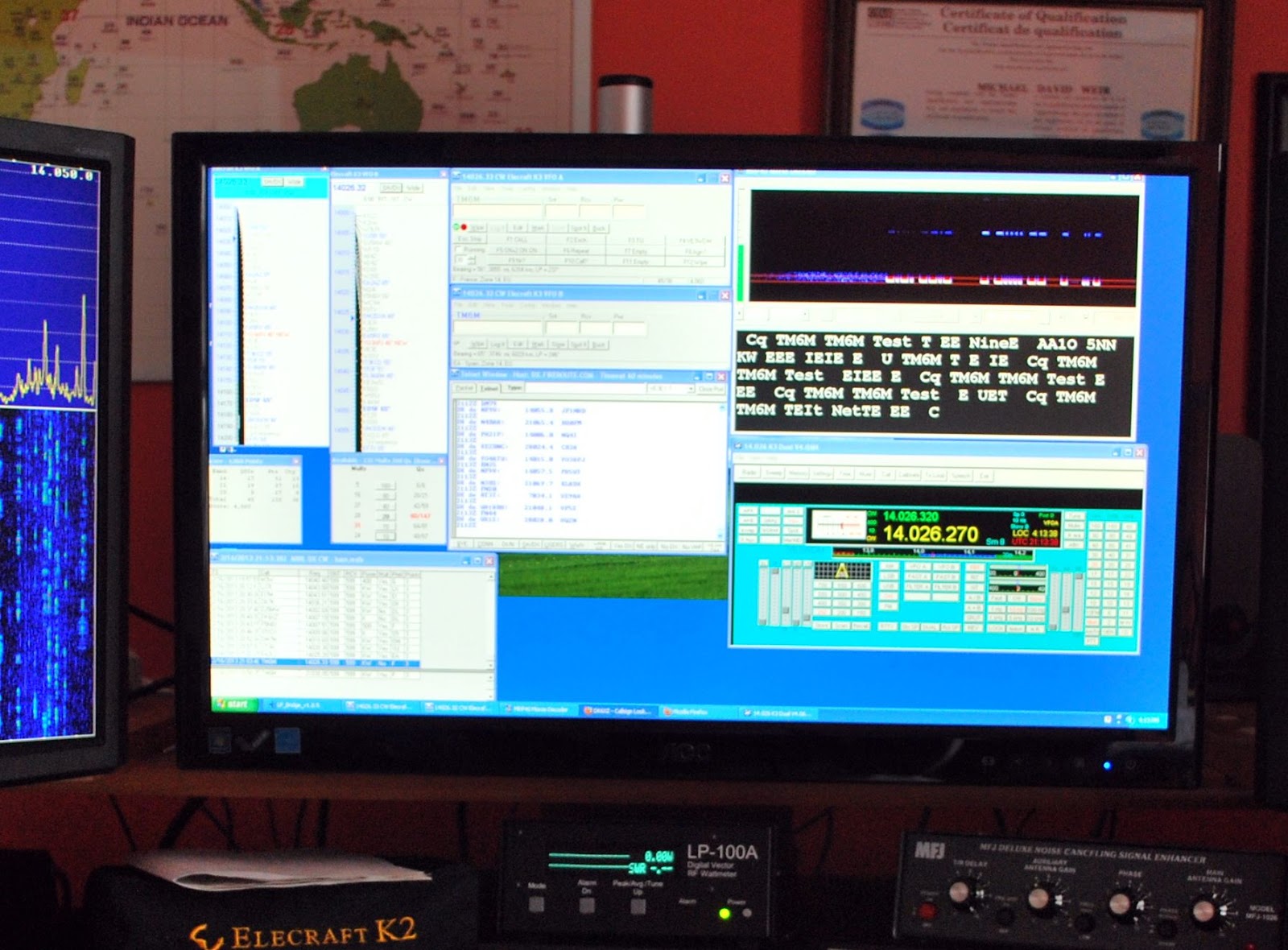 |
| Programs running during the contest |
That was the software success for the contest other great events were being able to keep my power down to 1 watt....except for 2 contacts were the power creeped up to 3 watts. Did I say the power was kept to 1 watt? That was for a total number of 6 contacts the rest of the DX contacts went into the log with power numbers varying from 10mW's to 900mW's!!
Here is how the power numbers broke down
Contacts Power
2 10mW
13 20mW
2 40mW
4 50mW
14 100mW
22 500mW
12 From above 500 to 900mW
6 1 watt
2 3 watts
77 TOTAL
I did say there was some records broken here at VE3WDM and they are
1. 69 DX contacts with under 1 watt in a contest!
2. Miles per watt bar is set higher.....CR3A with 10mW is 344,468 miles per watt
DL6FBL with 10mW is 400,126 miles per watt
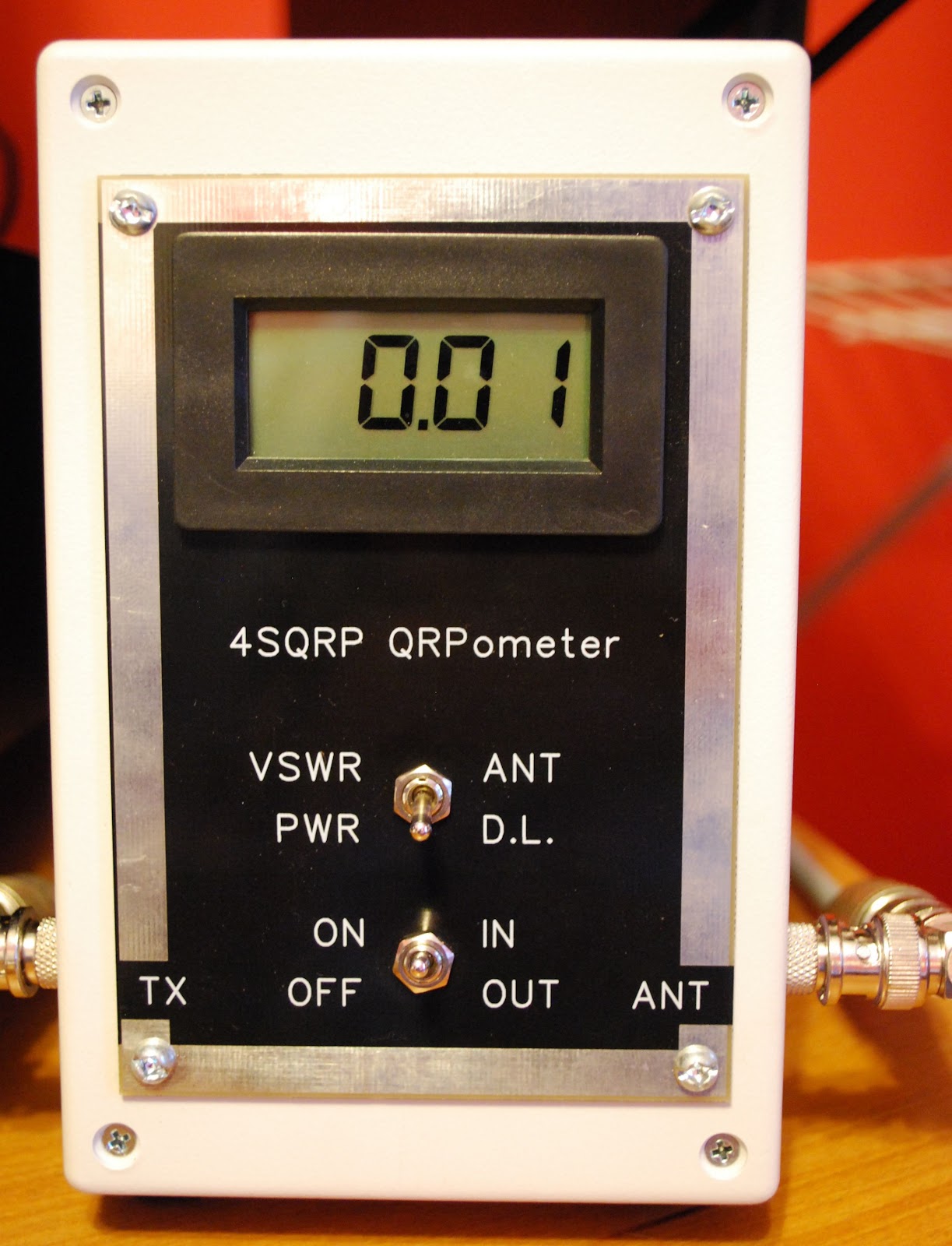 |
| 10mW on the QRPometer |
Contest goals close to 50/50
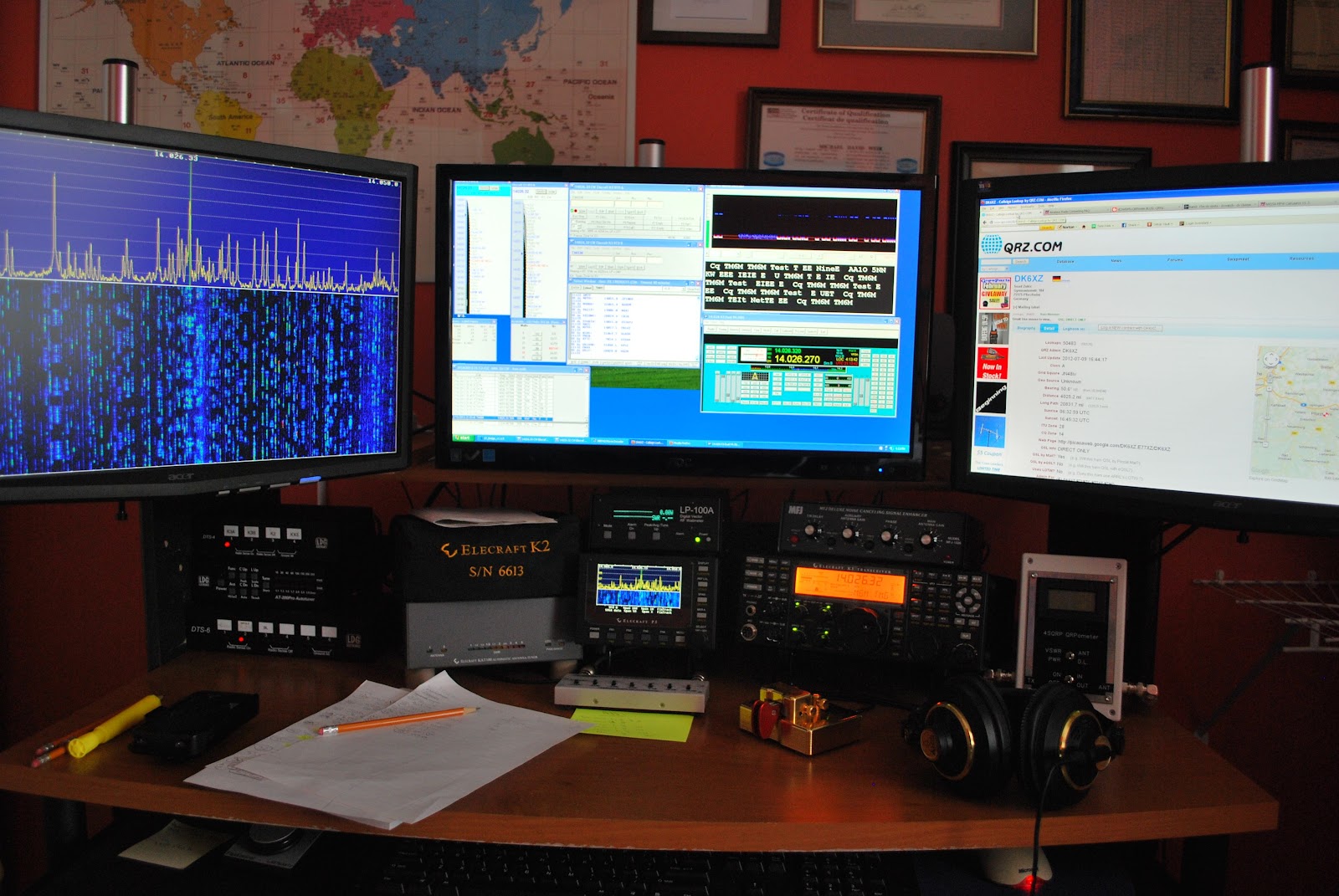 |
| In the thick of things |
1. Contacted DL6FBL with only 10mW's for a miles per watt total of 433,756 per watt an all time record for me.
2. As was already mentioned 92% of contacts are QRPp and a majority of those are at or below 500mWs.
3. There are so far 9 contacts at or below 50mWs and again all these contacts are DX and not U.S stations.
As for the rest of the goals like getting up early and racking up lots of time on the contest.........well the bed was sooooo comfee this morning it was very hard to get up and out before 8am! So that goal up to this point has not been met...but there is Sunday!! (dreams are free they say)
As for spending more time in the chair that will have to be weighted out on Sunday evening when the total time on air is looked at.
Contest on....it's off to 40m and maybe 80m as well..........will keep you posted
Bring on the contest………..
 |
| New monitor in place and ready for ARRL CW contest |
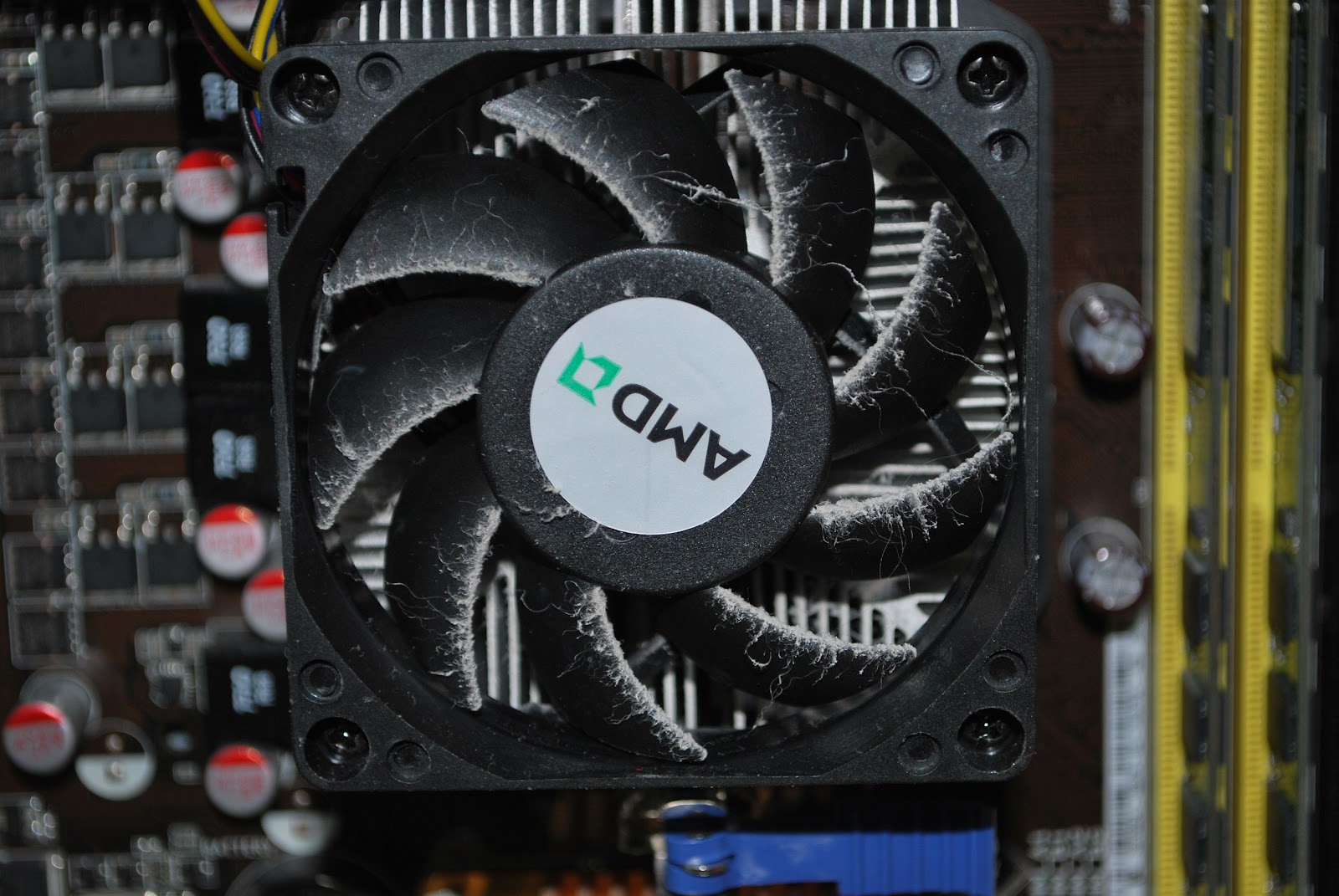 |
| Very dusty |
one DVI and one VGA output port. It was the VGA port that was not allowing my new monitor to shine with all it's resolution. I ended up purchasing the Zotac Geforce GT 620 video card. This has two DVI outputs and as with the other care supports dual monitors. A small part of the day today was spend
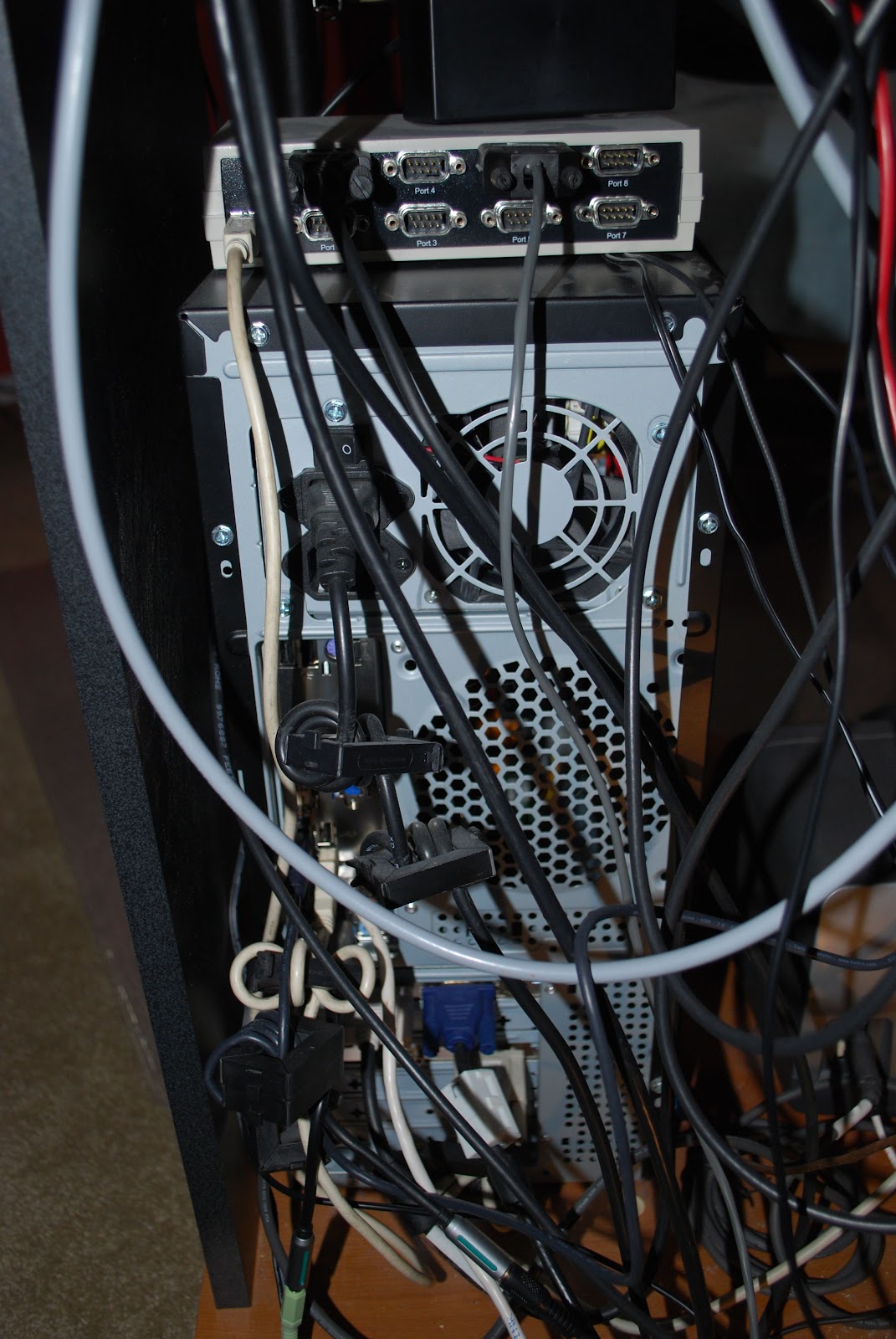 |
| Rear view of PC |
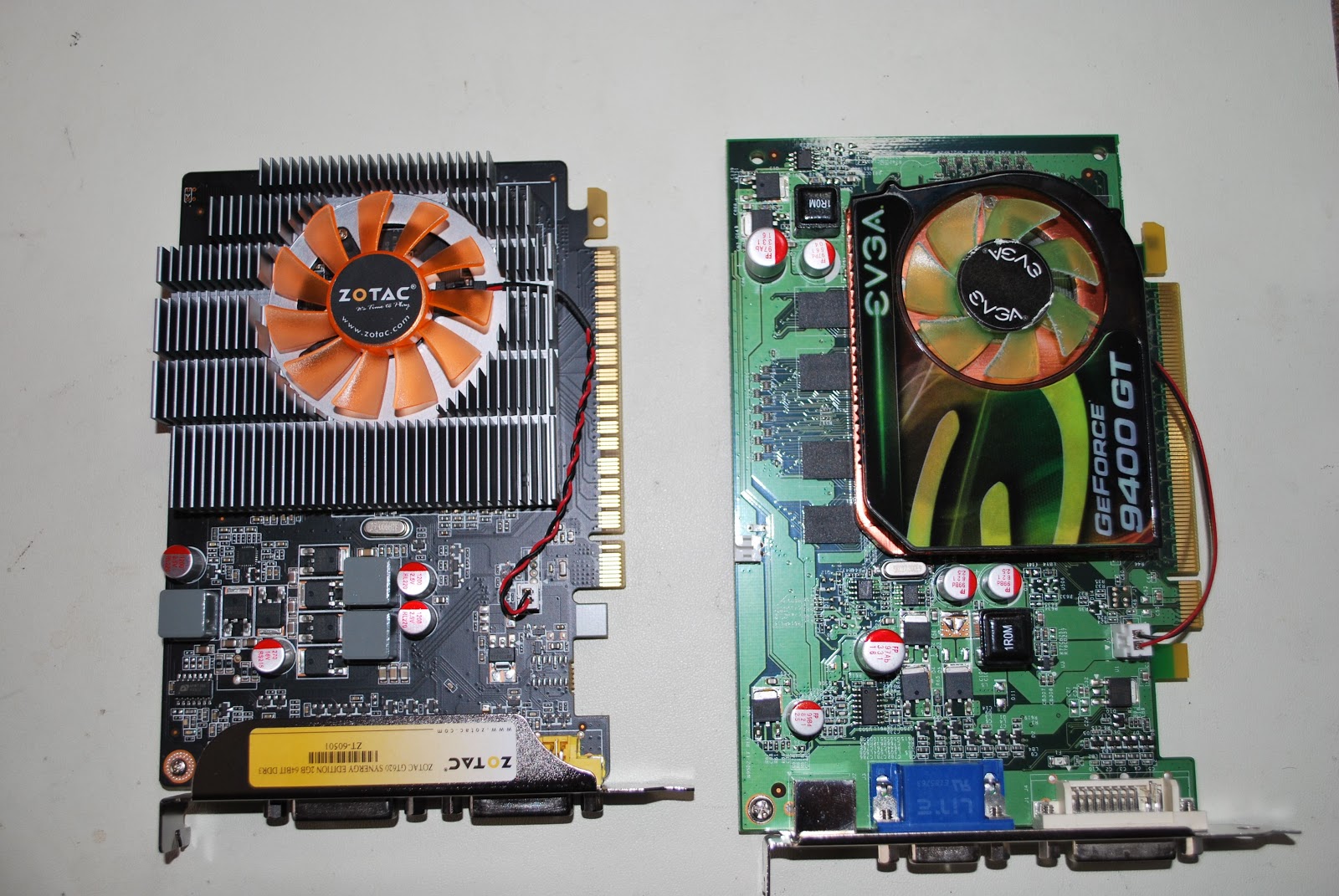 |
| New on left old on right |
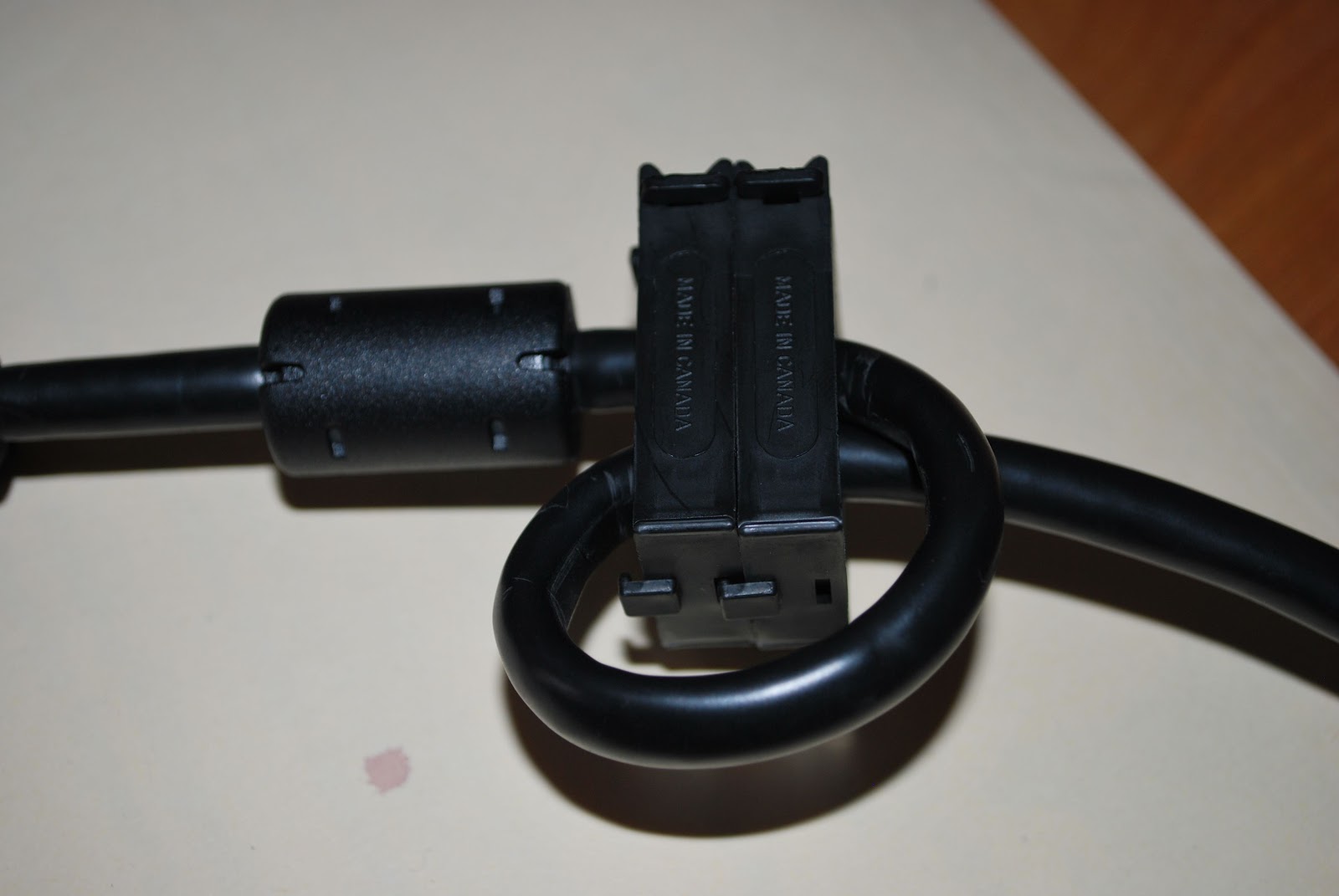 removing the Geforce 9400 card and replacing it with the new Zotac GT 620 card. It was great to have the PC out and on the test bench I was able to give the interior a good cleaning. It's very surprising how much dust gets in there and to have the processor nice and clean and running cool will extend the life of the chip. The picture of the back of my PC shows many clip on toroid around most if not every cable as well there is a ground wire grounding the cabinet as well. I also put some snap on chokes on the DVI cable to the new monitor. This way my PC and monitors are RF free!
 A blinking nuisance
It’s beginning to look as if my shack PC monitor is on the blink. Recently I have noticed that when the system comes back to life after going into standby the picture flashes repeatedly – flash, blank screen, flash, blank screen and so on. Nothing I do seems to bring this cycle to a halt, I just have to wait until the picture eventually stabilizes on its own.
This morning for the first time this occurred upon powering up the system from cold. So it looks as if the problem is getting worse. One day soon I expect the picture may not stabilize at all.
It is a 19 inch (48cm) monitor and must be about 8 years old, bought at a time when 19 inch monitors were quite a pricey item. So I can’t complain that I haven’t had good use out of it. I must have had three different system units in all that time. I should take this as an opportunity to replace it with a newer, larger screen. Except for the fact that I don’t really have the room for a larger monitor as my shack is so small.
I do have a laptop that I could use. It is a nice wide-screen Dell running Windows 7, purchased for work about 3 years ago but now little used as I have given up most of the things I used to do. The trouble with that idea is that the laptop doesn’t have the 4 real serial ports and 6 USB ports that the shack PC has, all of which are used.
So I guess I’ll be shopping for a new PC monitor some time soon. The thing that always puts me off buying new computer hardware is the fear that it will be RF-noisy and add to the already high noise levels I experience here. This old monitor actually causes some hash on the 2m band, which went unnoticed when it was new as I didn’t use VHF at the time. I think I’ll ignore cheap Chinese products for once and stick with one of the well-known European brands that have actually passed emissions tests instead of just sporting a CE sticker like I suspect many imports do.
Snow day = radio time!!
 |
| Working the KX3 |
 |
| OQ5A setup |
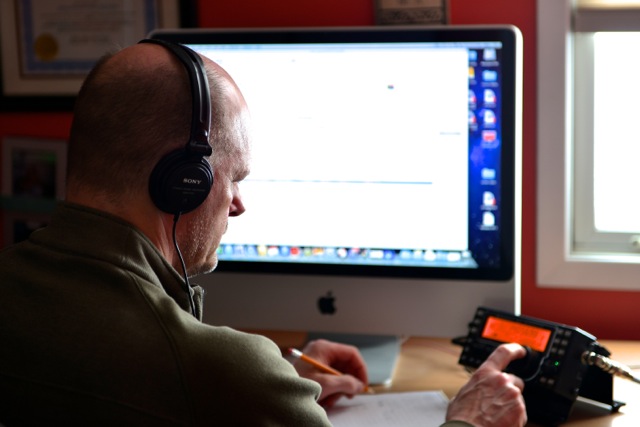
I emailed Greet to let him in on some of the station info at this end. He was surprised I was only using 100mW's of power into an attic dipole to boot. Now here is the funny thing about propagation with 100mW's I tried to contact K0DNG in Kansas City Missouri and it was a huge struggle. I was going to up the power but Dennis was sending his 73s to me and moving on to calling CQ again.
 Finally I saw on my Maclogger's cluster a spot for W0RW/PM now the cluster showed this to be in Indonesia. He was very weak and kinda in and out and there were other station trying to contact him as well. I topped up the KX3 to the 5 watt level and gave him a go. He came back to me and gave me a respectable report. Now I thought there was something fishy about this cluster spot showing it as an Indonesian contact. I tripped off to QRZ.com and found out that PM stood for (in this case) pedestrian mobile!! Paul was in Colorado which is a not even close to Indonesia...(this is my high school geography shinning through) but it was great making contact as I have read on many blogs about Paul and his pedestrian mobile adventures.
 Seeing red
I just started up Google Chrome and my eye was caught by the minimize, maximize and close buttons in the title bar, which are bright red.

They stick out like a sore thumb. I can’t believe I wouldn’t have noticed it before. Is it just me, or my computer? If the buttons have changed colour, why? My eye is constantly drawn to these bright red buttons. It is a real eyesore.













