 |
 I’m famous! and ICube-1, MOVE and Velox-PII telemetry decodes
 26 November 2013 | by
 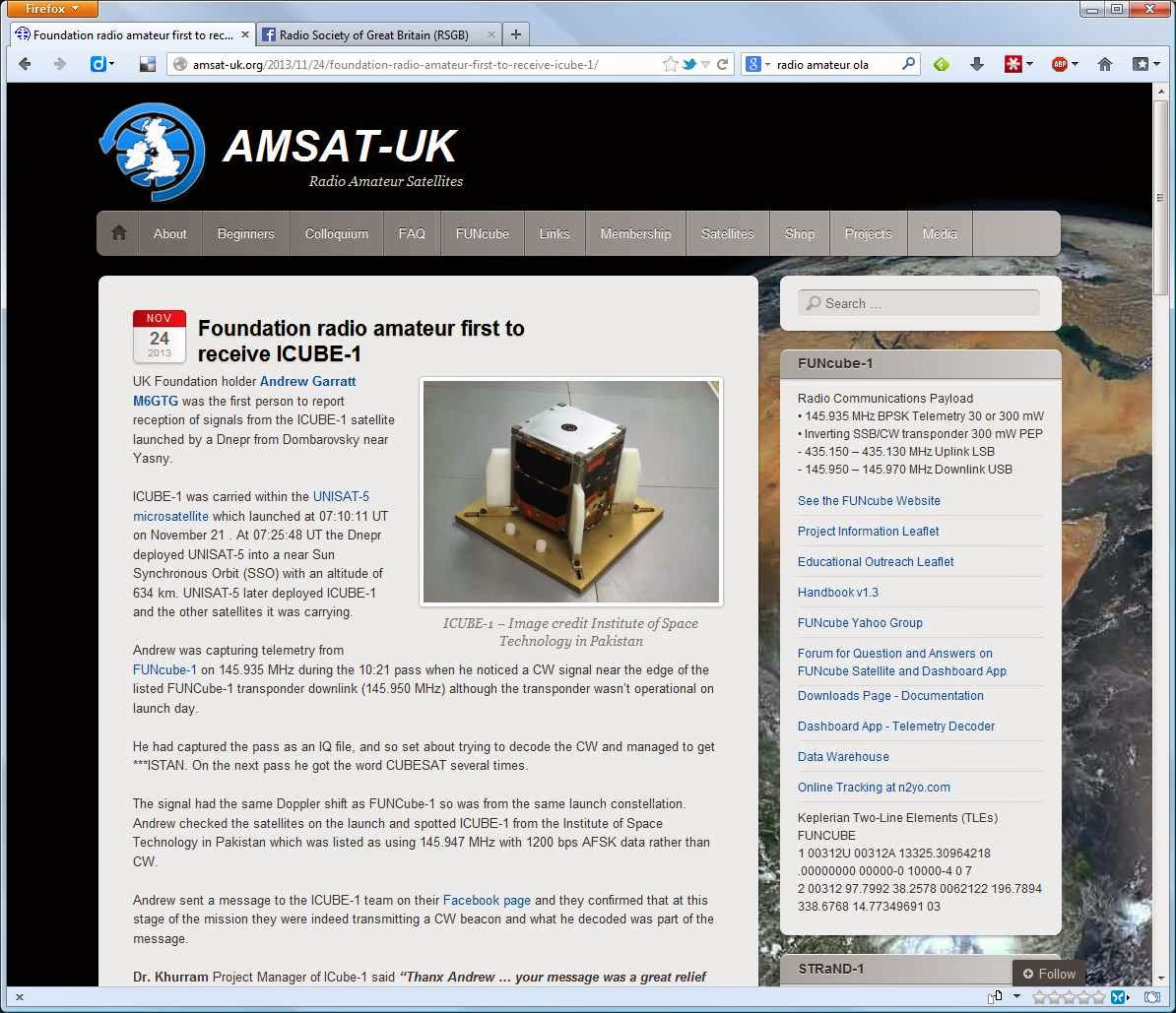 |
| Screenshot of the Amsat-UK webpage |
I had the IQ file from SDR# so could process it as much as I needed and have used a couple of Morse/CW decoder tools before, but find the free ones often struggle with the faint Doppler shifting CW, just a little too much noise and not enough signal.
Audible decoding isn't an option (yet) but I can visually decode, but the signal going up the waterfall shows the dots and dashes but is too quick for me, and ideally I would like it horizontal rather than vertically.
Then I remembered I had installed Spectravue a few years ago, Spectravue is a powerful spectral analysis/receiver program primarily for use with SDR devices, it was the program used to calibrate my first FUNCube Dongle.
Spectravue is able to take the IQ file and play it back at varying speeds, it can demodulate signals and importantly allows pausing of the playback and easy access to the section of interest, something SDR# is sadly lacking, also it allows a horizontal waterfall display and the ability to save images.
I set about processing and decoding and as you can see from the screenshots below, I managed to identify most of the message (the letters have been added later) The FUNcube-1 telemetry signal can be seen at the top of the images, along with some QRM.
 |
| Partial decode of ICube-1 CW beacon |
 |
| Partial decode of ICube-1 CW beacon |
During the process I also spotted two further signals from Velox-PII (145.980 MHz) and the First-Move Cubesat (145.970 MHz) - both of these were recorded in the first decent pass over the UK after deployment (10:21 on 21 November 2013) the incorrect time shown on the bottom of the screen shots comes from the fact the files processed were copies and the file time stamp had been altered in the process.
I can only wonder when the first reception reports were made? Then again I shouldn't be greedy, one first-to-report is probably enough ;-)
 |
| Velox-PII Telemetry/CW beacon |
 |
| First-Move Telemetry and partial ICube-1 |
FIRST-MOVE built by students at the Technical University of München. MOVE stands for München Orbital Verification Experiment. Details here
Andrew Garratt, MØNRD, is a regular contributor to AmateurRadio.com and writes from East Midlands, England. Contact him at [email protected].
Portable operations with the FT-857
Just before the weather got cooler and the snow fell I was able to take my manpack setup outside in the backyard and do some pedestrian mobile communications, this was the week of Nov 11-16 2013. 10 and 12 meters were in great shape and 10 meter FM simplex was even better.
My manpack consists of a frame I bought on eBay from China, it is attached to my Alice Pack. In the frame I have a FT-857, LDG AT-100 PROII tuner, PBox LiPO batteries(x2) ran in parallel. My antenna for HF is a Chameleon Hy-Brid Mini with a V1L whip or a PRC-271 10’ whip. Power out was typically 10 watts for all contacts. I worked into TX and CA on 29.600 FM Simplex with a 60 over report. I worked Northern Ireland and South Africa as well.
This is a picture of my setup:

It works quite well and I use a comet antenna for 2/440 on it as well. It has a jack on the front for a morse code key and I have connections on the back for the computer for soundcard digital modes.
A video of the setup in operation can be seen here on YouTube:
I am waiting for a CHA CAP Hat so I can tune on 80 and 160. I use a counterpoise as well of 25’ with a quick connect/disconnect in case someone trips on it or when I am walking I get it snagged. The pack is continually taking on new changes. I have a strip of LED lights I want to use for night operations to lessen current draw and want to put a fold down tray on the pack for my logbook as well.
Hope to work you this winter from the cross country ski trails pedestrian mobile.
Fred Lesnick, VE3FAL, is a regular contributor to AmateurRadio.com and writes from Thunder Bay Ontario, Canada. Contact him at [email protected].
DVAP + Pi
I’ve owned my Raspberry Pi for a while now. I purchased it around the time they were first introduced (early 2012). Not having a lot of knowledge in the Linux OS, the most I ever really did with it was set it up and play around with it. However, my reason for purchasing the RPI was to some how use it for amateur radio purposes.
As I have mentioned before on my blog, I also own a D-STAR Digital Access Point Dongle (DVAP). I purchased it in 2011 and had been using it connected to an older Windows XP machine. I wrote a “first look” post as well as one where I was experimenting on the DVAP range away from my QTH. However, in following my own advice given in my podcast, The Practical Amateur Radio Podcast episode 64 about the Microsoft Windows XP End of Life, I decided it was time to explore how the DVAP might be used with the Raspberry Pi.
In most situations, Google truly is your friend. Just doing a simple Google search for DVAP and Raspberry Pi led me to more information than I had time to read. However, the very first search result happened to provide all the information I needed to setup my Raspberry Pi to work with my DVAP dongle. Special thanks to Bill, AB4BJ who had blogged about his experience in setting up his Pi for DVAP purposes.
If you have a Raspberry Pi, a DVAP Dongle and a D-STAR radio sitting around your ham shack, it’s very easy to set it all up just as I have done. In the below picture, I have my ICOM ID92-AD, the DVAP Dongle and the Raspberry Pi setup. Once configured, the Raspberry Pi will function stand-alone (without keyboard, mouse and monitor). I can access the RPI via VNC from my iPad if needed.

Raspberry Pi running Debian Linux and the DVAPNODE and IRCDDB software. DVAP is connected to REF001A in Aurora, Illinois. Screenshot from iPad VNC session.

For now, my setup will remain in my ham shack. I know many build this setup for mobile/portable use. At the present time I do not have wireless capabilities for the RPI. I also want to see just how stable this setup is before making any additional changes. I was pleased to wake up this morning and find the RPI was still running and the OS was stable. Time will tell…
Until next time…
73 de KDØBIK
Jerry Taylor, KD0BIK, is a regular contributor to AmateurRadio.com and writes from Colorado, USA. He is the host of the Practical Amateur Radio Podcast. Contact him at [email protected].
BBC News features FUNcube educational satellite
http://www.youtube.com/watch?v=tnDoq9sRZpk
It’s great to see exposure for the FUNcube project in the major world media. Congratulations to the FUNcube team!
I thoroughly enjoyed G4VXE’s post about his experience downloading AO-73 telemetry. Has anyone else been playing around with this?
Matt Thomas, W1MST, is the managing editor of AmateurRadio.com. Contact him at [email protected].
Ascension Island

The temperature has taken a cold turn here in the valley today which meant that I would “tune around” again on the 10 meter band once more. It’s much too cold to be outside.
This contact with ZD8X on Ascension Island marks my second new DX country in just a few days.

Ascension Island is literally”in the middle of nowhere” between South America and Africa in the Atlantic Ocean. It’s primarily a communications hub for several countries and was a relay station for the BBC in it’s heyday. St Helena is in this general area and the place Napoleon spent his last days in exile.
It took me several attempts to work this station at 5,362 miles. There was quite a “pile up” and I was surprised to hear my call sign repeated back to me with the customary 599 report.
John Smithson, Jr., N8ZYA, is a regular contributor to AmateurRadio.com and writes from West Virginia, USA. Contact him at [email protected].
We are in the new QTH!!
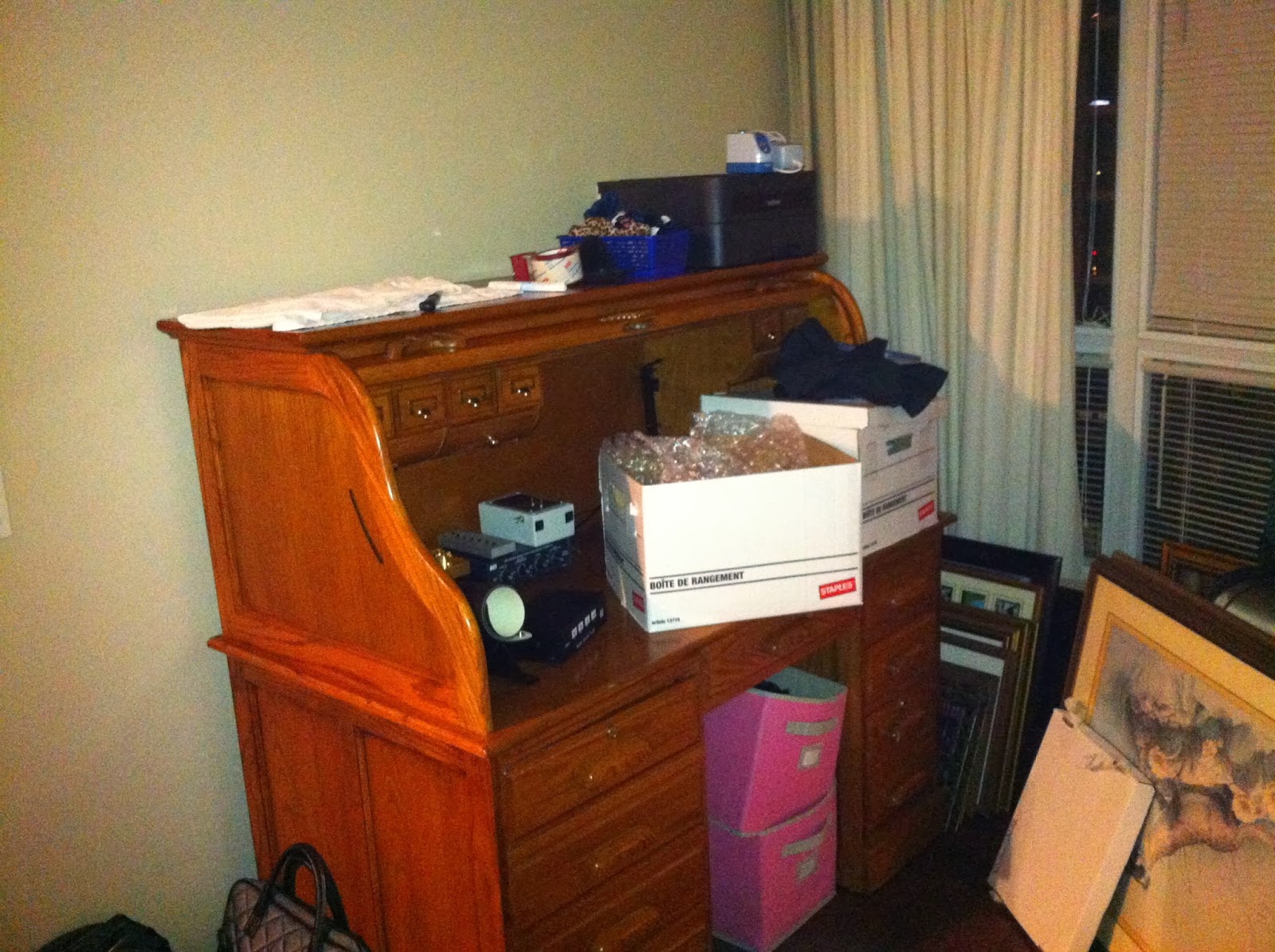 |
| The new station slowly being setup |
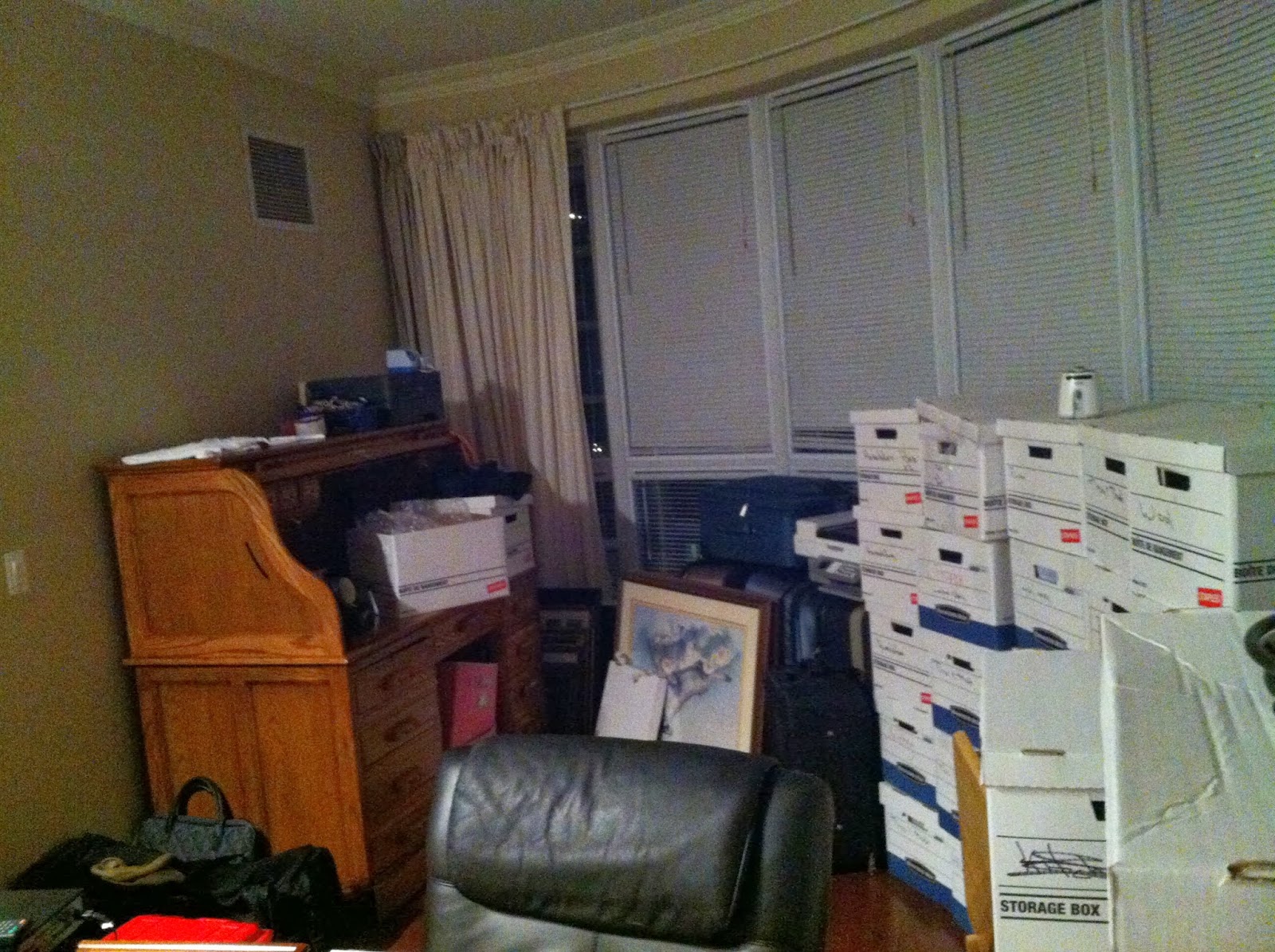 |
| Boxes slowly being dealt with |
Mike Weir, VE9KK, is a regular contributor to AmateurRadio.com and writes from New Brunswick, Canada. Contact him at [email protected].
Using the Raspberry Pi and GPredict software to track Funcube-1 (or many other) satellites
A couple of days ago, I had an email from Terry M0CLH who said that he was using his Raspberry Pi computer and GPredict software to track satellites. One of the things I really like about the Raspberry Pi is its’ ability to run particular applications without tying up the main computer, so I thought Terry’s idea was a good one.

This morning I decided I would see if I could get it going. It proved to be even simpler than I imagined! Boot your Pi up, and then start up a terminal window (LX Terminal). Then type
sudo apt-get install gpredict
The Pi will then download and install the GPredict software for you and return to the commaind prompt once it has finished.
To start the software up, from your terminal window, simply type
gpredict
The software will then start. You need to do a little configuration to tell the program where you are (the default is Copenhagen where the author lives!).
Click Edit/Preferences and then select the Ground Stations tab. Hit Add New and you can add the details for your location, latitude/longitude and your altitude. Save that, then you can delete the sample location of Copenhagen and make your own the default.
Whilst you’re in preferences, you can decide on the layout of the screen. If you’ve got a nice large monitor, then the optimum is Map, table, polar and single sat (wide), but you can play around and see what suits you best. I found I had to restart the program to see those changes take effect.
Around now it might be good to check that you have the latest satellite data, which the program will download for you. Choose Edit/Update TLE/From network and wait for the update to complete.
Finally, you’ll want to configure which satellites you are tracking. The software defaults to the Amateur radio module. Click on the module options/shortcuts which is in the top right of the main window, just below the main Windows controls (minimise, maximise and close). Click on that, then configure…
You can then choose which satellites you want to track. Funcube-1 or AO-73 is not showing up under those names, but it is thought to be 2013-066B, so you can search for that and include it. Other satellites that I included were FO-29, ISS, SO-50 and VO-52. Your choice may vary.
You should now see the position of all your satellites plotted on the screen.
If you want to see more about a particular satellite, highlight it in the list at the bottom and right mouse to select ‘Show next pass’ or ‘Future Passes’.
GPredict software works nicely on the Pi. It does seem to max the processor out pretty well, but it’s quick to start up and shut down if you want to do something else.
Happy tracking!
Tim Kirby, G4VXE, is a regular contributor to AmateurRadio.com and writes from Oxfordshire, England. Contact him at [email protected].
 Ham Radio Deluxe |
 W5SWL Electronics |
 Ham Radio Prep |
 KB3IFH QSL Cards  Hip Ham Shirts  HamRadioAuctions HamRadioAuctions Reliance Antennas Reliance Antennas Enigma Shop Enigma Shop |  morseDX  Ni4L Antennas  R&L Electronics R&L Electronics antennas.us antennas.us QRV QRV |
- Matt W1MST, Managing Editor
