 |
 DVAP + Pi
 25 November 2013 | by
 I’ve owned my Raspberry Pi for a while now. I purchased it around the time they were first introduced (early 2012). Not having a lot of knowledge in the Linux OS, the most I ever really did with it was set it up and play around with it. However, my reason for purchasing the RPI was to some how use it for amateur radio purposes.
As I have mentioned before on my blog, I also own a D-STAR Digital Access Point Dongle (DVAP). I purchased it in 2011 and had been using it connected to an older Windows XP machine. I wrote a “first look” post as well as one where I was experimenting on the DVAP range away from my QTH. However, in following my own advice given in my podcast, The Practical Amateur Radio Podcast episode 64 about the Microsoft Windows XP End of Life, I decided it was time to explore how the DVAP might be used with the Raspberry Pi.
In most situations, Google truly is your friend. Just doing a simple Google search for DVAP and Raspberry Pi led me to more information than I had time to read. However, the very first search result happened to provide all the information I needed to setup my Raspberry Pi to work with my DVAP dongle. Special thanks to Bill, AB4BJ who had blogged about his experience in setting up his Pi for DVAP purposes.
If you have a Raspberry Pi, a DVAP Dongle and a D-STAR radio sitting around your ham shack, it’s very easy to set it all up just as I have done. In the below picture, I have my ICOM ID92-AD, the DVAP Dongle and the Raspberry Pi setup. Once configured, the Raspberry Pi will function stand-alone (without keyboard, mouse and monitor). I can access the RPI via VNC from my iPad if needed.

Raspberry Pi running Debian Linux and the DVAPNODE and IRCDDB software. DVAP is connected to REF001A in Aurora, Illinois. Screenshot from iPad VNC session.

For now, my setup will remain in my ham shack. I know many build this setup for mobile/portable use. At the present time I do not have wireless capabilities for the RPI. I also want to see just how stable this setup is before making any additional changes. I was pleased to wake up this morning and find the RPI was still running and the OS was stable. Time will tell…
Until next time…
73 de KDØBIK
Jerry Taylor, KD0BIK, is a regular contributor to AmateurRadio.com and writes from Colorado, USA. He is the host of the Practical Amateur Radio Podcast. Contact him at [email protected].
BBC News features FUNcube educational satellite
http://www.youtube.com/watch?v=tnDoq9sRZpk
It’s great to see exposure for the FUNcube project in the major world media. Congratulations to the FUNcube team!
I thoroughly enjoyed G4VXE’s post about his experience downloading AO-73 telemetry. Has anyone else been playing around with this?
Matt Thomas, W1MST, is the managing editor of AmateurRadio.com. Contact him at [email protected].
Ascension Island

The temperature has taken a cold turn here in the valley today which meant that I would “tune around” again on the 10 meter band once more. It’s much too cold to be outside.
This contact with ZD8X on Ascension Island marks my second new DX country in just a few days.
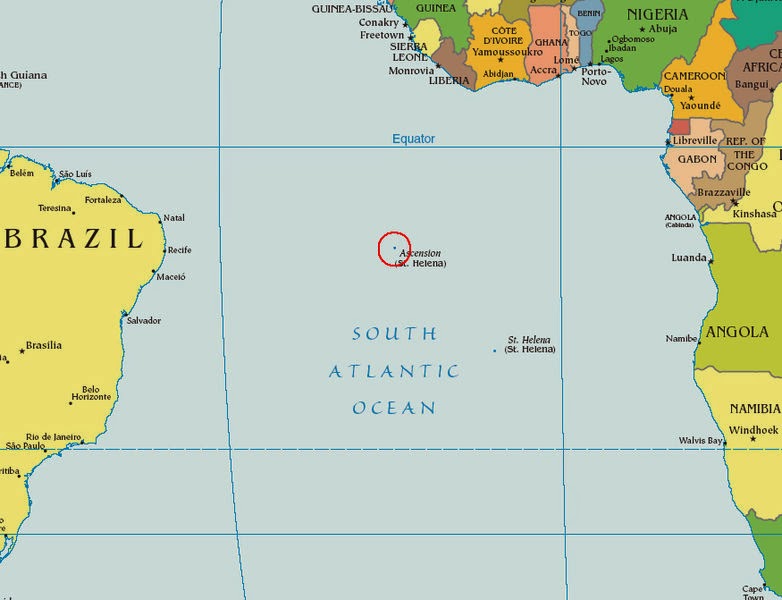
Ascension Island is literally”in the middle of nowhere” between South America and Africa in the Atlantic Ocean. It’s primarily a communications hub for several countries and was a relay station for the BBC in it’s heyday. St Helena is in this general area and the place Napoleon spent his last days in exile.
It took me several attempts to work this station at 5,362 miles. There was quite a “pile up” and I was surprised to hear my call sign repeated back to me with the customary 599 report.
John Smithson, Jr., N8ZYA, is a regular contributor to AmateurRadio.com and writes from West Virginia, USA. Contact him at [email protected].
We are in the new QTH!!
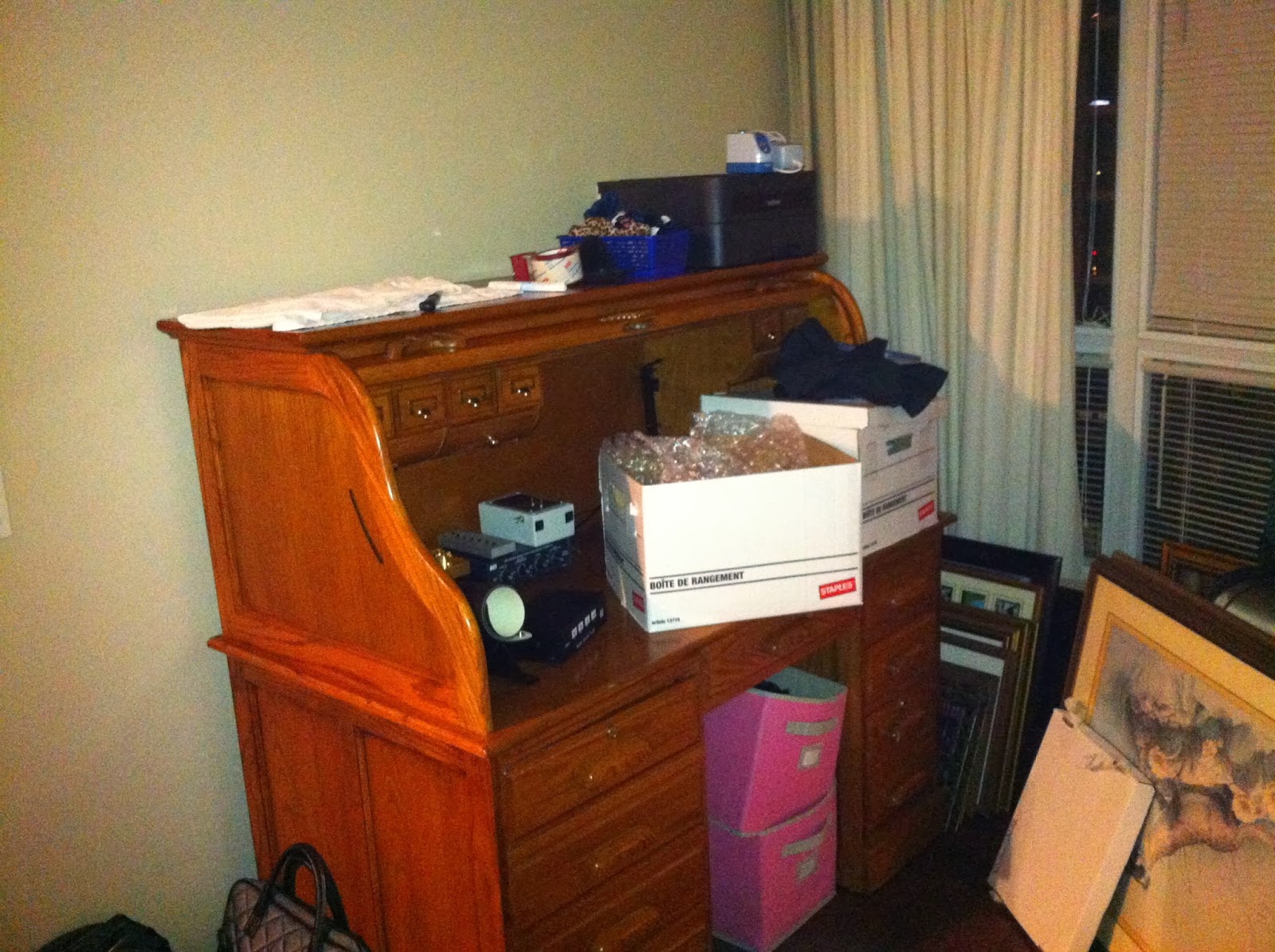 |
| The new station slowly being setup |
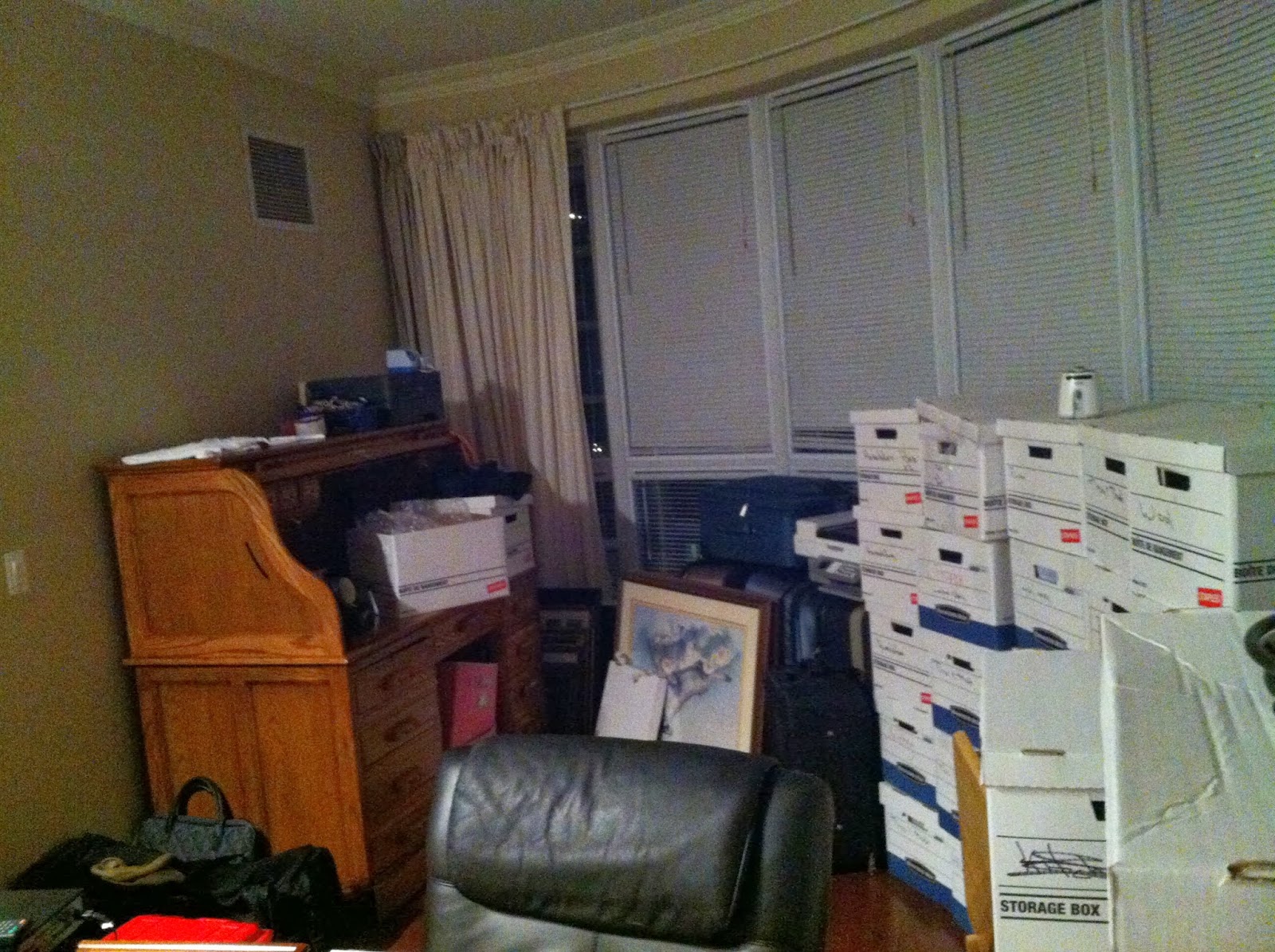 |
| Boxes slowly being dealt with |
Mike Weir, VE9KK, is a regular contributor to AmateurRadio.com and writes from New Brunswick, Canada. Contact him at [email protected].
Using the Raspberry Pi and GPredict software to track Funcube-1 (or many other) satellites
A couple of days ago, I had an email from Terry M0CLH who said that he was using his Raspberry Pi computer and GPredict software to track satellites. One of the things I really like about the Raspberry Pi is its’ ability to run particular applications without tying up the main computer, so I thought Terry’s idea was a good one.

This morning I decided I would see if I could get it going. It proved to be even simpler than I imagined! Boot your Pi up, and then start up a terminal window (LX Terminal). Then type
sudo apt-get install gpredict
The Pi will then download and install the GPredict software for you and return to the commaind prompt once it has finished.
To start the software up, from your terminal window, simply type
gpredict
The software will then start. You need to do a little configuration to tell the program where you are (the default is Copenhagen where the author lives!).
Click Edit/Preferences and then select the Ground Stations tab. Hit Add New and you can add the details for your location, latitude/longitude and your altitude. Save that, then you can delete the sample location of Copenhagen and make your own the default.
Whilst you’re in preferences, you can decide on the layout of the screen. If you’ve got a nice large monitor, then the optimum is Map, table, polar and single sat (wide), but you can play around and see what suits you best. I found I had to restart the program to see those changes take effect.
Around now it might be good to check that you have the latest satellite data, which the program will download for you. Choose Edit/Update TLE/From network and wait for the update to complete.
Finally, you’ll want to configure which satellites you are tracking. The software defaults to the Amateur radio module. Click on the module options/shortcuts which is in the top right of the main window, just below the main Windows controls (minimise, maximise and close). Click on that, then configure…
You can then choose which satellites you want to track. Funcube-1 or AO-73 is not showing up under those names, but it is thought to be 2013-066B, so you can search for that and include it. Other satellites that I included were FO-29, ISS, SO-50 and VO-52. Your choice may vary.
You should now see the position of all your satellites plotted on the screen.
If you want to see more about a particular satellite, highlight it in the list at the bottom and right mouse to select ‘Show next pass’ or ‘Future Passes’.
GPredict software works nicely on the Pi. It does seem to max the processor out pretty well, but it’s quick to start up and shut down if you want to do something else.
Happy tracking!
Tim Kirby, G4VXE, is a regular contributor to AmateurRadio.com and writes from Oxfordshire, England. Contact him at [email protected].
SOTA Activation in the Snow
Enter the weather. The forecast for my entire stay was for snow. The higher elevation peaks are out of the question, but there might be some possibilities for some the peaks in the 7,000 ft ASL range. Saturday had the best forecast, only 1-2 inches accumulation, but Sunday was for 2-4 inches.
So based on some advice on local summits from Fred, KT5X (aka WS0TA), Ortiz Mountain (W5N/SE-043) was my choice. Better yet, it was a 6 point summit which would move my Activator score to 201 points. I had to do it on Saturday or risk being snowed out.
This would be an opportunity to work on my winter approach to activations, from clothing to equipment to hiking in the snow. Cris, my XYL agreed to join in the fun.
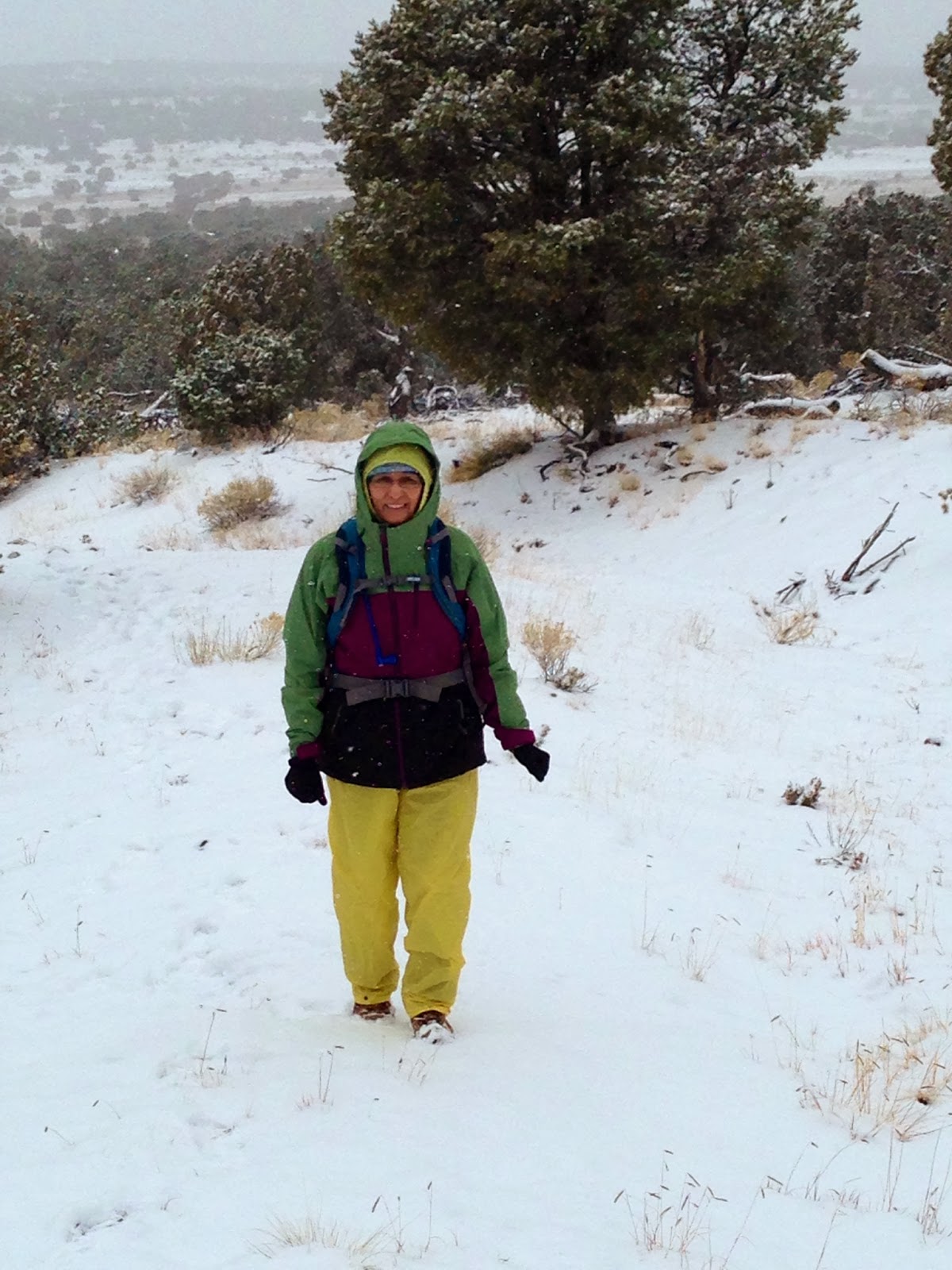 |
| Cris headed up the mountain |
We found our way to the base of the mountain and quickly learned that finding 4WD roads in the snow isn't that easy, however we managed to navigate our way to within 600 vertical feet of the summit and from there packed our gear and headed up the mountain.
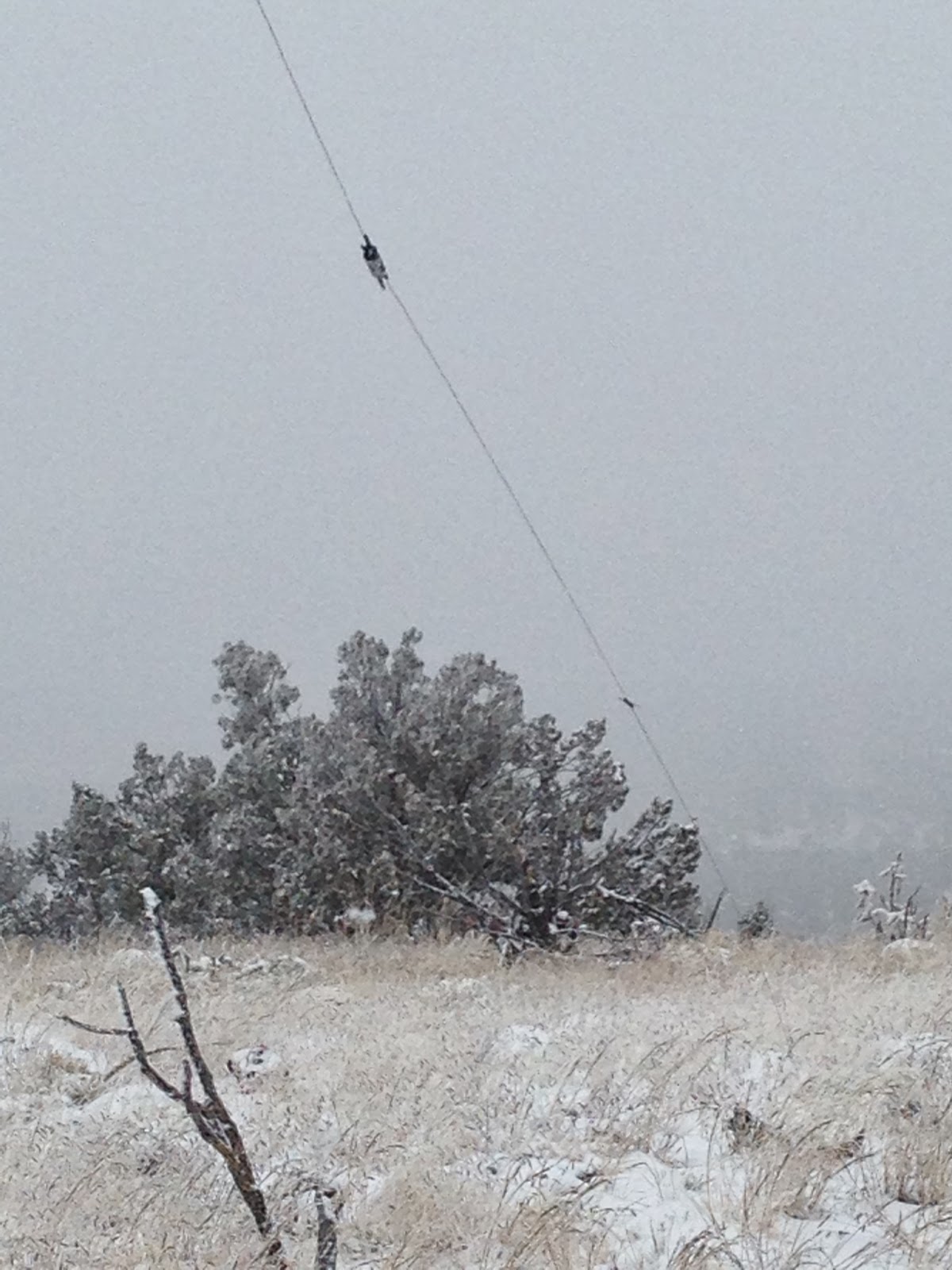
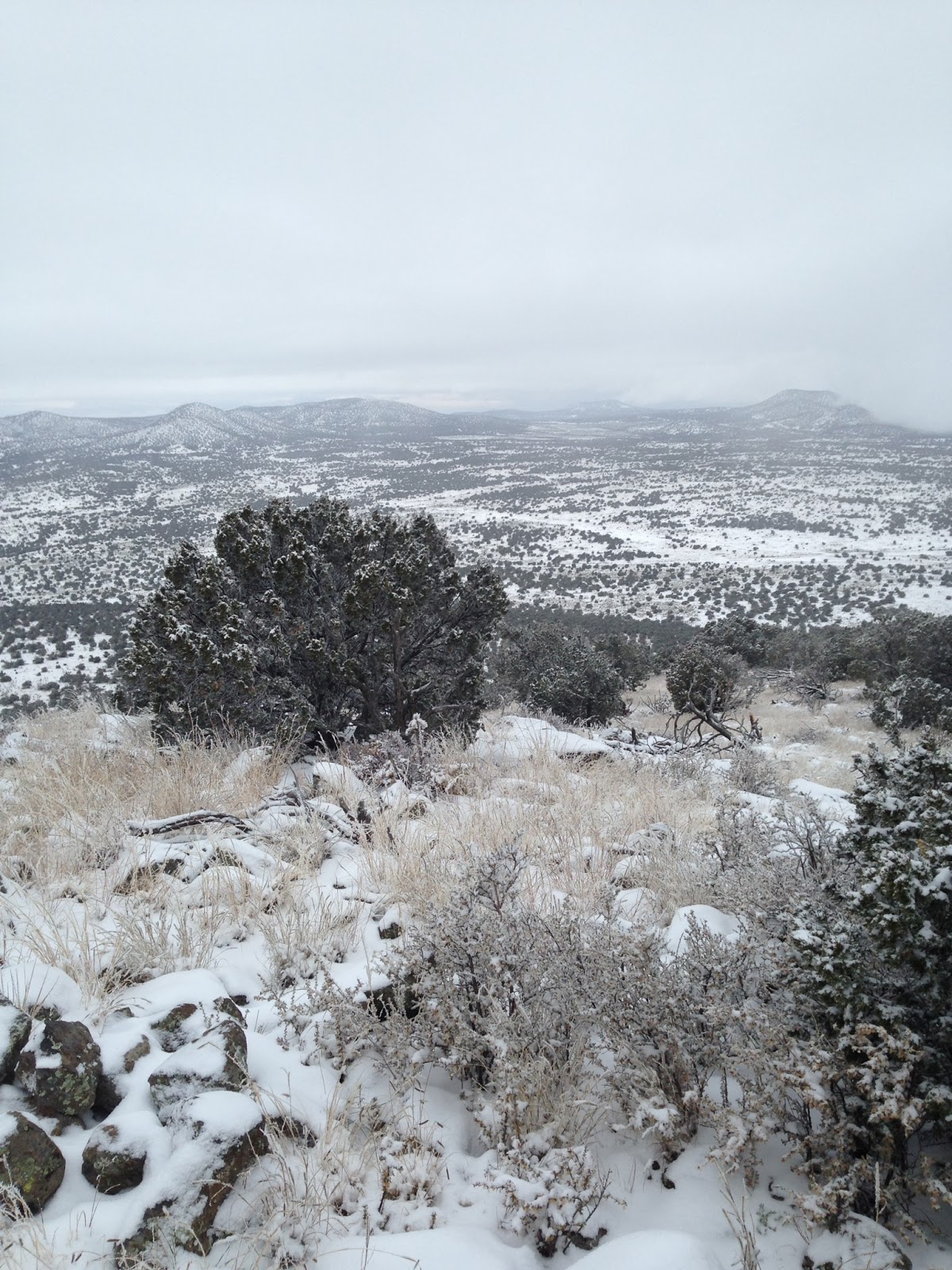
The hike wasn't bad, hiking up a 4WD road to the shoulder and then up to the summit. The summit probably had 4 inches of snow and more was falling. I quickly found a decent operating location and began the set-up. This day I was using my FT-817, the trail friendly LNR 10-20-40 EFHW with a T1 tuner.
 |
| Antenna Deployed |
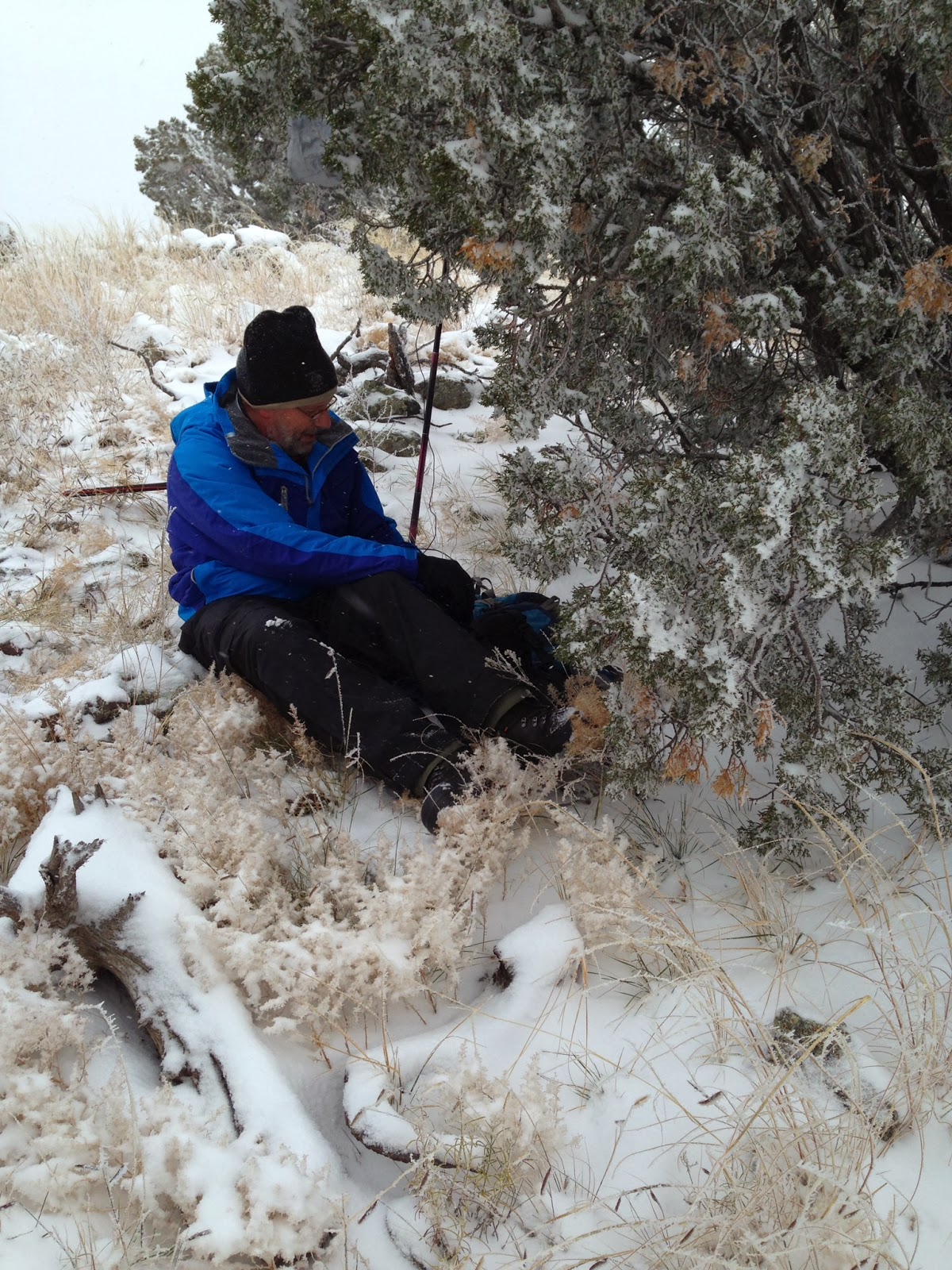
So I set up on 17 meters and called CQ. After finally getting a spot for my frequency, my paddle decided to only send dits, I brought out my trusty micro-key, but had to remove my gloves to operate it. The temperature was 27 F, so my hands got a little cold.
My wife in the mean time had found warmth by getting the Bothy Bag we brought along. Bothy Bags are mini-shelters that are excellent for getting out of the cold or rain.
I made my requisite QSO's, working both coasts with my QRP signal, plus a few more and decided to declare victory and head back down the mountain. The snow had stopped for the trip down which we managed at a comfortable pace.
 |
| Operating |
 |
| View from the Top |
Mike Crownover, AD5A, is a regular contributor to AmateurRadio.com and writes from Texas, USA. Contact him at [email protected].
An Island Near Venezuela

Curacao, an island near Venezuela, is a new DX country in my log book. On November 19th, I easily worked PJ2/ N0YY and on November 22nd I easily worked PJ2/ W9NJY.
I’m amazed this station in South America hasn’t been worked more than I see on the DX Clusters. I spotted it for the second time yesterday and saw very little activity following up on the site.
As most of the islands in the Caribbean area, tourism is always a factor in their economy. In the area of “space tourism” Curacao is one of the tops in the field.

The Lynx Space Plane is an interesting concept. The pilot and “one” tourist can experience “sub orbital flight” where the stars shine steadily, the arc of the earth is below you, and you experience the feeling of weightlessness. I would imagine, also, a great place to use a handi-talkie on the VHF and the UHF bands. Expected to be viable in 2014, this “sub orbital spacecraft” will take you there for a fee of around $100,000.
Both these contacts were on the 10 meter band and pushing a 599+ signal into West Virginia.
John Smithson, Jr., N8ZYA, is a regular contributor to AmateurRadio.com and writes from West Virginia, USA. Contact him at [email protected].
 Ham Radio Deluxe |
 W5SWL Electronics |
 Ham Radio Prep |
 KB3IFH QSL Cards  Hip Ham Shirts  HamRadioAuctions HamRadioAuctions Reliance Antennas Reliance Antennas Enigma Shop Enigma Shop |  morseDX  Ni4L Antennas  R&L Electronics R&L Electronics antennas.us antennas.us QRV QRV |
- Matt W1MST, Managing Editor
