Archive for the ‘qrp’ Category

The accidental QRPer

HF band conditions are not all that good at the moment. I was on 20m (in itself an indication that conditions on the higher bands are poor) and tried to call a couple of US stations but all I got was QRZ? I heard Jarda OK1DMZ calling CQ and he was a strong signal so I replied. Back came a 599 report. It was only when I sent the station details and sent my power that I realized I had it set to 5 watts!

I’ve lost count of the times I’ve found myself accidentally operating QRP because the rig was set to 5 watts after having been WSPRing at that power level. In better conditions I’ve made several contacts before realizing my mistake, which just shows that QRP does not always result in having a weak signal. But when conditions are like they are at the moment, power helps!

I should practice what I preach…………
All is going well.....for now

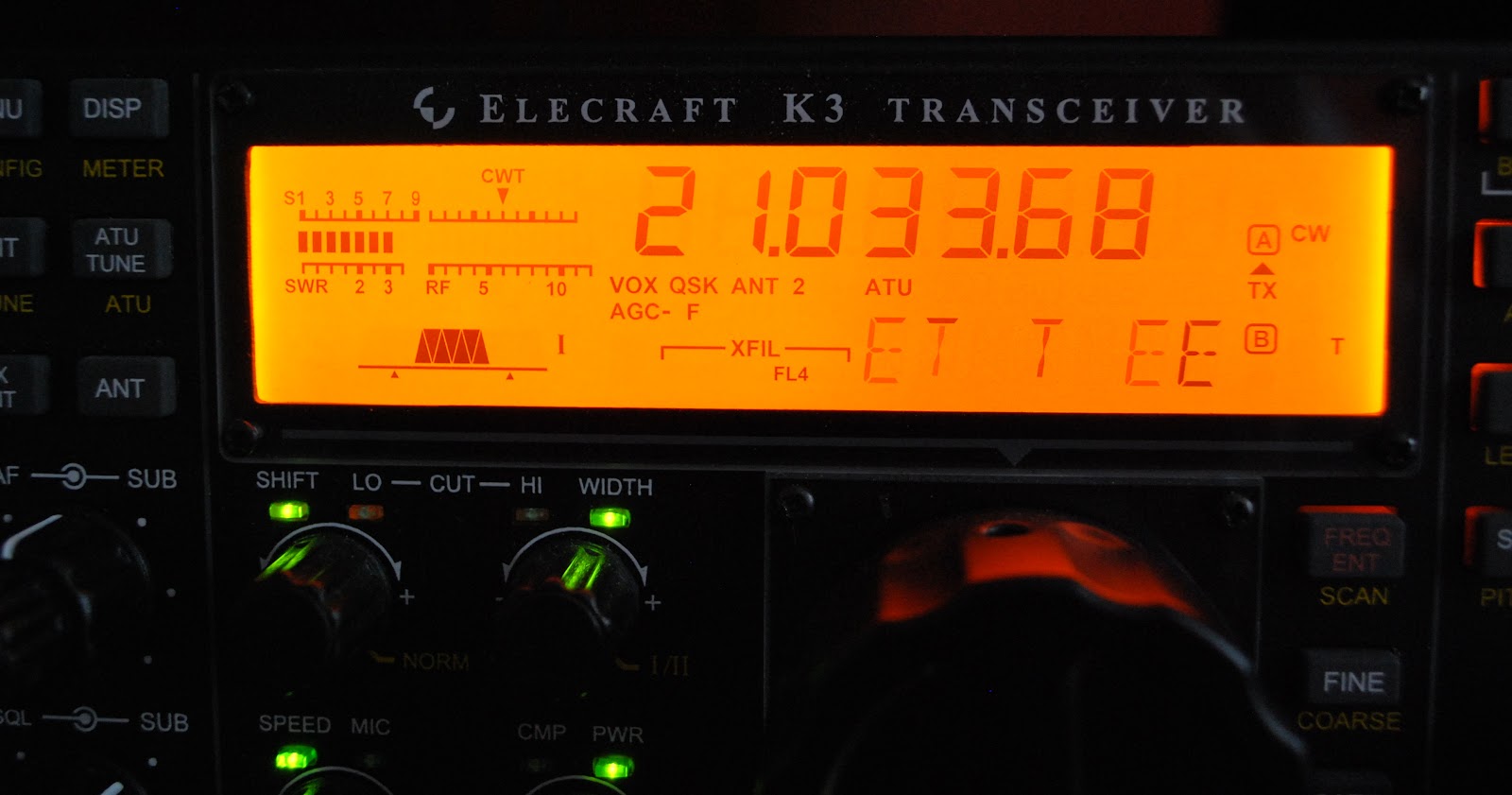
Last weekend  I participated in the CQ WW CW contest and in a post just before the contest I shared some things I included and avoided regarding contests.  One would think that because it's my list and I was "preaching" about it on my blog that I for sure would be one to follow it.........WRONG and boy did I pay for it!! The contest was going along just fine the propagation was great, 10m was wide open and my QRP signal seemed to be getting out just fine. Now this being a CW contest and a world wide one at that I found the CW was being sent as fast as a bullet.  To copy these fast calls was taking more time than I wanted to
spend,  but the stations were much needed multi's or possible DXCC's. In the past this is were my trusty Elecraft K3 has helped me out. The K3 has the ability to copy code and scroll it at the bottom of my Elecraft P3.......but it was not happening and no matter what I adjusted I could not get the rig to read the code.         
Firmware download going well
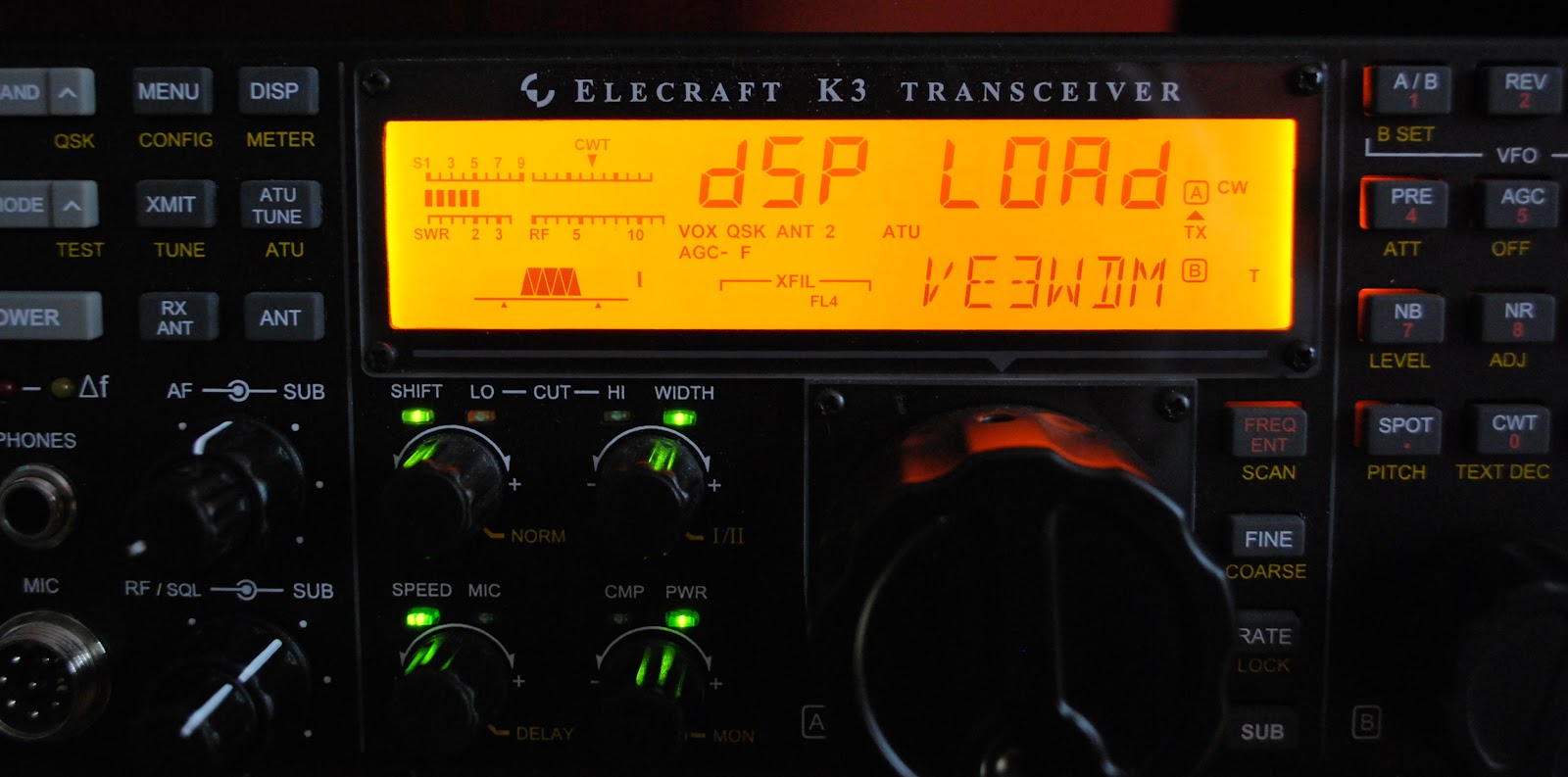
It was at this time I started to wonder from my own advice........the downhill slide began with a question on the Elecraft reflector regarding my decoding troubles. The common answer that came back was that the latest firmware for some reason did not allow the decode to work. I was advised to download and install the latest BETA firmware (note....Beta firmware downloads are not as simple as production firmware releases) and all would be well. The slow downhill slide was gathering speed when I downloaded the Beta firmware to my PC's desktop. It sat there for some time as the dark side started to take a more firm grip on me!! I then unzipped it and say it ain't so but I began to download it into the Elecraft K3.

THEN IT HAPPENED

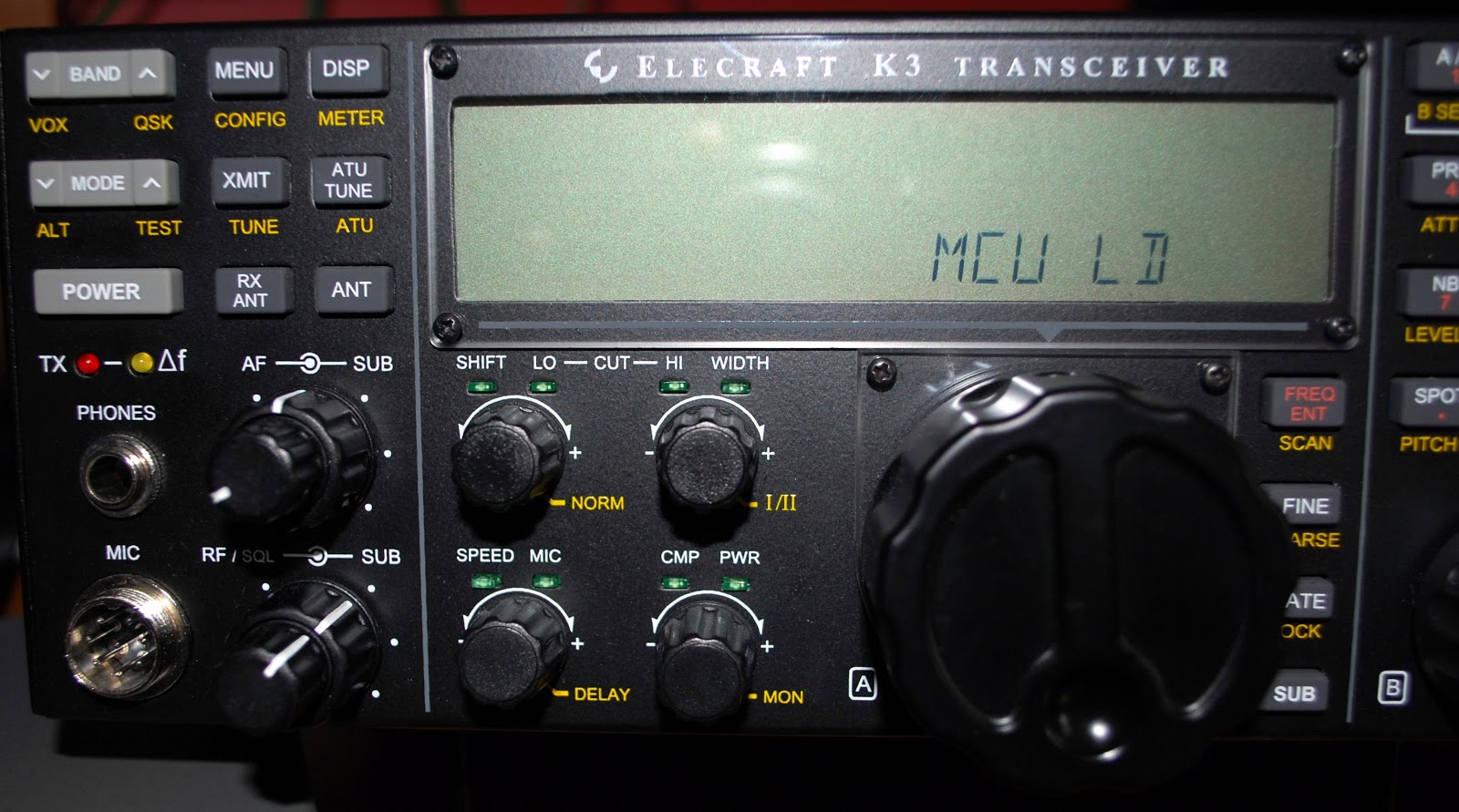
The red transmit light started to blink, the LCD screen went dark with a jaw dropping message MCU LD (LD meaning SOMETHING IS UP). In a dark empty space in my mind I heard my own advice "never update  your radio's firmware before (or during) a contest" I have done countless firmware updates and all have gone smooth.....but during the CQ WW CW contest NOT!!! So back to the Elecraft reflector and search the archives for hopefully the answer.  The answer was found and after an hour of @#$%%& and more #@*&& the K3 was up and running  and I was back in the contest and might I add
I HAVE LEARNED MY LESSON.........well until next time.......:)

I have started to slow down in the CQ WW CW contest
The action on 15m this morning
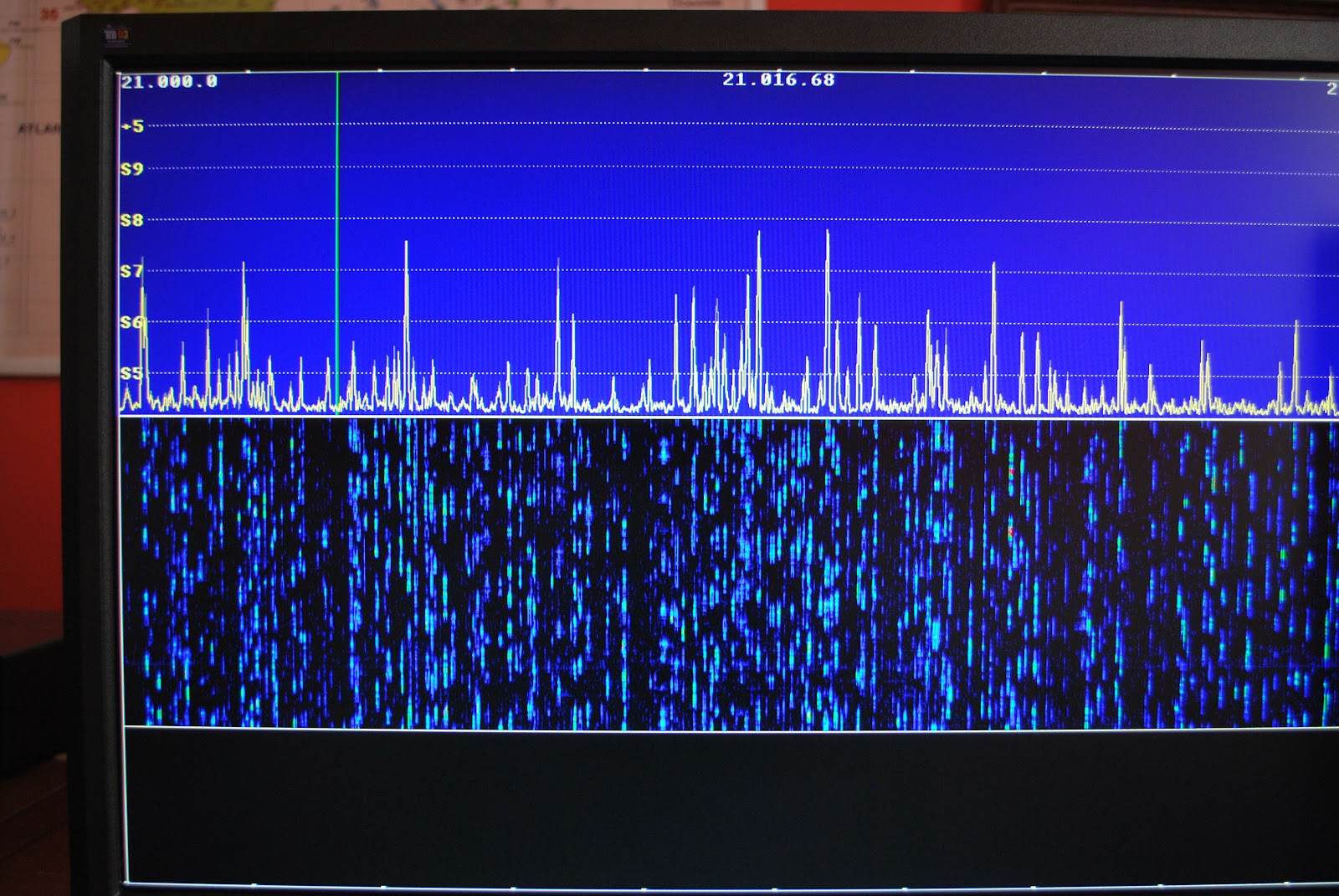
I am now in day two of the contest seeing I did not turn the radio on Friday night due to spending time with Julie and the first evening I find things to be a zoo and hard to make a contact as QRP. Saturday was just great with lots of action on 10m, 15m and 20m. I was wanting to give 40m and 80m a go but I had to go into work for an all nighter. I did have high hopes of getting more DXCC's added to my ARRL diamond award......but you know what they say "dreams are free" up to this point I have rounded up about 2 new DXCC's. There could have been more but the pileups were out of this world. I did try but was not able to break the pileups. Some highlights up to this point are C5A in Gambia, KH6, T40C Cuba to mention a few. I have heard some very rare DX and some popular DXpeditions but the pileups as I said have been HUGE!!! It's Sunday afternoon here and with working all night I am starting to drift off at times...........but I am going to see how far I can go!!!
Contest on......well easier said than done...

A WSPR in your ear.


Like many of us, I am still amazed by the amount of radio spectrum we have to freely play with. Shots are being fired and eyes are being gouged by companies for small slices of precious bandwidth. Multiply our many electric playgrounds by the number of games (or modes) available and the permutations are enough to overload your front end.

I’ve decided to catch up with WSPR, a mode well known to many but new to me. I’m going to give it a go – the difficult way. Julian, G4ILO has an excellent article on the system here.

WSPR stands for Weak Signal Propagation Reporting and is a computer programme that runs your VHF/HF transceiver automatically in order to receive others running the same system. Successful contacts, one or two-way, are reported automatically to a website. It’s like having a worldwide net of propagation beacons for every band available at your fingertips and the results appear quickly after automatic contact confirmation. What a great thing to leave your equipment running overnight or during the day when you’re otherwise occupied!
Screenshot of WSPR.net Map Page

The best thing is that WSPR works below the noise threshold and you can use very low power. I was staggered the other day to see that Tim, G4VXE had hit Australia on 40m with just 1W! One Watt! So I’m going to give it a go with 1W and just an indoor Miracle Whip antenna. I know many QRP CW experts may cracked this one before – but I’m new and excited. I’ll try 40m and work my way up to 2m and see what happens!

I’ll use my FT-817. A CAT lead arrived this week from Hong Kong but it seems I’ll also need an audio interface between the transceiver packet port and computer sound card to make it all work. Another option is to buy an external interface that has a sound card and interfaces to the computer with a USB. It’s not quite going to be a ‘plug and play’ job, I’m afraid to report.

In the meantime, I’ll be satisfying myself to regular chats on 2m with nearby stations on FM, SSB and even DV mode. So many ways of talking – and that’s just on 2m. I'll 'whisper' my progress here as soon as I'm up and running.

Does the early bird get the DX…it’s said he gets the worm.

Last Friday we had a "situation" at work that had me working until about 3 a.m. and when I got home I was still all pumped from work and was not ready to jump into bed. The thought came to me about getting on the radio and seeing what DX pileups were out there. I had heard of folks getting on in the wee hours of the morning and catching some rare DX. With great expectations  I turned the radio on....10m dead, 15m dead, 17 and 30 same thing!! Alas on 40m my Elecraft P3 showed some faint signals, I spun the dial to the frequency only to find it was some very weak State side stations. Not that there is anything wrong with that but it's kinda a let down when one is anticipating WILD DX!!!

I did not check the propagation that morning so there could had been a storm brewing or maybe everyone but me was in bed sleeping. As I have blogged about in the past I am trying to get my ARRL Diamond Challenge award (and doing it QRP) at this point I am at 81 DXCC contacts. You only have one year to accomplish this goal and it's now almost December!!!  Having said that I am "really" at 95 DXCC's for 2012 according to Club log. The catch is the ARRL for the Diamond award is not counting ALL DXCC on the list. It is a long story but it's just how the ARRL perculates. I was hoping to bring my K2 or my newly acquired KX3 to work as I was wanting to get some operating time in before work. I am usually in around 5:30 in the morning and I have until 7 to make some contacts. With my Saturday mornings performance I am not to sure if bringing  the rig would be a waste of time.....any ideas out there???

How do you sell an Elecraft K2

My first K2 serial 6613
This week I posted a question on the Elecraft reflector "I'm building a bare bones Elecraft K2 radio and later will be putting it up for sale what kind of options would a buyer be looking for?" I had received many replies and all were very good but also got me thinking. I had always thought of the K2 as a CW radio (selfish me as I am a CW op) but one of the first suggestions was to make the radio both CW and SSB friendly by adding the SSB option. To me that should had a been a no brainier as that opens the market much wider to more potential buyers. I was then also reminded of the invaluable add on that I put in my K2 radio (which is still in my shack and goes out on park and car expeditions) the rework eliminators by unpcbs. These folks have
developed a kit that allows the K2 to be setup and ready for any add on you want to put in the K2. Let me clear the waters a bit......if you build a bare bones K2 with no options but later you want to add some options,  it my require you to  remove some components from the K2 in order to add the option.
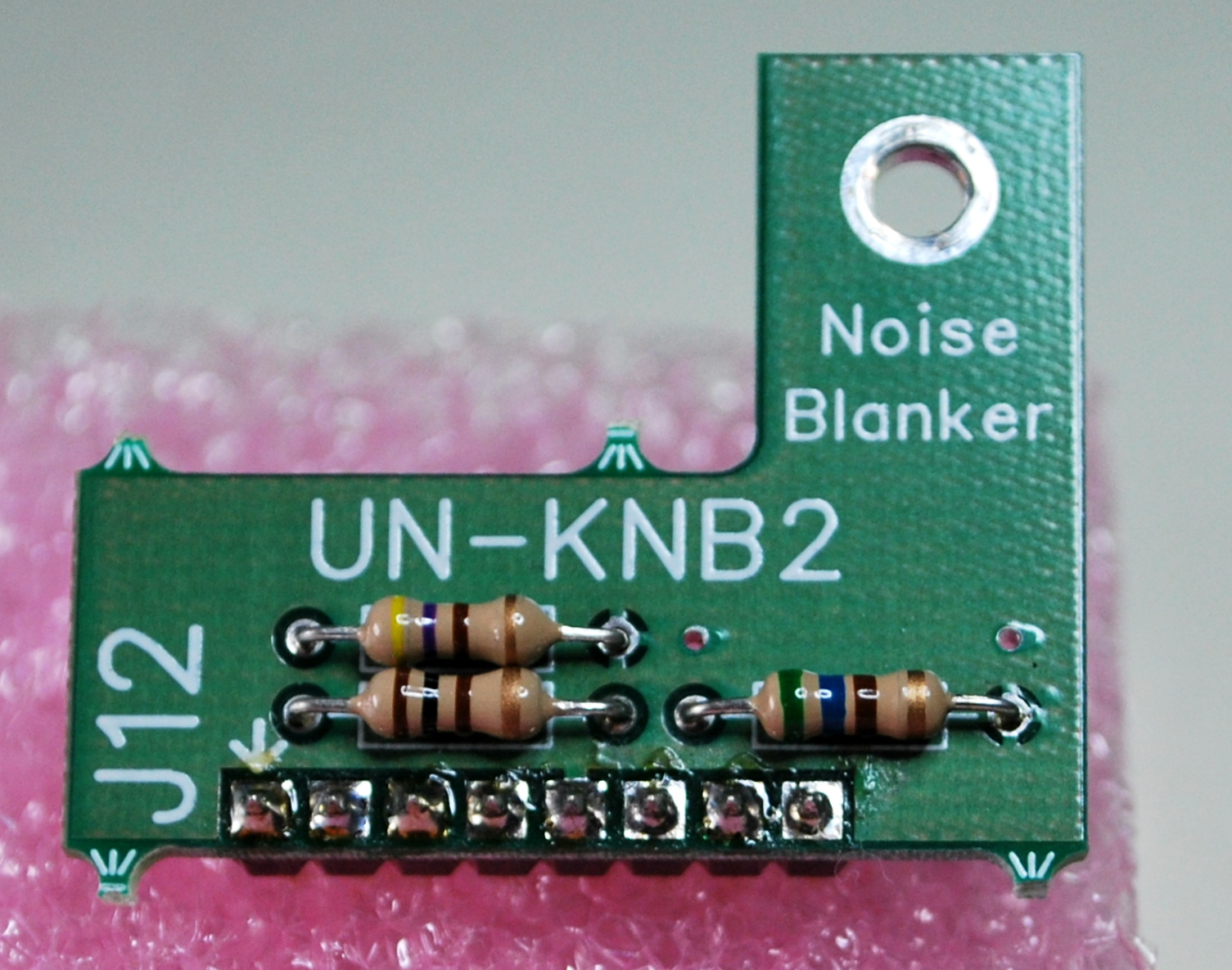
NB rework board top view
With the unpcb kit  there is no de-soldering on the K2. In a nut shell you unplug the unpcb board and plug in the K2 option. There is another great advantage to this, if you think you have a defective DSP filter (or any other option) board you simply unplug the DSP filter and plug in the unpcb board and see if the problem is fixed. Its time for me get off my soapbox for the unpcbs folks.......but if you ever are thinking about an Elecraft K2 build this add-on is well than worth the money!!! I just have to jump on the soap box  for a short time again.....On the top of the noise blanker rework board you see some resistors. These resistor (or other components) would normally be on the K2 board and have to be de-soldered to instal the NB board option from Elecraft. With the rework board you unplug the rework board and plug in the NB board. If there ever is a problem with the noise blanker (or any other option the rework kit looks after) you unplug it and plug in the rework board. You K2 will now work but without the NB option. Without the rework board you would have to re-solder in the components you removed for the rig to function properly.

From the post I received great suggestions on options that should be added while building the kit. The one idea I am leaning toward is to just leave the radio "option free" and
NB rework bottom view showing header
when the kit is done ask potential buyers what they want in the rig. So it becomes a radio that is "made to order" The buyer will pay for the options they want and a small fee for assembly, setup and installation but in the end they will have a radio that is customized to their radio needs. It's the way I have always wanted a car purchase to be!! At this point the kit is going through the parts inventory. 

Elecraft KX3 part 3 youtube assembly video

Well the KX3 is almost completed and this is the 3rd of a 4 part assembly video of the radio. In this YouTube video I go over the problems I had with the ATU installation, the roofing filter board issue and the battery holder oops I had and needed to correct before there was damage. The build is almost complete but have a look and either get excited about purchasing one or pick up some pointers before you do  your build.


Subscribe FREE to AmateurRadio.com's
Amateur Radio Newsletter

 
We never share your e-mail address.


Do you like to write?
Interesting project to share?
Helpful tips and ideas for other hams?

Submit an article and we will review it for publication on AmateurRadio.com!

Have a ham radio product or service?
Consider advertising on our site.

Are you a reporter covering ham radio?
Find ham radio experts for your story.

How to Set Up a Ham Radio Blog
Get started in less than 15 minutes!


  • Matt W1MST, Managing Editor