Archive for the ‘qrp’ Category

More of a Shout than a Whisper…..


The key to converting your treasured and incredibly versatile FT-817 or similar into a digital powerhouse seems to be an A. computer and B. a sound card interface.

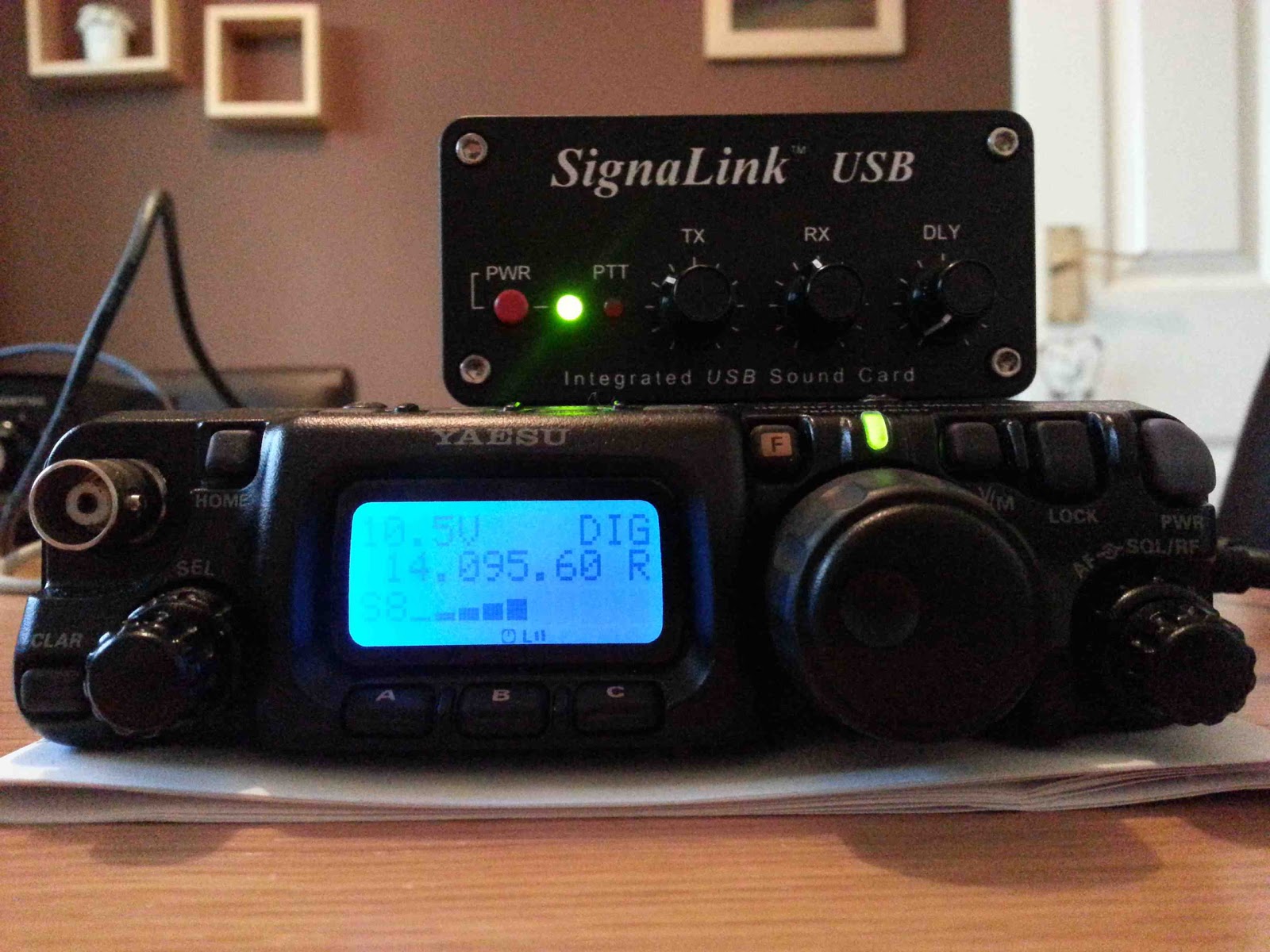
So, armed with a tidy little Signalink USB interface, I’ve been attacking digital modes with vigour, starting with WSPR (Weak Signal Propagation Reporting). The Signalink USB is basically a remote sound card in a box, powered by your computer’s USB. This solution allows controlled audio isolation between your rig and transceiver. Level adjustment is available on the front panel too which means you don’t have to navigate clumsily through several windows on your PC and adjust sliders with your mouse to optimise levels.

FT-817 and Signalink USB Interface
The interface connects directly to the data port of my FT-817 and provides a PTT function, if required. However, I’m also using a CAT interface which provides PTT (Push To Talk) as well as frequency configuration from the WSPR program that I’ve started with.

So, straightforward then? Nearly but not quite. There are a few small pitfalls to be aware of. Firstly, the ‘817 needs to be put into DIG mode as opposed to USB mode. This routes the input and output signal to the data port on the rear panel. The data port is inactive in SSB modes. Secondly, the correct data mode needs to be selected in the second-level menu, namely USER-U. This means that it will be operating in USB mode and the passband will be adequate. If this were to be set to RTTY or PSK, then the filtering for WSPR would be too narrow. WSPR signals are individually narrow, but several occupy the given passband. Finally you need to follow the instructions on Windows setup that comes with the Signalink box to the letter. One unchecked box or misplaced slider will drive you to madness.

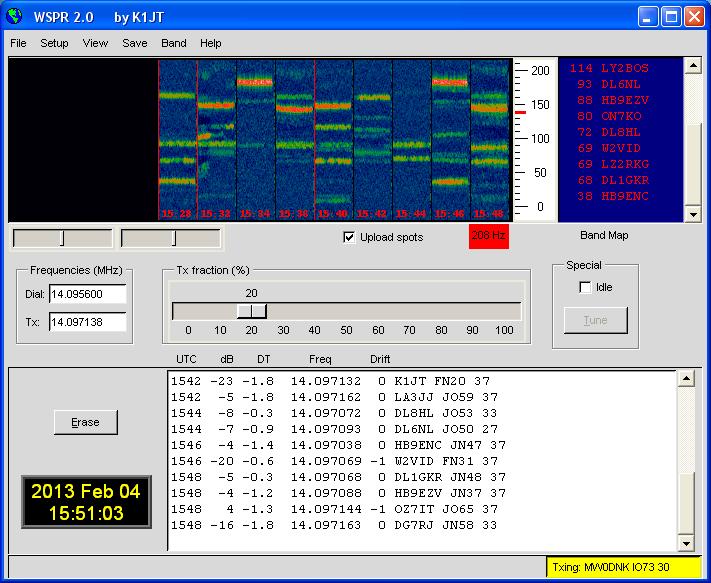
WSPR Control Software
Apart from that, it seems to be ‘plug and play’! My first play on 40m with a random wire of some 20m in the back garden pulled in a VK straight away. I was heard up in the Norwegian Arctic Circle with 1W. Elation. Simply tuning to 472kHz pulled in a Dutch station with absolutely no special equipment.

For one whole day I exercised near-military discipline. I stayed on the 30m band all day long without jumping to other bands. 1W into my rear-garden wire antenna reached Israel and the Arctic Circle again. East Coast US stations starting to come in at 20.00 GMT and I was reaching the Mid-West by late evening. Within ten minutes this morning on 17m I was heard in New South Wales and Iceland.

10 mins on 17m!
10 mins on 20m!


I finally unleashed my single Watt on the 20m band for the first time this afternoon, immediately yielding a nice path to the Philippines as well as Europe and the East US.

No wonder this aspect of the hobby is so absorbing. I’m absolutely addicted. Did the developer, Joe Taylor, K1JT, realise what he was unleashing on us? A ‘big shout’ goes out to the man who invented WSPR!

A day in the park………

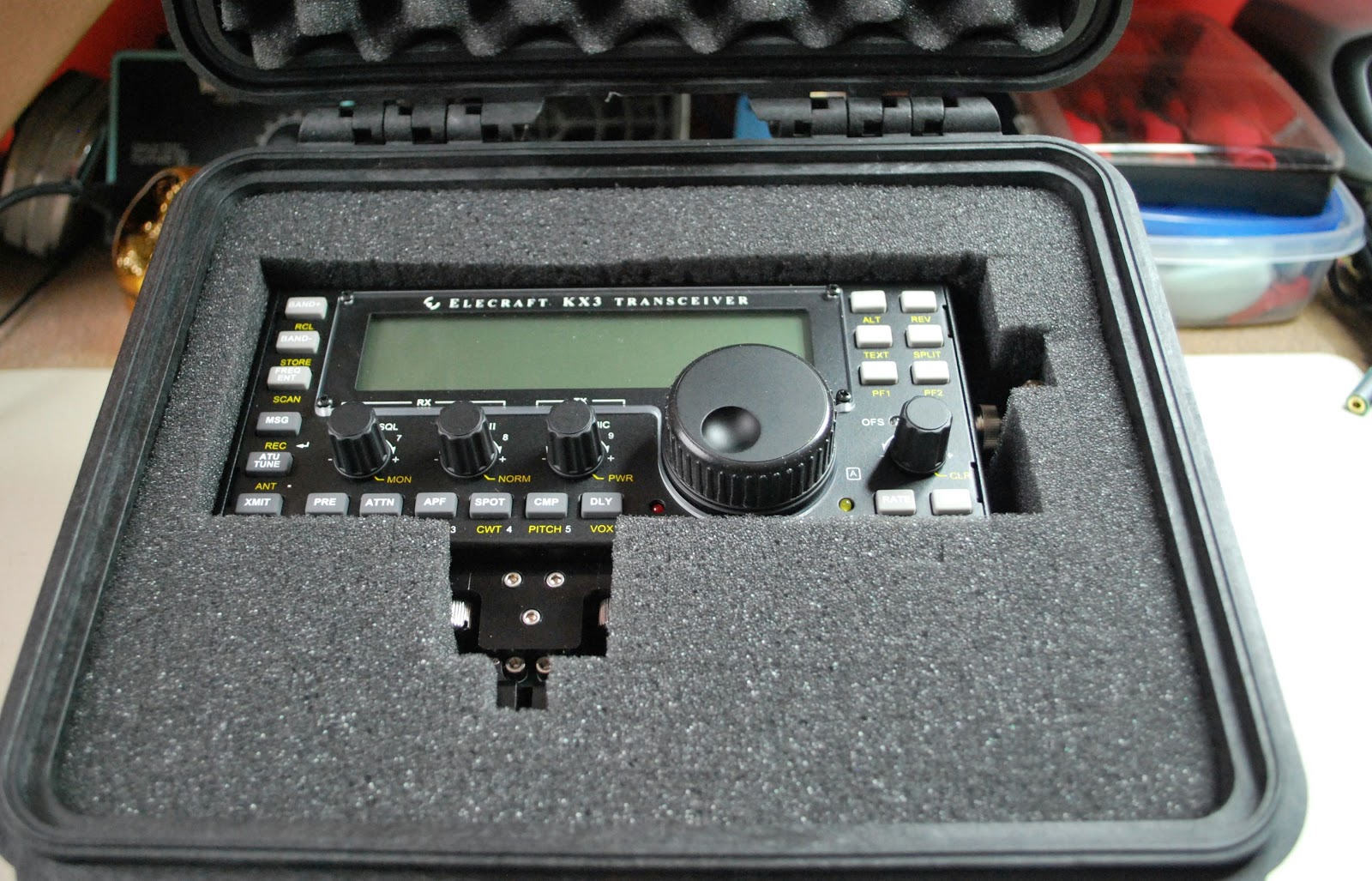
Packed and ready to go
Powering up..and NOTHING
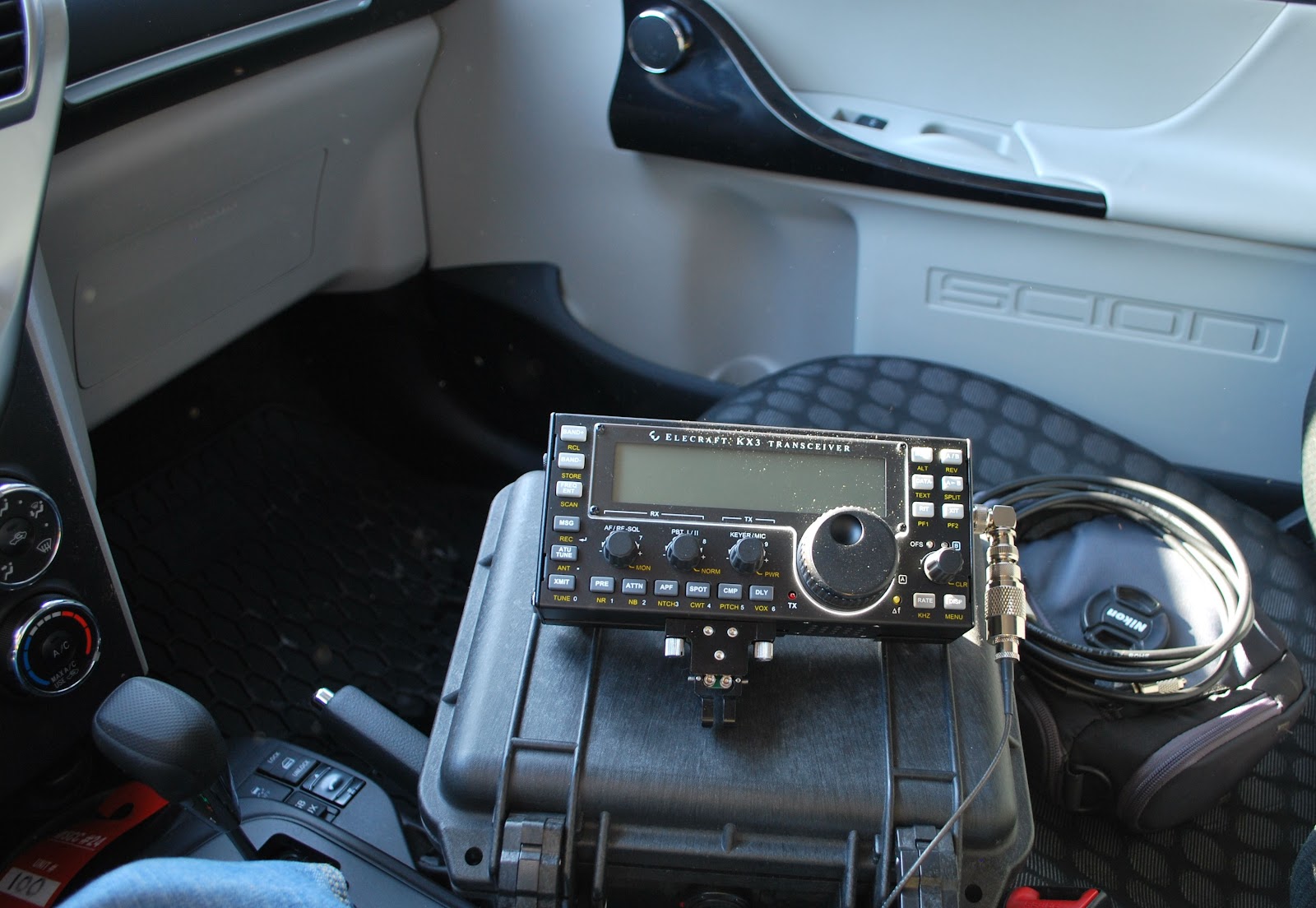
Julie had a great idea the other day, I could get my new Elecraft KX3 some on air time from the car. The plan was we go to a park, me with the radio and Julie with her camera. While she was off taking photos I could operate QRP from the car. First my KXBC3 (to use NiHM batteries and charge then)  had to be installed in the KX3. That was done yesterday evening without any problems (I did a YouTube video
of it soon to be posted) I then placed my Ansmann 2850 MaH batteries in 
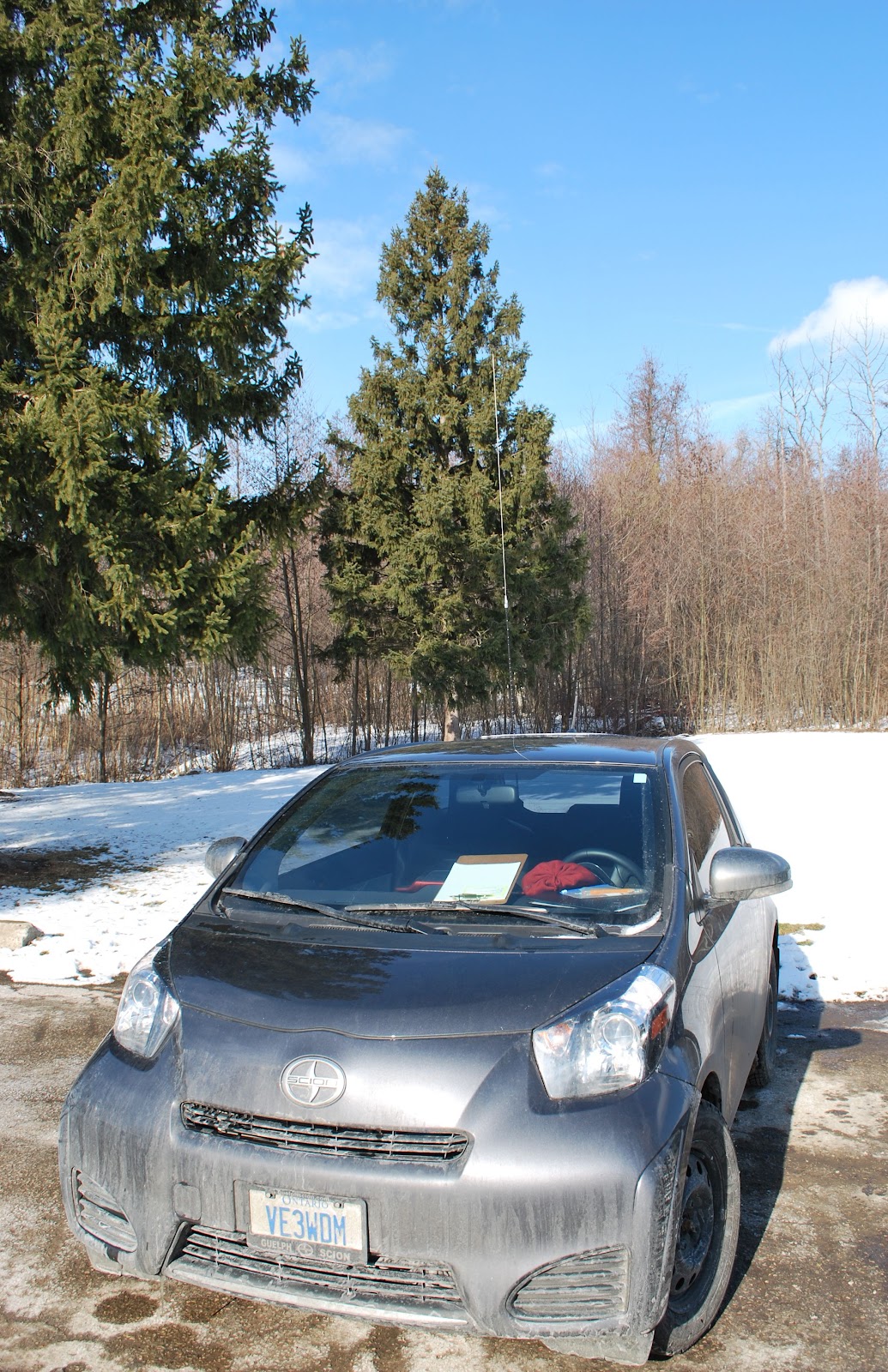
 the radio and set it for a 16 hour charge. I tried the radio at home today on The internal batteries and the KX3 was dead!!!! Off to the manual were I found out the rig is preset if  the voltage is not over 10 volts the rig will not start. ( Rig holds 8 AA batteries) No problem I was told to drop the threshold to 8.5 volts if using  
NiMH batteries. That was done and on came the rig all was well. Off to the park ......Julie helped me get setup and off she went. I'm ready to go.....powered up the KX3 NOTHING!!!! Very frustrating to say the least. I packed everything up and
Julie had more success than me
now waiting for Julie's return and composing this blog post on my IPhone in the parking Lot.
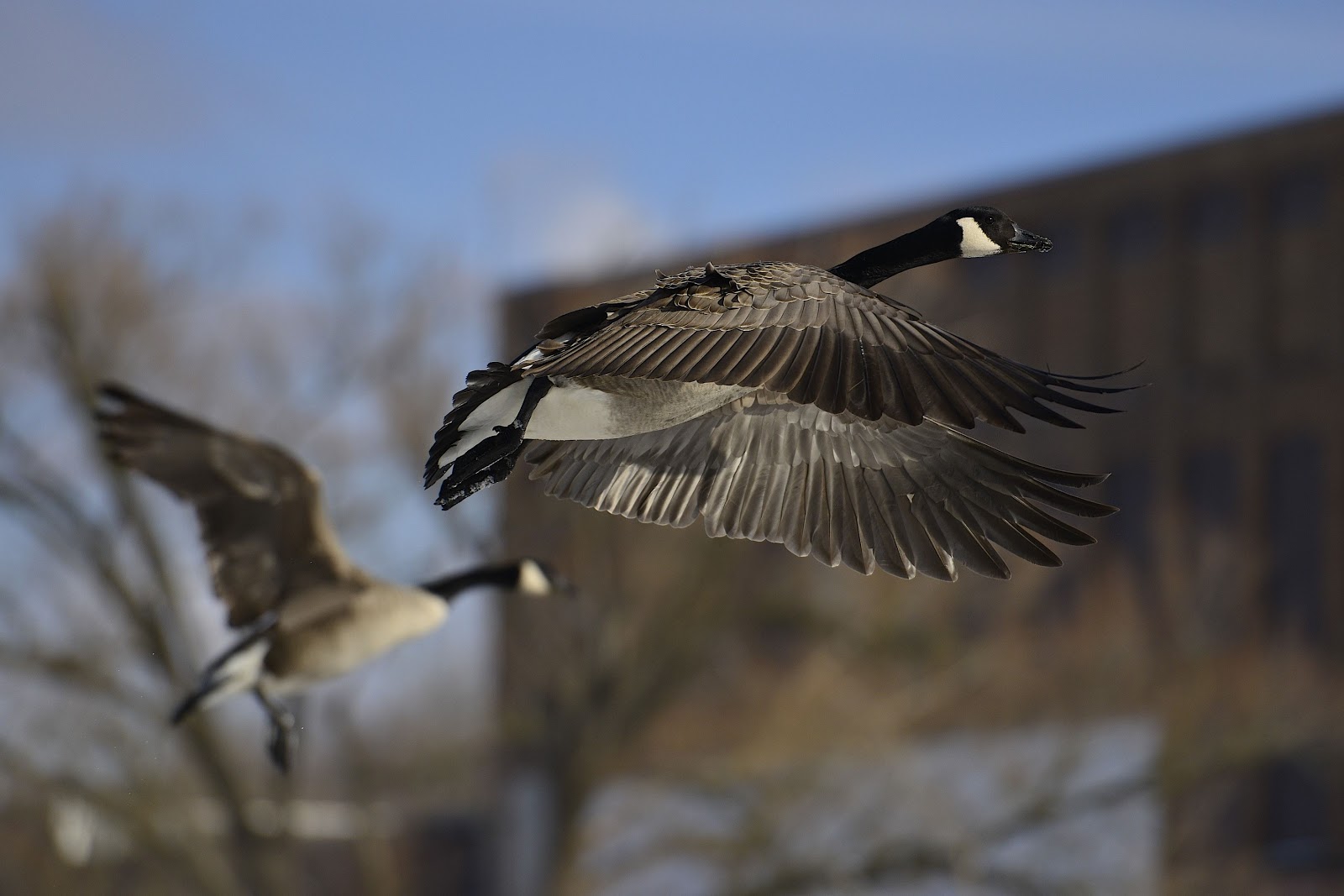
NOTE....UPDATED POST TO ALLOW CANADA GOOSE PHOTO TO BE VIEWED IN LARGER FORMAT. 

A new antenna coming soon………
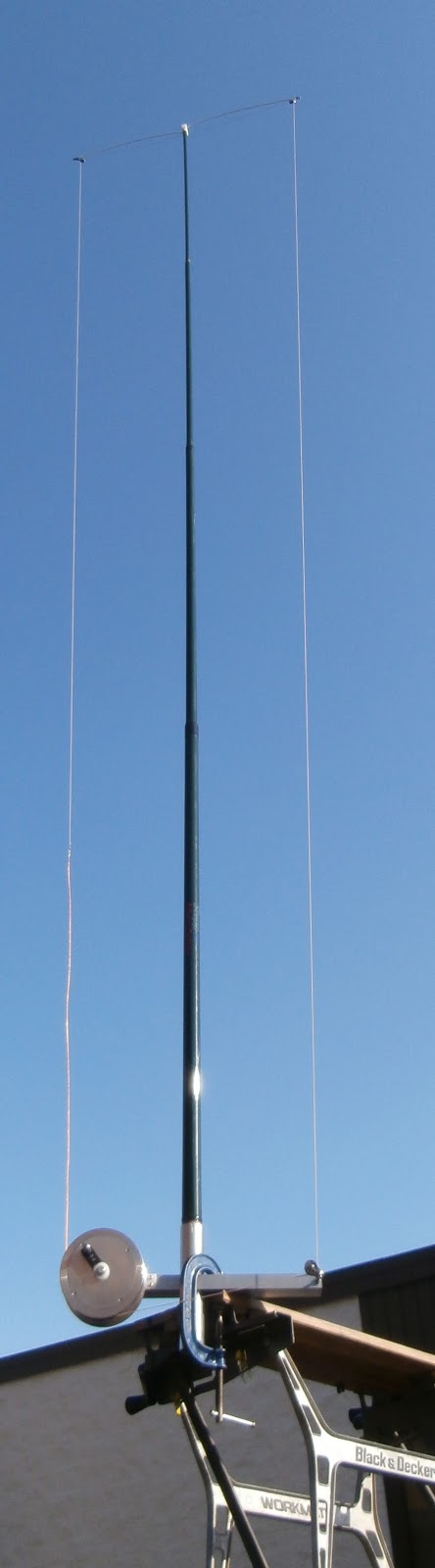
I was going through my QST this week an had notice an add for a new antenna by SteppIR. In the past I would had just passed by the add but this antenna in the picture had an eye catching look to it. It's called the CrankIR vertical and can be used from 2m to 40m or another unit that goes from 2m to 20m (an 80m unit is in the works) The antenna is great for portable ops, field day, emergency and neighborhood restricted antenna areas...and the list goes on!! For me this antenna can easily fit into a nap-sack and carried out into
Mounted on bench
 the great outdoors, placed in the truck of my Scion IQ and hauled to a park and setup at a picnic bench were I have done many a mini contest from.
So lets look at the nitty gritty of the antenna first off it's made by SteppIR who has a GREAT reputation and has been the choice of many DXpeditions. The 20m version extends to 9 feet and when folded up is only 26 inches. The 40m version is 18 feet and reduces to 30 inches. As far as I am concerned both sizes are very manageable for transporting. I am not gong to high light evey detail as there is a link on this post to the SteppIR CrankIR page with limited info but more to come!!  This antenna is due to make its purchase date in the spring of this year. I did send an email to SteppIR with some questions about the antenna and Bart was very prompt to get back to me.

My Questions were........
1. I did not notice any radials are there any? (I asked this because for portable ops sometime radials can become a pain especially if you are in a park where the public is.)
Bart's answer was.....
The antenna will be designed to work with a single, elevated, tuned radial (included) 
Now what I get from this answer is the radial is the crank up wire that is surrounding the antenna I had thought this was for the cranking of the antenna up and down. 
 Note...see green section below for correct after the fact info.....
My next question was....
 2. Was the cable and crank up device part of the antenna or a separate piece?

Bart's answer was......
 The crank is for extending or retracting the element around the frame of the antenna. It does not raise/lower the antenna or support tube.
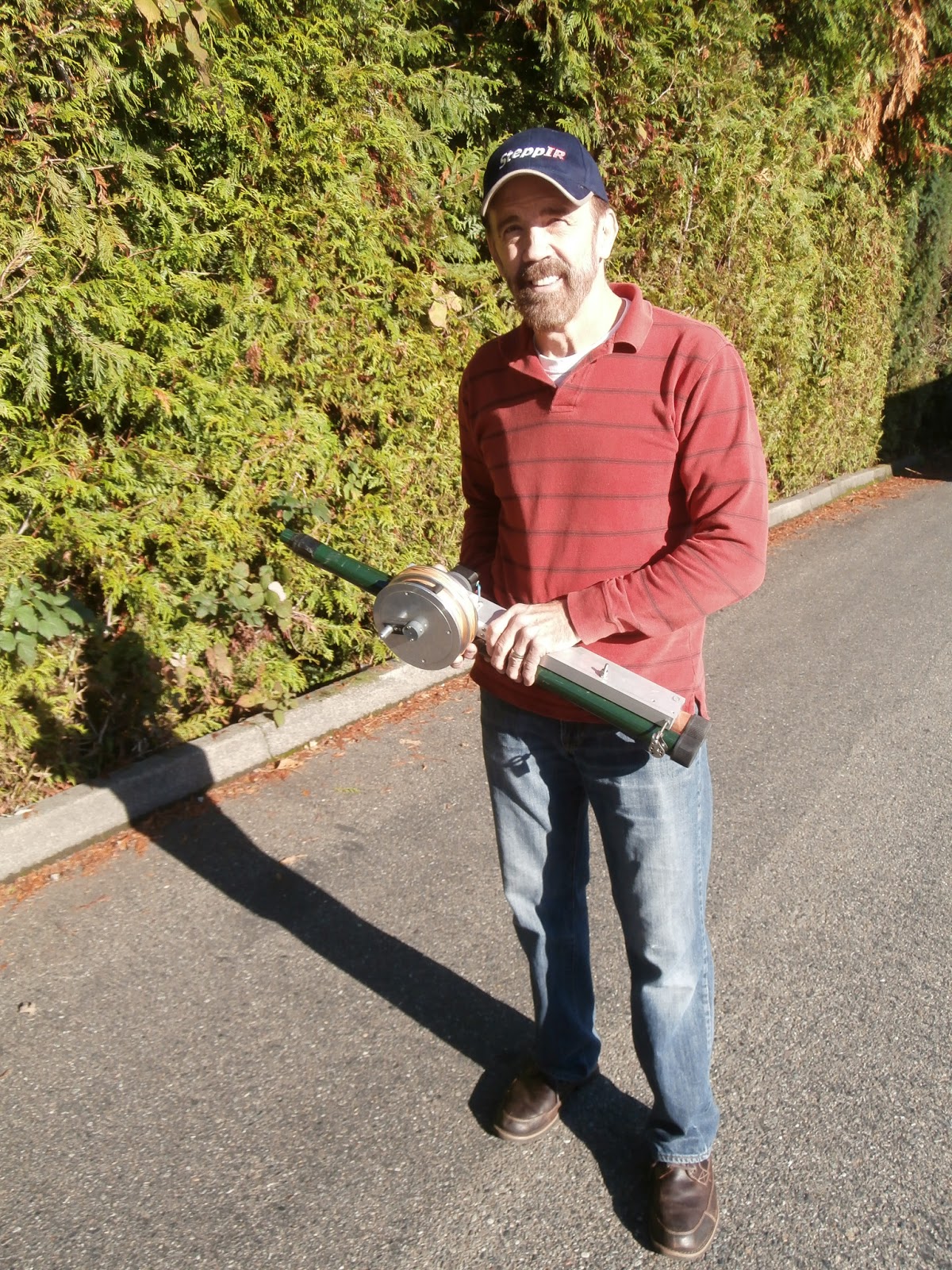
The 40 to 2m retracted

This is were I got the impression the cable was not to raise and lower the antenna element and was the elevated tuning radial he spoke of. As for the whether or not it was attached to the antenna  was not sure what his answer was...BUT the picture to the left seems to look like it is attached to the base of the antenna. There looks to be a bolt just below Mike's hand.

Bart's answer was........
Prices have not been set, but we do expect them to start at about $250.  
So there yo go just some tidbits of info about what seems to be a very nice antenna from a very reputable company!!

  THERE HAS BEEN SOME COMMUNICATION BETWEEN MYSELF AND STEPPIR SINCE THE POST.....IT WOULD SEEM I MISUNDERSTOOD  AN EMAIL. THE CABLE YOU SEE IN THE PICTURE DOES RAISE AND LOWER THE ANTENNA ELEMENT TO THE DESIRED BAND TO WHICH YOU WANT TO OPERATE IT'S NOT A COUNTER POISE. (MY MISTAKE) BART TOLD ME THERE IS A COUNTERPOISE THAT WILL (THIS IS THE PLAN) EXTEND AND RETRACT FROM THE BASE WITH ANTENNA AS YOU GO FROM BAND TO BAND.

The 2012 log book……….

In 2012 according to my log all my contacts were CW and QRP or QRPp type contacts. This is the 3rd year that I have made just CW contacts. The reason being SSB in the past would bother my neighbours and since this is a stealth operation SSB is OUT. As for the digital modes I just have a very low frustration factor not a good combination for setting up digital modes. Maybe 2013 will have me mellow a bit to try the digital modes again.

Club log showing my move from SSB/Data to 100% CW

2012100500CW: 100.00%
Phone: 0.00%
Data: 0.00%


201149258CW: 100.00%
Phone: 0.00%
Data: 0.00%


201025170CW: 100.00%
Phone: 0.00%
Data: 0.00%


200910192CW: 19.27%
Phone: 0.00%
Data: 80.73%


200845495CW: 36.57%
Phone: 0.00%
Data: 63.43%


Club log was great in helping me get a snap shot of my log for 2012. According to Club log I was able to hit 125 QRP DXCC contacts for the year! Unfortunately I was not able to qualify for the ARRL DXCC Jubilee award as they were not counting all the DXCC entities. I was able to accumulate 83 DXCC's toward that award but this award only ran for the year of 2012 so I came up short.
My contacts for the year were 500, I thought it was a lot more but there were times I would forget to log contacts. BUT I almost doubled my contact total from the year before of 258. Seems I have to get away from the soldering iron and on the rig more!!
I was able to make it into 23 CQ zones
Some of my highlight contacts were Gibraltar, Iceland, Kazakhstan, Jordan and ST. Pierre & Miquelo.
Finally I was able to better my 1,000 miles per watt distance to 45,869 miles per watt with a QRPp contact to HA8JV with 100mWs of power.

Time for some radio time………
Just before the New Year my PC had what seems to be a software problem and I ended up losing all my data on my PC and had to start from scratch with a reformatted hard drive. I did not realize how much junk I had on my computer and that does explain why it was getting rather slow. Now that the hard drive is re-formatted and most (but not all) of my software is loaded back on I am able to get on the radio and have some fun!!! I still have some computer to radio and radio to computer communications to sort out but I felt it was time to take a break and just hobby.
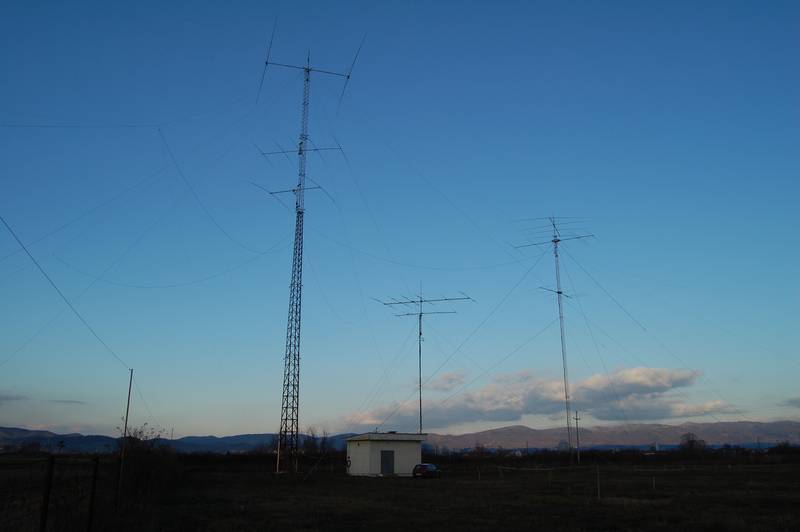
Some of E77DX's antennas!!!
I had a look at the propagation and it looks not to bad at all I have not had that much time to really be paying attention to band conditions with all the "making the shack computer happy" again. Flux at 145 and sunspot in the 180's I thought WOW things are looking up! It was now time to turn on the K3 pump the power to a top end of 5 watts and let-r-go............
I was able to make a fast DX 599 and go report to E77DX in Bosnia and I check on QRZ.COM and he sure does have a wild setup!! Emir was coming in around an S3 and I had to use my APF to really pic him out of a rising noise floor. This was on 30m's and I seem to find this a really go to band for me. I then for some reason jumped down to 10m's and VA7WW was calling CQ and he was in around an S2 to S3 here
Now that is some great looking landscape!!
at VE3WDM. Bill had a good copy on me and we exchanged info and then conditions changed and we had
to cut the QSO short but it was nice to have a CW conversation as to the 599 and move on. At this moment I am on 10m's again with VFO A in my right ear listening to QX3XR and KR7Q in my left ear on another spot on 10m's. Well I just contacted Peter OX3XR in Greenland he gave me a 559.......radio is so much more fun than farting around with the computer....

The accidental QRPer

HF band conditions are not all that good at the moment. I was on 20m (in itself an indication that conditions on the higher bands are poor) and tried to call a couple of US stations but all I got was QRZ? I heard Jarda OK1DMZ calling CQ and he was a strong signal so I replied. Back came a 599 report. It was only when I sent the station details and sent my power that I realized I had it set to 5 watts!

I’ve lost count of the times I’ve found myself accidentally operating QRP because the rig was set to 5 watts after having been WSPRing at that power level. In better conditions I’ve made several contacts before realizing my mistake, which just shows that QRP does not always result in having a weak signal. But when conditions are like they are at the moment, power helps!

I should practice what I preach…………
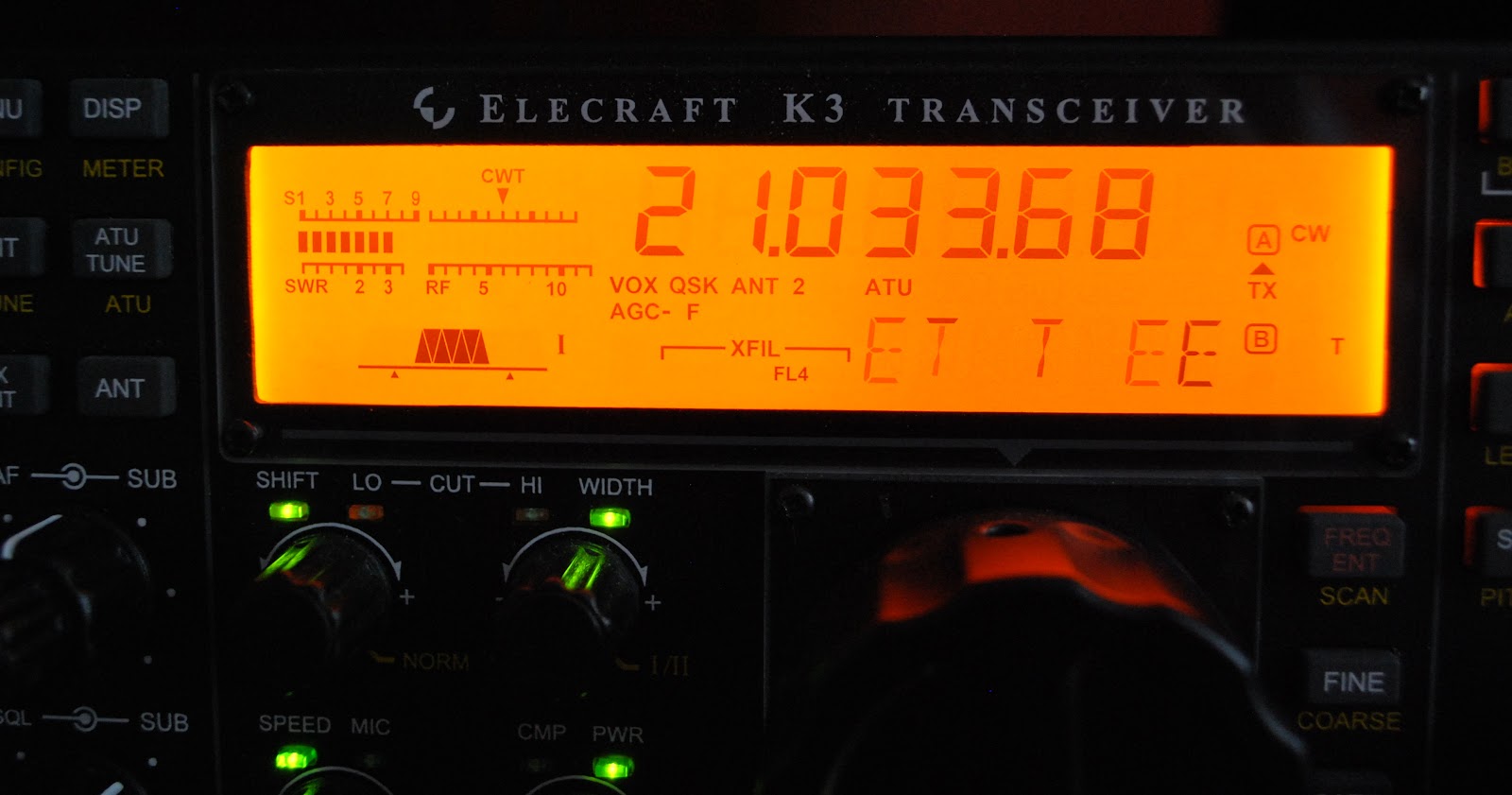
All is going well.....for now

Last weekend  I participated in the CQ WW CW contest and in a post just before the contest I shared some things I included and avoided regarding contests.  One would think that because it's my list and I was "preaching" about it on my blog that I for sure would be one to follow it.........WRONG and boy did I pay for it!! The contest was going along just fine the propagation was great, 10m was wide open and my QRP signal seemed to be getting out just fine. Now this being a CW contest and a world wide one at that I found the CW was being sent as fast as a bullet.  To copy these fast calls was taking more time than I wanted to
spend,  but the stations were much needed multi's or possible DXCC's. In the past this is were my trusty Elecraft K3 has helped me out. The K3 has the ability to copy code and scroll it at the bottom of my Elecraft P3.......but it was not happening and no matter what I adjusted I could not get the rig to read the code.         
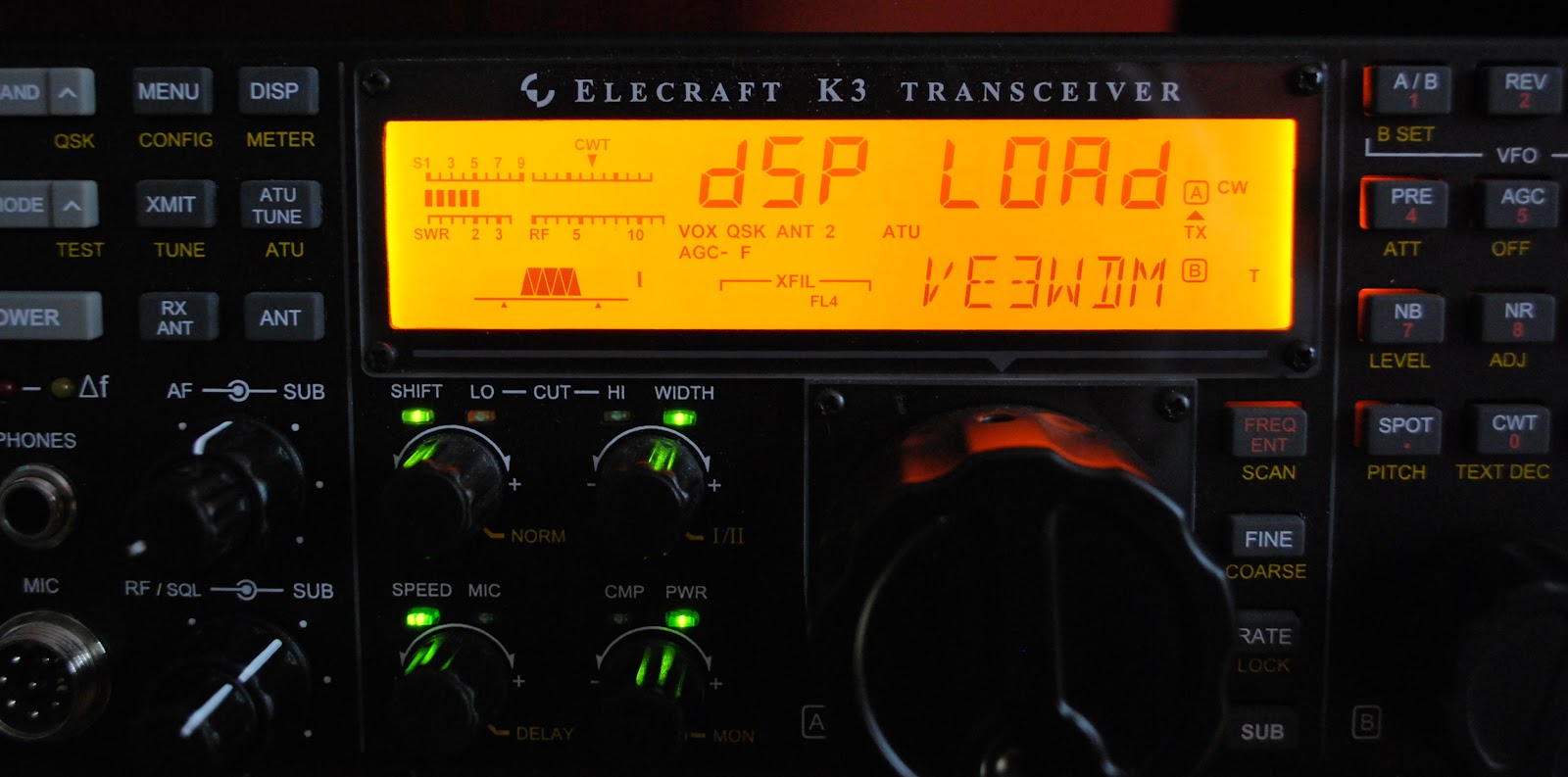
Firmware download going well
It was at this time I started to wonder from my own advice........the downhill slide began with a question on the Elecraft reflector regarding my decoding troubles. The common answer that came back was that the latest firmware for some reason did not allow the decode to work. I was advised to download and install the latest BETA firmware (note....Beta firmware downloads are not as simple as production firmware releases) and all would be well. The slow downhill slide was gathering speed when I downloaded the Beta firmware to my PC's desktop. It sat there for some time as the dark side started to take a more firm grip on me!! I then unzipped it and say it ain't so but I began to download it into the Elecraft K3.

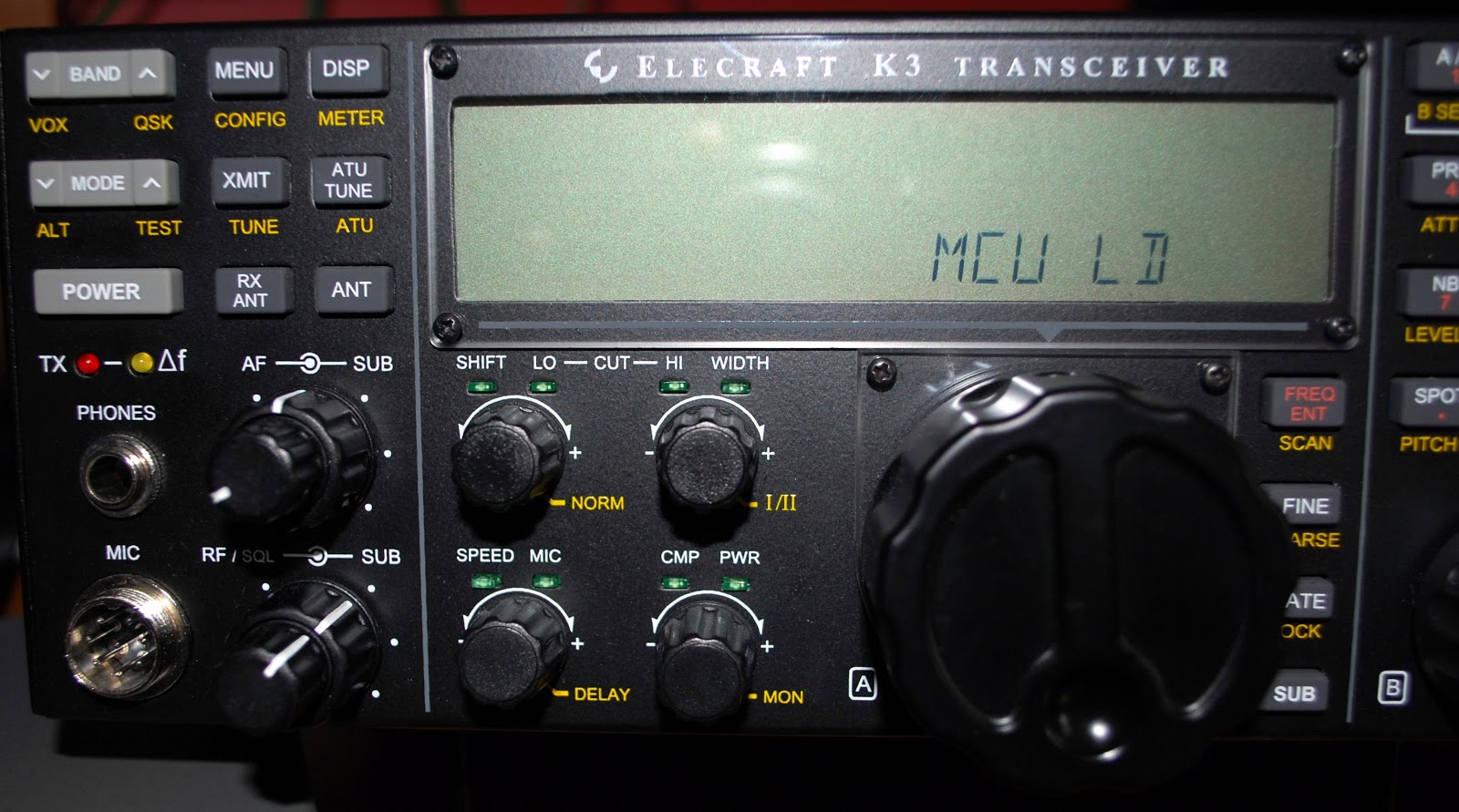
THEN IT HAPPENED

The red transmit light started to blink, the LCD screen went dark with a jaw dropping message MCU LD (LD meaning SOMETHING IS UP). In a dark empty space in my mind I heard my own advice "never update  your radio's firmware before (or during) a contest" I have done countless firmware updates and all have gone smooth.....but during the CQ WW CW contest NOT!!! So back to the Elecraft reflector and search the archives for hopefully the answer.  The answer was found and after an hour of @#$%%& and more #@*&& the K3 was up and running  and I was back in the contest and might I add
I HAVE LEARNED MY LESSON.........well until next time.......:)

Subscribe FREE to AmateurRadio.com's
Amateur Radio Newsletter

 
We never share your e-mail address.


Do you like to write?
Interesting project to share?
Helpful tips and ideas for other hams?

Submit an article and we will review it for publication on AmateurRadio.com!

Have a ham radio product or service?
Consider advertising on our site.

Are you a reporter covering ham radio?
Find ham radio experts for your story.

How to Set Up a Ham Radio Blog
Get started in less than 15 minutes!


  • Matt W1MST, Managing Editor