Archive for the ‘ham radio’ Category
 Exploring a New SOTA Summit (W0C/SC-102)
 May 16th, 2023 |
  Author:
 We were looking for a SOTA summit to activate near Salida, so I started to poke around using SOTLAS. There is still plenty of snow at the higher elevations, so we wanted to stay lower. SOTLAS has some useful filtering features that allow you to show only the summits of interest. Initially, I looked for a summit that Joyce/K0JJW and I had not yet activated.

Then I noticed that an unnamed summit (W0C/SC-102) had never been activated, not by anyone. When a summit has never been activated, it is often because it is really difficult to access or it is on private land. Using Gaiagps, my preferred mapping software, I checked out land ownership and the surrounding terrain.

The summit is on land managed by the Bureau of Land Management (BLM). The box labeled Sand Gulch is Colorado State land. This area is clearly on public land without any private property to deal with. We considered two routes to get to the summit. One option is to hike up from the west, which would probably work. But we noticed a 4WD road that approached from the north side that might provide better access. We weren’t sure how difficult the road would be to drive but we decided to give it a try. The road turned out to be easy 4WD, with just a few steep sections that might prove troublesome if the road were muddy. It presented no problem for our stock Jeep Wrangler. There were several side roads not shown on the map that could be a diversion, so having Gaiagps on my iPhone was helpful.

The parking spot for the Jeep is shown on the map above. We were careful with the route finding for this summit, even though it is only a mile or so. We wanted to stay on top of the ridgeline and not get lost in one of the side drainages. Gaiagps on my phone recorded the hike as 1.1 miles one way with an elevation gain of 360 feet, so not very difficult.

The photo below shows the typical terrain as we hiked along the ridge. There was plenty of pinion pine and juniper, along with a surprising number of small cacti. Since the summit is unnamed, we decided to call it Cactus Ridge.

We made contacts mostly on 2m FM (146.52 MHz) using the 50-watt Yaesu FT-90 transceiver driving a 3-element Yagi antenna. I was curious to see how far we could work because the summit is not that high and sits roughly in the canyon of the Arkansas River, between Salida and Canon City. As expected, Salida stations (KD0VHD, K0LPR) were close by and easy to work. Stations in Buena Vista (KF0IHL, KD0MRC, W0BV) also came in quite strong. Our best DX for the day might be N0KM near Center, CO at a distance of 55 miles. But we also worked K0EEP, N0CFM, and KA0SDE camping somewhere near Jefferson, perhaps 60 miles or so, not sure exactly. Although they were due north of us, we had to point the Yagi antenna to the south to work them, apparently getting a nice reflection off one of the high peaks. Similarly, when we worked K0LTH in Guffey (to the north), we had to point the antenna south. We tried to work Amanda/K1DDN in Canon City but were unsuccessful. I thought we might be able to funnel a signal down the canyon to her with a few favorable reflections. No luck with that, but you never know until you try.
Thanks to everyone that listened for us and worked us!
The weather report was sketchy for the day but conditions were cloudy and warm (50 deg F) when we were on the summit at 11:30 AM. Later in the day, after we were back in Salida, we had rain and snow coming down. Springtime in the Rockies.
This was a very enjoyable summit, partially because it had the experience of exploring something new. The easy 4WD road was a pleasant surprise and made us wonder where the other roads in the area lead. At 8280 feet, this summit is only worth two SOTA points. But it’s not about the points, right?
73 Bob K0NR
The post Exploring a New SOTA Summit (W0C/SC-102) appeared first on The KØNR Radio Site.
Three Tips for 2m FM SOTA

I do a lot of SOTA activating using 2m FM and have developed a few operating habits that can really make a difference. These may seem obvious but might be overlooked by operators new to the game. To get an overview of using VHF for SOTA, look at this article: How to Do A VHF SOTA Activation.
Here are three operating tips when using 2m FM for SOTA:
1. Upgrade Your Antenna
A handheld radio is commonly used for SOTA operation because it is a self-contained, compact radio. These radios always come with a rubber duck (electrically-short monopole) antenna. These antennas vary in quality but they are universally poor performers compared to a half-wave radiator. I’ve measured the effectiveness of many rubber duck antennas on 2 meters and they are somewhere between 8 and 12 dB worse than a half-wave radiator. So an easy upgrade is to use a half-wave telescoping antenna. Another popular option with a half-wave radiator is the roll-up J-pole (often called a “Slim Jim” antenna). An even better choice is a small 3-element Yagi such as the 146-3 from Arrow antenna, which is about 6 dB better than a halfwave antenna. Keep in mind that the Yagi should be held vertically-oriented for FM operating.
2. Open Your Squelch
The squelch circuit in an FM receiver requires the signal to be large enough to flip the squelch open. When operating at weak signal levels, the squelch may mask a signal that is actually readable. A recommended technique is to just open up the squelch control and let the FM noise come through. This maximizes the opportunity to pick out that weak signal out of the noise.
3. Point Your Antenna Everywhere
If you have a directional antenna, make sure you methodically point it in a variety of directions when calling CQ. For example, with a 3-element Yagi, you should divide up the 360 degrees around you into 45-degree sections. Point north, make a call, point northeast, make a call, point east, make a call, and so forth. Also be aware that the direct path to another station may not be the strongest path. This is especially true if you have tall summits around you that can block or reflect your signal. Many times I’ve pointed in the “right direction” to work another station but then found that the signals were strongest with the antenna pointed away from the direct path. So the secret is go ahead and try different antenna orientations to maximize the signal strength, even when you know the physical direction to the other station. Sometimes the radio waves decide to take another path.
Those are my three tips for today.
Do you have any to add?
73 Bob K0NR
The post Three Tips for 2m FM SOTA appeared first on The KØNR Radio Site.
The May-June 2023 Communicator
Here's The Communicator!
'The Communicator' digital periodical of Surrey Amateur Radio Communications is now available for view or download.
Read in over 145 countries now, with almost 14,000 downloads for the March-April issue, we bring you 130 pages of Amateur Radio news from the South West corner of Canada and elsewhere. With less fluff and ads than other Amateur Radio publications, you will find Amateur Radio related articles, projects, profiles, news, tips and how-to's for all levels of the hobby.
You can view or download it as a .PDF file:

Previous Communicator issues are at:
https://ve7sar.blogspot.com/search/label/The%20Communicator
and a full index is HERE.
As always, thank you to our contributors, and your feedback is always welcome.
The deadline for the next edition is June 15th.
If you have news or events from your club or photos, stories, projects or other items of interest from BC or elsewhere, please contact us at [email protected]
73,
John VE7TI
'The Communicator' Editor
Is RG-8X the General Purpose Coaxial Cable?
 While doing a presentation about choosing the right coaxial cable, someone suggested that RG-8X (also called “Mini 8”) might be the best general-purpose cable for amateur radio. There is a lot to like about RG-8X. It is about 1/4-inch in diameter, and is flexible and affordable. This comment made me realize that I default to a larger cable (LMR-400 or RG-8) for everyday use and consider RG-8X as the cable for lightweight, portable applications (such as SOTA and POTA). But perhaps I am underestimating the capabilities of RG-8X.
So let’s take a look at the specs on RG-8X, using the DXEngineering RG-8X datasheet. Other manufacturers of RG-8X will have similar specs.
Power Rating
Most general-purpose amateur radio operation occurs at power levels of up to 100 watts for frequencies of 3 MHz to 54 MHz and up to 50 watts from 144 MHz to 450 MHz. I am thinking in terms of a station that has a 100-watt radio for HF and 6m and a typical 50-watt FM dual-band radio for 2m and 70 cm.
These power levels are easily handled by RG-8X. In fact, the cable is spec’d for over 1 kW for all of the HF bands. At 50 MHz, the power rating drops to 900 watts and further reduces to 400 watts at 150 MHz. DX Engineering does not specify the power at 440 MHz, so I looked at other websites and found that the power rating drops off to about 100 watts. So power handling is not going to be an issue.

Signal Loss
Signal loss may be a more significant limitation. How much loss are we going to be comfortable with? That is difficult to answer because each of us may make different tradeoffs to accomplish our radio operating objectives. As an upper bound, I hate to see the cable loss go as high as 3 dB, which corresponds to losing half the power in the cable! But living with 1 dB might be acceptable, which is 20% power loss. So let’s use that.
(Someone reading this is thinking: 3 dB is only half an S-unit, it won’t matter that much. To which I say: it won’t matter unless you are operating near the noise floor and 3 dB is enough loss to have your signal disappear.)
The table above shows the loss in dB per 100 feet. At 100 feet, the loss creeps up to 1.5 dB at 30 MHz. Let’s stretch our 1 dB rule of thumb to 1.5 dB, which means the loss is reasonable for all the HF bands using a 100-foot cable. At 50 MHz, the loss increases to 2.3 dB/100 feet, so to stay within 1 dB or so, we would need to limit our cable length to 50 feet. At 150 MHz, the loss rises to 3.8 dB/100 feet so we should keep our cable length less than about 25 feet. We don’t have a spec for the loss at 450 MHz but checking other websites reveals a typical loss of 6.6 dB/100 feet at 400 MHz. A 25-foot cable at 450 MHz will have a little over 1.6 dB loss.
So now the problem becomes clear: signal loss at high frequencies will be the limiting factor. (This is why I tend to grab a larger cable because I’m often operating above 50 MHz.)
Conclusions
So what can we conclude in very broad terms? Is RG-8X a good choice for a “general purpose” coaxial cable? I am going to say “Yes, But”. The key issue is signal loss and that is driven by the frequency being used and the length of the cable. So Yes, RG-8X is a good general-purpose coaxial cable but watch out for signal loss and cable length at high frequencies.
Here’s my Rules of Thumb for this cable:
For HF, RG-8X is great for all bands with cable lengths of 100 feet (maybe longer).
For 6m, RG-8X is good with a cable length of up to 50 feet.
For 2m and 70 cm, RG-8X is good with a cable length of up to 25 feet.
In all cases, checking the manufacturer’s specs and doing your own calculations is recommended. For a slightly deeper look at coaxial cables, see Hey, Which Coaxial Cable Should I Use?
73 Bob K0NR
The post Is RG-8X the General Purpose Coaxial Cable? appeared first on The KØNR Radio Site.
International Morse Code Day (April 27)
Morse Code Day on April 27 (every year) honors one of the inventers of the Morse code, Samuel Morse, who was born on this day in 1791.

Happy Morse Code Day, April 27 (every year).
Samuel Finley Breese Morse (April 27, 1791 – April 2, 1872) was an American inventor and painter. After having established his reputation as a portrait painter, in his middle age Morse contributed to the invention of a single-wire telegraph system based on European telegraphs. He was a co-developer of Morse code and helped to develop the commercial use of telegraphy.
Alfred Vail developed the dot-dash structure, and Leonard Gale along with Vail was instrumental in developing the mechanical receiving apparatus for code.
Samuel Morse gets most of the credit because of his work in promoting this code as a viable means of communication. Morse code is still used now. Amateur radio is one of the communities in which Morse code is popular and in daily use.
73 de NW7US dit dit
https://NW7US.us
..
A Pop-up Ham Sale
April 29 at our Training Site
5746 142 Street, Surrey

Lots to choose from!
Items for sale include HF and mobile transmitters, receivers, transceivers, antennas, rotators, test instruments, coax and other cable, swr and power meters, power supplies, tuners, scopes, dummy loads, misc. accessories etc. We also have a utility trailer for sale.
The sale is at our Ops & Training Centre 5756 142 St. Surrey, BC. from 11 am to 2 pm. No early birds please (Map link: : https://what3words.com/daunted.rarity.parrot)
SARC/SEPAR members and non-members are also invited to set up a table or sell personal items from their vehicles. There is no charge for this.
Before the event, you may also wish to join us for our club breakfast at Denny’s Restaurant 6850 King George Blvd between 7:30 and 9:00 am.
Questions? [email protected]
Here is a partial list


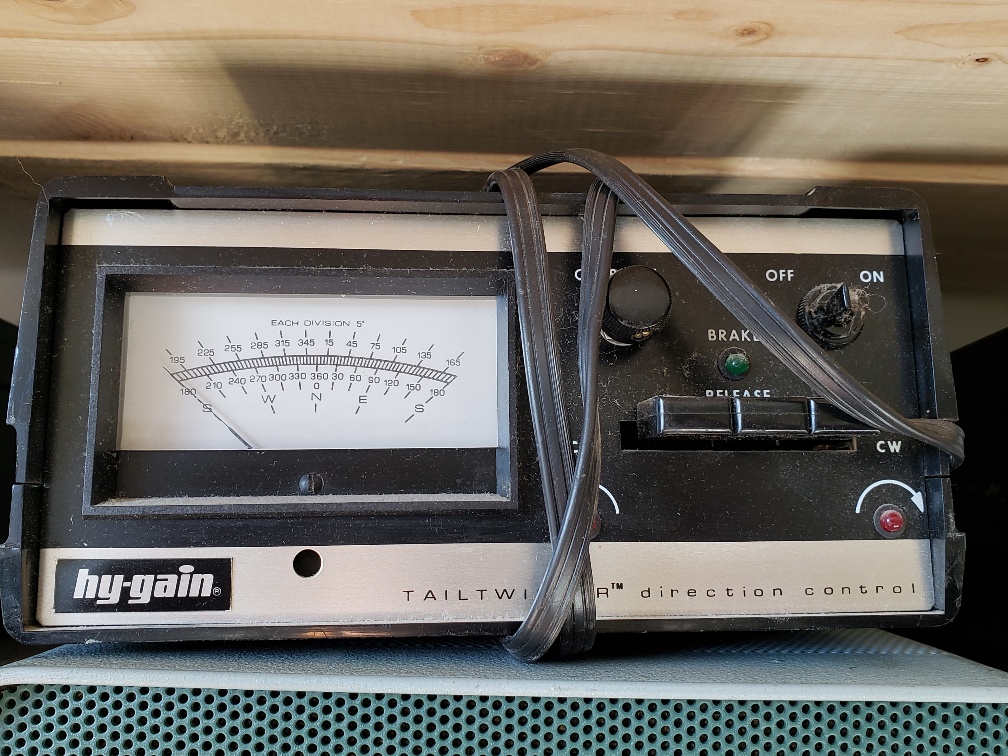


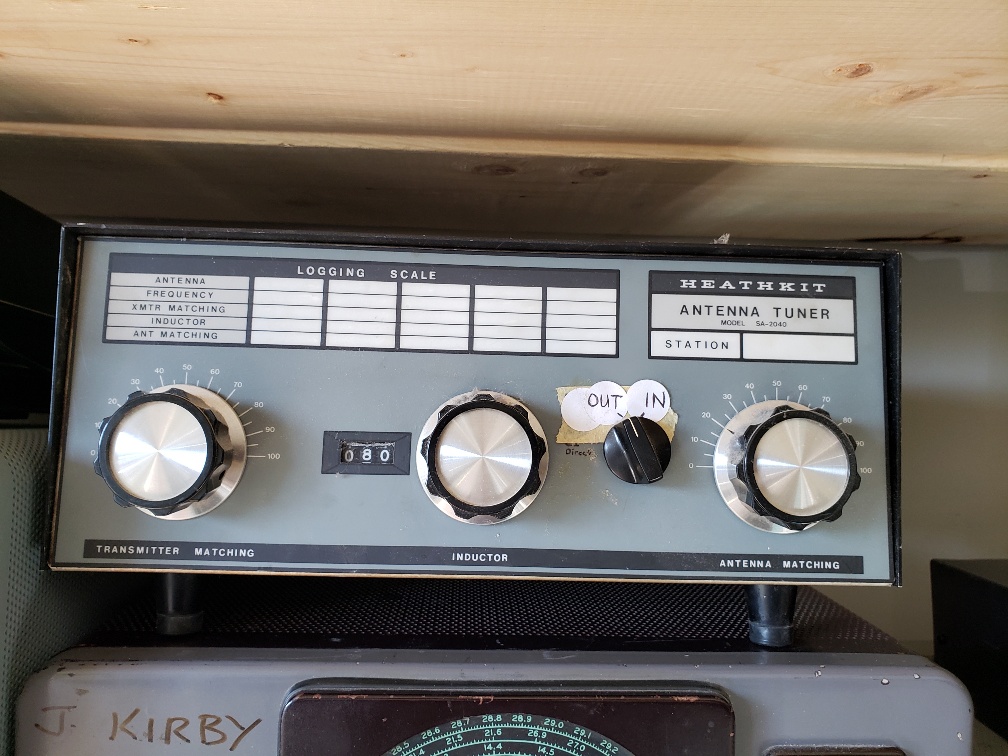


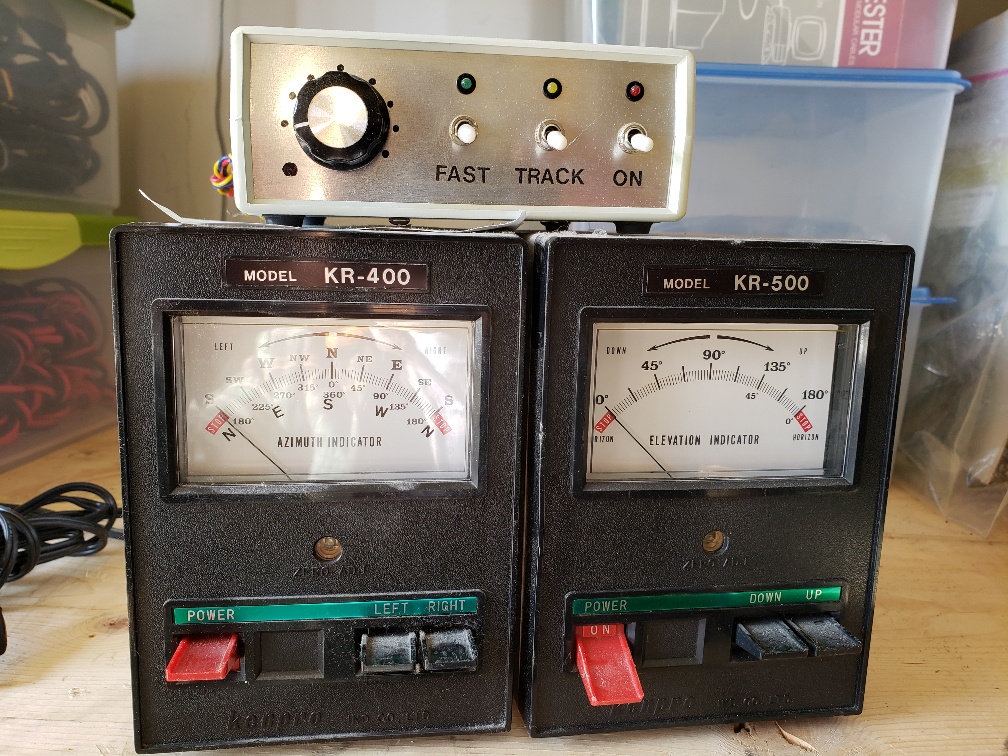




Kilo Zero Naval Reserve
I don’t usually get pulled into historical investigations, but I recently found something interesting about my call sign, KØNR. I received this vanity call in April 2002. Before me, Craig Larson W3MS held this call sign starting in 1975. These are the only two entries in the FCC database (Universal Licensing System).
The story starts with me poking around the Digital Library of Amateur Radio & Communications (DLARC), an online archive of radio communications media. I search on “K0NR” and got a number of hits, including an entry from a 1962 Callbook. Back in the olden days, ham radio callsigns and contact info were published in a thick book, kind of like a phone book.
The callsign was listed with “USNR” in the name or organization field. I wasn’t sure what USNR meant so I asked for help via Twitter. Quite a few people came back with “United States Naval Reserve”, which did turn out to be correct. The graphic below is from the 1962 call book and it has multiple callsigns labeled USNR and one labeled USN.
 Then Jason W5IPA came up with a page from the July 1949 issue of QST.This article shows there were many amateur call signs assigned to naval reserve stations.

Click to access QST-1949-07.pdf
Then N8URE poked around and came up with this from a 1960 telephone book:
 I suspect the 5-digit telephone number is long been obsolete. There still is an address for the Naval Reserve in Dubuque but it is on Jet Center Drive, near the airport.
So there you have it: it was common for Naval Reserve centers to have amateur radio call signs assigned to them. For obvious reasons, they tended to have NR in the call sign. K0NR was assigned to the station in Dubuque, IA.
Thanks for the help from: W5IPA, N8URE, K8BCR, K4ZDH
73 Bob, Kilo Zero Naval Reserve
The post Kilo Zero Naval Reserve appeared first on The KØNR Radio Site.













