Author Archive
 Ham radio and software……….
 July 23rd, 2013 |
  Author:
1. It's no good as it's not supported.
2. Since it's free it must be very simple and buggy
3. I am sure it's not updated.
As for the software for a price I have heard and read......
1.It's way over priced.
2.Why pay when free software is out there?
3. Someone is just trying to make a buck.
I have both free and software I had to paid for and am very happy with both products. My software is not the be all and end all but it's what works for me. There is some fantastic software out there that can make you grow in your ham radio journey. I hope to just excite you to look to see what is out there.
Here is what I use and as most ham I know they love free stuff and here is the free software I use.
1. DXlabs for my every day radio adventures I am sold on DX Labs! This software has rig control, logging, world map view of DX, QRZ (and many more) look up feature and much more. With this software and with the click of a mouse able to use many features of my K3. At a glance I am able see on a world map DX spots, I am told if I worked this country before....on what band.....and what mode. There is a huge amount this free software can do. As for updates it seems that it's almost daily this software is improving. Oh and as a side note updates are a breeze to instal and no need to jump through hoops to get the latest and greatest upgrade. If you are not sure about a feature or if the software does not seem to be doing what it should, support is fast and readily available on the internet.
2. If you are into contesting (like me) then once again the free stuff comes to the rescue. N1MM seems to be one of the staples for contesting. Again it has rig control features, CW and SSB features, VFO A and B control, spotting networks this is just to name a few things this amazing software can do.
There are regular updates and bugs are very few and far between. Again if you have troubles the support is there and it's fast.
Ok lets talk crazy now.....paying for ham software
1. When contesting I said I use N1MM but I also use a rig control program by N4PY and it's not free but WOW does it enhance my contesting. (now this software is not only for contesting I just chose to use it this way) This program allows me to adjust most of my Elecraft K3 controls with the mouse or keyboard. I can used my K1EL keyer, this program allowed me to use my Flexcontrol knob.
2. Another program I dished out some coin for and never looked back is MRP40 cw decoding program. Now I know what your thinking "there are lots of free CW decoding programs out there" This is true I have tried them and they are good BUT MRP40 is GREAT. In contesting when the speeds get to what I call "crazy speeds" this program has no trouble at all decoding them.
Lets say you want to have multiple programs work together without a hitch.........
3. Then LP Bridge or VSP manager come to the rescue. These are free programs and will allow your computer to set up virtual ports thus having multiple programs working at the same time and talking to each other. These programs work like a dream and as far as my needs go no bugs at all.
4. If you are into the digi modes like I was and in the near future hope to be there is a free program called Quickmix. This program will remember all the audio settings you use for each digi mode, so for example when operating PSK and you want to now switch to WSJT-X which has new audio settings for you PC. You no longer have to remember them Quickmix can in the blink of an eye adjust the sound card to the new settings for the selected digi mode!!
IARU contest in the books
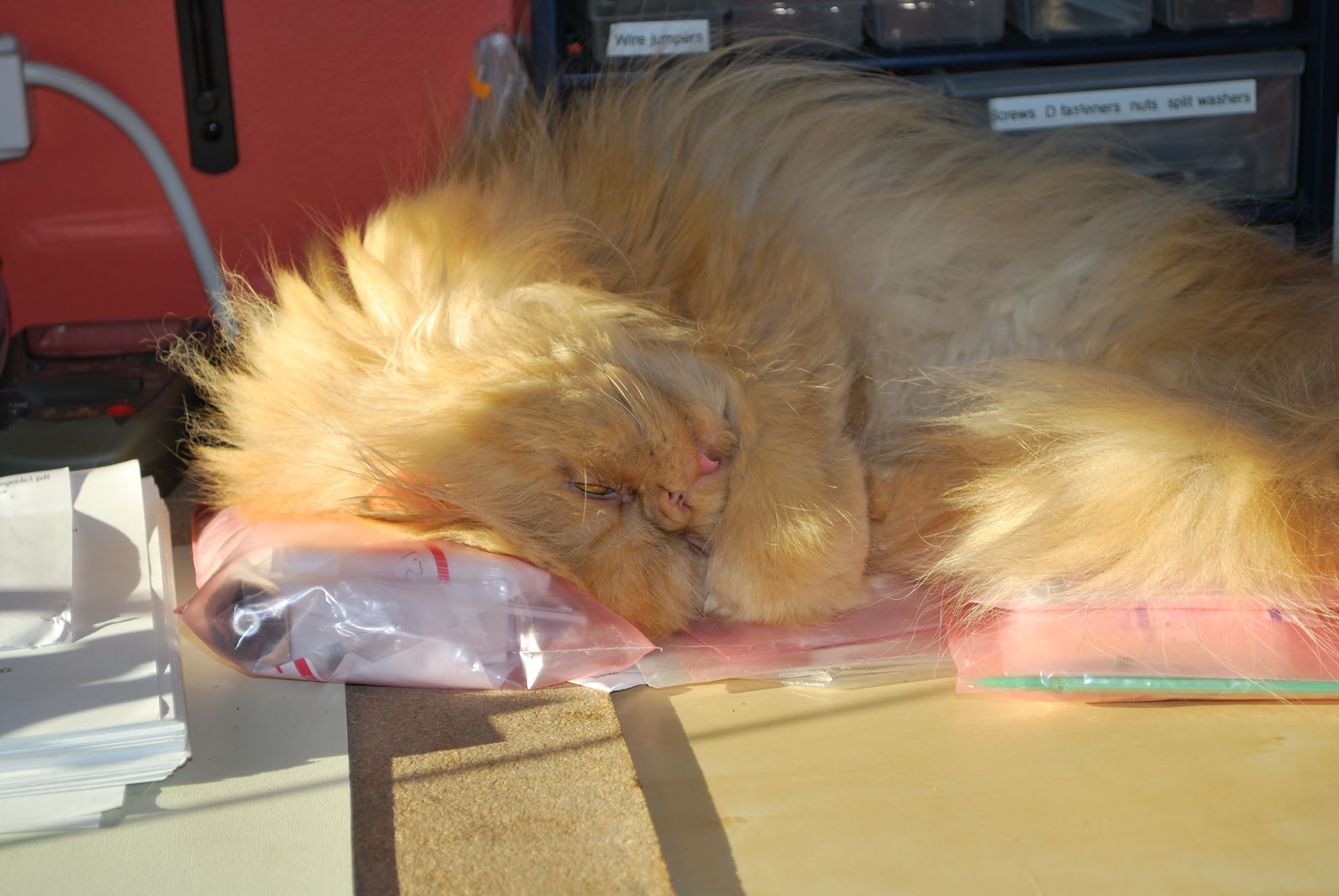 |
| I told Oliver (A.K.A RF) sleep is for after the contest |
I found the bands during Saturday morning and afternoon were really only open to the U.S. There was very occasional openings on 10m and 15m. It seemed 20m was the way to go and I found myself just checking 10 and 15m now and then . I did have what I considered a DX contact during the afternoon which was Mexico! Pretty sad for that being my early afternoon DX!!
The solar conditions were not to bad considering how the last few weeks had gone for solar flares and high K index's. As the afternoon wore on 20m started to have opening to Europe and South America. But again with only 5 watts it was a challenge. As the evening rolled around 40m was busy with lots of action. Europe was booming in but for some reason I have always had it tough on 40m. I am not sure why but the U.S has never been a problem but getting over the pond has been frustrating. Having said that I did make it into Germany, England, France and Italy. I was very surprised but did have to make many repeats and I got the feeling I was just making it over there.
My score is as follows.
144 contacts
23 HQ stations
21 ITU's
Overall I had a blast and again am looking forward to it again next year.
QRP portable at Luther Marsh
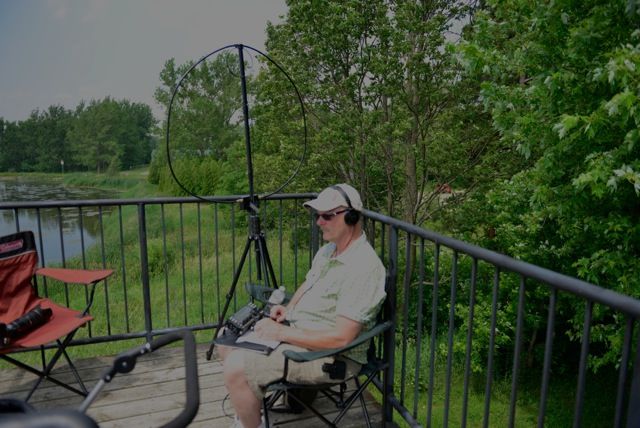 |
| QRP at Luther Marsh... note one of Julies cameras |
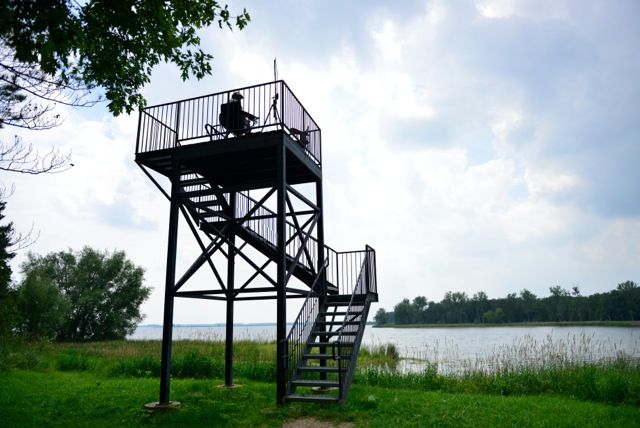 |
| A view from below |
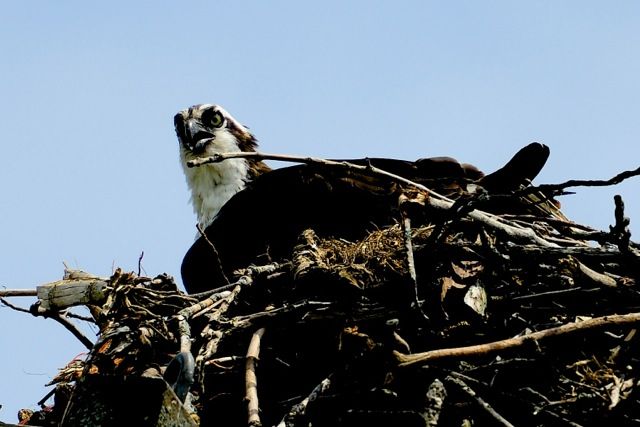 |
| Julie's shot of the day an Osprey |
I took with me my Elecraft KX3, Alexloop, tripod and a spare battery. It was great, there was no noise level at all on the KX3 and one would wonder if the rig had a receive problem. I started to call CQ and it was not long before VE1AB in Nova Scotia came back to me. John gave me an RST of 559 and we had a nice long CW chat it seemed that John had been to Luther Marsh several times when in Ontario. I did have to say 72 to him as my batteries had to be changed in the KX3. I then called CQ again on 20m and WW2SUB came back to me.......hey guess where he was???? This was the first time EVER I had contacted a Submarine . He was on the USS batfish. I thought my CW was off and it was supposed to be copied as battleship. When I got home and did a QRZ.COM search....it was in fact called the USS Batfish!
 |
| Camera and ham gear stroller (mainly camera gear) |
You gotta love QRP
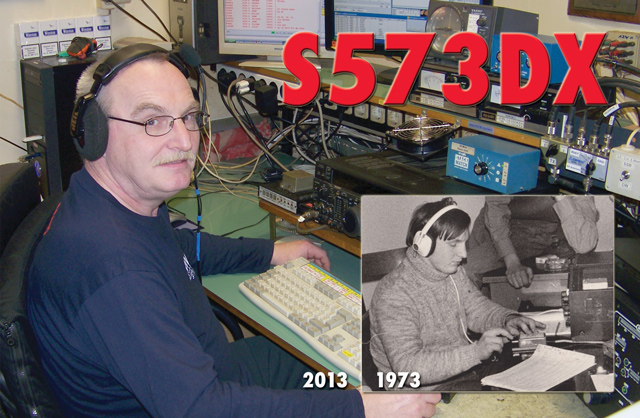
YOU GOTTA LOVE QRP!!!!
The Rigol DS 1052E oscilloscope 50 mhz to 100 mhz
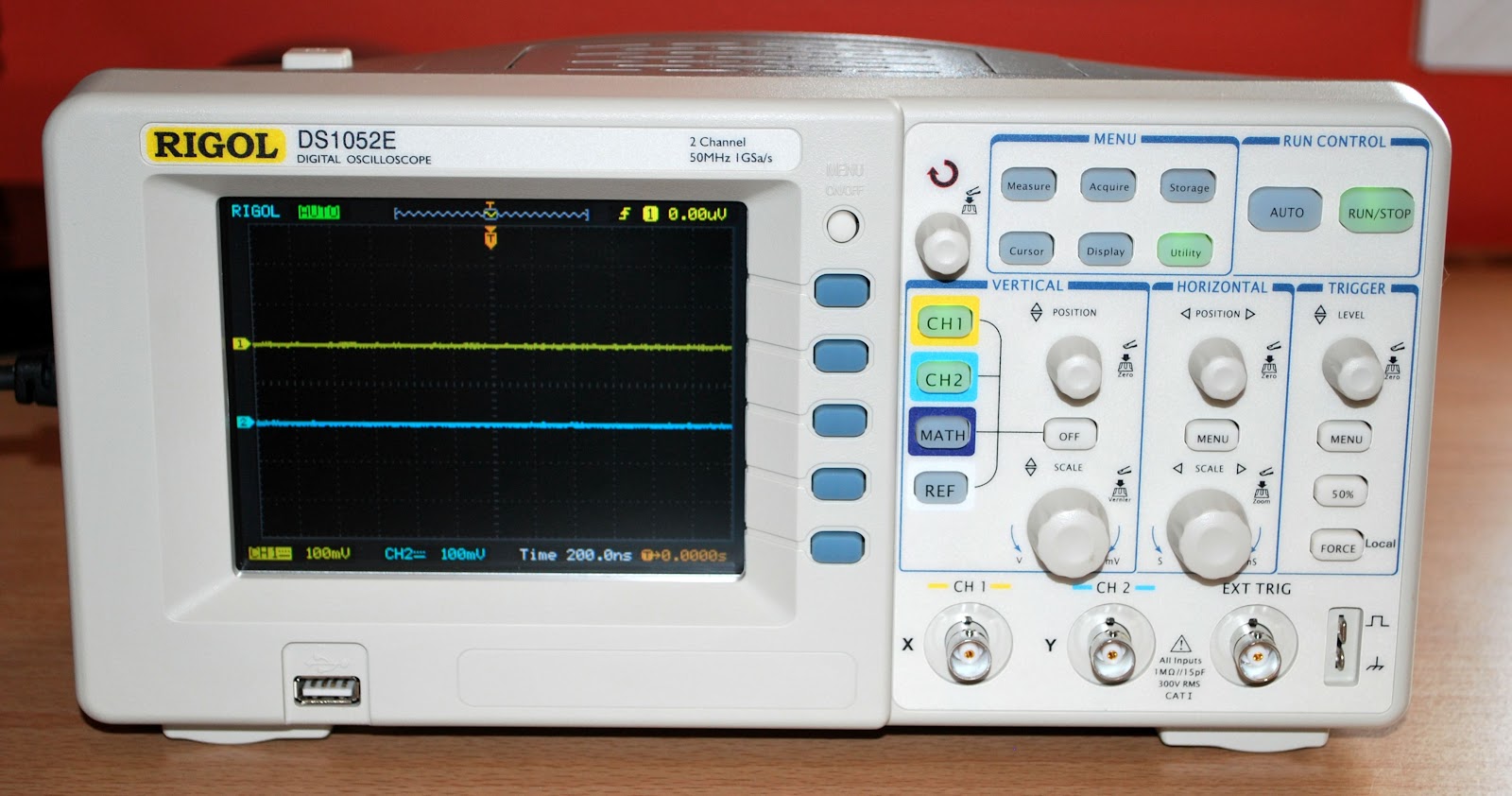 |
| Rigol DS 1052E now DS 1102E scope |
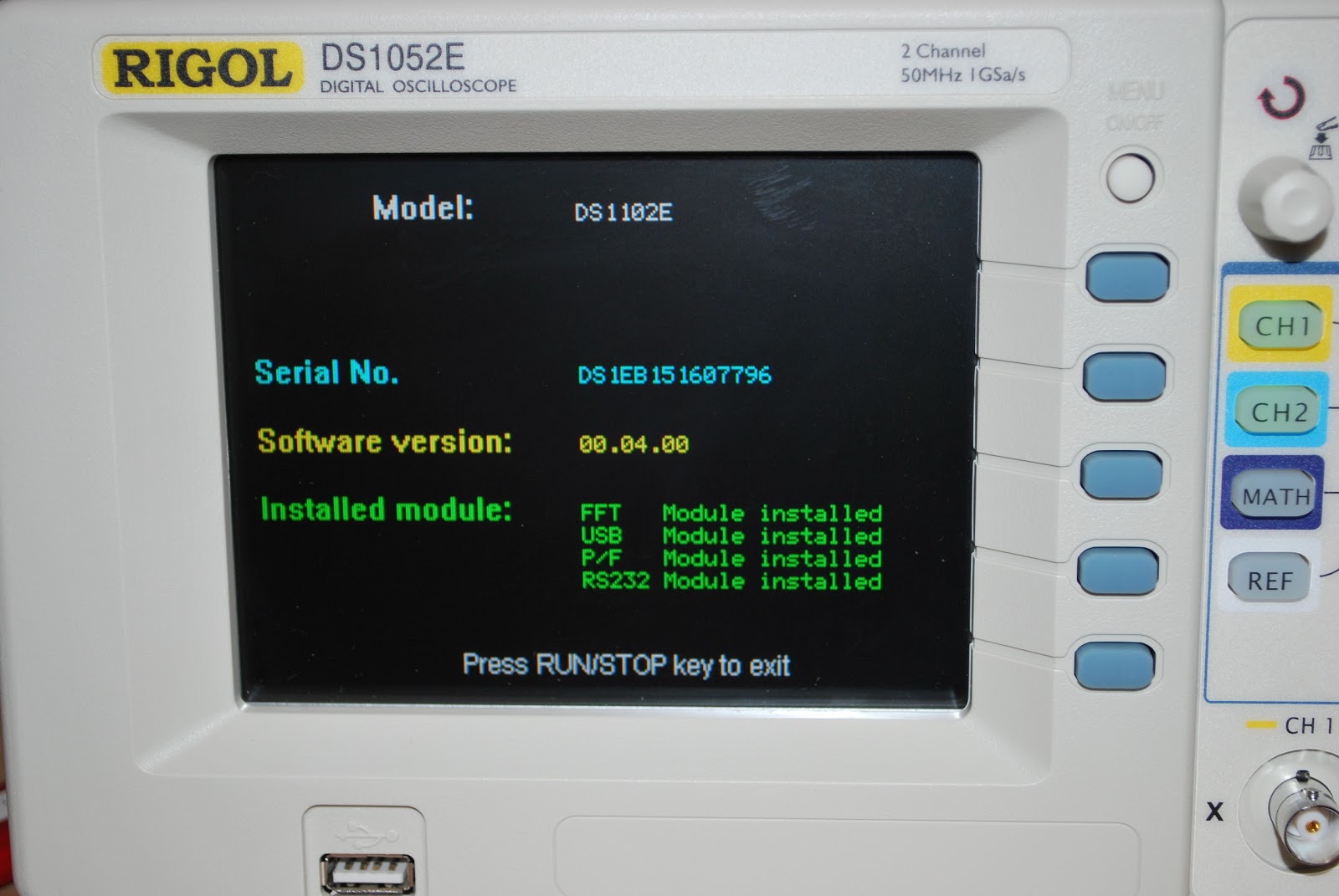
1. The first thing I had to do was to check what software version was on the scope. To hack the scope your software version has to be 2.00 or 2.02 SP2. Well I checked by simply turning the scope on and looking at the start up screen mine was 4.00.
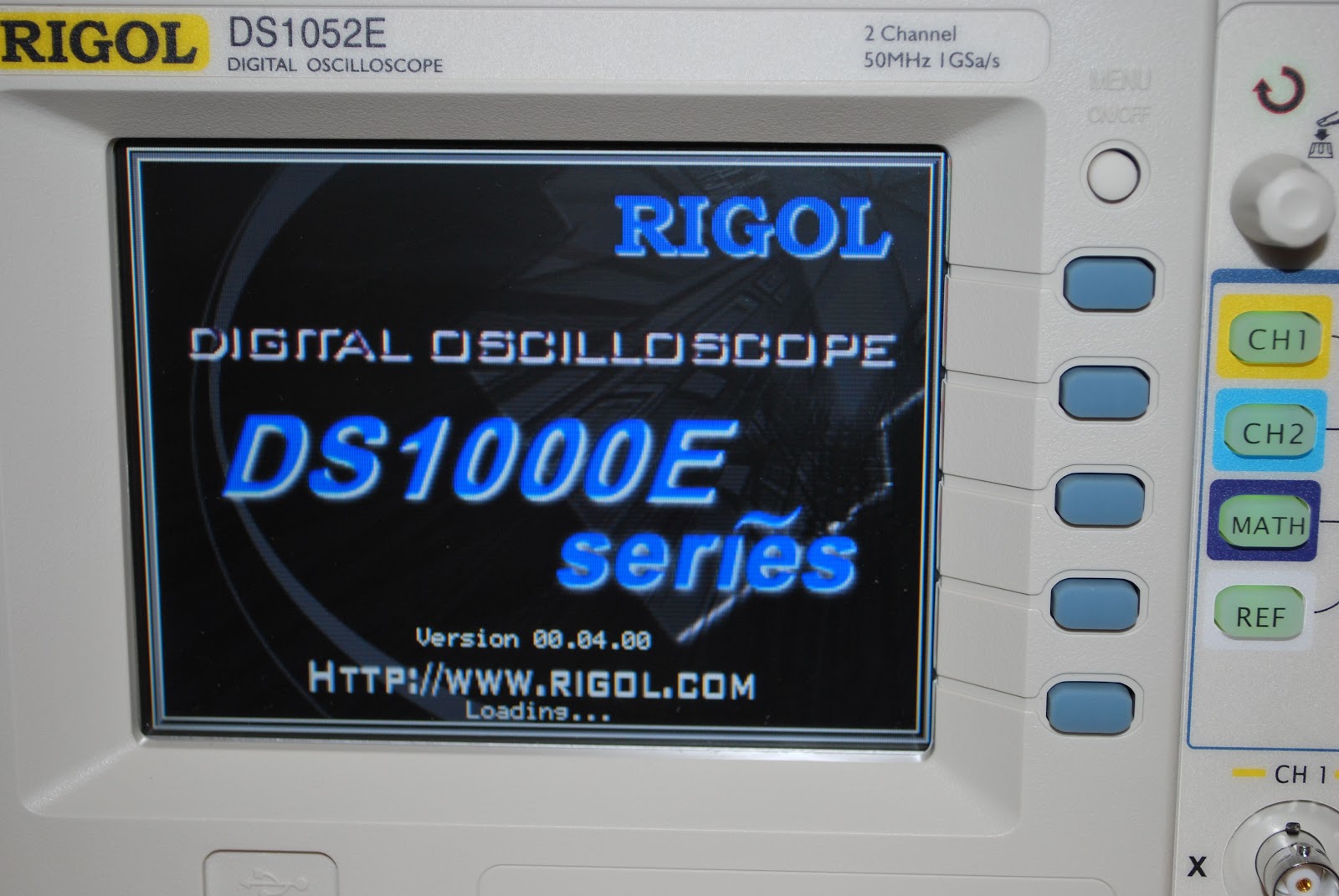 |
| 4.00 software |
3. This is were the fun begins....I had to hook up a serial cable (not crossover and female to female) from the scope to pc. It was now time to enter some code via Hyper Terminal!! The instructions are very very very clear on the net.....you mess up the code and you could "Brick" your scope. Looking up "Brick" in a nut shell meant rendering it useless until MAJOR programing or hardware issues were dealt with.
 |
| Down grading to 2.02 |
4. I entered the code in Hyper terminal asking it to connect to my scope and it did by giving me the serial number of the scope.
5. I then entered code to change the scope from model DS 1052E to DS 1102E and then (according the online instructions) entered the serial number but changing one specific letter to a " B". I then entered that line of code.
6. It was now time to restart the scope and see from the systems info menu if the model changed to DS 1102E and if the serial number had changed to the new number with the "B" in it.
7. It was successful (after a few hiccups) and I could further verify by turning the horizontal scale down and if it went to 2 nano seconds things were good to go!
 |
| Downgrade done |
1. I was not able to connect the scope at first to the PC hyper terminal program. Turns out I just changed RS232 ports on the PC and all was ok.
2.When I installed a lower software version into the scope and then went to hyper terminal to confirm I did not get any serial number. I restarted the scope and ran the commands in hyper terminal again and I was good to go.
3. For some reason lady luck had me put the "B" letter in the wrong part of the revised serial number. That resulted in a new serial number of @@#$#%%$$% (ya no numbers just junk) on the Rigol start up screen. That was fixed by reloading version 4 software and then in hyper terminal changing the serial number back to the original number. It was then time to start all over again and change the model and serial but pay more close attention this time.
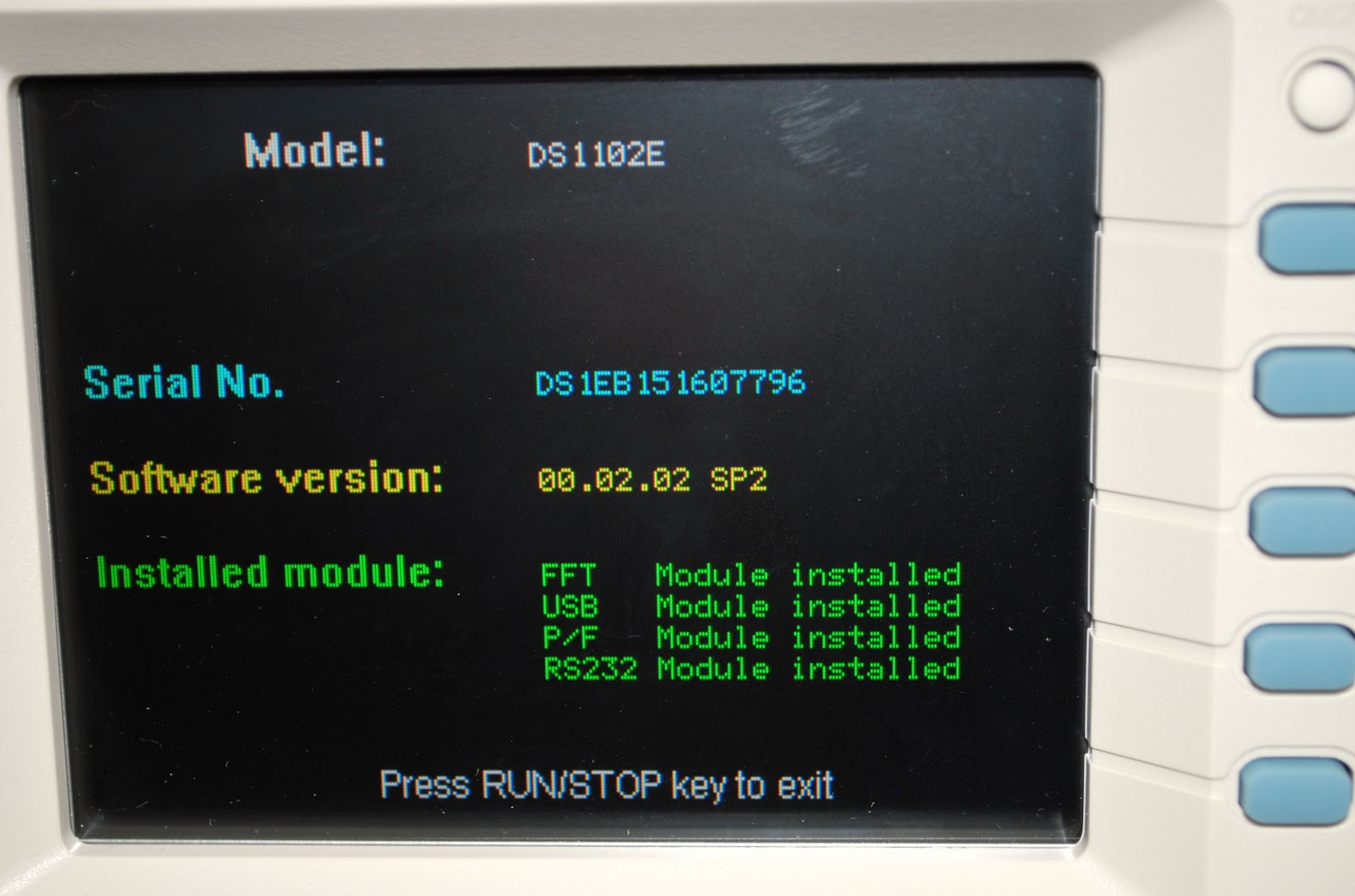 |
| model and serial change |
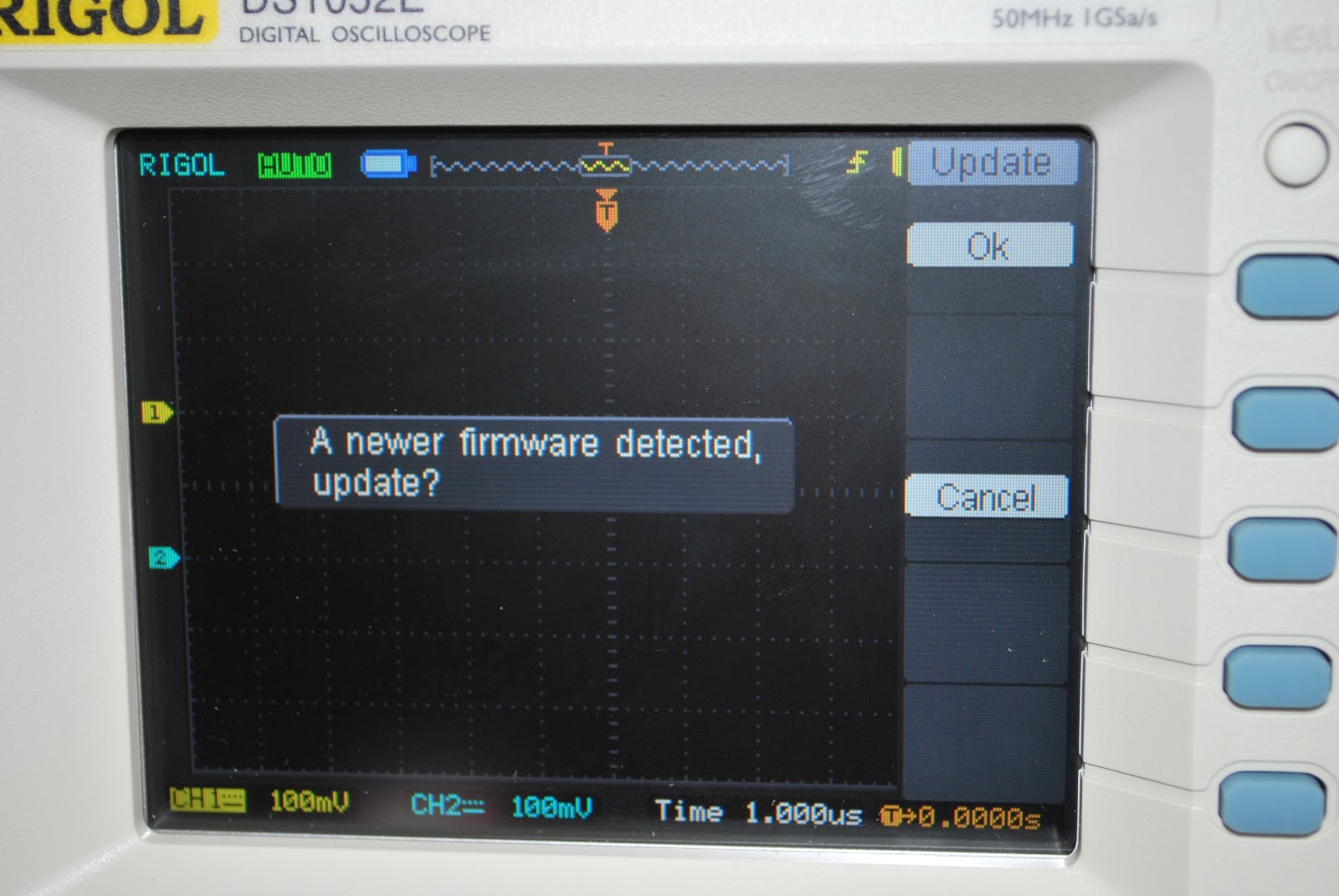 |
| Upgrading back to 4.0 software |
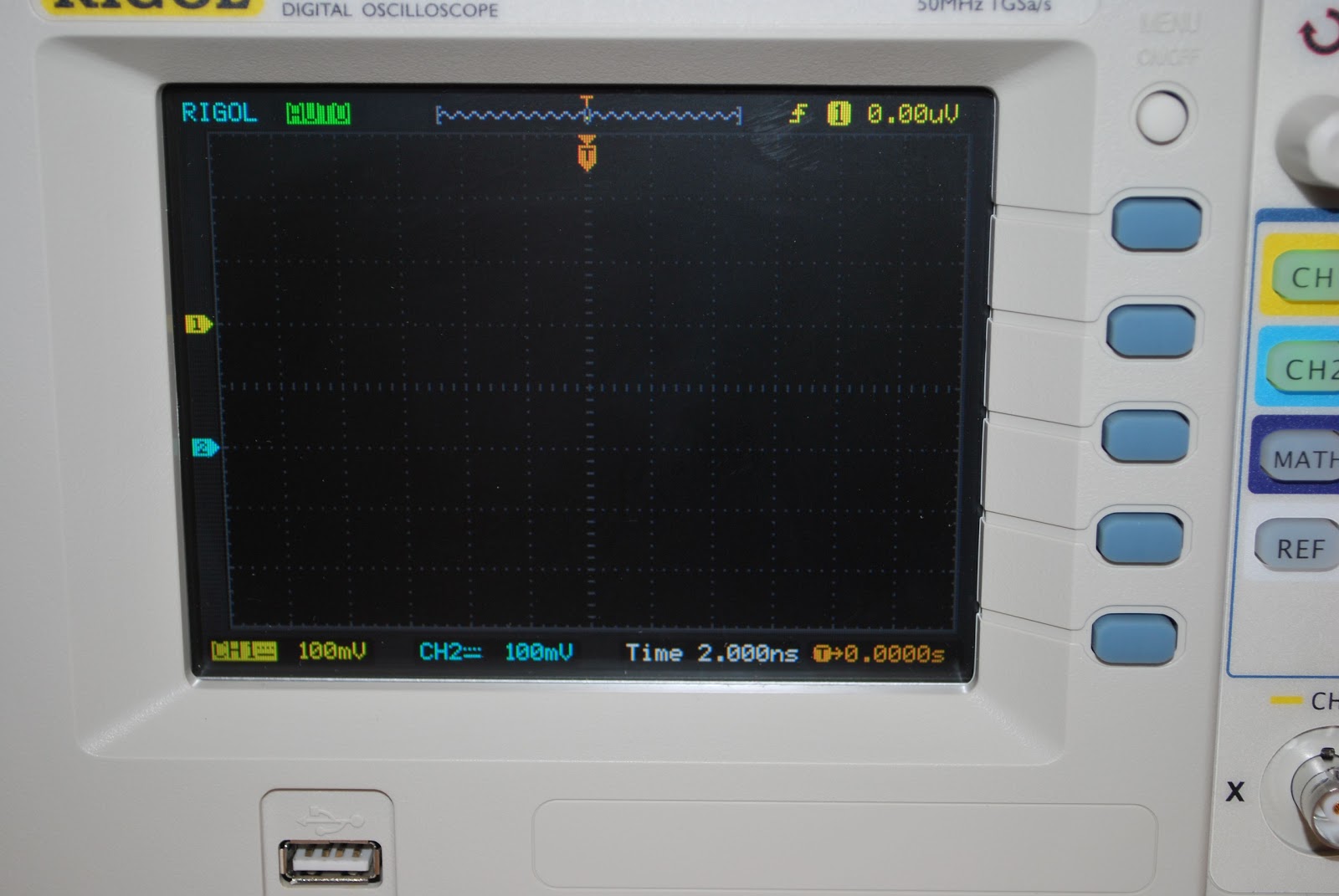 |
| 2.000ns means 100mhz scope |
 |
| 4.0 upgrade good to go |
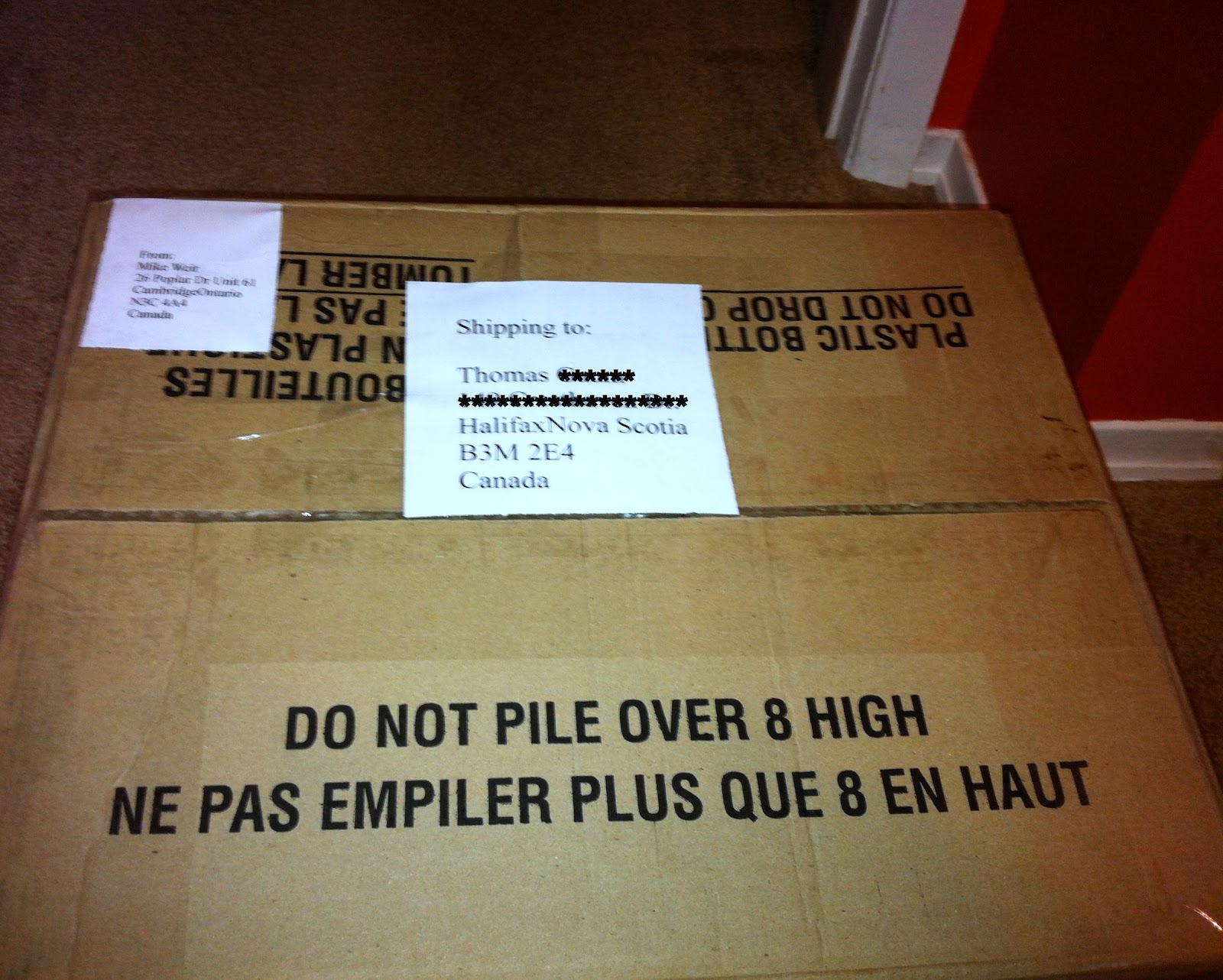
The K2 was shipped
 |
| The K2 ready in it's Pelican case to be shipped |
 |
| All is packed and ready |
 |
| Where the K2 used to be now a bare spot |
My first ever field day is over…………
 |
| The Saturday afternoon sky |
 |
| Saturdays operating position |
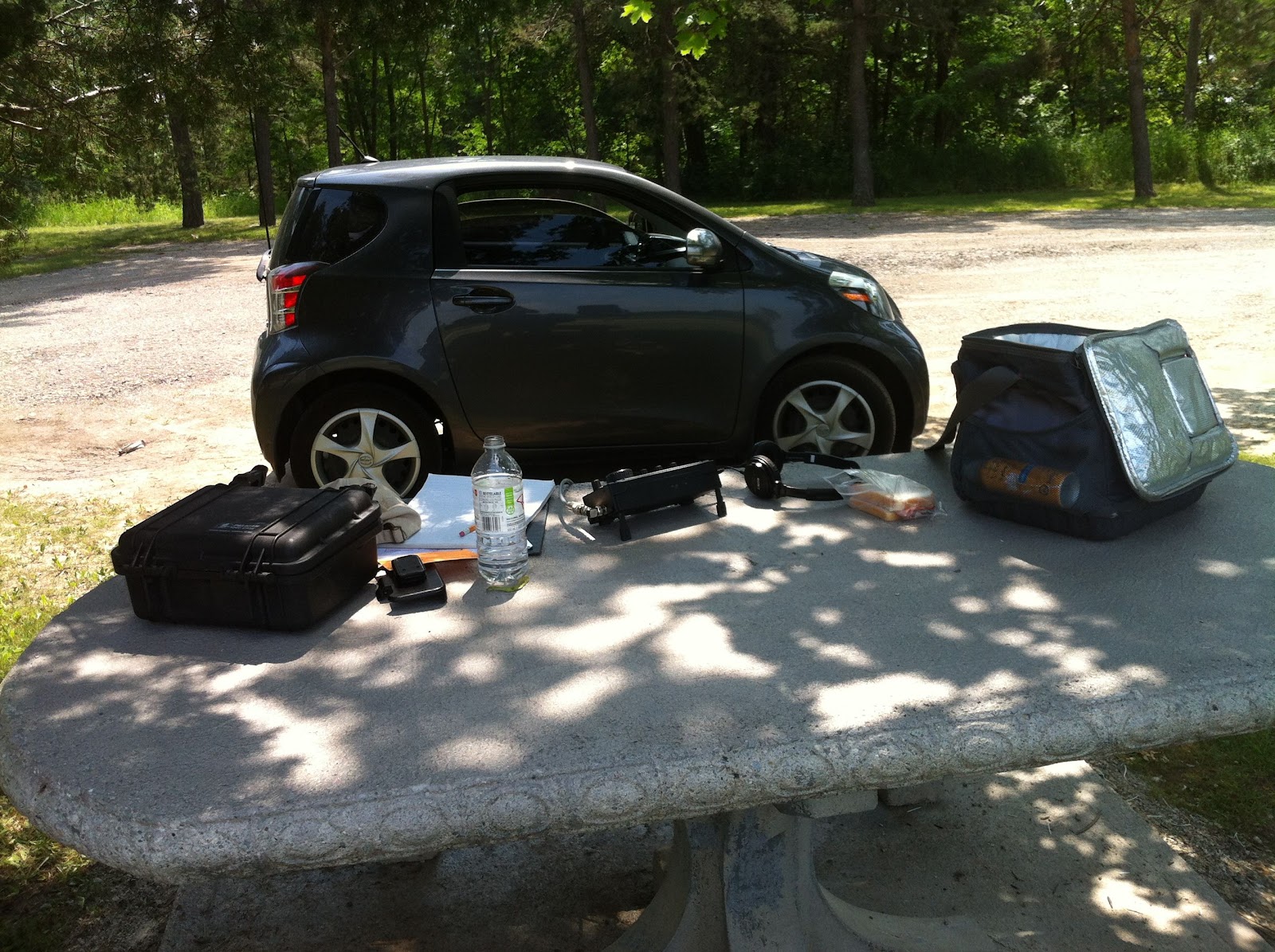 |
| Sundays spot...lunch time |
 |
| Sundays weather |