Author Archive
 Seems doing nothing is doing something…..
 March 3rd, 2013 |
  Author:
  |
| RFI Friday night |
1. I changed out the video cables and wrapped them with chokes as well.....did nothing.
2 Moved the monitors to other locations on the operating desk...that was loads of fun and it too did nothing.
3. Tried running the K3 just off battery power and.... nothing.
4. Ran the monitors from the 12 volt Astron power supply and again nothing.
5 Put snap on chokes on ALL cables coming out of PC and the ALL cables from each monitor.....NOTHING!
6. Even tried tin foil on the back of the monitor and grounding it...only made monitor look sci-fi.
7. Put 1:1 balun on the coax coming out of the K3 and still had problem.
8. Tried my Elecraft K2 (maybe just a K3 problem) found same issue with K2.
 |
| Sunday...not to bad |
9. Plugged monitors into separate AC outlets on different circuits and did not fix issue.
10. Ran a ground up to each monitor and video card on the PC (PC is already grounded) and nothing.
11.Repositioned screen to see if that made any difference I thought it did but turned out not to.
So that was how my Saturday was spent and from doing all the above I was able to find out a few things that I hope may ring a bell on how to solved the RFI isssue
1. As I move my hand closer to the monitor the RFI increases.
2. When the rig is on the dummy load the RFI is gone.....but so is everything else regarding signals.
Now it's Sunday and I have come to the understanding that I am going to just have to live with the problem. I know where it is coming from that sometimes that is half the battle! I am going to do some reading and thinking about the issue. I came into the shack to just roll the desk back up against the wall and tidy up the room. I then turned on the K3 along with the PC and for some reason the RFI is still there but not as much at all!!! Seems doing nothing is doing something!!
Monitor RFI issue…..
 |
| RFI from new monitor |
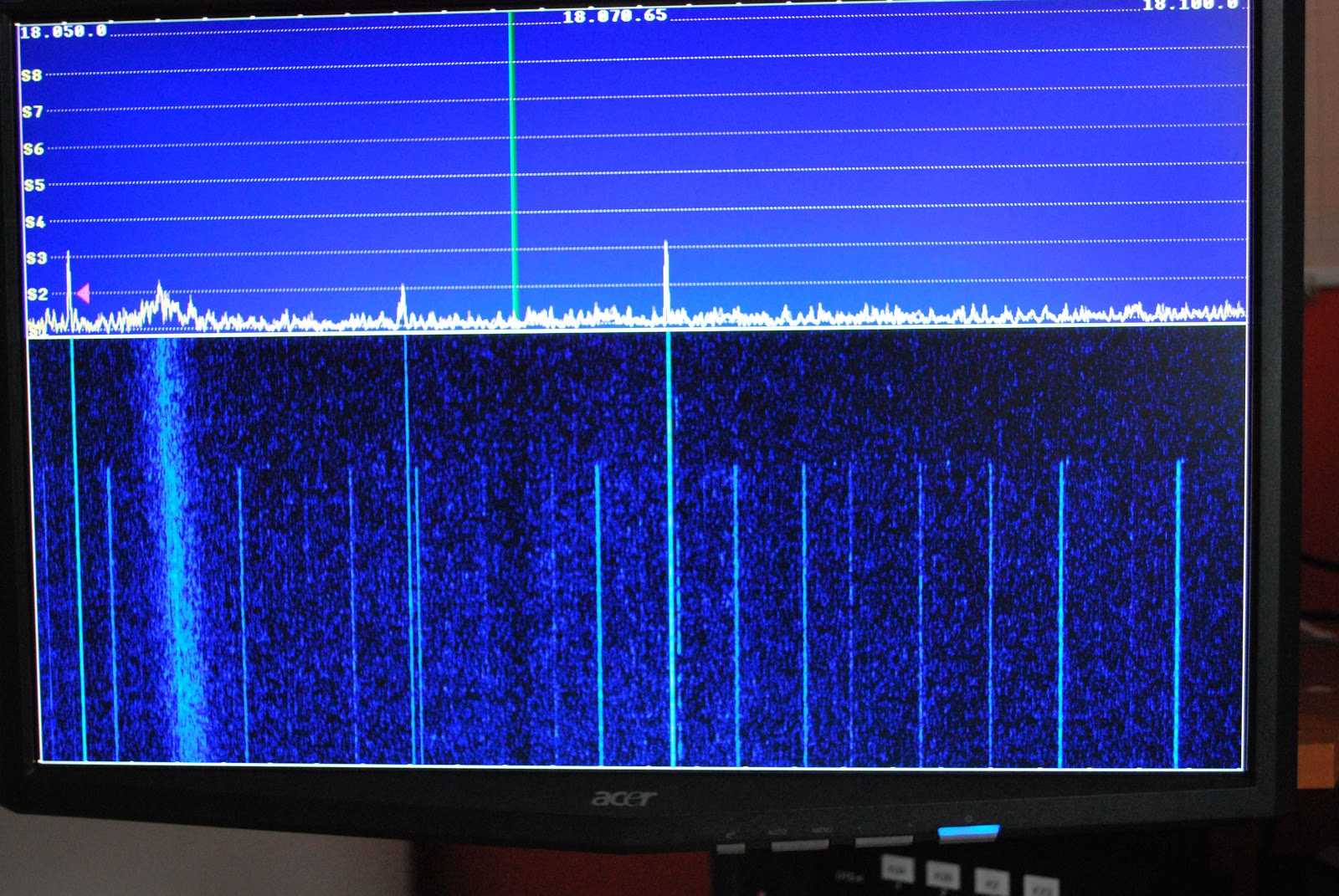 |
| Both monitors off |
Announcing a new blog
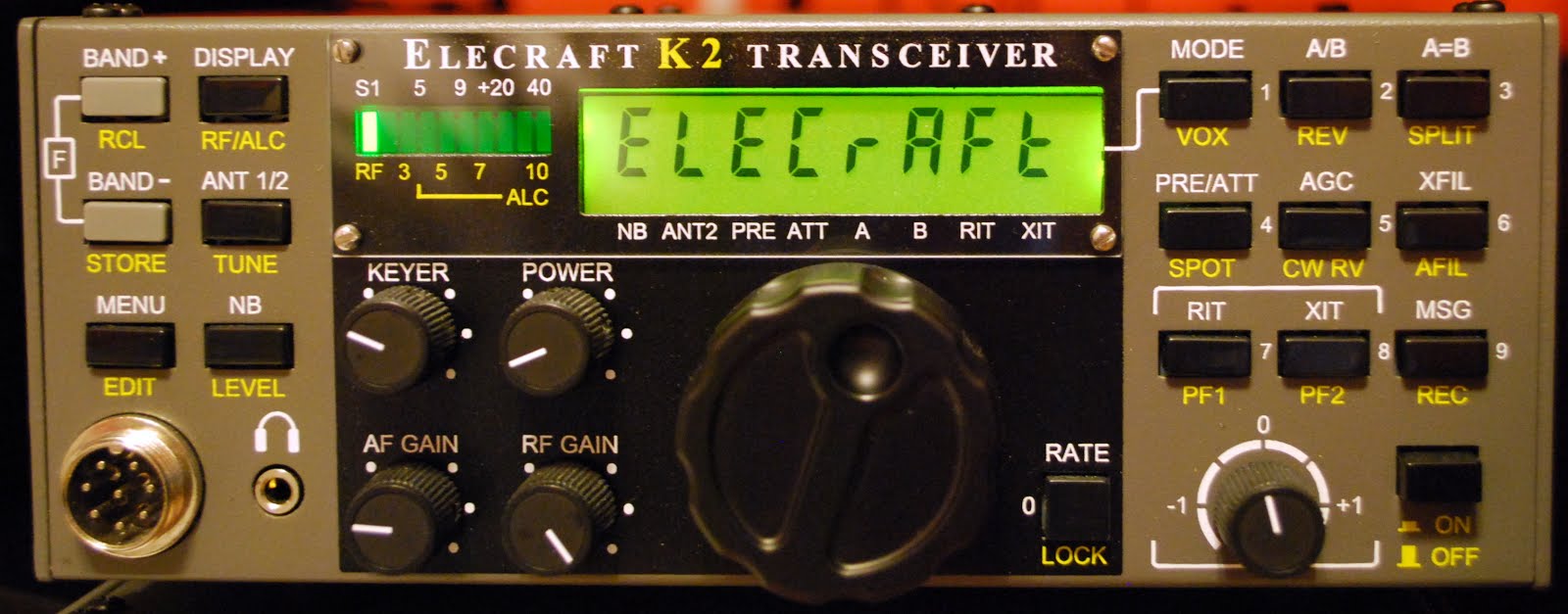
Too close for CW comfort

So why did I title this post "To close for CW comfort" this has to do with the other CW "events" that I was exposed to! I have read about this in other blogs from other op's which are CW operators who seem for some reason to blend letters together regarding their call. I had at least 6 op's who's call I had a very very hard time making out. There was one DX station who's call ended in WVR BUT for the longest time I was not sure if it was W##, even the code reader on the KX3 was having a real hard time. I then ran across 10+ on the S meter European station but I could not give him a call as I had (and I mean NO CLUE) what his call was!! It was very hard to tell were the CQ stopped and the call was being sent. Now folks for any of you reading my blog and who also have had a CW QSO with me I know my code elegance has left you scratching your head at times.....but I just can't understand how code that has no spaces and just runs as one long word how these op's ever get answers to their CQ requests.
When I got home I put my Elecraft k3 into test mode (meaning no code is sent over the air) and tried to send some sloppy code and watched to see if the K3 was able to decode. (you can setup the K3 to not only show incoming code but also your code as you send it) The only reading the K3 would give me were not letters or numbers just lots of *****......translation...the K3 also has no idea. As with most CW op's out there you also have your code being sent to you through your headphones. Does the code not sound odd to these op's???
Anyway time to get off my soapbox now.............
New records set at VE3WDM!!
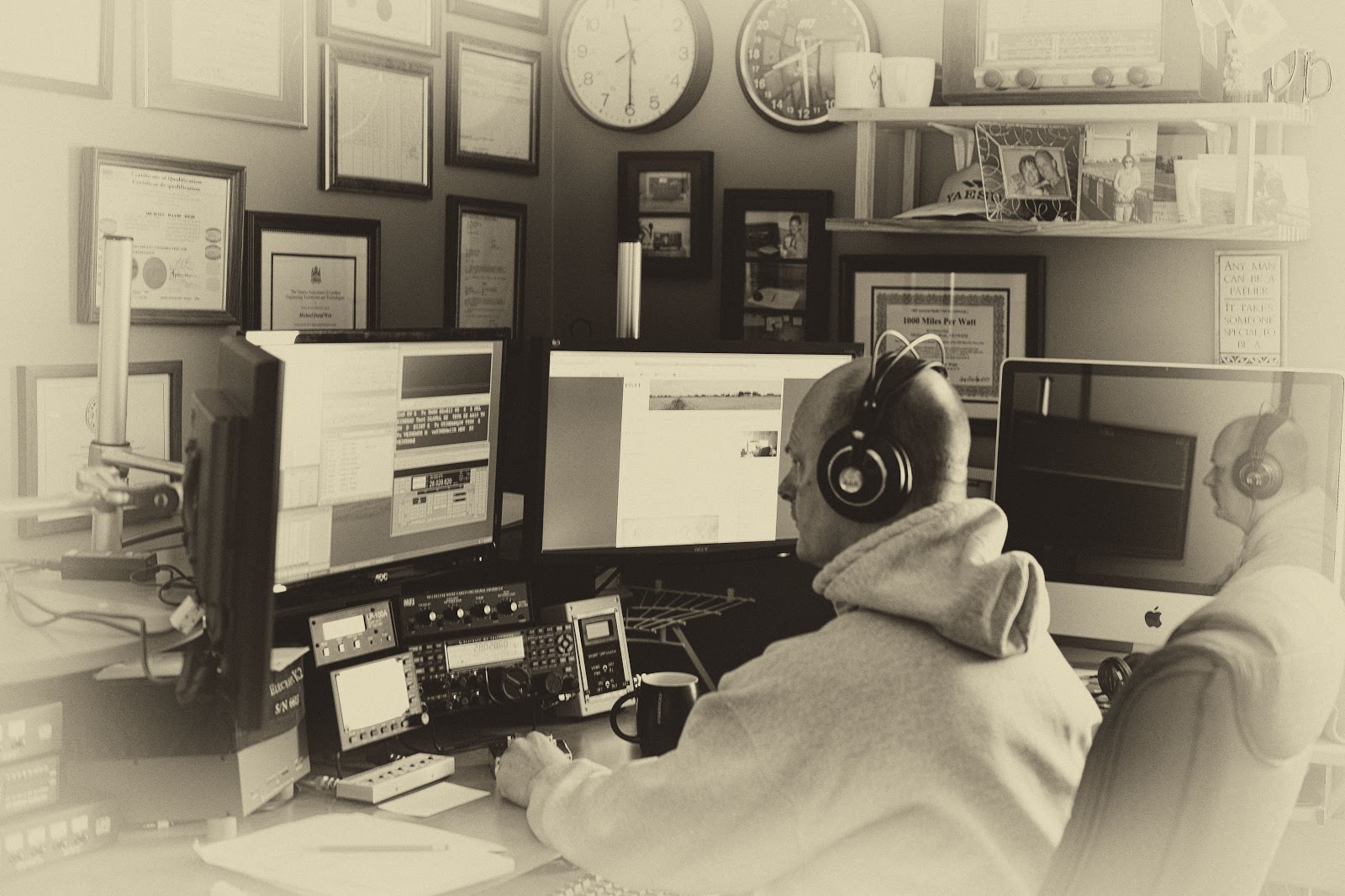 |
| Julie was out and about snapping shots!! |
 |
| At 40mW and below this is the reading |
up purchasing was MRP40 cw decoding program. Now my code is not to bad at all but during contests I have found that for some reason some stations send at the speed of sound. (not sure why as they may loose more contacts that gain as folks just move on being not able to understand the fast code) For those stations this is were MRP40 shines.
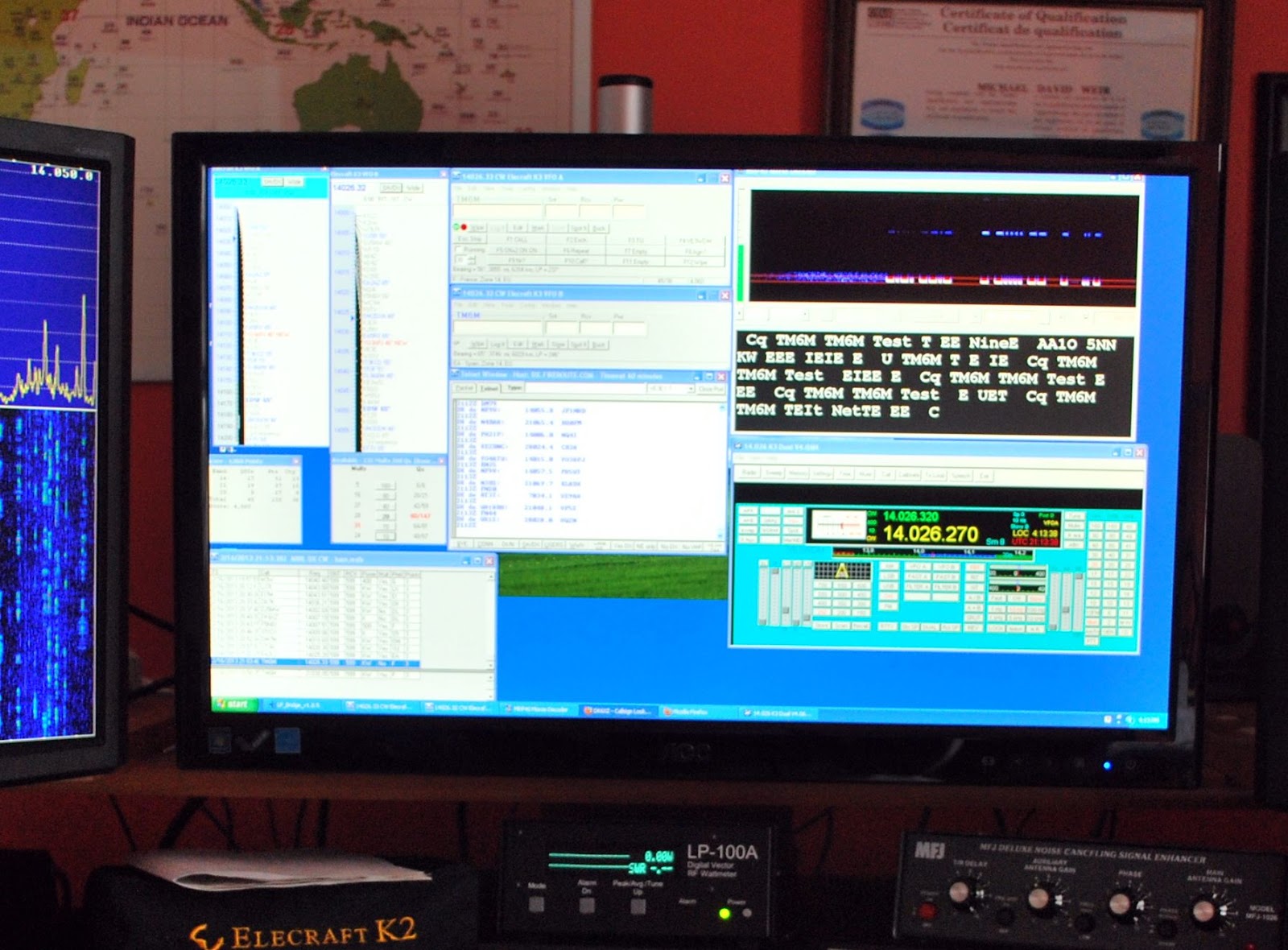 |
| Programs running during the contest |
That was the software success for the contest other great events were being able to keep my power down to 1 watt....except for 2 contacts were the power creeped up to 3 watts. Did I say the power was kept to 1 watt? That was for a total number of 6 contacts the rest of the DX contacts went into the log with power numbers varying from 10mW's to 900mW's!!
Here is how the power numbers broke down
Contacts Power
2 10mW
13 20mW
2 40mW
4 50mW
14 100mW
22 500mW
12 From above 500 to 900mW
6 1 watt
2 3 watts
77 TOTAL
I did say there was some records broken here at VE3WDM and they are
1. 69 DX contacts with under 1 watt in a contest!
2. Miles per watt bar is set higher.....CR3A with 10mW is 344,468 miles per watt
DL6FBL with 10mW is 400,126 miles per watt
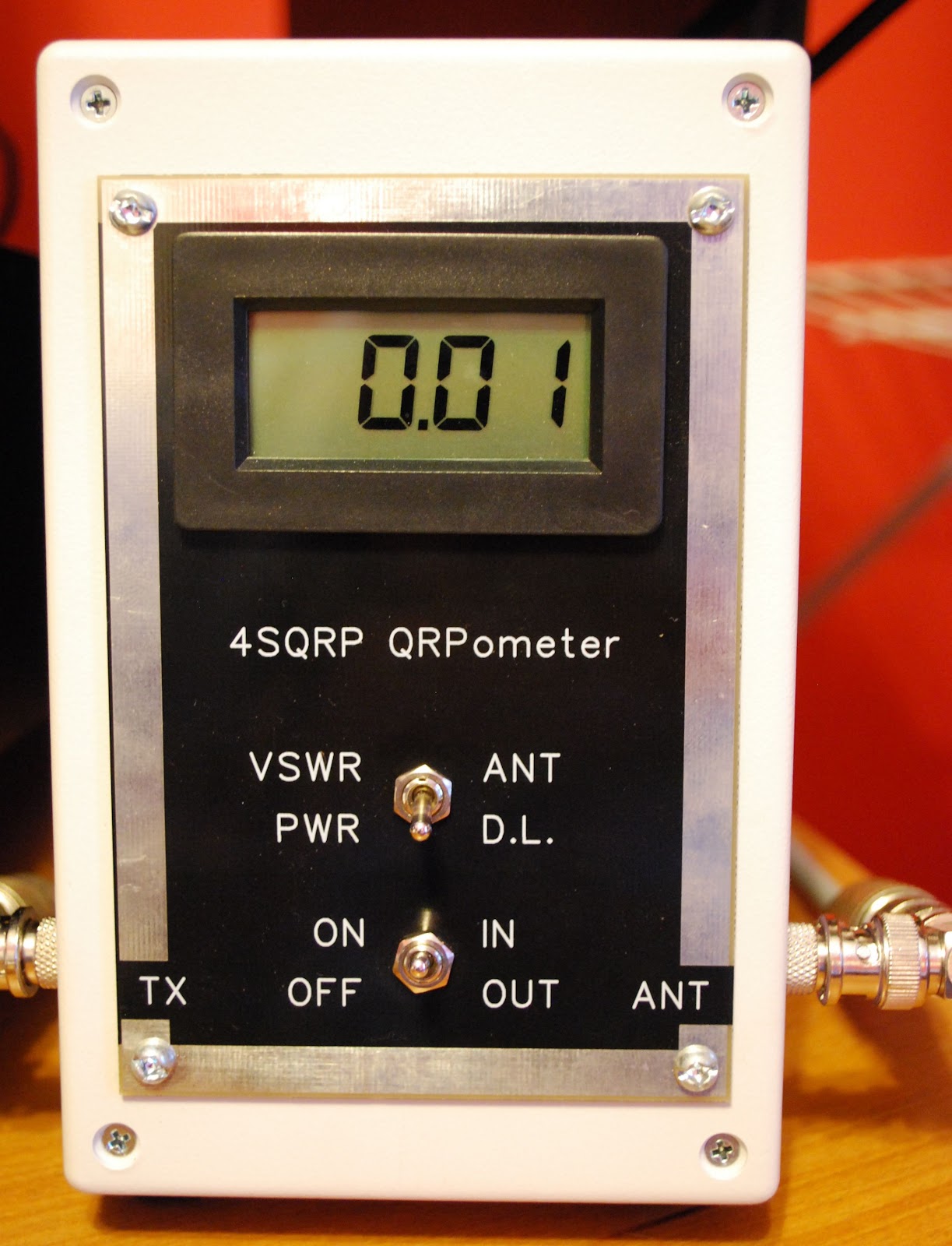 |
| 10mW on the QRPometer |
Contest goals close to 50/50
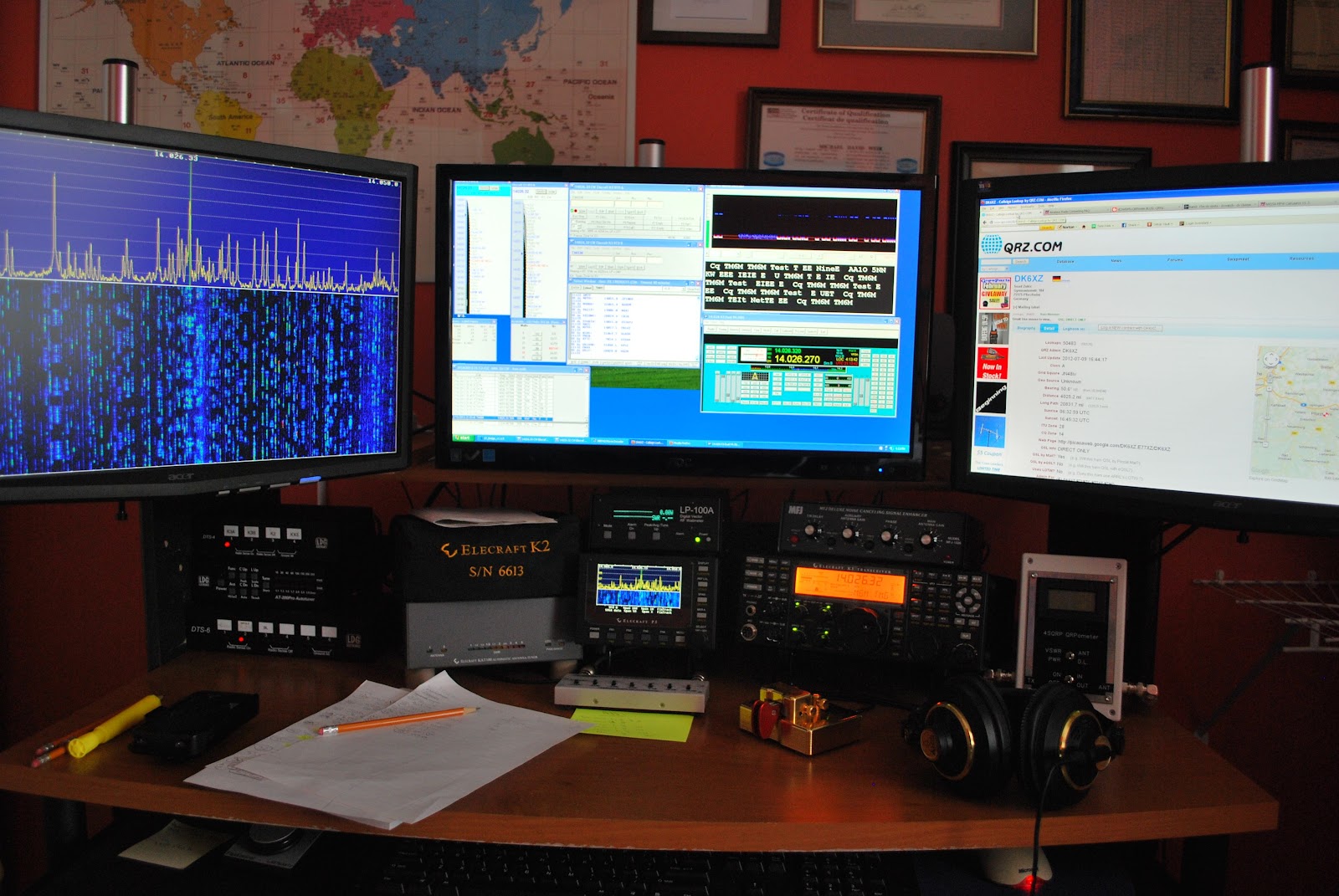 |
| In the thick of things |
1. Contacted DL6FBL with only 10mW's for a miles per watt total of 433,756 per watt an all time record for me.
2. As was already mentioned 92% of contacts are QRPp and a majority of those are at or below 500mWs.
3. There are so far 9 contacts at or below 50mWs and again all these contacts are DX and not U.S stations.
As for the rest of the goals like getting up early and racking up lots of time on the contest.........well the bed was sooooo comfee this morning it was very hard to get up and out before 8am! So that goal up to this point has not been met...but there is Sunday!! (dreams are free they say)
As for spending more time in the chair that will have to be weighted out on Sunday evening when the total time on air is looked at.
Contest on....it's off to 40m and maybe 80m as well..........will keep you posted
Bring on the contest………..
 |
| New monitor in place and ready for ARRL CW contest |
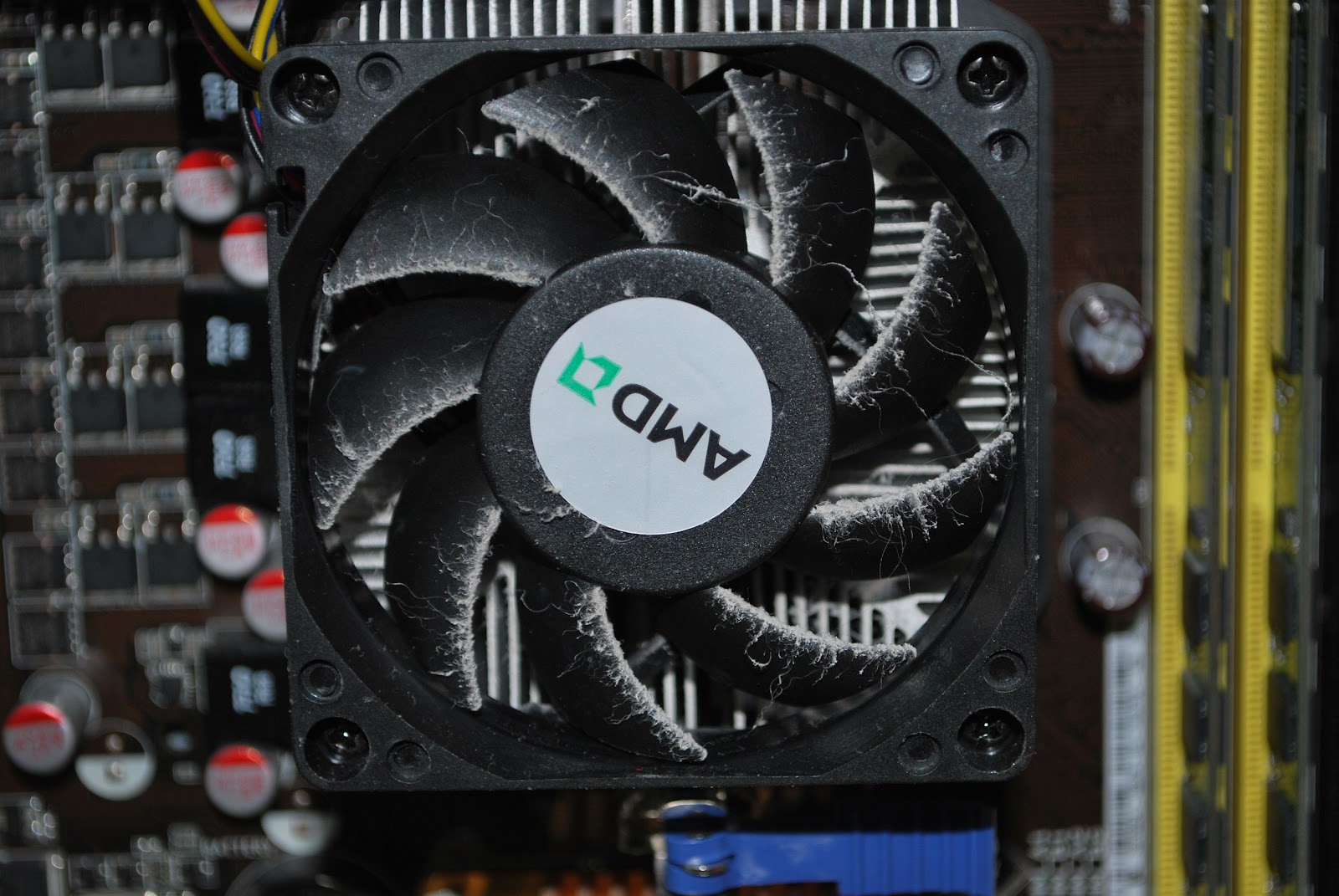 |
| Very dusty |
one DVI and one VGA output port. It was the VGA port that was not allowing my new monitor to shine with all it's resolution. I ended up purchasing the Zotac Geforce GT 620 video card. This has two DVI outputs and as with the other care supports dual monitors. A small part of the day today was spend
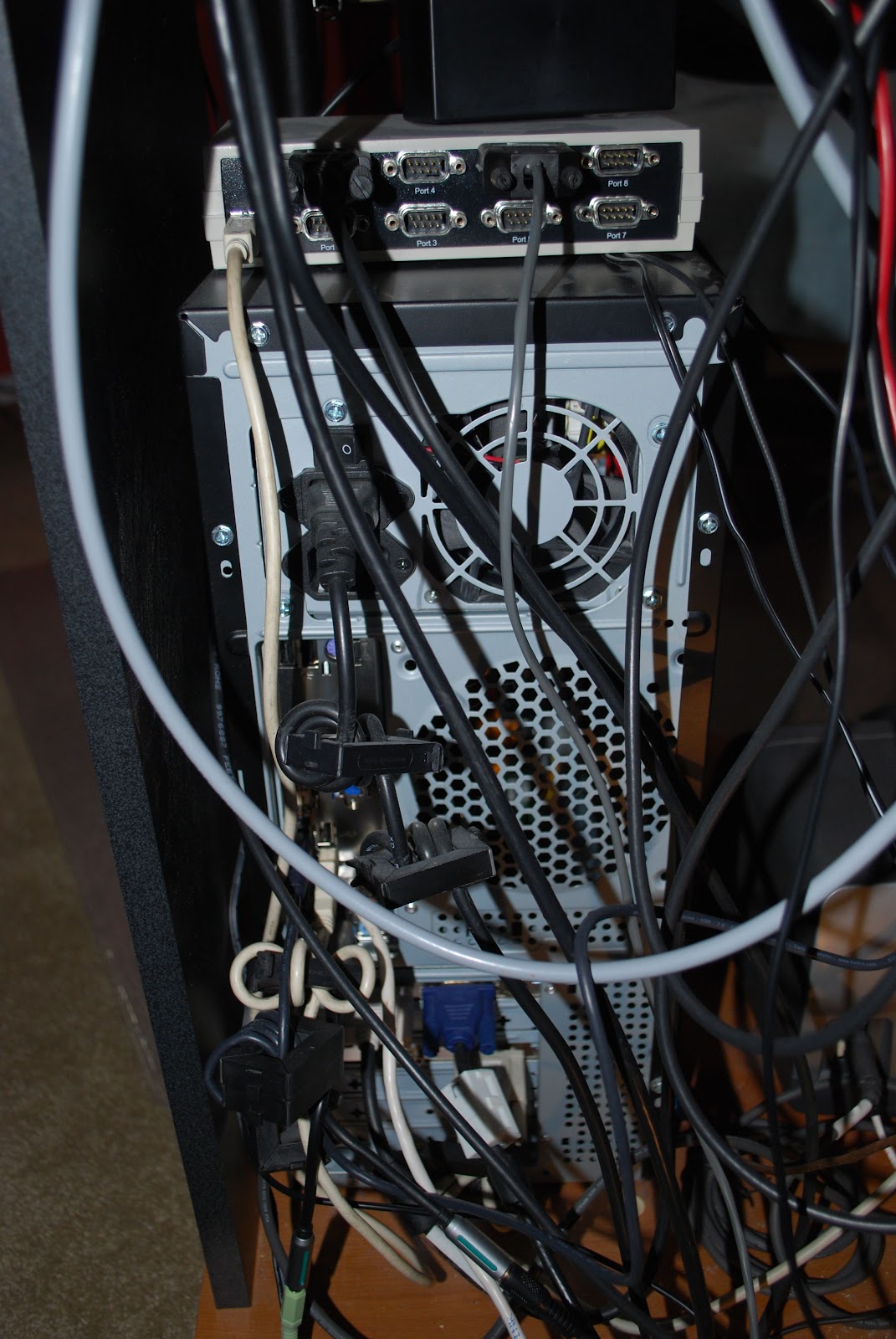 |
| Rear view of PC |
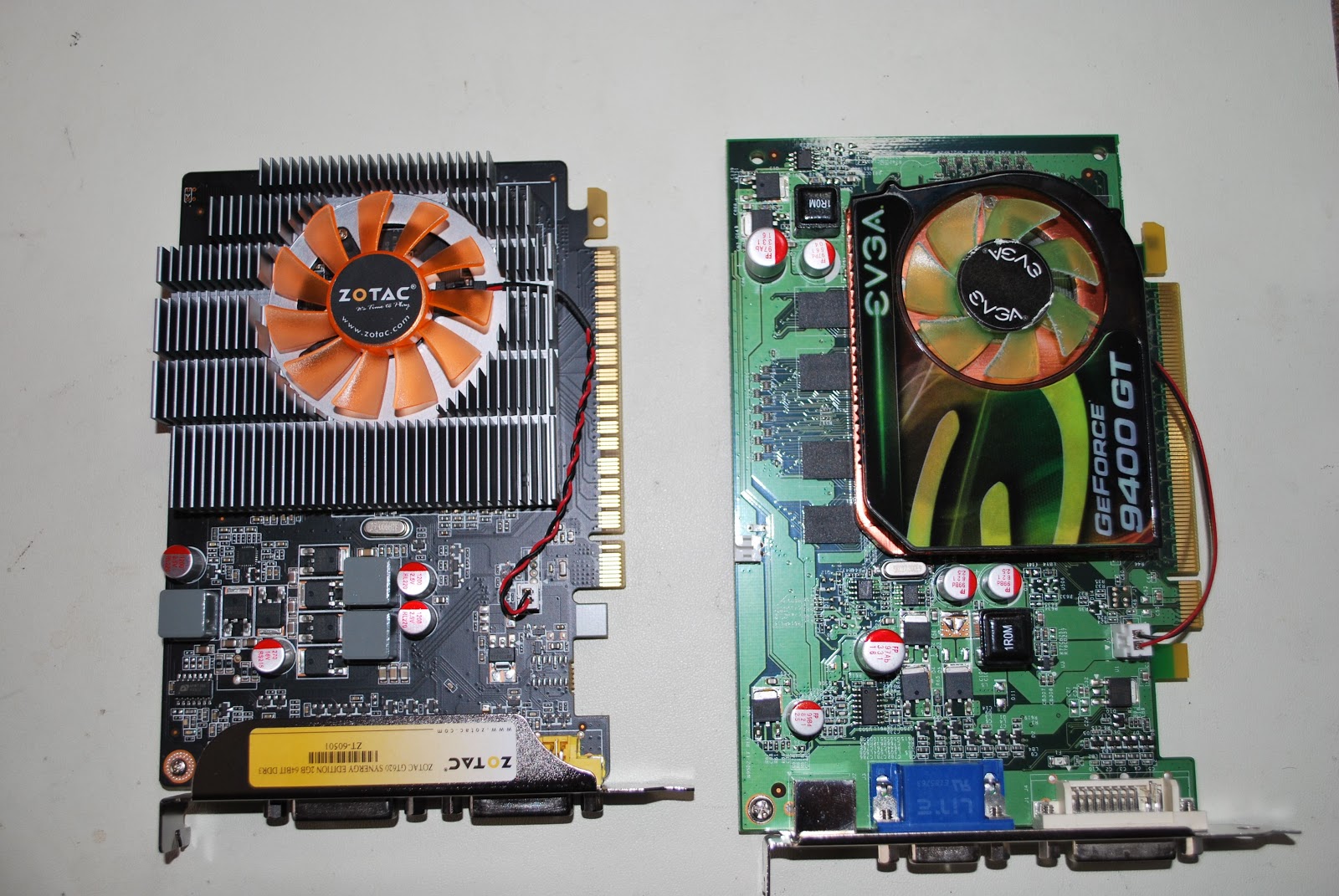 |
| New on left old on right |
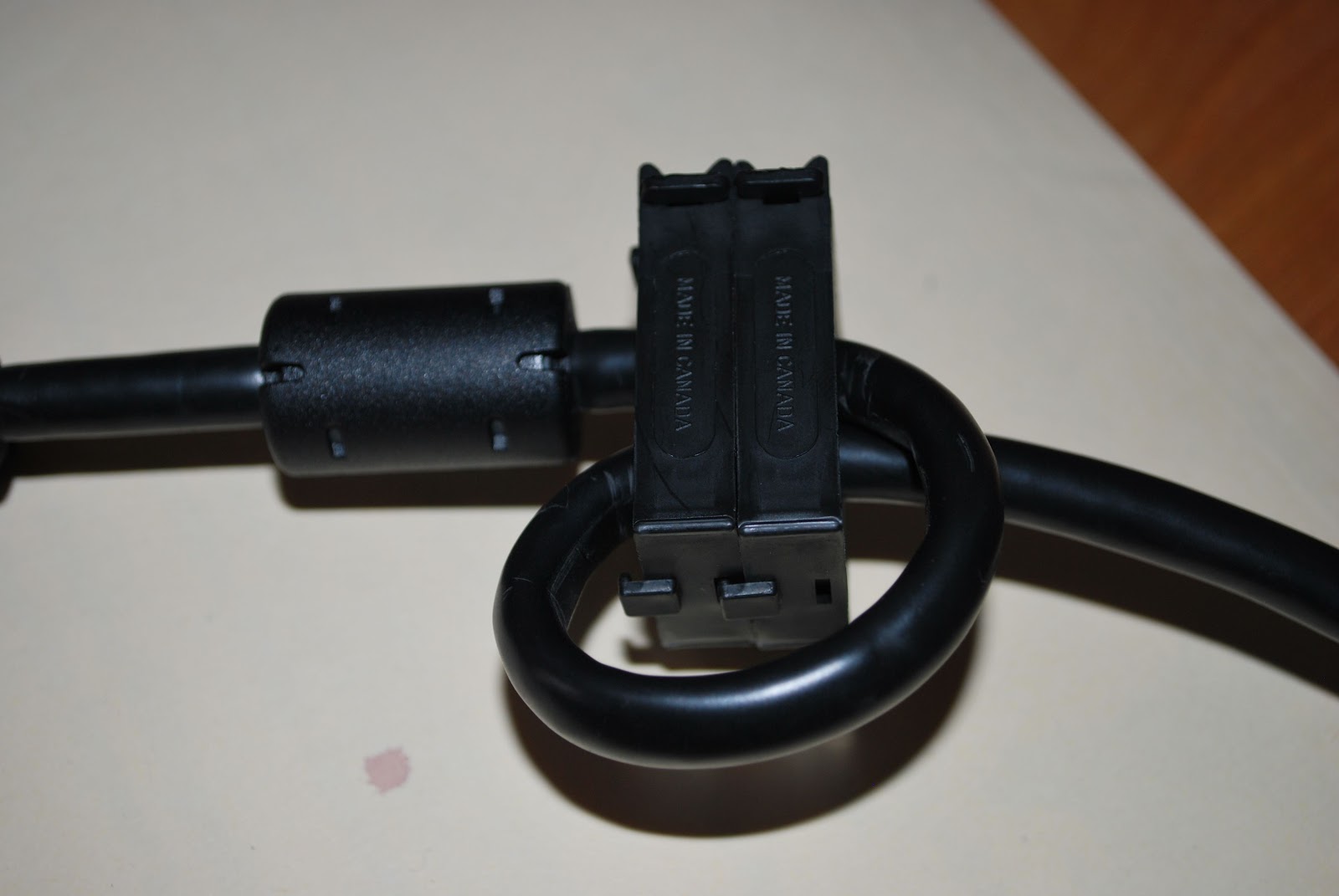 removing the Geforce 9400 card and replacing it with the new Zotac GT 620 card. It was great to have the PC out and on the test bench I was able to give the interior a good cleaning. It's very surprising how much dust gets in there and to have the processor nice and clean and running cool will extend the life of the chip. The picture of the back of my PC shows many clip on toroid around most if not every cable as well there is a ground wire grounding the cabinet as well. I also put some snap on chokes on the DVI cable to the new monitor. This way my PC and monitors are RF free!












