Posts Tagged ‘Projects’

The Elecraft P3 has arrived……

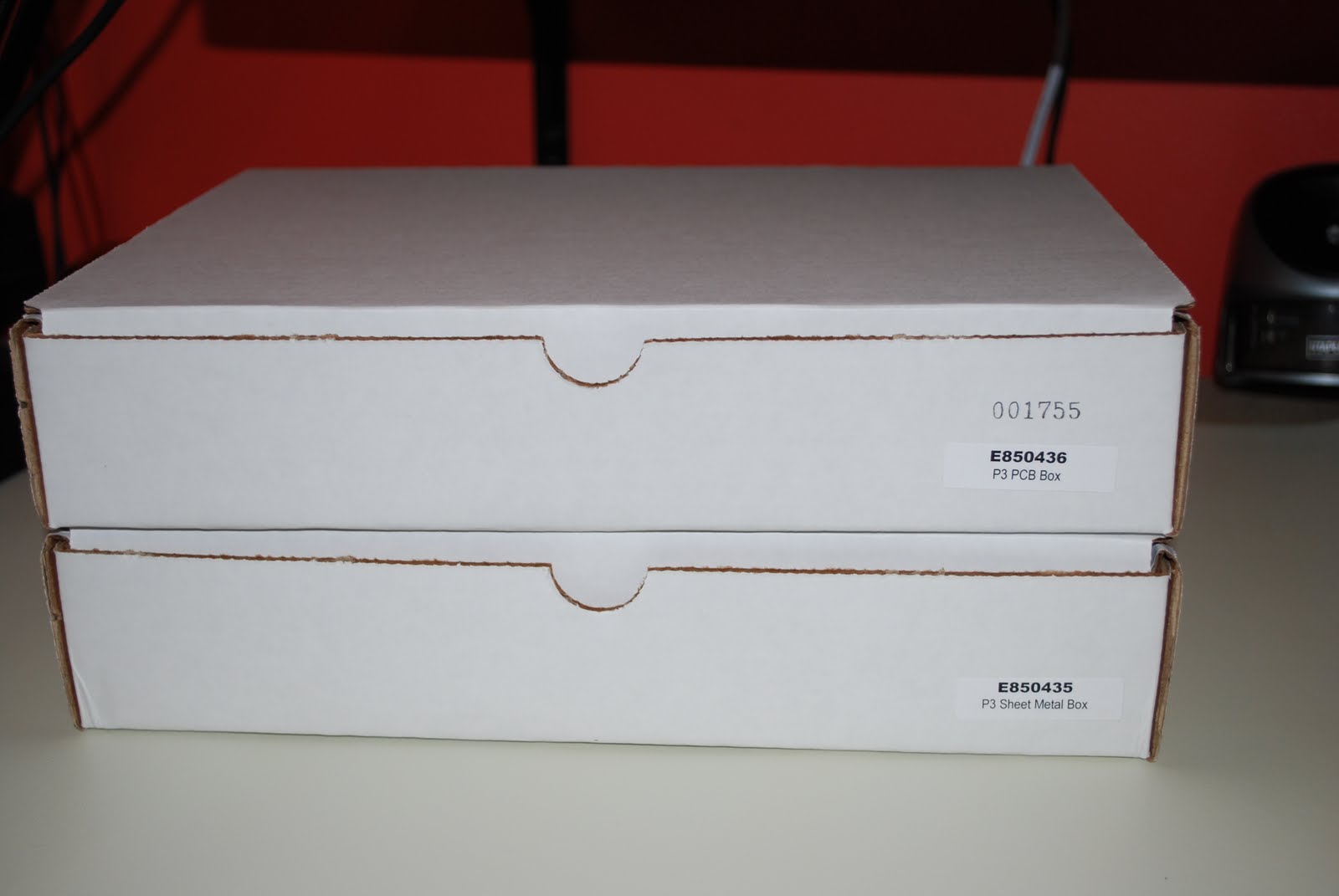
The shipment arrived
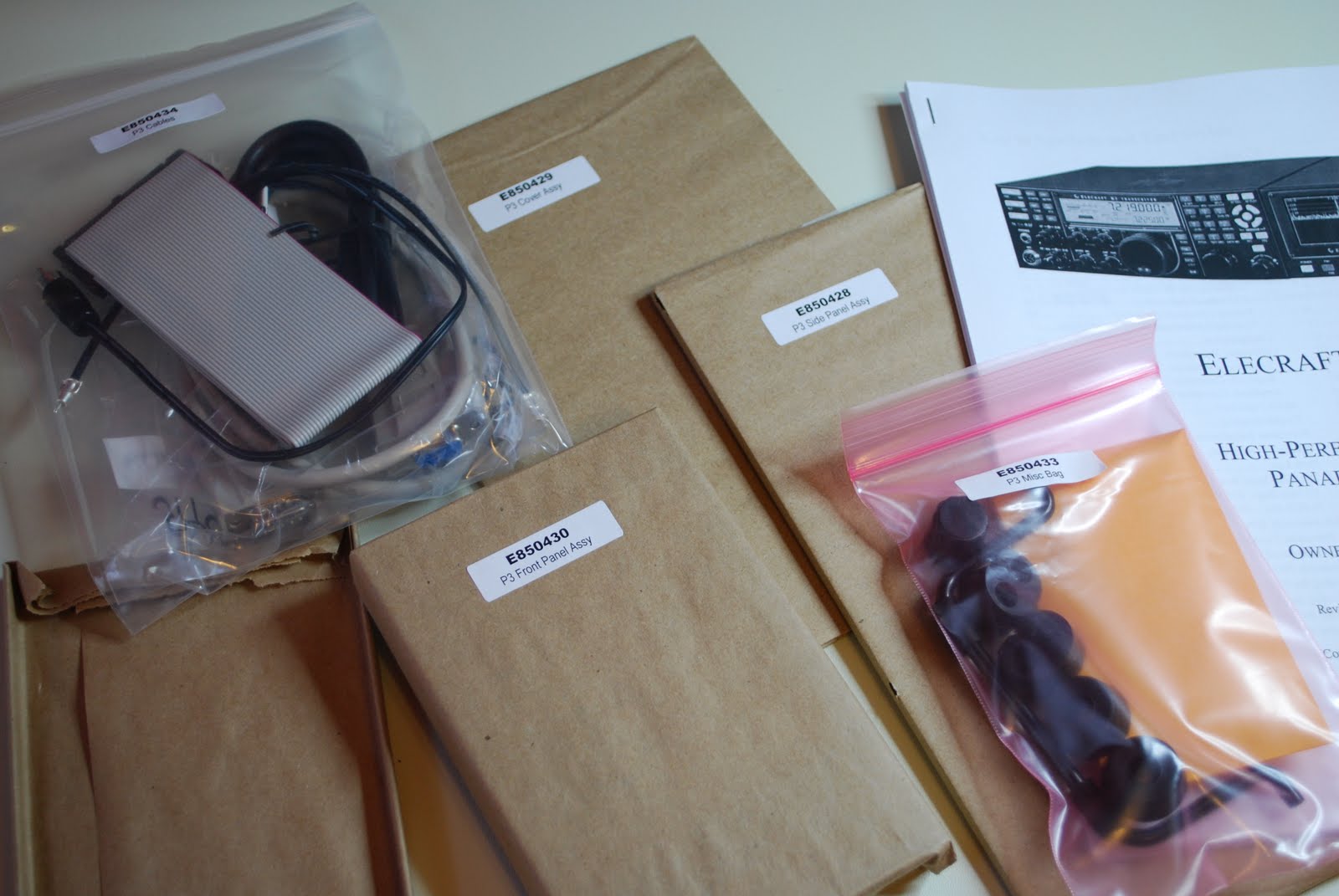
Ready to go
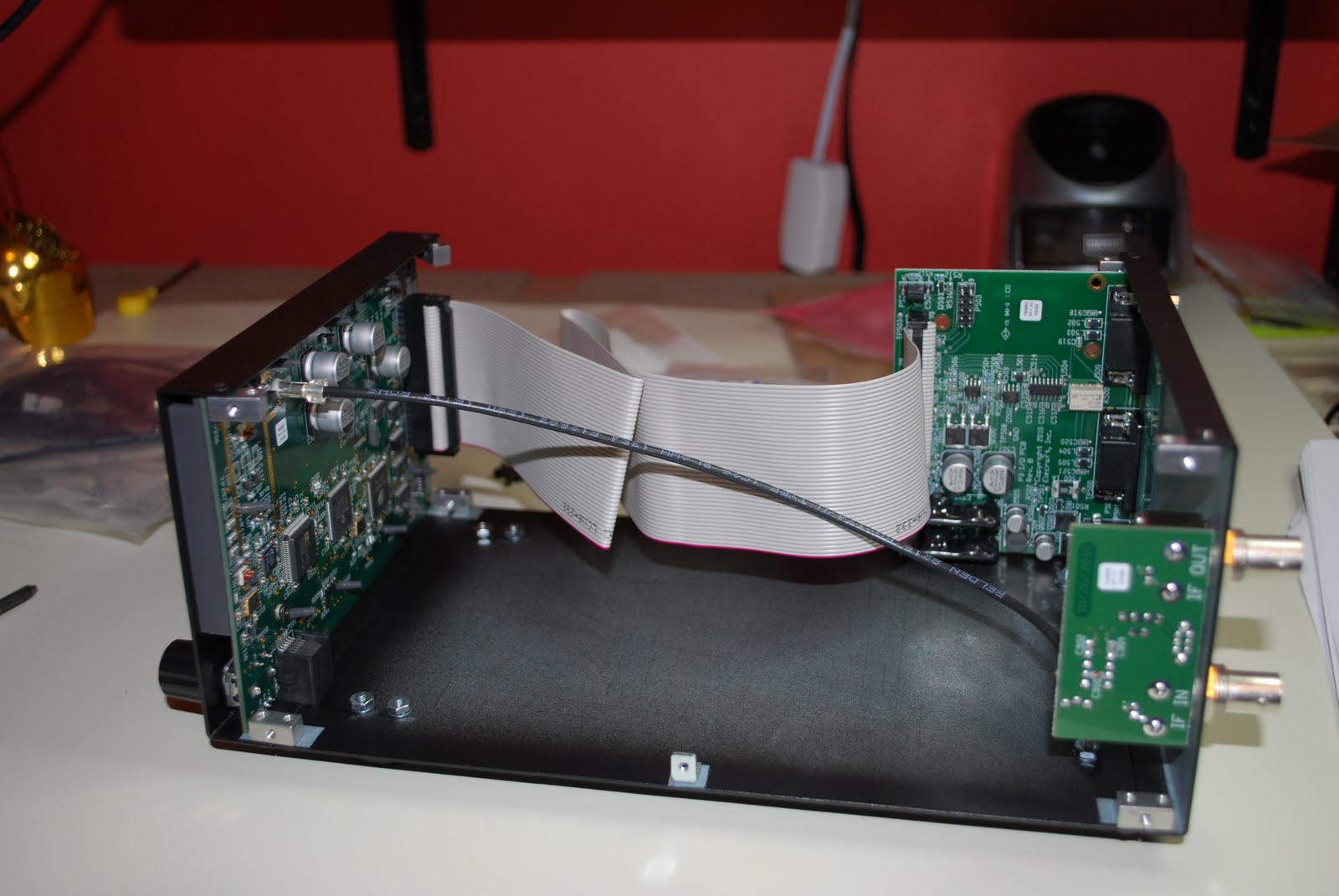
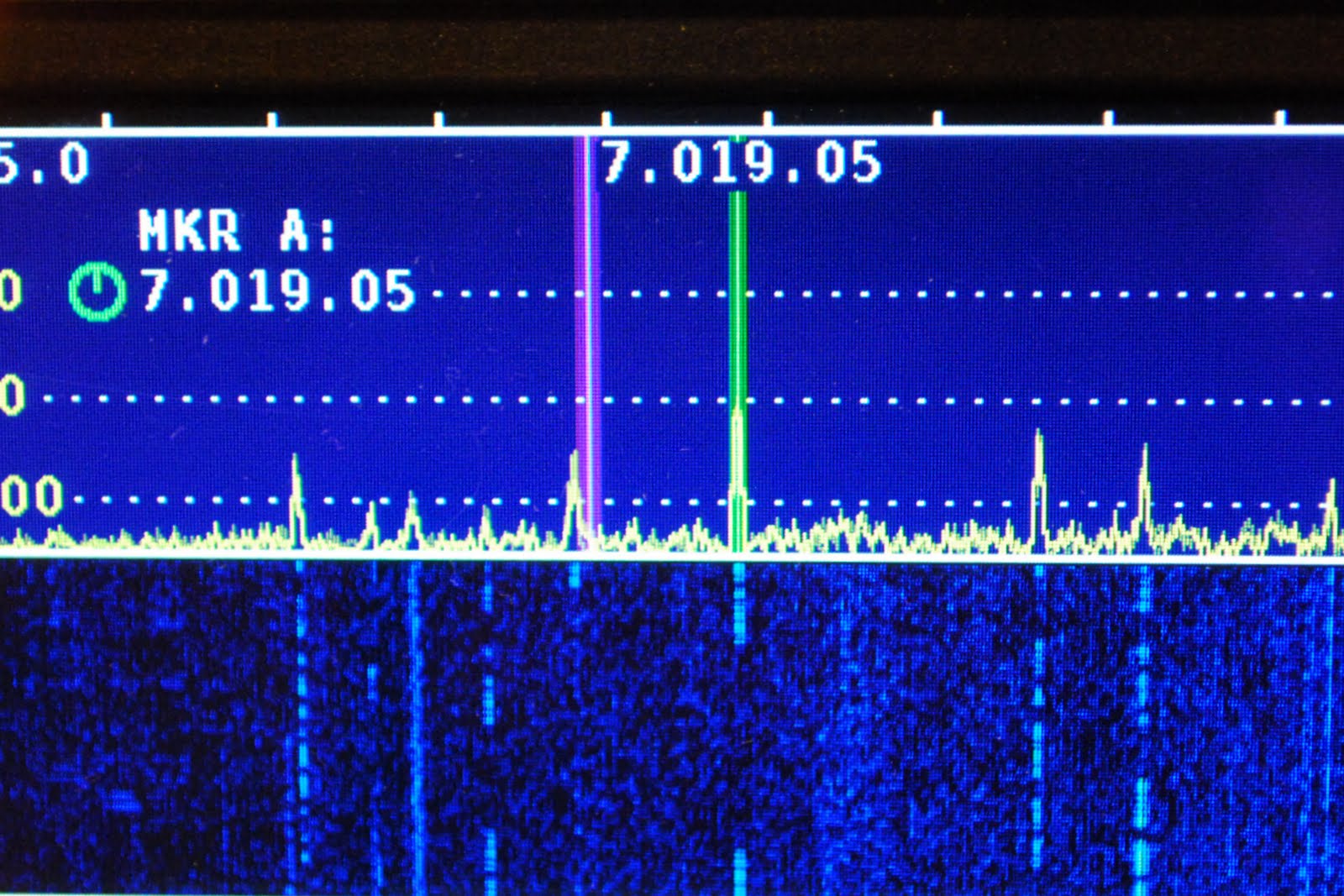
The postal service came through for me and not only was the Elecraft P3 here before Christmas it made it to my home in a record 5 business days. The package arrived on Thursday but I had to wait for Saturday to open the boxes and drool!! Before the P3 arrived I had downloaded the manual and assembly instructions to go over things. I did have plans of participating in the ARRL 10 meter contest but the P3 blinded me to the contest.  The two boxes were very well packed with bubble wrap on all sides and the contents of each box again
surrounded in bubble wrap. I sat down Saturday afternoon as the morning was dedicated to putting up the Christmas tree and decorating our home. As always I took inventory of all the parts I encourage anyone who orders any kit to make sure you do the inventory. This kit is another of Elecraft's solder-less kits. It comes with the boards (front panel board with LCD, rear I/O board and rear RF panel  
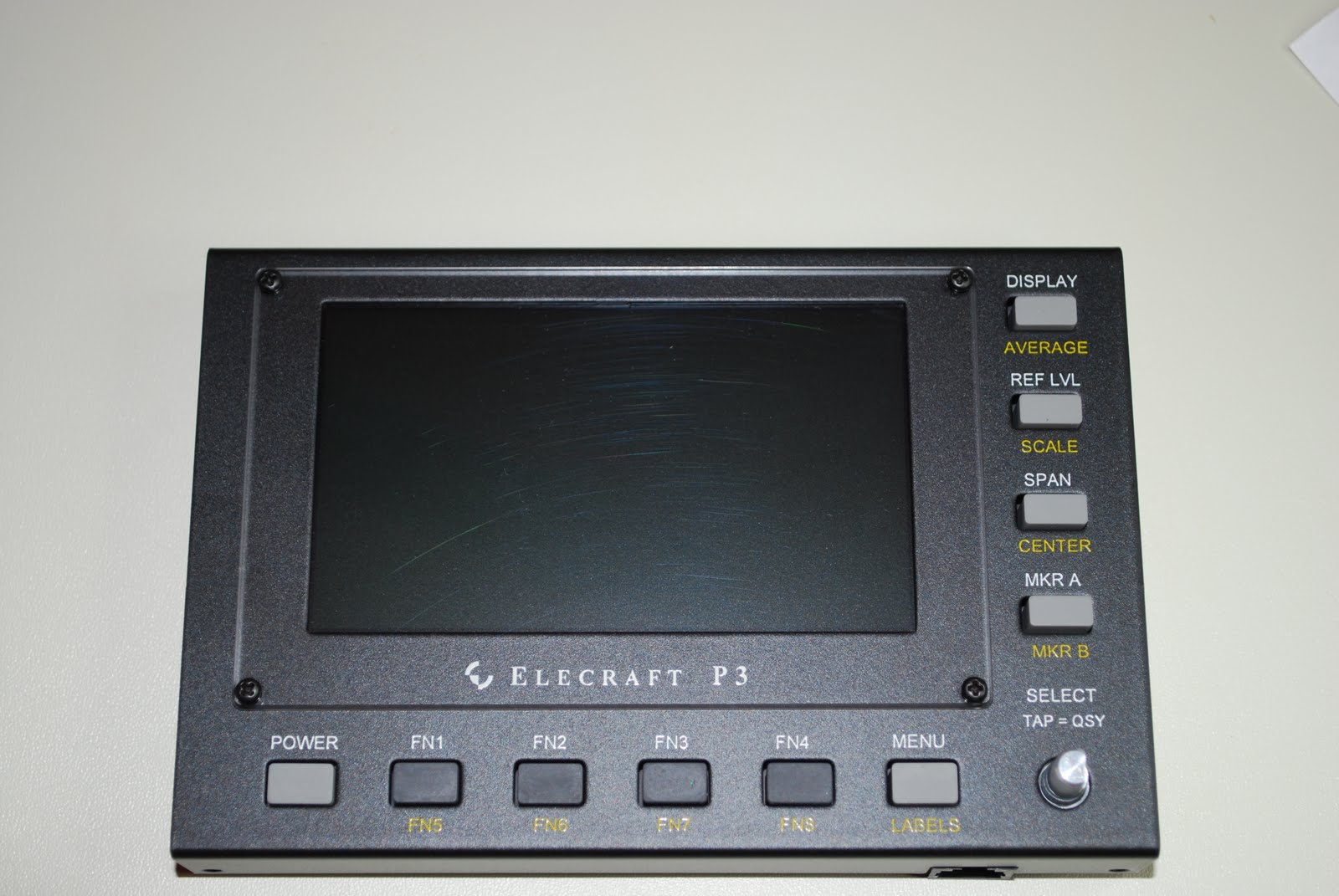
Front panel done
board) all ready to go the only real assembly is the mechanical side of the P3.  By spending some time putting the kit together yourself you save some cash. The first step was to install some stand offs onto the front panel board these are used to secure the front LCD board to the front plate assembly. The fit of the front panel board into the front plate was perfect no binding or poor alignment of screws into stand off threads. I have found with all the Elecraft kits the attention to this type of detail makes the kits a joy to put together. It was then time to assemble parts of the enclosure and rear panel. The installation of the I/O board and RF board in the rear panel went very smooth. As the end was near it was time to install the 40 pin ribbon cable. The instructions for this were very detailed and clear. A red stripe on the ribbon cable was to be
I/O board installed

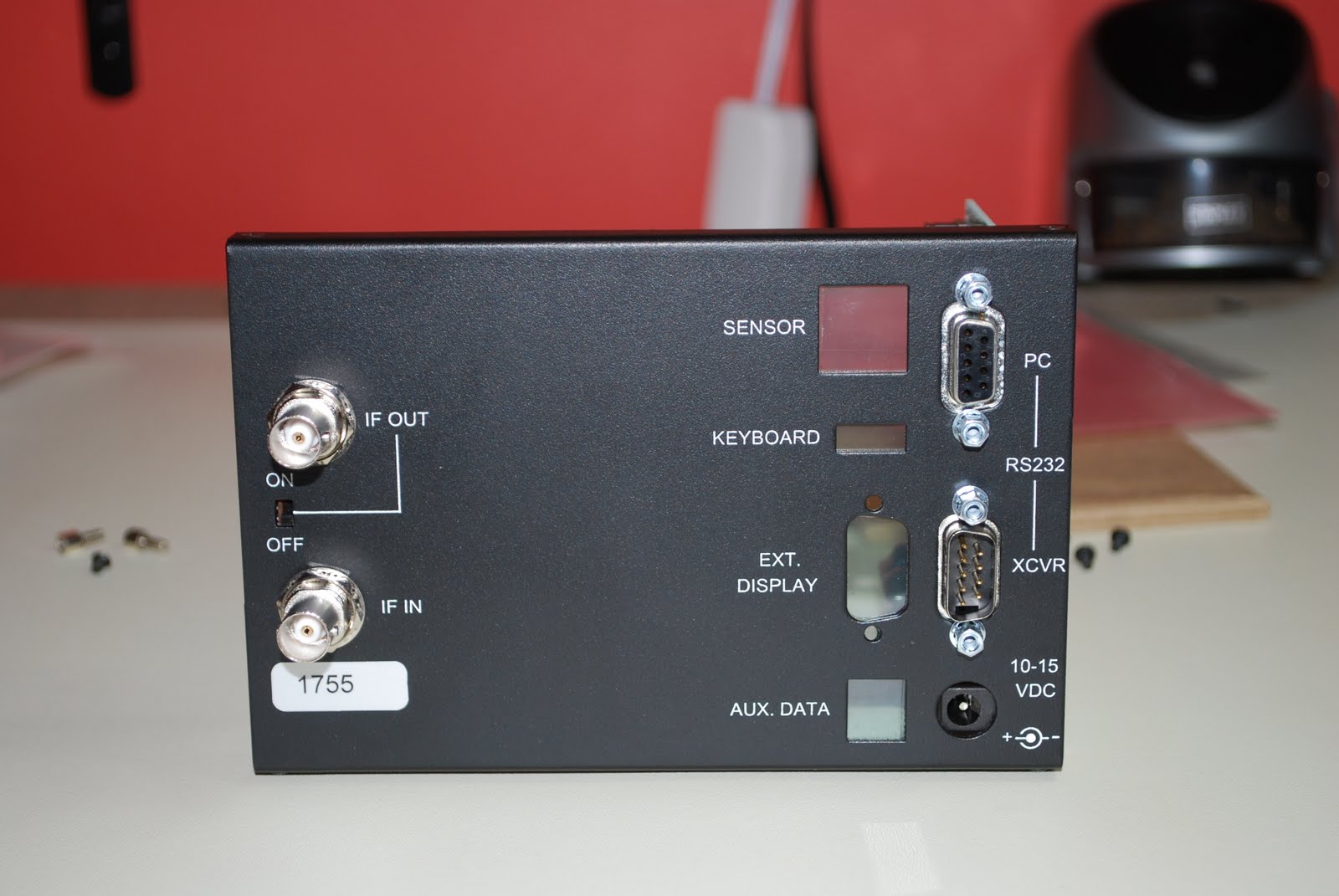
Back panel
oriented toward  certain parts on both the I\O board and the front panel board. Failing to plug the ribbon cable in correctly would result in damage  once power was applied. Lastly there was a TMP coaxial cable from the main board to the RF board and except for a few more chassis screws the P3 was done. The total time was about 2 hours with some breaks and taking my time. This unit is plug and play with the K3 radio. To get the P3 mated with the K3 there was a power cord that plugged into the K3. This way when the K3 was powered on so is the P3. ( there are other options for power up and only involved changing a plug in jumper on the P3) The IF feed comes from the K3 to the P3 with a supplied
The finished product
BNC coax jumper. Finally there is RS232 DE 9 cable (again supplied by Elecraft) between the P3 and K3 so they can "talk". I then brought my RS232 from the PC to the P3. This allows me to update the P3 over the internet and the P3 utility can communicate the P3. I have not had to much time to play with the P3 as Sunday was dedicated to shopping and resting as I worked all night Saturday.

Hooked up to K3


Elecraft’s KIO2 project and kit building tips

With all of Elecraft's radio kits the builder is able to purchase add-on's to the radio either as needed, when able to afford them or if you want to expand into a new area of ham radio like FM or digital. At this point I am adding the KIO2 to my Elecraft K2, I want to remote mount the 100 watts amp (KPA100) and the antenna tuner (KAT100). To do so my next project is to build the KIO2 module. By adding this unit I am able to communicate with the K2 through my P.C. Also the K2 can operate along side the external amp and antenna tuner. So back to the KIO2 project.....the first step in the assembley is to mount two brass nuts to
Soldered nut
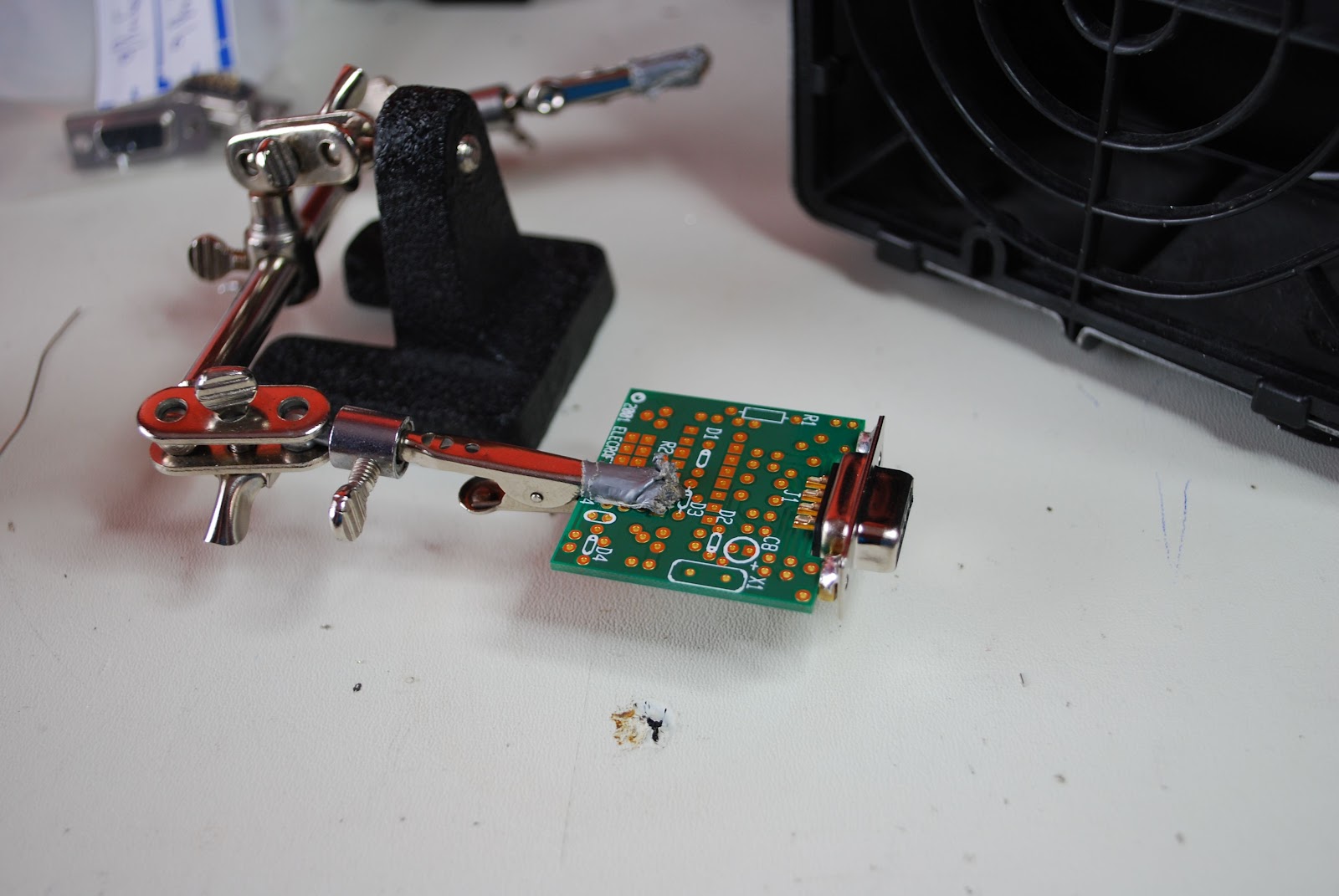
the 9 pin D connector (DB9F). To make this part of the project go smoothly you begin by change the tip on your soldering iron. I have the Weller WES51 soldering station it is a 50 watts unit and has been very reliable. I am able to change from a very slender tip to a larger tip for better heat transfer. I also add a little bit of solder paste to the nut and chassis of the DB9F. This helps the solder flow from part to part. Finally I have a larger diameter solder just for these types of jobs. This allows me to feed the solder to the spot were needed and I am able to get more flow of solder to that spot at one time. The next step seemed impossible to me at first,  I was to press the small PC board between the top and bottom rows of the DB9F
DB9F installed

connectors.  After a few gentle tries and not successful I gave the board a good push and it did slip on and was a solid mating between the board and connector. At this step you may have to give a little elbow grease but the board will actually mate with the connector. Next I had to mount a 16.289 Mhz crystal care has to be taken as you can damage the crystal very easily with the heat from the soldering iron. The tip on the iron
Soldering on the can

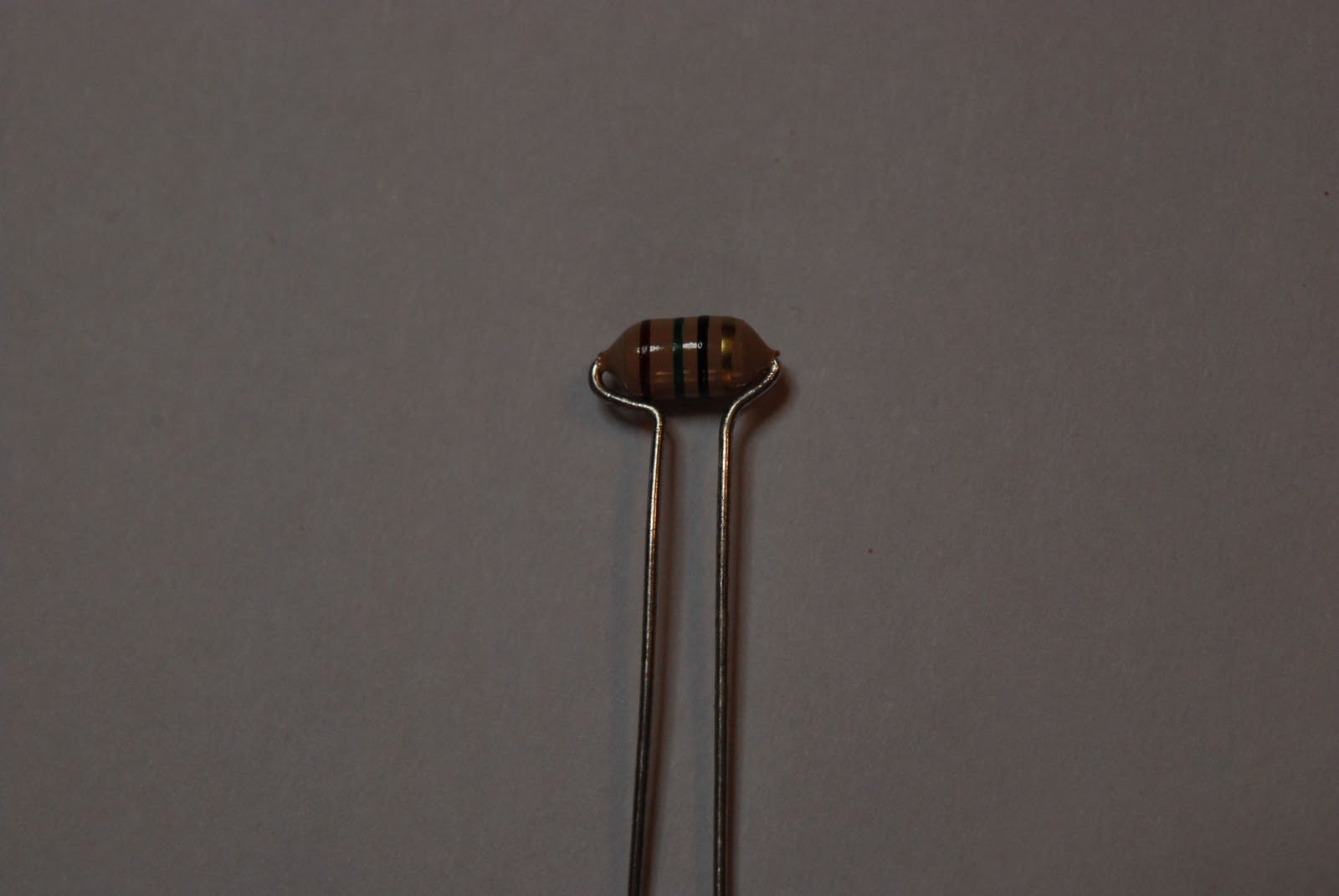
has to be changed back to the smaller tip enabling you to solder the crystal to the PC board. Once that is done a ground has to go from the top of the crystal (the can) to the PC board. To do this you must take the time to change the Weller tip again to the larger tip. Failing to do this and trying to do it the "fast" way may result in damage to the crystal or a poor solder job.....but most likely it will be both. Thus no time will actually had been saved.  A discarded terminal lead is used for grounding. I start by forming the lead to fit properly. Then tin the top of the crystal add a little flux to the formed component lead. Put the lead on the top of the can of the crystal and add solder. Doing this way allows you to keep the soldering iron tip on the can for very short intervals. Now  it's a simple case of mounting resistors and cap's after changing the Weller tip to the smaller tip. The inductors have been

Bending inductor leads
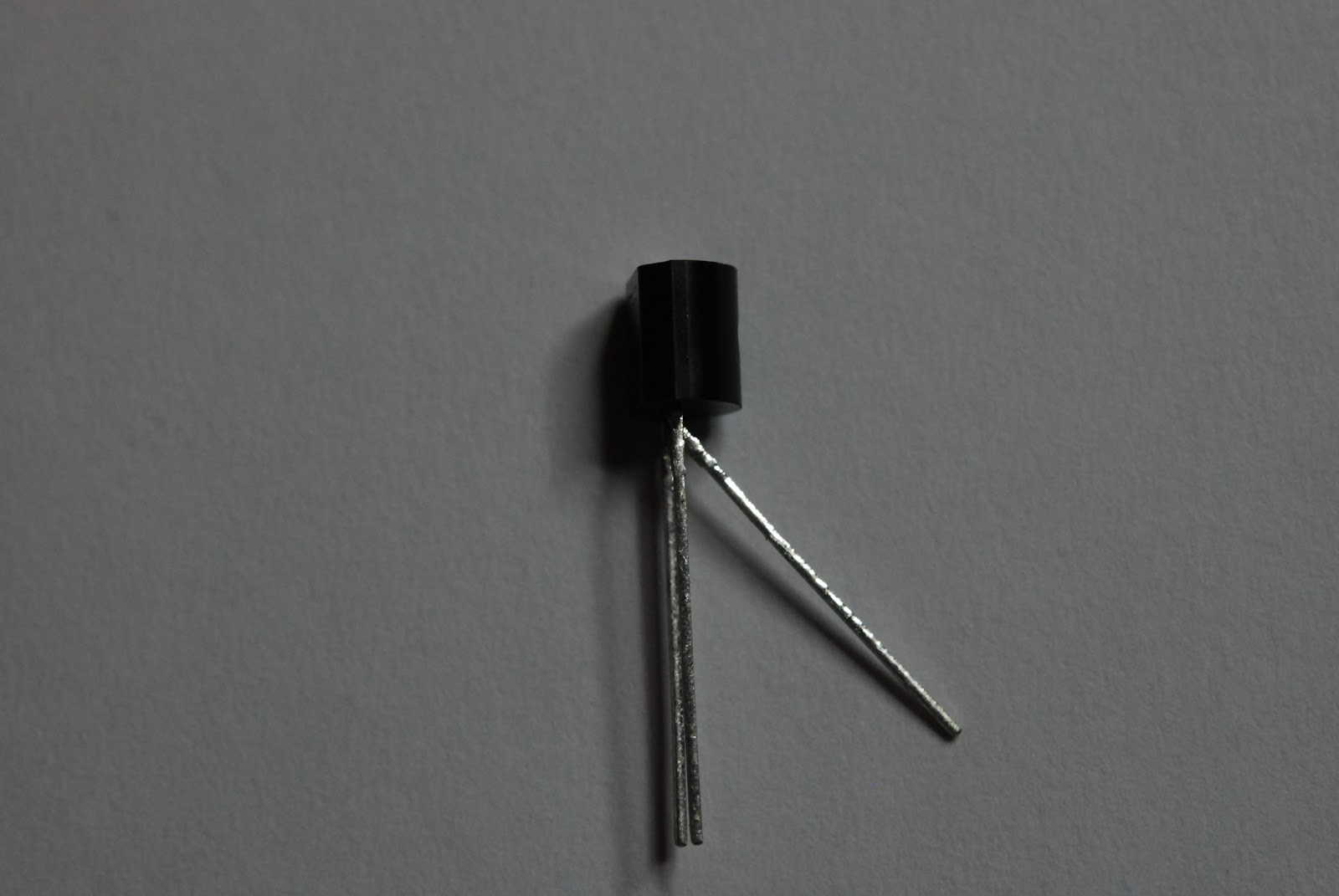
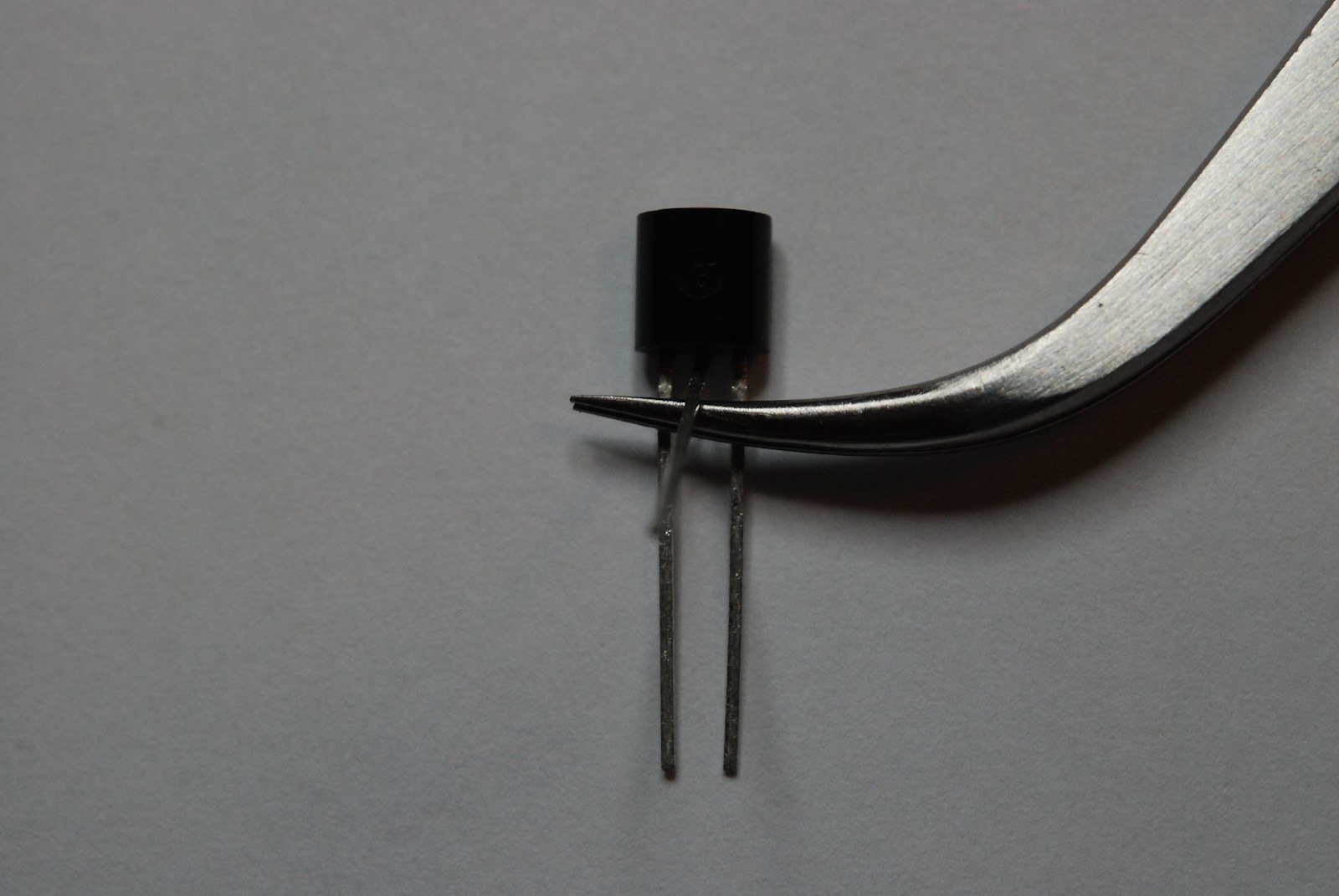
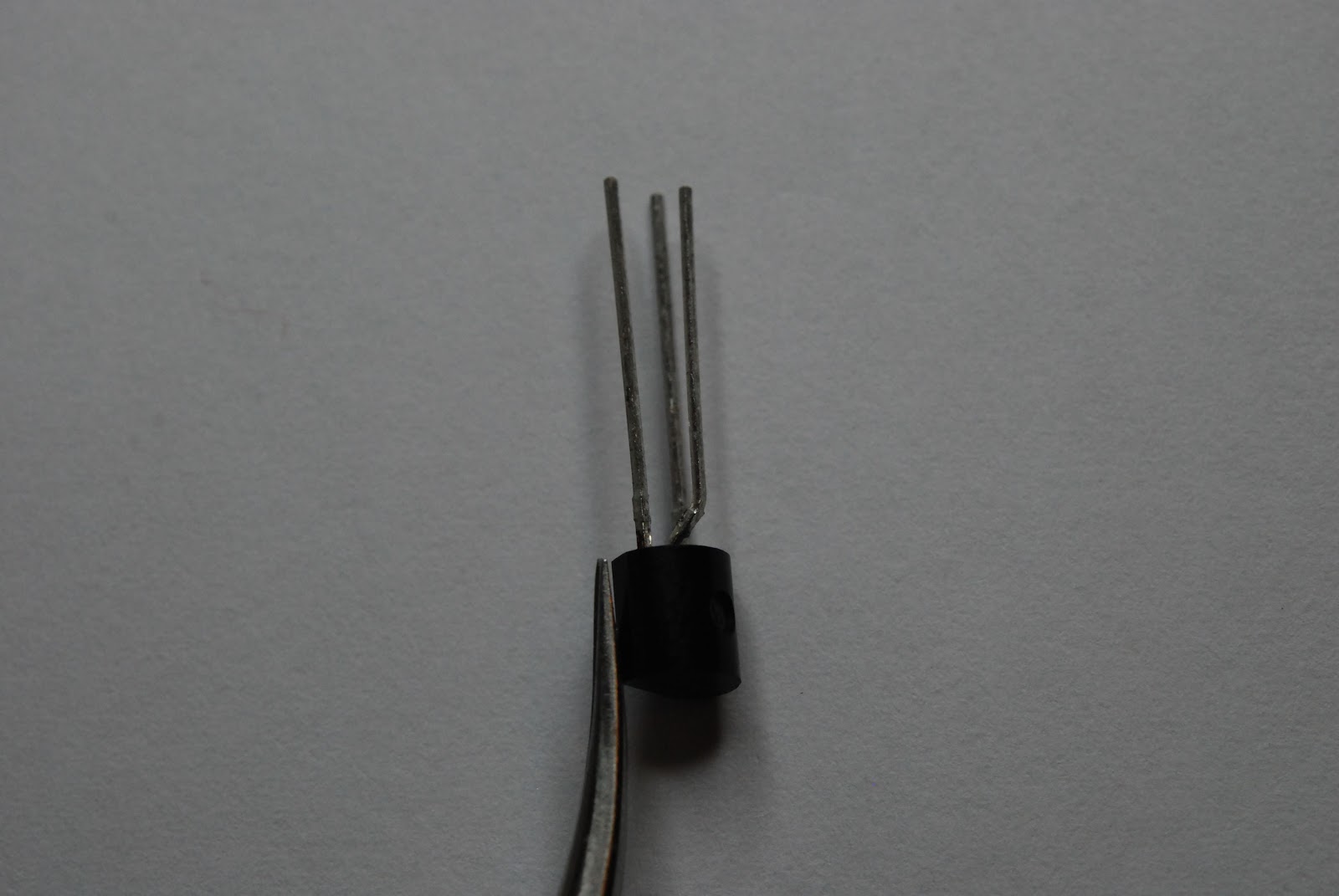
upgraded by Elecraft to a larger current carrying inductor. Because of this the leads have to be bent to allow component leads to fit onto the board. While on the subject of bending leads I have always had fun getting the three leads of the transistors and voltage regulators lined up with the outline on the PC board. I found a way that works almost all the time and is very simple...just the way I like it.....I use a pair of my tweezers to bend the center lead out and away from the two outer leads. Then I slide the tweezers between the center lead and two outside leads. The I simply bend the center lead upright. The tweezers
Middle lead bent outward
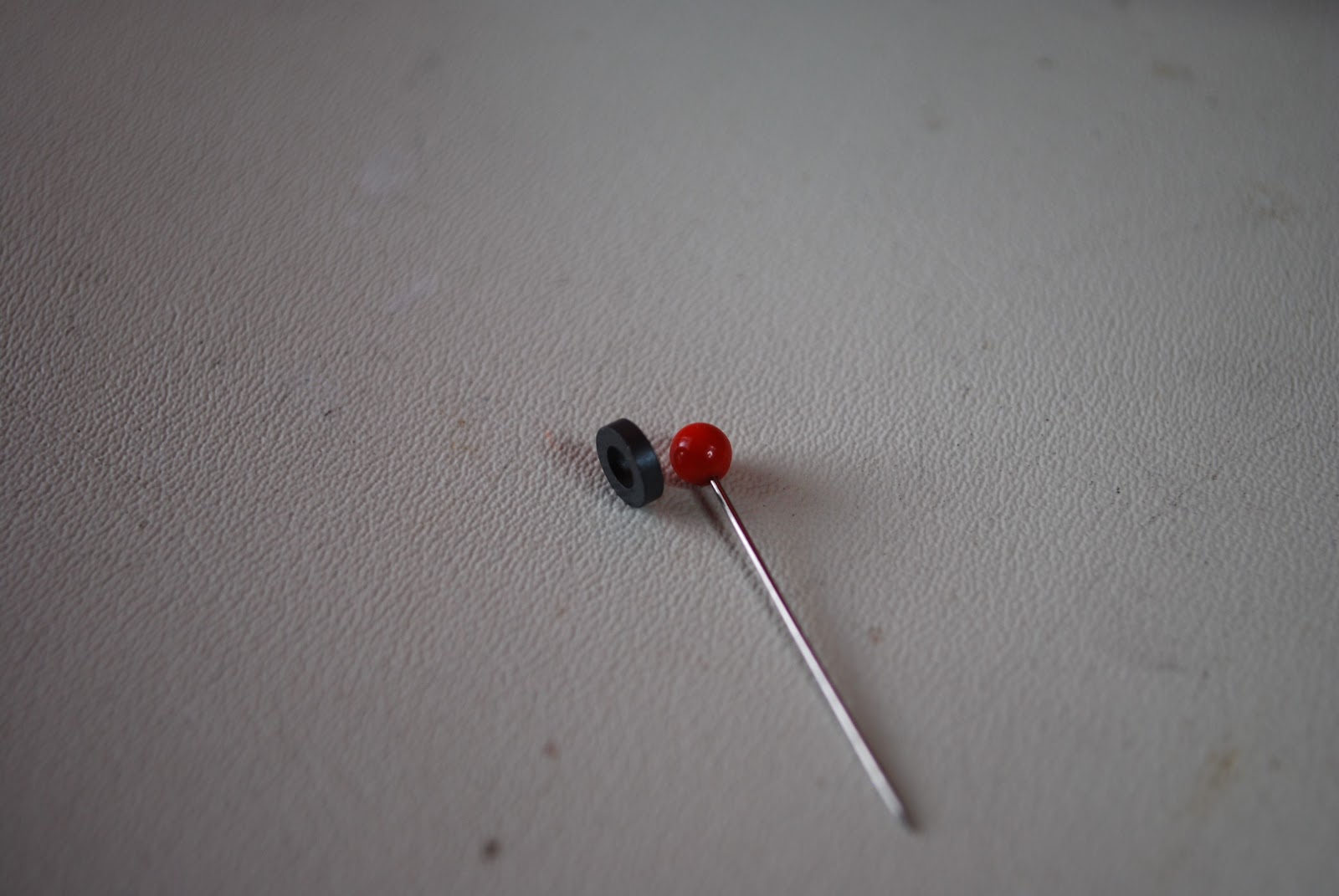
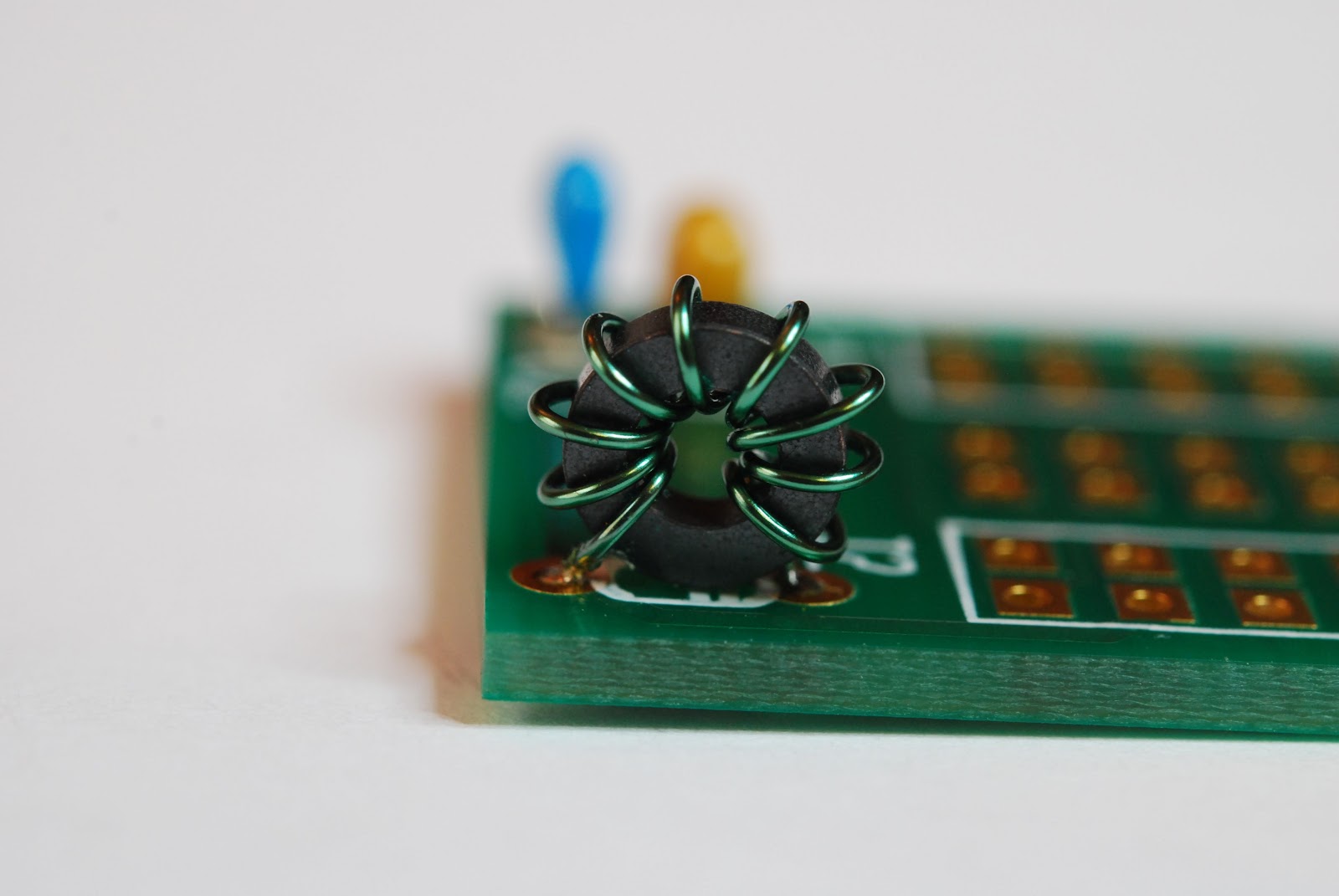
seem to provide the spacing that is needed for the component to fit into the board nicely. I have wound many toroids in my kit building days but the KIO2 board has the smallest toroid I have ever seen!!! Also this toroid does not have rounded edges but sharp right angle type edges, I didn't think this would be an issue until I started to wind the toroid. The first winding adventure had me removing the enamel coating on the #26 wire. As I wound the toroid the wire enamel was scrapped off but the sharp edges on the toroid core. It was time to unwind the toroid and re-evaluate the way I am going to wind this darn toroid. In the past as I threaded the wire threw the core it would ride along the cores edge and I pulled

Tweezers inserted then bend lead
the wire tight. Doing this just scored the heck out of the wire. The toroid was to have 12 turns which meant the wire would be very close to each other so I did not want any shorts. It's easier to fix this now by rewinding the toroid than later removing it on the completed board. I overcame this problem by not allowing the wire to touch the core edges as I was winding. Always keeping a large loop in the wire
Pin and toroid
around the core seem to do the trick. As I closed the loop the wire was allow to rest gently on the toroid it was  NOT pulled tight as with other smooth toroids. There were two changes I had to make to the KIO2 the first was adding a 9 turn toroid in place of a smaller inductor at the L1 position. When remote
End result
 mounting the 100 watt amp and antenna tuner the KIO2 has to control more. When it does the the current draw goes up as well. The inductor supplied with the KIO2 is rated around 15 mA with the added KPA100 the draws 65 mA at idle.  The advice is to replace the inductor with an 8-9 turn FT23-43 toroid. Elecraft was great in
Keeping wide turns
shipping me the toroid I needed and the wire was well. There was a bit of confusion on my part regarding L1, the kit comes with two PCB's on KIO2 and the other AUX2. I assumed the L1 position on the KIO2 board was the spot for the new toroid....but it's not. You also have an L1 position on the AUX2 board and this is were the new toroid is placed. The other change that has to be made is the cabling from the KIO2. Normally there is just a cable from the K2 over to your PC and that's it. When you remote mount the KPA100 and KAT100 the cable path now must not only go to your PC but to the
New L1 Toroid
 KPA100/KAT100 combo as well. So there is an additional cable that has to be soldered to the DB9M connector going to the K2's DB9F. This is the reason for adding the larger inductor as more power will be required of the L1 inductor. It's like it is doing double duty. For most of my PCB board handling needs I find
Alligator clip vise
my Panavise to do the trick. For soldering the interconnecting cables to the DB9M I find the alligator clip type vise works great. I can place all the wires in the DB9M and solder them all at once. The final step in the construction is to add an 8 conductor cable from the KIO2 board to the AUX board. The Elecraft instructions ask  you to strip, tin and place each of the 8 conductors in the designated holes on each board then solder. When I did this I found the individual wires coming out of the PC board. I then soldered the first 2 set of wires in place and it was much easier to then instal the rest and solder them in. It's
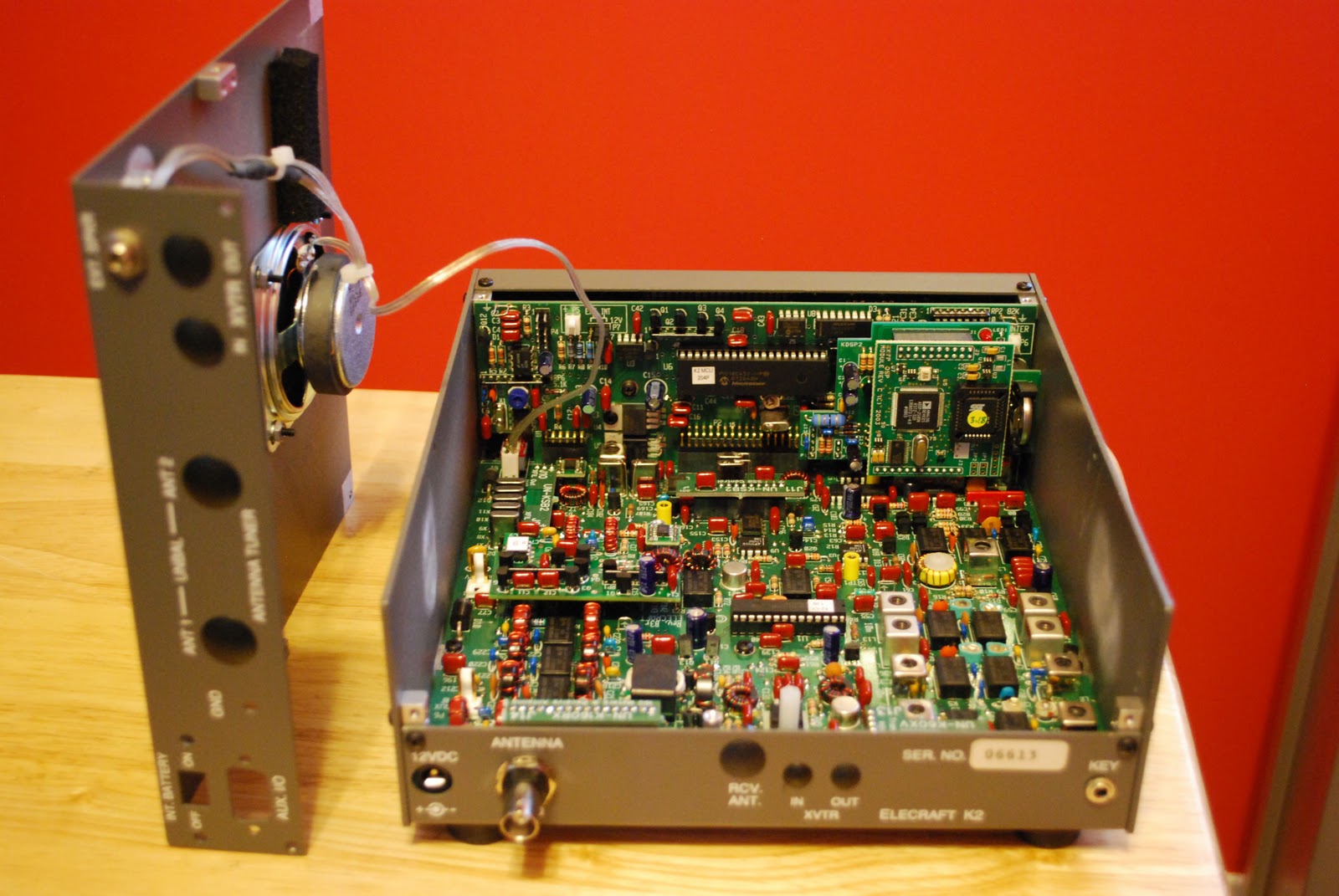
installing in K2
 done and installed in the K2 time to test it and move on to getting the K2 into portable/home mode but that is a whole new post.

Winter hibernation plans

Some winter fun projects
What is wrong with this picture?
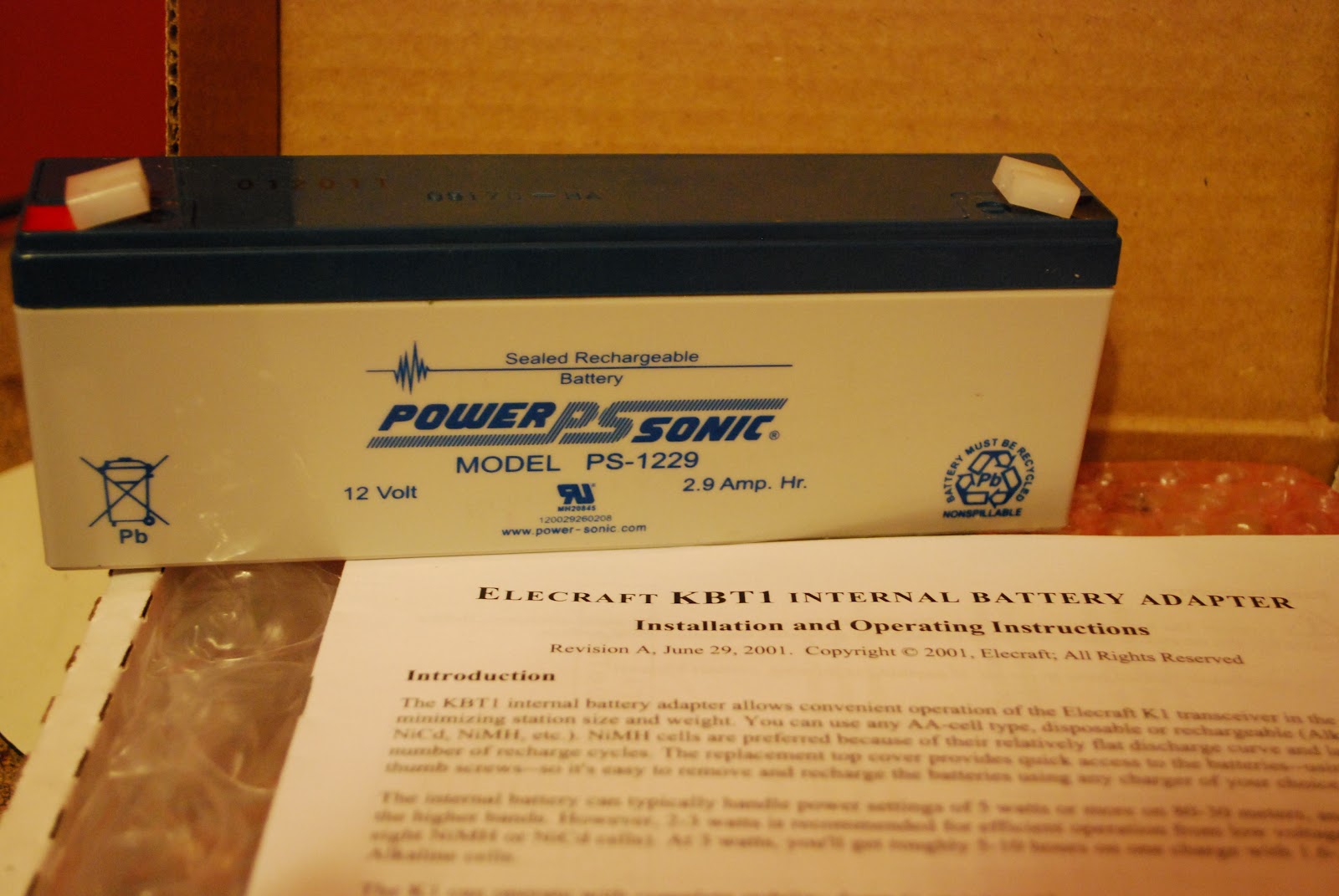
It has been very busy both at work and here at home I have not had much time to get on the radio or to blog. I  have just had time in the late evenings or early  mornings to get on the laptop and check in with other bloggers to see what's up. As the summer moves on to other areas of the world and winter settles in here it's time to move from outdoor activities to indoor ones. Sure getting on the radio is one of them but heating up the soldering iron is another activity. Some projects I will be working on over the next couple of months are  Idiom Press's Logikit COMS-4 keyer, Elecrafts KAT2 antenna tuner and KBT2 battery kit for the Elecraft K2 radio. Now this is not going to hold me for the whole winter so some other kits will have to be considered. But until then this will keep me hopping along with the radio op time for at least the fall and into the new year.  I am getting my Elecraft K2 ready for both home and out door (in the summer) operations. To do so I have to build and install the KAT2 antenna tuner and KBT2 battery as well. Speaking of the KBT2 have a look at the picture above...all  you Elecrafters out there what is WRONG in this picture??? One project that is almost complete is the KIO2 RS232 interface board. This unit will allow communication between my K2 rig,  external tuner/amp combo and my PC. There is a mod that has to be done to the KIO2 board to allow external mounting. The KIO2 is going to be my next post with assembly and the needed mod.

Making the K2 portable……..

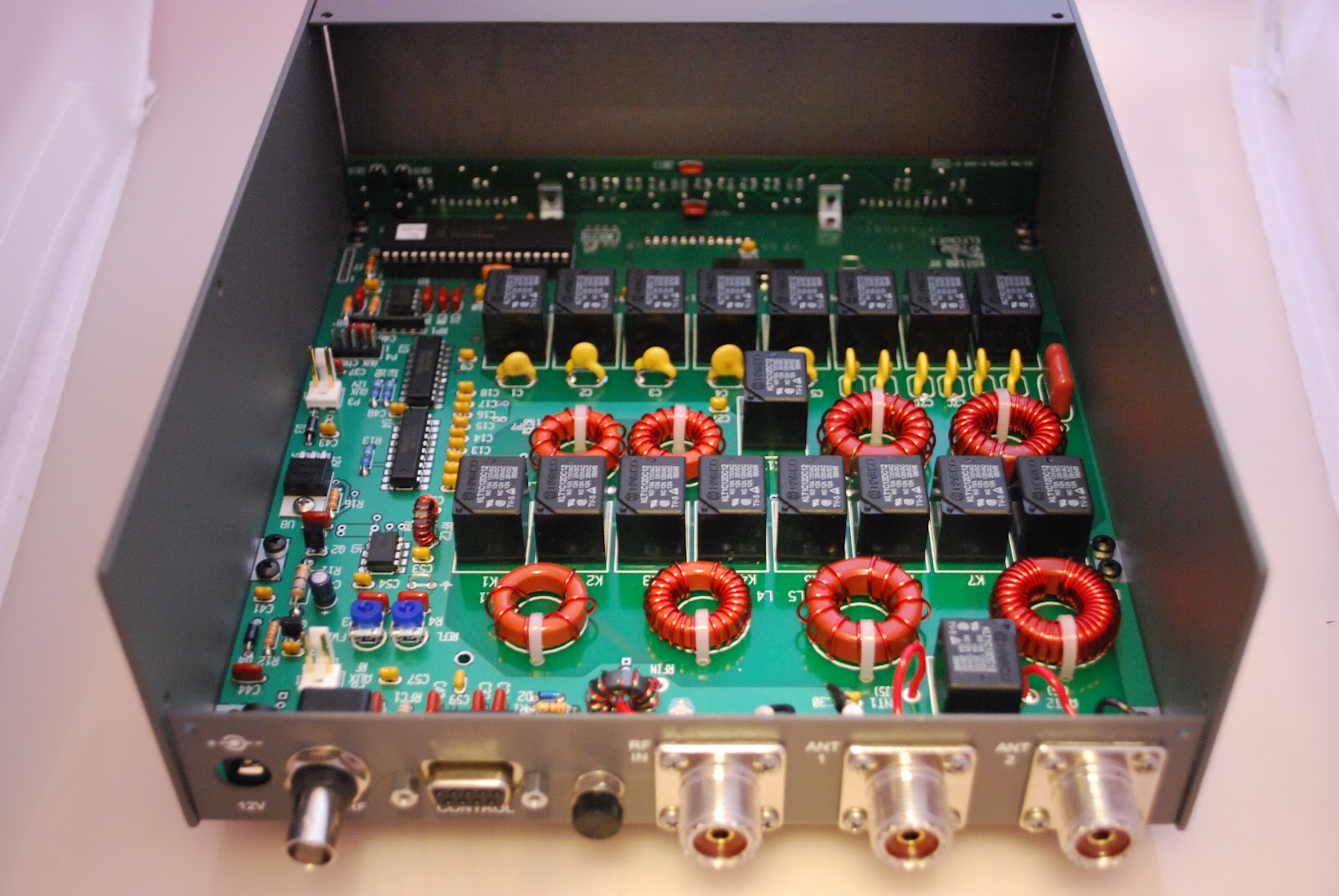
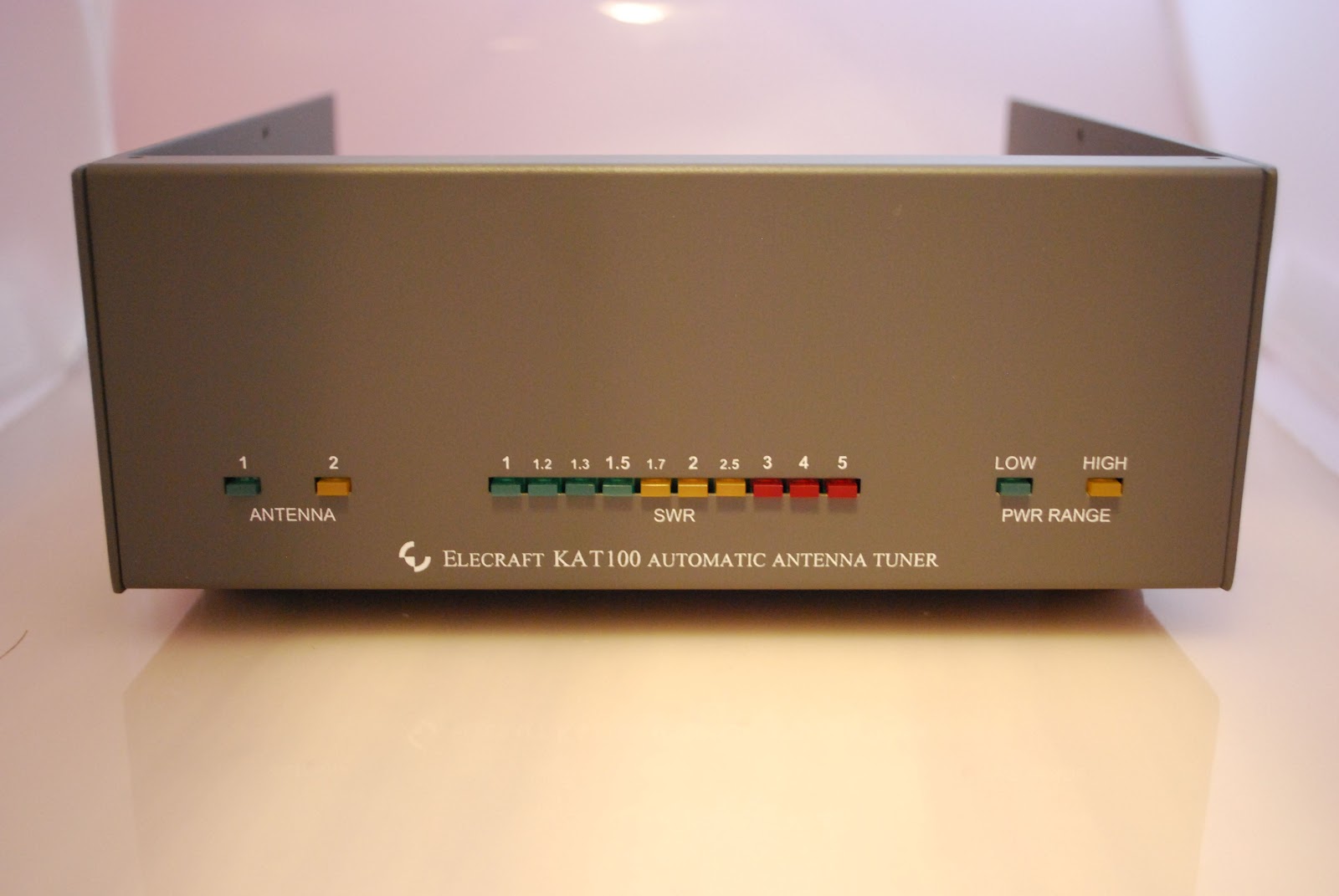
KAT100 in new enclosure
In a previous post I debated to either jump on the Elecraft KX3 band wagon or convert my Elecraft K2 so it can be used both as a home base radio and also for portable op's. The bottom line for now is the KX3 is out and I am in the process of converting my K2.  The end result will be that I'll have my K2 for portable operations with an internal battery and internal QRP antenna tuner. At home the radio will then hook up to the external antenna tuner (KAT100) and if and when needed the 100 watt amp (KPA100). So I ordered the KAT100, KIO2 (RS 232 interface), KAT2, KBT2 (internal battery) and the
enclosure to house both the KAT100 and KPA100. I have completed the external antenna tuner. It went very smooth
Toroid lineup
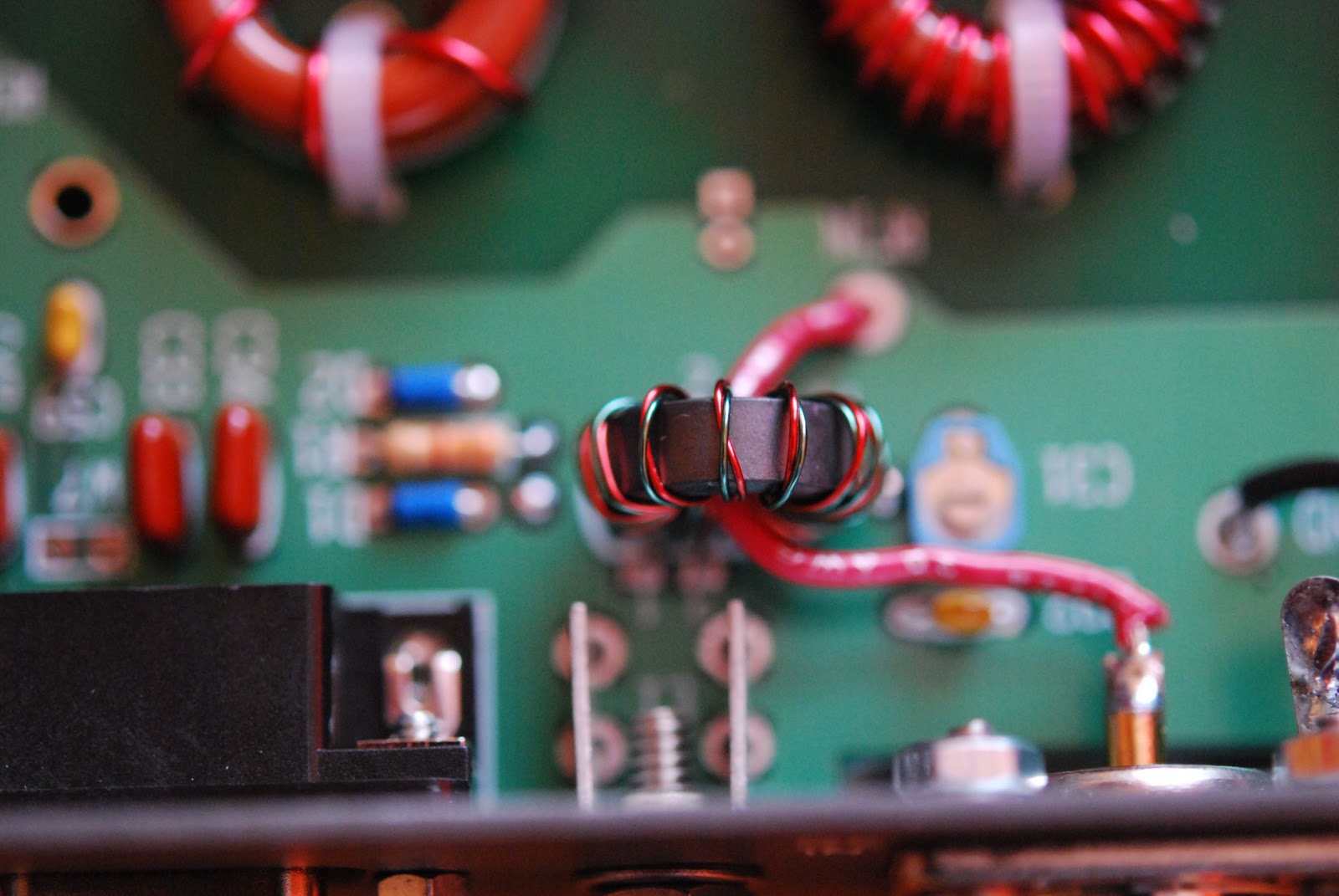
Bifilar winding
there were 10 toroids to wind but with practice these are not a big deal. But if you feel this is the only area of kit building that stops you from ordering....there is help!!! The Toroid guy is there to lend a helping hand, you can purchase quality pre-wound toroids for any Elecraft kit. This portion of the project took me about 2 weeks. That is 2 leisurely weeks I try not to do marathon kit building sessions, I end up making mistakes and missing things. The external ATU is now mounted in it's housing (I still have the alignment of the ATU to do). I have removed the KPA100 from the top of the K2 which went very smooth. There are only 3 connectors that plug the ATU into the KPA100 and it's ready to go. It's now time to get the RS-232 inter connecting cables made along with the RS-232 interface that is installed in the K2 built as well. This allows the K2 to communicate with the ATU, Amp and computer. The battery and KAT2 antenna tuner are on there way from Elecraft and I hope when done this next part of the project they will have arrived.
 Above KAP100 waiting to be installed
below from panel assembly

If you are ever thinking of doing this project with your K2 below are some links that helped me out.

KK7P offers some very good advice along with some excellent pictures as well.
Wilcox Engineering also have some nice pictures of the unit and advice.

Eleccrafts AF1 enclosure.

Front mounted
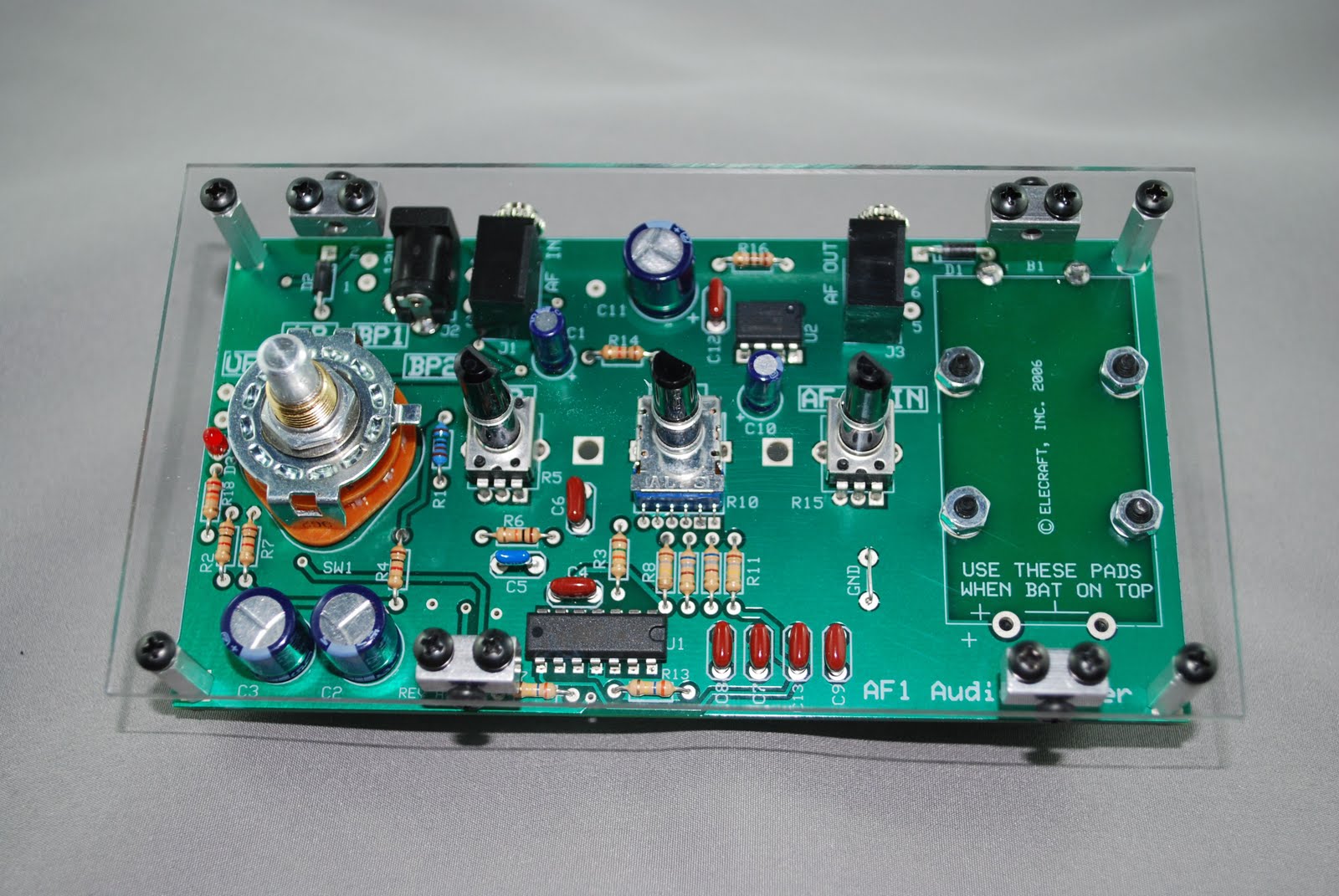
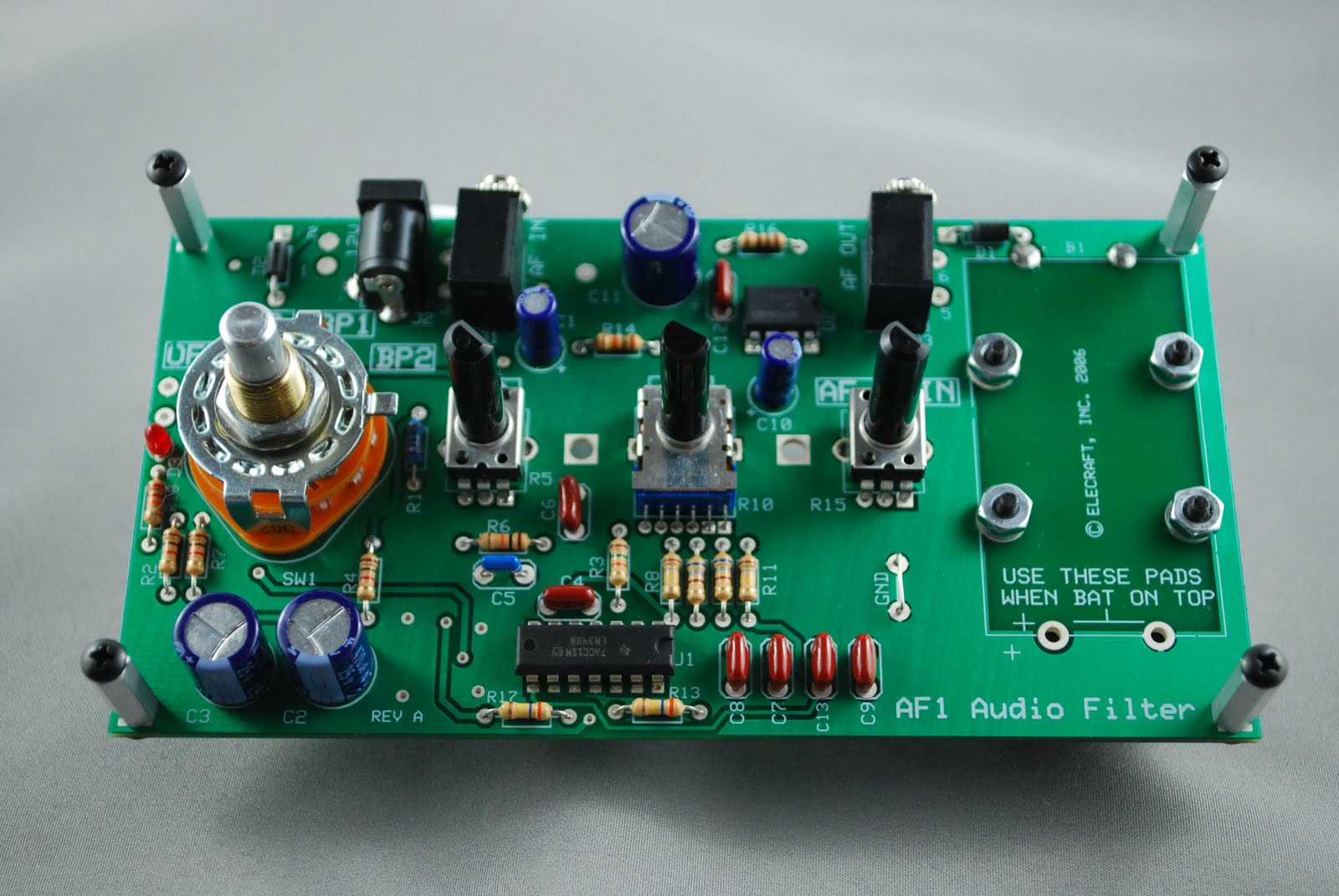
In a prevous post I gave account of my Elecraft AF1 mini module audio filter project.I have built other mini modules from Elecraft such as the DL1 dummy load, N-gen wide band noise generator and the XG-2 three band test receiver test oscillator. All of the kits went together very well and they all without exception came with very easy to understand instructions. I have put these kits to get use while building many of the Elecraft radio kits. These test devices can also be very useful around the shack to do many tests as you either build , test or trouble shoot many pieces of shack equipment. The only beef I have with all these kits is Elecraft does
Stand offs mounted
not offer enclosures for them. My DL1, N-gen and XG-2 are still on the bench without enclosures. This does not concern me to much as they are out of the way and in a safe place and out only during use. On the other hand the AF1 audio filter is going along side my KX1 in
many out door situations. It was a must to get this unit in a case. This brings me to Dave W8FGU he offers a very good solution to my AF1 case situation. Dave
Tab on rotary switch bent
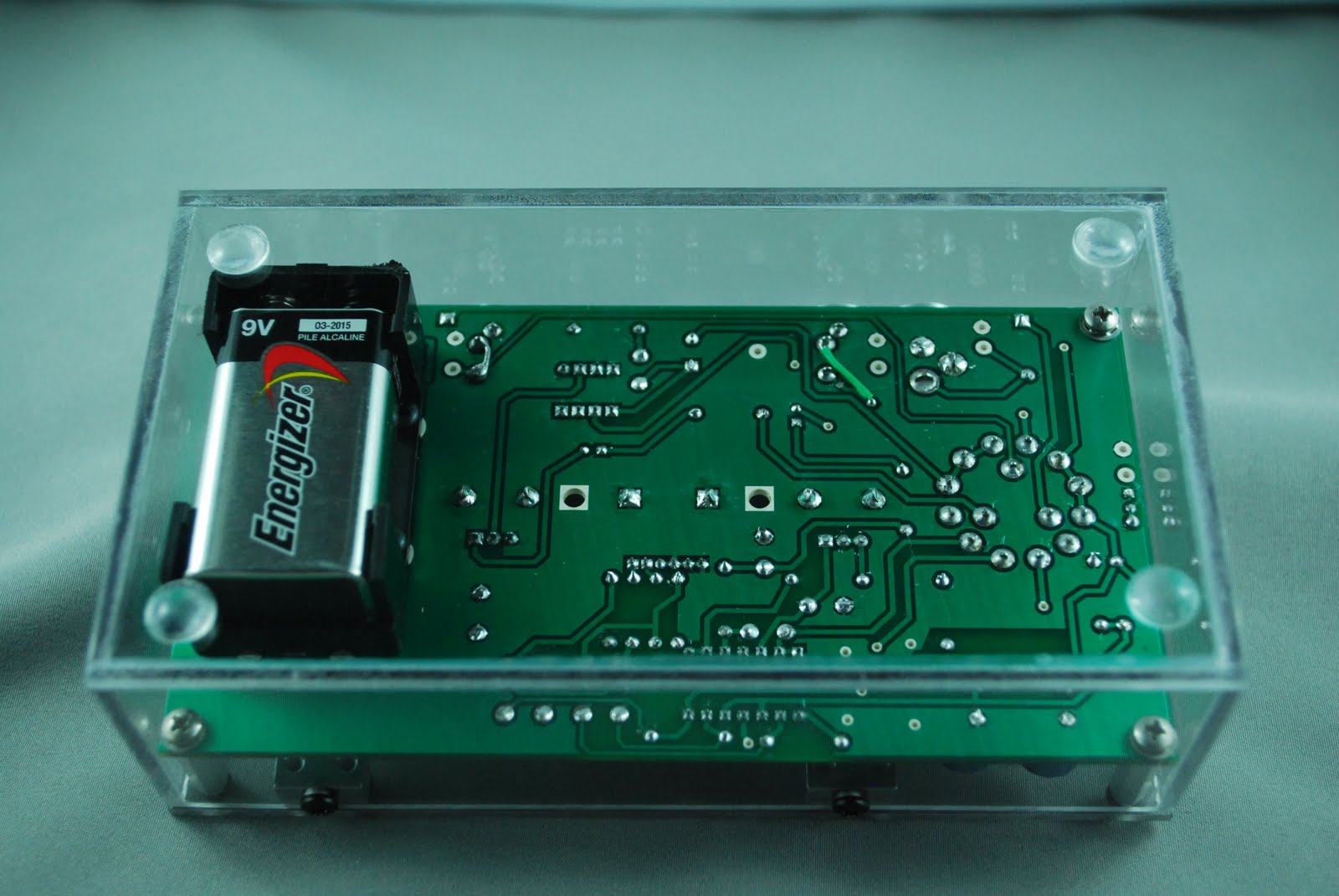
offers clear Lexan enclosures for a variety of Elecraft products. Dave's site offers great pictures of the enclosures that he offers. This solved my problem of wanting to make sure the AF1 filter was protected as I transported it and used it out doors. I contacted Dave and ordered the product, I received emails on the status of my enclosure. It was promptly shipped and arrived in no time. The enclosure was very well packaged and I downloaded his PDF instructions as there are some very slight modifacations to be done to the
Bottom of enclosure
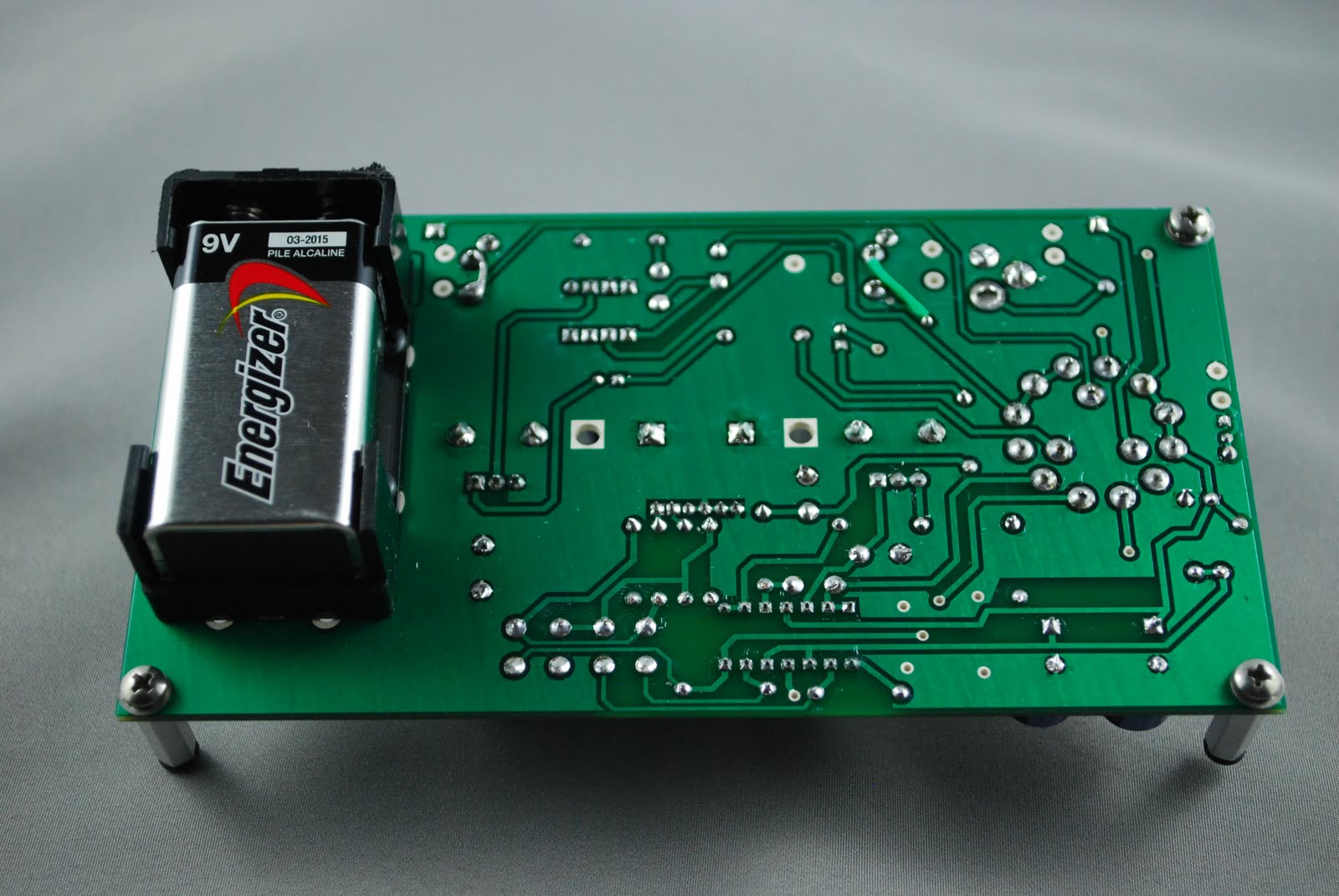
Battery mounted on bottom

AF1 for it to fit properly into the Lexan case. The 9 volt battery had to be mounted on the underside of the circuit board. That went very smoothly as Elecraft has provided for this and it is well laid out on the PCB.
The only other modification was the AF1's rotary switch had a tab which had to be bent down in a horizontal fashion.The case is very well made and along with the strength of the Lexan materiel makes the case well worth it. All edgings and corners were flush fitting, all the screw holes lined up with professionalism and attention to detail.
Finished product

Subscribe FREE to AmateurRadio.com's
Amateur Radio Newsletter

 
We never share your e-mail address.


Do you like to write?
Interesting project to share?
Helpful tips and ideas for other hams?

Submit an article and we will review it for publication on AmateurRadio.com!

Have a ham radio product or service?
Consider advertising on our site.

Are you a reporter covering ham radio?
Find ham radio experts for your story.

How to Set Up a Ham Radio Blog
Get started in less than 15 minutes!


  • Matt W1MST, Managing Editor