Posts Tagged ‘Elecraft K3’

Saturday afternoon radio surprises

The view from JY5HX's beam
On Saturday afternoon I was able to spend an hour on the rig....well the rig was on in the background as I was tiding up some "stuff" on the PC. I have been reading on different blogs about poor conditions over the past week or so. I was reading this morning that things are going to pickup again with some new sunspots making there way around to earths side of things. Anyway......Yesterday I was able to snag W0S which is a special event station commemorating the 100th anniversary of the Titanic. The contact was made on 20m with 2 watts at this end. I was reading (see W0S link above) on the Southgate Amateur radio new site that W0S was also running QRP. I was surprised to read this as he had a great signal into Ontario. We exchanged names, QTH and reports then he moved on to the next in line. W0S is located in Branson Missouri and they had a station setup outside the Titanic Museum in downtown Branson.

Just a short time later on 20m's TM27UFT out of  France had a pileup and I jumped in to see what would happen with my 2 watts. This again is another special event station out of France. It was for the Union Francaise des Telegraphistes 27th meeting. I made contact after 4 tries and because of the pileup he had it was strictly business and off to the next station in the Q.
The big event of the day for me was seeing a spot on the cluster for JY5HX out of Jordan. If  I made this contact it was another DXCC for me and a first for contacting anyone in the middle East. So this was serous business I cranked the K3 up to 5 watts as my Jubilee DXCC is going to be all QRP. I double clicked on the spot and to my surprise I could hear JY5HX from just above the noise level to about an S3 at times. There have been many times when I see a spot on the cluster and head there to just hear noise so this sure was a surprise.  On went the headphones and so began my what I thought to be a long round of calling into the pileup. Funny thing was there was no pileup and the next funny but great thing was he came back to me on my third call to him. Now JY5HX is in the log book and that brings my QRP DXCC count up to 68! Using 5 watts along with my attic dipole for this contact it turned out to be 1172 miles per watt.

Seeing the big picture
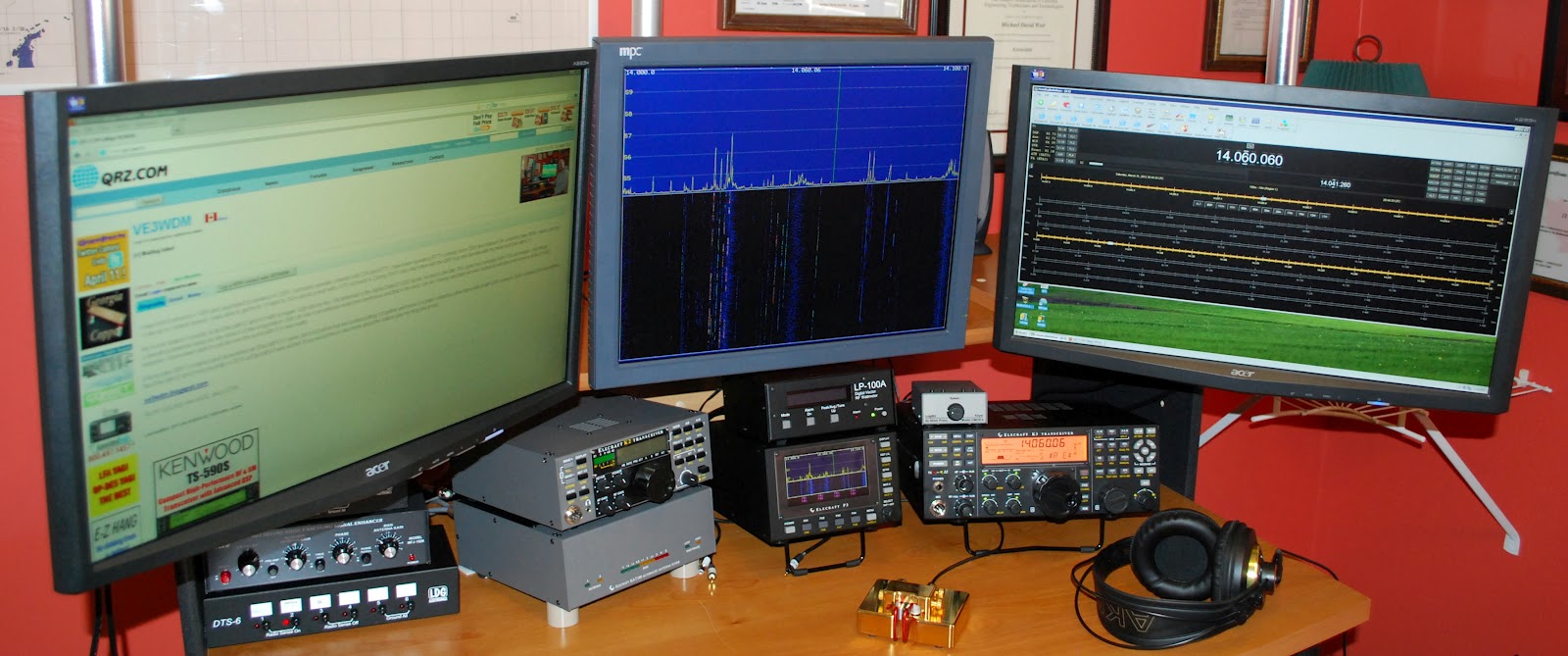
The new setup
Old setup
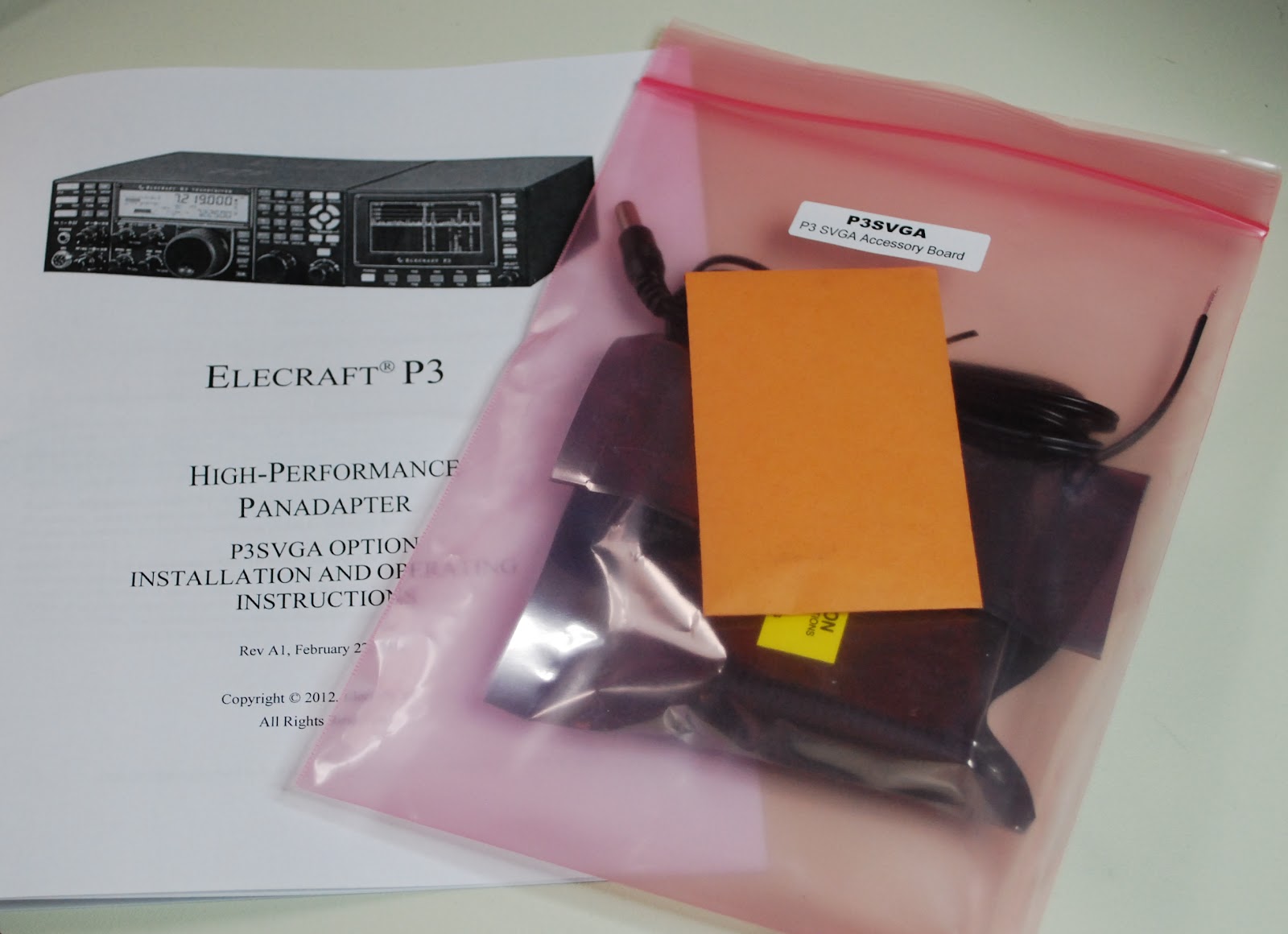
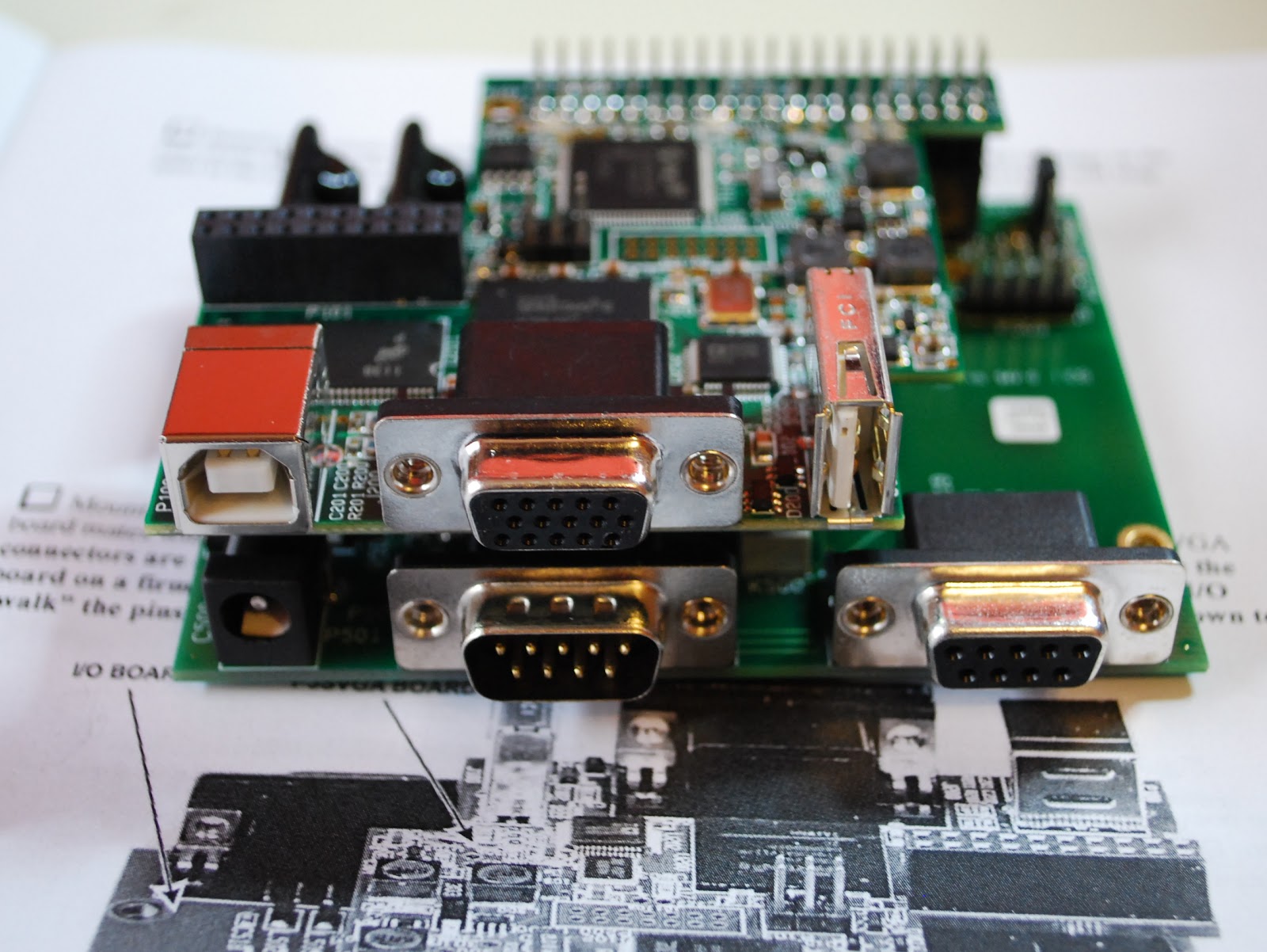
 On Friday my new P3 SVGA card came in this cool add on allows me to move the band scope that is on the P3 up to a large monitor. This has been an add on I had been looking forward to for sometime. The SVGA card from Elecraft fits into the P3 and took about 20 minutes to complete the installation. It was then
New P3 SVGA

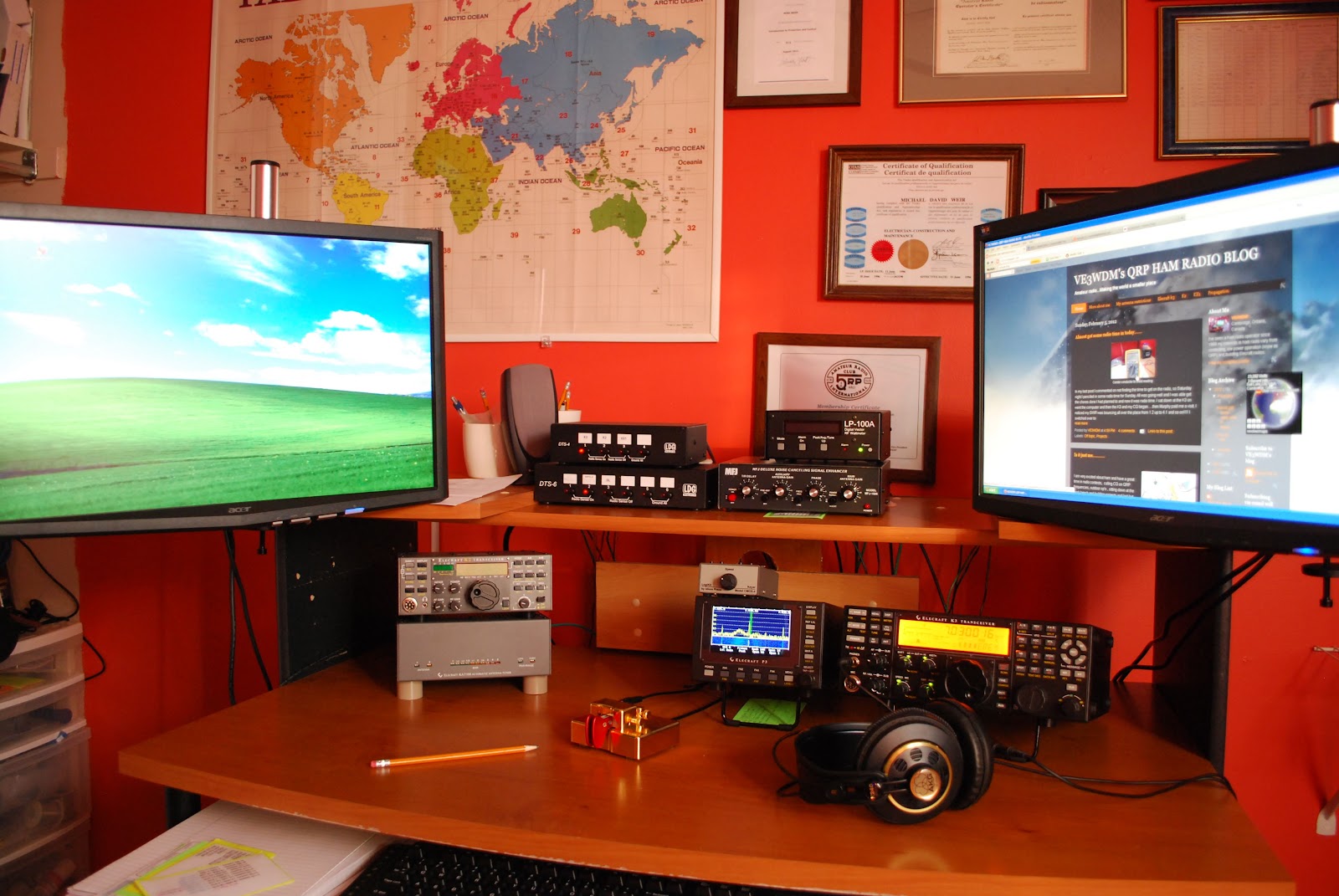
time to give it a whirl. As a side note I kept a monitor that I was not using but knew I would use it some day. Well the day came when I needed a monitor for the SVGA it's great when I can reuse! The P3 was hooked back into K3 I then powered up the K3 and P3.......BUT the monitor was blank!!! Well lets reboot and try again.....NOTHING..........It them came to me go to the Elecraft site and update the P3's software. I did that and low and behold the monitor came to life with a great looking band scope! It sure is nice to have a scope up close and personal. Now Elecraft has plans to add mouse control, RTTY and CW decoding and more suggestions are piling in. When I added the new monitor I had to do some moving of equipment on the desk. The LP-100A, MFJ 1026 and the LDG switches all found a new home. The monitor was mounted on
moveable arm so when not in use I can move it out of the way.  When the final position for all the equipment
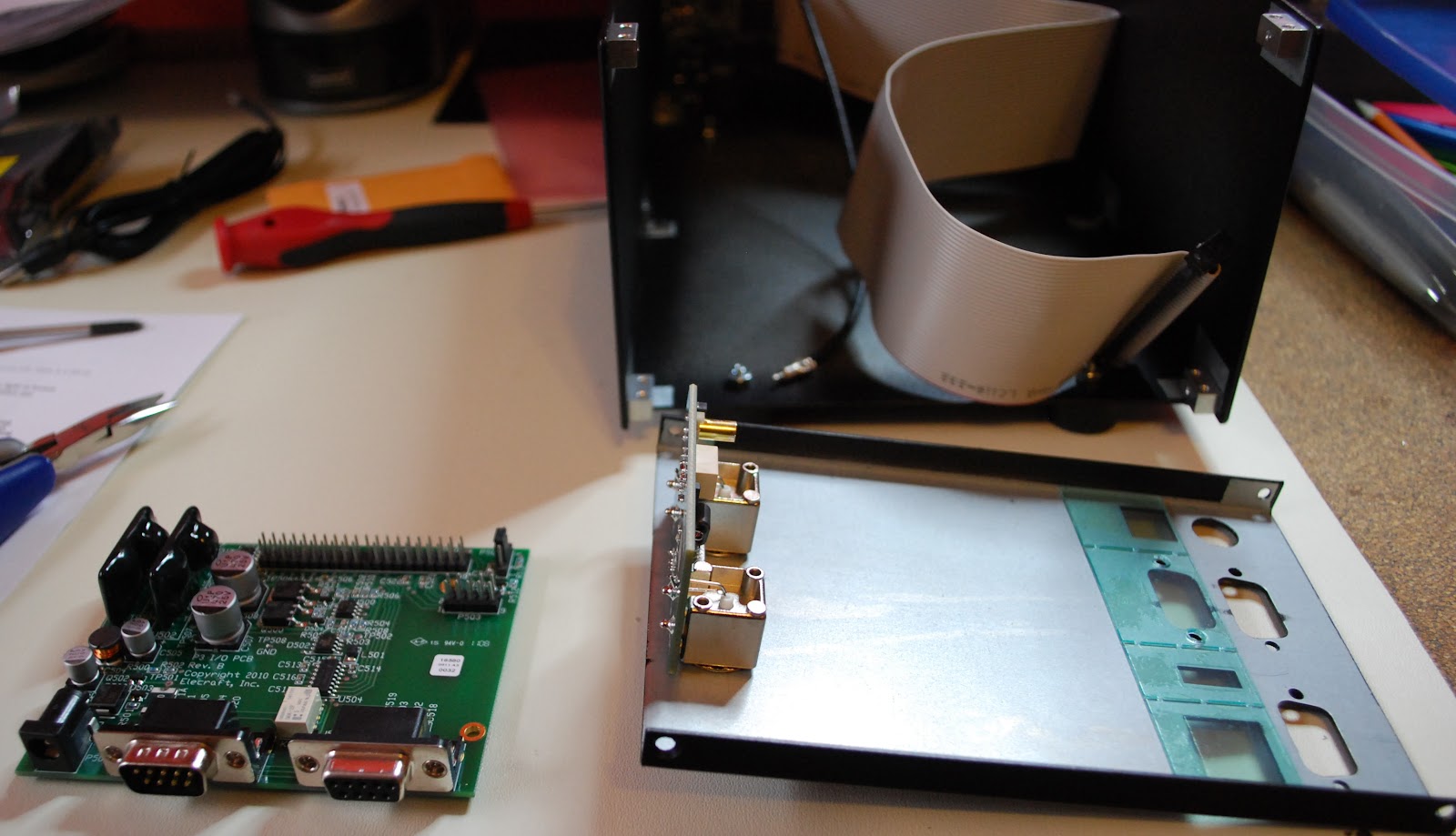
P3 apart and ready for SVGA
 was found it was better than the old setup. All my ham equipment is on the same level and easier too view and adjust. Also it was due time to label all the cables and wires at the back of the ham gear. There has been many a time when I have removed cables to only have to re-connect them later that day and sure as shootin somehow I messed it up  with some very strange results. I pulled out the P-Touch label machine and tagged all the cables. It was a job that was long overdue and had to be done.  Now that I plan on making the Elecraft K2 portable I will be removing it from the desk along with all the hookup cables. Once I am done my portable op's the K2 can be hooked back into the desk position via the
SVGA installed

labeled cables. My next project is to investigate logging software, radio control software and propagation software. I have been using a hodge-podge  of software and I want to clean up the software end of my ham hobby so now it is time to look at some of the free ham software out there....any suggestions would be great!
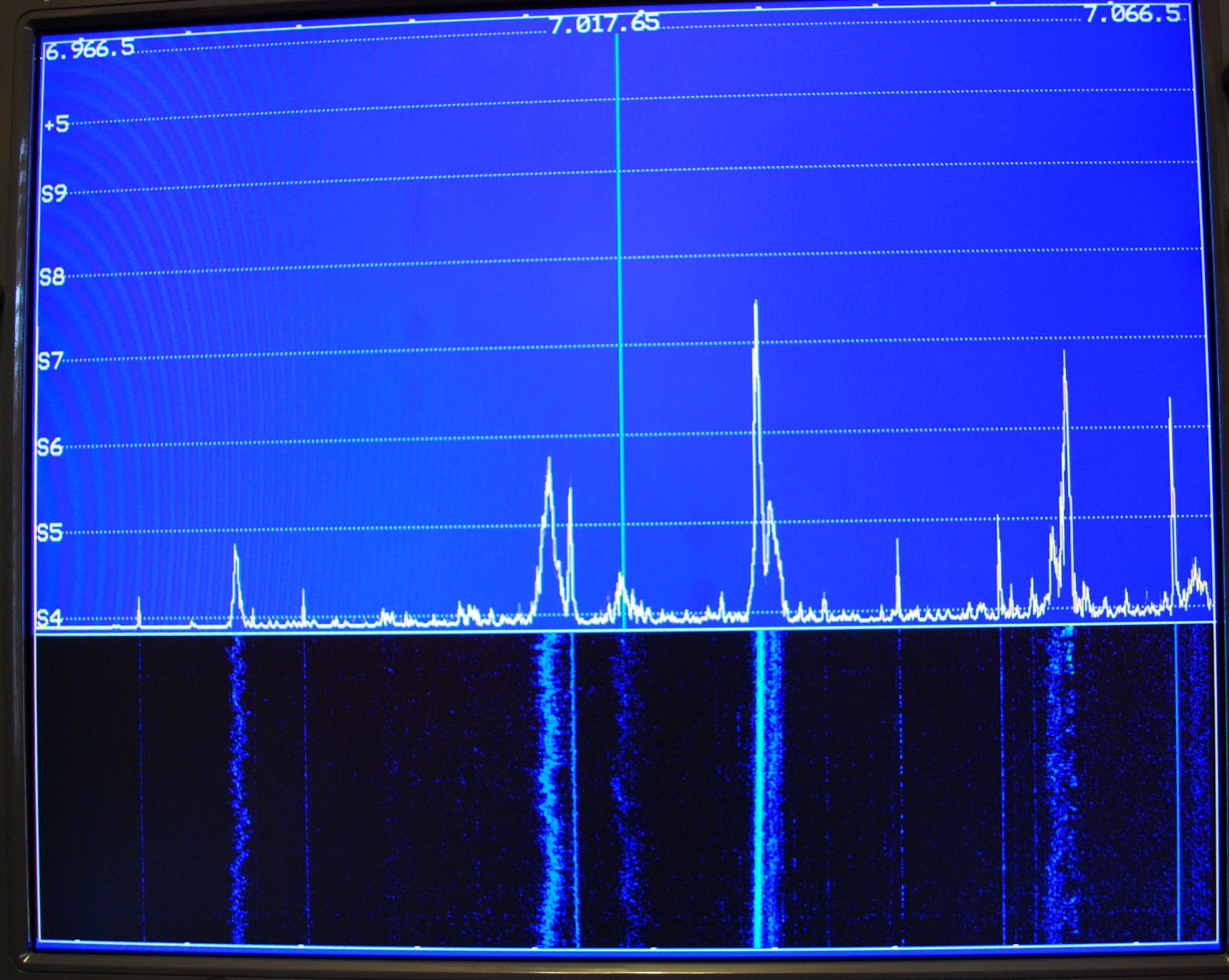
View on the monitor
Monitor out of the way

Things are a changing……….

Lots of changes
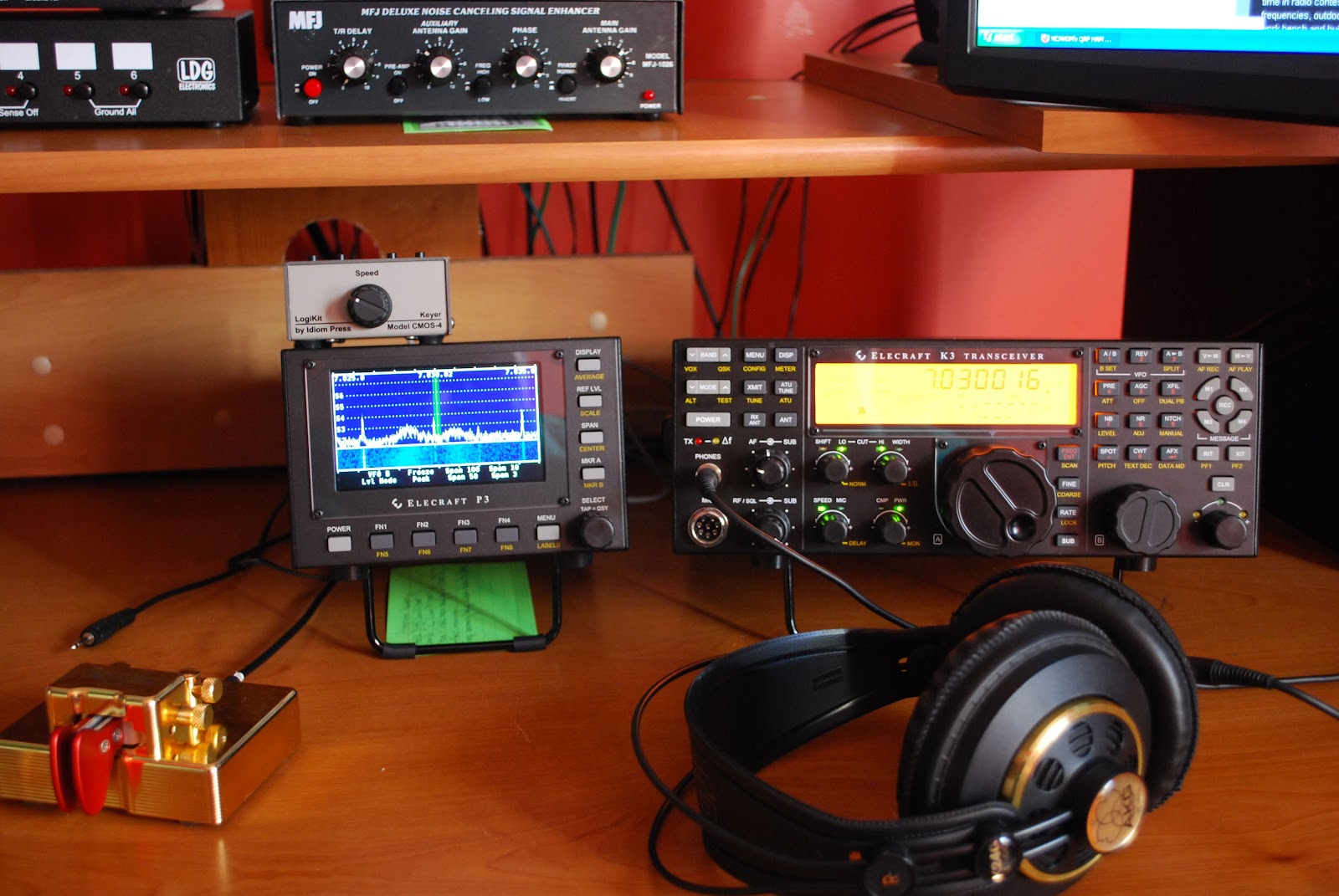
As those of you know who have been reading my blog that I have no problem selling items that are no longer being used here at VE3WDM....and it would look like I am not done but that is a whole new subject. Since I have sold and bought items, things here at the shack have changed a lot. This afternoon I was looking at the pic on my blog of me sitting at the op desk and boy is it out dated!!! Some of the gear in that picture no long find it's home here but are being used at other op's. Just some of the items that no longer call it home are the LP-Pan (along with it the external sound card) that I built and was very hard to let go seeing it

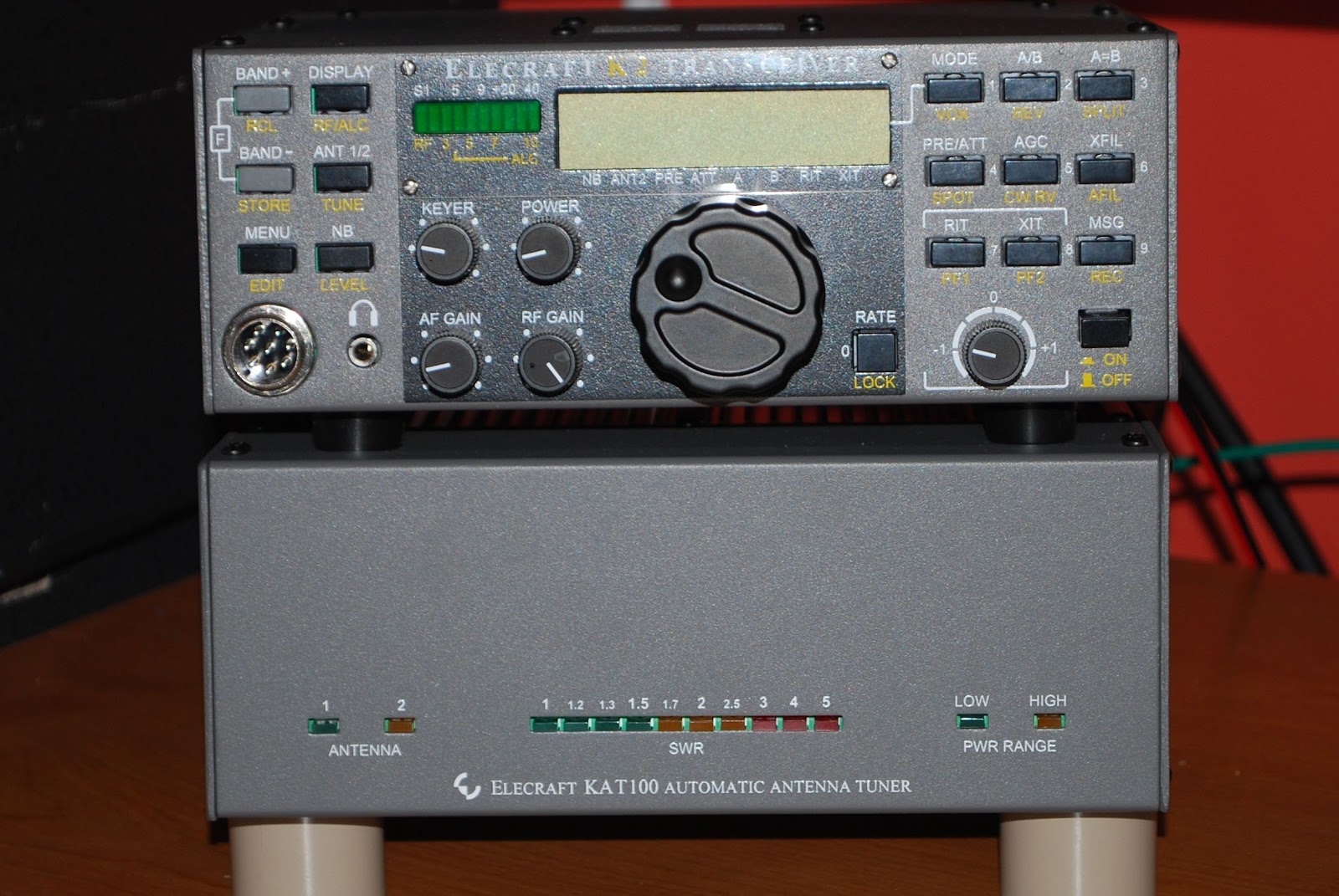
The KAT100 and 100w amp enclosure
P3 and AKG headphones
was a project of mine. There was a second MFJ 1026 noise canceller which by the way went to soon in hind sight I would had sent it down to Larry W2LJ. I now know that he is looking for one due to Plasma TV troubles...would had sent it to him to try and buy. Then there was the K1ELUSB keyer that seemed to just be taking up space. Some the additions to the shack over the last little while are Elecraft P3 and all I can say is "it's excellent"!! I have remote mounted my Elecraft KAT100 tuner and 100 watt module in a separate enclosure. This allows me to run the K2 both at home and then grab and go for portable op's. Soon the battery and internal tuner will be installed in the K2 for the full portable operation experience. Another addition to the ham family was the CMOS-4 Logikit keyer by Idiom press. That seems to be about all the changes that have gone on here and I will be updating my profile picture soon to reflect the changes. I also sold the Heil Pro headphones since I am 100% CW then the Pro set plus was a waste. I read glowing reviews of the AKG K240 headphones I decided to go with those.

Got some QRP time in this past Sunday………
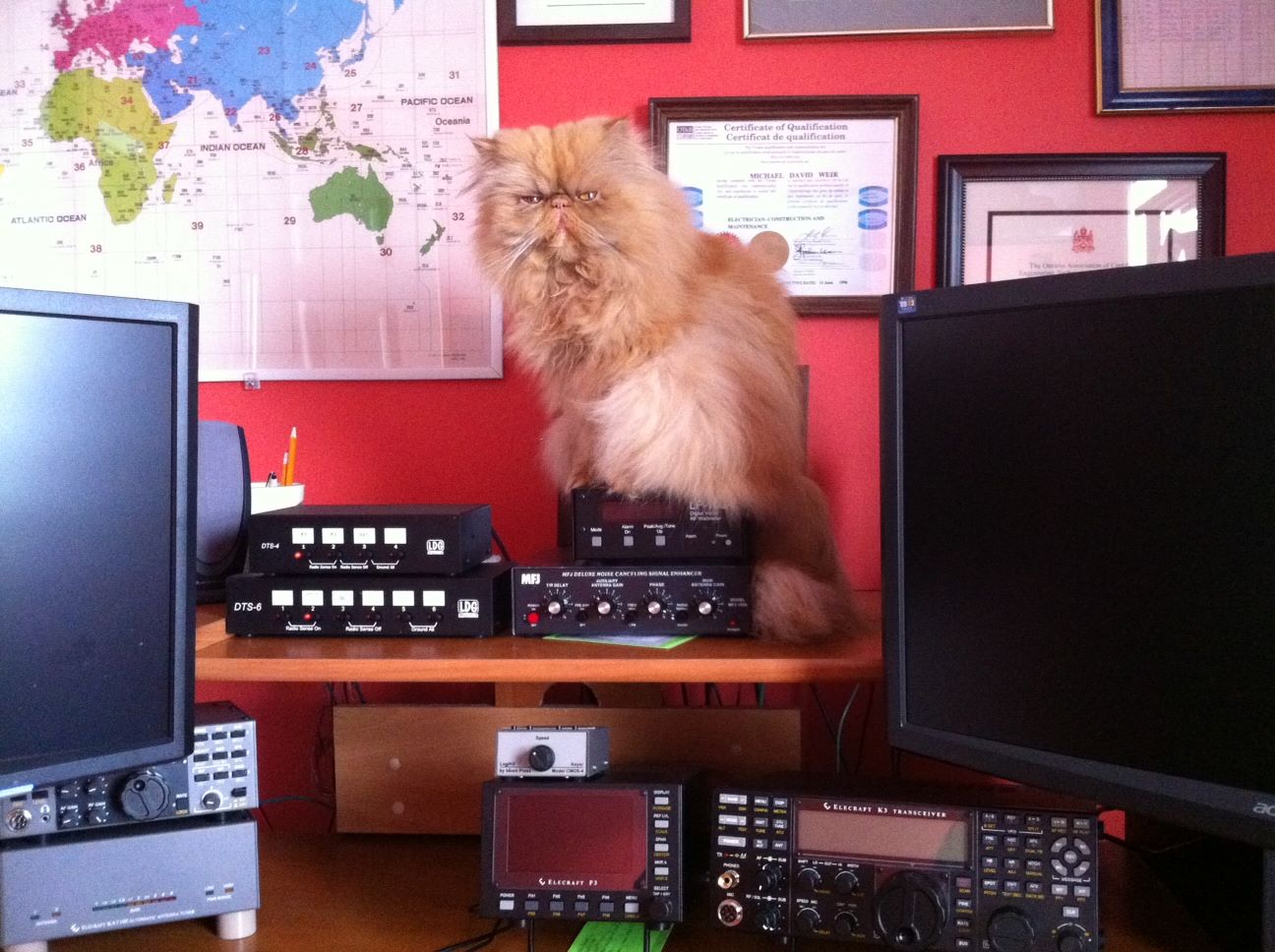
Lets play radio
This past Sunday I sat down and got some radio time in, it seems there is so much that can come up to pull me away from some K3 time. I wanted to make an effort to sit at the rig today, relax and call CQ on 14.060 and to see what happened. I cranked the K3 up to 5 watts and let the CQ ring out over the airwaves!! It was not long before Peter KG4GR came back to me he is located in  Iowa. I was exspiraneing some type of AC QRM most likely from the 230KV hydro lines at the back of our home. The noise blanker on the K3 seemed to take care of it but Peter was in and out and I got the impression I was the same with him. Maybe
it was this huge solar eruption of the sun the other day that was still having it's affect on the bands. In the past I had  checked out the solar forecast before hitting the air waves but I found it used to cloud my ambitions. So now I just go for it without checking or if I do I don't let it affect my operating time. Anyway.........Peter's signal gave me a chance to try out the K3's APF (audio peak filter again. I have had some troubles in the past with getting this feature just right and it does I am told take some practice. Well it sure did help with Peters signal. I had a nice QSO that had to be cut short as another station unknowingly was calling CQ. I then gave things a little rest and started to read and comment on some blogs I still had the rig on and the head phones around my head just in case China happen to be calling CQ......HI HI. Once again I called CQ and WD9F/QRP came back to me.....and this QSO was a very humbling experience . For some strange reason my brain went into neutral, I just could not get my ears around the /QRP in the Woody's call!!! I asked him for a repeat...still did not get it and at the end of each transmission I would try his call and end it with ?. Well Woody was very polite and patient and dropped the /QRP and stayed with his call only. Once he did that it clicked what was going on. Boy did
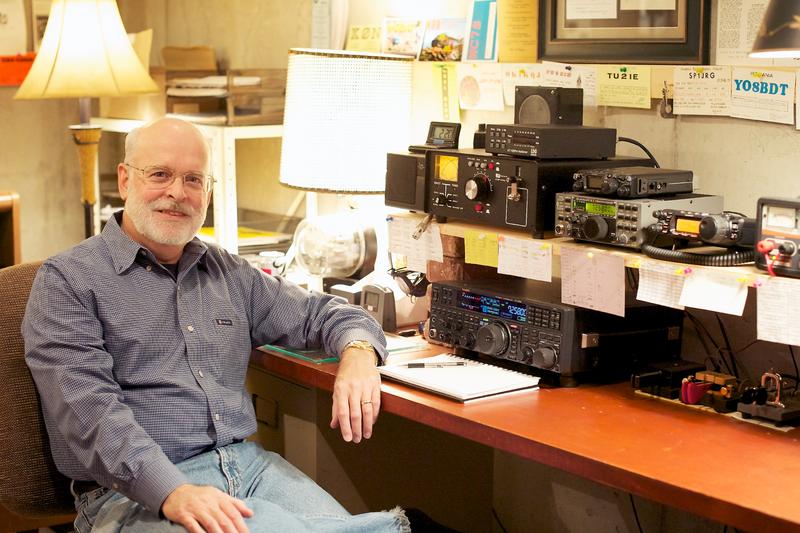
WD9F/QRP
I feel foolish and as the QSO went on my foolishness bloomed. I was a bit flustered once I figured out his full call. Then it happened the QSO went off the standard exchange and into a CW conversational  QSO. Woody spoke of how he reads my blog and enjoyed my last post about the late QSL card. That was the end of my brain and the connection to my left hand at the paddle!!! It was like the keyer was working on it's own and not in a flattering way. Woody was very polite and weeded through my if you could call it "code". All I can say is nerves got the best of me. Oh well just have to keep plowing along and the weekend is coming and time to practice the brain vs left hand communication again.

My YouTube debut……

The other day I received an email from the Elecraft reflector site mentioning Plasma TV's and the problems they can cause ham op's. I do have a Plasma TV and it sure does affect things here at VE3WDM so this thread interested me very much. As you know from reading my other posts I do have the MFJ 1026 noise cancelling unit and I have had good success with it. The post on the Elecraft reflector had a great link to a load of information on how the K3 and the MFJ 1026 can work together very well. Well since I have the K3 and the MFJ 1026 I investigated the link.  I found a very cool way to hook the both units together that
has some good advantages over the way I am now......or was using.

 With this configuration I am able to just push the RX ant button on the K3 and both units are inter connected. Also the way the MFJ 2026 is adjusted is a little different than I had previously adjusted the unit. I tried it and it is very easy, fast and works great!! So what are the advantages of hooking up your MFJ 1026 this way....well you never have to worry about the RF from your transmitting antenna getting into your receive antenna. With this hookup they are totally isolated. To include the MFJ 1026 it's as simple as powering up the MFJ unit and pushing the RX ant on the k3 and then some simple adjustment of the MFJ unit. Finally I decided to use my Iphone to video the results of the MFJ 1026 and the K3 and how they dealt with the Plasma TV noise. You will have to excuse the reflection of me in the Elecraft P3 and the audio may not be that great either but give it a go as it does show how the Plasma TV's interferance can be dealt with.

PSK is up and running….for real this time!!
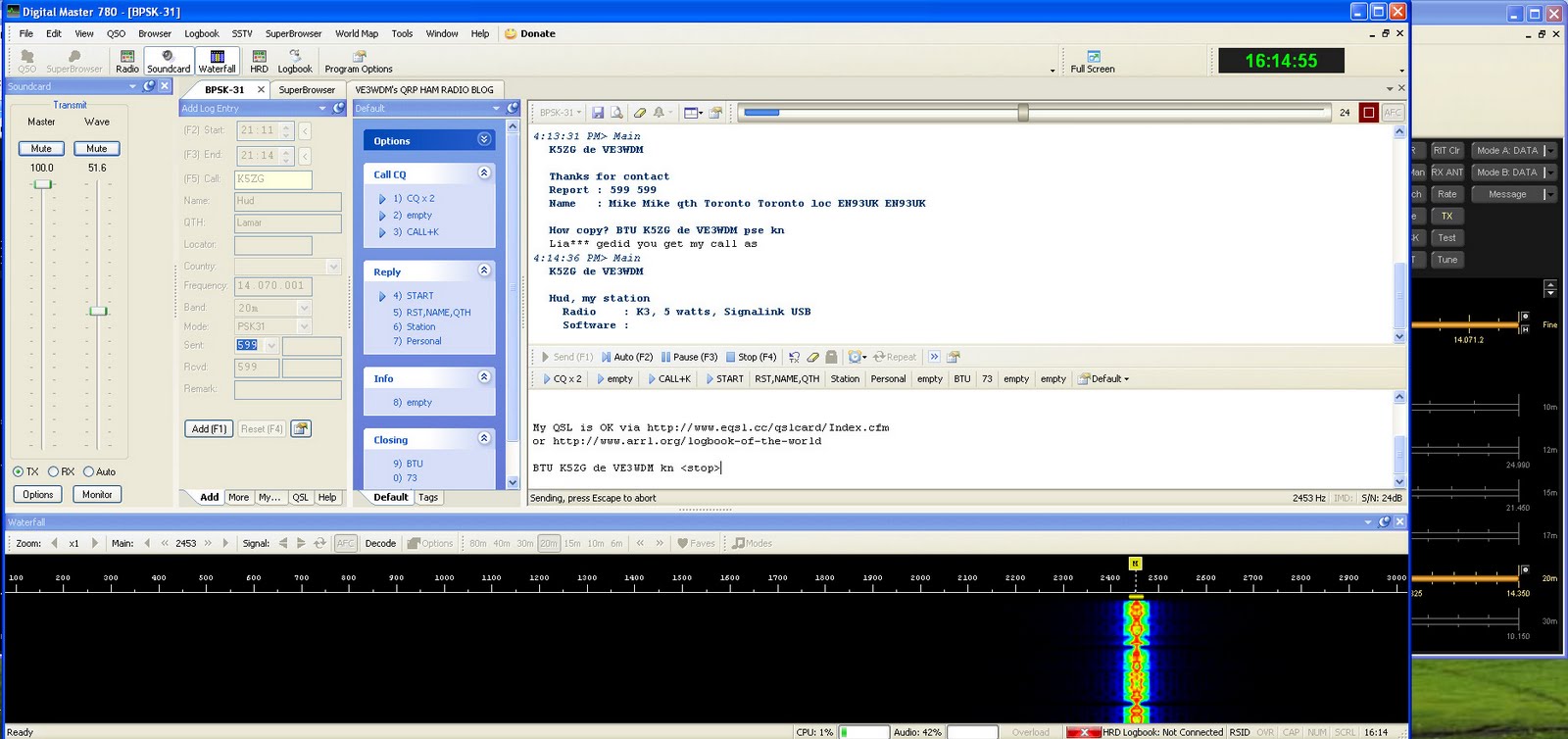
1st PSK QSO with K5ZG
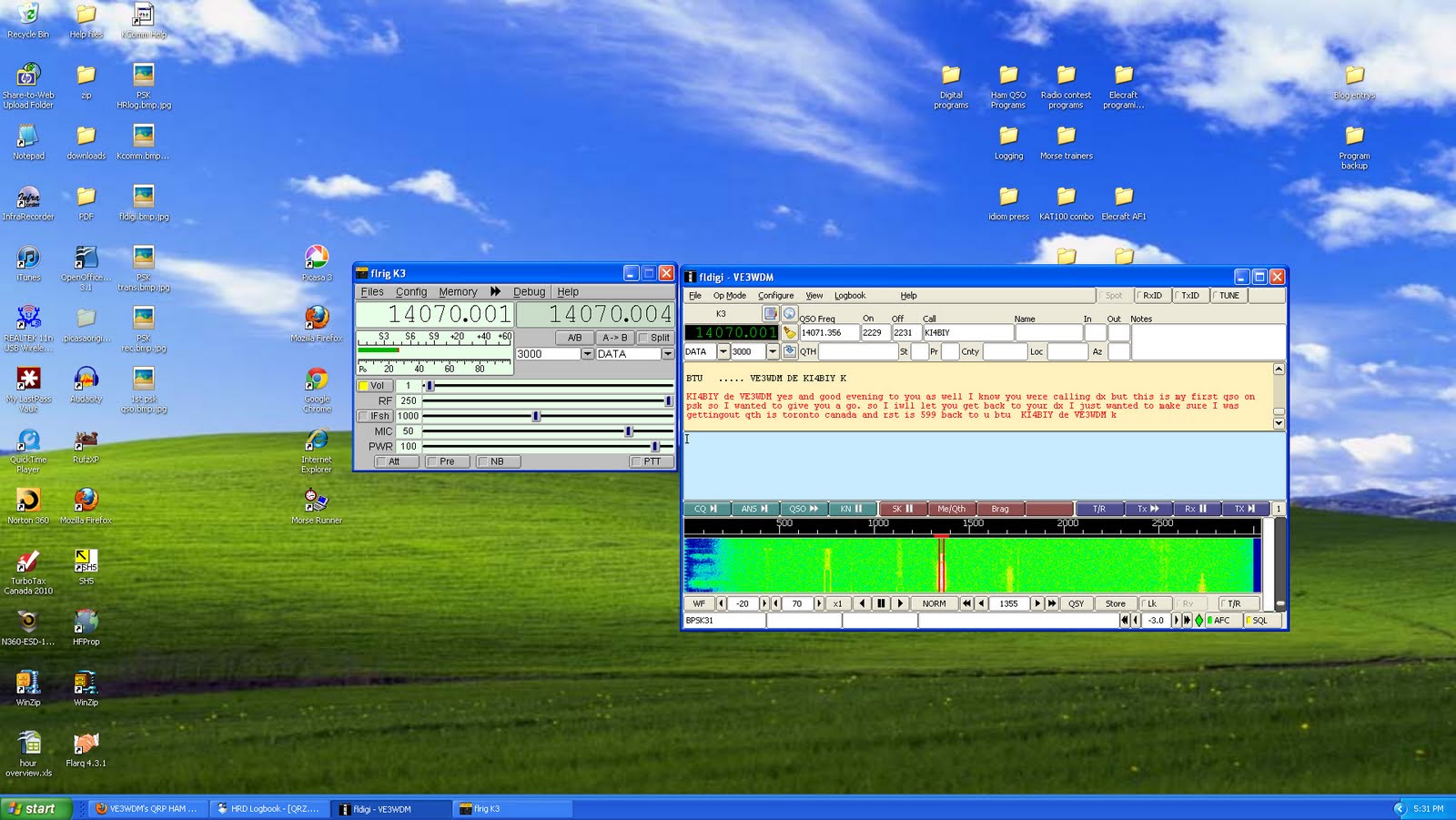
I want to thank all those who posted comments and emailed me direct to help my PSK journey along the road to success. Today I sat down and read all the comments and considered the feedback which helped me  get a plan going so I could be on the air with PSK. So what was wrong....well the good old Elecraft K3 was for some reason not set up the way I thought it was. I went back into the manual to see what the recommended settings were. The K3 when in DATA A mode (which is the mode that is recommended for PSK) the Line out to the Tigertronics Signalink is not taken from the MIC but the rear LINE OUT on the K3. That was the first problem it was not. I am sure I selected LINE OUT rear panel....but the menu does not lie!!! it was set to
fldigi and KI4BIY
something else. So that was changed and I gave some PSKing a go.... but still nothing!!! So it was back to the K3 settings again, this time I had to check to make sure DATA A was set to DATA A.  I thought it had to be as  the LED readout on the K3 reads "DATA A". I checked and DATA A was set to PSK D what ever that is  so I set DATA A to DATA A. It was then that things seemed to be looking up. I saw a station (K5ZG) calling CQ on the waterfall, I gave him a call and he came back to me!!! SUCCESS I made my first QSO on PSk but the QSO was not complete as QRM and the band conditions were changing and he faded away before the QSO was completed. I then closed down DM780 and opened up Fldigi to see how that worked. It was about 20 min's or so later I made contact
My PSK reports with 5 watts
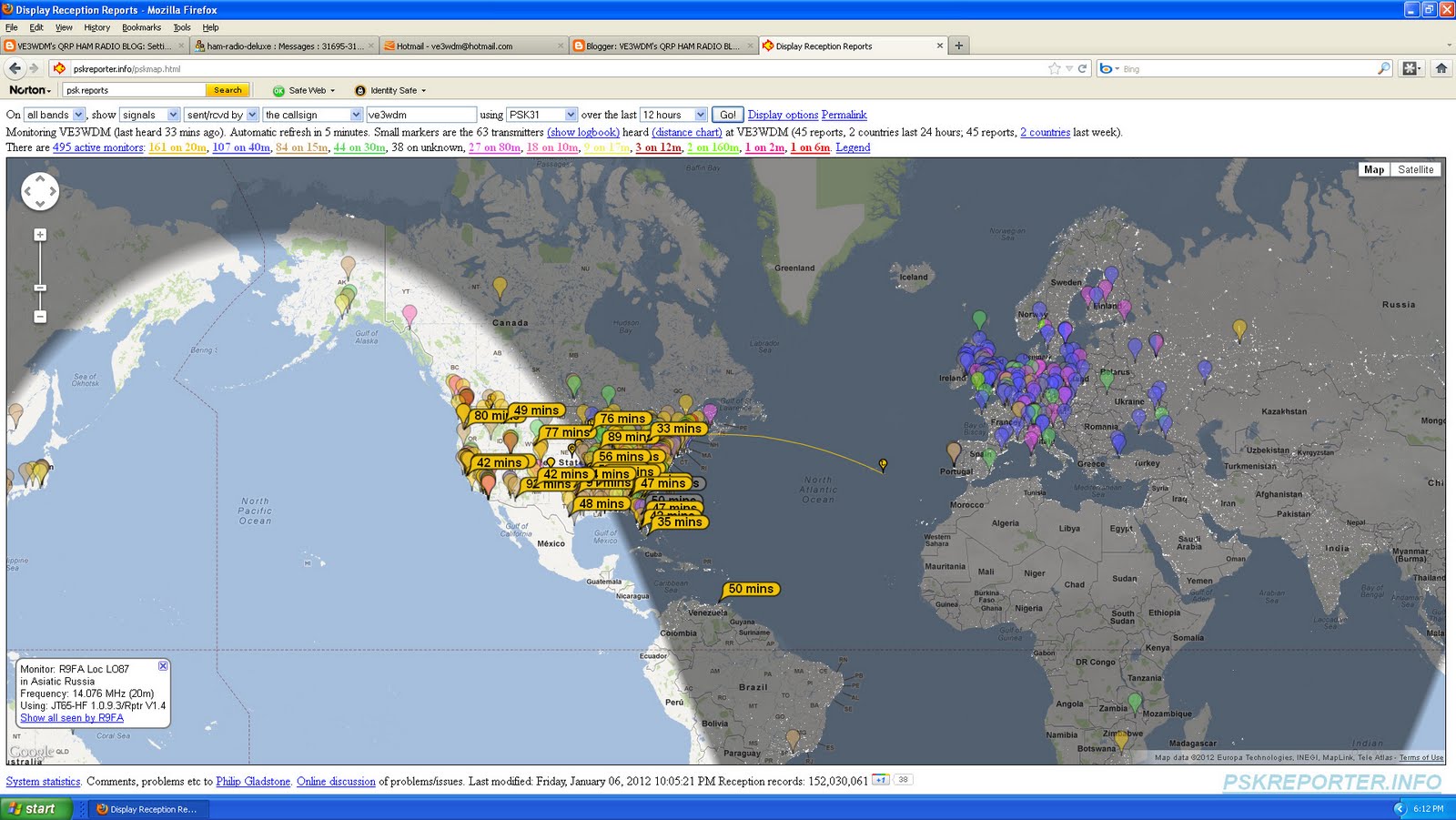
with KI4BIY. The problem here was not the band conditions or the contact but I was using Fldigi and had NO macros setup. So it was live PSKing but I  was able to have a very nice QSO. This gave me the confidence the program was now working. There is one question I still have, when I transmit my output power can start off at 5 watts but as the transmission progress the output can climb as high as 12 watts before leveling out. I can readjust the output and get it to stay at a steady 5 watts but it takes some adjusting and readjusting of the Signalink TX. Any thoughts on this.....is it normal or are there more adjustments to be made??

Elecraft P3 pan adapter

I have been debating this one for a long long time and that is do I or don't I want (want not NEED) the Elecraft P3 pan adapter. There were two factors that drew me away from this unit, the price and the size of the screen.
Well I have sold some unused "stuff" here at VE3WDM so the funds are there. I contacted Lisa at Elecraft and I was told that in a few months there is a board coming out to put the P3 video up onto your monitor along with other goodies that it can do as well. For example decode on the monitor CW, RTTY and PSK31 to name a few. So
 on Friday I called Elecraft and sealed the deal. I hope it comes in time for Christmas and in keeping with tradition I ordered the kit version!!

Subscribe FREE to AmateurRadio.com's
Amateur Radio Newsletter

 
We never share your e-mail address.


Do you like to write?
Interesting project to share?
Helpful tips and ideas for other hams?

Submit an article and we will review it for publication on AmateurRadio.com!

Have a ham radio product or service?
Consider advertising on our site.

Are you a reporter covering ham radio?
Find ham radio experts for your story.

How to Set Up a Ham Radio Blog
Get started in less than 15 minutes!


  • Matt W1MST, Managing Editor