Posts Tagged ‘aa4oo’

The Last of the Hybrids – Kenwood TS-830s

 Hybrid Goodness


A good friend dropped off a radio and mic that he had received from a SK.  It is a Kenwood TS-830s, which according to the serial number was manufactured December 1980.  

The TS-830s was the last of the Hybrid's manufactured by Kenwood.


The Golden Age of the Hybrid: Best of Both Worlds?


If you've spent any time scouring the used market for a "new-to-you" HF rig, you’ve likely bumped into the Hybrids. For those of us who love the glow of a filament but appreciate the reliability of solid-state components, these rigs represent a very specific, nostalgic era of amateur radio engineering.

So, what exactly makes a rig a "Hybrid"?

It’s all about the hand-off between technologies. These transceivers aren't "all-tube" in the boatanchor sense, nor are they fully solid-state like the modern SDRs sitting on our desks today. Instead, they used semiconductors for the heavy lifting in the low-level circuits—think oscillators and IF stages—while saving the vacuum tubes for the "muscle."

The Magic Formula: 12BY7 + 2x 6146B
Almost every classic hybrid followed a predictable, battle-tested recipe. If you pop the hood, you’re almost guaranteed to find this exact lineup:

The Driver: A single 12BY7 tube.

The Finals: A pair of 6146s.

This combination was the "Goldilocks" setup for the 1970s ham. It reliably pumped out about 100 watts—plenty of PEP to work the world from a modest backyard wire.

Why the 6146?


The 6146 wasn't just common; it was "The Finals Tube." It was rugged, relatively inexpensive, and offered great linearity. It’s the reason so many of these rigs are still on the air today.  NOS tubes are still available for less than $70/each.

You’ll find this exact "Hybrid" DNA across the most legendary gear of the era:

The Kenwood Line: From the TS-520 through the TS-820 and 830S (widely considered the pinnacle of the hybrid age).

The Heathkit "Hot Water" Series: The ubiquitous HW-100 and HW-101.

The SB-Series: The refined SB-101 and SB-102 "Green Giants."

There is just something satisfying about the "warm-up" period and the manual "Tune & Load" process that a modern rig can't replicate. It forces you to actually interact with your station. Plus, let's be honest—the smell of tubes in the shack is worth at least 3dB of "feel-good" gain.


Image of Finals from another site

Do old electrolytic capacitors always need replacement?


If you’ve spent any time on the forums or at a local hamfest, you’ve heard the mantra: "Friends don't let friends power up vintage gear without a recap." While there is some wisdom there, if we are being honest with our soldering irons, not all "old" capacitors are created equal.

In fact, there’s a strong argument to be made that the electrolytic caps found in a 1980 Kenwood TS-830s are actually more reliable than the junk found in 1990s consumer electronics.

Here is the breakdown of why "older" often meant "sturdier" in the world of vintage RF gear.

1. The "Capacitor Plague" of the 90s

The primary reason 70s and 80s caps get a bad rap is that people lump them in with the "Capacitor Plague" of the late 90s and early 2000s. During that era, a massive industrial espionage blunder led to a faulty electrolyte formula being used across the industry.

These 90s caps didn't just drift in value; they were "time bombs" that would bulge, leak corrosive fluid, and fail catastrophically within just a few years. By contrast, the Japanese-made caps from the 70s and early 80s (like those from Nichicon or United Chemi-Con) were over-engineered and built with stable, well-understood chemistry.

2. Physical Size and Heat Dissipation

In the 70s and 80s, we weren't trying to fit a transceiver into a pocket. Components were physically larger. A 1000µF capacitor from 1980 is often twice the size of a modern equivalent with the same rating.

Surface Area: Larger cans dissipate heat better.

Electrolyte Volume: More physical space meant more electrolyte fluid. Since the primary failure mode of an electrolytic is the fluid drying out over decades, having more "juice" to start with gave these old components a much longer runway.

3. Operating Margins

Back in the "Hybrid" glory days, engineers weren't shaving every penny off the Bill of Materials. If a circuit needed a 25V capacitor, you’d often find a 35V or 50V part in there just for the headroom.

Modern manufacturing in the 90s moved toward "just enough" specs. When you run a capacitor right at its voltage or temperature limit, its lifespan drops exponentially. Those beefy 70s components were often "loafing" along, which is why you can still find 50-year-old Heathkits that hold a steady voltage.

The "Don't Be Reckless" Disclaimer

While those 70s and early 80s caps were built like tanks, physics eventually wins. Even the best electrolyte will eventually dry out or the rubber seals will perish.

If you're bringing a rig out of a 20-year slumber, don't just "flip the switch." Use a Variac to slowly reform the capacitors. 

That being said, my friend had already purchased replacement caps so I went ahead and replaced the 500V HV caps because the originals showed an arc-over and spattered solder from sometime in the past.

Original HV caps

See the solder splash and arc-over on the lead to the left 500v cap?

Replaced

Replaced with modern caps

When you go to replace these old caps you realize they don't make 'em like they used to. The old beefy "can" capacitors had four tall, sturdy solder posts. Kenwood designers used those extra lugs as convenient tie-points, daisy-chaining multiple wires for the high-voltage rails and ground returns directly onto the capacitor itself.

But the modern replacement is a "snap-in" style cap with two tiny, stubby pins designed for a PCB, not a bundle of 18-gauge hookup wire.

Trying to cram three or four vintage wires onto one miniature modern post was not fun.  I ended up using the leads of the bleed resistor as solder posts.

Finally on the air after a rookie mistake


After replacing the caps I tested the voltage at the caps and all seemed good.  I buttoned it up and attempted to tune into a dummy load while watching an amp meter to see if the rig was drawing the prescribed current... and found that I had no bias current

I freaked out!  No bias means the tubes run wide open and turn into oven elements.    

I took everything back apart and started tracing the bias circuit. It simply had no power. I calmed down and thought "How could replacing the HV caps have crippled the bias current?".  Well it shouldn't.  Then I vaguely recalled brushing a switch on the back of the radio as I had turned it over.  What is that switch?  The manual calls it the "Screen Grid Switch" and apparently it's used when neutralizing the tubes, or some such hollow-state magic that I never learned to do.  What I did learn is that if it's switched off, you ain't got no bias current, or any other current needed to test transmit.  

Whew! Panic averted.

Operation

The "Tune-Up" Dance

If you’re coming from the world of modern "no-tune" solid-state rigs, the front panel of a vintage hybrid will have some controls with unfamiliar names like DRIVE, LOAD, PLATE, CARRIER, etc. Before you throw your callsign out there, you have to perform the "Tune, Dip, and Load" ritual.

This isn't just for nostalgia; it’s about matching the high impedance of those vacuum tubes to your 50-ohm antenna system and bringing the tank circuit into resonance. Skip this step, and you aren't just risking "band splatter"—you’re asking those precious 6146B finals to cook themselves to death.

The Warm-Up: Low Power into the Dummy Load

Never tune up "live" on the air if you can help it. I always start by switching over to a dummy load. After a good look at the manual, I set the mode to TUNE, the meter to ALC, and set the CARRIER knob to about a quarter turn.

With the DRIVE knob centered, I flipped the switch to SEND. I peaked the DRIVE and tweaked the CARRIER until the meter stayed happily within the ALC range, then flipped back to REC. This gets our low-level stages talking to the finals without stressing the tubes.

The "Dip": Finding Resonance

Next comes the most satisfying part of hybrid operation: Dipping the Plate.

  1. Set the meter to IP (Plate Current).

  2. Pre-set the PLATE knob to the segment of the band I’m targeting.

  3. Flip to SEND and carefully sweep the PLATE control until the needle "dips" to its lowest point.

This "dip" is the signal that your circuit is in resonance. You want to center the needle right at the bottom of that valley and flip back to REC quickly—tubes don't like sitting in a non-resonant state for more than a few seconds!

Putting "Fire in the Wire"

Now that we’re resonant in low-power mode, it’s time to give those 6146s their legs. I switched the mode from TUNE to CW to get the full HV (High Voltage) on the plates.

Keep an eye on that plate current! You want to stay at or below 265mA. Use the CARRIER knob to keep the drive power in check.

I noticed something interesting during this stage: the LOAD peaked at a different spot in full power than it did in the low-power TUNE mode. This required another quick "re-dip" of the PLATE. Some folks say a shifting peak like that points to a "soft" 12BY7 driver tube, but since I’m seeing a solid 100 Watts out on 40m and 30m, I’m not ready to convict the driver just yet.

It’s quite a process compared to pushing a button on a modern rig, but there’s a soul to this machine that makes every contact feel earned.


On-Air Performance and Operating Impressions


Voice Operations on 40m

I started by making several Phone contacts on the 40-meter band. Audio reports were positive, and the rig stayed stable on frequency. Before getting on the air, I spent some time balancing the gain between the D-104 microphone and the radio’s internal mic gain. To do this, I monitored the meter in ALC mode while watching the RF output on my dummy load to ensure I wasn't over-driving the gain.

CW Operations on 30m

Moving up to 30 meters for some CW, I sent out a single call—primarily to check my frequency on the Reverse Beacon Network (RBN). I was immediately answered by KB6UN. We had a productive 25-minute ragchew discussing antennas, hamfests, and vintage gear. The TS-830S performed admirably throughout the contact.


Operating Oddities

While the TS-830S is feature-rich compared to my Ten-Tec Century/21 or Heathkit HW-101, it has several design quirks that take some adjustment.

CW Offset and Tuning

On a modern transceiver, the VFO display typically indicates your actual transmit frequency. On the TS-830S, the transmit frequency is offset by 800 Hz from the indicated frequency. This may be common in older gear, but without a digital VFO on my other vintage rigs, the offset is much more apparent here.

Zero-Beating Without a Filter

The sidetone on this rig is fixed at 800 Hz. While you can use the RIT to adjust the listening frequency, you must be careful not to do so until you have zero-beat the other station. Unlike my modern rigs, there is no "spot" function or visual indicator for zero-beating.

On my HW-101, the sharp 250 Hz CW filter helps peak the signal when you are on frequency. Since this TS-830S lacks a narrow CW filter, I have to rely on a manual tone-match:

  1. Switch the gain knob to turn off break-in mode.

  2. Hold down the key to hear the internal 800 Hz sidetone.

  3. Match the pitch of the incoming signal to that sidetone.

Interestingly, the RF meter peaks when the station is not at a zero-beat, so the needle cannot be used as a tuning aid. Additionally, since this radio predates built-in keyers, you’ll need an external unit or a mechanical key. The jack is wired for a standard "tip = dit" configuration.

The AF/Sidetone Conflict

My primary complaint involves the sidetone volume. In this design, the sidetone level is tied directly to the AF (audio frequency) gain control. I prefer to operate with the RF gain turned down and the AF gain turned up to manage band noise, but this makes the sidetone deafeningly loud during transmission.

Currently, I have to manually turn the AF gain down before every transmission and back up to listen. I am planning to research a modification to separate the sidetone level from the main volume control to make CW operation more practical.

Filtering and Narrow-Band Operation

This transceiver predates the era of Digital Signal Processing (DSP), relying entirely on analog circuitry and crystal filters. While the TS-830S offered optional crystal filters for CW, this particular unit is only equipped with the standard SSB crystal filter. There is no digital noise reduction or sharp audio peaking for CW signals.

What this rig does provide—which was likely a novel feature at the time—is a Variable Bandwidth Tuning (VBT) control. This allows you to linearly narrow the IF bandwidth down to approximately 500 Hz with a 6 dB slope. It is certainly not "sharp" by modern standards; even with the bandwidth dialed all the way down, I can still hear stations within 2 kHz of my frequency.

To help manage interference, the radio includes:

  • Adjustable Notch Filter: Useful for knocking down a specific nearby CW carrier.

  • IF Shift: This allows you to move the passband relative to the signal to further reject adjacent QRM.

While these controls are effective for an analog design, they are a far cry from a modern rig like my Yaesu FT-DX10. On the Yaesu, I can achieve a razor-sharp focus on a single CW signal and essentially make the rest of the band disappear. On the hybrid, you are always operating with a much wider "window" into the RF spectrum.

The things I like


Thermal management and fan noise

One thing I immediately noticed about the TS-830S is how quiet the fan is. Despite the fact that the vacuum tubes generate a significant amount of heat—essentially operating at "oven" levels—the fan is variable speed and remains very quiet even when moving a large volume of air.

I have complained about the fan noise on my FT-DX10 numerous times. Operating the Kenwood reminds me of the design choices Yaesu has made with their modern rigs; simply mounting a standard muffin fan on the back is a far less sophisticated solution compared to the integrated thermal design found in this older equipment.


Sound

The TS-830S is technically a dual-conversion transceiver utilizing two intermediate frequencies: 8.83 MHz and 455 kHz. However, its architecture differs from the traditional "Collins type" designs, like the older TS-520. In the TS-830S, the bandwidth of both IF stages is narrowed simultaneously during VBT operation. Because of this specific implementation, it essentially functions like a single-conversion transceiver with an 8.83 MHz IF.

Despite the lack of modern filtering, the receiver is very pleasant to listen to. In fact, other than the volume control issue I mentioned previously, the sidetone on this rig sounds far better than the raspy, digitized sidetone on my Yaesu FT-DX10.

The audio out of the case is excellent.  It has a very good speaker that is well isolated, and can go to high volumes without distorting.  The case itself has felt / damping materials where edges mate with other panels, to reduce resonance.  It is nicely designed. Speaking of the case itself, it is thick metal.  Not car ramp thick, but sturdy, not bendy.

There is a definite appeal to switching off the modern SDR rigs and their "super-filtered" audio. Sometimes it’s worth returning to a simpler design that down-converts RF to the audible range without sending the signal through light-years of digital processing before it reaches your ears.

Little things


Having a built-in power supply is nice, especially since it would require a multi-voltage external supply like my HW-101 if it was not built in.

The controls are well laid out.  After just a couple minutes of operation everything fell to hand without searching for the control

Lastly, the VFO moves with the perfect amount of resistance. For a radio that is 46 years old that doesn't appear to have visited a service center (there are no service stickers), to have a reduction drive geared VFO that operates this smoothly, again speaks to the quality of manufacture of these old Kenwoods.


Conclusions


I plan to spend more time with the rig.  Hopefully, I can record some QSOs so that folks who began operating with more modern rigs can see what it's like to get on the air with these beauties. 

They don't make them like they used to.

This is NOT a QRP rig, so I won't offer my normal "Lower your power and raise your expectations", but I will say "Sometimes traveling the older paths leads you to a new revelation"

That's all for now

73 
AA4OO Rich

The Last of the Hybrids – Kenwood TS-830s

 Hybrid Goodness


A good friend dropped off a radio and mic that he had received from a SK.  It is a Kenwood TS-830s, which according to the serial number was manufactured December 1980.  

The TS-830s was the last of the Hybrid's manufactured by Kenwood.


The Golden Age of the Hybrid: Best of Both Worlds?


If you've spent any time scouring the used market for a "new-to-you" HF rig, you’ve likely bumped into the Hybrids. For those of us who love the glow of a filament but appreciate the reliability of solid-state components, these rigs represent a very specific, nostalgic era of amateur radio engineering.

So, what exactly makes a rig a "Hybrid"?

It’s all about the hand-off between technologies. These transceivers aren't "all-tube" in the boatanchor sense, nor are they fully solid-state like the modern SDRs sitting on our desks today. Instead, they used semiconductors for the heavy lifting in the low-level circuits—think oscillators and IF stages—while saving the vacuum tubes for the "muscle."

The Magic Formula: 12BY7 + 2x 6146B
Almost every classic hybrid followed a predictable, battle-tested recipe. If you pop the hood, you’re almost guaranteed to find this exact lineup:

The Driver: A single 12BY7 tube.

The Finals: A pair of 6146s.

This combination was the "Goldilocks" setup for the 1970s ham. It reliably pumped out about 100 watts—plenty of PEP to work the world from a modest backyard wire.

Why the 6146?


The 6146 wasn't just common; it was "The Finals Tube." It was rugged, relatively inexpensive, and offered great linearity. It’s the reason so many of these rigs are still on the air today.  NOS tubes are still available for less than $70/each.

You’ll find this exact "Hybrid" DNA across the most legendary gear of the era:

The Kenwood Line: From the TS-520 through the TS-820 and 830S (widely considered the pinnacle of the hybrid age).

The Heathkit "Hot Water" Series: The ubiquitous HW-100 and HW-101.

The SB-Series: The refined SB-101 and SB-102 "Green Giants."

There is just something satisfying about the "warm-up" period and the manual "Tune & Load" process that a modern rig can't replicate. It forces you to actually interact with your station. Plus, let's be honest—the smell of tubes in the shack is worth at least 3dB of "feel-good" gain.


Image of Finals from another site

Do old electrolytic capacitors always need replacement?


If you’ve spent any time on the forums or at a local hamfest, you’ve heard the mantra: "Friends don't let friends power up vintage gear without a recap." While there is some wisdom there, if we are being honest with our soldering irons, not all "old" capacitors are created equal.

In fact, there’s a strong argument to be made that the electrolytic caps found in a 1980 Kenwood TS-830s are actually more reliable than the junk found in 1990s consumer electronics.

Here is the breakdown of why "older" often meant "sturdier" in the world of vintage RF gear.

1. The "Capacitor Plague" of the 90s

The primary reason 70s and 80s caps get a bad rap is that people lump them in with the "Capacitor Plague" of the late 90s and early 2000s. During that era, a massive industrial espionage blunder led to a faulty electrolyte formula being used across the industry.

These 90s caps didn't just drift in value; they were "time bombs" that would bulge, leak corrosive fluid, and fail catastrophically within just a few years. By contrast, the Japanese-made caps from the 70s and early 80s (like those from Nichicon or United Chemi-Con) were over-engineered and built with stable, well-understood chemistry.

2. Physical Size and Heat Dissipation

In the 70s and 80s, we weren't trying to fit a transceiver into a pocket. Components were physically larger. A 1000µF capacitor from 1980 is often twice the size of a modern equivalent with the same rating.

Surface Area: Larger cans dissipate heat better.

Electrolyte Volume: More physical space meant more electrolyte fluid. Since the primary failure mode of an electrolytic is the fluid drying out over decades, having more "juice" to start with gave these old components a much longer runway.

3. Operating Margins

Back in the "Hybrid" glory days, engineers weren't shaving every penny off the Bill of Materials. If a circuit needed a 25V capacitor, you’d often find a 35V or 50V part in there just for the headroom.

Modern manufacturing in the 90s moved toward "just enough" specs. When you run a capacitor right at its voltage or temperature limit, its lifespan drops exponentially. Those beefy 70s components were often "loafing" along, which is why you can still find 50-year-old Heathkits that hold a steady voltage.

The "Don't Be Reckless" Disclaimer

While those 70s and early 80s caps were built like tanks, physics eventually wins. Even the best electrolyte will eventually dry out or the rubber seals will perish.

If you're bringing a rig out of a 20-year slumber, don't just "flip the switch." Use a Variac to slowly reform the capacitors. 

That being said, my friend had already purchased replacement caps so I went ahead and replaced the 500V HV caps because the originals showed an arc-over and spattered solder from sometime in the past.

Original HV caps

See the solder splash and arc-over on the lead to the left 500v cap?

Replaced

Replaced with modern caps

When you go to replace these old caps you realize they don't make 'em like they used to. The old beefy "can" capacitors had four tall, sturdy solder posts. Kenwood designers used those extra lugs as convenient tie-points, daisy-chaining multiple wires for the high-voltage rails and ground returns directly onto the capacitor itself.

But the modern replacement is a "snap-in" style cap with two tiny, stubby pins designed for a PCB, not a bundle of 18-gauge hookup wire.

Trying to cram three or four vintage wires onto one miniature modern post was not fun.  I ended up using the leads of the bleed resistor as solder posts.

Finally on the air after a rookie mistake


After replacing the caps I tested the voltage at the caps and all seemed good.  I buttoned it up and attempted to tune into a dummy load while watching an amp meter to see if the rig was drawing the prescribed current... and found that I had no bias current

I freaked out!  No bias means the tubes run wide open and turn into oven elements.    

I took everything back apart and started tracing the bias circuit. It simply had no power. I calmed down and thought "How could replacing the HV caps have crippled the bias current?".  Well it shouldn't.  Then I vaguely recalled brushing a switch on the back of the radio as I had turned it over.  What is that switch?  The manual calls it the "Screen Grid Switch" and apparently it's used when neutralizing the tubes, or some such hollow-state magic that I never learned to do.  What I did learn is that if it's switched off, you ain't got no bias current, or any other current needed to test transmit.  

Whew! Panic averted.

Operation

The "Tune-Up" Dance

If you’re coming from the world of modern "no-tune" solid-state rigs, the front panel of a vintage hybrid will have some controls with unfamiliar names like DRIVE, LOAD, PLATE, CARRIER, etc. Before you throw your callsign out there, you have to perform the "Tune, Dip, and Load" ritual.

This isn't just for nostalgia; it’s about matching the high impedance of those vacuum tubes to your 50-ohm antenna system and bringing the tank circuit into resonance. Skip this step, and you aren't just risking "band splatter"—you’re asking those precious 6146B finals to cook themselves to death.

The Warm-Up: Low Power into the Dummy Load

Never tune up "live" on the air if you can help it. I always start by switching over to a dummy load. After a good look at the manual, I set the mode to TUNE, the meter to ALC, and set the CARRIER knob to about a quarter turn.

With the DRIVE knob centered, I flipped the switch to SEND. I peaked the DRIVE and tweaked the CARRIER until the meter stayed happily within the ALC range, then flipped back to REC. This gets our low-level stages talking to the finals without stressing the tubes.

The "Dip": Finding Resonance

Next comes the most satisfying part of hybrid operation: Dipping the Plate.

  1. Set the meter to IP (Plate Current).

  2. Pre-set the PLATE knob to the segment of the band I’m targeting.

  3. Flip to SEND and carefully sweep the PLATE control until the needle "dips" to its lowest point.

This "dip" is the signal that your circuit is in resonance. You want to center the needle right at the bottom of that valley and flip back to REC quickly—tubes don't like sitting in a non-resonant state for more than a few seconds!

Putting "Fire in the Wire"

Now that we’re resonant in low-power mode, it’s time to give those 6146s their legs. I switched the mode from TUNE to CW to get the full HV (High Voltage) on the plates.

Keep an eye on that plate current! You want to stay at or below 265mA. Use the CARRIER knob to keep the drive power in check.

I noticed something interesting during this stage: the LOAD peaked at a different spot in full power than it did in the low-power TUNE mode. This required another quick "re-dip" of the PLATE. Some folks say a shifting peak like that points to a "soft" 12BY7 driver tube, but since I’m seeing a solid 100 Watts out on 40m and 30m, I’m not ready to convict the driver just yet.

It’s quite a process compared to pushing a button on a modern rig, but there’s a soul to this machine that makes every contact feel earned.


On-Air Performance and Operating Impressions


Voice Operations on 40m

I started by making several Phone contacts on the 40-meter band. Audio reports were positive, and the rig stayed stable on frequency. Before getting on the air, I spent some time balancing the gain between the D-104 microphone and the radio’s internal mic gain. To do this, I monitored the meter in ALC mode while watching the RF output on my dummy load to ensure I wasn't over-driving the gain.

CW Operations on 30m

Moving up to 30 meters for some CW, I sent out a single call—primarily to check my frequency on the Reverse Beacon Network (RBN). I was immediately answered by KB6UN. We had a productive 25-minute ragchew discussing antennas, hamfests, and vintage gear. The TS-830S performed admirably throughout the contact.


Operating Oddities

While the TS-830S is feature-rich compared to my Ten-Tec Century/21 or Heathkit HW-101, it has several design quirks that take some adjustment.

CW Offset and Tuning

On a modern transceiver, the VFO display typically indicates your actual transmit frequency. On the TS-830S, the transmit frequency is offset by 800 Hz from the indicated frequency. This may be common in older gear, but without a digital VFO on my other vintage rigs, the offset is much more apparent here.

Zero-Beating Without a Filter

The sidetone on this rig is fixed at 800 Hz. While you can use the RIT to adjust the listening frequency, you must be careful not to do so until you have zero-beat the other station. Unlike my modern rigs, there is no "spot" function or visual indicator for zero-beating.

On my HW-101, the sharp 250 Hz CW filter helps peak the signal when you are on frequency. Since this TS-830S lacks a narrow CW filter, I have to rely on a manual tone-match:

  1. Switch the gain knob to turn off break-in mode.

  2. Hold down the key to hear the internal 800 Hz sidetone.

  3. Match the pitch of the incoming signal to that sidetone.

Interestingly, the RF meter peaks when the station is not at a zero-beat, so the needle cannot be used as a tuning aid. Additionally, since this radio predates built-in keyers, you’ll need an external unit or a mechanical key. The jack is wired for a standard "tip = dit" configuration.

The AF/Sidetone Conflict

My primary complaint involves the sidetone volume. In this design, the sidetone level is tied directly to the AF (audio frequency) gain control. I prefer to operate with the RF gain turned down and the AF gain turned up to manage band noise, but this makes the sidetone deafeningly loud during transmission.

Currently, I have to manually turn the AF gain down before every transmission and back up to listen. I am planning to research a modification to separate the sidetone level from the main volume control to make CW operation more practical.

Filtering and Narrow-Band Operation

This transceiver predates the era of Digital Signal Processing (DSP), relying entirely on analog circuitry and crystal filters. While the TS-830S offered optional crystal filters for CW, this particular unit is only equipped with the standard SSB crystal filter. There is no digital noise reduction or sharp audio peaking for CW signals.

What this rig does provide—which was likely a novel feature at the time—is a Variable Bandwidth Tuning (VBT) control. This allows you to linearly narrow the IF bandwidth down to approximately 500 Hz with a 6 dB slope. It is certainly not "sharp" by modern standards; even with the bandwidth dialed all the way down, I can still hear stations within 2 kHz of my frequency.

To help manage interference, the radio includes:

  • Adjustable Notch Filter: Useful for knocking down a specific nearby CW carrier.

  • IF Shift: This allows you to move the passband relative to the signal to further reject adjacent QRM.

While these controls are effective for an analog design, they are a far cry from a modern rig like my Yaesu FT-DX10. On the Yaesu, I can achieve a razor-sharp focus on a single CW signal and essentially make the rest of the band disappear. On the hybrid, you are always operating with a much wider "window" into the RF spectrum.

The things I like


Thermal management and fan noise

One thing I immediately noticed about the TS-830S is how quiet the fan is. Despite the fact that the vacuum tubes generate a significant amount of heat—essentially operating at "oven" levels—the fan is variable speed and remains very quiet even when moving a large volume of air.

I have complained about the fan noise on my FT-DX10 numerous times. Operating the Kenwood reminds me of the design choices Yaesu has made with their modern rigs; simply mounting a standard muffin fan on the back is a far less sophisticated solution compared to the integrated thermal design found in this older equipment.


Sound

The TS-830S is technically a dual-conversion transceiver utilizing two intermediate frequencies: 8.83 MHz and 455 kHz. However, its architecture differs from the traditional "Collins type" designs, like the older TS-520. In the TS-830S, the bandwidth of both IF stages is narrowed simultaneously during VBT operation. Because of this specific implementation, it essentially functions like a single-conversion transceiver with an 8.83 MHz IF.

Despite the lack of modern filtering, the receiver is very pleasant to listen to. In fact, other than the volume control issue I mentioned previously, the sidetone on this rig sounds far better than the raspy, digitized sidetone on my Yaesu FT-DX10.

The audio out of the case is excellent.  It has a very good speaker that is well isolated, and can go to high volumes without distorting.  The case itself has felt / damping materials where edges mate with other panels, to reduce resonance.  It is nicely designed. Speaking of the case itself, it is thick metal.  Not car ramp thick, but sturdy, not bendy.

There is a definite appeal to switching off the modern SDR rigs and their "super-filtered" audio. Sometimes it’s worth returning to a simpler design that down-converts RF to the audible range without sending the signal through light-years of digital processing before it reaches your ears.

Little things


Having a built-in power supply is nice, especially since it would require a multi-voltage external supply like my HW-101 if it was not built in.

The controls are well laid out.  After just a couple minutes of operation everything fell to hand without searching for the control

Lastly, the VFO moves with the perfect amount of resistance. For a radio that is 46 years old that doesn't appear to have visited a service center (there are no service stickers), to have a reduction drive geared VFO that operates this smoothly, again speaks to the quality of manufacture of these old Kenwoods.


Conclusions


I plan to spend more time with the rig.  Hopefully, I can record some QSOs so that folks who began operating with more modern rigs can see what it's like to get on the air with these beauties. 

They don't make them like they used to.

This is NOT a QRP rig, so I won't offer my normal "Lower your power and raise your expectations", but I will say "Sometimes traveling the older paths leads you to a new revelation"

That's all for now

73 
AA4OO Rich

AI Analysis of Logs for Antenna Directionality

Where is this dang thing pointing?

Wire antennas generally have directionality broadside to the antenna but multi-band antennas have "lobes" of directionality that vary greatly as you go up in frequency from their fundamental frequency.  I can generate a KML file of my contacts from the Log4OM logging software, but it is a bit overwhelming and I don't have the ability to break it down by band.


I wondered what Google Gemini AI would determine from evaluating the contacts from my LOTW logs and how that differed from the theoretical directionality of the antenna.  I have over 2800 logged QSOs in LOTW that I provided for evaluation.

I have made a lot of contacts when portable but I paper log those and they rarely make it back into my electronic logs, so nearly all of these logs are from my station operation and 95% of those have been on the 80m OCF.

Gemini provided me with this evaluation


  • 80m: Broad "figure-8" pattern with maximum radiation broadside to the wire at 55° (NE) and 235° (SW).
  • 40m: A "four-leaf clover" pattern. Your strongest performance is at 45° and 315°, perfectly hitting Europe and the US Midwest.
  • 20m: Four sharp lobes that pull closer to the wire axis. Your log shows high-gain "spikes" at 35° (Europe) and 330° (West Coast).
  • 10m: Eight or more very narrow lobes. Your 10m contacts are extremely directional, primarily clustering at 50° and 130°.

I then asked Gemini to evaluate how my log results differ from the theoretical directionality of the antenna.  In general the results match the theoretical performance of the antenna.  I also asked it to include the results from 30m and 17m in this analysis:

  • 80m, Broad Figure-8, Strongly Biased NE/SW: Contacts cluster at 55° and 235°. Coverage is broad but noticeably stronger toward the Northeast US/Canada. High: Matches the broadside radiation of a dipole.
  • 40m, 4-Leaf Clover, 4 Strong Peaks: Contacts are highly concentrated at 45°, 135°, 225°, and 315°. You are successfully hitting Europe and the US West Coast via these distinct lobes. Very High: Confirms the 2nd harmonic pattern.
  • 30m, Distorted 6-Lobe, NW Dominant: You have a massive cluster toward the Northwest (330°). This band is notoriously asymmetrical on an OCF antenna, and your log shows you've "found" the dominant lobe. Moderate: The theoretical pattern is messy; your data simplifies it.
  • 20m, 4 Long, Sharp Lobes, Sharp Spikes: Contacts are extremely localized at 35° (Northern Europe) and 330° (Washington/Oregon). This matches the narrowing of lobes as frequency increases. High: Matches the "tilting" of lobes toward the wire axis.
  • 17m, 6 Very Sharp Lobes , Strategic Clusters: Contacts cluster at 13° (New York/New England) and 225° (Mexico). The narrowness of these clusters indicates you are operating within high-gain "fingers" of radiation.  High: Confirms the 5th harmonic pattern.
  • 10m, 8+ Needle-Thin Lobes, Pinpoint DX: You have specific, isolated successes at 50° and 130°. Many other directions show "nulls" where no contacts were made. Moderate: High-QSB (fading) makes this band less predictable.

Conclusions

Using AI to provide me with analysis of my antenna directionality was certainly faster than manually breaking down all the data and plotting it myself.  I can also see how much I'm likely missing on 20m and 10m due to the severe directionality of the few lobes.  I would be well served by having separate antennas for those bands, but I am very limited where I can put outdoor antennas given the lack of tall support structures at my house. The OCF works because the tallest thing in my lot is the peak of my roof and I have too short a distance to the tree in front of my house for a fan dipole to work.

I did look at some tools for evaluating directionality based on logs such as https://qsomap.org but the ones I found are visual and require manually evaluating the graphics.  There are likely other tools that would do what the AI is doing but I'm not aware of them yet.  Please leave a comment if there are log analysis tools that you use for this purpose.

The analysis of the 30m being severely clumped showed me that I could likely do better using my attic antenna for that band, but I had pretty much given up using the attic antenna years ago due to high receive noise given it's proximity to all the noise in the house.  Now that I have a Loop on Ground receive antenna that allows for quiet receive I will begin using the attic antenna for transmitting and try to determine how its directionality differs for the for the WARC bands that the 80m OCF is extremely inefficient on.

That's all for now,

Lower your power and raise your expectations, or let AI tell you what you should expect.

DE AA4OO - Rich

Loop on Ground (LoG) Receive Antenna

Dirt Shark Antenna


How a Humble Wire on the Ground Can Transform Your Radio Listening


Ever find yourself locked in a frustrating battle, wrestling with all those fancy knobs and buttons on your shiny radio to bring a signal out of the noise, just to catch a faint whisper from that station that started out copyable? Or that elusive DX station is sending a call that you just can't copy because the SNR is like 3-6 dB.  You're not alone.  Our primary antennas often become indiscriminate collectors – drawing in not only the desired signals but also a relentless barrage of buzzing, static, and digital hash. In our increasingly noisy world, the conventional antenna, while a decent transmitter, can become a veritable noise vacuum.

My Noisy, Old-Faithful 80m OCF

My homebrew 80m OCF has been a very good antenna for me at my QTH.  I replaced my 40m OCF with it over 10 years ago.  Ice and wind have broken its supports a few times over the years but it has continued to be a good performer for me on all bands except 30m.  I still get regular reports where the receiving station is hearing me better than I'm hearing them.

Even with all that praise, it always has been subject to noise.  The balun is supported by a rope connected at the apex of my roof, so it is right up against my home.  My house is full of electrically noisy stuff, the worst of which is a treadmill worthy of an all-band WW2 radio jammer and a HVAC that has a noisy blower and gas furnace igniter that wipes out 5kHz segments on 20m in regularly spaced sections.  My neighbors have something that turns on and off and gives me a nice S8 noise in segments across 40m and 80m, usually happening after I've begun a QSO.

I enjoy a challenge as much as anyone but I realized I could do better.  I wanted an antenna optimized for receive rather than transmit.

Receive Only Antennas?

While researching, I read about a number of receive only antennas.  
  • Magnetic loops- Too fiddly to re-tune when you change bands
  • Beverage - Give me land, lots of land
  • LNA augmented, phased verticals - Money, money, money
  • Loop on Ground - Cheap, but they can't possibly work

Loop on Ground Antenna

Enter an unlikely Receive Only Antenna, known as the "Loop-on-Ground" (LoG). It’s a marvel of minimalist design – nothing more than a simple loop of insulated wire. Its genius, however, lies not in boosting signals, but in not hearing noise.

Think of the LoG as a more approachable, compact cousin to the venerable Beverage antenna. Harold Beverage's experiments in the 1920s, involving long wires hugging the ground, revealed the potential for noise rejection and clear signal reception that the LoG continues to explore.

So why would 60 feet of wire oriented as a square, fed at a corner, pressed into the ground and covered by your lawn make a good receive antenna?  Haven't we always been told that antennas work better, the higher they are?

I'm no expert on this (or much of anything).  The most useful information I found that demystified LoG antennas was on Matt Roberts KK5JY's website

A Loop on Ground (LoG) antenna rejects noise by primarily responding to the magnetic field of radio waves, not the electric field, making it less sensitive to common electrical interference from household devices (like TVs, computers, power supplies) that create strong electric fields. Its low-to-the-ground placement also helps it "see" less local electrical noise, effectively acting as a directional antenna with deep nulls, especially when oriented away from noise sources, significantly improving the Signal-to-Noise Ratio (SNR) for weak signals, according to KK5JY.Net. 

How to Make One

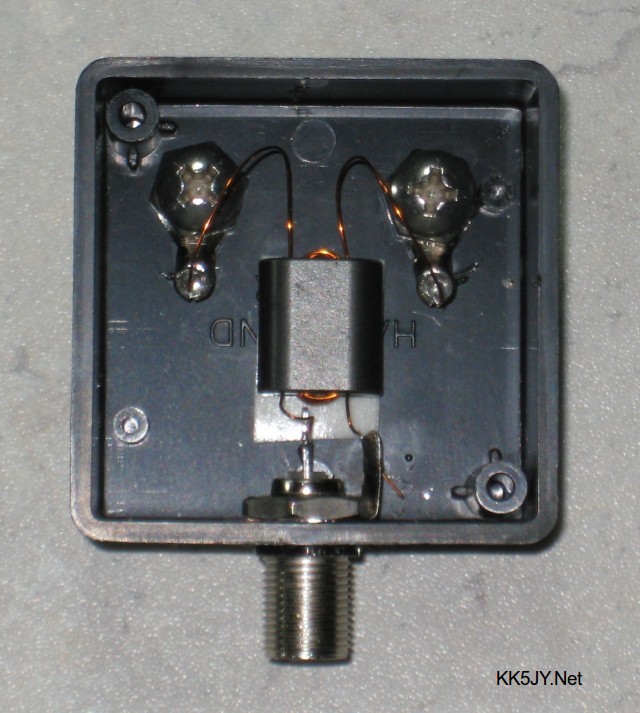
The keys to the success of the antenna is making sure it is electrically isolated.  Build a transformer using a binocular core with 5-6 turns (I used 6) of 30 AWG magnet wire connecting the wire and 2 turns going to the coax (instructions on KK5JY's site).


The coax thus becomes electrically isolated from the antenna.  I forgot to take a picture before I sealed up the box with RTV but the photo above is from Bob's site.  Stripping the enamel and soldering 30 AWG magnet wire is a challenge for me, especially in that small enclosure but I sorted it out.  I filled my enclosure with RTV to secure the core and make it extremely difficult to work on in the future :)

I used 60 feet of my surplus, insulated telephone wire, bonded 2 stainless steel terminals to the ends and laid it out in the suggested pattern to align with my TX antenna.  I have it placed about 25 feet away from my house in the back yard.  It is about 50 feet away from my 80m OCF.  It is secured using ground staples to hold the wire down into the grass.  It literally disappears in the yard.  I mean seriously disappears.  I didn't have the transformer with me when I laid out the wire and stapled it, and when I came back out it took me 5 minutes to find the wire.  You want to use a very small transformer enclosure so that it sits low in the ground so that your lawn mower won't destroy your hard work.


I used 75 feet of weather resistant RG6 75 ohm TV coax to get it back to my grounding point by the house where it goes into an arrestor before I use another 75 feet of coax to get it back up to my operating position.


I used coax seal on the connections both to the transformer and the arrestor.

Results


I clearly see signals on the SDRUno display that don't even appear on my Yaesu FT-DX10 waterfall connected to the 80m OCF.  The FT-DX10 has one of the best receivers in ham radio at this time, so it can dig those invisible signals out (barely) if I tune to what I see on the SDR, but if I switch to the audio from SDRUno they can be heard clearly.

Signals are being picked up by the LoG that are lost in the noise and are invisible on the waterfall of the FT-DX10 no matter how much I fiddle with the display gain and display peaking filters. But I can work them when I find them because that 80m OCF is a good performer as a TX antenna.


Similar to how I configured the SDRPlay to work with my Ten-Tec Eagle; SDRUno is feeding an IQ signal to CW Skimmer.  CW Skimmer acts as my cluster server and my logging software shows me what I don't see on the Yaesu's waterfall.  I click a station, either in CW Skimmer's display or from the cluster list and the FT-DX10 tunes to the station.  

If I can't hear it on the DX10 it is a bit of a pain to turn off the IQ output from the SDR and send it's audio to a speaker rather than CW Skimmer, but I can work the station receiving on SDRUno and transmitting from the DX10.  

Flipping the IQ on/off and changing the output is annoying so I have found a used DX-Engineering RTR-1A that I plan to put in series with the SDRPlay allowing the DX10 to listen on the LoG and transmit on the OCF, while protecting the SDR.  I'll make a video showing the results when it arrives.

Conclusion

I had read mixed results from other hams on forums discussing using Loop on Ground antennas so my expectations were not super high.  Maybe hams who aren't getting good results could try re-orienting their receive loops or maybe the transformer wiring could use improvements.  Maybe they just don't have as much local noise as I do, but for my station this is a game changer.

While I've had mixed feelings about my DX10 I will admit that it hears and cleans up noise far better than my Ten-Tec Eagle and KX3 ever did, but I didn't know what I was missing.  Since I had the waterfall on the DX10 I had stopped just slowly moving the VFO across the band.  I would just tune to a signal I saw on the waterfall.  I had no idea there was so much hiding in the noise.  

"Now I see" said the blind man

That's all for now,

So lower your power and raise your expectations... Or build a receive only antenna and see what you were missing.

73 AA4OO

Begali Intrepid

 The Perfect Bug?

In the Western World we are consumers.  Advertising drives us to think we'd be a bit happier if we had that new "thing", whatever the thing is.  It drives much of our economies and unfortunately keeps many burdened in debt.

That's certainly a pessimistic way to begin this but let's be honest.  No one needs a ~$580 morse code key.  Most of us are handy enough to make a straight key out of stuff laying around the house for free.  I have a number of very fine keys that I've purchased used. I've purchased most of them for well under $70, including my 1970s Standard Vibroplex Bug.


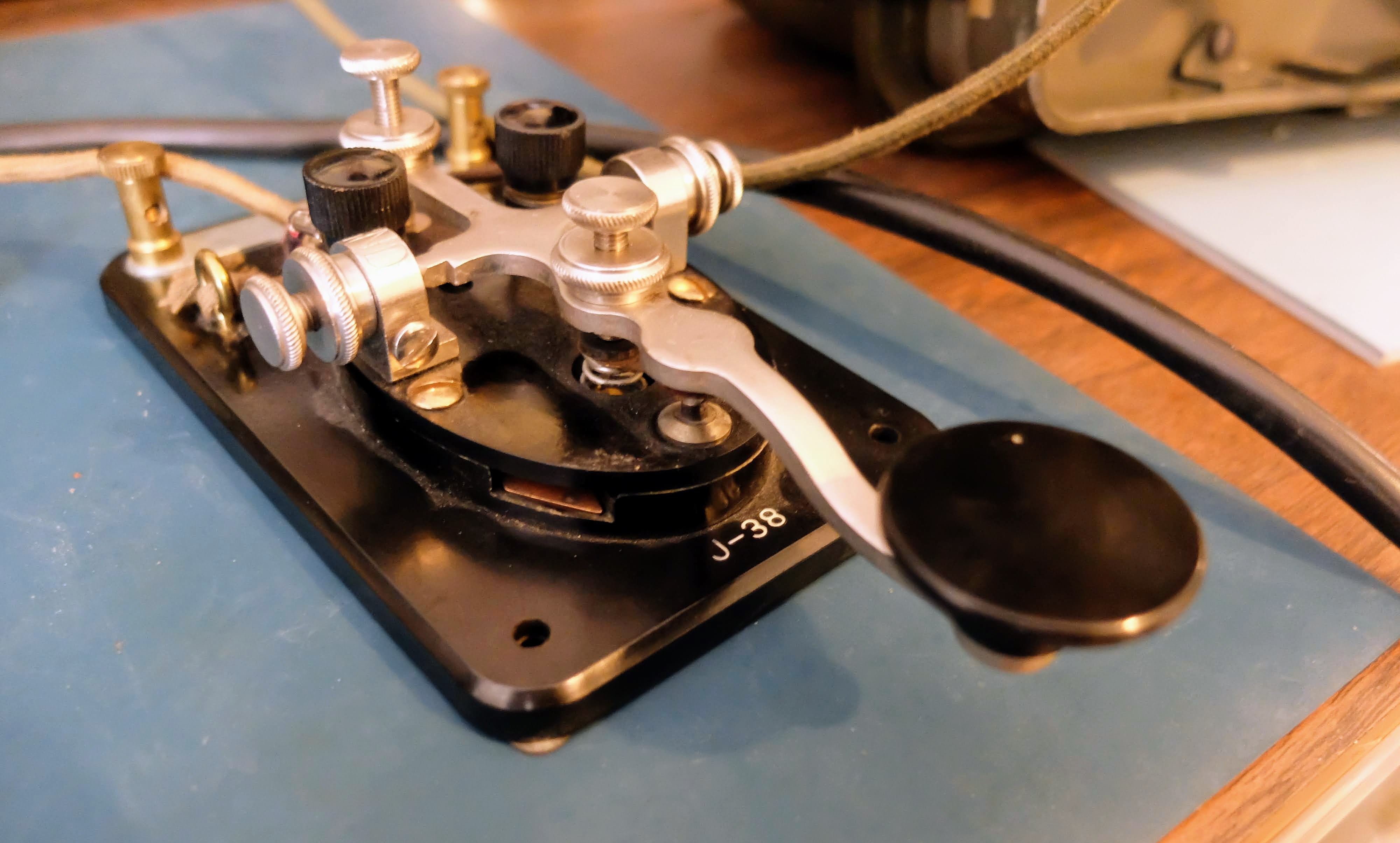
BUT... If we are ham radio operators regularly doing CW, then we spend a lot of time with a morse key under our hand.  I've said this previously, but when you are a CW operator you touch your key more than anything else related to the hobby.  You are moving it many hundreds to thousands of times as you send code.  Your keying becomes part of you and you are intrinsically linked with the ease or difficulty of operating the key for hours at a time.

So...  having a key that is easy to operate; a key that disappears under your hand is an enjoyable thing. 

Operating a Bug correctly, or more precisely in a manner that is pleasing to the person copying your code is more difficult than operating paddles with an electronic keyer.  When the bug was invented it was a tool used by professional telegraphers.  There were no electronic keyers, and having a tool that allowed them to send good code for hours on end with less mechanical stress on their bodies than a straight key was important, and they sought the best tool they could afford to allow them to do their work.

But no one reading this is a professional telegrapher, because that ship has sailed.

For those of us that choose to use a Bug, we do so for different reasons.  For me, I enjoy the control I have in forming my characters, as well as the extra level of difficulty in sending good code.  Why would I want it to be more difficult?  Well, why do we do anything that is challenging.  Being challenged is fun.  It drives me to improve.  It takes my mind off of things that might otherwise crowd my thoughts if I were not doing something challenging that is also fun.

I have operated a bunch of different bugs at my club gettogethers, from different makers.  They all have a different feel.  They all intrigue or annoy their user.  I have two Vibroplex Bugs at my station.  I've previously written about them.  They each have advantages and challenges but they share the same design and they have more in common than they do differences.

A New Design

Fortunately for amateur radio operators there are still new keys being developed, and in this case a new design for a semi-automatic key that has a markedly different design from most of the bugs that came before. 

The Begali Intrepid is distinctive in a few ways:
  • The pendulum hinge is at the rear of the key rather than the middle
  • The adjustments are all based on magnets rather than springs
  • The dwell for the dits has a real control, rather than using various pieces of foam, string or clips to change dwell time
  • The dit contact is a sprung plunger that always remains centered on the contact rather than brushing against it at various angles
  • The split lever mechanism operates at the center of the key placing the DAH and DIT contacts much closer to one another than a traditional bug
  • There is less mass in the pendulum itself than a Vibroplex Bug
  • It has a sprung, nylon wheel damper that doesn't clatter
  • It weighs a TON (well about 6 lbs) and feels welded to the desk without having to use non-slip material or using spit to semi glue them in place (yech, yes I use spit to hold my keys to my desk)
These differences really add up to make a semi-automatic key that feels markedly different than all other bugs available to amateur operators.

I've not had the chance to try the GHD fully automatic bugs, nor their bugs that use optical contacts.  That would be interesting, but they still fundamentally follow the Vibroplex model.


Preparing for Use

The Intrepid ships with a cable but there's nothing to plug it into on the key.  It's up to the owner to solder the connections.  I understand that some transceivers require different plug wiring but in general they are fairly common.  Be prepared to spend some time soldering under the key to wire it up.

I had some spare 1/8" plugs for projects, and with some heat shrink tubing and a couple pieces of wire I created a tidy connector for the male to male cable shipped with the key.


In Use

I spent about 2 hours practice sending into the practice oscillator that I built.   I had a Vibroplex Deluxe Bug next to it that I alternated with.  The range of DIT speeds on the Intrepid is impressive.  Other makers like Vizkey have created bugs with a similar range of adjustment, and the Deluxe Bug I use has a Vari-Speed that can match the Intrepids speed range, bu the Intrepid is easier to quickly adjust and more importantly can be done one-handed.  It will comfortably go from about 15 wpm up to 35 wpm and with the dwell adjustment makes changing speeds and keeping the DIT dwell correct, is singular.  I don't think any bug can match it in that respect.

It did require a change in how I operate.  The Vibroplex Bug fingerpieces stick out further and I have the habit of placing my index finger out over the top of the Bug.  The Intrepid doesn't allow for that.  I have to curl my index finger down to avoid hitting the bracing for the pendulum.

Because there is less mass in the pendulum it operates with a much lighter touch than Vibroplex Bug.  The pendulm movement is initated with less force and due to the isolation of the pendulum from the paddles you don't feel the pendulum moving as you do with a Vibroplex.  I kinda like the feedback I get from Vibroplex pendulum.  The Intrepid feels more like a single paddle key with an electronic keyer than a bug.

Because of the how the lever is split in the middle, the actual DAH contact is almost dead center in the key rather than toward the front.  It is far closer to the DIT contact than a bug.  I have no way to describe it other than to say it feels as if the DAH and DIT operations are more similar than they are different.

I tend to pivot at my wrist when I operate a Vibroplex bug, to control the timing of DIT to DAH transitions.  That doesn't seem to be as necessary with the Intrepid.  Again, it feels more like a paddle than a Bug.


The DIT contact is a sprung plunger that is always centered.  This is one of the biggest problem areas on a Vibroplex Bug and Begali has masterfully designed the proper contact.  Most Bug operators spend more time adjusting the U-spring to try and get proper contact than any other part of the key.  I assume this level of precision is just not something that Vibroplex wanted to spend the time on in manufacturing.


You'll notice there are spare holes.  I assume they are to allow the frame to be used for left handed operation.

The sprung teflon damper makes for clatter free operation.  No more ker-thunk as you transition from DITS to DAHS.  They key is markedly quieter in operation than any other Bug I've tried.  The only other key that comes close is the right-angle Vizkey.


The weights are easy to adjust but I have found that the set screws don't bite the pendulum as firmly as a Vibroplex bug and I have had them come loose a few times. When they accidently come loose they flop to one side and touch the frame, completing the circuit, resulting in a continous carrier. I'm a bit concerned about leaving the bug connected unattended to my tranceiver and having one flop over into transmit while I'm not at the station.


The laser etching is nicely done.  The model name can appear, white, gray or black depending on the angle of light.


The pendulum is hinged at the back of the key, making easy access to the adjustment weights.


Conclusions?

This is a very fine piece of engineering.  It will take me months to decide if stick with it over a Vibroplex Bug, but for now I'm thinking it was a fine birthday gift.


That's all for now

So lower your power and raise your expectations.


The Endurance of CW in Amateur Radio

CW Spans a Century

I've enjoyed using my "new" GRC-9 radio for making CW and AM contacts over the past month.  During that time I've also discovered https://worldradiohistory.com/Archive-Radio-News/ which has magazine articles about radio dating back to 1919.  Reading about amateur operators building and using equipment at the time where CW (continuous wave) was beginning to replace spark-gap operation in wireless communication made me consider just how enduring the ability to communicate using CW and AM have been. 

Prior to the introduction of continuous wave transmitters and receivers, the detector used for spark gap communication would have made it difficult to hear a CW transmission (lacking a BFO). So, even though wireless transmission and reception of International Morse Code dates back earlier than 1919; employing CW (continuous wave) to send Morse Code seems to have began its popularity around that time.  AM (amplitude modulation) phone mode was also in use at the time, and grew in popularity during the 40's and 50's until more efficient voice modes overtook it in popularity for voice communication.


Radio Telegrapher School for Enlisted Specialists 1921


What other modes have remained as popular standards using standard ham equipment and continuously in use by amateur radio operators as CW?

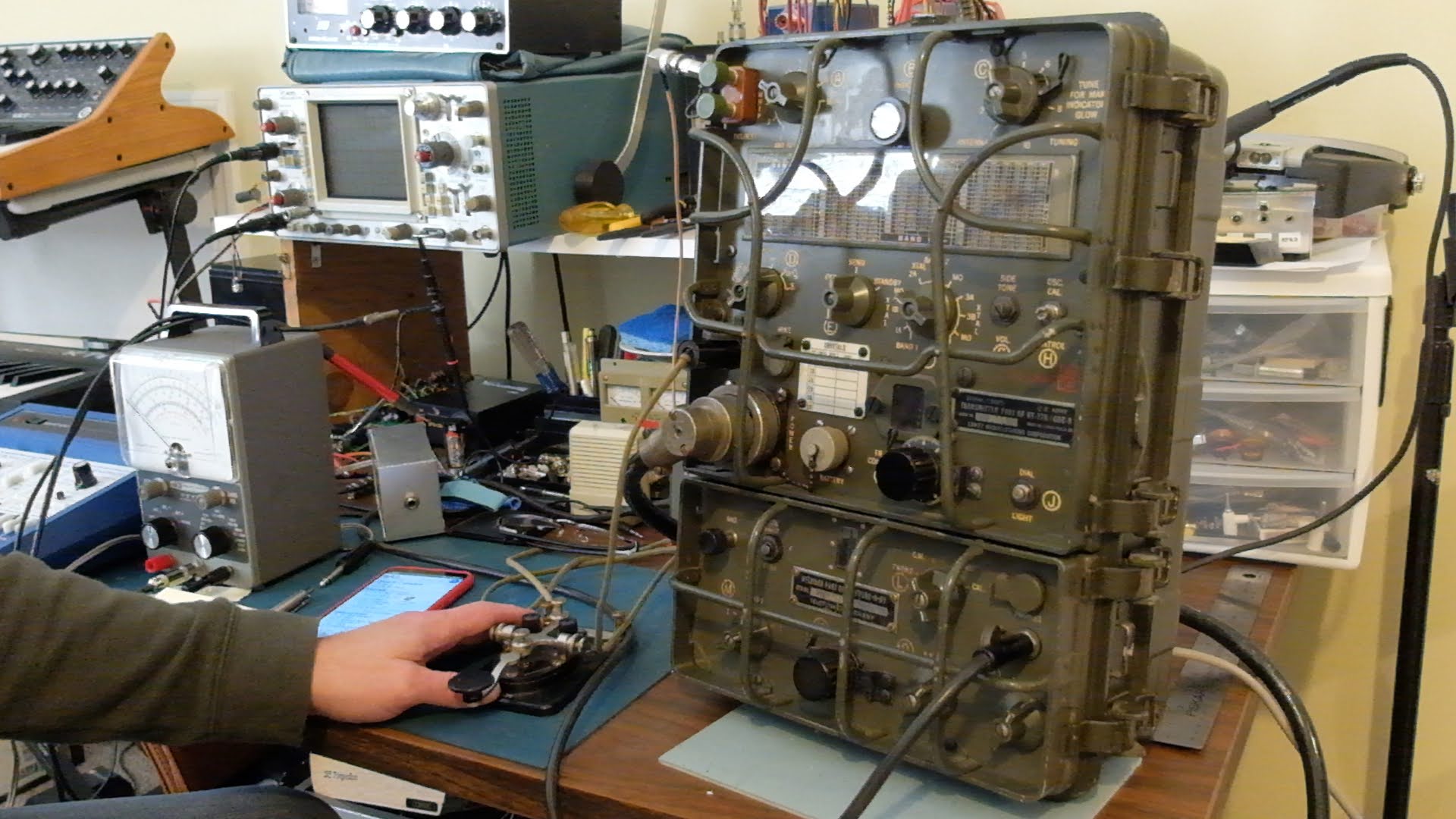
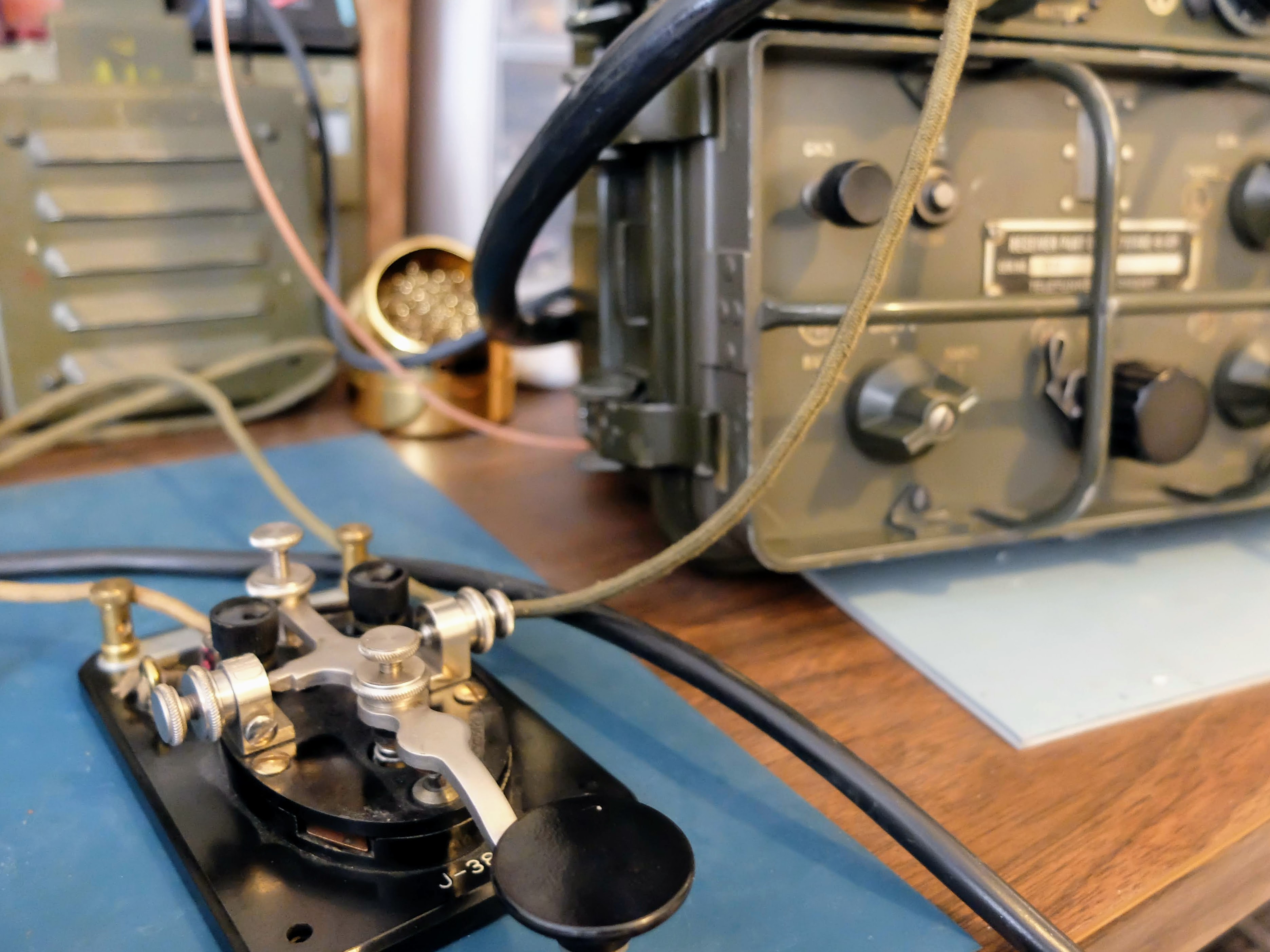
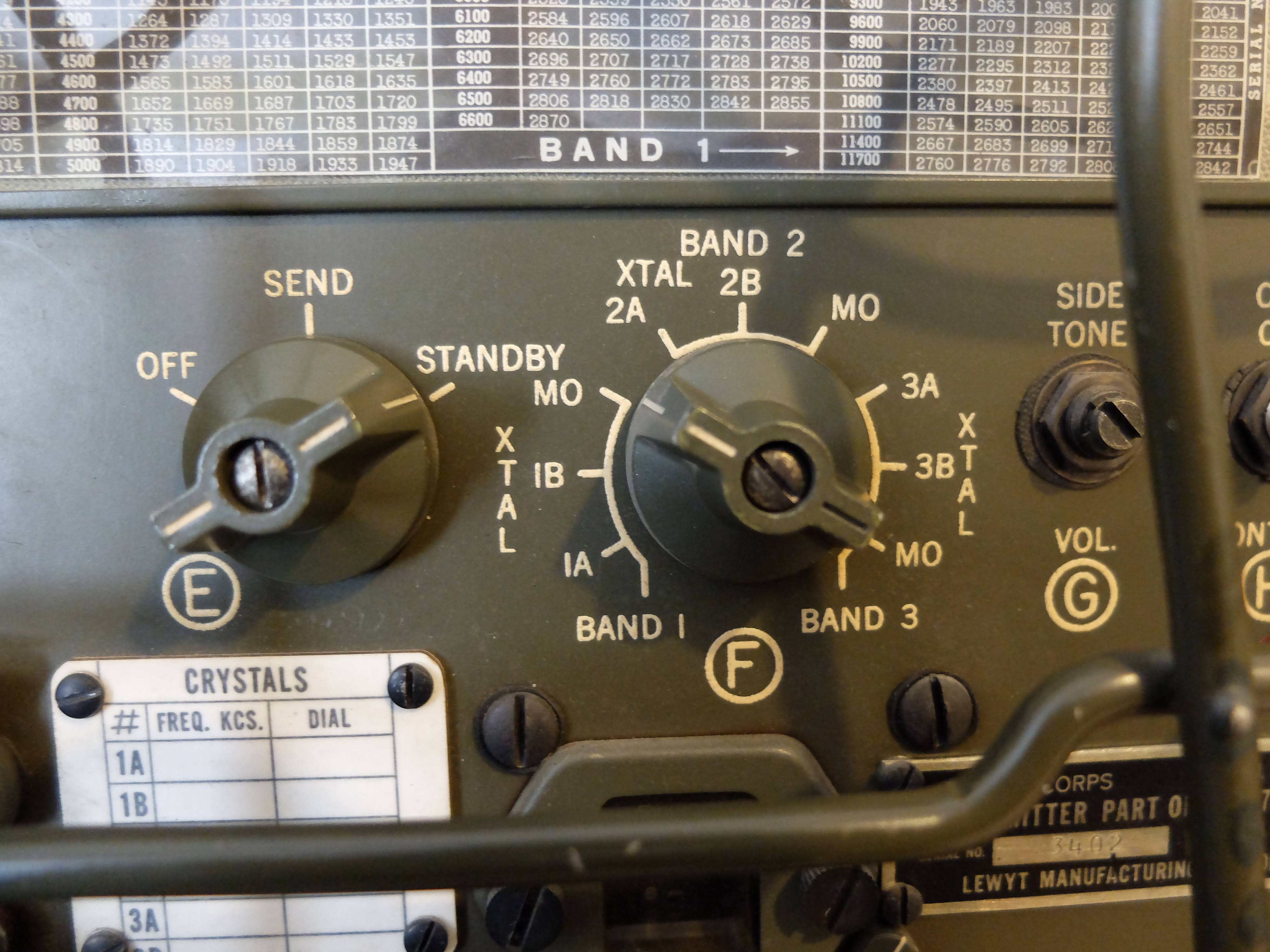
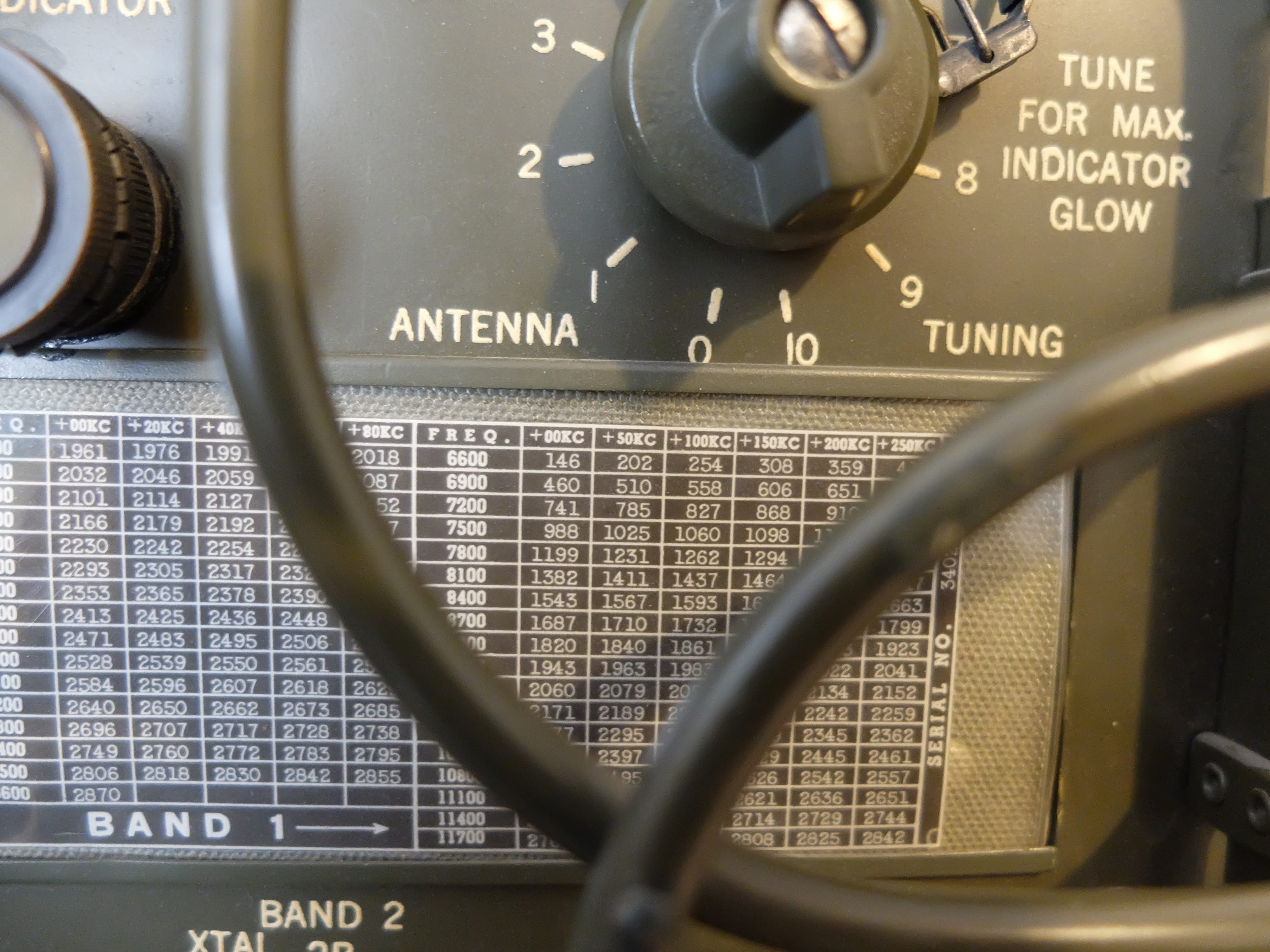
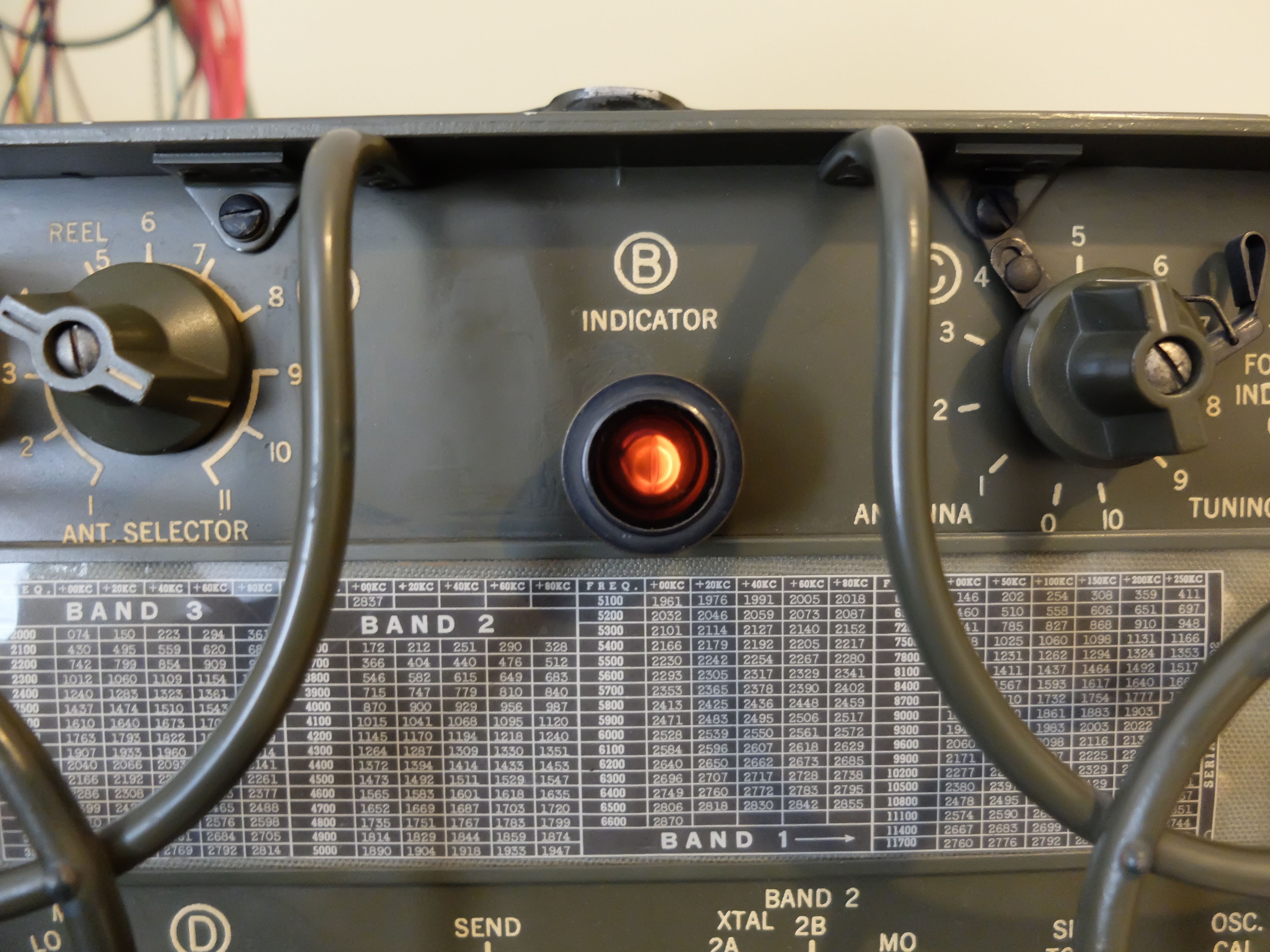
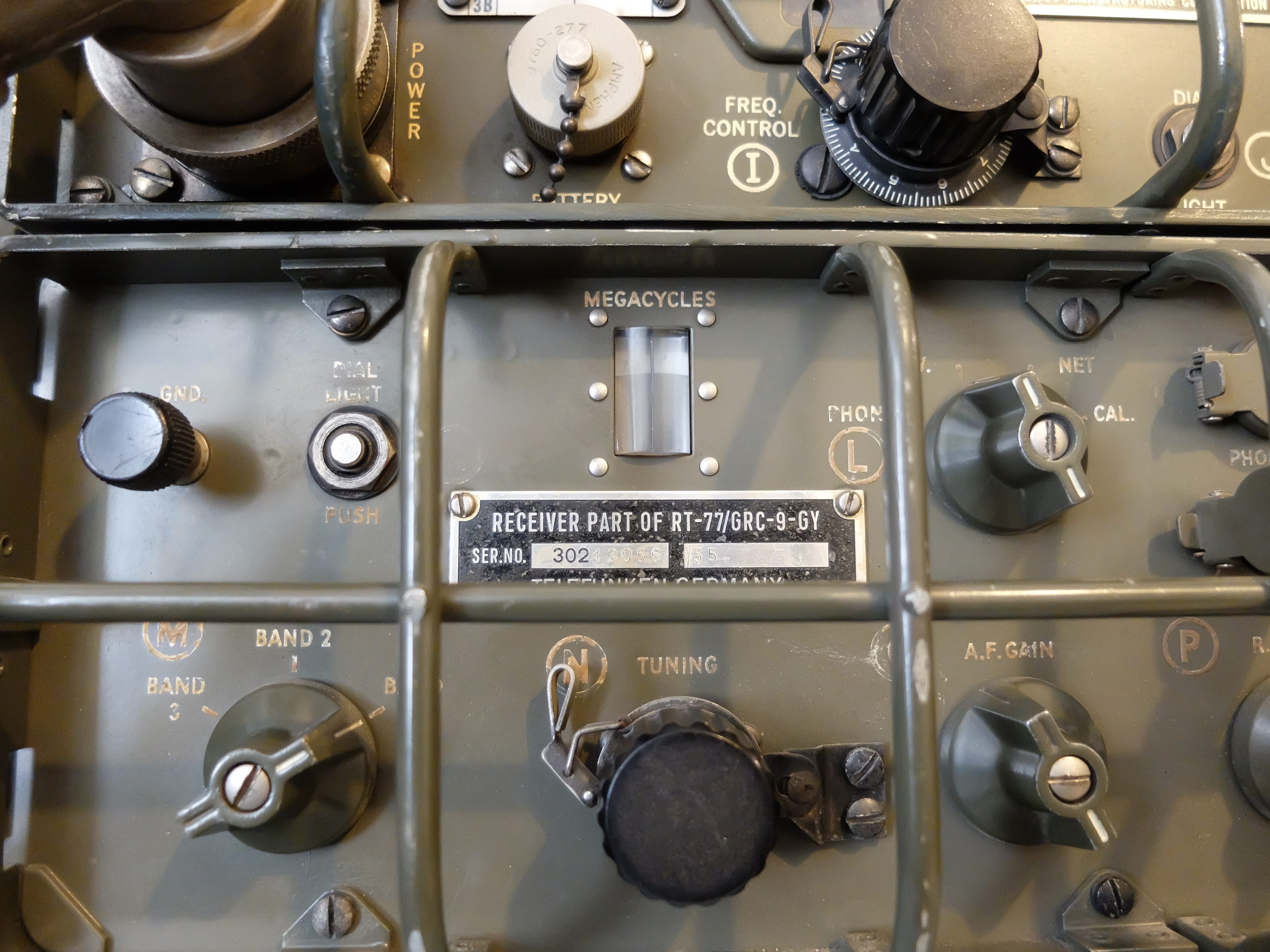
My GRC-9 was designed near the end of WW2 (circa 1945), and was in continuous production for various armed forces around the world until around 1974 (3 decades is a long production run).  My particular unit has a receiver manufactured by Telefunken in 1955 and a Lewyt manufactured transmitter from 1966.  I have made CW and AM QSOs with other amateur radio operators whose equipment ranged from home-brew xmtr/rcvrs, Drake and Collins radios as well as shiny new Icom 7300 and Flex radio systems.  

A modern amateur radio (typically a HF model) can be used to communicate with radios built 100 years in the past. The same might be said for AM fone (phone), but that mode has become a niche for a much smaller set of enthusiasts.

There are lots of new and exciting modes of communication in amateur radio.  Many are pushing the boundaries of weak signal reception, or alternatively allow for high transfer rates of data. But it is somehow comforting to me to consider that amateur radio hobbyists have kept one mode in particular, CW, popular and in continuous use for over 100 years using equipment that remains compatible to communicate with one another.  I wonder if that will be the case in another century?

That's all for now, so lower your power and raise your expectations

Richard, AA4OO

AN/GRC-9 aka “Angry Nine”

 AN/GRC-9 - Long lived military comms
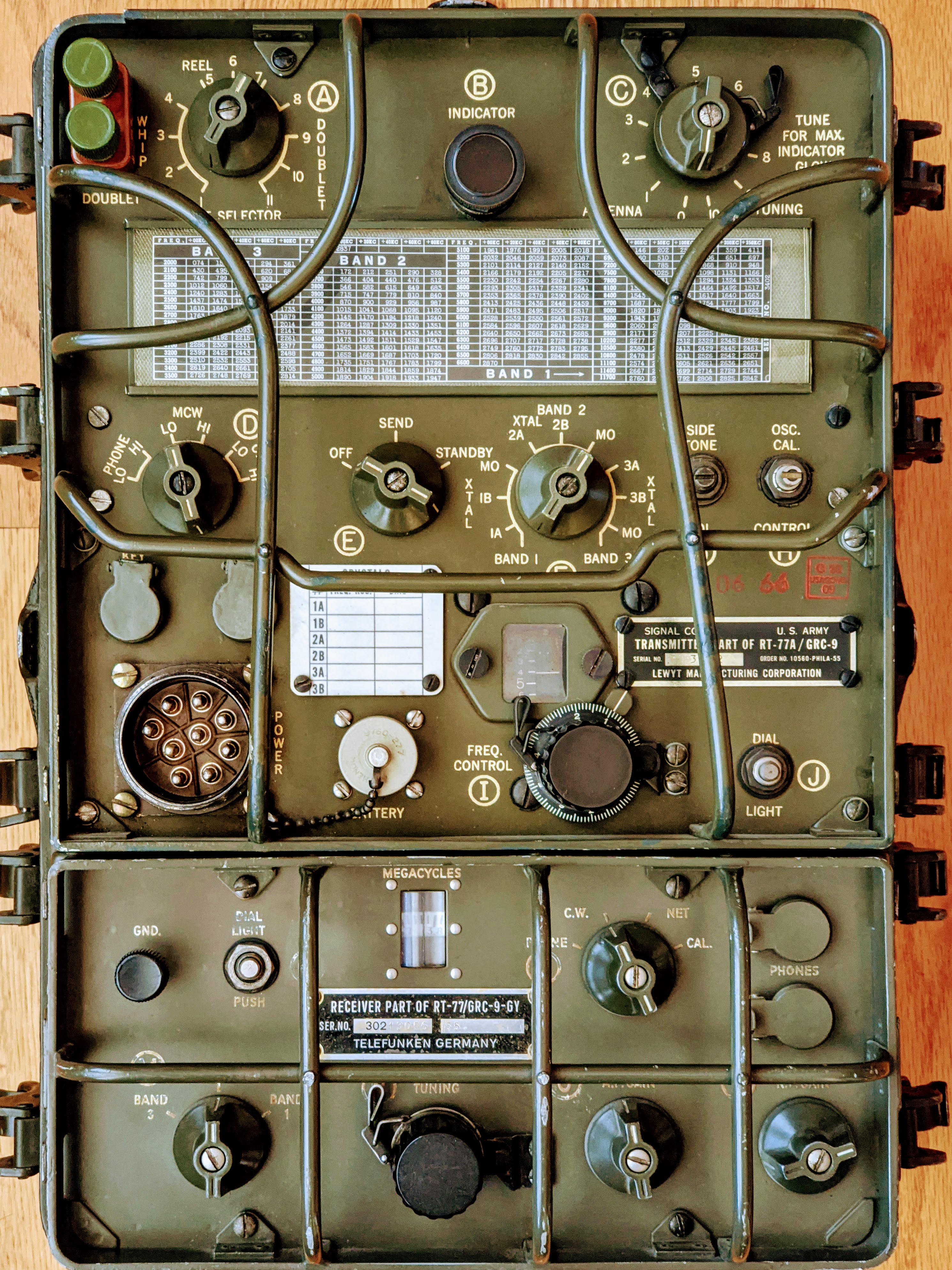
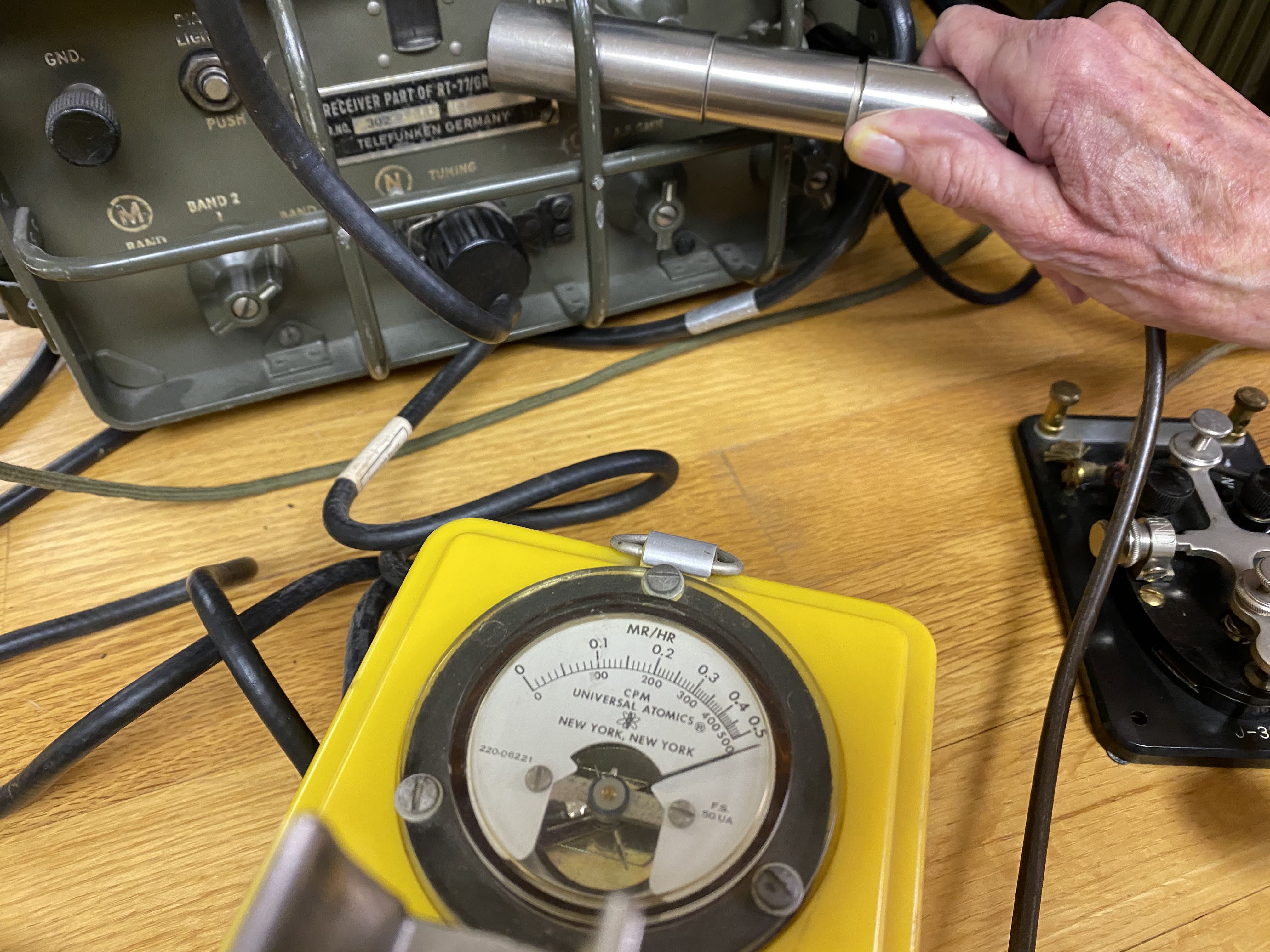
My lovely (and radioactive) RT/77-GRC/9


I don't recall where I first read about the Angry Nine, but it captured my imagination.  I read everything I could find about them and decided it would be great fun to operate such an antique on the ham bands.   There is no logical reason to desire such a QRP radio.  The low power output on CW is indeed, 5 watts and high power is a pileup busting 15 watts.   The AM transmission are 1 watt and 7 watts respectively.  That's almost QRPp for AM mode.

I'd had some experience restoring old tube equipment; my Heathkit HW-101, Knightkits VFO and Hallicrafters keyer, and I figured I'd take the next plunge and learn to use a receiver-transmitter combination and see how mobile high-voltage power worked from Vibrators and Dynamotors.   

These radios seemed to have been more plentiful in the surplus market 10 - 20 years ago.  Now you'll occasionally see one come up on eBay or other sites, but often times they are in very rough shape or the they are foreign language versions.  I bid on a few auctions over the past couple of years and the bidding always exceeded my threshold for what I thought it was worth.  The one above was part of an auction from an individual who had actually trained on these units prior to deploying to Vietnam.  Later in life he became interested in finding one and spent time in military surplus warehouses going through pallets of equipment to find one in good shape.  This particular unit is made up of a Lewt manufactured transmitter and a Telefunken receiver.  The original owner preferred the receiver characteristics of the Telefunken over the Lewt manufactured model, so he paired the two.

Many of these old units are radioactive, due to the radium paint used on the front panels to make the lettering glow in the dark.  This particular unit is off the lower scale on the Geiger counter and must be handled with care.  Basically, I have to be careful to not touch my face with my hands after operating the unit and wash my hands thoroughly.  Radium emits Alpha particles, which are not especially strong but the resultant radioactive dust from the front panel shouldn't be breathed or ingested.

Hot receiver, in more ways than one


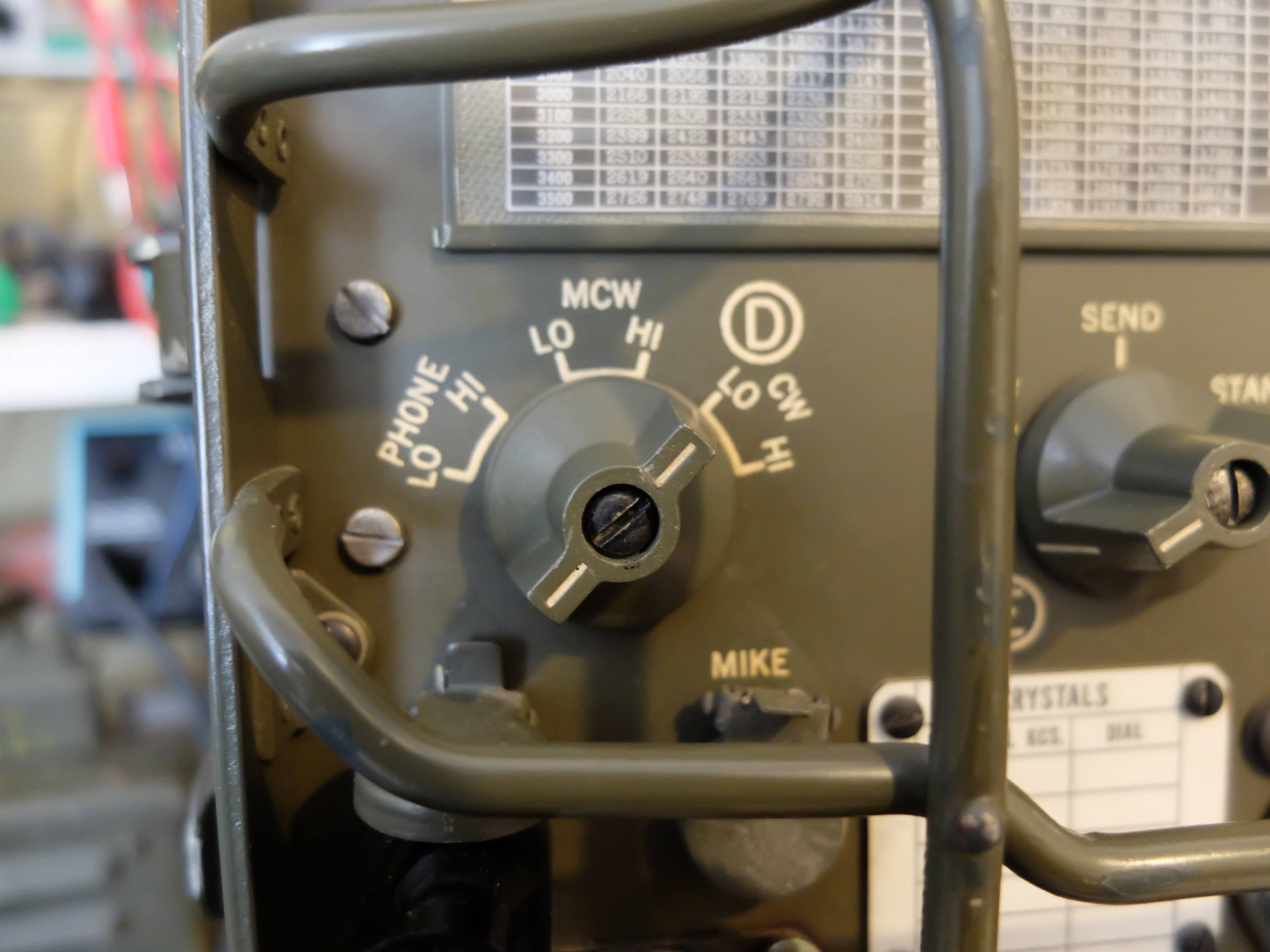
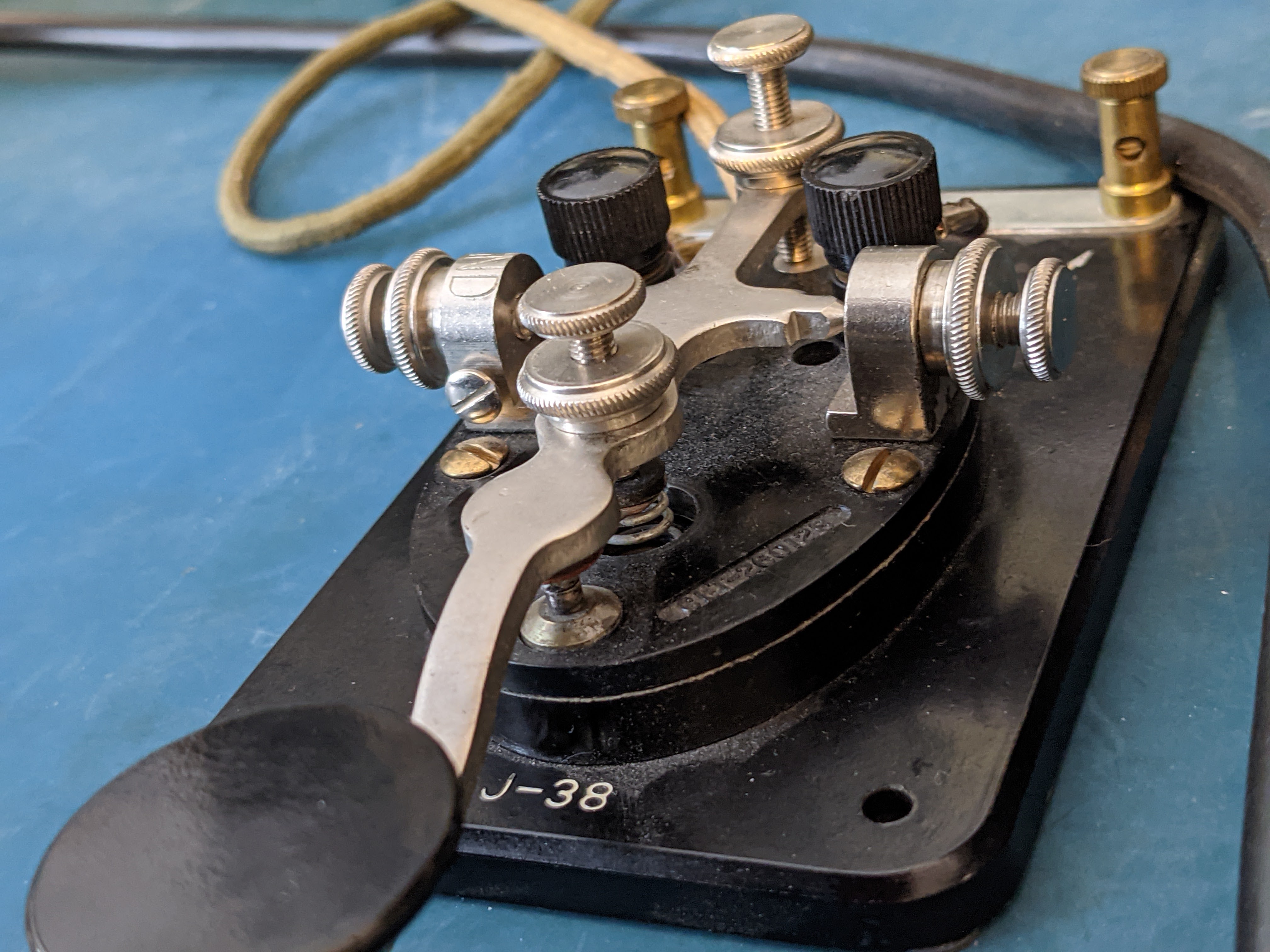
The AN/GRC-9 is a set of components primarily comprised of the RT-77/GRC-9 receiver-transmitter, capable of operating between 2-12 MHz in CW, MCW and AM modes.  MCW is a modulated form of CW that can be received by radios that do not have a BFO (i.e. a normal AM receiver).  

It is a mid to late 1940's design and was first documented field use in the Korean War, and was in active use through the Vietnam War and continued to be maintained in US military warehouses until 1974.  It was in use by other nations long after, most notably the Dutch military.

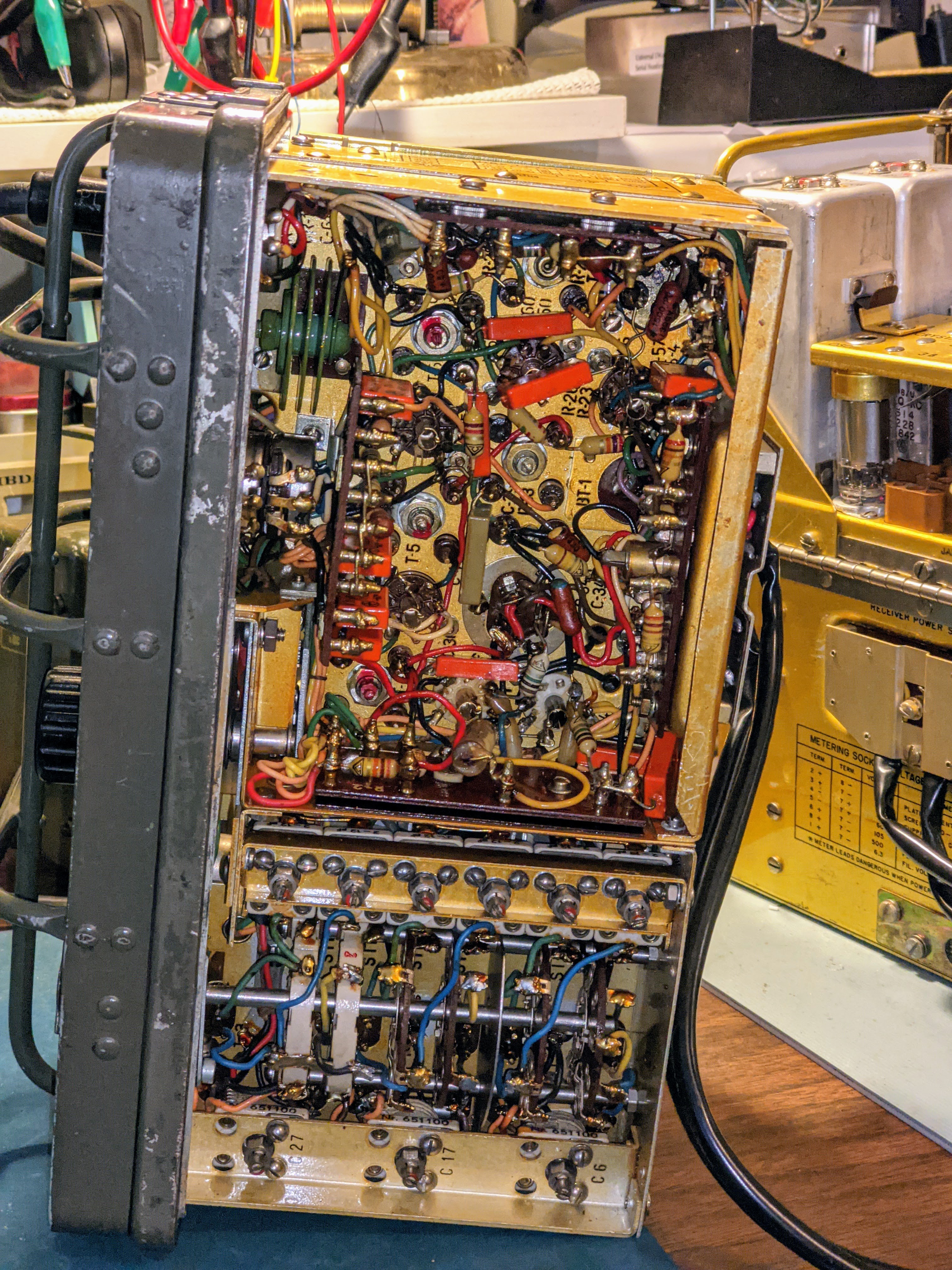
Out of the case, tracing a low B+ power problem


Power on the move

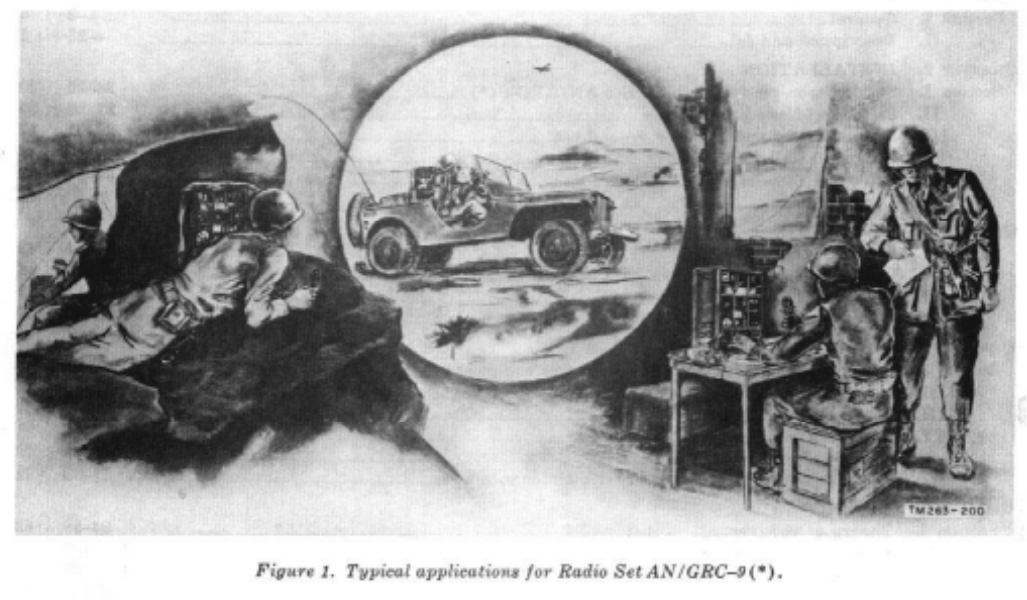
Designed to be used in the field, both vehicle mounted and carried by mobile infantry; there were a number of ways to supply power to the unit.  There were a few different Vibrator/Dynamotor units, that could operate from common DC voltages of the time (6v, 12v, 24v) as well as a hand cranked, field portable generator.

Keep in mind that the state of the art at the time of its design used vacuum tube technology and in the case of the RT/77-GRC/9 it required the following voltages:
  • Transmitter Plates -- 475 - 580 v @  100ma
  • Transmitter Filaments -- 6.5 - 6.6 v@ 2 amps
  • Receiver Plates -- 105 - 120 v @ 45ma
  • Receiver  Filaments -- 1.35 - 1.5 v @ 500ma
  • Keying Relay -- 6.0 - 6.9 v @ 575ma

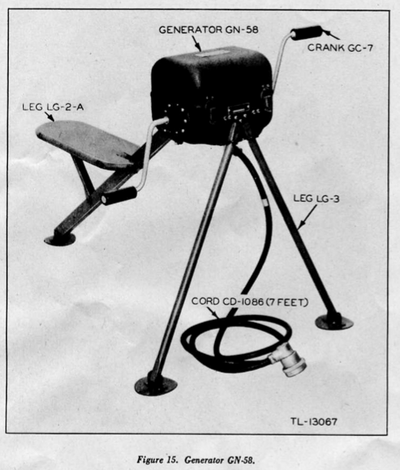
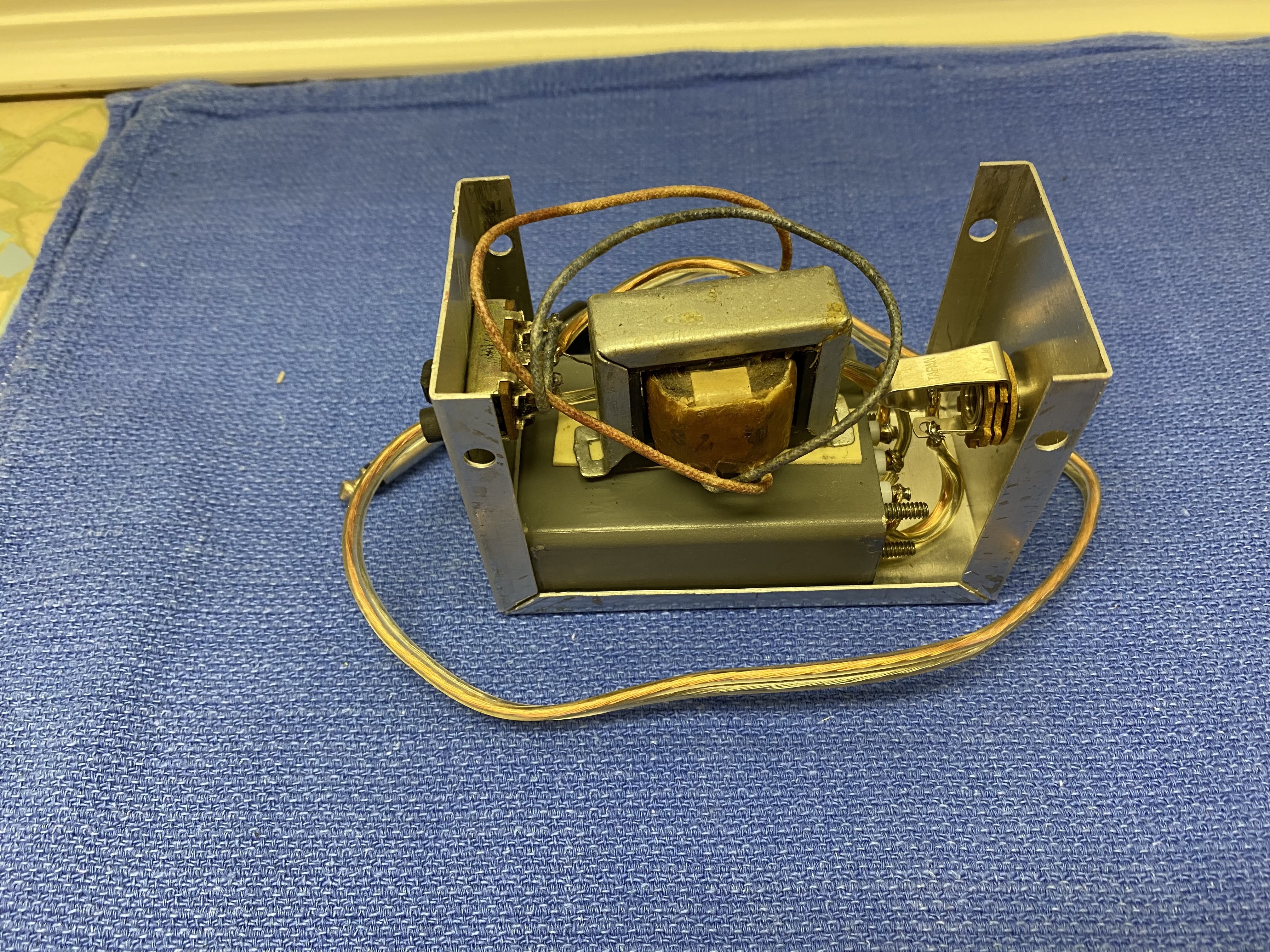
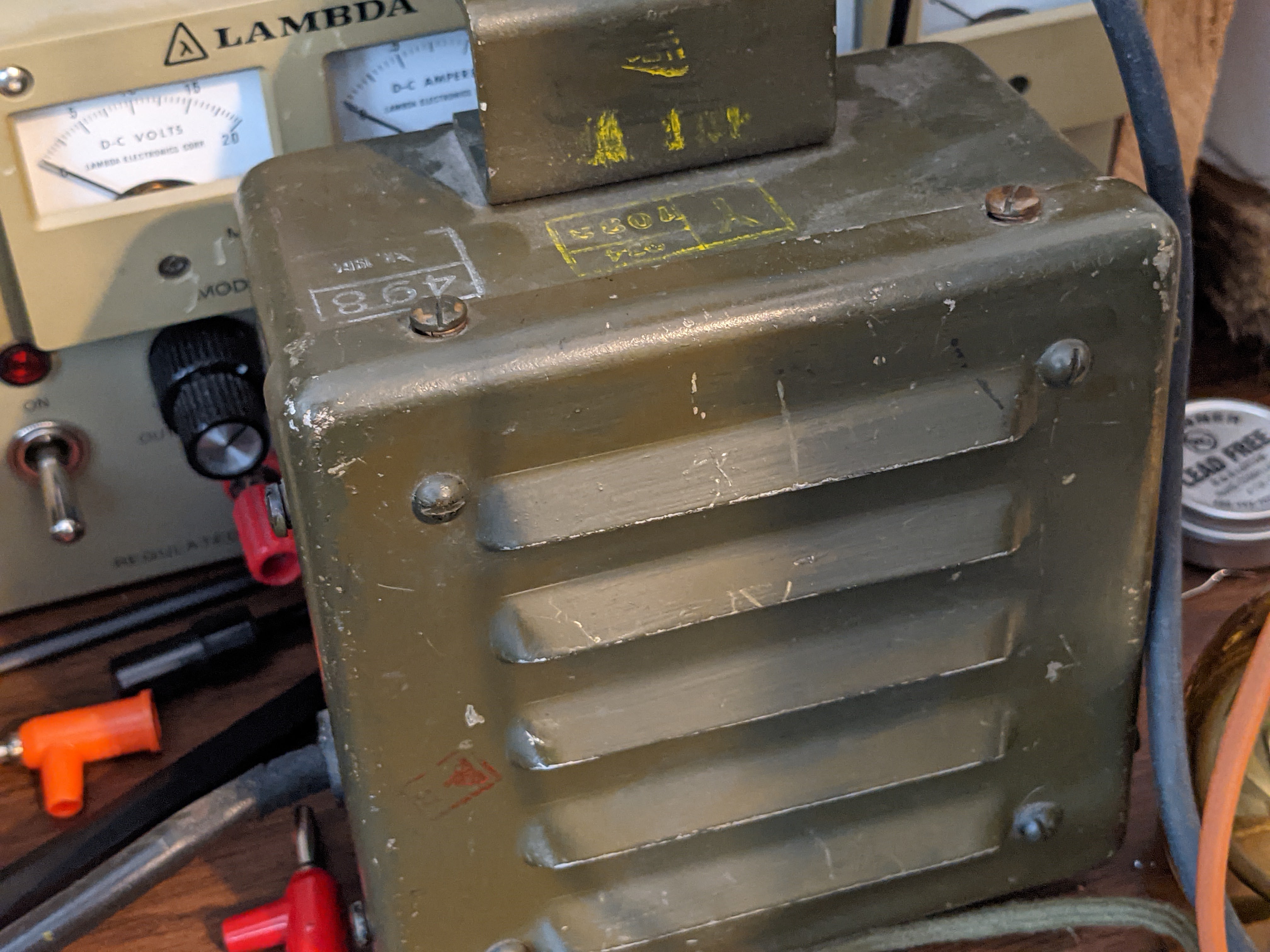
That's a tall order for mobile and portable power supplies but designers in the 1940's were quite clever in packing power supply units.   I managed to obtain both the hand cranked GN-58 generator with the base chassis and seat for portable operations, and a DY-88 for fixed / mobile operations.  


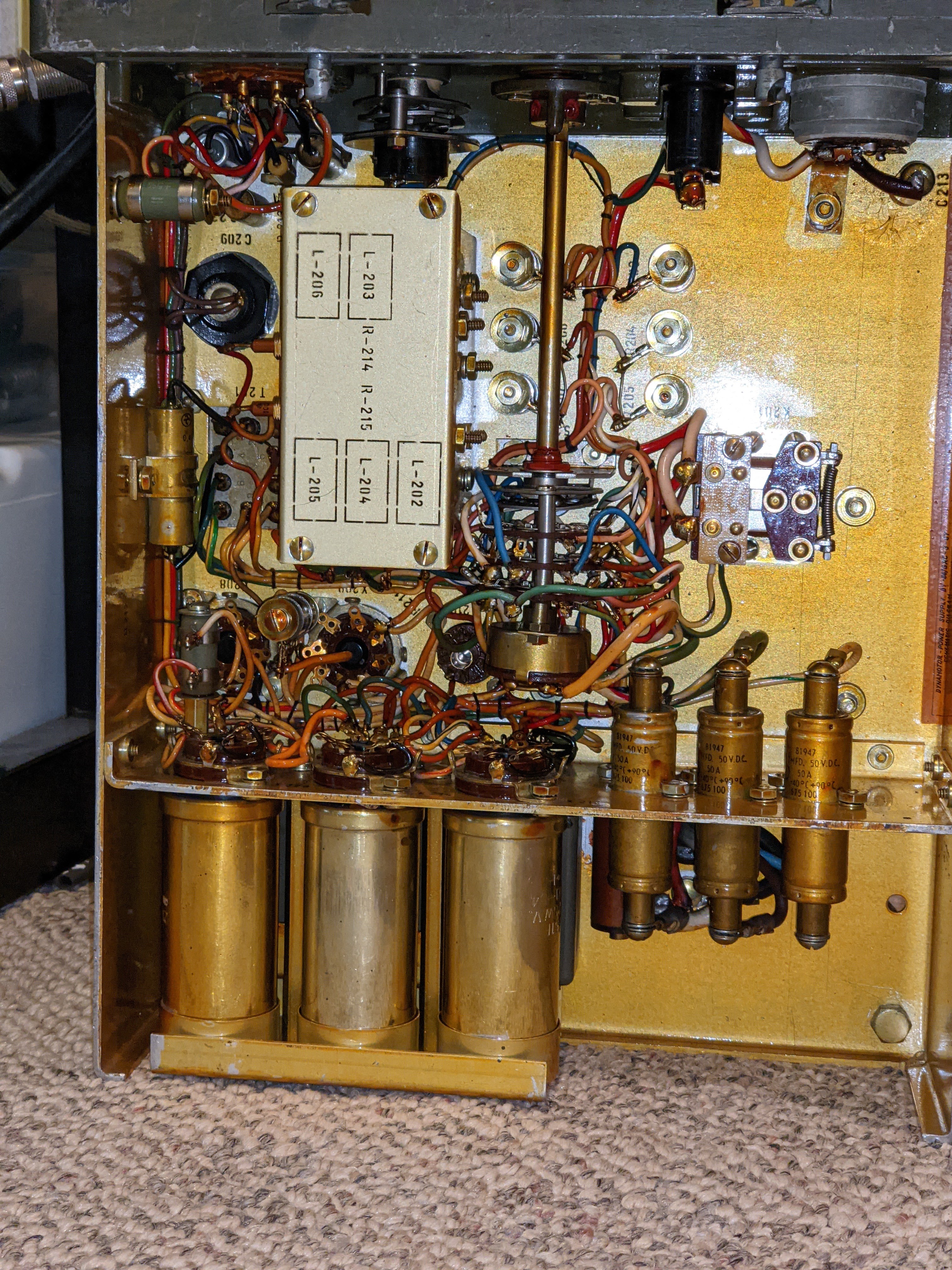
DY-88 mobile power supply
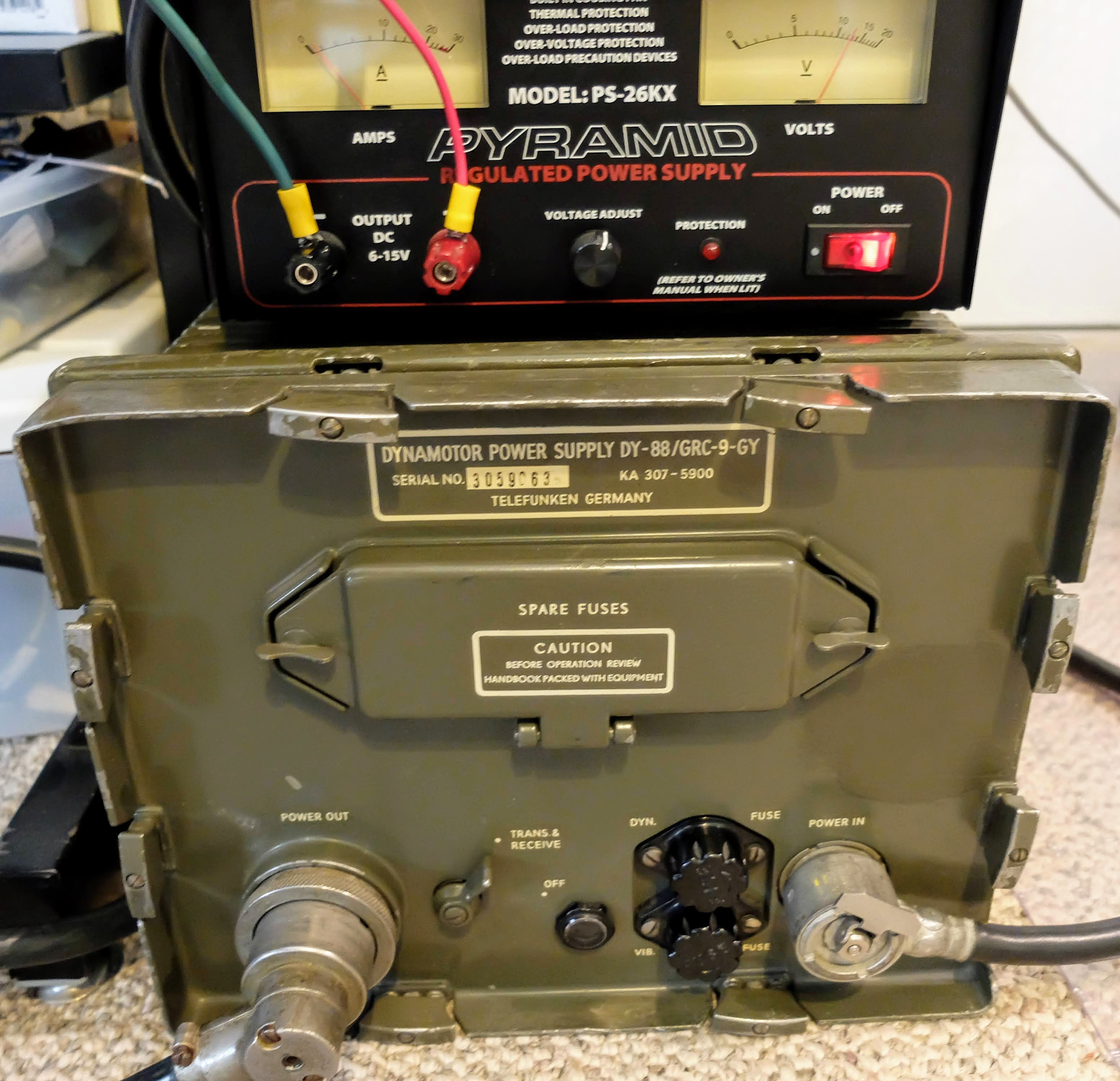
DY-88 set to 12v powered by Amateur 12v supply

Vibrator power supply for low B+

Power filtering

I supply the DY-88 from either an RV battery or an amateur 12v power supply.  When in Standby the DY-88 draws less than 1 amp, but placing the radio in Send mode switches on the Dynamotor which draws 12 amps @12v, without key-down and up to 14 amps on high-output key-down.  It will drain an RV battery pretty quickly at that rate if the radio is left in Send mode, and works an amateur power supply pretty hard as well.  So don't expect to operate remote off a battery alone for too long if your having lengthy QSOs.  An added benefit of the DY-88 is that when the enclosed Dynamotor is running you'll have a nice extra 85 dB of generator noise to accompany your listening pleasure.


GN-58 portable field hand-cranked power supply
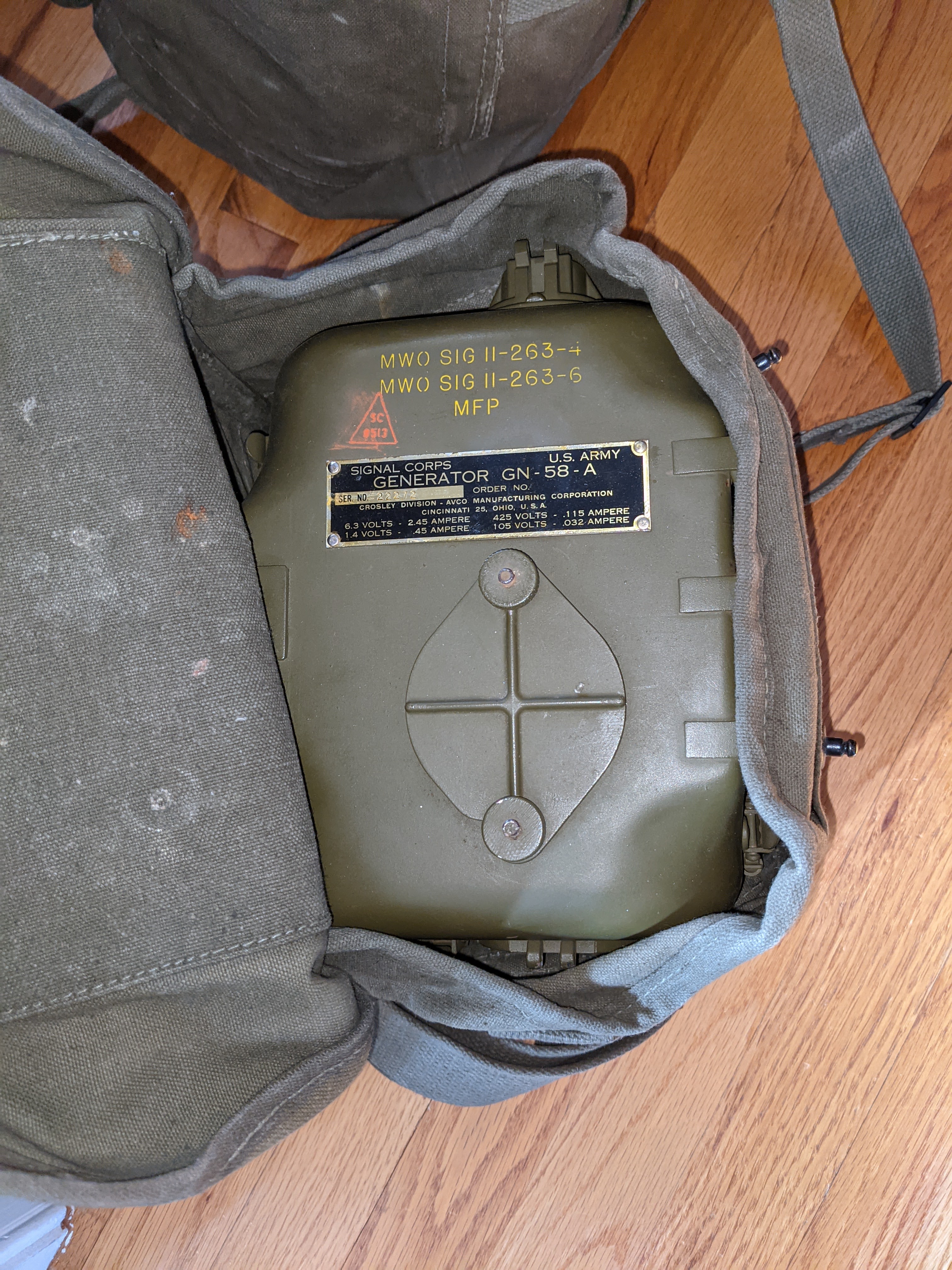
Generator head in carry bag

NOS Shiny


Deployed


The GN-58 is a tough workout since it has to be cranked by hand at 60 rpm continuously.  Obviously, you need a partner unless you can figure out how to crank it with your feet while sending CW. You will also want that partner to help you carry the GN-58, and the accompanying accessory bag for the chassis and seat.  IT'S HEAVY.  I haven't weighed everything, but according to the manual that came with the set, the radio / generator / accessories including antennas comes out around 120 lbs.  

If you have a BC-48 battery hooked up then your human power supply can pause cranking while your receiving.  I have a BC-48 battery enclosure that has been gutted of the original, long-dead material and replaced with 10x 9v batteries in series for the low B+ and two D-Cell batteries in parallel for the receiver filament supply.


Accessories
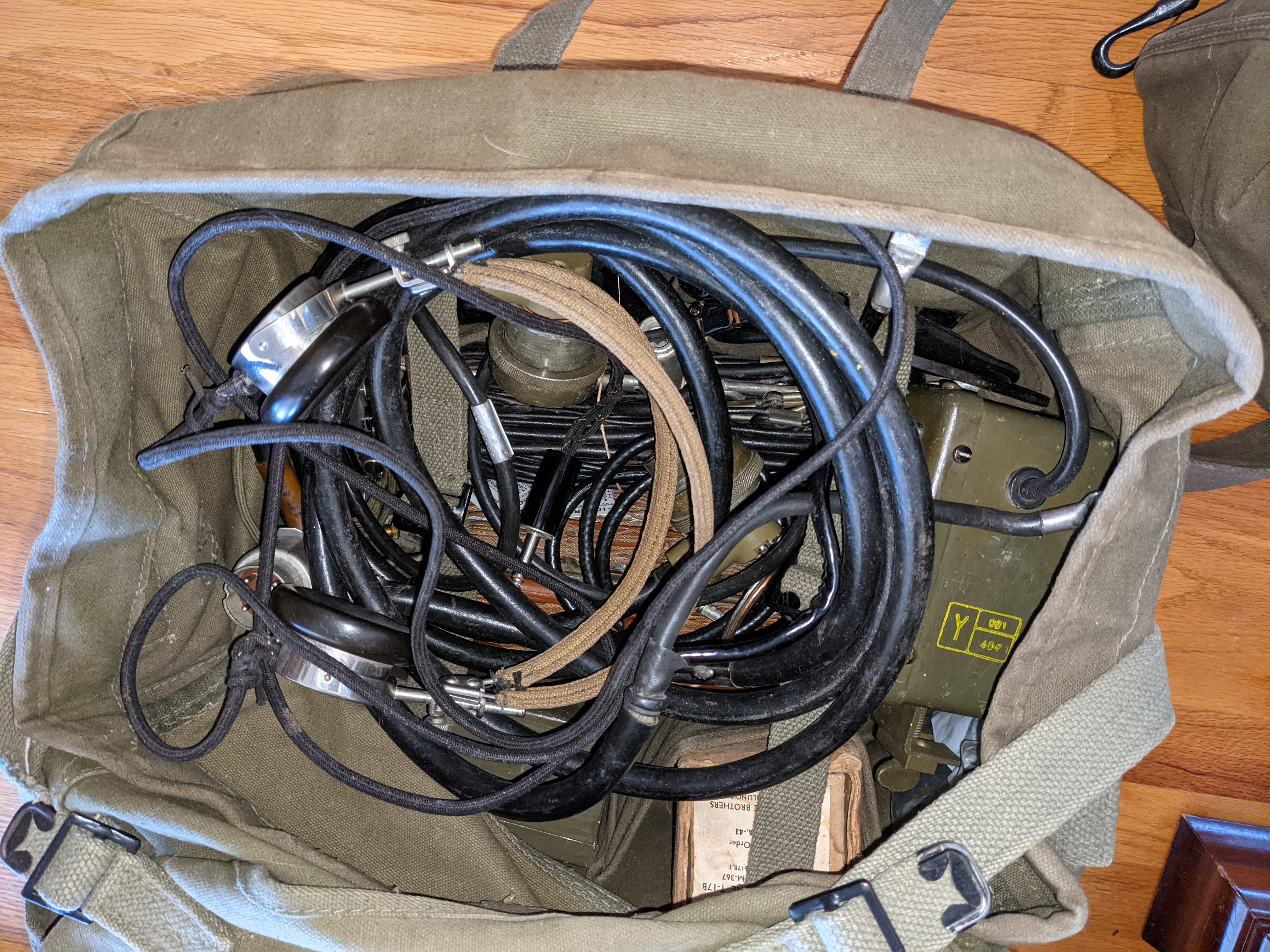
Bag of goodies

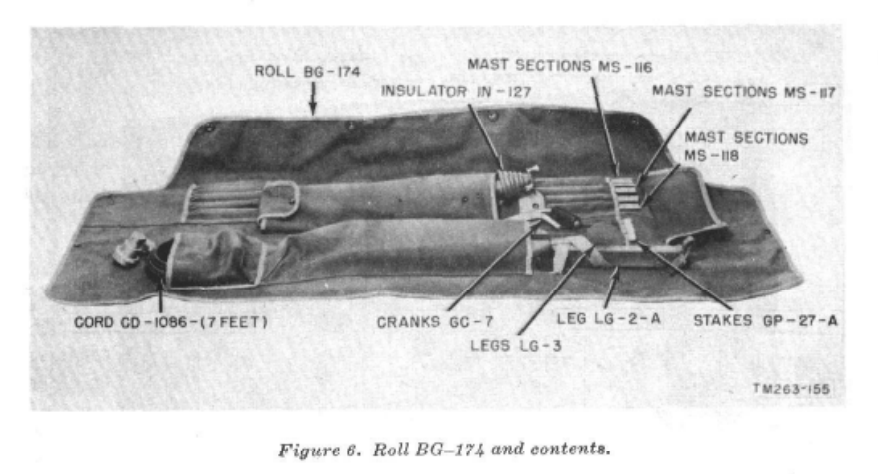
The radio itself has a carry bag, as well as a bag for the GN-58 legs and seat, the vertical antenna, and miscellaneous.

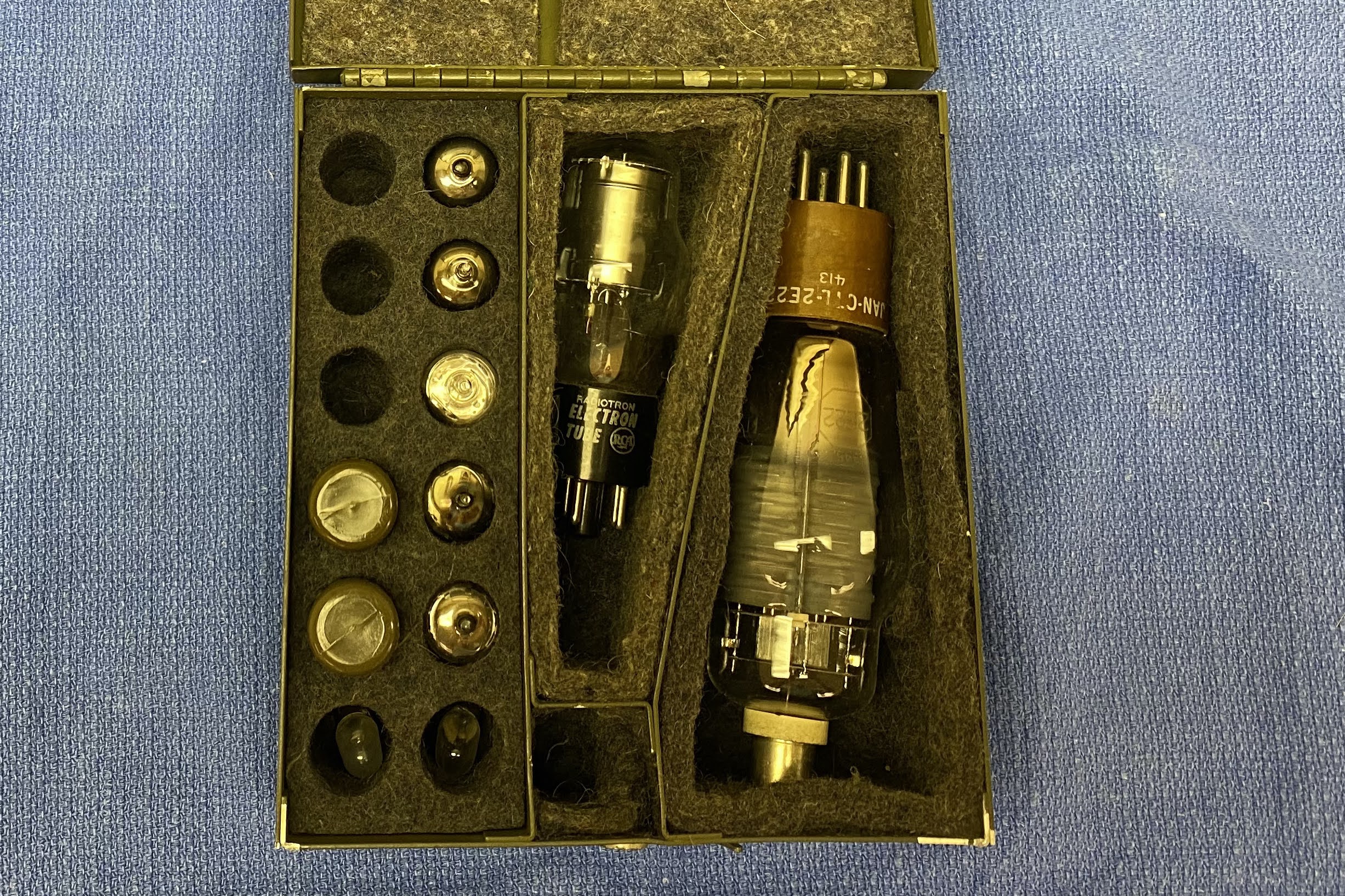
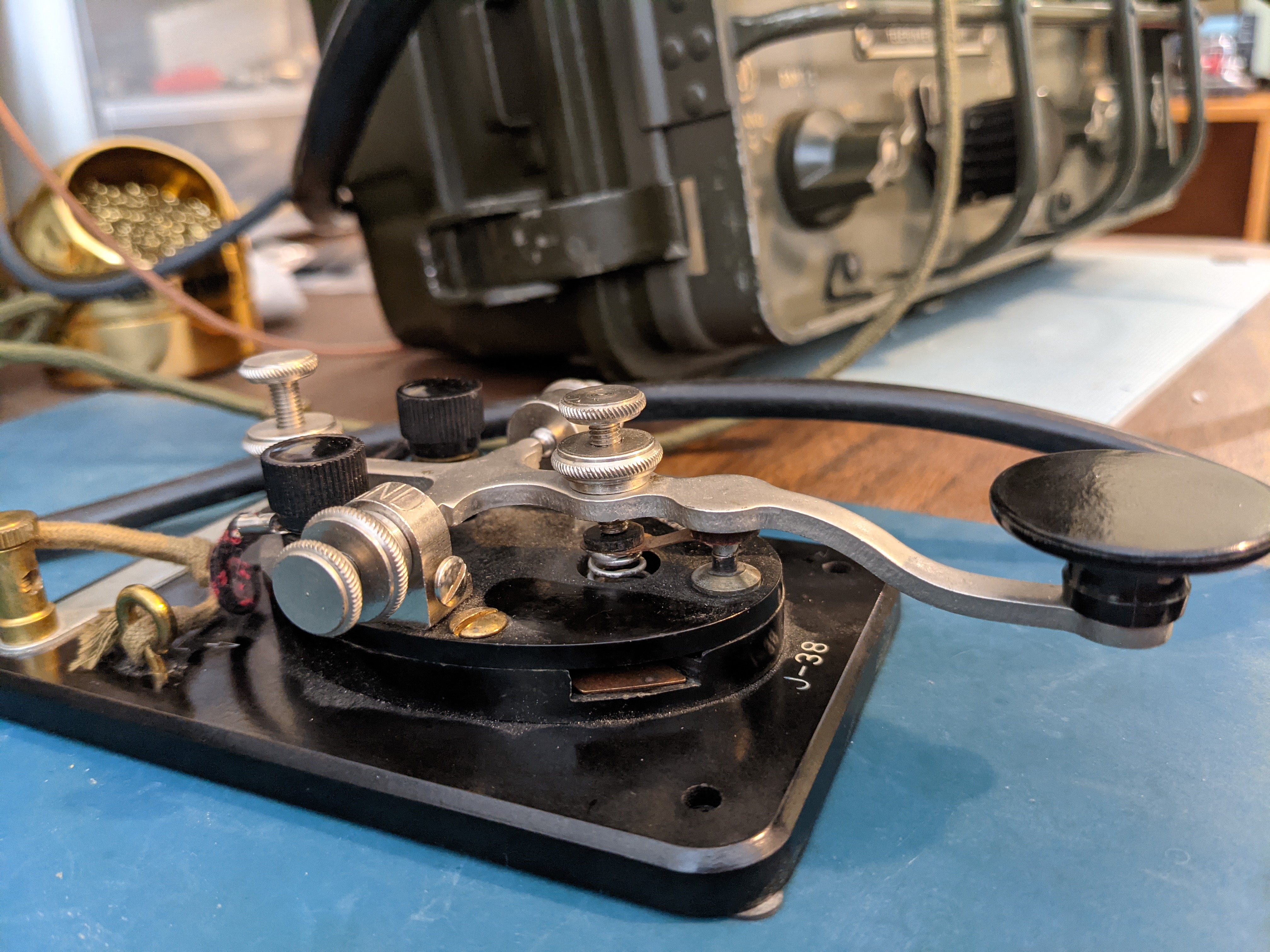
There's another bag (shown above) for carrying power supply cables, keys, hand mic, long wire and doublet antennas, external speaker, torture device headphones, torture device in-ear phones, as well as a box of spare tubes for the radio.

If you're traveling in a squad sized group, then many hands make light work, otherwise you're going to be making a lot of trips hauling your QRP rig up the hill.

Headphones

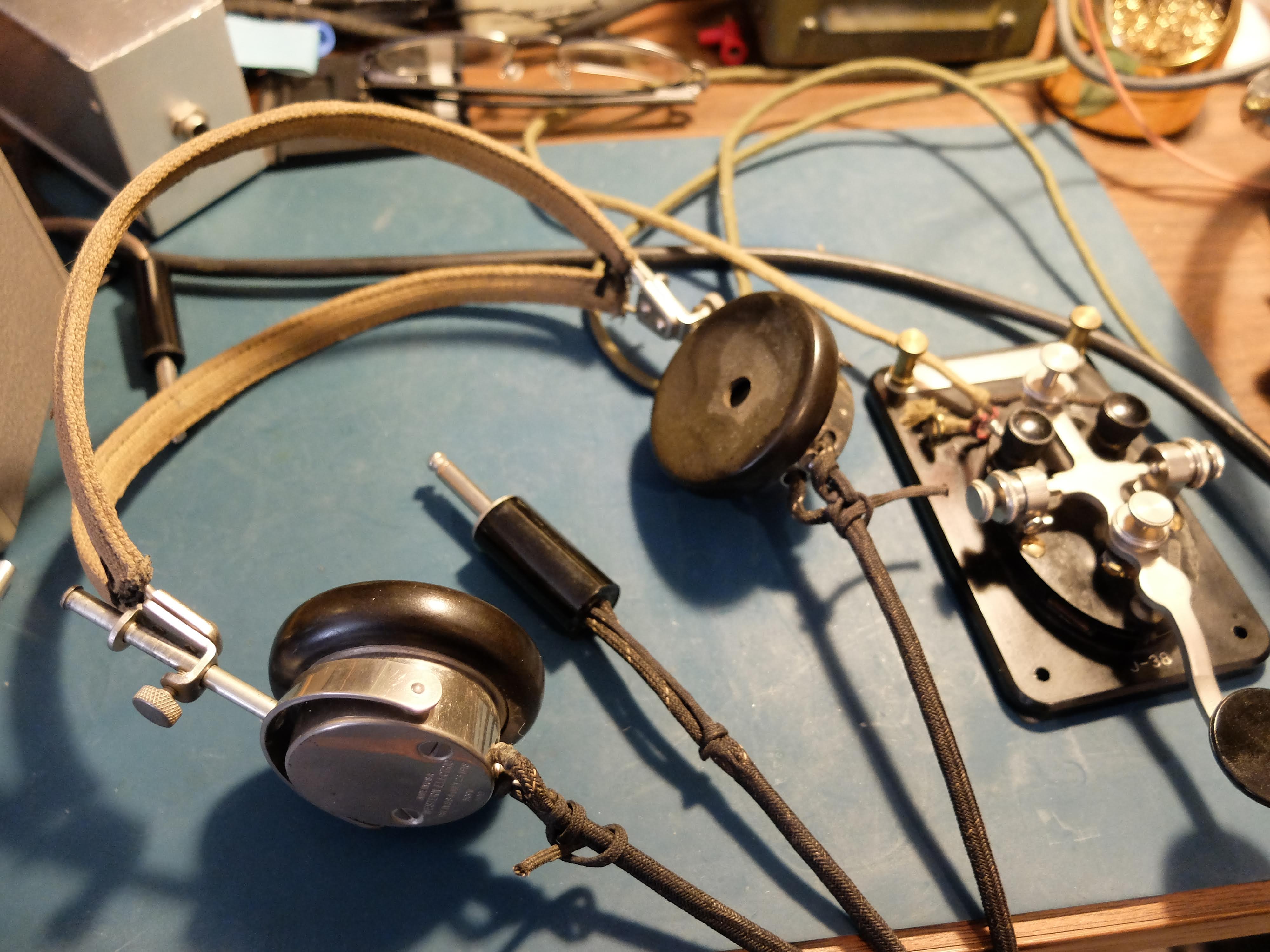
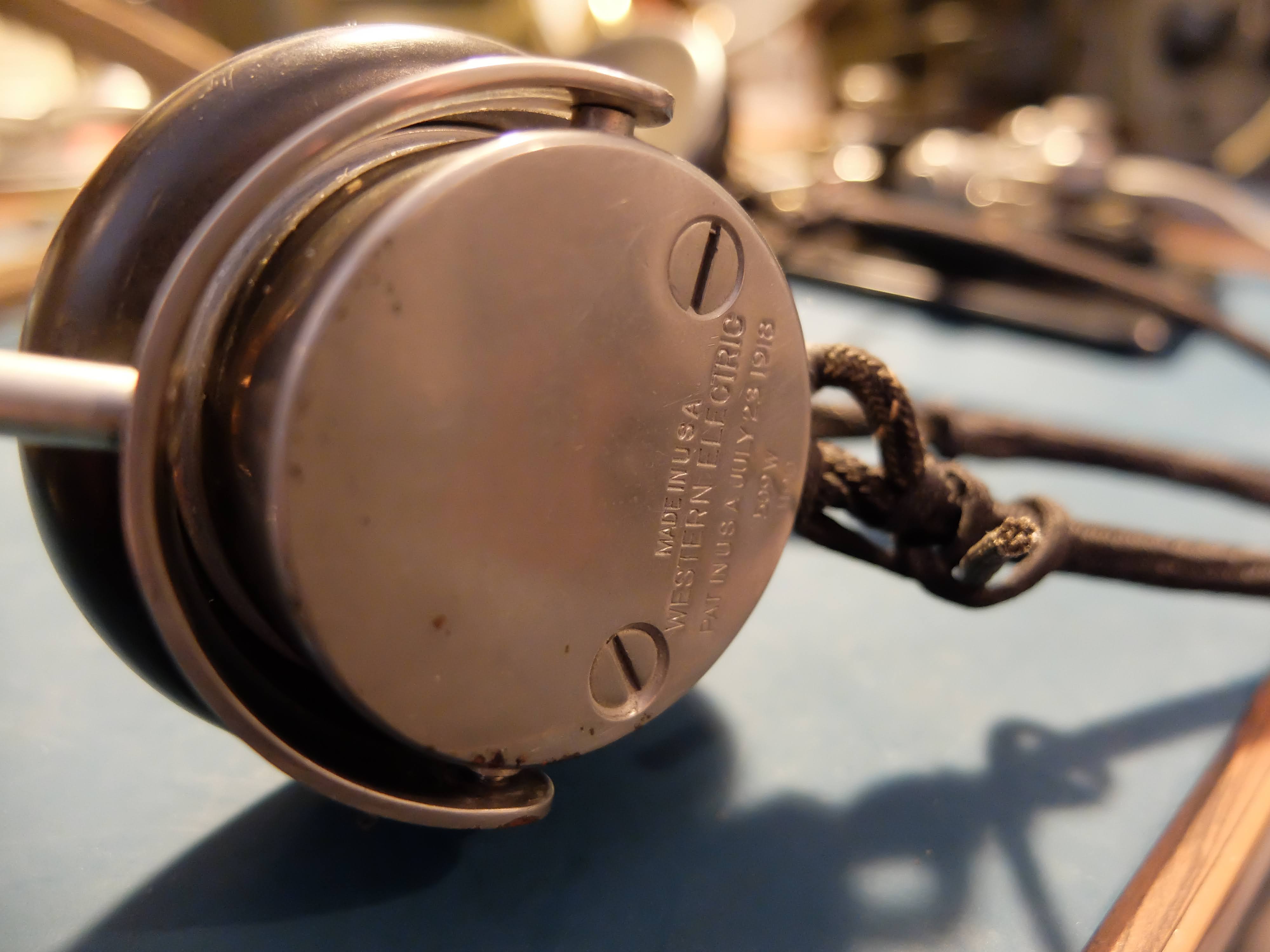
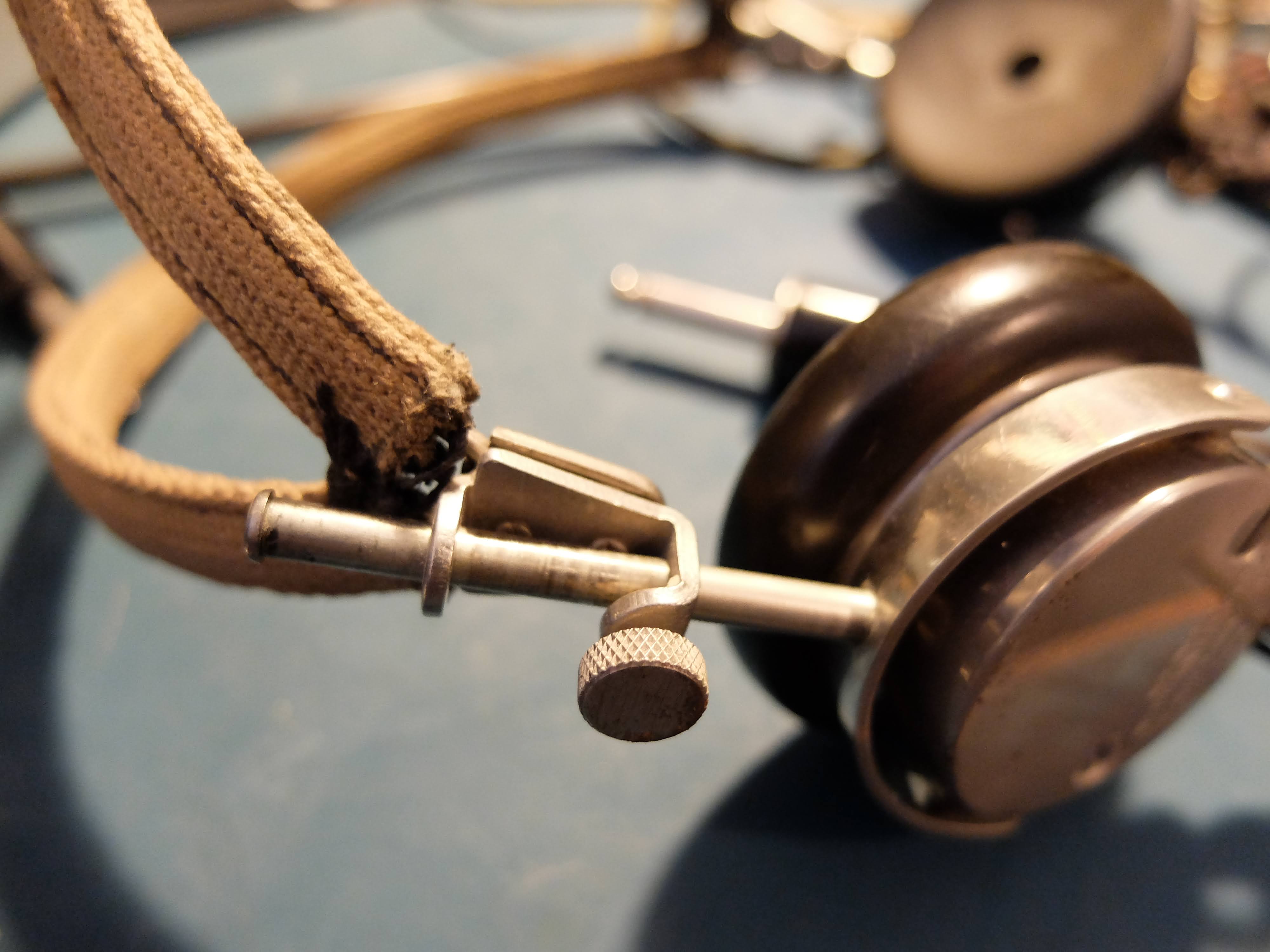
These Western Electric headphones clamp tightly over your ears sealing out QRM and squeezing your head like a vice.  After 10 minutes I was confessing to sins I'd never committed. 


In order to use the headphones the RT/77 receiver must be removed from the case and an impedance switch on the back, changed from 4000 to 250 using a screwdriver.  The ham I bought my set from had constructed a CW audio filter along with an impedance switch on an outboard box, that allowed the use of the headphones without switching the impedance on the receiver unit.

Homebuilt CW filter with impedance switch

Speaker


The external speaker is a rugged, high impedance device (4k Ohms), that after all these years can still output audio at high volumes without distortion.  It has a built in thumbscrew clamp that allows it to be attached to vertical or horizontal objects.

Alternately, the thumbscrew can be used in combination with the vice-like headphones to extract information from a prisoner.

Antennas

The AN/GRC-9 comes with 3 antenna systems; a multiple section, whip vertical for quick field setup and mobile use, a long wire that can be quickly deployed in a fixed station as a sloper, and a doublet for best reception, transmission in a fixed location.


For testing purposes I have my radio hooked up to my 80m Windom, which it tunes very nicely on 80m, 60m, 40m and 10m bands. 

When the weather warms a bit I will be taking the radio out for some portable use and I'll try it out with the antennas that are part of the AN/GRC-9 set.

Spares

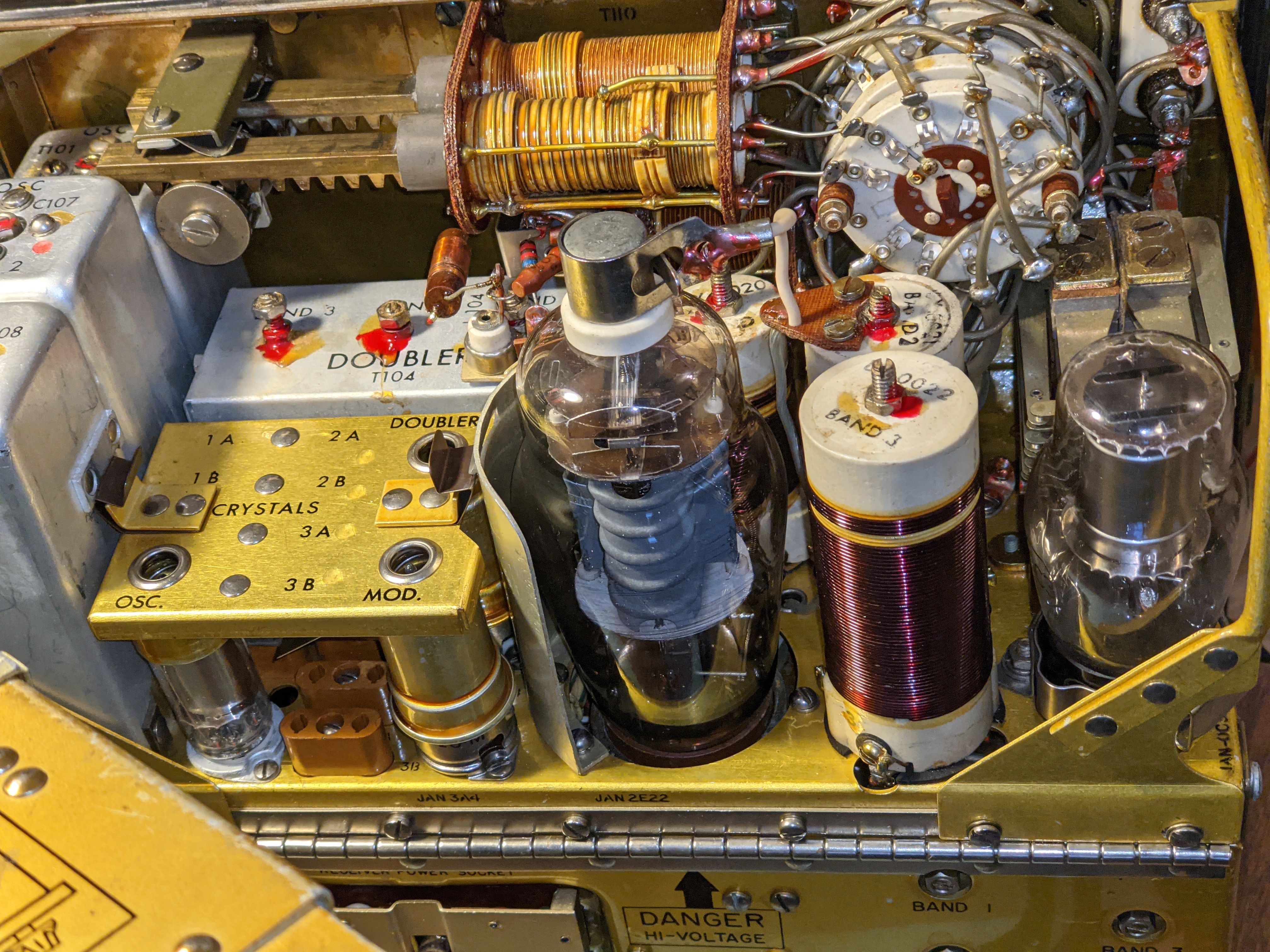
As a military radio, it was expected that repairs should be performed in the field when possible.  The radio shipped with spare tubes for the receiver-transmitter, as well as spare tubes and vibrators for the DY-88 power supply.


More to come

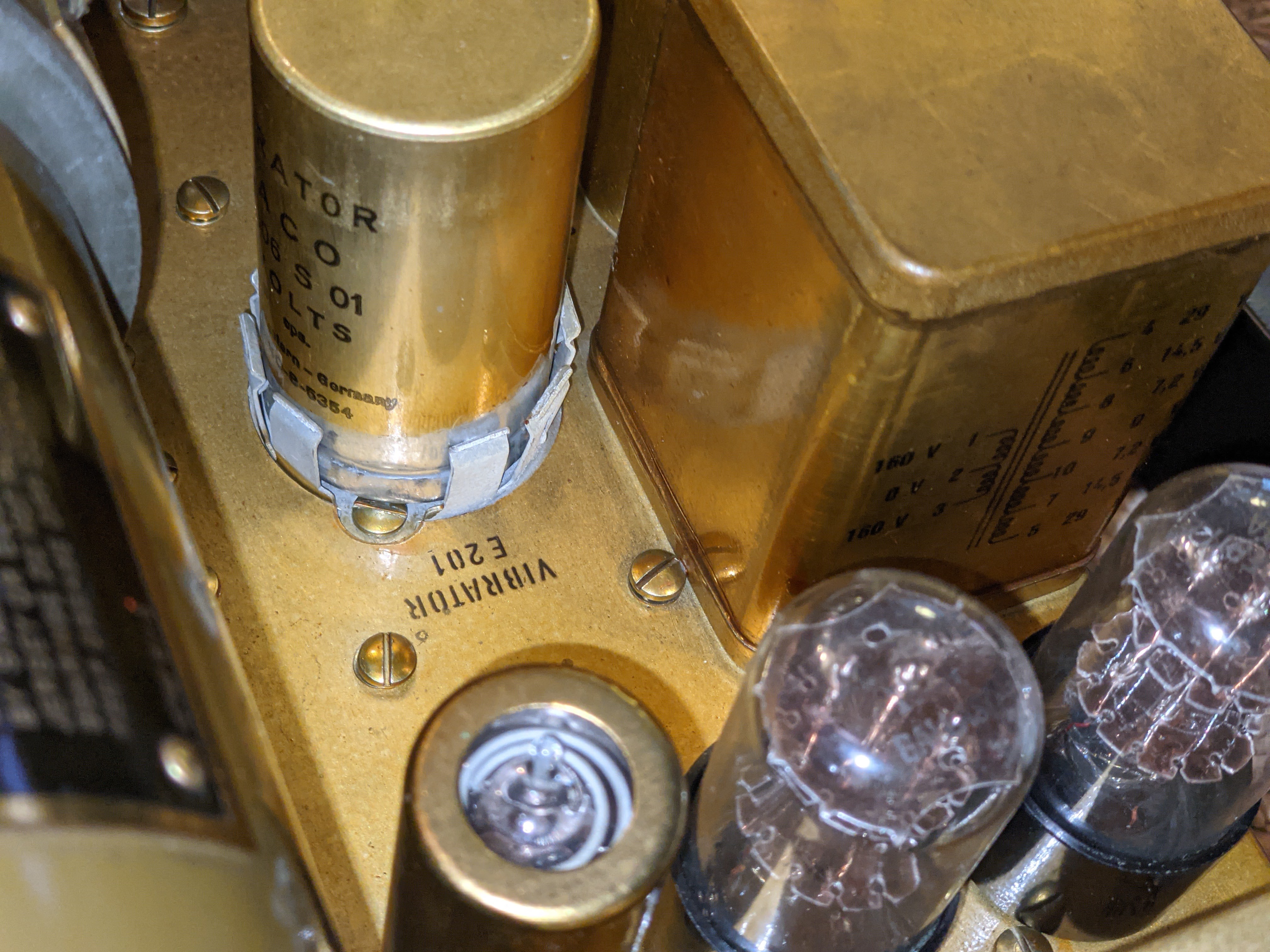
In the few days I've had the AN/GRC-9 the only problems I've encountered have been related to the old DY-88 power supply.  Old vibrators cans are generally seized up, as was the case with mine.  Eventually mine became un-stuck after repeated applications of power but there are some methods to restore truly frozen ones using AC current and light bulbs (see Notes section below).

I've made about half a dozen contacts on the ham bands, including a 40m contact to a station in TX which is kinda DX for my locale.  I've received nice signal reports.  I've specifically asked stations about my "chirp" during QSOs and they've reported it as "not bad" and "charming".  When operating from the VFO (master oscillator) rather than a crystal, the GRC-9 will "chirp". It was considered an acceptable design trade-off at the time.  I've listened to the transmitter from a remote WebSDR station to hear the chirp for myself, and I agree that it isn't extreme and lends some character to the station.  The unit does drift about 200 Hz during a QSO which I also think is quite acceptable for it's age.  It's possible that if I spent more time in Send mode prior to a QSO to allow the transmitter tubes to warm up the drift might be lessened, but keeping the radio in Send mode puts quite a load on the power supply (both the 12v supplying the DY-88 and the human cranking the GN-58).

The RT-77 Telefunken receiver doesn't offer much in terms of selectivity and on a crowded band there's a lot of stations to contend with in the passband.  The outboard CW filter deals with this nicely, but it is so narrow that when shifting from Send to Standby, the resulting frequency shift often throws the station I'm receiving out of the filter's passband, so that's a bit tricky.

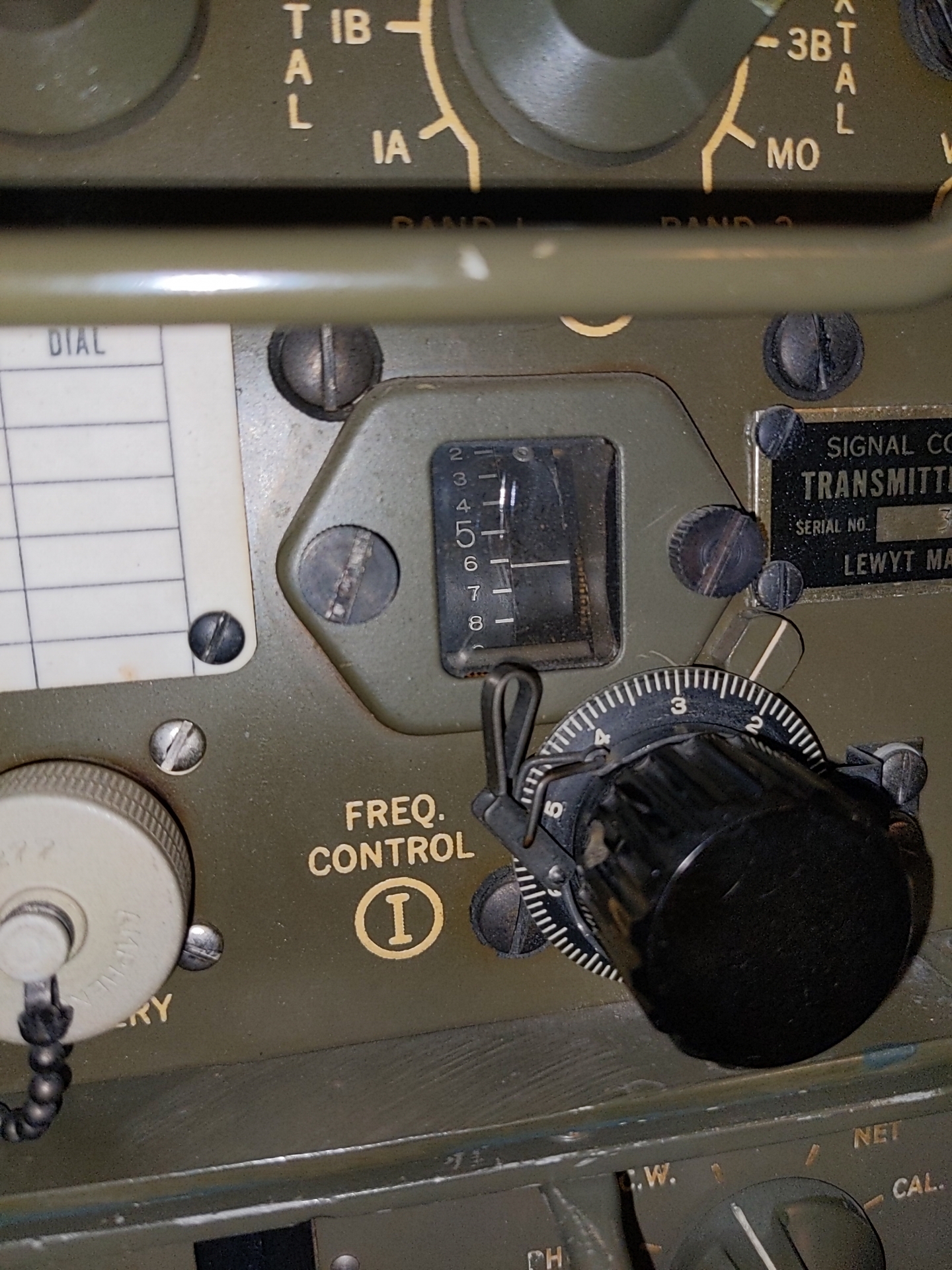
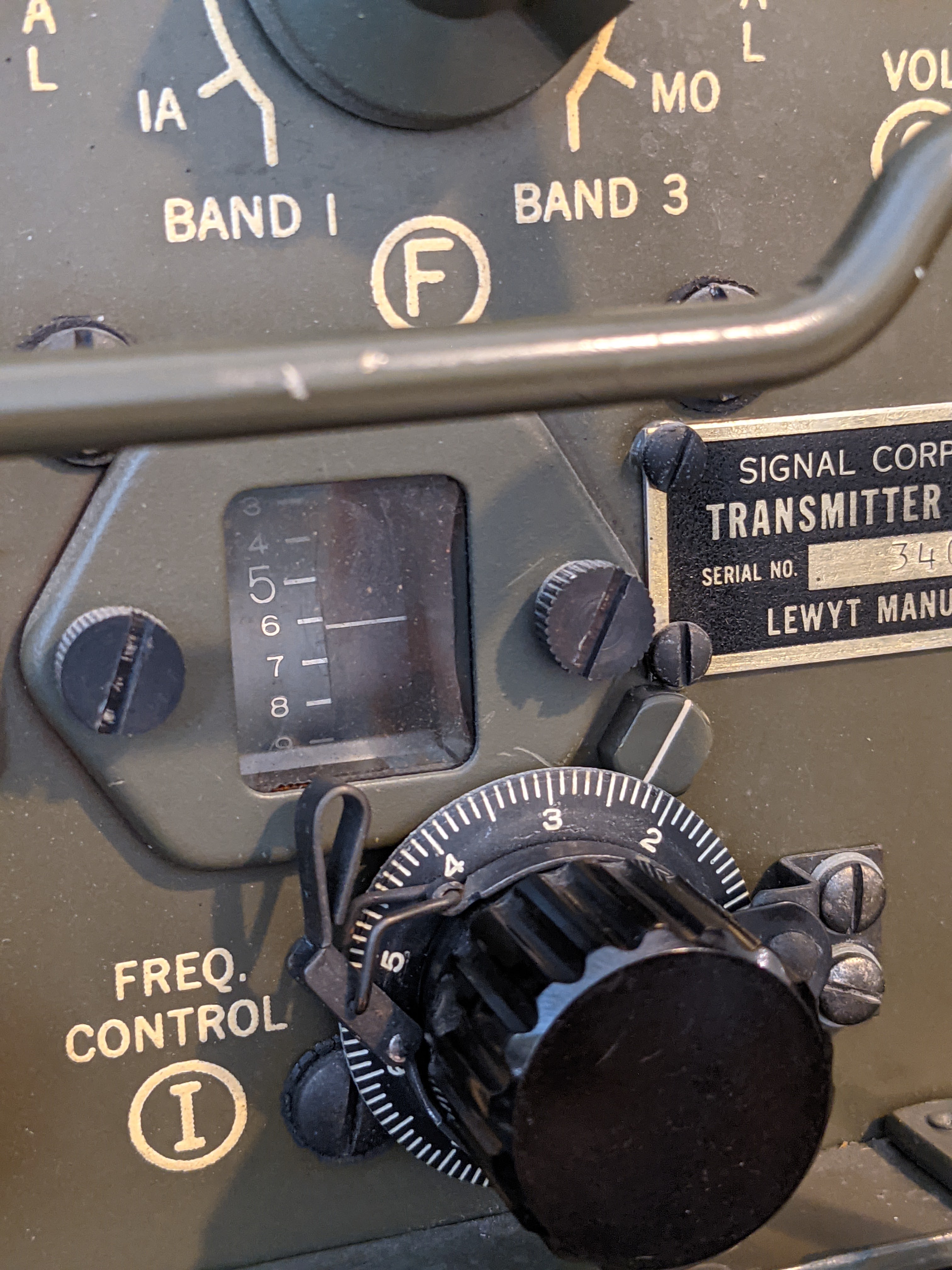
The receiver's tuning knob also is very coarse, in that fine adjustments are made by breathing on the knob.  However it has zero backlash, which is amazing in a piece of equipment this old.  The markings on the receiver are in 50 kHz intervals so the only way to really figure out where you are is to look at RBN for your spot.

50 kHz spacing when reading the frequency on the receiver
Note the 7.2 is 7.200 MHz in the 40m band


Images

Enjoy the pictures of the AN/GRC-9


Notes

Instructions for restoring a vibrator to operation

VB-1 and VB-7 are interchangable. I think I recall reading somewhere that VB-7 is a "lightweight" version of VB-1 but I won't swear to that.

The base is 4-pin, and the pin numbers are counted as on a vacuum tube with the same base. I wish I could post an image here without uploading it somewhere but if it's possible I've not figured out how to do it. The pins count clockwise from 1 to 4 looking at the bottom of the vibrator or the wiring side of the socket. The two large pins are 4 and 1 and the two small ones are 2 and 3.

There are two basic types of vibrators, called Series and Shunt. The Series type has a contact in series with the coil. VB-1, 7 and 16 are all Series types. I'll skip the Shunt type for now.

Pin 1 is common. Pin 4 is coil. Pin 2 is the NO (Normally Open) switching contact and Pin 3 is NC (Normally Closed). To test a VB-1/7, use an ohmmeter to check continuity from 1 to 4. If the reading is infinity, the coil could be open but this seldom happens. The problem is probably the vibrator contact. If the reading is a few ohms, connect +6 VDC to Pin 4 and -6 VDC to Pin 1. The vibrator should run. If it doesn't, most likely the contact is welded. About the only solution is to open up the vibrator, unstick the contact and try to burnish the burn marks out of the contact.

If the vibrator does run, go to the end of this screed and do the final test.

If the reading is infinity, here's how to use the two or three lamps to (usually) fix the vibrator. SAFETY NOTE: bear in mind you are dealing with either 120 or 220 VAC. If you jury rig the hookup, do all of your connections and disconnections with the "rig" not connected to the AC line. In other words, don't touch anything except the plug on the line cord or (if you go to that much trouble) the ON-OFF switch when the line cord is plugged in.

Connect the hot side of the AC line cord to one side of both lamps. Connect the ground side of the AC line cord to Pin 1 of the vibrator (or socket if you use one). Connect the other side of one of the lamps to Pin 4 and the other lamp to Pins 3 and 2. If you splurge and use three lamps, connect the "cold" side of the second and third lamps to Pins 2 and 3 respectively.

Check all the wiring and when satisfied all is OK, plug in the line cord. Probably nothing will happen immediately. Within a few minutes to a few hours lamp 1 should begin flickering and you should hear the vibrator hum. Run the test until the second lamp begins to flicker or until both the 2nd and 3rd lamps flicker.

If you are only using two lamps, when the 2nd lamp begins to flicker, wait 1 or 2 minutes then remove power (unplug the line cord). Connect the 2nd lamp only to Pin 2 and plug in the line cord. If the 2nd lamp flickers, remove power, move the 2nd lamp connection to Pin 3 and apply power. In either case (with the 2nd lamp now connected to pin 2 or 3 only), let the test run until the 2nd lamp again flickers.

For a final test, connect one lamp to Pin 2 and one to Pin 3. Connect 6 VDC to Pins 4 and 1. With the vibrator vibrating apply power to the two lamps. They should flicker alternately. Note that for this test, either use a 6 volt battery or a 6 VDC supply with both outputs not grounded. I wouldn't try to use the battery in the Jeep just in case you mis-identify which side of the line cord is grounded and which is hot.

Although a vibrator that is going to be fixed by this procedure will usually begin to work after say no more than half an hour, I have seen it take several hours. So if I have one that didn't start working fairly quickly, I'll let the test run up to about 8 hours max (or overnight) before giving up.

Robert
Gunner
USN Retired
MVPA 9480

Subscribe FREE to AmateurRadio.com's
Amateur Radio Newsletter

 
We never share your e-mail address.


Do you like to write?
Interesting project to share?
Helpful tips and ideas for other hams?

Submit an article and we will review it for publication on AmateurRadio.com!

Have a ham radio product or service?
Consider advertising on our site.

Are you a reporter covering ham radio?
Find ham radio experts for your story.

How to Set Up a Ham Radio Blog
Get started in less than 15 minutes!


  • Matt W1MST, Managing Editor