 |
 Ham Radio – QRP 2023-04-25 01:28:00
 25 April 2023 | by
 TX Relay, Power and TX REQ IN

Wiring the Break Out Box and TX-REQ-IN


Partial Success


Richard Carpenter, AA4OO, is a regular contributor to AmateurRadio.com and writes from North Carolina, USA. Contact him at [email protected].
A Pop-up Ham Sale
April 29 at our Training Site
5746 142 Street, Surrey

Lots to choose from!
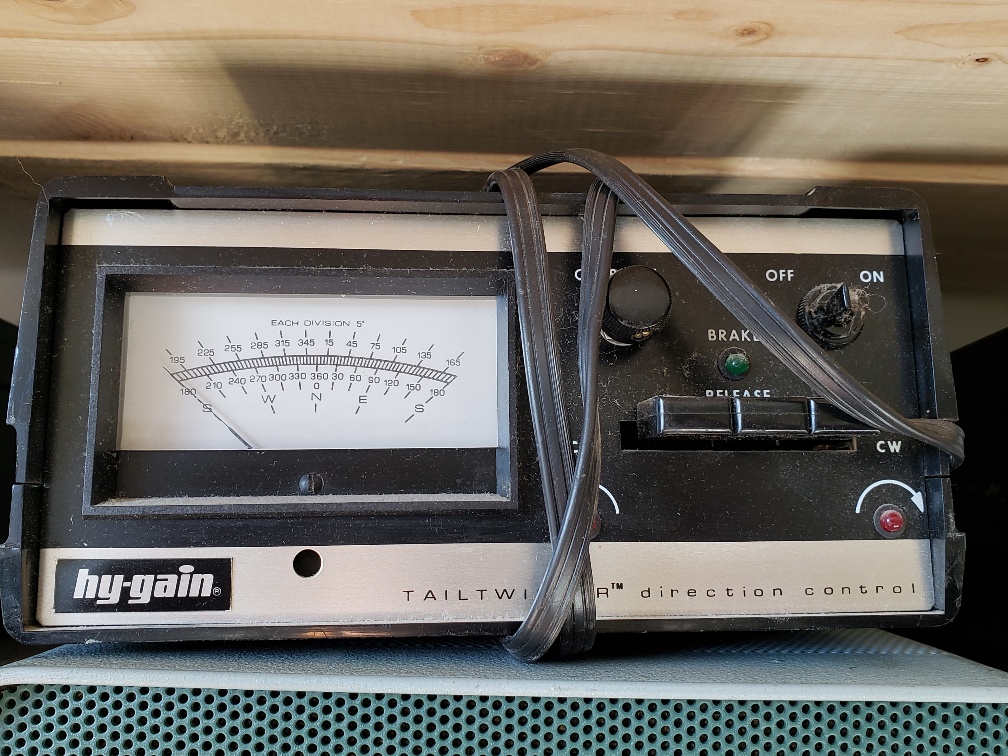
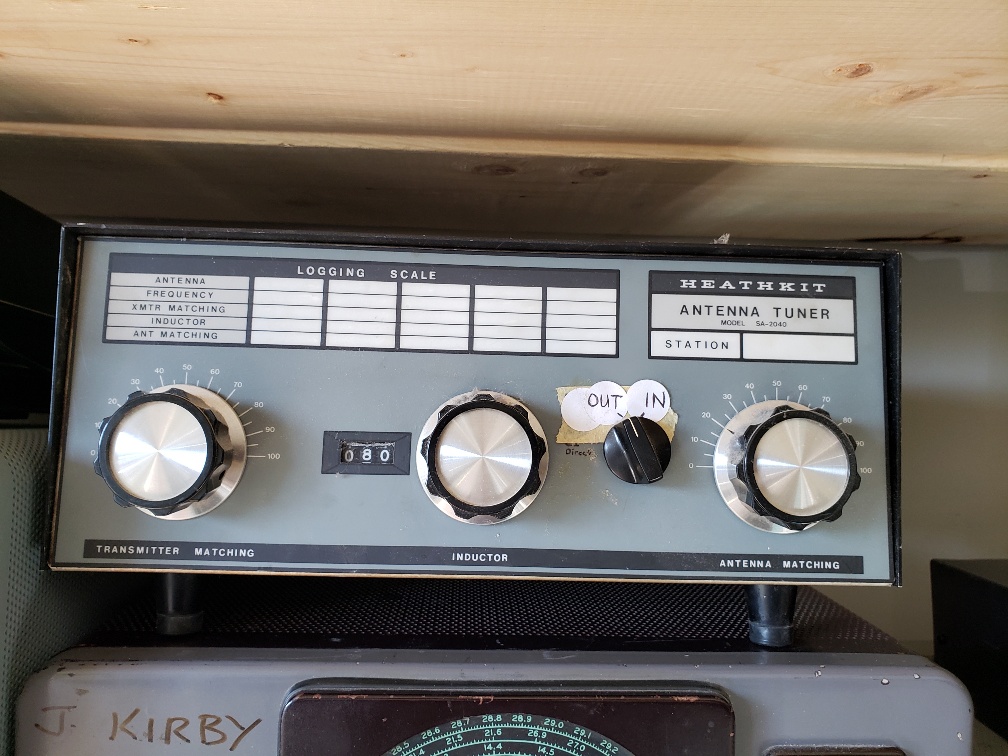
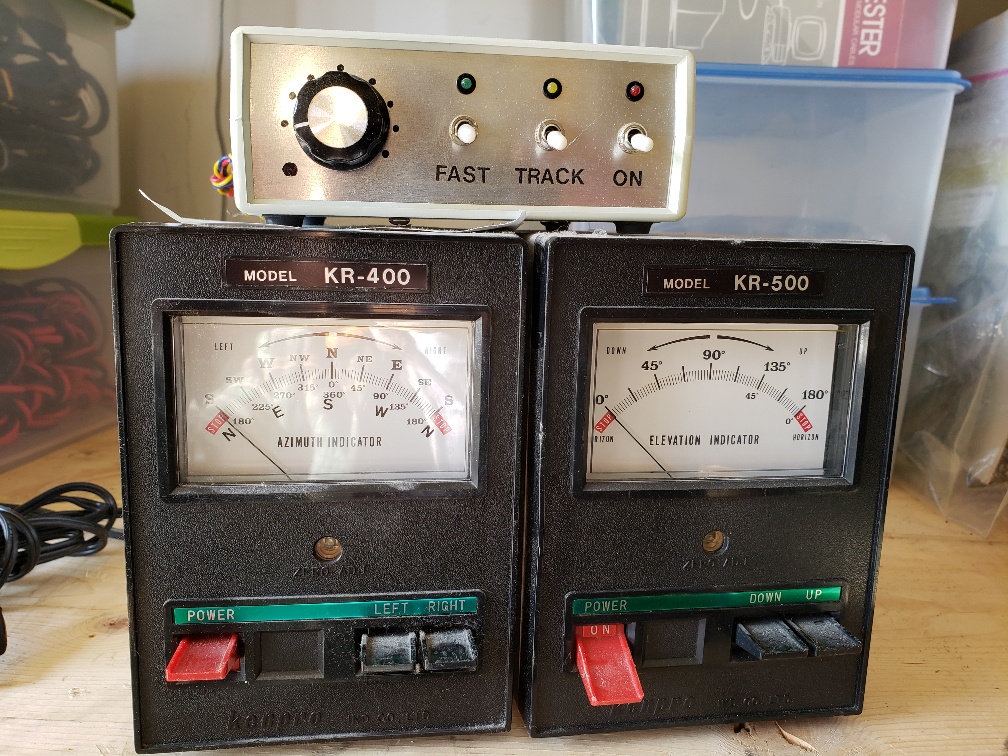
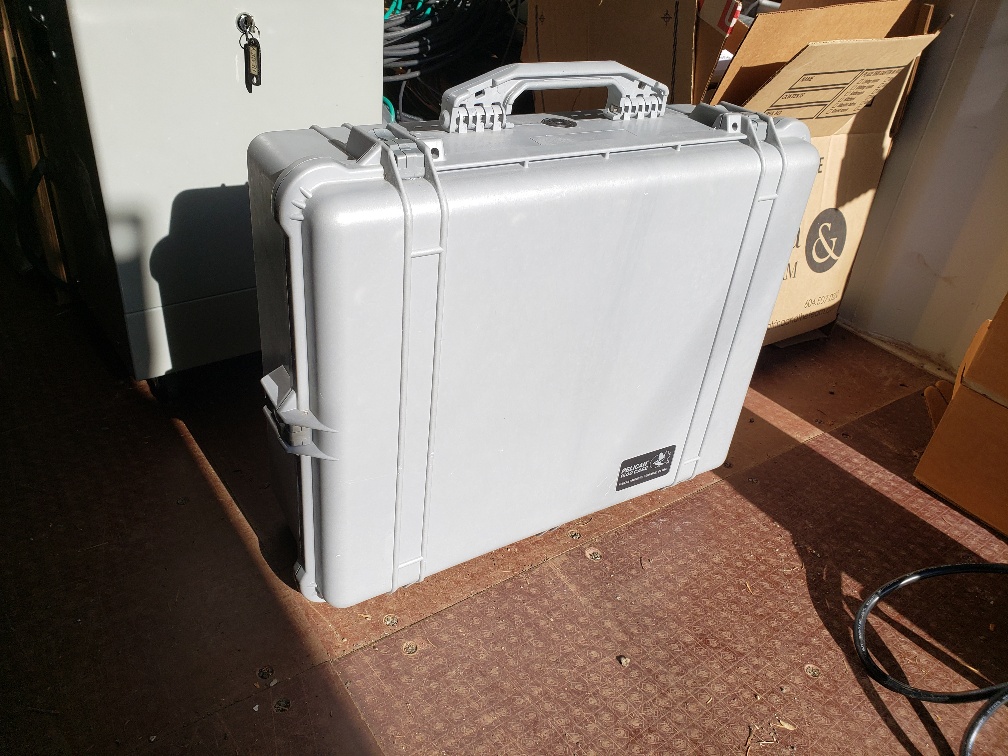
Items for sale include HF and mobile transmitters, receivers, transceivers, antennas, rotators, test instruments, coax and other cable, swr and power meters, power supplies, tuners, scopes, dummy loads, misc. accessories etc. We also have a utility trailer for sale.
The sale is at our Ops & Training Centre 5756 142 St. Surrey, BC. from 11 am to 2 pm. No early birds please (Map link: : https://what3words.com/daunted.rarity.parrot)
SARC/SEPAR members and non-members are also invited to set up a table or sell personal items from their vehicles. There is no charge for this.
Before the event, you may also wish to join us for our club breakfast at Denny’s Restaurant 6850 King George Blvd between 7:30 and 9:00 am.
Questions? [email protected]
Here is a partial list










ICQ Podcast Episode 401- MFJ8504 Review and Understanding HF Controls
In this episode, we join Martin Butler M1MRB, Dan Romanchik KB6NU, Caryn Eve Murray KD2GUT and Ed Durrant DD5LP to discuss the latest Amateur / Ham Radio news. Colin Butler (M6BOY) rounds up the news in brief and in the episode's feature is MFJ8504 Review and Understanding HF Controls.
We would like to thank Paul Coppin (M0YMJ) and our monthly and annual subscription donors for keeping the podcast advert free. To donate, please visit - http://www.icqpodcast.com/donate
- Ria Jairam, N2RJ, joins ARDC Board
- Your MultiMeter Might be Lying to You
- Vacuum Tube-Making on the Comeback in the US
- FCC Takes a Deeper Dive into Satellites
- Electrocuted While Helping Another Amateur
- Three Hams Chosen for Artemis Moon Mission
- RSGB Coronation Activities
- National Voice of America Museum of Broadcasting Open during 2023 Dayton Hamvention
Colin Butler, M6BOY, is the host of the ICQ Podcast, a weekly radio show about Amateur Radio. Contact him at [email protected].
Blackpool Rally 23th April
The warmth from the North welcomes all to the Norbreck rally tomorrow.

 |

Further detail click NARSA
Steve, G1KQH, is a regular contributor to AmateurRadio.com and writes from England. Contact him at [email protected].
Amateur Radio Weekly – Issue 282

Meteor scatter propagation: How it works & getting on the air
Harnessing meteors for your VHF QSOs.
K5ND
Your radio’s filters may be wider than you think
AM bandwidth confusion: IF filters today vs. yesterday.
SWLing Post
GNU Radio Tutorials
GNU Radio can be used with readily-available low-cost external RF hardware to create software-defined radios.
GNU Radio
FCC warns Portland church to shut down pirate FM station
Because Eastside Free Methodist Church owns the building, it is potentially on the hook for enforcement action.
Inside Radio
MicroHams Digital Conference
This conference is presented each year to inspire, inform, and educate about the leading edge of digital communications.
MicroHams
A beautiful day for SOTA
I woke up that morning, drank a cup of coffee, looked outside, and knew what would be in store the day: a SOTA activation!
QRPer
It’s time for some Pi
Raspberry Pi is all new to me.
VE9KK
Wearable Morse Code trainer
WristMorse communicator can also act as a Bluetooth keyboard.
Hackaday
A surprise new field portable antenna
Some ideas worked, others failed, but now I believe I have found the ideal candidate.
Ham Radio Outside the Box
Video
Radio communication for overlanding
Considerations when traveling to remote locations.
VK3FUR
Ham and Quackers: Episode 1
Building a way for people to connect within the Ham Radio community.
Ham and Quackers
Easy to build vertical no-radial HF antenna
Multiband HF antenna for 20 through 10 meters.
K4OGO
2 meter FM via airplane
Flight from Tacoma Narrows Airport over Olympic National Park.
SOG Pilot
Get Amateur Radio Weekly in your inbox.
Sign-up here
Amateur Radio Weekly is curated by Cale Mooth K4HCK. Sign up free to receive ham radio's most relevant news, projects, technology and events by e-mail each week at http://www.hamweekly.com.
It’s time for some Pi
 |
| HamClock |
A number of years ago I purchased a Raspberry Pi intending to do something with it. Well, it sat for many years with me now and then taking a look at it and thinking someday I will explore the Pi. A few weeks ago for some reason, I Googled Raspberry Pi regarding weather programs.
My thought at the time was to get live local weather reports via the Pi. Also, it had been about 3 years since I had seen my Raspberry Pi and was not sure if I had thrown it out during one of my spur-of-the-moment clean-up binges. I eventually came across it after searching everywhere. "I put it where for sure I would know where it was". That did not work so well BUT I have learned that once I do find something I always place it back in the spot where I first looked for it. I degrees.....
 |
| My Pi |
The box the Pi was in was complete with a power supply, protective case, HDMI cable, micro SD card and a cooling fan. I plugged in the Pi and powered it up with the micro SD card in place, a monitor, mouse and keyboard. Well a red LED light came on but that was it the monitor was blank, and well actually had a floating message "No device connected". I was sure I had downloaded a Pi OS onto the SD card years ago. I did a fast Google search and found out if you have only a red light and no green light (besides the red light) then most likely your SD is either blank, not in properly or defective.
It was off to the Raspberry Pi site to download the latest and greatest OS and in my case that was bullseye. I did check the SD card and it was blank so I was hoping after the OS was installed and put back into the Pi things would come to life...and they did. I also found out that my Pi was a Pi3 (not Pi3B) the latest and greatest is the Pi4 B. The Pi3 will do me just fine and I am finally going to be using it.
As stated I wanted to use it for local weather and I ended up finding something better! Local weather, space weather, UTC clock, contest calendar, VOCAP, a world map that has a host of configurations and more. The software is called HamClock by WB0OEW. This package runs very smoothly on my Pi3 and will auto-update, which I have experienced once already.
 |
| And so it begins |
Now Raspberry Pi is all new to me and I am learning about Sudo, the command line and what to enter into the command line. At this point, in time I have just cut and pasted commands from websites (such as HamClock) to install the program. The installation process for HamClock can be found under the "Desktop" tab on the HamClock site.
I am just starting my Pi learning curve and would appreciate any advice and program suggestions to run.
Mike Weir, VE9KK, is a regular contributor to AmateurRadio.com and writes from New Brunswick, Canada. Contact him at [email protected].
Hunting For NDBs In CLE291
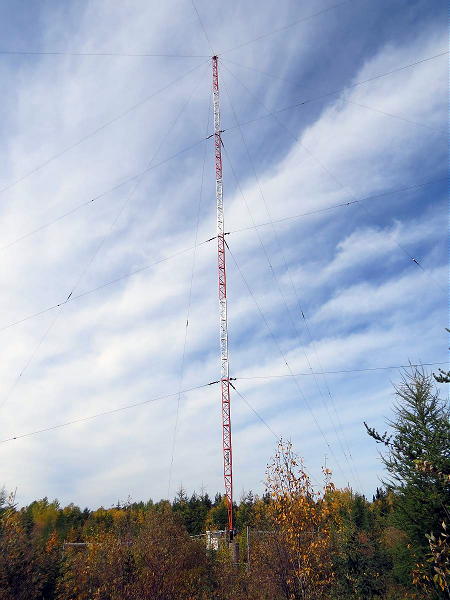 |
| ZSJ-258 Sandy Lake, ON (ve3gop.com) |
This coming weekend brings CLE 291. This is a challenge for all NDB hunters, both new and old and the ultimate test of your medium frequency receiving capabilities. Can you meet the challenge?
When tuning for NDBs, put your receiver in the CW mode and listen for the NDB's CW identifier, repeated every few seconds. Listen for U.S. NDB identifiers approximately 1 kHz higher or lower than the published transmitted frequency since these beacons are modulated with a 1020 Hz tone approximately.
For example, 'AA' near Fargo, ND, transmitted on 365 kHz and its upper sideband CW identifier was tuned at 366.025 kHz while its lower sideband CW ident could be tuned at 363.946 kHz. Its USB tone was actually 1025 Hz while its LSB tone was 1054 Hz.
Often, one sideband will be much stronger than the other so if you don't hear the first one, try listening on the other sideband.
Canadian NDBs normally have an USB tone only, usually very close to 400 Hz. They also have a long dash (keydown) following the CW identifier.
All NDBs heard in North America will be listed in the RNA database (updated daily) while those heard in Europe may be found in the REU database. Beacons heard outside of these regions will be found in the RWW database.
From CLE organizers comes the following info:
Hello all,
This coming weekend we have another chance to enjoy a Coordinated Listening Event. All CLE logs will be very welcome, short or long.
Days: Friday, 21st April – Monday, 24th April
Times: Start and end at midday, local time at the receiver
Searching for: NDBs in the ranges
240.0 - 259.9 kHz and 420.0 - 439.9 kHz
BOTH frequency ranges are for ALL listeners.
REU and RNA show that the number of NDBs, each
of them heard by at least 10 or more listeners in the
last 12 months, was:
240-259.9 kHz 420-439.9 kHz
REU 30 116
RNA 54 54
Please log the NDBs you can identify that are listed in the ranges, plus any UNIDs that you come across there.
You can find details, lists and maps of the beacons in those ranges, if you go to https://rxx.classaxe.com/cle.
Send your final CLE log to ndblist'at'groups.io with “CLE291” and
“FINAL” in the email Subject.
Please show on EVERY LINE of your log:
# The full Date (or Day no.) e.g. ‘2023-04-21’ (or just ‘21’)
and UTC (the day changes at 00:00 UTC)
# kHz (the beacon's nominal published frequency if you know it)
# The Call Ident.
Other optional details - Location, Distance, etc. - go LATER in the same line (or in footnotes). Please make your log useful to old and new members alike by ALWAYS including your own location (and 6-character Locator if you know it) and brief details of the equipment and aerial(s) that you were using.
We will send an 'Any More Logs?' email at about 20:00 UTC on Tuesday evening so you can check that your log has been found OK.
To be included in the combined results your log must have arrived by 09:00 UTC on Wednesday 26th April at the very latest.
We hope to complete making the Combined Results within a day or two.
Good listening
Joachim and Brian
(CLE coordinators)
If you would like to try some remote listening - you could use any one remote receiver for your loggings, stating its location (and with the owner’s permission if required).
A remote listener may NOT also use another receiver, whether local or remote, to make more loggings for the same CLE.
CLE's provide several purposes. They:
• determine, worldwide, which beacons are out-of-service or have gone silent since the last CLE covering this range
• will indicate the state of propagation conditions at the various participant locations
• will give you an indication of how well your LF/MF receiving system is working
• give participants a fun yet challenging activity to keep their listening skills honed
Final details can be found at the NDB List website, and worldwide results, for every participant, will be posted there a few days after the event.
The NDB List Group is a great place to learn more about the 'Art of NDB DXing' or to meet other DXers in your region. There is a lot of good information available there and new members are always very welcome. As well, you can follow the results of other CLE participants from night to night as propagation is always an active topic of discussion.
You need not be an NDB List member to participate in the CLEs and all reports, no matter how small, are of much value to the organizers.
Remember - 'First-time' logs are always VERY welcome!
Reports may be sent to the NDB List Group or e-mailed to CLE co-ordinator, Brian Keyte (G3SIA), whose address appears above. If you are a member of the group, all final results will also be e-mailed and posted there.
Please ... give the CLE a try ... then let us know what NDB's can be heard from your location! Your report can then be added to the worldwide database to help keep it up-to-date.
Have fun and good hunting!
Steve McDonald, VE7SL, is a regular contributor to AmateurRadio.com and writes from British Columbia, Canada. Contact him at [email protected].
 Ham Radio Deluxe |
 W5SWL Electronics |
 Ham Radio Prep |
 KB3IFH QSL Cards  Hip Ham Shirts  HamRadioAuctions HamRadioAuctions Reliance Antennas Reliance Antennas Enigma Shop Enigma Shop |  morseDX  Ni4L Antennas  R&L Electronics R&L Electronics antennas.us antennas.us Ears to Our World Ears to Our World |
- Matt W1MST, Managing Editor
