 |
 Got a proper radio, well it’s on order!
 21 January 2014 | by
 I have ordered my first proper 'rig' It is a Yaesu FT-857D a nice small, portable/mobile unit that will give me access to the HF and 6m/2m/70cm bands in all-modes. It has took a while since I first identified it as potential purchase but thanks to some generous Christmas presents I now have the sufficient funds and following several recommendations have decided to take the plunge and ordered it from Waters and Stanton
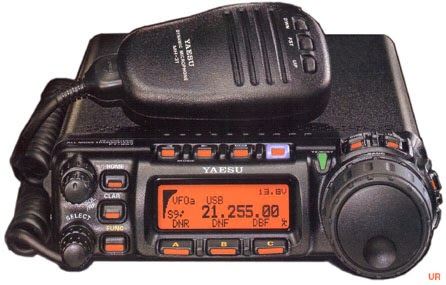 |
| She is a beauty! |
I have a decent 7A PSU, purchased last year which I am sure would have sufficed for 10W maximum operation however I decided to also purchase a MAAS SPS-30-II 30A(35A peak) PSU. It was a good price from Radiozing and offers plenty of power for anything I am likely to run in the foreseeable future, and from the pictures and reviews seems to be built like the proverbial brick out-house. As well as the main connectors on the back it has spring clip terminals on the front as well as a cigar lighter type connector. Dual meters showing V/A and can be used in variable mode from 9-15V or fixed at 13.8V
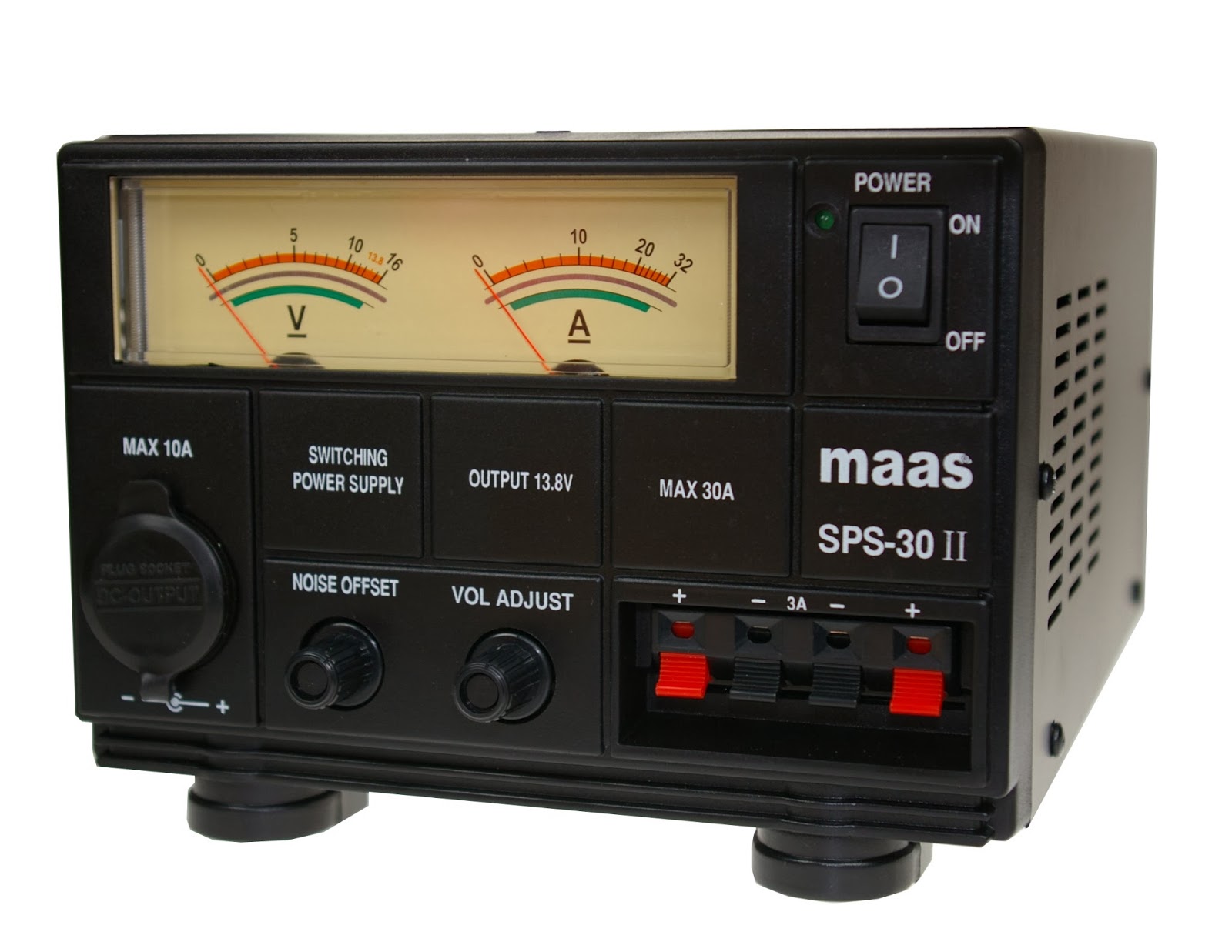 |
| This is the beast! |
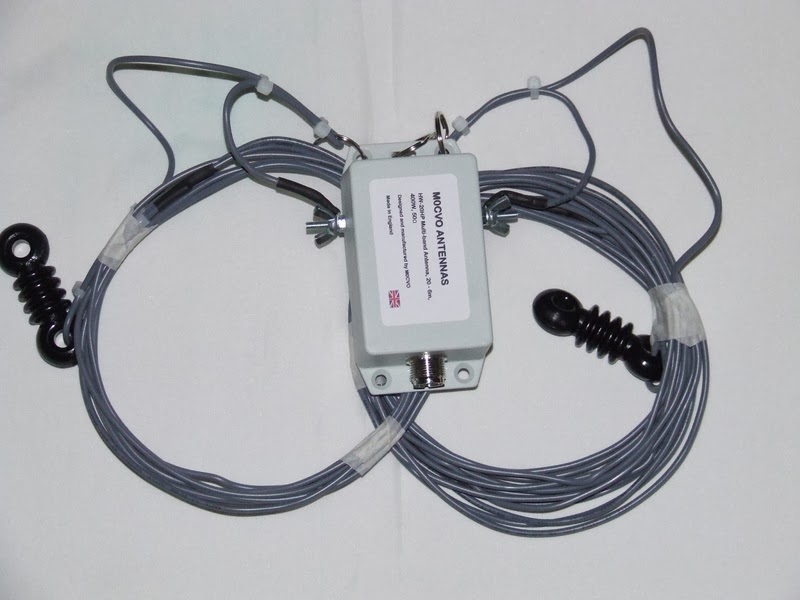
Delivery should be later this week and I suspect I have a large learning curve ahead of me as I hit the airwaves! If you should hear me please be gentle..
Andrew Garratt, MØNRD, is a regular contributor to AmateurRadio.com and writes from East Midlands, England. Contact him at [email protected].
Shocked and saddened
I was shocked and saddened to discover through Facebook, that fellow QRPer and Amateur Radio blogger, Ron Bowman W8VZM became a Silent Key today. From the information that appeared on his timeline, it was revealed that Ron was involved in a fatal car crash.
I had worked Ron a few times on the air and we kept in touch through Facebook, commenting on each other’s posts. Ron was a QRPer, a CW and an HW-8 fan, and was an all around good person, admired by his friends and coworkers.
My thoughts and prayers go out to him and his surviving family, as they go through this time of mourning and loss.
73, Ron. It was my pleasure to have made your acquaintance and to have known you.
Eternal rest, grant unto him, Lord
And may perpetual light shine upon him.
May he rest in peace. Amen.
72 de Larry W2LJ
Take time to let your family and friends know how much you love them. Our time on this Earth is way too short. And to all my Catholic friends out there – as Fr. Z. says …. go to Confession. You never know when you’ll be called Home.
Larry Makoski, W2LJ, is a regular contributor to AmateurRadio.com and writes from New Jersey, USA. Contact him at [email protected].
And it’s back! GB3VHF back on air
An update from Chris G0FDZ on the GB3VHF service page shows that the beacon came back on air this morning.
There will be a temporary interruption to service at some point when the electricity supply is moved back to the mains from the generator – but the timing of this is not known.
Thanks Chris for sorting it out.
Tim Kirby, G4VXE, is a regular contributor to AmateurRadio.com and writes from Oxfordshire, England. Contact him at [email protected].
A Small QRP Key
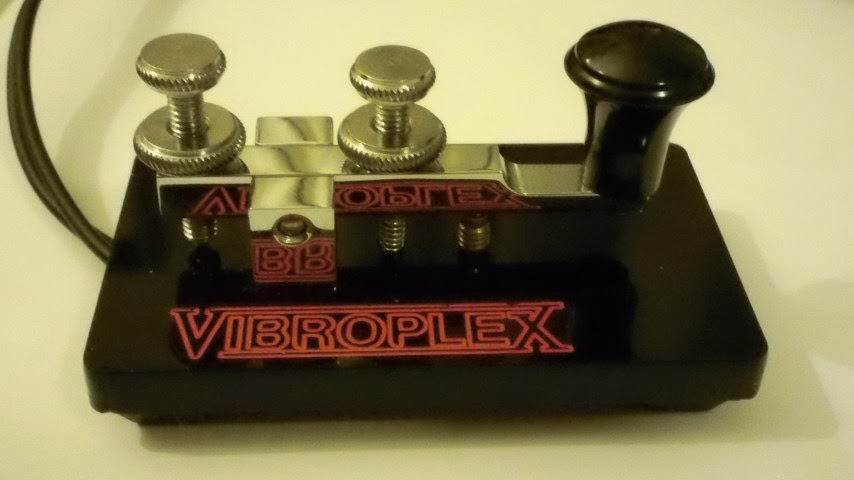
I enjoyed the drive to see the K-3 station of Art Ellis (W8PBO) in Ravenswood WV. I also enjoyed talking to Eric (AC8LJ) as we drove up the Interstate to Arts home. It was a very enjoyable trip and I was pleasantly surprised with the entire days events.
Art uses the latest Elecraft K-3 K Line gear at this home. A brief demonstration had me hooked with the first note coming from the speakers. I’m very impressed with the “graph” feature on this radio. Being able to visually “see” the signal on the band, and automatically “tuning” the radio to this frequency is VERY useful. With the accompanying “signal strength” displayed on the screen, it would be easy to spot “QRP” signals.
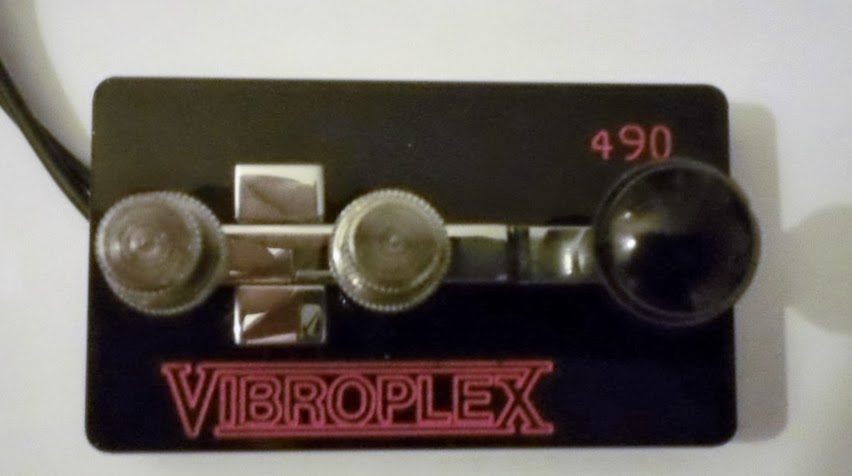
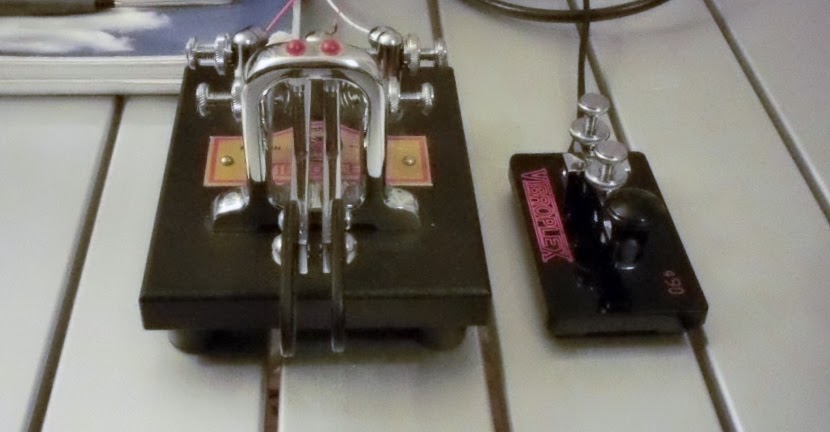
Every new day I spend on the CW portion of the bands makes me appreciate the development of Morse Code equipment. We’ve certainly advanced from the original “straight key” days of early radio.
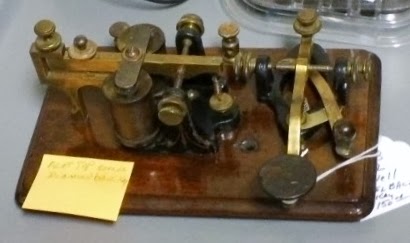
I’m looking forward to another visit to Art’s radio shack. I had no idea there was such a fine display of both a good CW station and a collection of great keys in West Virginia. I’m overjoyed to find the small Code Mite key and Eric came home with a “Sideswiper” which has a very distinctive sound.
Art will be at the Dayton Hamfest in March; I’ll be looking forward to seeing him there.
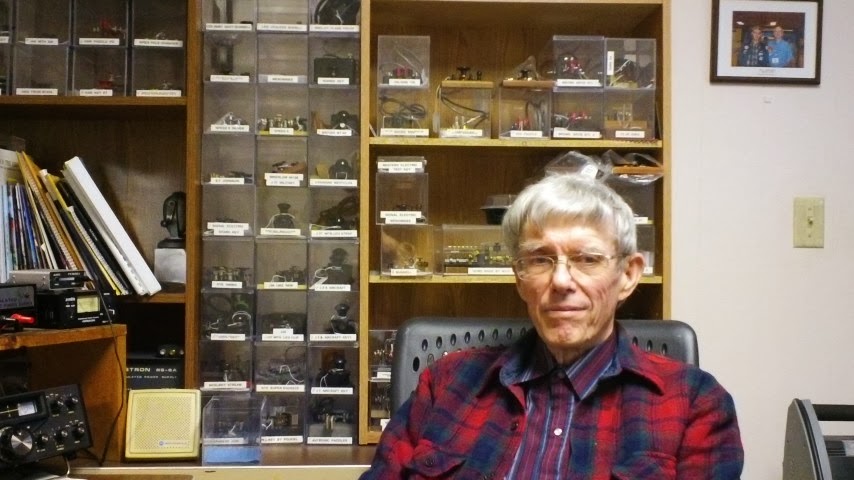
Art and his wife were perfect hosts to our visit. His wife served us coffee, tea, and cookies before we left for home. They were both teachers before retirement. You won’t find finer folks anywhere in this state. They were both a real joy to meet.
John Smithson, Jr., N8ZYA, is a regular contributor to AmateurRadio.com and writes from West Virginia, USA. Contact him at [email protected].
QRPp

QRPp with WSPR is the new trend. A lot of my fellow bloggers doing the same thing. Here my results this morning on 40 meter with 50mW.

And 10 meter yesterday with 50mW for a short while.
Paul Stam, PC4T, is a regular contributor to AmateurRadio.com and writes from the Netherlands. Contact him at [email protected].
One for the Linux fans

Shackbox is a Linux distro for us ham radio fans. So if you fancy using Linux in the shack (and why not) then after a long time in development (Which I understand from those in the know, that this means the developers had other things to do) there is a new release based on Ubuntu 12.04 LTS or Long Term Support.
I haven’t managed to download a copy as the servers were complaining but if you’re feeling lucky then head on over to http://shackbox.net/ and grab a copy.
I’m guessing but I’d image its a Live DVD that you can run on your normal machine without having to install anything. Like most Live versions you can install the distro after playing about either as a complete OS or as a dual boot.
Alex Hill, G7KSE, is a regular contributor to AmateurRadio.com and writes from Cumbria, UK. Contact him at [email protected].
Outdoors GPS fun
 Ok so not strictly a radio topic, but I recently purchased a hand held GPS unit for when I am out & about playing radio or just having a day camp in the woods. I did my research and decided a Garmin eTrex 30 would be the one I would go for.
Dan Trudgian, MØTGN, is a regular contributor to AmateurRadio.com and writes from Wiltshire, England. He's a radio nut, IT guru, general good guy and an all round good egg. Contact him him here.
 Ham Radio Deluxe |
 W5SWL Electronics |
 Ham Radio Prep |
 KB3IFH QSL Cards  Hip Ham Shirts  QRV QRV Reliance Antennas Reliance Antennas |  morseDX  Ni4L Antennas  R&L Electronics R&L Electronics antennas.us antennas.us |
- Matt W1MST, Managing Editor
