 |
 Disappointing so far
 5 April 2014 | by
 The QRP-ARCI Spring QSO Party is today and tomorrow. I’ve been on for a bit today and so far band conditions seem to be downright horrible. It seems I have an S5 noise level on just about every band except for 10 Meters, and there’s not much in the way of activity. I’ve worked three stations so far, including EA2LU on 10 Meters. Jorge is very active in just about all the QRP-ARCI contests.
Larry Makoski, W2LJ, is a regular contributor to AmateurRadio.com and writes from New Jersey, USA. Contact him at [email protected].
The First Activation of a South Texas SOTA Summit – Peak 2002
I have only done limited research and actually stopped looking when I found the first accessible summit. The summit, named "2002" for it's elevation because it is otherwise unnamed. The summit is an escarpment, which is defined as, "a long precipitous, cliff-like ridge of land, rock, or the like, commonly formed by faulting or fracturing of the earths crust". Peak 2002 is just that with a summit ridge that runs for nearly a mile. Accordingly it has a large activation zone. (In SOTA, the operator doesn't necessarily need to transmit from the actual summit, in Texas the activation zone is anywhere within 150 vertical feet of the summit). The majority of the summit ridge is on private land, however the eastern third of the summit lies within the boundries of the Texas Hill Country State Natural Area. So an easy, state park hike, should be easy.
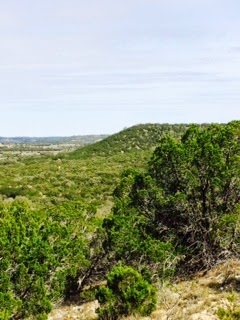
Looking at the layout of the park, the ranger told me which trail would get me to the summit ridge, trail 4B. I downloaded the map and the trail was in the middle of the park, but I would be able to drive to the trail head right, wrong. The Ranger informed me that because this is a Natural Area I would have to walk. What I thought was, at most, a 2 mile round-trip was now a 6 mile round-trip. Wait a minute this is just a 1 point summit. But I was there, but I knew I didn't have enough water for 6 miles, so I bought a bottle of water at the Park Office, got directions and took off.
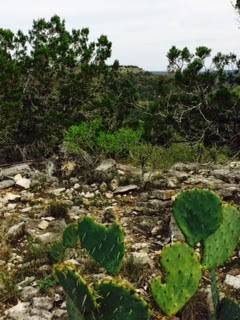
So what was a 2 mile round-trip which had now become a 6 mile round-trip, turned out to be nearly 8 miles. I missed a trail due to a poorly marked trail sign and was almost a mile down that trail when I realized my error. So I had to back track and get on the right trail. Finally 1 hour and 40 minutes after leaving the trail-head I reached the summit ridge.
From that point, it was a fairly normal activation. I used my MTR and a 20/40m EFHW and my Pico Paddle. I managed 22 QSO's with the first being AE4FZ and the last being KD5KC, Mike who did the bulk of the work to get the additional Texas Summits approved. Thanks Mike. I was also able to work a little DX with OK1CZ calling in on 20m.
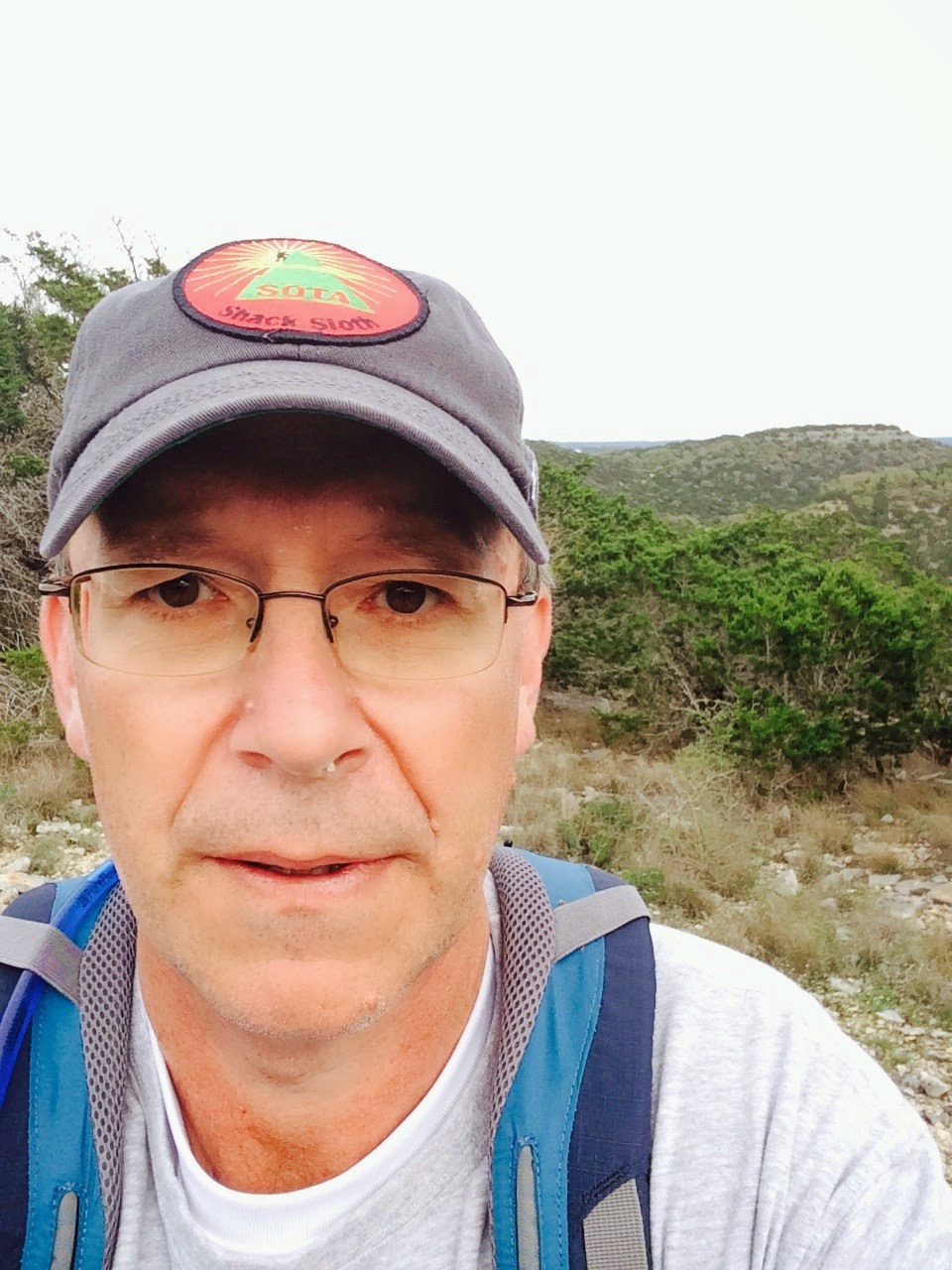
So this was another SOTA first and I'm glad I was able to be the first to activate a South Texas Summit. I will have to say though, this was the toughest SOTA point I ever earned. Eight miles of hiking for 1 point, the miles per point is pretty high. If you extrapolated that ratio to a 10 point summit a person would have to walk 80 miles. Well as they say, everything is bigger in Texas.
Thanks to all the chasers and thanks again to Mike KD5KC who was a catalyst in getting these summits approved.
Mike Crownover, AD5A, is a regular contributor to AmateurRadio.com and writes from Texas, USA. Contact him at [email protected].
Looks like I was right – for once! ;-)
I nailed it as far as guessing what the new KX3 product would be – the PX3! A small companion panadapter for the KX3.

No idea when it will ship and the asking price for the kit is $499.95. ($569.95 assembled) It looks really nice and I just might consider it for the shack KX3. Time will tell. I’m not ordering it this weekend, even though Elecraft is taking orders already. I’ll let the guys who have to have every single piece of Elecraft gear there is jump in line ahead of me.
The downside is that now until the darn thing is being shipped, there will probably be nothing else discussed on the KX3 reflector.
Let the whining and peeing and moaning begin!
72 de Larry W2LJ
QRP – When you care to send the very least!
Larry Makoski, W2LJ, is a regular contributor to AmateurRadio.com and writes from New Jersey, USA. Contact him at [email protected].
TX Factor – not quite The X Factor – yet!
TX Factor, the UK’s first TV show dedicated entirely to amateur radio has certainly taken off. Episode 1 which launched back in February has seen over 22,300 downloads and the latest release has been viewed more than 7,400 times in the past 14 days. We’re extremely grateful to the amateur radio world for helping to propagate the news of this TV show and to help us achieve a large and appreciative audience. It’s made it all worthwhile!
If you’ve not yet watched an episode, then head over to www.txfactor.co.uk to see what’s on offer.
We’re always on the lookout for ideas for future show topics, so do let us know of any ideas we could consider for future inclusion.
Don’t forget to subscribe to our emailing list or YouTube channel to make sure you get notification of each new episode. Talking of which, episode 3 will be available in mid-May. The show features the famous Military Wireless Museum in Kidderminster with curator Ben Knock G4BXD and the king of kite aerials Roger Stafford G4ROJ. Mike Marsh visits the Exeter Radio and Electronics Rally and Bob takes a look at the new offering from FlexRadio Systems.
We’re currently building up a resource library of extracts from past shows which may be of interest to those who haven’t managed to watch an entire episode.
And if you can’t wait for the next episode, there is now TX Talk, a section of the web site where regular audio features on all aspects of amateur radio are uploaded. Right now, there’s an exclusive interview with FUNcube Project Manager Jim Heck talking with Bob McCreadie about the prospective changes to the FUNcube satellite’s transponder availability.
Nick Bennett 2EØFGQ co-hosts TX Factor with Bob McCreadie GØFGX and Mike Marsh G1IAR. Contact the team at [email protected]
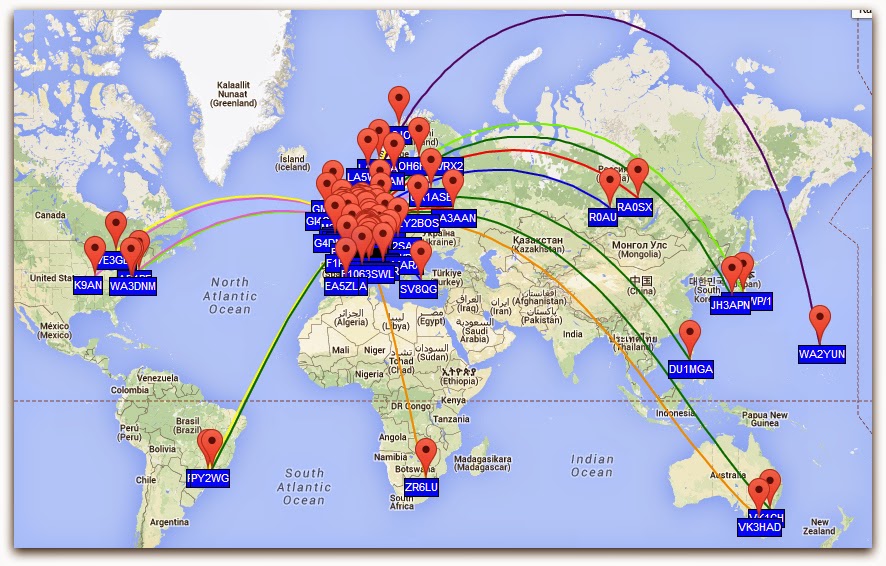
WSPR 20 meter
Paul Stam, PC4T, is a regular contributor to AmateurRadio.com and writes from the Netherlands. Contact him at [email protected].
I’m Back
I couple of weeks ago I hosted the annual IOTA Bash in Boerne, Texas. If you are into IOTA at all, it was a great gathering. Presentations from EA3NT, K6VVA, K9AJ and AB5EB. It was the 10th annual event and it's always a good time. Monitor www.islandradio.org for updates on next years BASH.
I bought a K3. I needed to reclaim some real estate on my desk in the shack. I had an FT5000, which is a fantastic rig, but it is big. I will move it to my ranch station to upgrade my equipment there. So, far the K3 has lived up to all I've heard about it. It is a very flexible rig with a great receiver.
The SOTA powers that be have recently established more qualifying summits in Texas, some only 40 minutes from my QTH. While only 1 point summits, it is fun to activate any summit as the chasers are there and pile-ups are what we like. I plan to activate the first South Texas summit this afternoon. Maybe I will write it up after I'm done.
So, it's good to be at the keyboard again, thanks for reading this stuff.
Mike Crownover, AD5A, is a regular contributor to AmateurRadio.com and writes from Texas, USA. Contact him at [email protected].
An evening on 472khz WSPR receive
I realise that I have not been very active monitoring 472khz WSPR this winter season. HF conditions seem to have been so good that I have rather ignored LF.
Noticing Roger, G3XBM blogging that 472khz WSPR was quiet, last night, I decided to run the FT847/HF6V on 472khz WSPR receive overnight. Sure enough it was quiet, but it was good to hear PA3ABK/2 and DF2JP, who I think is a new station to me.
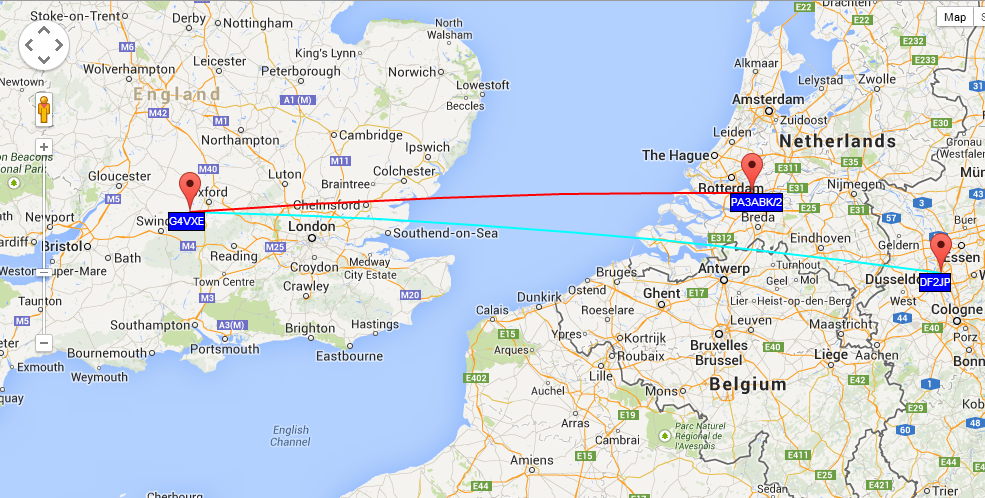
Tim Kirby, G4VXE, is a regular contributor to AmateurRadio.com and writes from Oxfordshire, England. Contact him at [email protected].
 Ham Radio Deluxe |
 W5SWL Electronics |
 Ham Radio Prep |
 KB3IFH QSL Cards  Hip Ham Shirts  HamRadioAuctions HamRadioAuctions Reliance Antennas Reliance Antennas Enigma Shop Enigma Shop |  morseDX  Ni4L Antennas  R&L Electronics R&L Electronics antennas.us antennas.us QRV QRV |
- Matt W1MST, Managing Editor
