 |
 Post-post Thanksgiving Leftover Leftovers
 12 December 2011 | by
 FoxNews.com Media Hit on 700K Amatuers in the US
While doing my usual trolling of the internet, I found a quick little media hit from a Fresno, CA, Fox news station, on the number of licensed Hams in the US. I figured I would share this one.
Rich Gattie, KB2MOB, is a regular contributor to AmateurRadio.com and writes from New York, USA. Contact him at [email protected].
ARRL 10 Meter Contest
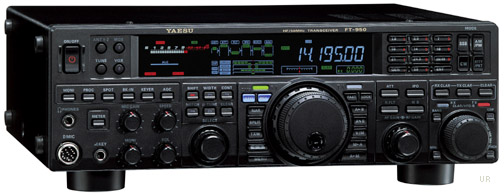 Usually I don’t focus on the ARRL 10 Meter contest, especially when the solar activity has been so low. However, band conditions have really picked up and 10 Meters is alive and kicking. We have quite a few new Technicians that are discovering the wonder of worldwide HF propagation with even a modest station.
I decided to operate from our cabin up in the mountains. I haven’t been happy with the performance of my trap dipole on 10 Meters, so I wanted to try something different. I pulled a twinlead J-pole antenna out of the basement and strung it up in a tall pine tree. This basically gave me a 1/2-wave vertical on 10 Meters and I was pleased with the performance.
I had a great time with the 10 Meter contest, operating for part of Saturday and Sunday.
You’ve got to like a contest that has:
- Only one band, so no fretting about which bands to focus on
- CW or SSB, take your pick or do both
- Lots of DX
- Work anybody anywhere
- You can sleep at night and not miss anything
I mostly searched and pounced around but did manage a few runs with my mighty wire antenna. Not being a real CW operator, I did decide that I would push myself to make 10 CW contacts. Most of those guys are going way too fast for me, but I got it done.
ARRL10M Score Summary Sheet
Start Date : 2011-12-10
    Band Mode QSOs Pts Cty
      28 CW    10   40   8
      28 USB  254  508  72
 Total        264  548  80
Score : 43,840
73, Bob K0NR
Bob Witte, KØNR, is a regular contributor to AmateurRadio.com and writes from Colorado, USA. Contact him at [email protected].
10m ARRL contest part 2
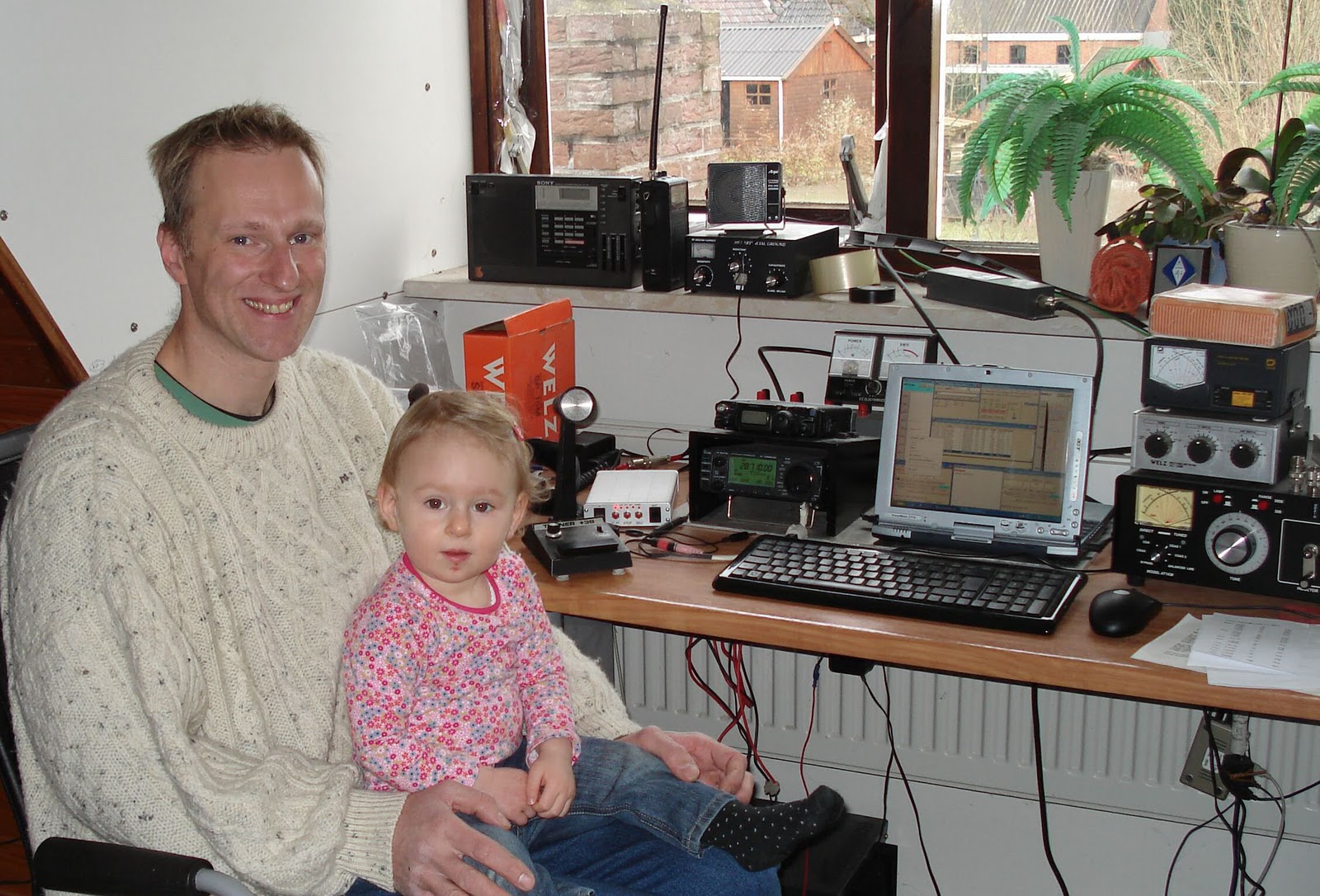
What can I tell, can propagation get any better? I only made 15 QSOs in the morning as my second operator did not know which buttons to push, so I had to follow her with my eyes constantly before she would switch off the entire station. That almost happened! Anyway, when she was away and in bed for her afternoon nappy I made te rest of the QSOs and stopped at 200. 15:15 UTC like yesterday. At that time the greyline was jumping in and the frequency went crazy. Worked 1 station/minute last 20 minutes. Signals booming from Europe, South, Central and North America with signals over S-9. Real fun to contest like this even without a beam. So different from my first ARRL 10m contest in 2006 when I actually obtained first place in the same category as now because I was the only participant! A overview: 2006-22 QSOs, 2007-30 QSOs (as PA25HSG), 2008-20 QSOs, 2009-21 QSO’s, 2010-5 QSOs, 2011-200 QSOs. What a difference!! Lot’s of nice DXCC worked a few new ones on 10m. A all band new one today was Guam which was surprisingly easy to work, and as he worked a lot of Dutch stations there seems to be a small path of propagation in between. Don’t know how many USA/Canada stations I worked as I lost count, I probabely worked some new states. A list of interesting DXCC:
A61BK (UAE), UA9XL (As.Russia), RK8I (Uzbekistan), HS0ZDG (Thailand), V25R (Antigua&Barbuda), VK6IR (Australia), UN6P (Kazachstan), CE1DY (Chile), AU2JCB (India), B7P (China), LV5V (Argentina), CO2CW (Cuba), SV5DKL (Dodecanese), HI3TEJ (Dominican Rep.), TR8CA (Gabon), BX5AA (Taiwan), EK6TA (Armenia), KP2A (US Virgin Isl.), TI5N (Costa Rica), NH2DX (Guam), HZ1FI (Saudi Arabia), PU2LEP (Brazil), HK1NA (Colombia).
Bas, PE4BAS, is a regular contributor to AmateurRadio.com and writes from Groningen, Netherlands. Contact him at [email protected].
The Elecraft P3 has arrived……
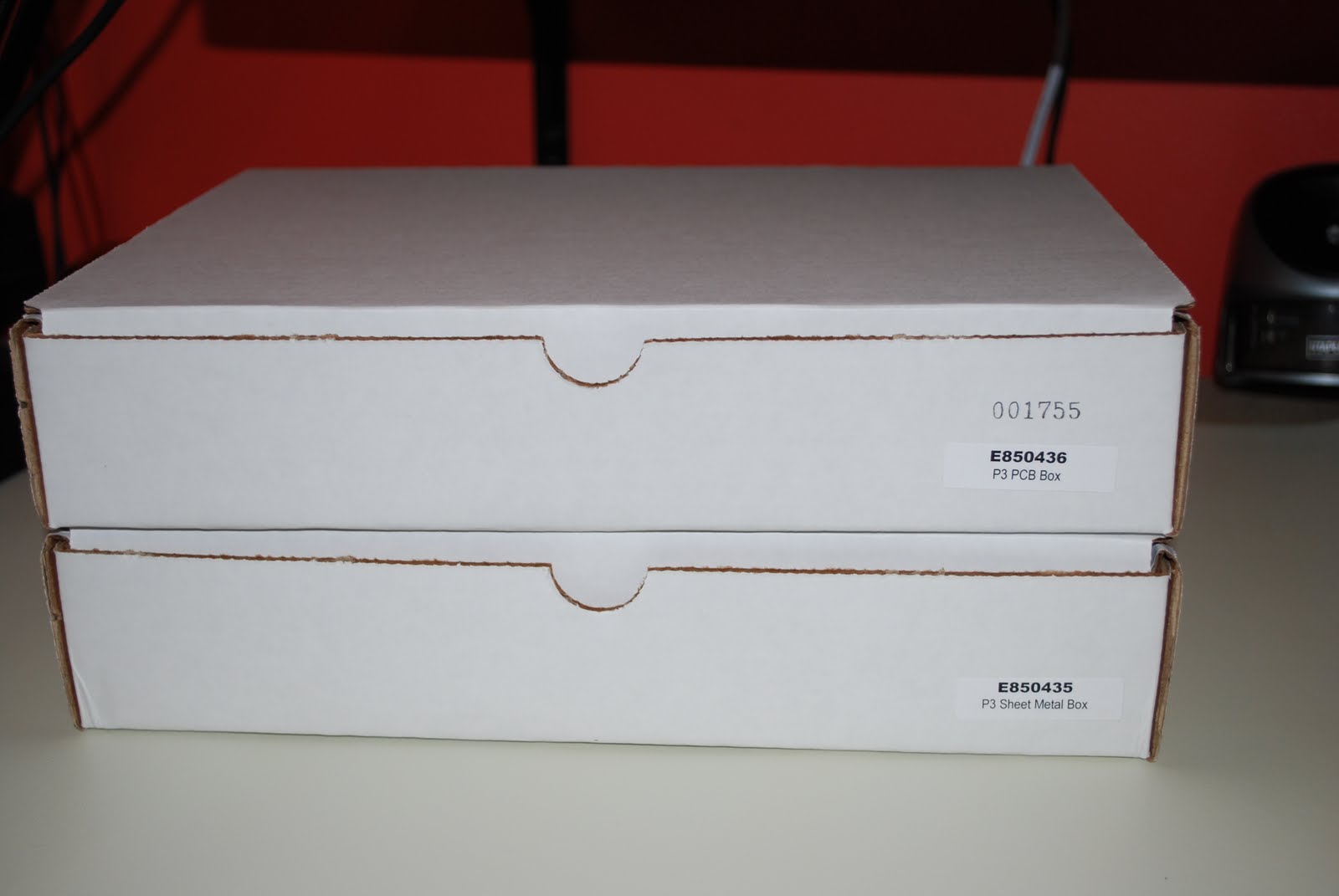 |
| The shipment arrived |
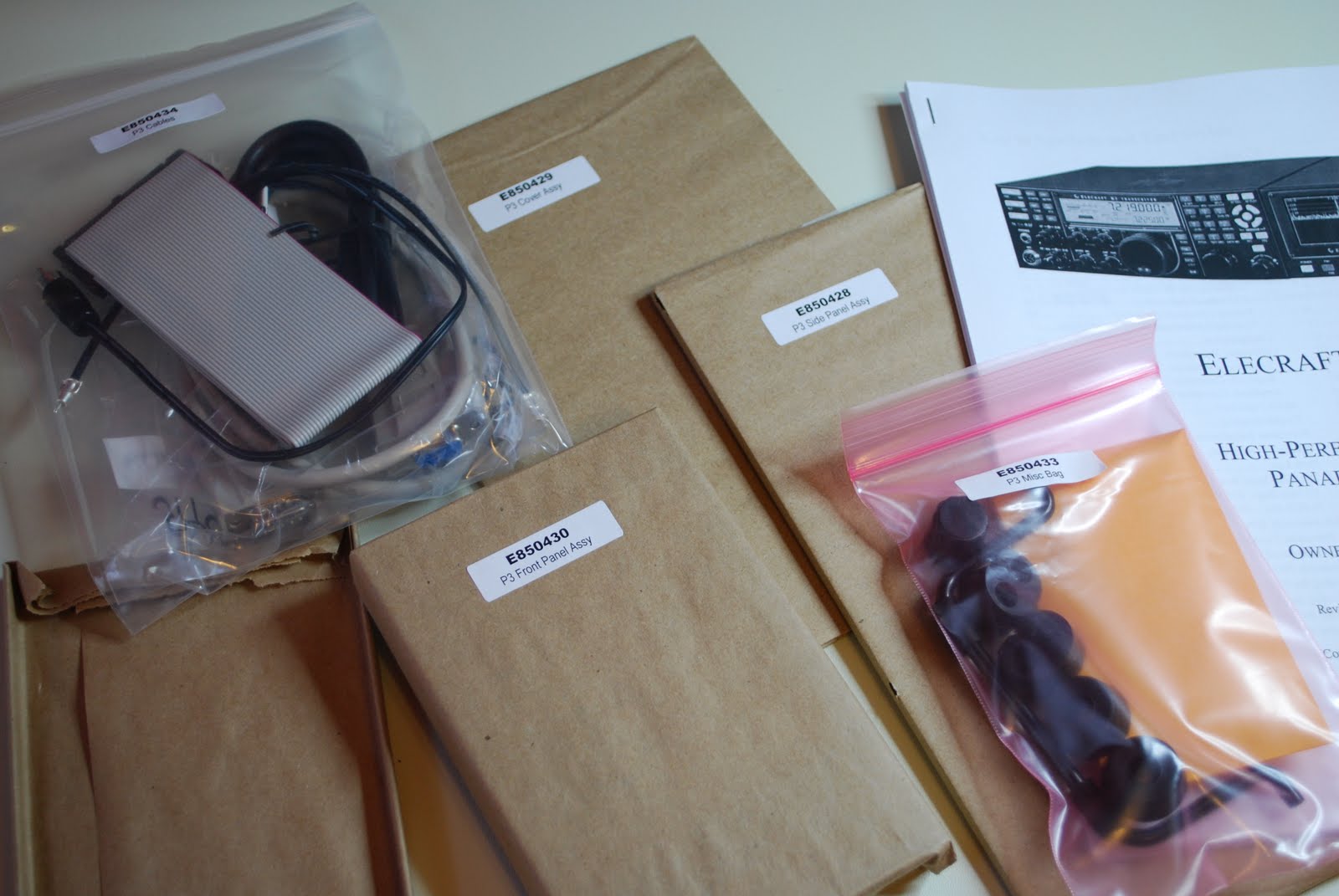 |
| Ready to go |
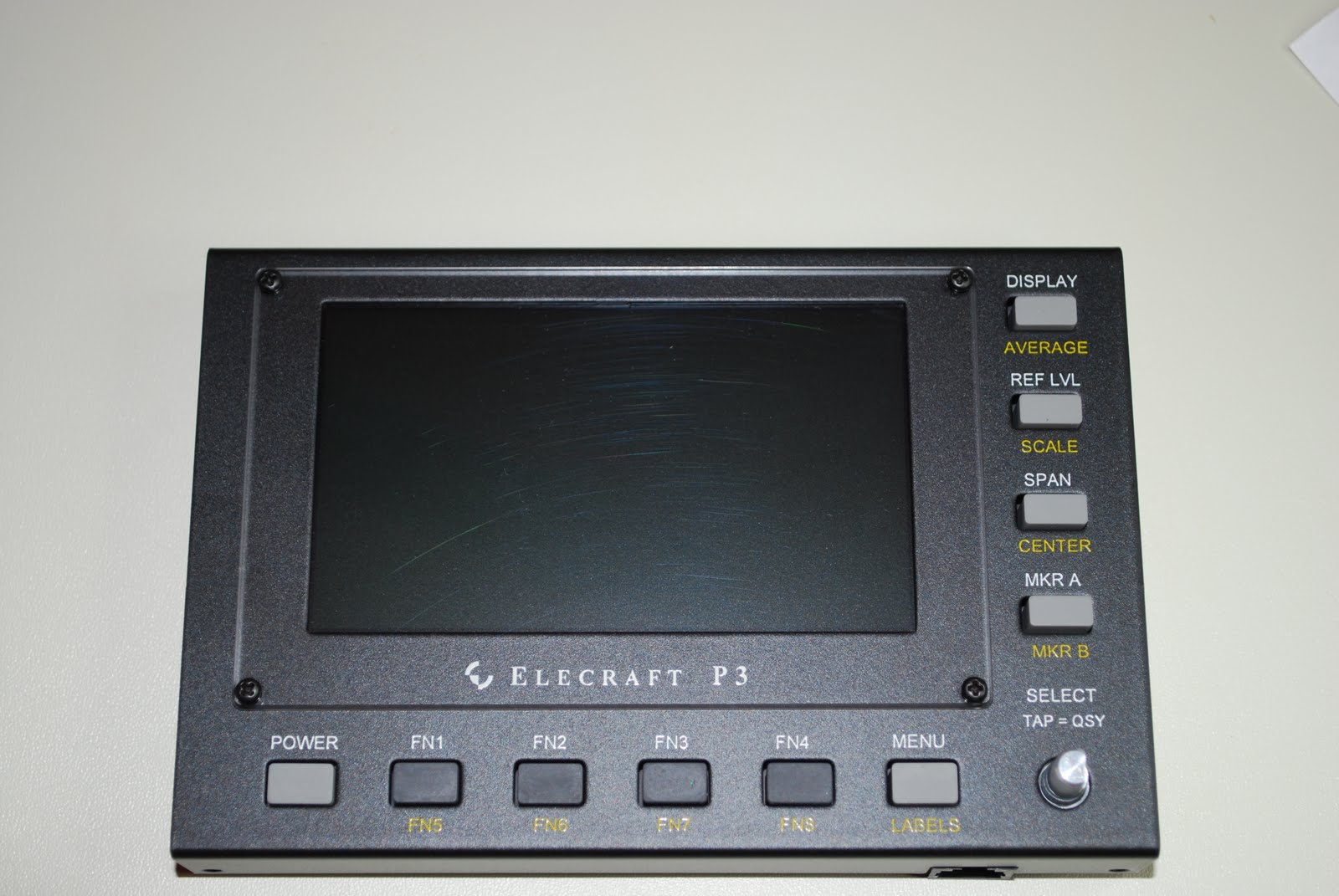
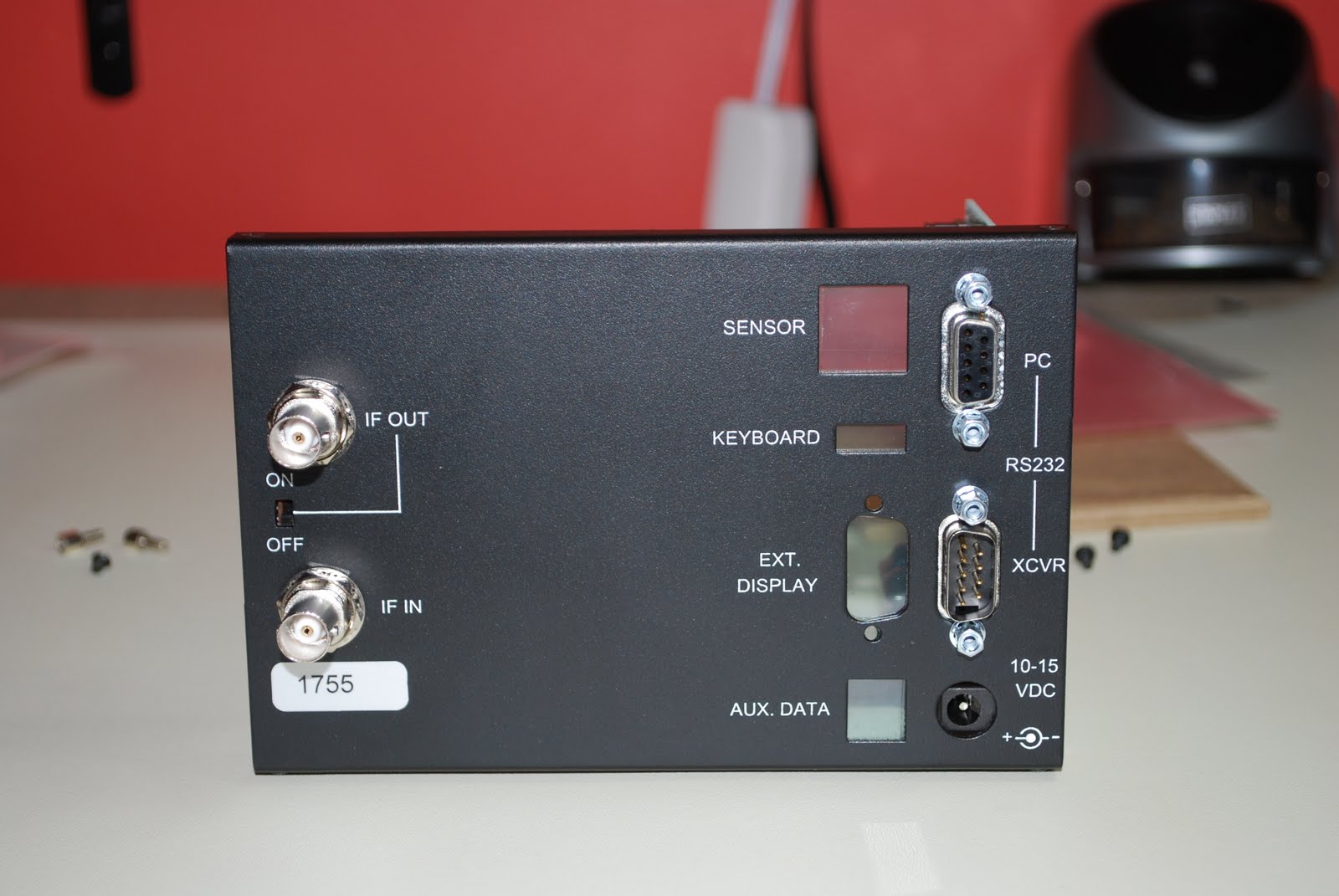
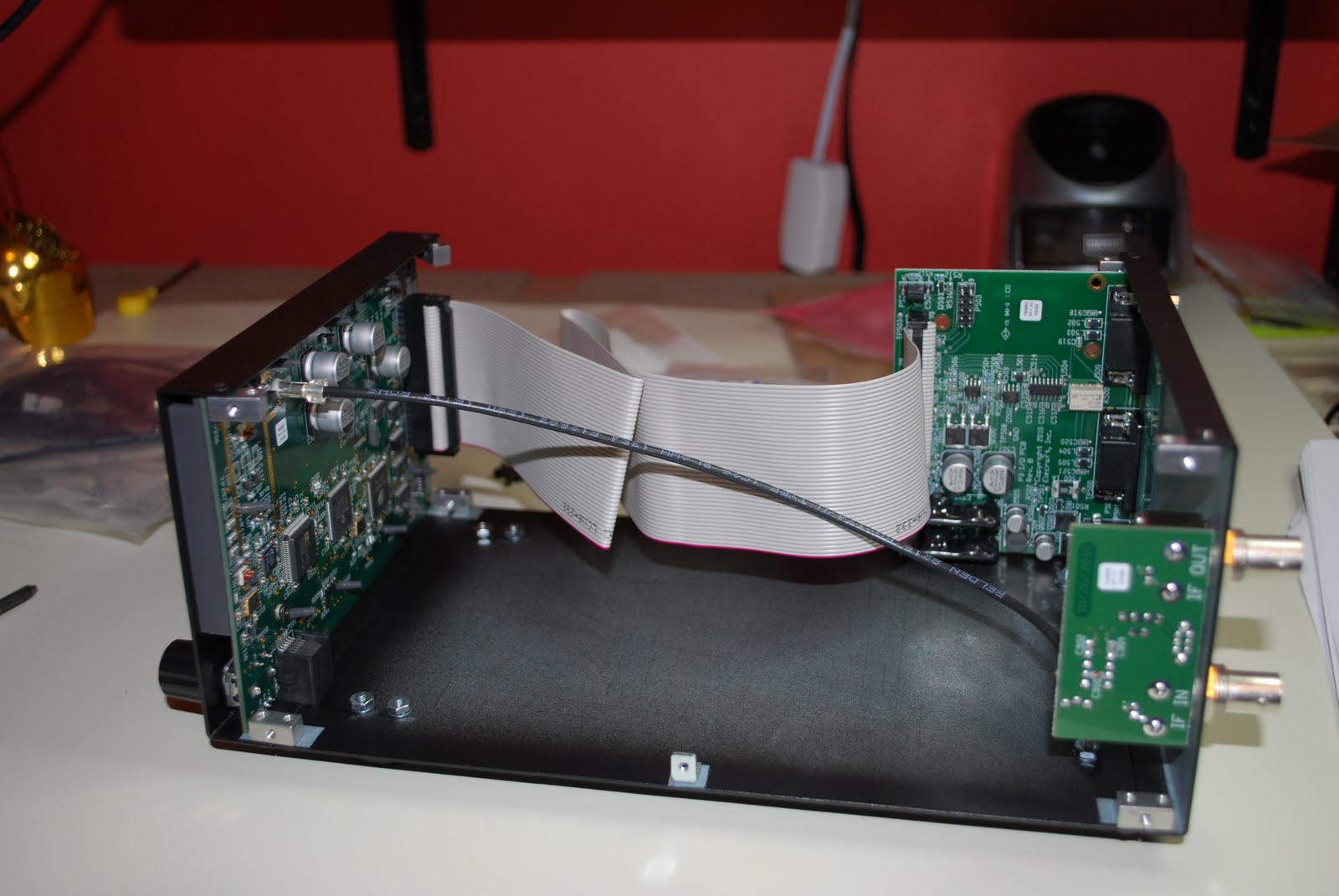
surrounded in bubble wrap. I sat down Saturday afternoon as the morning was dedicated to putting up the Christmas tree and decorating our home. As always I took inventory of all the parts I encourage anyone who orders any kit to make sure you do the inventory. This kit is another of Elecraft's solder-less kits. It comes with the boards (front panel board with LCD, rear I/O board and rear RF panel
 |
| Front panel done |
 |
| I/O board installed |
 |
| Back panel |
 |
| The finished product |
 |
| Hooked up to K3 |

Mike Weir, VE9KK, is a regular contributor to AmateurRadio.com and writes from New Brunswick, Canada. Contact him at [email protected].
I am great! Again?
Well, this time it was more luck than anything else. Let me explain.
I promised a while back that I would tell you about me enjoying the newly repaired TS-440S. I do enjoy it, that’s not the problem, but the amount of enjoyment is short. How come? My power supply consist of two 7 Ah SLA batteries, which I charge with a wall-wart. With a 100 Watts output I can operate for an hour and that’s it. Even in listening mode it’s not more than a few hours longer as the set draws quite a current. When the batteries go flat it takes some 18 hours to charge them again, so I have to plan my activity very well.
So meet Mr. Jack Huang, a.k.a. BU2BA. 
He is living down the street from my mother-in-law, on the edge of Banqiao. He is quite an active ham and so it was obvious that I paid him a visit when I first arrived here a year ago. He has a room full of transceivers and a small dipole on the roof of his 15 storey apartment building, so he is limited to daytime operation due to noise. It’s always nice to chat with him and he is much more technical than I ever will be.
I had to sell off all my 220 Volt power supplies before we moved here, because Taiwan has 110 Volt coming out of the wall sockets. Jack had an old 30 ampere PSU lying around which he sold me together with a Yaesu FT-690mkII for a good price. It is a locally made PSU, so no circuit description, modded with a fan and – to be honest – some shoddy soldering. It worked fine until I started to have problems with RF feedback. Over the course of a few months it became worse and worse until I couldn’t even draw 1 Amp of current out of it. With my modest test equipment and knowledge I measured everything I could: all normal. I put in some new transistors and an IC in the voltage regulating circuit, just in case. Learned a lot about PSU’s in the process, but I still couldn’t find the cause. I even made a video of it.
Back to Jack with the 10 pounds of heavy metal. With his sophisticated equipment he tested the whole thing: couldn’t find anything wrong, either. Then he hooked up a 50000 uF capacitor instead of the 2×10000 uF which were in the PSU and waddayaknow? It worked! Out with the old, in with the new. You guessed it: still the same problem.
I am not a technician by nature. I approach everything with logic, curiosity, trial-and-error and by eliminating the impossible. And then there is my gut feeling which said: “it’s the voltage regulator, sonny!” So with the PSU gutted on my bench I noticed this trimming potentiometer on the voltage regulator controlling pin 2 of the CA723CE IC. Time for a dose of curiosity: what does it do if I turn it? Well, it creaked and squeaked a bit and all of a sudden the PSU came back to life. I hooked up a halogen lamp and no problem drawing 2 amps. I hooked up my TS-130v and no problem drawing 4 amps. I would have hooked up my TS-440S, but the kids called for dinner and Sinterklaas was also scheduled to pay us a visit that night (he never forgets Dutch ex-pats, because he is a really nice Saint), so I left it there.
I later took out the potentiometer and couldn’t measure a steady resistance at any point. I guess it is a 20 MOhm one, but I only had a 1 MOhm at hand. That one did the job too, so I was right in time for the ARRL 10 meter contest. All’s well that ends well. So, am I great or am I just lucky?
Hans "Fong" van den Boogert, BX2ABT, is a regular contributor to AmateurRadio.com and writes from Taiwan. Contact him at [email protected].
More on JT65A
Since getting the JT65-HF program working with my equipment, I’ve been having a great time with the mode. It really is amazing what you can work. It’s a very relaxing mode and you can easily be working someone on JT65 on HF and having a local QSO on VHF, which is quite fun.
Over the last few weeks, I’ve had JT65A contacts on 3.5, 7, 14 and 28MHz. The most satisfying bands have been 3.5 and 28MHz. On a number of occasions, I’ve hooked the receiver up to the computer in the morning and left the JT65 program running all day, to see what I can hear. Because I’ve configured the program to upload what it hears to the reverse beacon network and the PSK Reporter website, it’s easy to keep track of what propagation is like, from my desk or from the train! I shall have to work out some remote control so that I can make some QSOs at lunchtime.
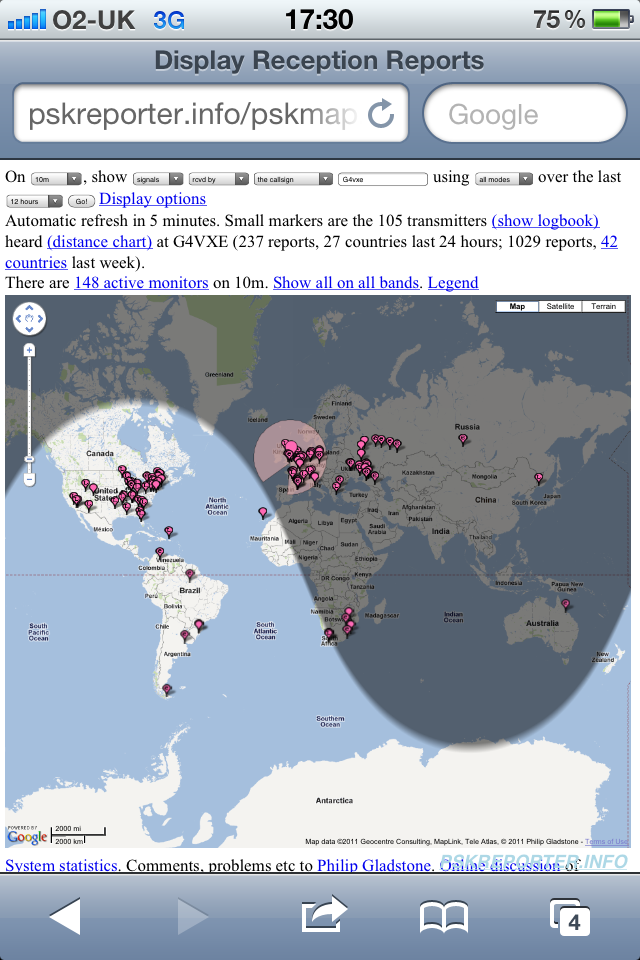
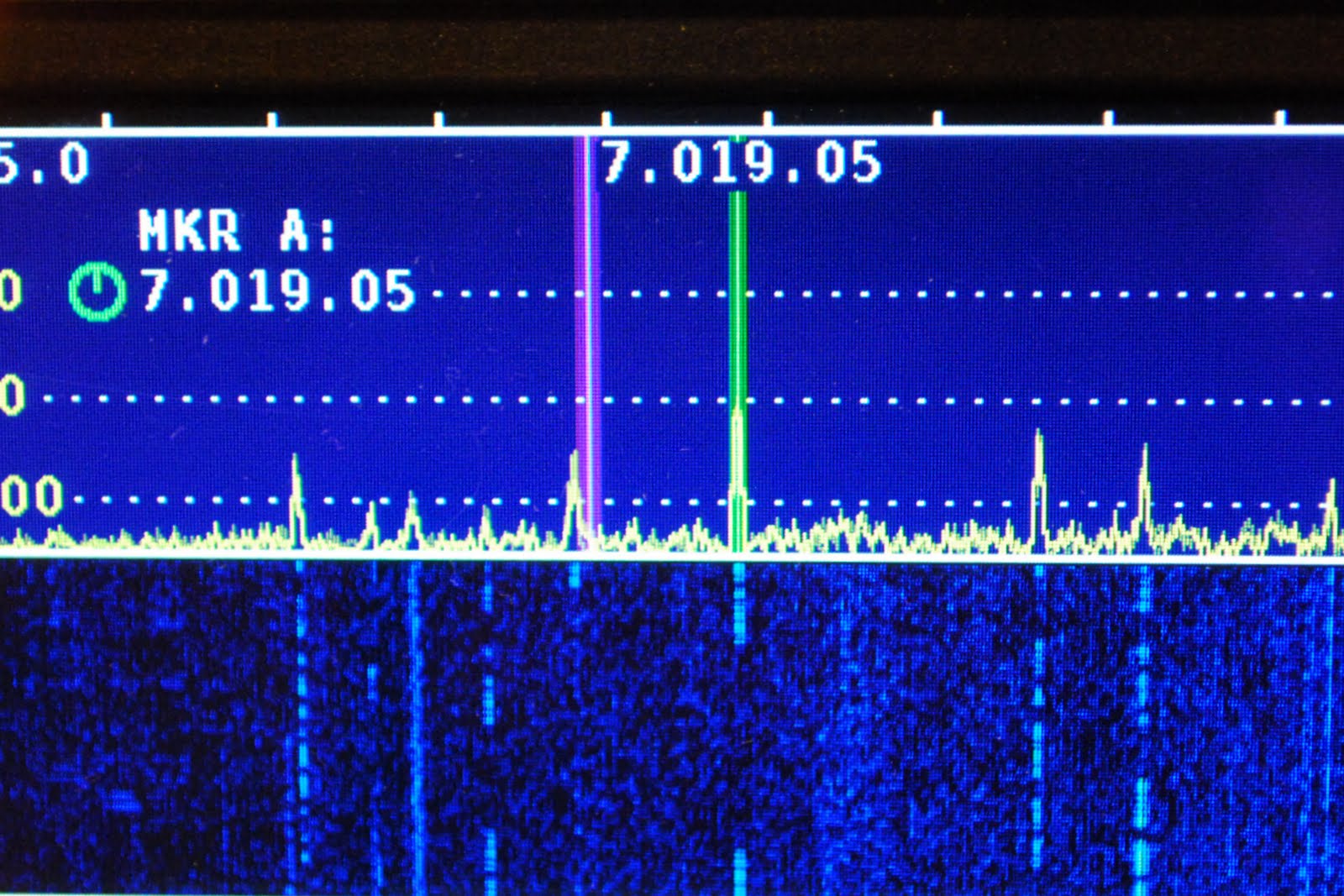
The image above shows a ‘typical to good’ day on 28MHz JT65. Generally the first signals are heard around 0700z and the last ones around 1730z – plus or minus.
In the evenings I have been trying out 3.5MHz JT65 and have been surprised by the results. Some of the notable contacts have been UN9LEI and KP4ED with lots of contacts in between! Hoping to work VK6 at some point, as that would be a nice one in the evening.
Great mode! I’m so glad I tried it. Can’t wait to get the K1JT modes working with my FT847 for VHF/UHF!

Tim Kirby, G4VXE, is a regular contributor to AmateurRadio.com and writes from Oxfordshire, England. Contact him at [email protected].
 Ham Radio Deluxe |
 W5SWL Electronics |
 Ham Radio Prep |
 KB3IFH QSL Cards  Hip Ham Shirts  HamRadioAuctions HamRadioAuctions Reliance Antennas Reliance Antennas Enigma Shop Enigma Shop |  morseDX  Ni4L Antennas  R&L Electronics R&L Electronics antennas.us antennas.us QRV QRV |
- Matt W1MST, Managing Editor
