Archive for the ‘qrp’ Category

Portable Goals and NPOTA!

I can’t believe it has been almost a year since I have posted here!  I have lots of interests and tend to bounce around between them.

But for 2016 I want to be more consistently in ham radio.  So I have set a goal…

There are about 45 weeks left in 2016, so my goal is to complete 45 portable activities this year and document them here on my blog!

Also, tomorrow, February 25th, 2016 I will be activating NPOTA TR07,TR11,TR14 (Oregon NHT + Santa Fe NHT + California NHT) from Lone Elm park in Olathe, KS.

I will be operating my KX3 5 watts CW (maybe SSB if time allows) into a vertical. 14.060+/- and 7.030 +/-. I plan to arrive about 19:00 UTC (1:00 pm local) and operate for a couple of hours.

If you hear me please spot me. This will be my first activation, and my CW is a bit rusty, so the sending speed will be slow! Be patient with me!

This park has historical significance because it was used as a major campground along these 3 trails. Originally it was about 80 acres, and so many trees were cut down by the campers it became known as “Lone Elm”.

That’s all for today, I will report back after the NPOTA activation tomorrow!

ARRL DX CW contest done for 2016
The roll top radio desk
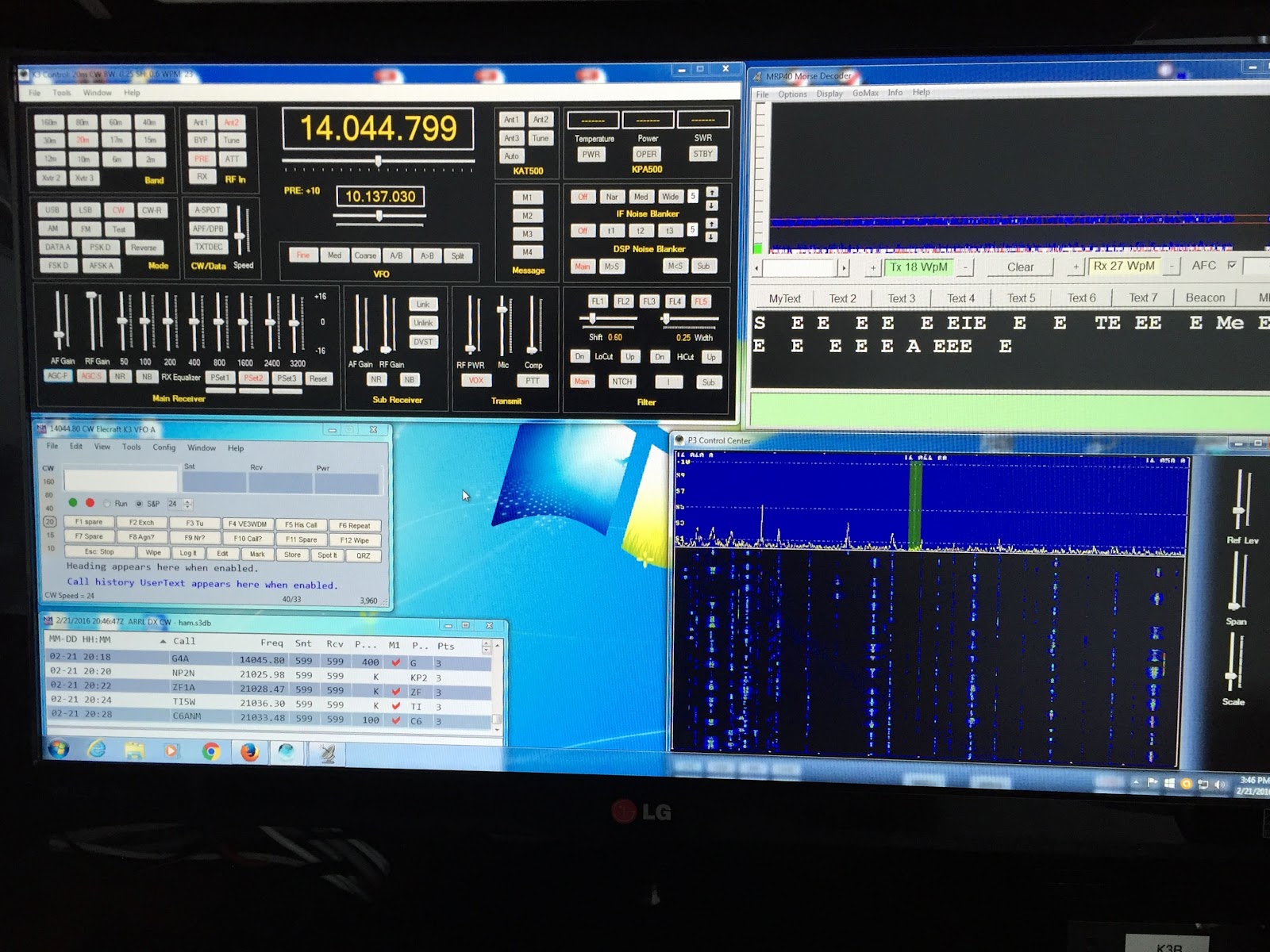
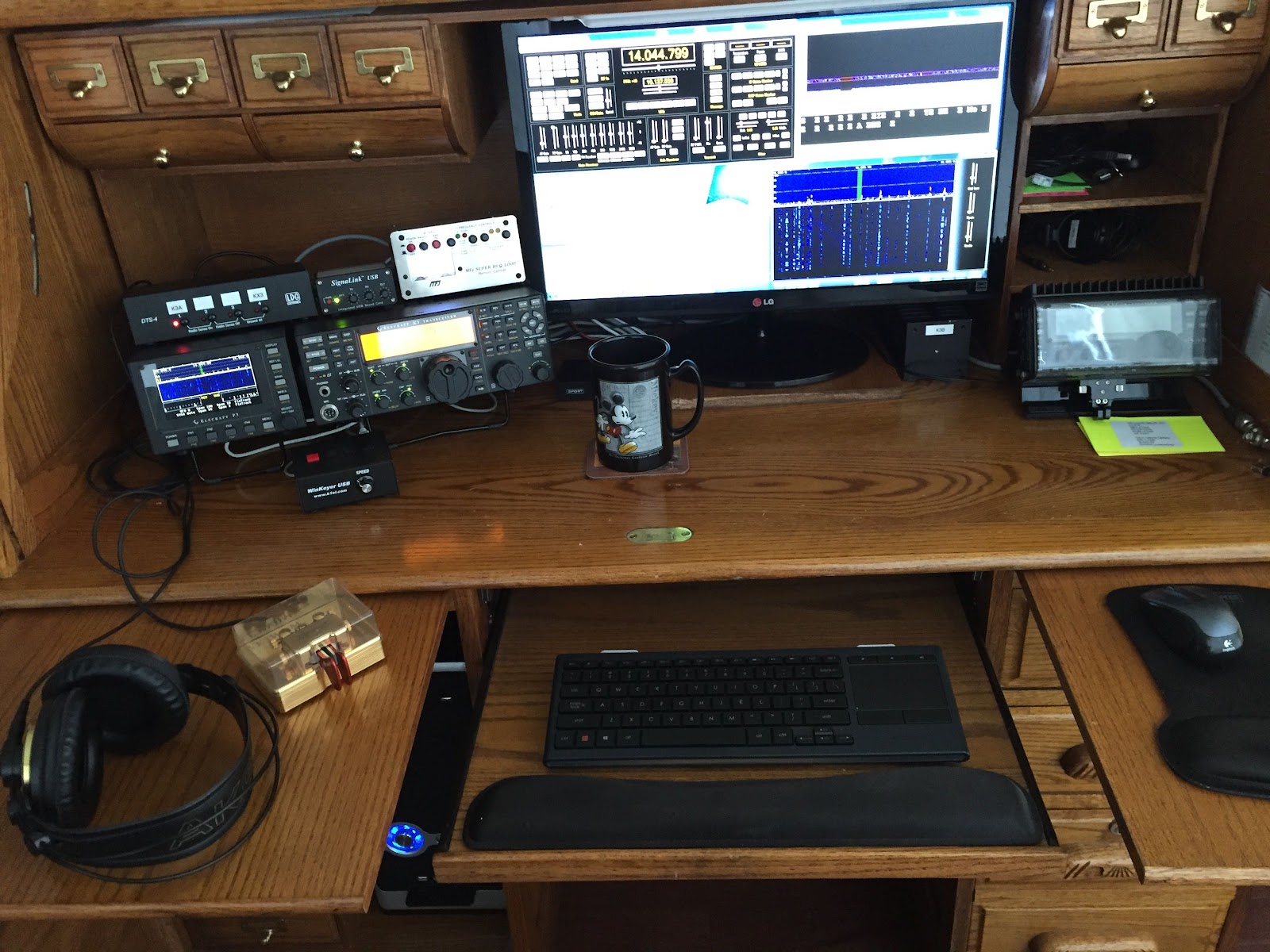
The ARRL DX CW has come and gone and I took a part time approach to the contest. I was operating single op, non assisted and QRP. The setup is an Elecraft k3 and P3 along with Win4K3suite, N1MM+, MFJ 1788 loop and MRP 40 cw decoding software. I have MRP running in the background as when the CW speeds hit 33-40 it's just easier to use the software. A contest policy that I have is to NOT update any contest software before a contest. There was a new Win4k3suite and N1MM+ update and I resisted the temptation to update. I have had some very frustrating contest's when I have updated software just before the event.  I was able to get on Saturday morning and Sunday morning/afternoon. On Sunday I thought I would get at it early, so I was on the rig at 7am local time on 15m ...BUT... the band was really not all that active out this way. That's a good sign for me as during the next contest I can sleep in a bit and not really miss anything. Around 8:00 A.M local time 15m started to come alive and things were hoping right up until I had to shut things down at 9:30am due to chores. I was back on again around 1pm local and 15 was good and 20 meters had lots of Eastern Europe booming in. I soon exhausted my contacts on 15m as N1MM+ was telling  me "DUPE" for a majority signals on 15m. I was then off to 20m and it was interesting there as the signals were booming in but it seemed I was barely making it, I had to do many repeats. I was off and on until about 3:45 local time and I then decided it was time to shut down. I had a great time making 40 contacts with 33 multipliers for a score of 3960.While writing this post to clear my head head of the dit's and dah's I have Motown booming on the  Studio Beat wireless headphones! 
The contest desktop

1 Watt and a Wire… in the Attic

You can't always get what you want, but you try sometimes...
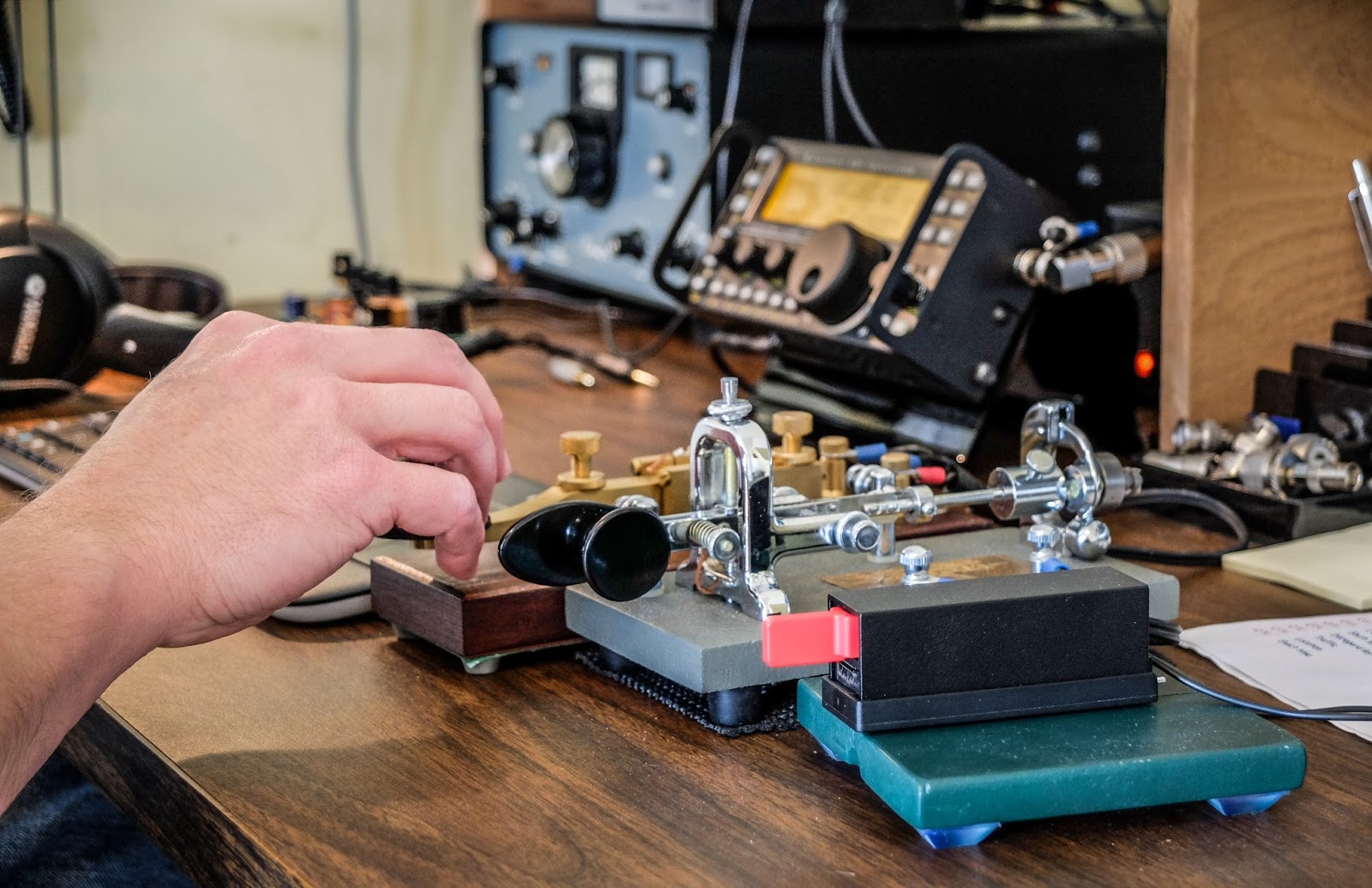
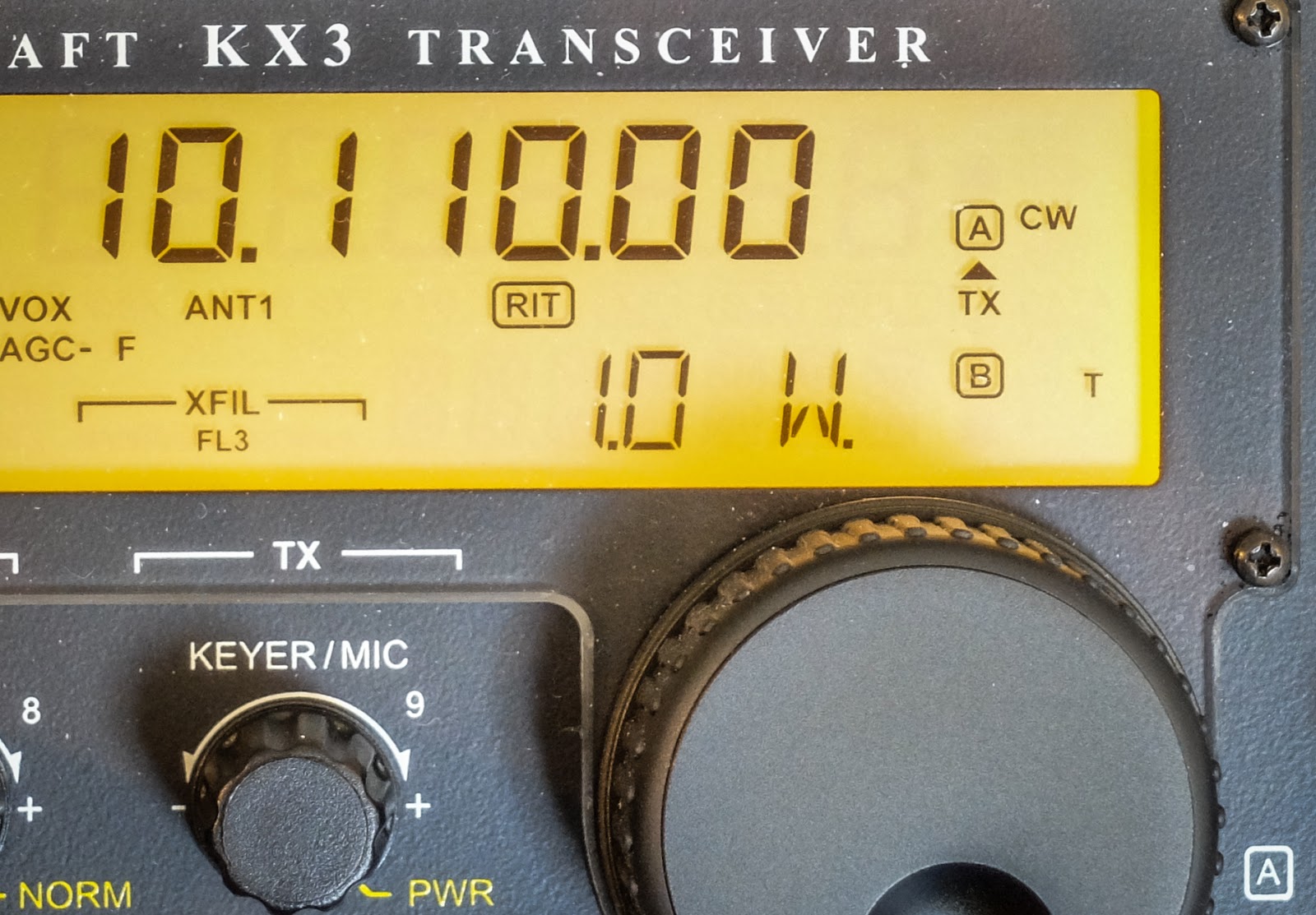
Recently I've dialed my normal 5 watts down to 1watt (one watt, singular) for all my contacts.  To throw some water on the fire I've decided to use my attic antenna which weaves all around my metal ductwork and electrical wiring.   Mostly this was to prove a point to myself but it may be enlightening to deed restricted hams that they can use a qrp radio and an attic antenna successfully.

Key lineup... Palm Single (paddle), Vibroplex Bug (circa 1970s), Kent Hand key

It only seems pointless until you try

Calling CQ with 1w QRPp into a poor attic antenna isn't as pointless as it would seem.  I didn't have to wait long when calling CQ before I got an answer most of the time.  

Now am I going to bust a pileup with 1 watt ?  Possibly not but I think that my assumptions about both how much power I need and how big an antenna I need are usually out of proportion with reality.

1 mighty watt

My assumptions are often incorrect

I made QSOs on 30m, 20m, 17m and 10m this morning all at 1 watt.  The solar conditions report was not really fantastic, especially for 10m.  Yet 1 watt through the attic antenna bagged the only DX I heard on 10m.  I had a couple of other multiple exchange contacts on 20m, 17m and one good old fashioned 25 minute long ragchew on 30m where I received a 599 report for my one watt from Bob (NR8M) in Ohio.  Admittedly, Bob was booming in and we had good propagation to each other.

http://www.hamqsl.com/solar.html

Video

The recording below was number 4 or 5 this morning.  I wanted to post this one because I was working another QRP station in Arkansas (K5EDM) and we did NOT have great propagation to each other.  He was running 5w while I was running 1w so it was QRP to QRPp.  In the video you can see that I'm using some of the KX3's tricks to pull the signal up because there was a lot of QSB and noise (note the GEOMAGNETIC FIELD UNSETTLED in the solar report).  

I had the volume maxed and was using the RF gain control mostly.  I eventually had to turn on the preamp which really washed me in noise but I dropped the RF gain more and eventually switched in the APF (audio peaking filter) which performed magic on this contact.  Often I find that APF doesn't help but this time it made a big difference.


That's all for now

So lower your power and raise your expectations

72/73
Richard N4PBQ

One step closer to being a ham techie!
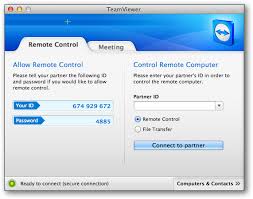

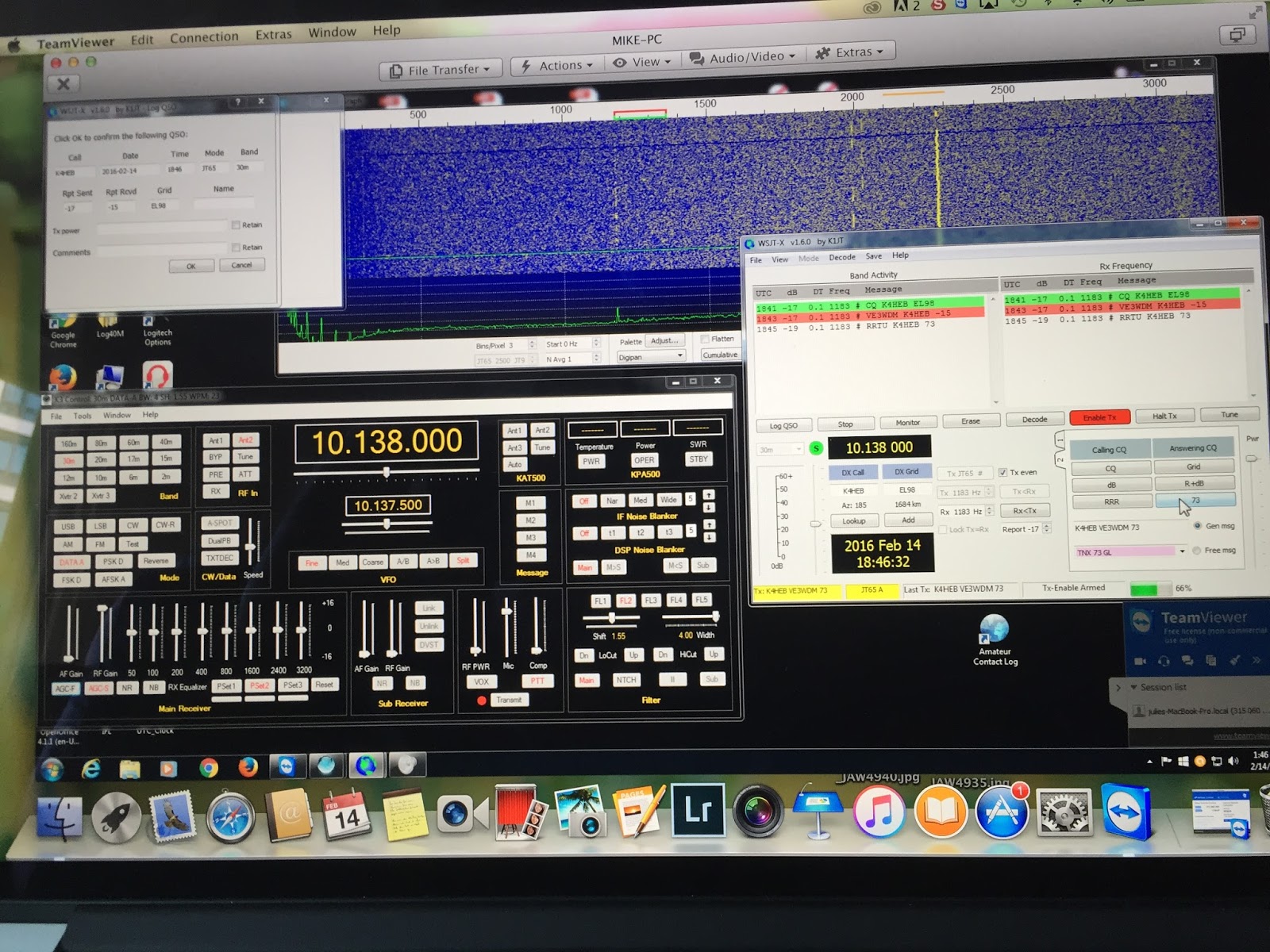
 Now that I can use one Signalink USB unit on either my Elecraft K3 or KX3 I thought it was now due time to investigate operating my rigs remote from my laptop using my router. I have read many ham who do this  so it’s not anything new…BUT….for me this is cutting edge and can be “kinda fun” to get it up and running.  I can across software called Teamviewerwhich allows you to remotely access your PC from another PC. Once logged on and a connection is made you have (on your remote PC) a mirror image of your home PC. You have the same control over your home PC as if you were sitting in front of it. The software allows you to access your Windows PC via a Mac and so on. This Windows/Mac cross over was great for me as my home PC is Windows and the laptop is a Macbook Pro. I set out to download and install the software on my Windows PC. It went very smooth and error free, I then installed it on my Macbook pro laptop and all went well until I started the program. The program just
would not start it just got hung up and I had to do a force shutdown. I tried a few things but just could not get the program to run. I then installed it on my wife’s Macbook pro laptop and it operated without
a hitch! The only thing I can figure is my Macbook is a bit older and may not be up to the task. I was on the internet to see if I could see what the issue might be but could not find anything. I am going to email the company and see what their input is. On the weekend I was not interested in troubleshooting or emailing for an answer I just wanted to get the program up and running. With the program installed on both PC’s and it was time to make the link. It is very straight forward to do, you open the program on each PC. You are given a 9 digit ID number on each PC and since I want to use my laptop to control my main PC on my laptop I enter the 9 digit ID number from my main PC and press “connect to partner”. I then enter a password (setup during program install) and in no time I have full control of
My remote PC operation
my main PC from my laptop. Note: if you want to have control of your laptop from your main PC justenter on your main PC the 9 digit ID number shown on your laptop and press “connect to partner” along with the password. After using this program several times I can honestly say it works flawlessly and very smooth. I was able to open Win4k3suite and WSJT-X and make contacts with JT-65 from my laptop. There was absolutely no latency issues, lockup or programs refusing to operate or open. One great piece of news is if you use Teamviewer for personal use the program is FREE!! If any of my readers has ever wanted to toy with remote desktop operation or you are using a program that has issue give Teamviewer a go!

VP8STI with QRP


Another small celebration in the shack. I wasn't sure the time was right to spend much time chasing South Sandwich with a QRP signal. I usually save that  attempt for the last day or two of a big expedition and the VP8 guys are still working to satisfy a lot of demand. In fact I did try earlier in the day and just rationalized, after calling for a while, that the pile-up was still too big. The other deterrent to my thinking was that they just weren't that loud. As a rule of thumb I figure the DX needs to be 559 or better for them to hear my QRP signal. However as the sun went down I checked the 20 meter pile up on the Elecraft P3, hmm, not too big on the screen. Their signal was probably only an S3, what the heck, let me have a go, as my British buddies would say. I turned the K3 down to 5 watts, hit the split button and started listening on the second VFO. I found him and followed him up for 4 or 5 QSO's and then he came back to me, just like he does with the big guns, AD5A 599:-) That was when the small celebration broke out.

I love this radio stuff.


VP8STI with QRP


Another small celebration in the shack. I wasn't sure the time was right to spend much time chasing South Sandwich with a QRP signal. I usually save that  attempt for the last day or two of a big expedition and the VP8 guys are still working to satisfy a lot of demand. In fact I did try earlier in the day and just rationalized, after calling for a while, that the pile-up was still too big. The other deterrent to my thinking was that they just weren't that loud. As a rule of thumb I figure the DX needs to be 559 or better for them to hear my QRP signal. However as the sun went down I checked the 20 meter pile up on the Elecraft P3, hmm, not too big on the screen. Their signal was probably only an S3, what the heck, let me have a go, as my British buddies would say. I turned the K3 down to 5 watts, hit the split button and started listening on the second VFO. I found him and followed him up for 4 or 5 QSO's and then he came back to me, just like he does with the big guns, AD5A 599:-) That was when the small celebration broke out.

I love this radio stuff.


K5P on QRP

I managed a QSO with K5P yesterday on 20m CW with 5 watts out for my 180th country on QRP. I don't know why, but I am always amazed by this, especially when breaking a pile-up. I have a decent antenna, a log periodic up 50 feet, but so do most of the QRO guys. Always fun. I suppose that's what's interesting about ham radio, it's never the same two days in a row.

I will be looking to work VP8STI on QRP. I need some band slots on QRO, but still need them in my QRP log for the first time.The pile-ups will need to die down a little before I jump in.



I like this logo, nothing against the SSB guys, but it only has a morse key on it:-)

Subscribe FREE to AmateurRadio.com's
Amateur Radio Newsletter

 
We never share your e-mail address.


Do you like to write?
Interesting project to share?
Helpful tips and ideas for other hams?

Submit an article and we will review it for publication on AmateurRadio.com!

Have a ham radio product or service?
Consider advertising on our site.

Are you a reporter covering ham radio?
Find ham radio experts for your story.

How to Set Up a Ham Radio Blog
Get started in less than 15 minutes!


  • Matt W1MST, Managing Editor