Author Archive
 Looking for some help!
 May 1st, 2016 |
  Author:
A CW contest surprise!

The numbers are down.
 |
| Not really this bad |
It’s time cooler heads prevail!
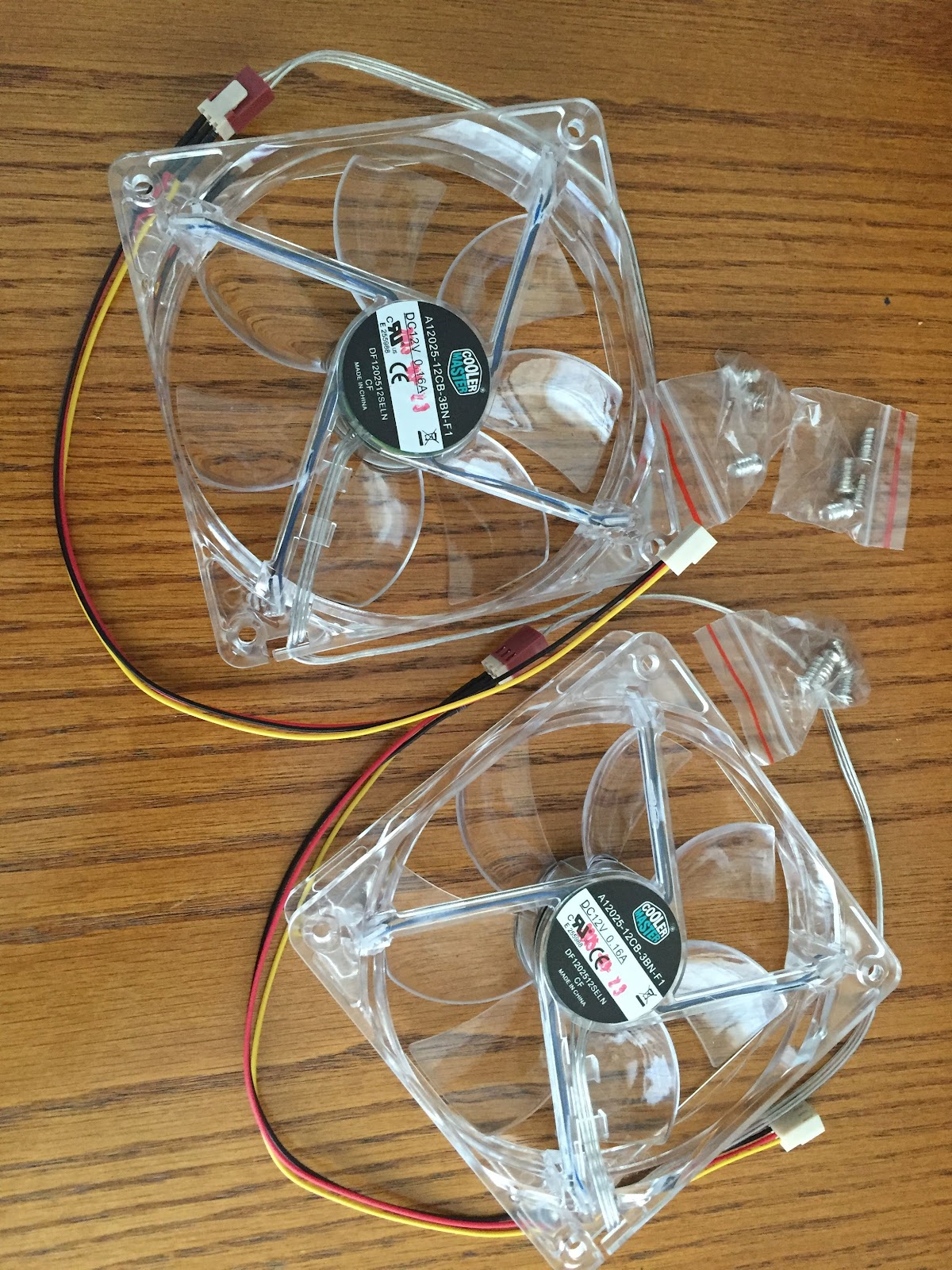 |
| The fans |
Not wanting to have another Windows blue screen issue due to overheating I purchased two cooling fans for the PC tower. As mentioned in my previous post I did download HWMonitor that keeps track of the temperatures of my Hard drives, video card and CPU. Before the fans arrived I wanted to run the PC and monitor a baseline set of temperatures so I could see how the addition of the fans helped out to lower the PC temperatures. Before installing the fans I took some time to cut out the rear back board on the roll top desk
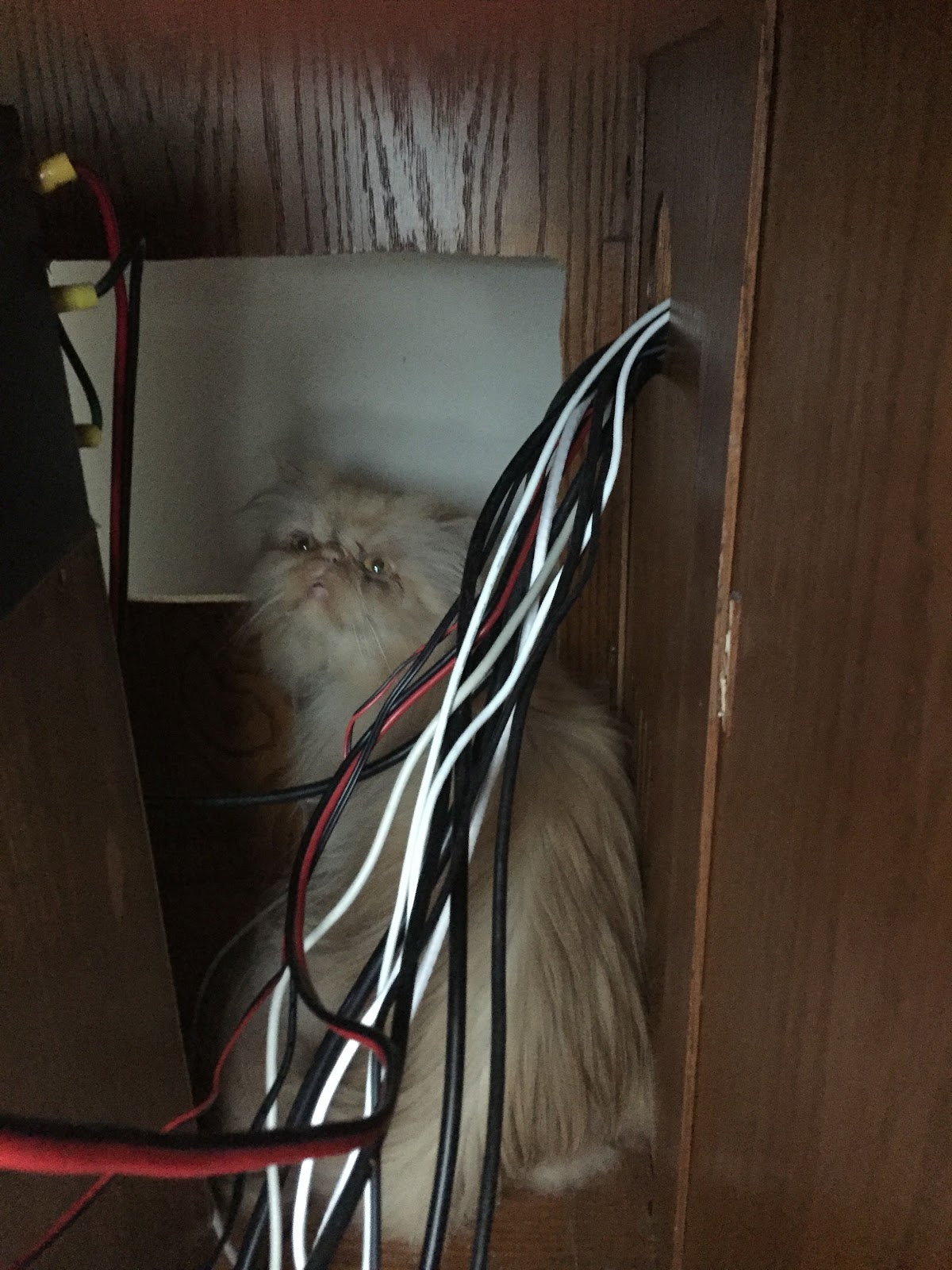 |
| Snoopy checking on progress |
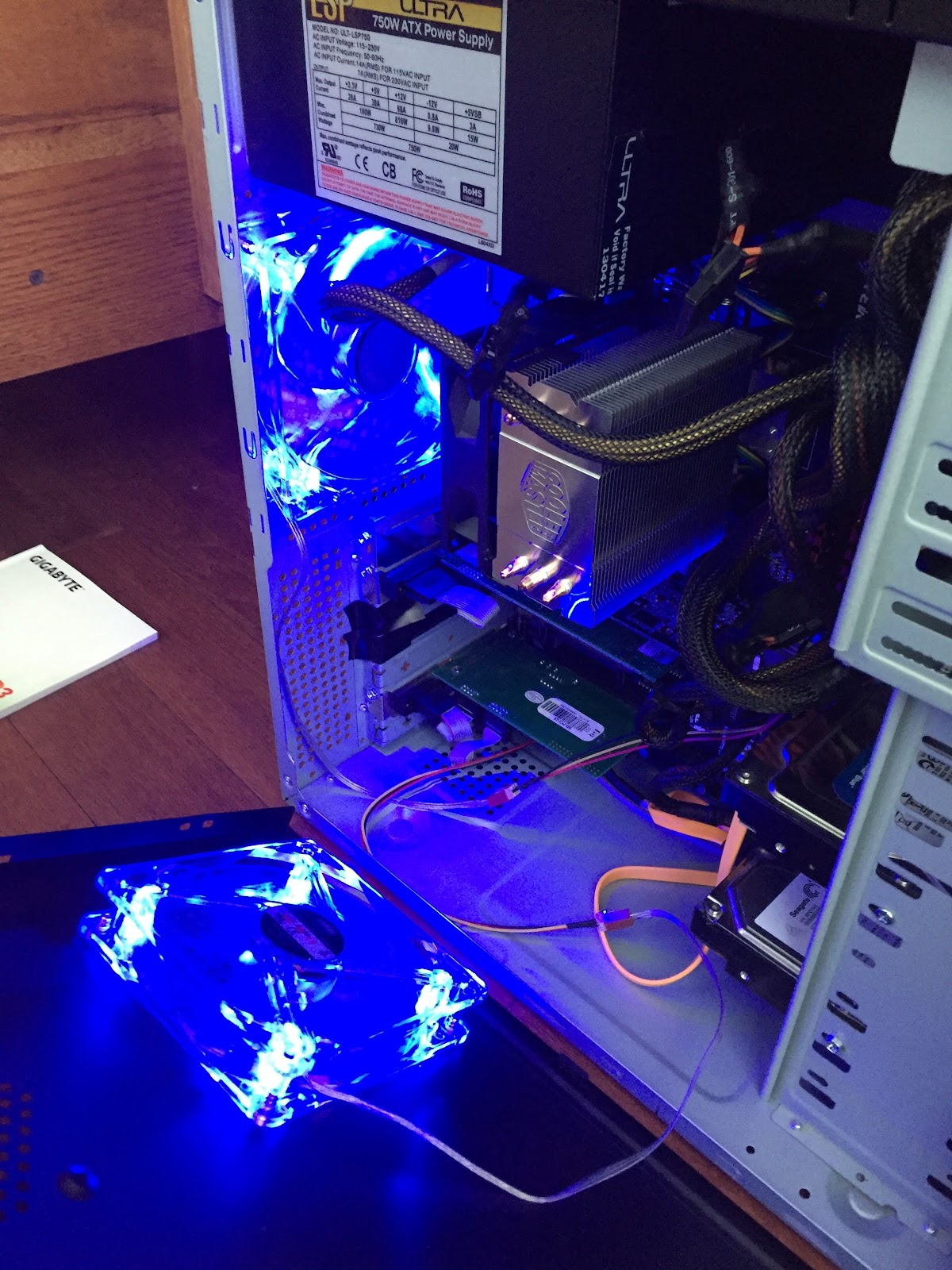 |
| Mood fans....:)) |
Blue is a nice color but not on my monitor!

 |
| Crammed cards |
Below is what I did on Sunday to sort through this issue:
I began with opening up the side panel on the tower checking for dirt, dust loose wires. The PC was clean and no loose cables.
I then started the PC while checking to see if the fans on the CPU and video card were working and they both were.
I did notice the video card was mounted right on top on my video capture card. The heat of the capture card was rising up to the video card. So I moved the video card to give it more room on the mother board and to give it more air flow.
I then downloaded CPUID HWMonitor and Coretemp his way I could see temp readings of the system. HWMonitor showed the video card was running hot at 60C and higher when the card was being used The CPU fan seemed to be cycling a lot from low to high speed as the temp rose. What adds to my heat problem is the PC is located in my roll top desk tucked in a “cubby” with no air flow. Also in the same location I have my Astron power supply that was on all day feeding my K3. I removed my PC from the location in the roll top to the floor and the temperature improved but still a bit high.
To improve my cooling I have ordered two fans for the tower to have air flow in and out of the tower, also I am removing the desk back panel in lower section to allow the hot air to escape.
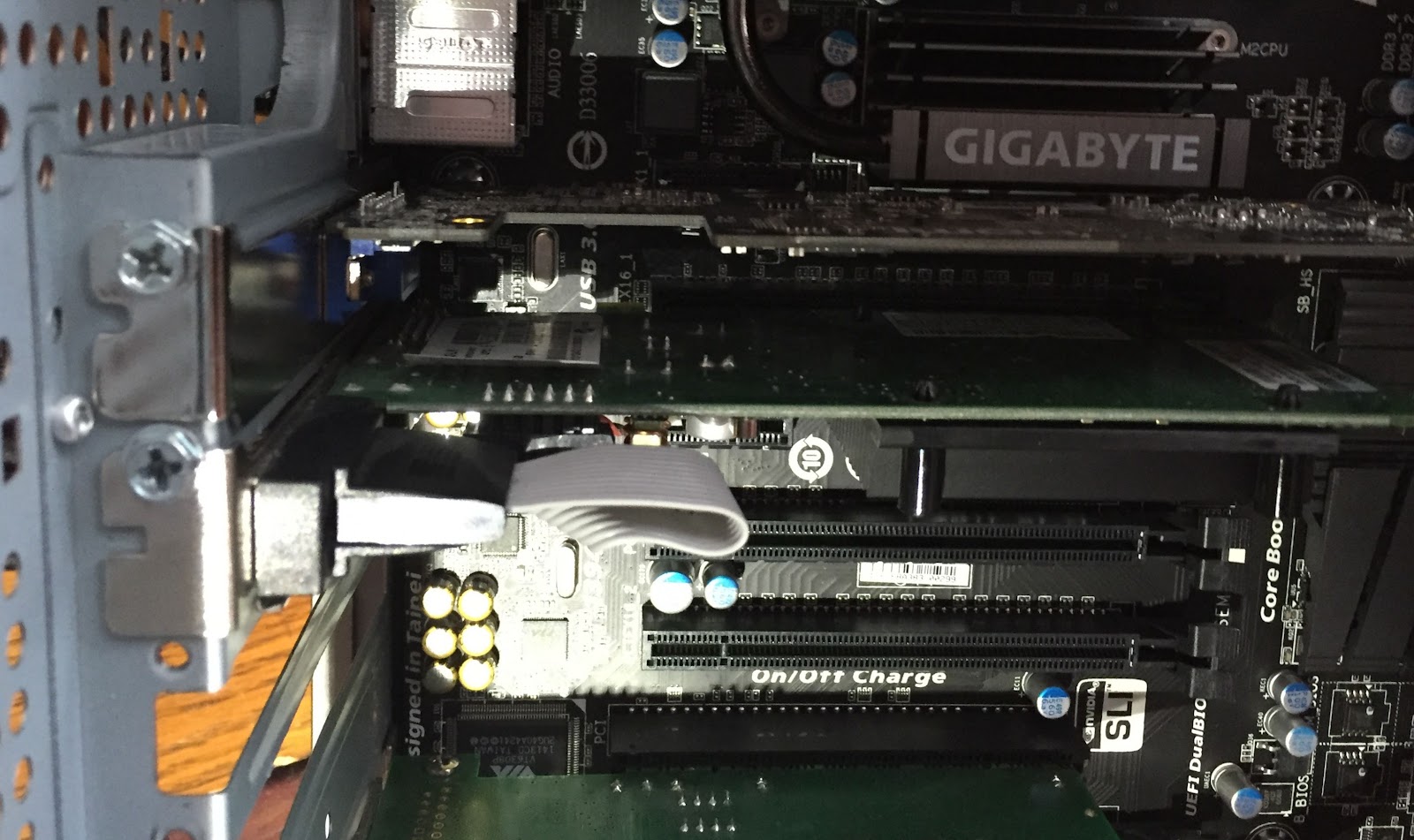 |
| Video card moved to bottom |
Next I wanted to check all I could on the PC to make sure all other components were running ok as this may just not be a heat issue.
I did the following:
1. On each of my 3 drives I ran Check disc and all drives passed.
2. I ran memory check to see if the ram was ok and it passed.
3. Spybot was the next program to run which found 20 issues and repaired them.
4. CCleaner found some issues and repaired them.
5. I then defragmented all the drives.
6. Avast did a virus scan without any issues
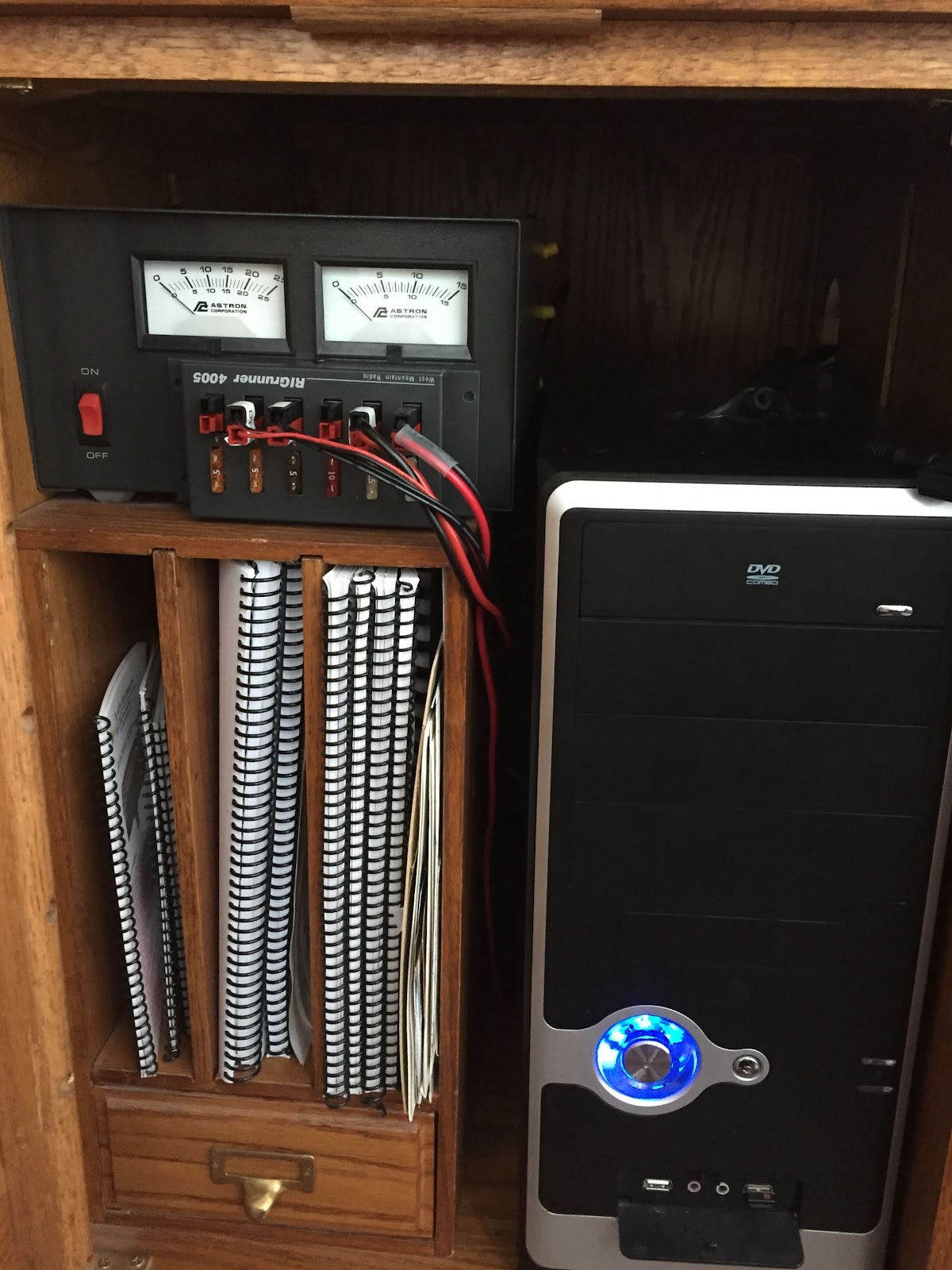 |
| The cramped quarters |
8. I then went into the BIOS and changed the CPU fan setting to run full speed all the time. This significantly reduced the CPU temp.
9. I then for the heck of it updated the BIOS as well. I was on the PC most of the day today and part of the evening and there was no issues. I am hoping it was just a heat issue and by adding the tower fans and opening up the back panel the issue will not happen again.
Part 2: What to bring for portable operations?

Now that I have some potential operating areas scouted out (with more to come as I do some more exploring) it’s time to look at what to bring
- An HF radio……….DUH well of coarse……I’m bringing my Elecraft KX3 it has internal rechargeable batteries and you can plug in an external power source, internal antenna tuner, CW paddles attached to the radio, up to 15 watts of power thanks to the recent firmware upgrade but I will stick with 5 watts and many more portable friendly features.
- The antenna……..I have chosen to use mono band whip antennas. I have the Workman HF whips from 10m to 40m and a great carry case for them. I’m able to Velcro strap them to the rear rack and to the front bar on the bike.
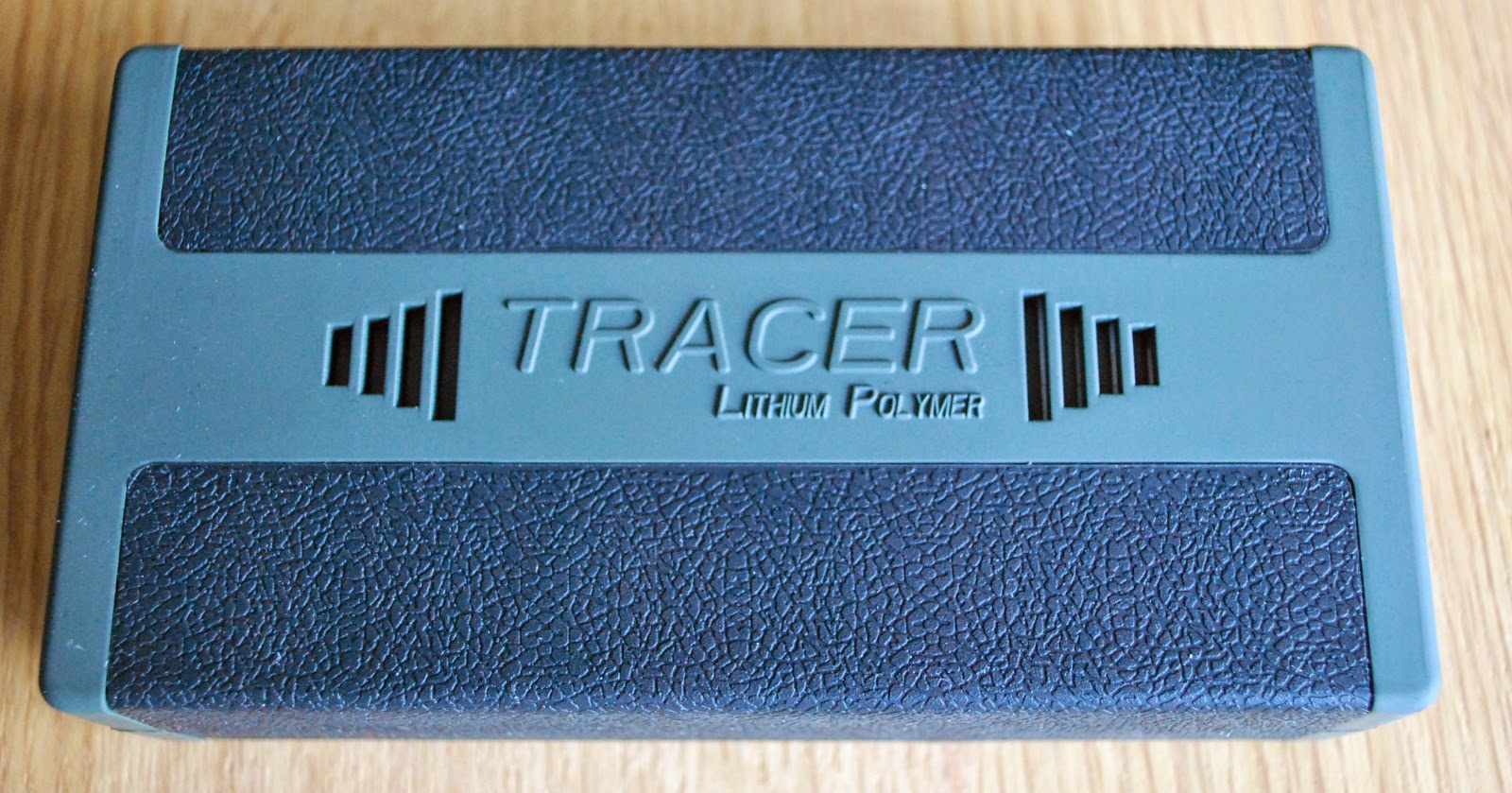
- Spare external battery and I have already the Tracer 4Ah rechargeable battery. I was looking at other batteries but I figured “use what you already have”.
- 3x5 cards with some of the common command functions of the KX3. Such things as setting up CW Keyer memories and playing them,memory setup and recall and dual watch if needed.
- Bring some info on the contests that may be going on that day as I can scoop some contacts that are in a contest. It’s handy to know the exchange they are looking for in the contest.
- Make a list ahead of time that what to bring………there has been to many times to count when I thought I could remember everything only to find out I missed something and I was not able to operate because of it.
Part 1: Getting ready for outdoor operations.
April has arrived with not showers but a snow storm! We have had snow falling and accumulating all day today and it's forecast to snow most of the evening. To me it seems a good time as ever to think about my summer portable operations. A few weeks ago both Julie and I purchased new bikes and these bikes are amazing compared to our old ones. My plan this summer is to utilize my new bike for portable ham radio outings. My first step is to check out some areas in the neighbourhood were I can have my first few radio outings. I was looking for locations that would allow me to concentrate on my portable setup and workout the operational glitches. Each day I go out for a 40 min walk in and around the Lake we live on. These last few days while walking I was paying attention to spots that would be possible portable radio op spots. My criteria was close to home just in case something is forgotten, an easy ride to get there and sites that are easy radio setup and operation. This would allow me to work out the radio "stuff". Here are 3 locations I have scouted out so far......
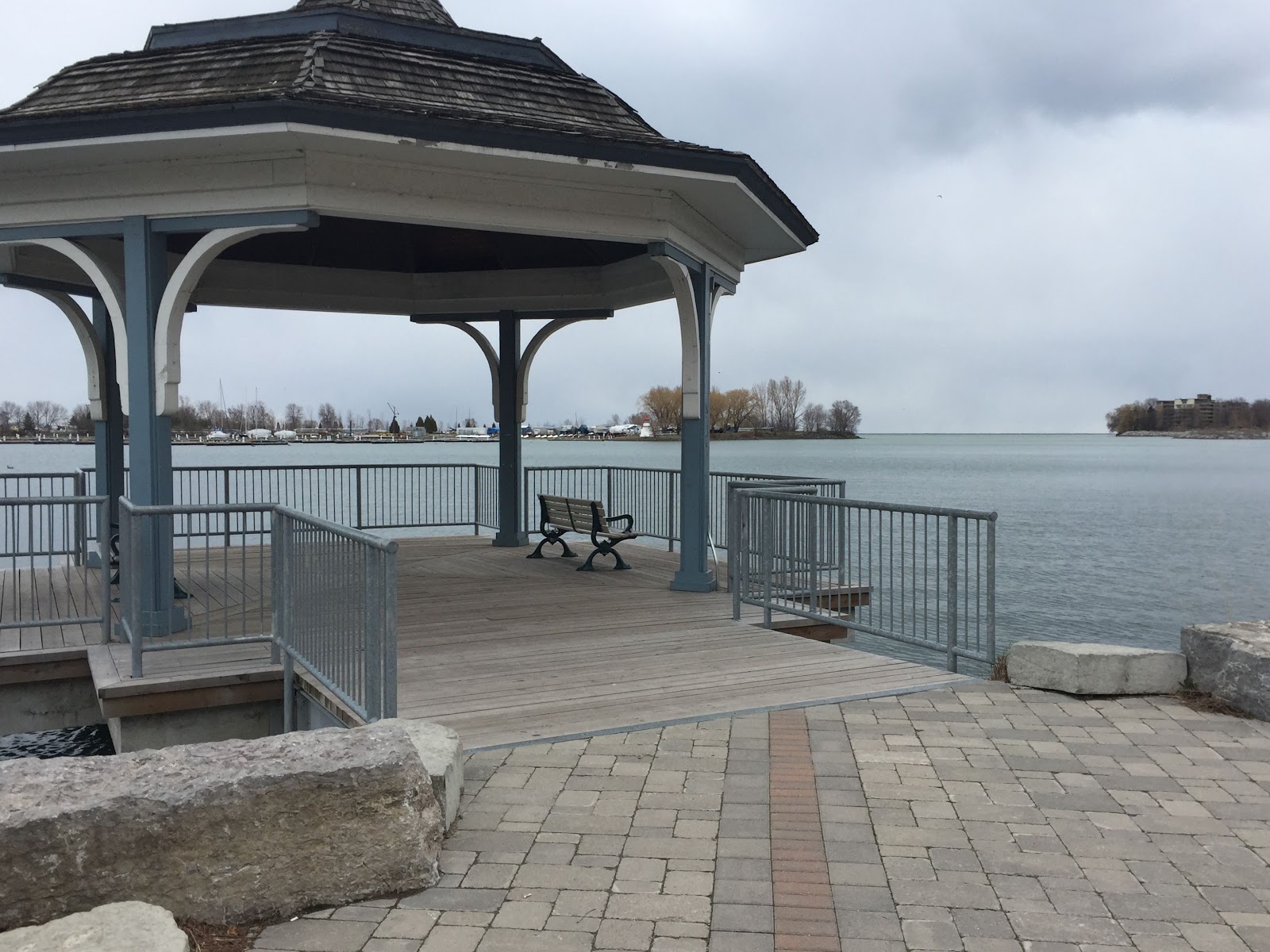
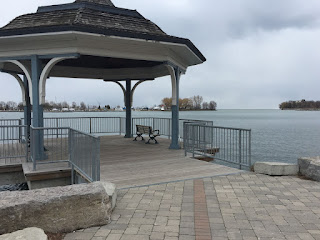 This spot being right on the lake during a very warm day will have a nice cool breeze. Also if the sky is threatening rain I would have shelter to continue my operations.
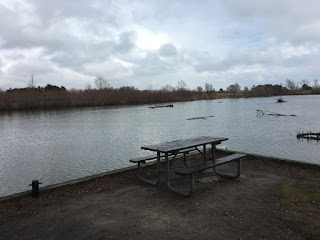 This location is nice as it has a large bench to setup on but the weather will have to co-operate as it's out in the open.
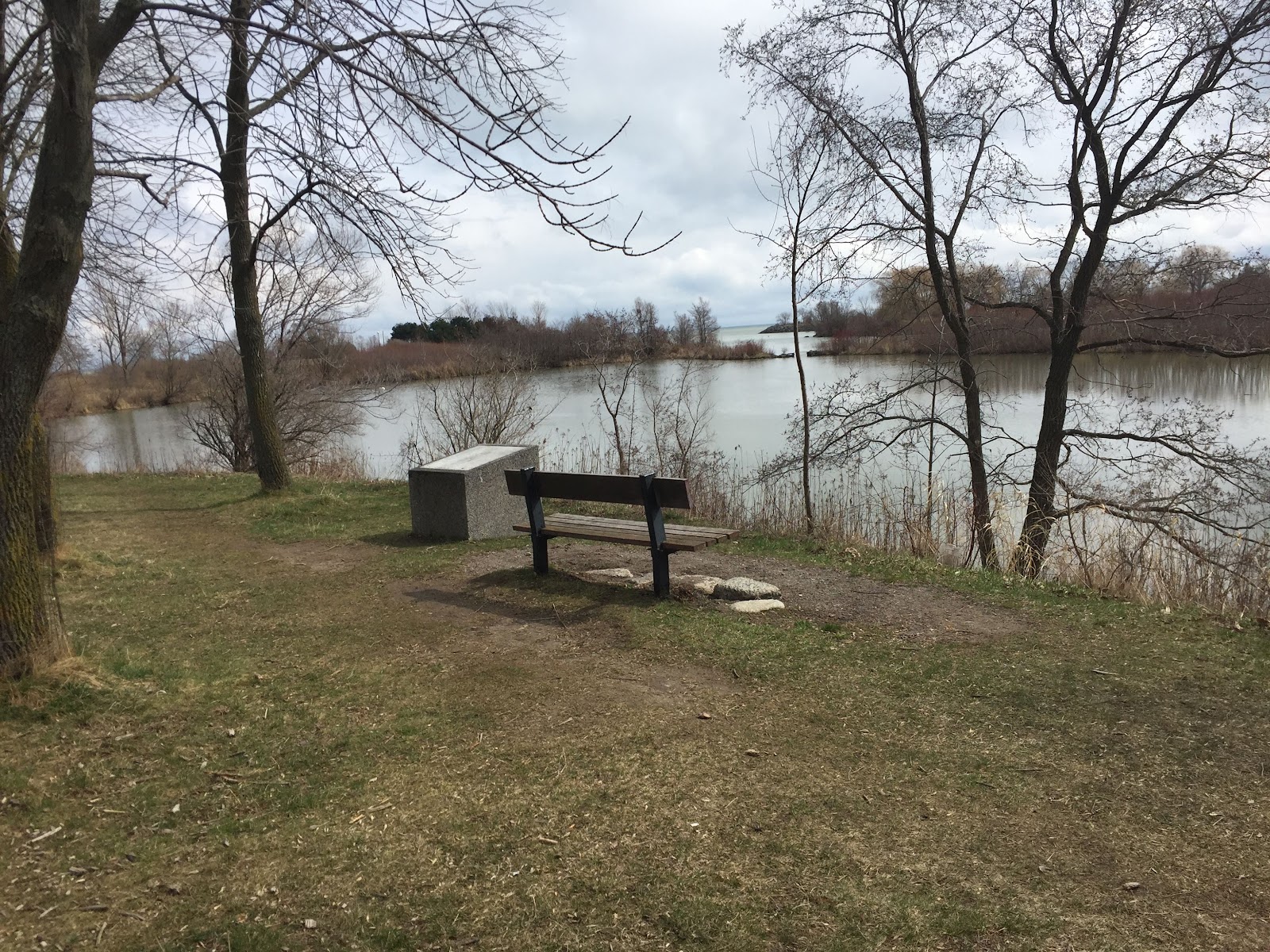
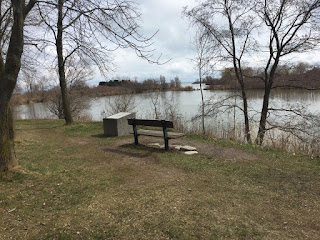 Once summer arrives the trees at this spot will provide some nice shade plus it's a nice view to boot.