Author Archive
 VE3WDM's QRPower BLOG 2017-10-22 02:23:00
 October 22nd, 2017 |
  Author:
DF0DW WAG contest
IQ1GE DX calling CQ
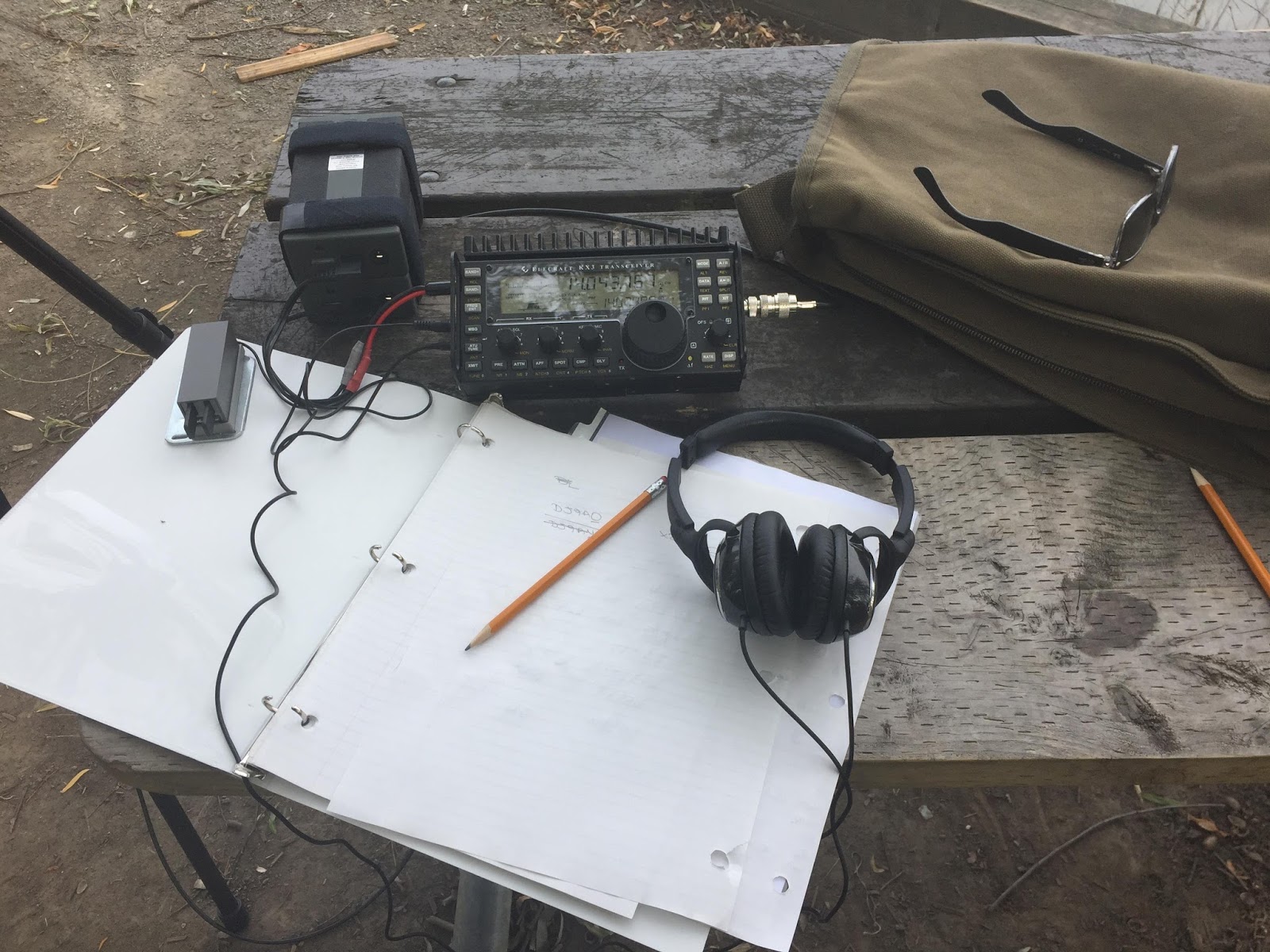
DL5HIA WAG contest
DF8AA WAG contest
W2RR NYQSO party
DJ6OZ WAG contest
DL0DA WAG contest
As you can see the WAG contest dominated the bands and it turned out the NYQSO party participants were just not making it over the German WAG contesters. I did not include the signal reports in the above list as it was a contest so the standard 599 was sent. I knew I was no were close to 599 as the German stations asked on more than one occasion for a repeat.

Going about it the hard way…..WHY??
Last evening I finally had some time to get on the PC and check out what fellow ham radio bloggers were up too. For the past month I have been working every day and only having time to “fast read” a post and drop a short comment. While surfing the blog sphere last evening I came across KG3V’s blog, the subject of the blog caught my attention “Updating FTDX-3000 Firmware. Below is a link to what I only could call an “adventure”.
https://kg3v.com/2017/10/14/updating-ftdx-3000-firmware/
In the post Tom does a great job explaining how he went about the firmware upgrade and some issues he ran into. Tom also goes over the enhancements this firmware will forward to his FTDX-3000. It’s fantastic how far we have come in radio, in the past if you wanted the upgrades it meant selling what you had and purchasing the new and improved version. Today’s modern rigs can chat either over the internet or with pre-downloaded thumb drives and magic is worked within the rig to either over come an issue, enhance what is already there or add something new! Having said that I just can’t understand what the issue is with the process of the upgrade. It’s just not ham radio with our Nikon cameras to upgrade the firmware it’s…hold this while pushing that….make sure you don’t do this while doing that….and on and on and on. Resources are used writing the rigs new firmware upgrade, time and money is put into it and it’s to make the product better for the end user. If this is the case why the %&^* not make the process for the end user easy peasy!!

Having said the above and let me preface this with “I am not going to say what I am about to say just because I am a fan of Elecraft but if the shoe fits……” To upgrade my K3 or KX3 Elecraft has provided via their website a program that sits on your desktop, one of it’s functions is for firmware upgrades. The process is as follows:
1. Double click on desktop icon.
2. Click on Firmware tab.
3. Click on “Check versions now”
4. Below you will then see the firmware that is installed in your rig and new firmware that is available for your rig. You then click on “Send all new firmware to K3 or KX3.
Your rig will start to click, there will be “stuff” flashing on the rigs screen, sometimes even clicking noises from the rig and then your rig’s screen returns to normal and your done. I have owned Kenwood, Icom and Yeasu rigs and never has it been this easy and my question is WHY NOT!!! Now having said the above it is true I have not owned one of the above rigs for some time now so do comment if the process has changed…but is sure does not seem it has for the FTDX-3000 model rig!

OK I’m off my soapbox now….:))
Digital magazines
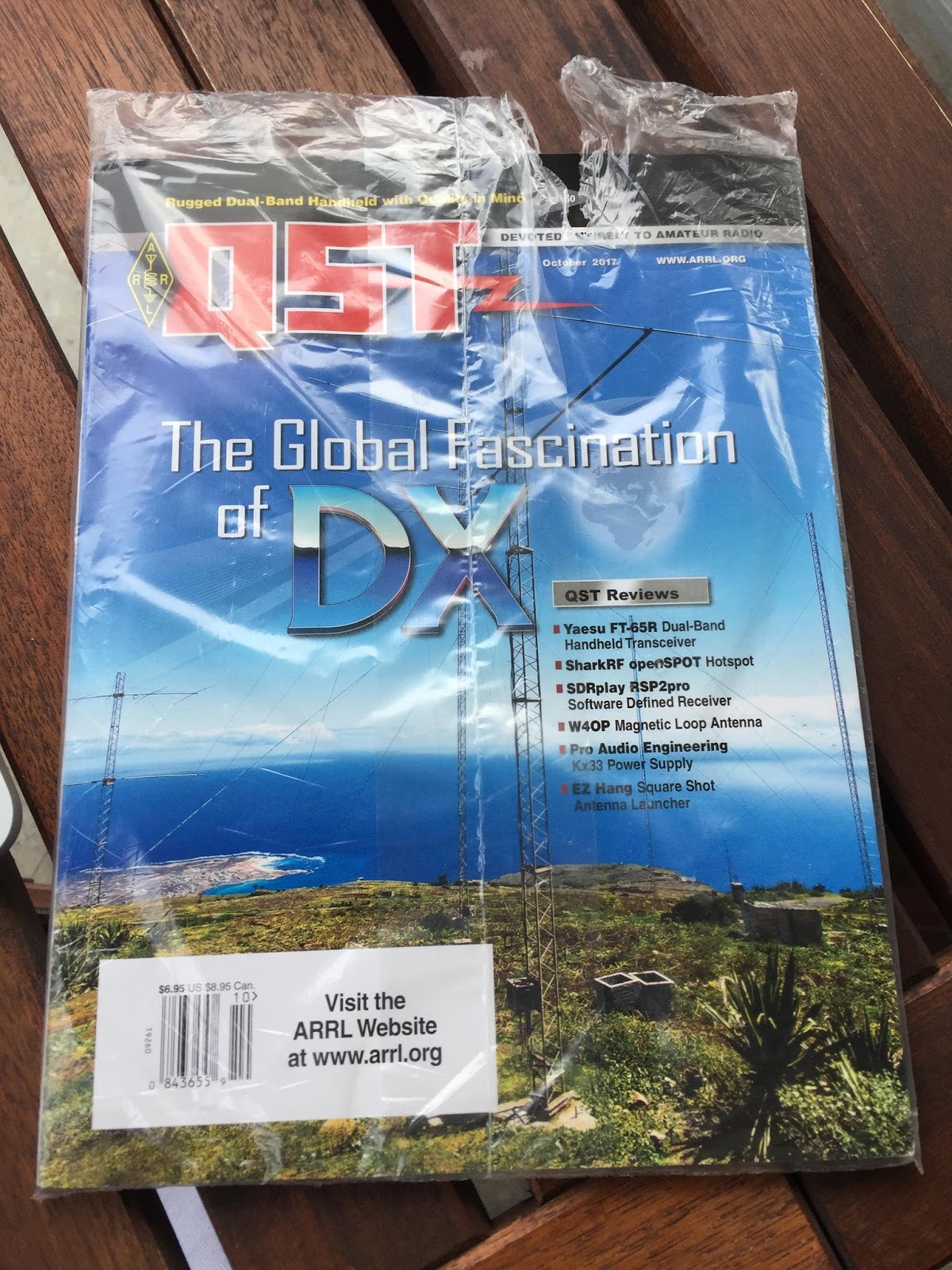 |
| Still in the bag |
For those of you where like me and have not as of yet jumped into the digital magazine world I will say it's a very interactive way of reading. CQ uses a program called Zinio to view their magazine and QST uses Pagesuite It may just be me but I find Pagesuite easier to use, nice graphics and well laid out and I hope one day CQ will start to use them as well as Zinio.
Some of the advantages I find with having a digital copy are:
- Ability to view videos (QST often has product reviews and a video to along with it)
- Web links that can take you to more content.
- Ability to enlarge the print which is good for me.
- You can't just roll up the tablet or PC under your arm and take it with you.
- To download a new addition the internet is needed.
- To take full advantage of the digital copy again the internet is needed.
Station comfort and ergonomics
 |
| My setup now with one monitor on a swivel arm to the right |
 |
| Rig and monitor up to high |
- I had selves on the desk and I decided to put the monitor on one of the shelves, it looked very cool but over time I found the slight angle my head was on looking up (just slightly) became a chiropractic issue! I then decided to purchase a moveable arm for the monitor so I could adjust it to any position and this proved to be a great investment.
- Since the radio is the most expensive item I had it front and center on the desk. For me over time I found having my arm extended in front of me was not very comfortable. It may sound strange but the best position for me is having the radio off to my left or right side. My right arm keeps its natural bend as I tune and adjust the radio.

Monitors on swivel arms - I’m not sure about Icom, Kenwood or Yeasu but Elecraft has only 2 heights for the rig……either flat on the desk or with tilt stand (K3) or legs (KX3). For me both are just not comfortable. I wish they would incorporate adjustable legs for custom heights. I did purchase the Elecraft K-pod which fixed this height issue but that was not the sole reason for the K-pod purchase.
 |
| Sideview of swivel arms |
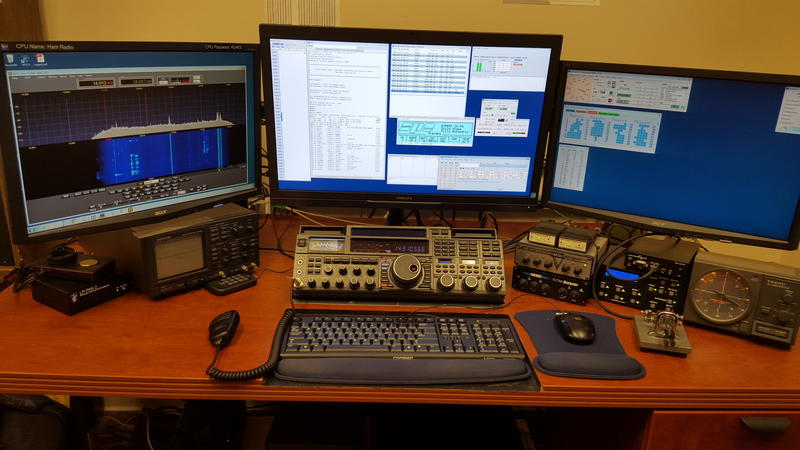

NAQP CW contest.
NAQP CW contest.
Oh those Eqsl cards