Author Archive
 All I wanted was some radio time!
 September 27th, 2020 |
  Author:
Good afternoon everyone it's almost been a month since my last post. Now fall is upon us the evenings are a bit cooler and the leaves are starting to turn colour. The evenings are dark a lot sooner and for some reason, it just feels later than it is when this change happens. Once again my radio time has been sidelined with getting jobs done outside some major jobs and others just stuff that has to be done before the first snow. In the evening I have been spending my time reading the many blogs I follow and keeping up on ham events. As for radio time, it has been off and on but more off then on as by the time evening comes I just want to read some blogs and relax with my feet up. When we get a few days of rain it brings the outdoor project to a halt and I am able then to have some radio time.
During my last rainy spell, I was able to flip the radio switch and get on the air BUT my PC had other plans for me. My Windows 7 pro was starting up and I was greeted with the windows blue screen. This is not the first time for me regarding this problem but unlike the other times, I was prepared for this event. I installed a backup program (Macrium reflect free edition) on my PC so I was able to clone and image my hard drive to a USB hard drive. When issues happen I would be ready and with the clone of my hard drive Macrium Reflect would guide me on how to boot from this clone and all would be good to go.
With a smile on my face, I plugged in my USB drive and told my bios to boot from the USB. My smile turned to a frown when nothing happened! Maybe I was not following the Macrium Reflects step by step correctly. As I read past the step-by-step instructions I found the issue and it read "do not attempt to boot your backup from a USB connected hard drive as windows will not recognize the OS from this type of drive!!!!!
My next idea was to head to Windows restore and restore the system to a time I had saved when things were working just fine. I proceeded to Windows restore to find all my restore points were gone! Later it occurred while running an OS performance tool I was asked if I wanted to delete files that have not been used for a while and I said yes......well one set of those files was my restore points!!!
All was not lost as I felt I could move the clone information from the USB drive to an internal spare drive in my PC. I still have access to my Windows 7 OS it's funky but is working enough for me to open the Macrium Reflect program and transfer the clone from my USB drive to the internal separate drive in the PC and then I can instruct the PC to boot from that internal drive.
Easy peasy right.....WRONG....silly me I was only paying half attention to the transfer of info and I am not sure what I did but the end result was my main hard drive was wiped clean and the PC was not able to reboot as there was no OS to be found anywhere. Next time when the program asks me "are you sure" then "are you sure you are sure" don't click anything stop and think what I did!
All is not lost my plan now was to reformat the drive and do a clean install of Windows 7 pro and then start the transfer idea again and this time pay attention!! I want to keep with the transfer idea as that would give me all my installed programs and settings and not starting from scratch. Fast-forward.... Windows 7 installed and with many minor issues as always with Windows. I then attempted to download Macrium Reflect to begin.....FINALLY....the transfer but using Explorer it refused the download the program. After trying some workarounds I just downloaded Firefox and it was more than happy to download Macrium. It was nice to be making some progress oh and let me say that up to this point I have been playing around at this for almost 2 days now.
 |
| Some of the issues during OS install |
Paying very close attention this time I ran Macrium Reflect and was successful in transferring my USB files to the separate E drive. It was time to now instruct my bios to boot from drive E and see what happens. Something did happen but not what I expected to happen. I was asked to choose an OS it seems I somehow went from no OS to now having 2. When I chose the first option the PC restarted and I was brought back to this same screen. I choose option 2 called recovered and low and behold Window 7 was back with all my programs, settings and windows updates intact.
The last thing I did was deleted the first option OS and when I did this the OS option screen was gone and things just started in Windows 7 as it should. Lesson learned and I am now doing all my backups from an internal hard drive. Overall this long ordeal was a good learning experience and I confident that next time I will have a smoother transition if my OS goes for a crash.
 |
| OS option screen at startup |
My first digi contest was very frustrating!
Last week while making some FT8 contacts I received a message from one of the contacts I had made and he asked if I was going to be taking part in the upcoming WW Digi contest? He told me if I used WSJT-X software it was a simple matter of a few mouse clicks and I was good to good for the contest. I do have WSJT-X on my desktop but I am a user of JTDX for my digital operation. I had to update my WSJT-X software to 2.2.2 and as I was advised it was just a few simple clicks to set the software up for the contest. As I began the contest and started to send my CQ WW on the waterfall I was met with frustrations. Here are some of the issues I had:
- At first, the auto sequence was not working and as stations that were answering my CQ were going unanswered unless I did it manually. I don't have an issue with that but the auto sequence was turned on but not working.
- In the frequency drop-down menu, WSJT-X did not offer the contest frequency which was 14090 to 14092.8. When I tuned my radio manually to this frequency the software had the frequency in red and not the normal green.
- For some unknown reason and it was very random my rig would tune back to 14074. This had me calling CQ WW outside the contest frequency.
Issue with my feed line.
 |
| Troubling reading of coax |
 |
| Faulty PL259 |
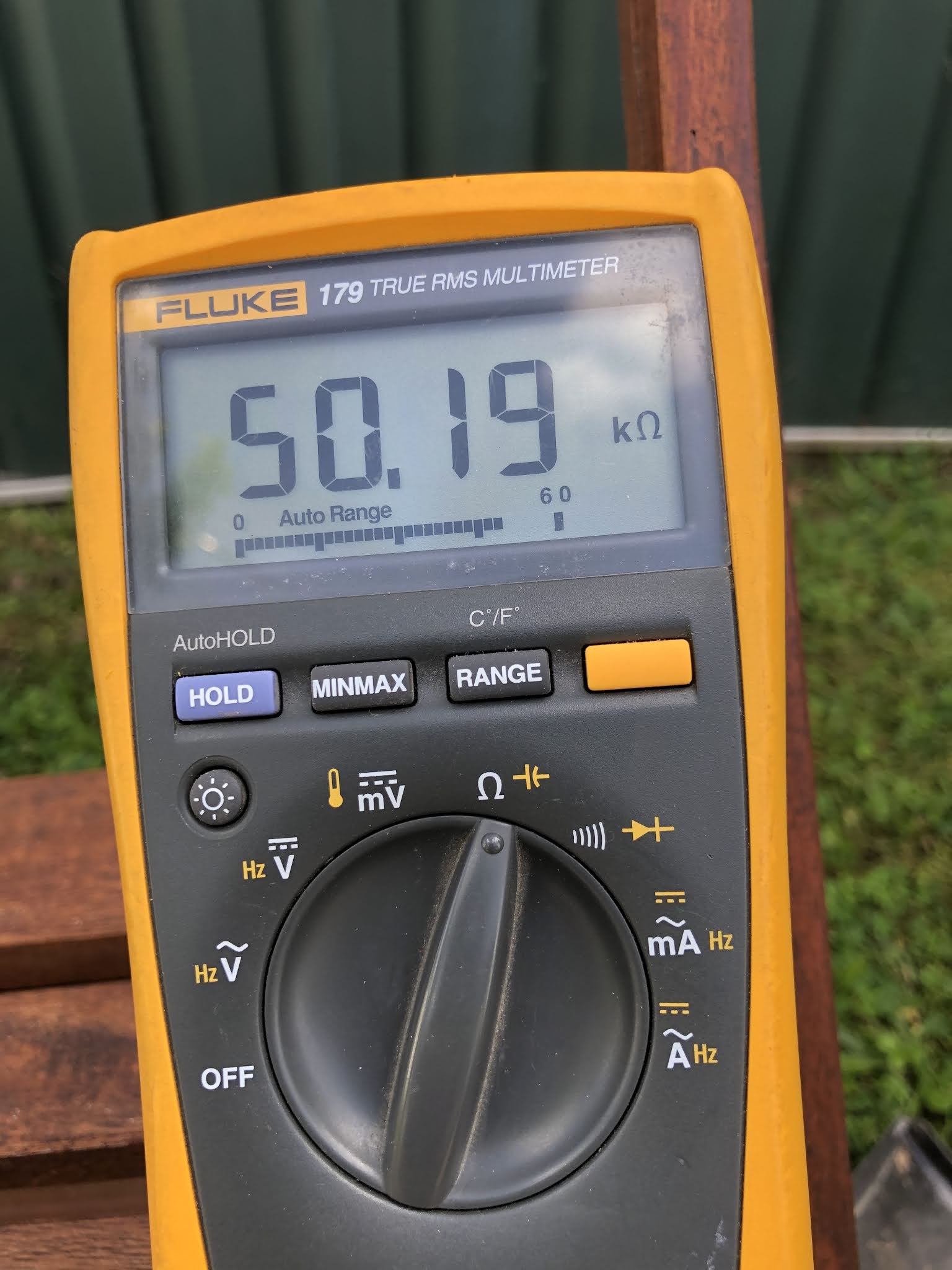
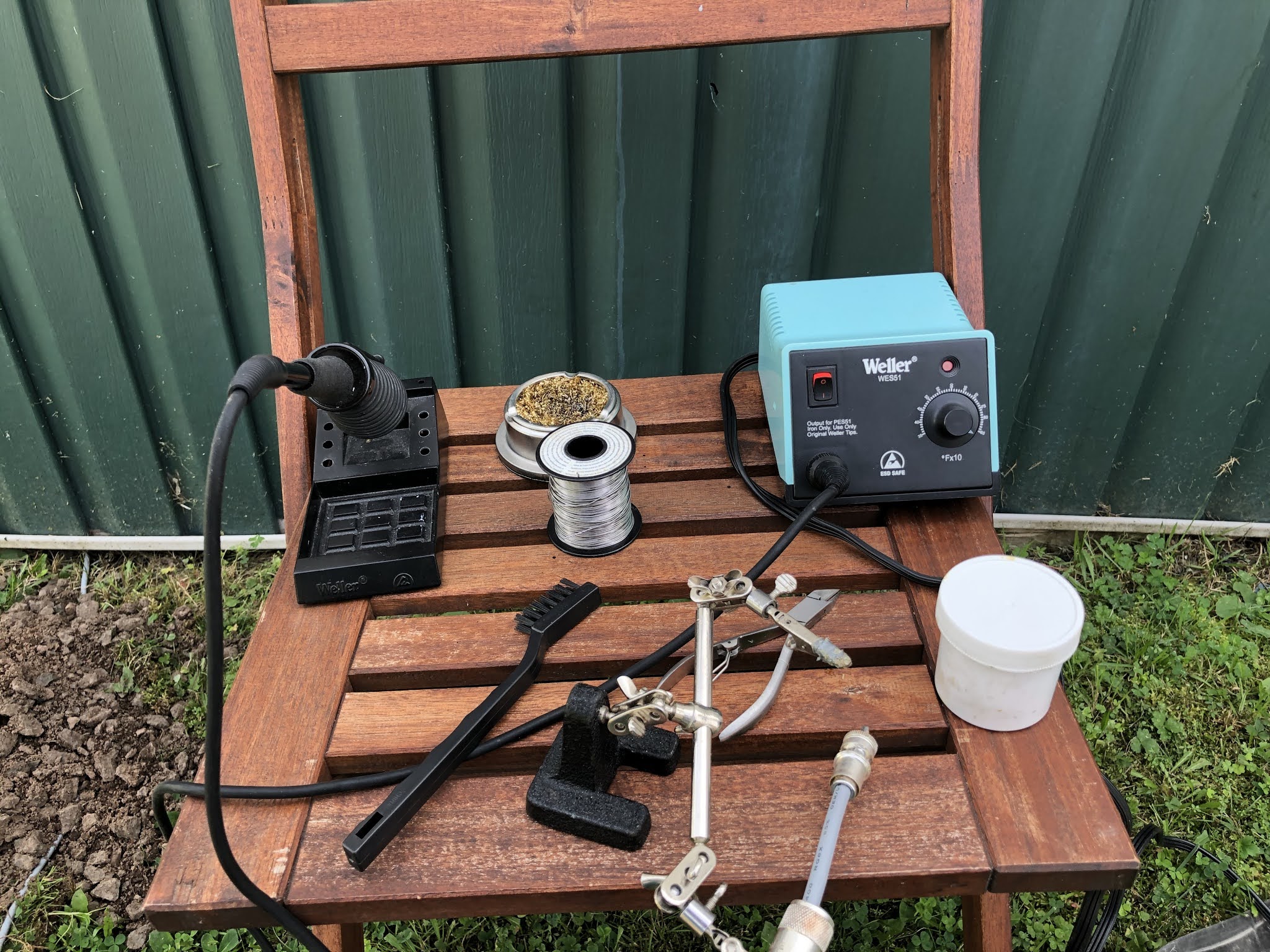
Last week I posted about a wonky SWR reading I was getting and I figured it may be the result of a loose PL259. The issue returned again but not as bad last week. Since moving my Endfed antenna to be able to extend the wire the coax was also moved and now has to be buried. I needed to place the coax in some PVC conduit and not direct buried underground. It was a nice day and I decided to place the coax in the PVC conduit. While I had the coax disconnected from the Endfed antenna to feed it through the PCV conduit I thought I would connect my Fluke multimeter to the coax. With both ends of the coax disconnected, I placed the multimeter leads across the centre and barrel of the PL259 just to make sure my reading was "OL" and low and behold it was not!
 |
| Outdoor soldering station. |
Skunked in the 2020 NJQRP Skeeter Hunt!
 |
| The setup |
 |
| Just in case it rained |
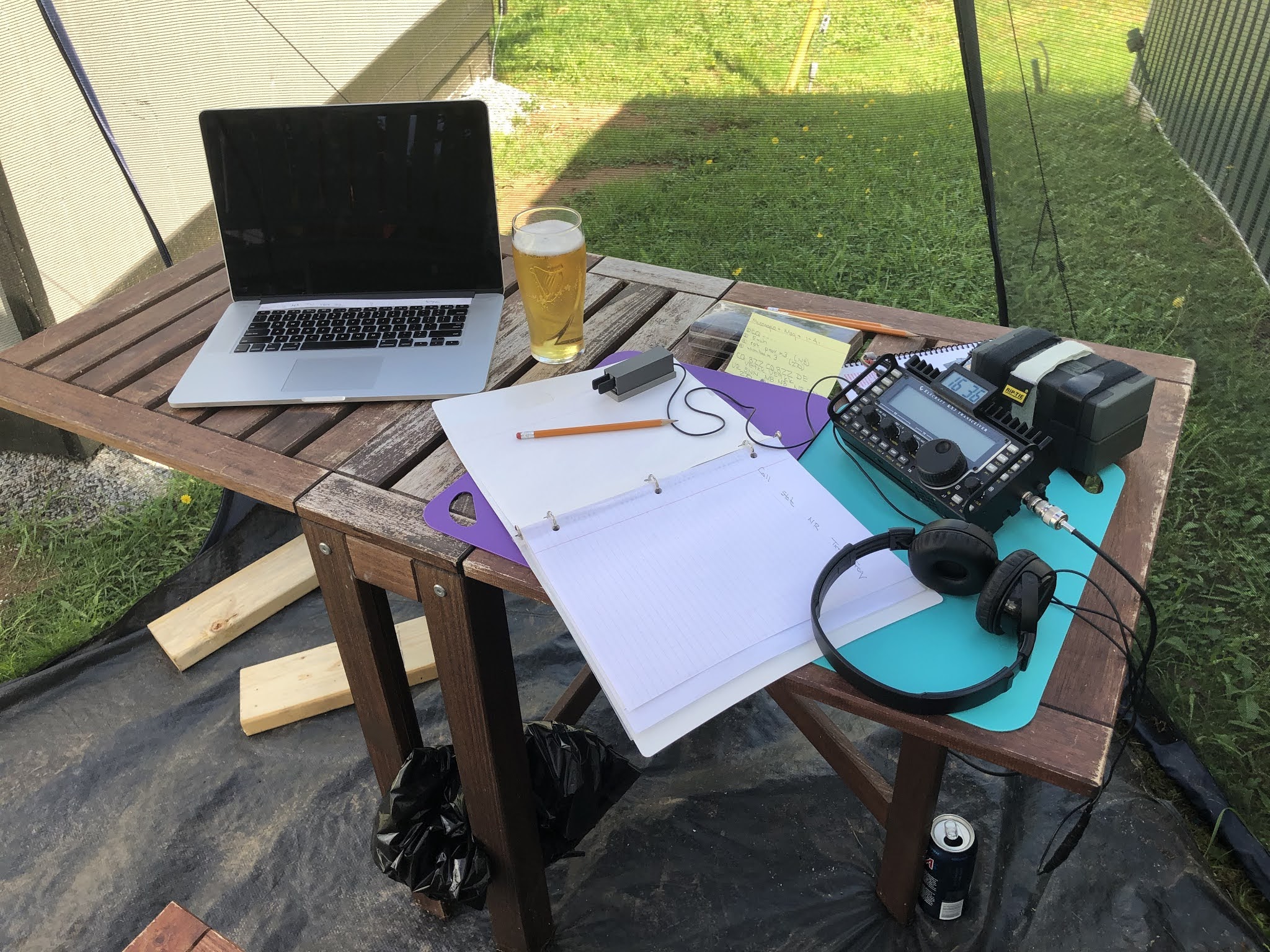
The weather report was correct and the skies cleared and things looked just great for operating outdoor. For my set up I was going to use my Elecraft KX3 that I put together from a kit, battery power, Palm mini paddle and finally the antenna was a mag loop. I was on checking out 20m to see how it was sounding before the contest. It was not all that great but I was coping some station so the only thing to do now was to wait for the contest to start.
 |
| My QRP signal was being heard. |
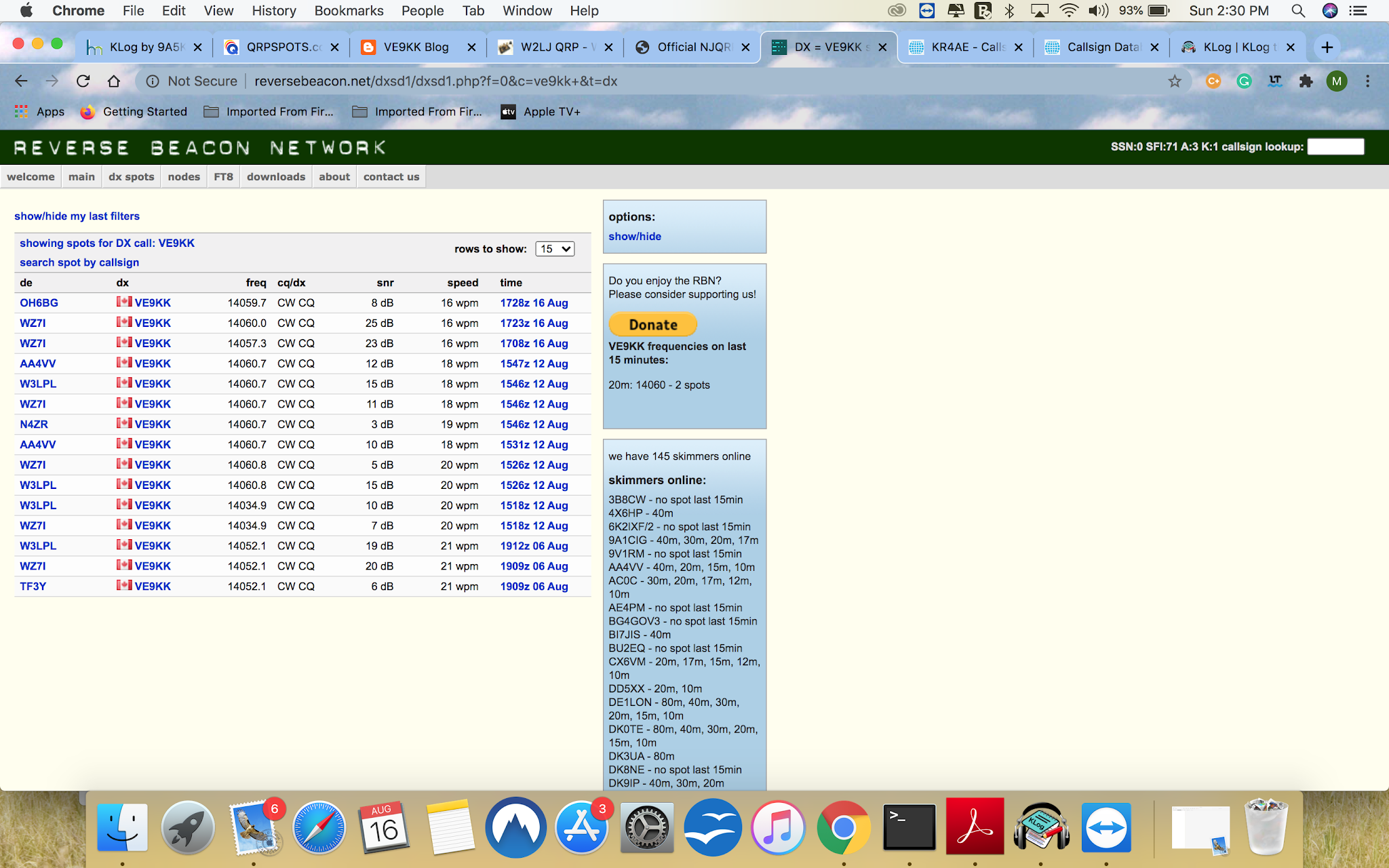
To make a long story short I was on for over 21/2 hours and I did hear some skeeter station but only at the noise floor and they were soon gone. I had my Mac laptop with me and I was checking and found some spots but I was just not able to hear ANYTHING! I did check the Reverse Beacon Network to see if my QRP CQ was being heard and it was all the way in Finland as OH6GB heard my signal.
My score for the contest was a big fat ZERO but I did get out, had my KX3 running and had a nice time outside.
WHAT THE HECK!!
 |
| Hard to capture wonky SWR situation |
Well back to the topic at hand, I had my cables disconnected and the 3x5 card in place as we did have some severe weather roll through town the night before. I connected the cables, turned on the radio and started my PC. My plan was to get some FT8 contacts in the log before supper prep had to be done. As my rig was transmitting my LDG 200AT pro II turner started clicking which meant it was going through a tune session. This was odd as the tuner memory already selected the sweet spot and it was proven by the SWR meter on the Icom 7610. BUT......as I continued to transmit the SWR was going "wonky" and the LDG tuner was engaging to correct the issue.
There sure was an issue and I'm not feeling good about it. My troubleshooting began and here is what I did:
- I went to antenna 2 on the Icom 7610 which was connected to my dummy load. I transmitted into it at full power for about the time of an FT8 transmission. The result was no SWR issue so the 7610 seemed to be ok.
- I then connected the LDG tuner between the dummy load and my transmitter. I know there is no miss-match but if the LDG tuner was acting up it may do it in this ideal matched situation. The result was the tuner did nothing when I transmitted.
- I do have an LDG antenna switch (LDG DTS-4) in the maze as well. Once again I transmitted into the dummy load through the LDG tuner and then the LDG DTS-4 to the dummy load. Low and behold the tuner was trying to find a match again!
QSO Today Virtual Ham Expo 2020
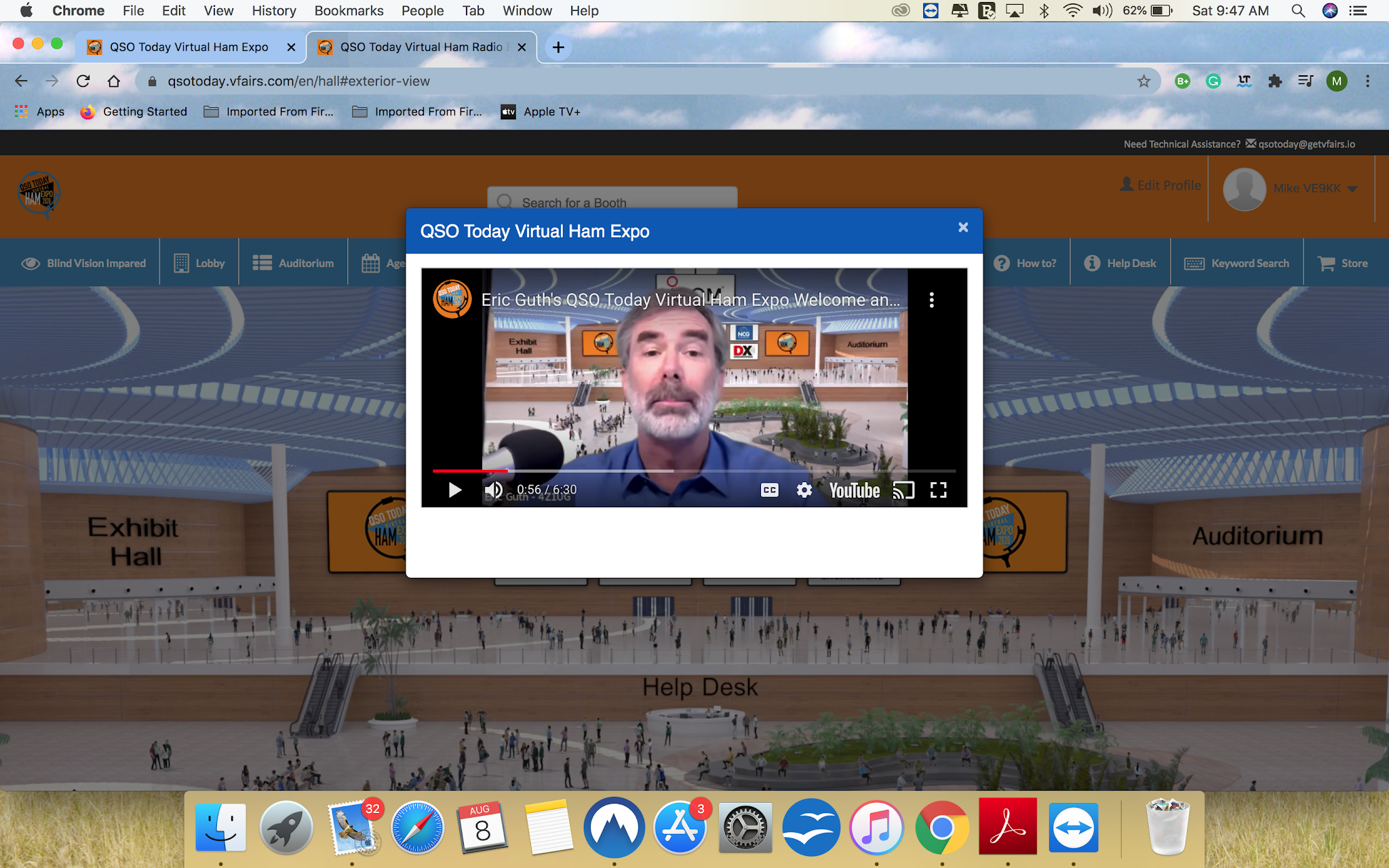 |
| The welcome message. |
13 Colonies wallpaper arrived today.