 |
 Elecraft KX3 NaP3 Configuration Highlights
 2 December 2012 | by
 In mid November I sold my Kenwood TS-590 to finance the purchase of an Elecraft KX3 and become a full time QRP operator. One of the advantages of the KX3 is SDR I/Q output, which can be used to drive a panadapter. After some fidling around, I have a configuration that works with the popular NaP3 software and thought I would share the highlights in hope of saving you some effort. This is by no means an exhaustive setup and configuration guide for NaP3, but it should be enough to get you started. Remember you can click on the images to enlarge them.
For this example I have used the integrated sound card in my PC and have not yet put a ground loop isolator inline which are both opportunities for improvement.

NaP3 Audio In Advanced Tab
We begin by manipulating the input sound card port configuration as shown above. This will vary somewhat from sound card to sound card, but we want to be sure that we are capturing two channels and that the sampling rate is set at the maximum your card supports, which may take some experimentation and is not necessarily the highest sampling rate shown in the drop down.

NaP3 Setup Tab
Here on the setup tab of the NaP3 configuration, we need to select the sound card input we are using and where we would like NaP3 to output decoded audio. Once again we have the option to manipulate the sampling rate, which as you can see is 48k for my sound card. In addition, we need to select “Elecraft K3” for the Rig Type and specify our CAT parameters. I began this adventure trying to use the “Elecraft KX3” Rig Type, but I found it to not work very well.

NaP3 IF Tab
Here is the “fun” part, at least it was for me until I started banging my head on the desk. Be sure to set your “Global Offset” to 0 and select “Swap I/Q Channels”. The “IF Frequency Offsets” is where you will have to spend some time playing. The method I used was to tune to WWV in CW mode on the KX3 and determine the differential between the frequency displayed on the KX3 and the panadapter display. I then set the offset to compensate. To configure the offset for USB and LSB modes, I reduced the offset by the amount equal to my CW sidetone. This should get you pretty close, but may still require a little tweaking. Feel free to try my numbers, but I am unsure if they are valid from KX3 to KX3.
If you determine some other method to set the offsets, please let me know as this is the most time consuming portion of the configuration.

NaP3 Spanadapter View
When it is all over, this is similar to what you will end up with, a nice broad view of the spectrum centered on your rigs current frequency!
Robert Garcia, K5DTE, is a regular contributor to AmateurRadio.com and writes from Arkansas, USA. Contact him at [email protected].
ICQ Podcast S05 E25 – DXpedition to Tristan da Cunha (02 December 2012)
Series Five Episode Twenty-Five of the ICQ Podcast has been released. News Stories include :-
- The BBC broadcast morse code for 90th anniversary
- ReconRobotics to use 70cm band
- New Chinese Data Mode CP-16
- White Space Devices Consultation
- New owner for Linear Amp UK
- Call to urgent action on 5 MHz
- Buddies in the Caribbean heading back to St. Lucia
- Radio Hams first to discover disappearance of Sandy Island
- N0D special event station celebrating the End of the World
- ZL9HR - They're on their way!
Listener mailbag and Martin interviews Robert Chipperfield (M0VFC) about the Tristan da Cunha DXpedition
Colin Butler, M6BOY, is the host of the ICQ Podcast, a weekly radio show about Amateur Radio. Contact him at [email protected].
2012 CQ World Wide DX CW | The First List
 |
| The First List |
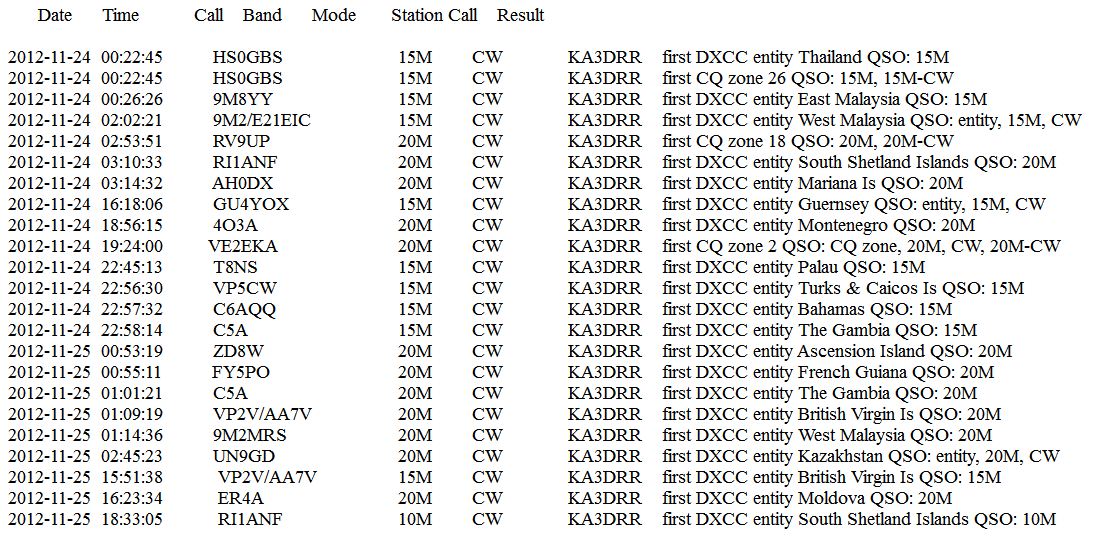
DXLab Suite generates a summary report after an event and this is my first list after last weekend. I really never know what the list may look like while in the game. As you can see, it is difficult to accomplish something like this over the course of a generic ham radio weekend, instead; my first list was accomplished across 21 hours during the ‘big event’.
You can have a lot of fun no matter what your shack hardware might be or what type of antenna system.
Chase DX with patience and respect.
W3EDP success – part 2
At the urging of my friend Bob W3BBO during our weekly Saturday Echolink BS session, after we were done, I went down the basement shack and removed the Butternut from my K3. In “Antenna 1”, I hooked up the 88′ EDZ and in “Antenna 2” I hooked up the W3EDP.
I then proceeded to go to 160 Meters to go listen to the contest traffic there.
Switching between “Antenna 1” and “Antenna 2”, I was able to make some comparisons between the two. First off, there was virtually no noticeable difference in the receive quality of any of the signals I heard. Both antennas gave me loud, strong signals to listen to. Neither was noticeably weaker or quieter than the other, and switching back and forth was instantaneous. The comparison in reception was easy to make.
On transmit, it was a different story. The best match I was able to get with the EDZ on 160 Meters was between 2:1 to about 1.6:1. And to get that match, the K3’s autotuner took it’s good sweet time – I’d say about 5 seconds or longer to achieve that match (seems like much longer while those relays are chattering away!). The W3EDP? A quick little “brrp” lasting about a second or two at the most, and a match that was 1.0:1.
In the space of a matter of a few minutes, I made contest QSOs with K8NVL in Ohio, WA1BXY in Rhode Island and NX2X in New York. All of them with the W3EDP.
Is this the solution I am looking for for 160 Meters? No, I’m not that stupid. But it will allow me to have some 160 Meter fun this winter until I get something dedicated built. Of course, that project has been on my radio project horizon for two years now. Next spring/summer I am really going to have to follow through. But for now, this will do.
72 de Larry W2LJ
QRP – When you care to send the very least!
Larry Makoski, W2LJ, is a regular contributor to AmateurRadio.com and writes from New Jersey, USA. Contact him at [email protected].
My 10,000 Hour RadioSport Challenge | 9,436 – 21 = 9,415 To Go
 |
| 2012 CQ World Wide DX CW Results |
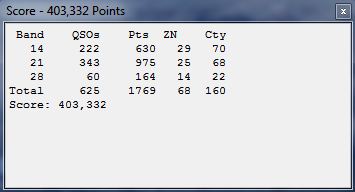
Good afternoon from the #hamr zone where a winter storm is raising a little havoc outside the shackadelic sliding doors. On the other hand, the stoke rages on after a sensational last weekend logging DX in the pilot’s seat at my mentor’s shack. I want to thank John, W6SL for the time on the high bands because several new entities and one additional zone went into my computer logger.
Changing The Game
N1MM contest logger function keys were fixed and what a difference maker versus sending callsign from the paddles then pressing an Icom 756Pro function key to send my exchange. Instead, with a fully operational keyboard, I sent our exchange with enter send message (ESM) or using F5 key for partial callsign with question mark.
The F5 key made a difference when a cluster swarm simultaneously pounced on my transmit frequency.
I’m not a qualified electrical engineer but I don’t think a receiver filter is designed for or capable of handling signals driven by cluster technology that is simultaneous ‘clicking’ of tens, hundreds, or thousands of band maps pointed in the direction of one multiplier.
Cluster Pounce
I’d like to cite an example of cluster pounce gone out of control. It was mid-Sunday morning and I was spinning the dial when a swarm of signals exploded on a Zulu Sierra One in South Africa. Perhaps, for many of us, this station was a double-double that is new zone, new multiplier. Africa is difficult enough from zone three and, a double-double, was seriously significant.
I felt for the operator thousands of miles from the Five Cities of California. The swarm was out of rhythm with the Zulu Sierra One therefore throwing out the rhythm for all of us. The moment was cataclysmic because the operator simply could not manage the cluster pounce — too many signals arrived at once with their callsigns sent immediately toward South Africa.
He tried. I was frustrated. And the double-double multiplier in South Africa vanished from the listening frequency.
Stormy Paths
On the other hand, propagation paths into Asia and Europe seemed short lived for this season whereas Saturday was better than Sunday. I enjoyed stable 15m conditions into Asia on Friday night with two hours of 60 plus Qs going into the log. However, 20m was search and log, with 10 minute bursts of rate toward Asia as well.
Twenty meter antenna is 6 elements at 50 plus feet and 15m system is 6 elements at sixty five feet on the left hand tower. Each antenna was manufactured by KLM of late 70s and early 80s fame. Additionally, ten meter antenna is 5 elements, at 60 feet on the right hand tower.
Saturday is everything in RadioSport with the polar path into Europe reasonably stable between 25 and 30 degrees on 15m and twenty meters. I established a decent rate frequency on 15m into EU while mostly searching and logging on twenty meters.
In the meantime, Central, South America, and Caribbean multipliers and zones pumped 10m numbers however; I missed additional multipliers on the same band as Saturday conditions were locally notable.
Conclusion
Overall, RadioSport’s ‘big event’ delivered serious ham radio fun through last week despite stormy conditions and short lived paths toward major continents. I spent more time searching and logging even though my band map was populating with multipliers. Instead, I watched one cluster for band openings and put that information to use, as spotting efficacy is oftentimes sketchy at best.
I recommend spinning the dial starting at the high end of the band and work’em as you descend to the lowest end of the band. Additionally, if using assistance, think about using that information to spot when a band is opening toward a specific continent. I’m sharpening my search and log technique as band maps tend to draw my attention away from the frequency dial.
Contest on!
I should practice what I preach…………
 |
| All is going well.....for now |
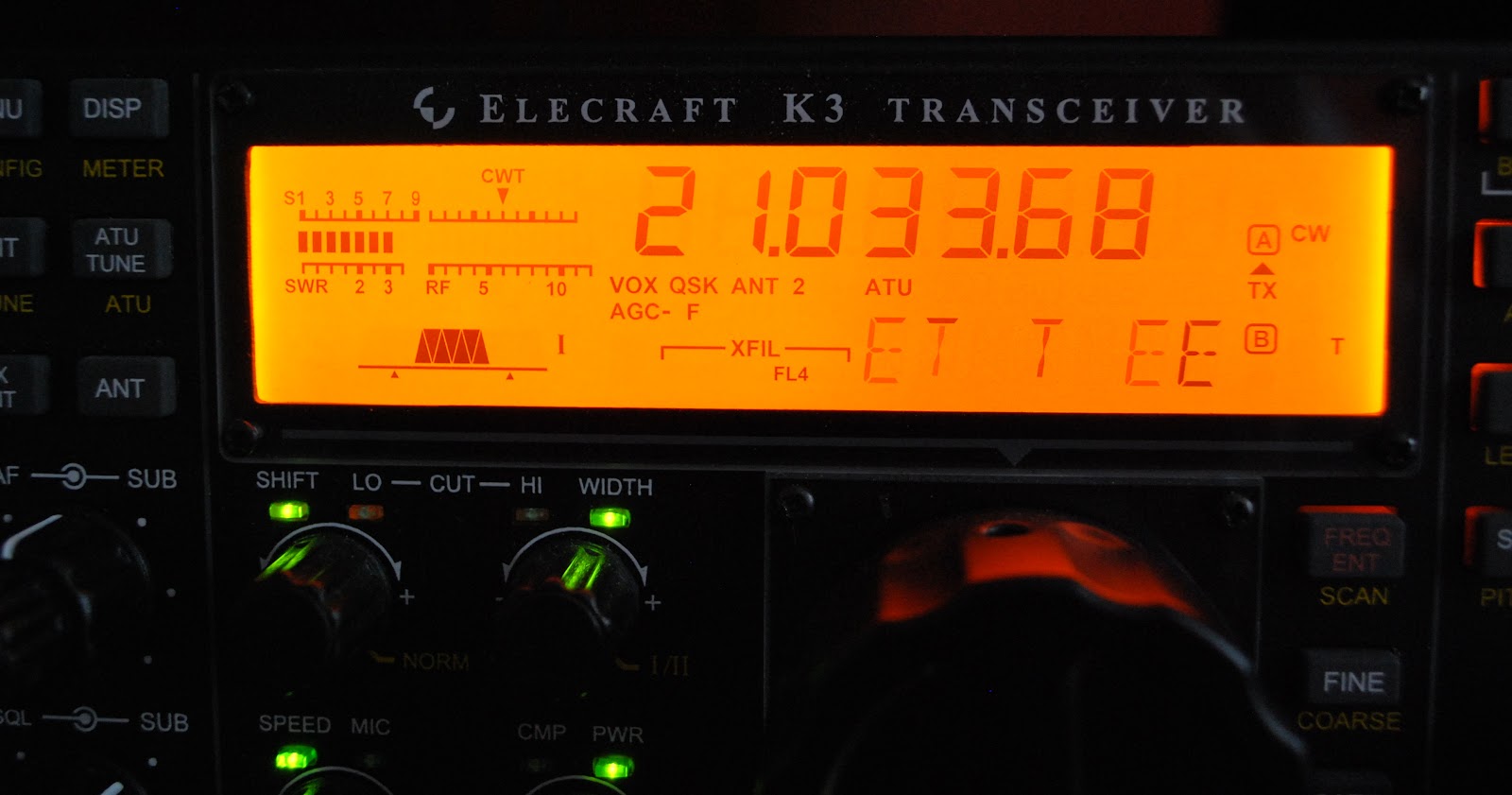
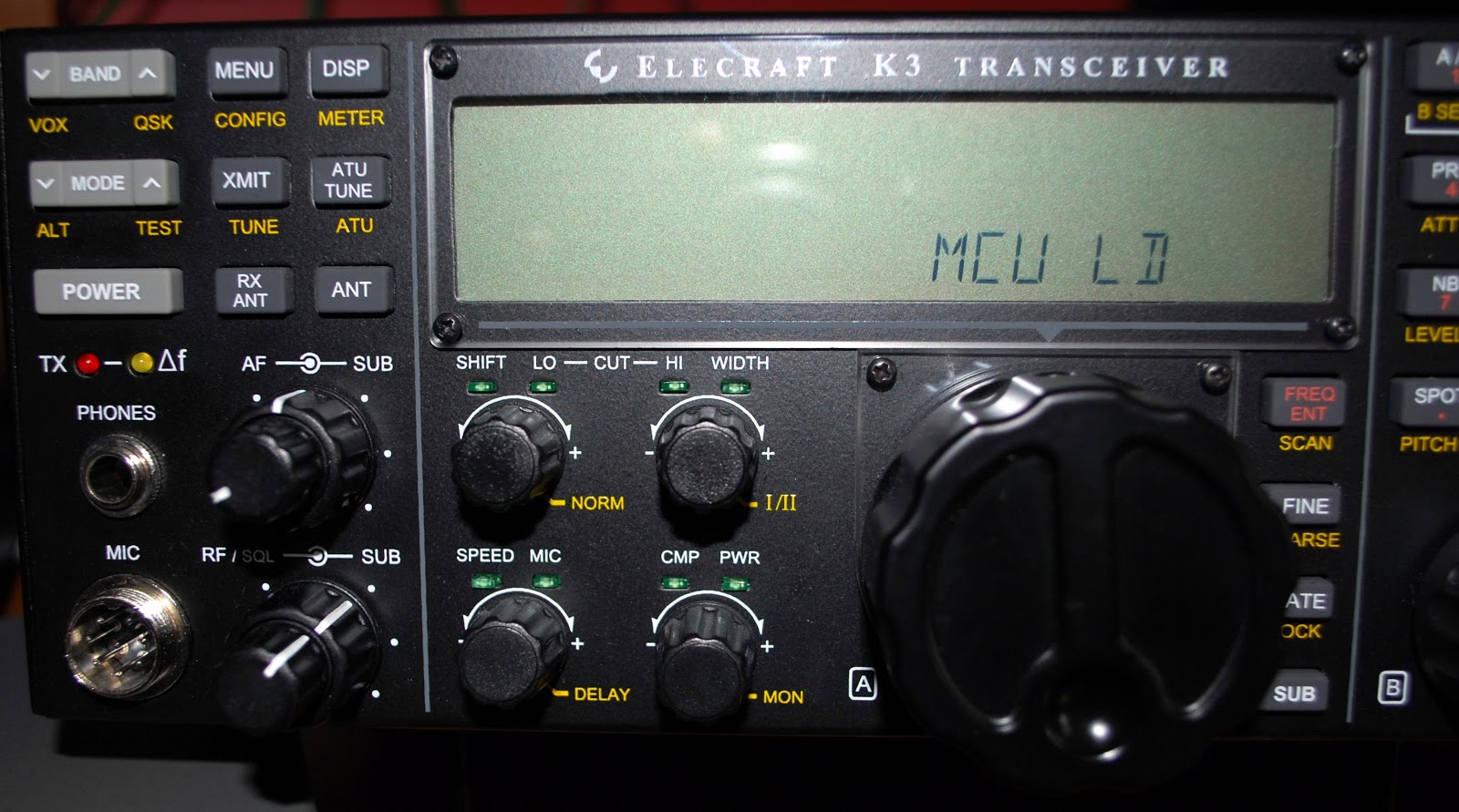
Last weekend I participated in the CQ WW CW contest and in a post just before the contest I shared some things I included and avoided regarding contests. One would think that because it's my list and I was "preaching" about it on my blog that I for sure would be one to follow it.........WRONG and boy did I pay for it!! The contest was going along just fine the propagation was great, 10m was wide open and my QRP signal seemed to be getting out just fine. Now this being a CW contest and a world wide one at that I found the CW was being sent as fast as a bullet. To copy these fast calls was taking more time than I wanted to
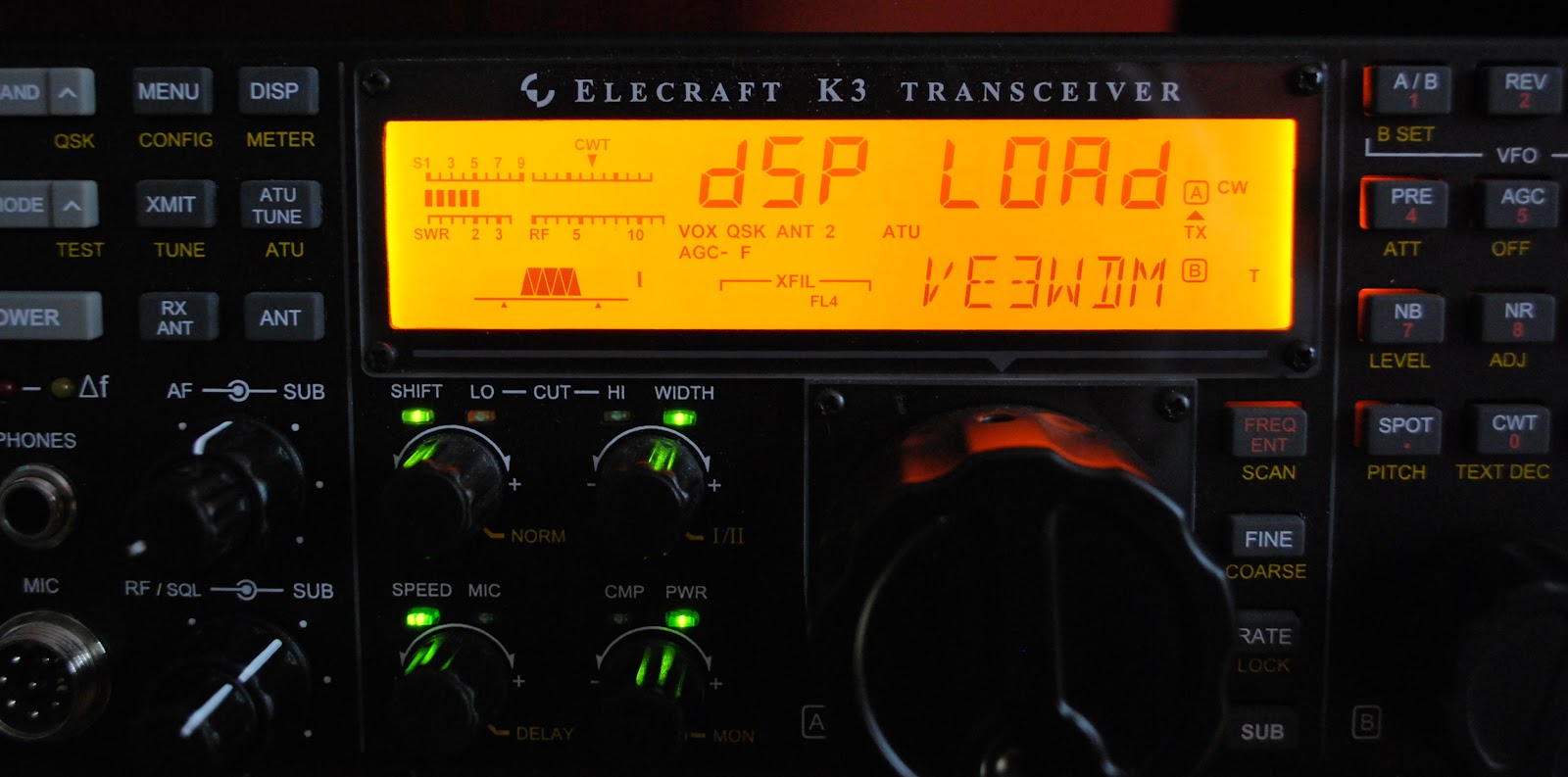
spend, but the stations were much needed multi's or possible DXCC's. In the past this is were my trusty Elecraft K3 has helped me out. The K3 has the ability to copy code and scroll it at the bottom of my Elecraft P3.......but it was not happening and no matter what I adjusted I could not get the rig to read the code.
 |
| Firmware download going well |
Mike Weir, VE9KK, is a regular contributor to AmateurRadio.com and writes from New Brunswick, Canada. Contact him at [email protected].
More on the Palstar KH-6 50MHz handheld
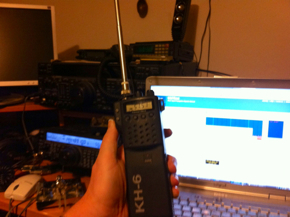
Perhaps you remember a few months ago, I picked up the KH-6 50MHz handheld from eBay. To be truthful I hadn’t done a lot with it.
I was a bit disheartened when I took it up White Horse Hill and failed to hear either the GB3RAL beacon at Harwell or the GB3ZY repeater at Dundry, both of which I thought should have been audible. So, I had a feeling the rig was perhaps a bit deaf.
A few days ago I was moved to investigate a bit more and the results were interesting. I examined the ‘rubber duck’ which had come with the rig. It turned out to be an AOR scanner antenna – probably not very efficient at all on 50MHz. Connecting the rig up to the 50MHz antenna on the roof, the GB3RAL beacon was end stop!
On my desk was another scanner antenna from my Dad’s old scanner which was a telescopic rod antenna. Although still rather less than a quarter wave on 50MHz it stood a better chance. Promising too was the fact that I could weakly hear the GB3RAL beacon keying.
So, I think the receiver’s just fine. I’ll take the rig up the hill next time and see what I can hear. Incidentally, the battery pack has great life – it’s held its’ charge over an extended period. Impressive!
Tim Kirby, G4VXE, is a regular contributor to AmateurRadio.com and writes from Oxfordshire, England. Contact him at [email protected].
 Ham Radio Deluxe |
 W5SWL Electronics |
 Ham Radio Prep |
 KB3IFH QSL Cards  Hip Ham Shirts  HamRadioAuctions HamRadioAuctions Reliance Antennas Reliance Antennas Enigma Shop Enigma Shop |  morseDX  Ni4L Antennas  R&L Electronics R&L Electronics antennas.us antennas.us QRV QRV |
- Matt W1MST, Managing Editor
