The old boy is making a change…..

I want to first want to thank all those who commented on my last post. At the time I was making a choice of either upgrading Norton 360 for another year at a price of 60.00 or go with one of the online free programs. I received a huge amount of feed back from the blog world. There were comments sent to my blog, email and from amateurradio.com where my blog is also posted.  I have decided to go with AVast for my PC online protection. There were lots of great suggestions and I even found out about some free software I never knew was out there. Thanks again for all your feedback. Now onto the next blog post......

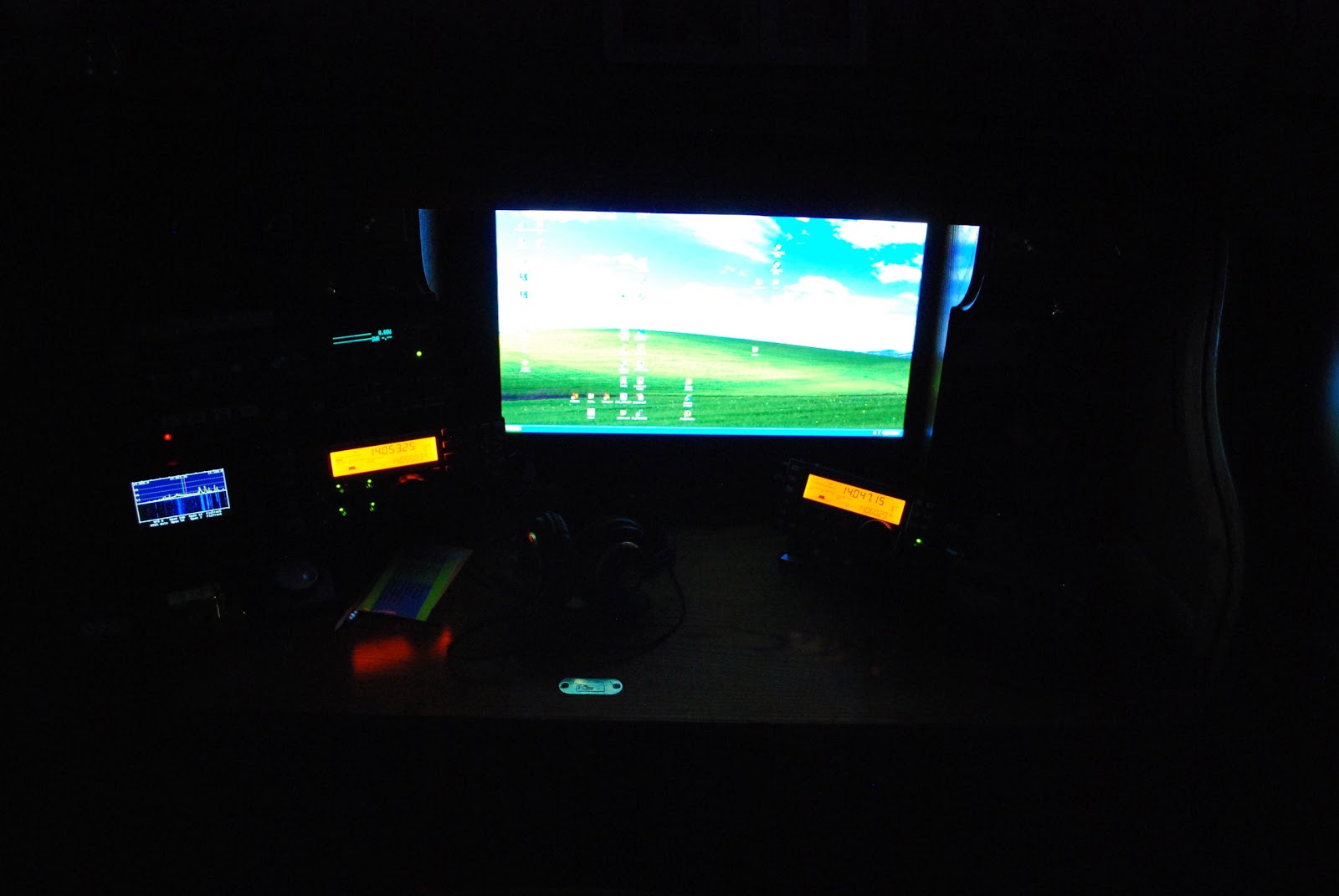
As most of you know Windows XP has come to an end….. and how does that affect WinXP users.....will  WinXP refuse to start up?……no it will start,  will your programs start up and run……yes your loaded program will still run. So what's the big deal you ask? The end of Windows XP means Microsoft no longer "supports" XP and if you serf the net this could be an issue as you will no longer receive security updates. (maybe you could get past this issue with 3rd party virus protection) If you are a big IE browser fan and you continue to use it you will  do so at your own risk as there is no updates.  If your XP machine is just used to run off line ham and family related stuff you are good to go…….UNTIL…..you want to upgrade to a new program as most programs may  stop supporting Windows XP platform as well. Windows XP was released in 2001 and it's hard to believe it has been around that long. In the past Windows has had some bust OS's for example ME, Win98 and Vista. If you have a PC that is not going on the net and your only going to use the programs that are on your PC I would think you could stick with XP! As for me Windows XP is really the only OS I enjoyed using and really had no troubles with. It has been around for a long time and those high up at Microsoft felt it was time for a channel change! My PC is on the net all the time both for ham radio and personal use. For this reason it is time for an OS change at VE3WDM. I chose to go with Windows 7. It has been around for some time ( released in 2009) and has good reviews, one bonus for me is you can run XP programs from within Win7. My PC will have no problem with Win 7 as the processor, ram and HD memory are well within spec's of whats required to run Win7. I have ordered Win7 and it's on it's way and my first decision is…….upgrade PC to Win7 or clean install ? So blog world give me your feedback!!

VE3WDM's QRPower BLOG 2014-04-04 10:02:00

For two years now I have used Norton 360 on my PC and it has served me well and not even a virus or any other problems………BUT I do have to shell out 60.00 per year to keep renewing it and having the fresh updates. There sure is a lot more I can do with that 60.00 than spending it on Norton! Then there is the other side of the coin how much will it cost me both in time and possibly PC tech help to remove a virus or what ever else there is out there from messing up my PC. In the past I have had some free virus protection programs along with trojan, malware and worms now and then it did not work. So am I getting the "wrong" free stuff, are they really not as good as rumored to be? My Norton 360 renewal message has been coming up my my PC for about a month now and as always I have been procrastinating the whole thing. Now I am down to the last day and just having to pay another 60.00 seems like a money grab to me. In the past here is the free protection I have had for the PC.
AVGfree ......this freeware say it protects against virus's, malware and spyware but to get a firewall, safe data download protection and anti spam you have to pay 60.00 per year. 
Spybot S&D is free and will protect me in the malware dept but not sure since AVGfree does that if I am just repeating a protection? I know there must be other free software out there or others that cost money but not asking you for more each year? What do you use.....how is it working for you......I'm open to suggestions as I am very fast running out of time. 

Push power on and………NOTHING!!!

Last Sunday Julie and I were on our way out the door and I wanted to check some directions before we left. I went off to the computer to look something up and as I turned the PC on a POPPING sound was heard…..then nothing! My six year old PC failed to start, absolutely nothing was happening. There was no time to look into it now we were heading out the door. Early that evening when at home I tried the power button on the PC again (maybe somehow the computer god's looked after things for me) it was the same….nothing. The tower has to come out from it's cubby in the roll top desk and opened for further investigation. I first made up a diagram of where all the USB cables, monitor cables, audio
Faulted part
cables and serial cables went so all could be placed back in the same place. I suspected the power supply was the problem and hoping I could find a reset button on the unit once the side panels were taken off the tower. I was not so lucky there  was no reset button but there sure was a noticeable burning smell and it was coming from the power supply. It was easy to remove the power supply from the PC but not without labelling what cables went where on the mother board. Doing similar things in the past I have said to my self "no need to write it down it's simple and straight forward" boy has that lie got me into some troubles in the past! With the power supply out and not yet opened I did notice the
power supply fan was missing some blades. Once the supply was opened up I quickly found the faulted
Cables everywhere
transistor. With the broken fan and faulted transistor it was time for a new power supply.
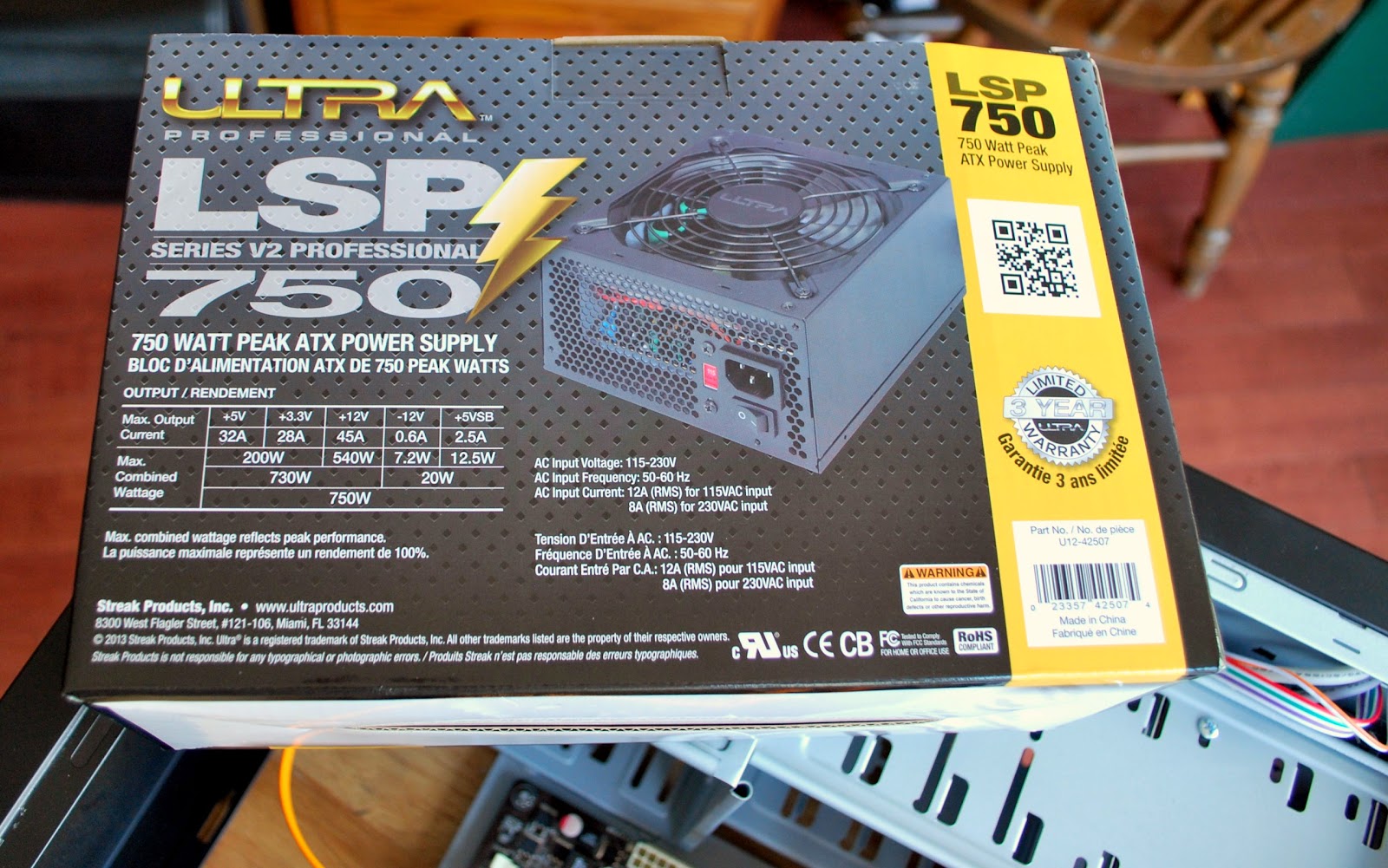
The old supply was a 500 watts supply the new one is 750 and can be used with a new PC when I decide to build one. The new supply fit perfectly into the tower and there sure were lots more cables on this supply! I ended up using only 5 of the some 20 cables so the rest were tucked away in an open bay for future use. With all the cables plugged into the mother board, hard drives and CD drive and the spare cables were as I said tucked away. Before putting the side panels back on it was time to plug in the new supply and power up the PC. I then pushed the power button and NOTHING!!!! Ok I said lets  try that again…..NOTHING!!!  First thing that came to mind was, did the faulted power supply take something else with it?? It was time to take a breath and think of my next step, time to recheck all the mother board connections.  After all I did take time to clean the dust off the board while the side panels were off
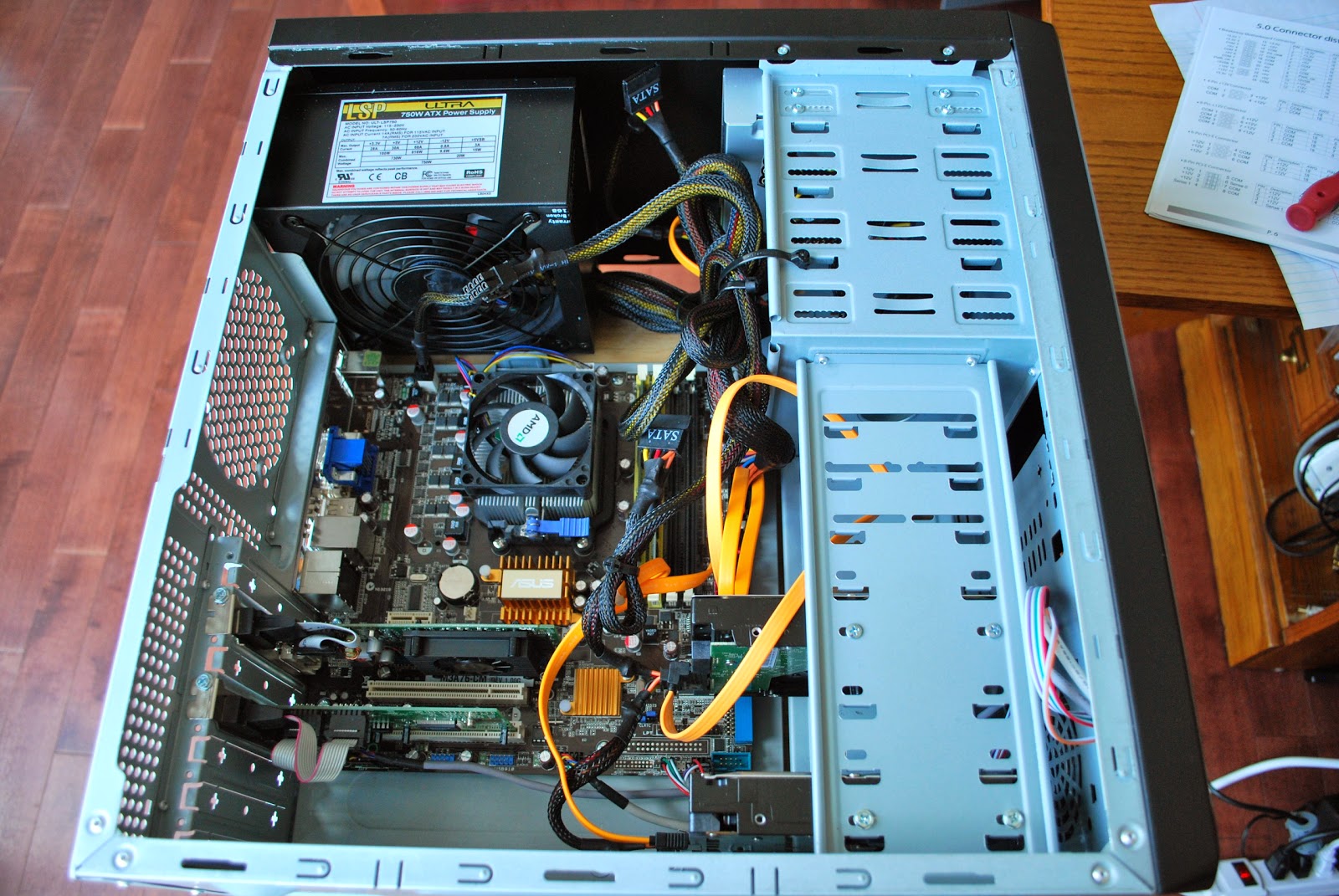
Ready to power up
maybe I loosened or disconnected something in my cleaning frenzy. All seemed good on the motherboard it was time to recheck the power supply again. It could be possible that even thought the supply is new it is defective? I checked that there was AC making it to the supply, that the proper connecters were used on the mother board and that I did not forget any connections. It was then I noticed on one connector did not seem to be seating right. This was a connector that had an "option" of adding 4 extra connections. It was a 20 pin connector but some mother boards were 24 pins as mine was a 24 pin. The connector had the 24 pin setup ready to go as it was snapped into place so I just plugged it into the board….very straight forward I thought……NOT…….there was also clear tape holding the extra 4 pin connector in place and this tape stopped the connector from seating firmly on the  main board and thus the PC not starting!  With the tape removed and 24 pin connector firmly seated the PC came to life! I am happy to say that all has been working well and the PC seems to run cooler and not as noisy ass the old power supply. I did notice some software hiccups once I was up and running.
The problem found
Some of the USB ports changed their ports on me. My K3 now wants to be com 3 and not com 4 anymore. This had me change around some radio software. Also when the PC booted  a bios page came up (never a good sign) asking me some questions about the type of start up I wanted??? This only happened once and all is good now but really not sure what that was all about I only replaced a power supply?? Oh and finally Oliver was in on the action too, he was fine with no PC and a new cubby.
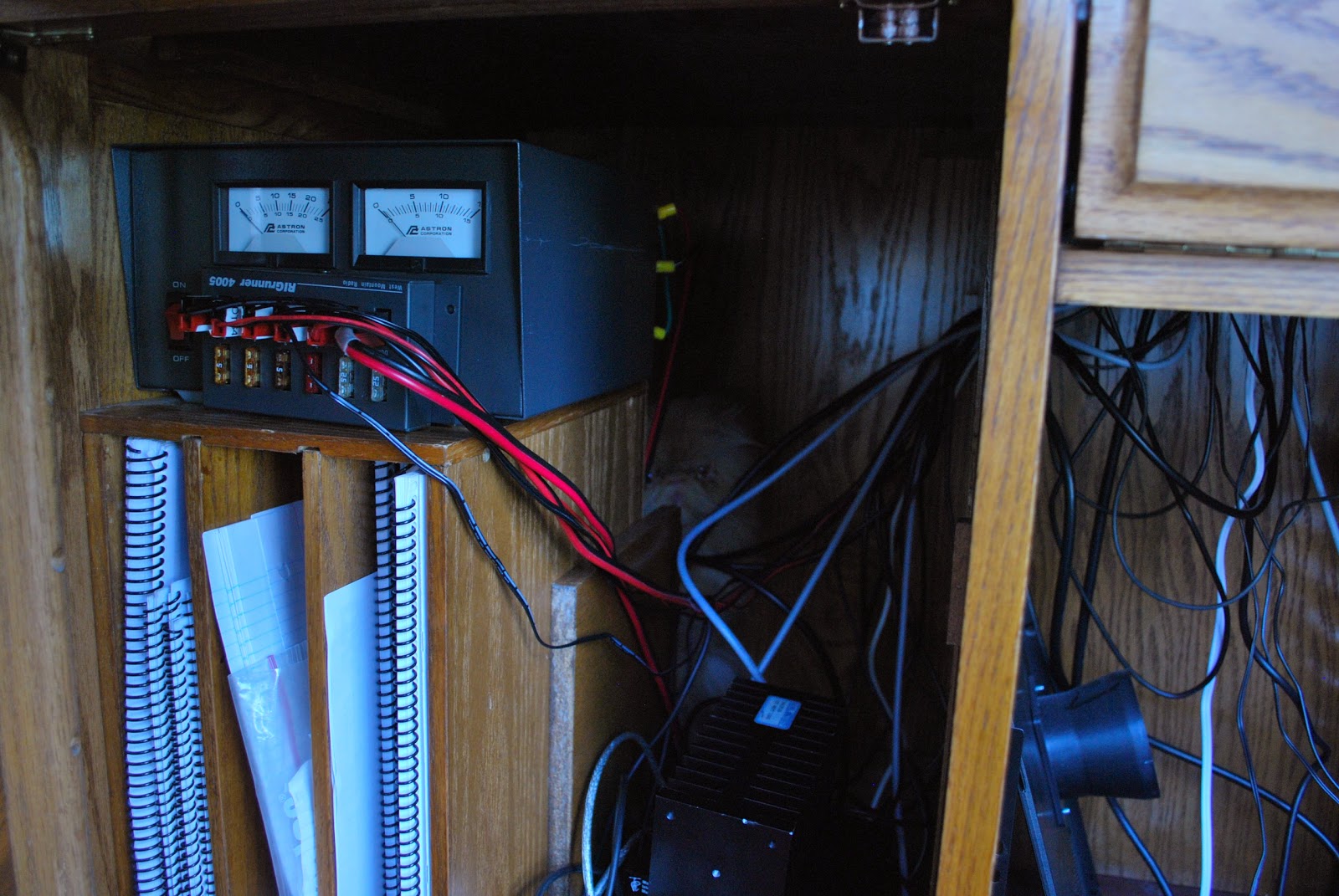
If you look hard Oliver can be found

There is a good idea out there…….

Trying to find my way around
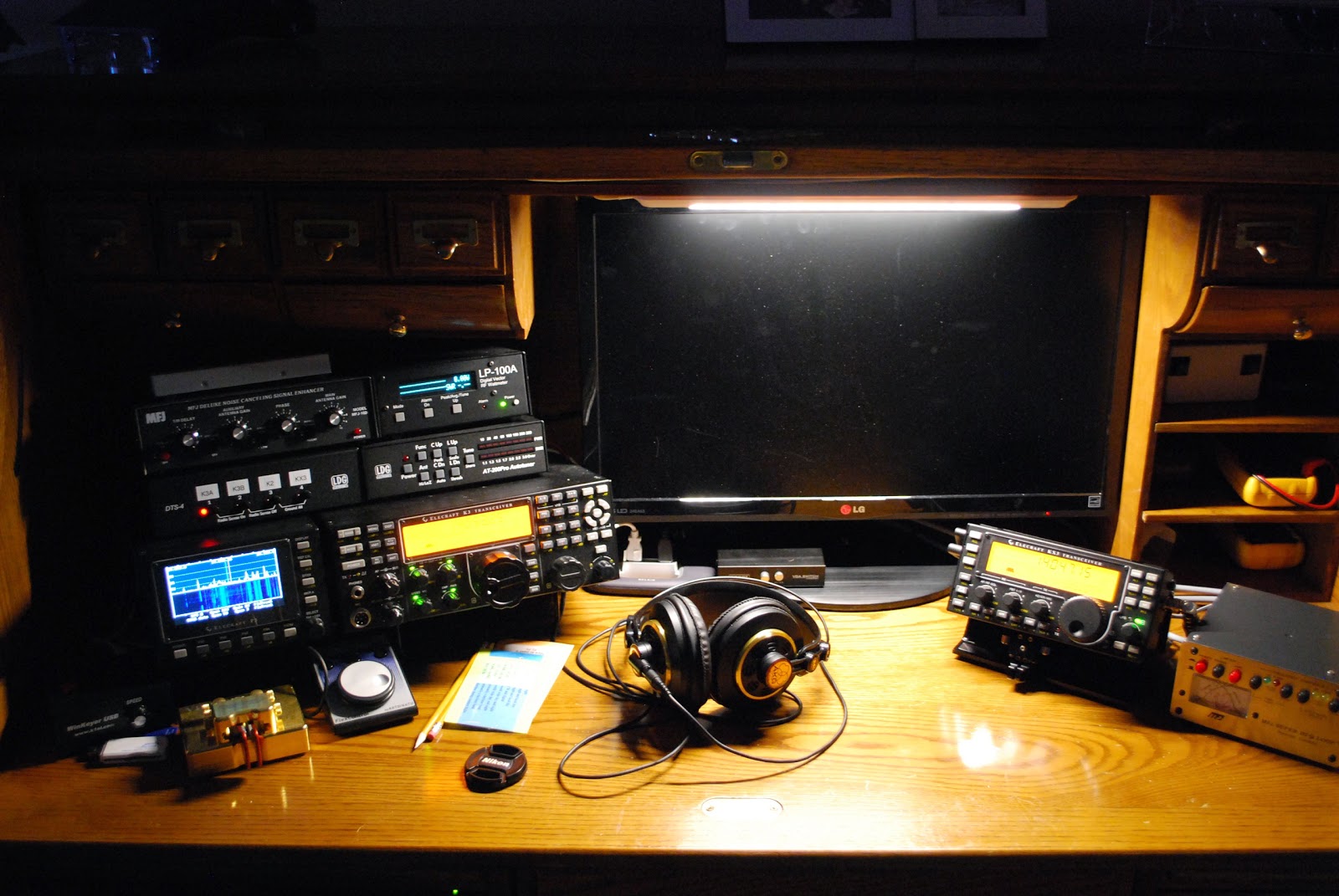
Each morning I catch up on my blog reading and on a few blogs that I read LED lighting seemed to be the order of the day for illuminating the shack. I have been up early the last few mornings to see what is on the air waves. I did not find much and decided to work on my contest code I use Morse Runner, this is a good program that adds a very nice contest atmosphere to the operator. A problem became very apparent as I was using the program and it had nothing to do with the program. My keyboard skills were rusty and the lighting in the morning  here at VE3WDM is very dim so cheating and trying to see the keyboard proved to be very frustrating. I really have no problem with the letters or the numbers but it was the F keys I was having problems with. The Morse Runner program uses the F keys for such functions as call repeat,
That's better
exchange repeat and so on. I was really messing up the F function keys because in the low light I just could not see my keyboard. I was getting very frustrated and on two mornings I just closed the program. Then remembering the blogs were I read about LED lighting I went out and purchased an LED lighting strip. It was super easy to install on the roll top desk and it seemed there was a spot just for the low profile LED strip to be placed. I was not sure if this was the ideal place for the lighting strip (lighting up the operating area and keyboard) It turns out that when the natural light went missing and the LED strip was powered up……all is well at VE3WDM and no QRM from it either.

A good day on 17m

We had another cold snap hit us here with a wind chill in around -20C  it was time for some indoor radio activities. For some reason I settled in on 17m not a band that I frequent all that often, not sure why but never seem to stay long on this band. When looking at the P3 band scope the band did not look very active but as I slowly scanned across the band I came across some stations calling CQ. The first station was ZB2FK on Gibralter. There was not much of a pileup at the time when I made contact and I did receive a 559 from him and with 5 watts from an MFJ 1788 loop antenna I was very pleased with that contact. I then came across IW1DFU calling CQ again on 17m and I gave him a call he did come back to me but I had to repeat my call but again he gave me a pleasing 559 report. I then came across KH2L in Guam and he was in and out with the noise floor but I was very happy the loop was even picking him up! It was time to put the filtering of the K3 to use. I dropped the filter to 250 hz and added the Audio Peak filtering feature and that
Add caption
was all it took to bring him off the noise floor and into plan old CW. There really was no pileup to speak of but some where in line before me and I wanted to wait my turn. The propagation was such that his signal was up around S5 and then just at the noise floor. This is the exciting type of DX I like to try to work, it's a challenge and it could be hit or miss. It is very unusual for me to even hear signals from this part of the world but today at times he is S5. When given the opportunity I dropped my call and hoped for the best. Have you ever had this happen.......I for sure thought he was coming back to me and it happen to be the one time he was in the noise floor but maybe I was not at his end but at a possible S5. So I came back to him..........but it was not to be it was if the static was playing head games with me and coding VE3WDMmmmmm. To make a long
story short one of his contacts had spotted him on a cluster and then all hell broke loose!! My time was up as a HUGE pile started. I'm not saying QRP stations have not busted pileups but time was moving on and dinner was soon going to be on the table. KH2L maybe next time, I am not at all disappointed as these types of events help sharpen your skills and really allows you to become familiar with your radio. 
Ham radio “ZERO” doing everything but radio “TEN”

Good afternoon fellow bloggers between work, getting over a nasty flue bug and running around doing none ham stuff it sure has been a long time since my last post. I have been able to get on the internet and check out the blog posting of fellow bloggers.......BUT as for on air time is has just gotten away from me. I have had some opportunities to get on the rig and for some reason all hell with my PC would break loose. I like to run a PC to both operate my K3 and to log contacts. Since we have moved and I have setup the PC at our new location hoping all would be well.  It seems all the USB ports were not matching what the software was setup even though all was setup the same……PLUS my VSP manager program which provides me with virtual com ports it just for some reason went A.W.L from my PC! There has been more screw ups but the most recent and I hope the last was a request for a video card up date. I said yes and as it was loading it told me that most if not all of the updates would not apply to my PC. Well that would be a waste of hard drive space I  chose to not install the up date. I was then to restart the PC....sounds simple....WELL....the PC started in safe mode and to make a long story short I had to reload the the drivers for the video card, setup the two monitor option (which reminded me of how much a pain in the ass it was) finally setup the resolution as well.
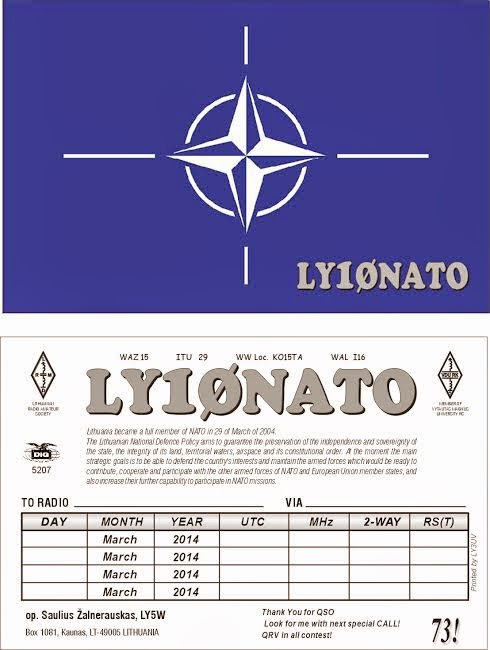
So things are up and running and on Friday I was able to make a fast contact with LY10NATO. This as you guessed it is a special activity call pertaining to NATO.  The contact was made with 5 watts and my MFJ 1788 antenna. The weather here is still a winter wonderland with 15cm of snow on Wednesday, then it was temps of plus 9C on Friday and now this evening a cold weather alert has been issued! Anytime this winter wants to exit…… all the better.

Final repairs on MFJ loop

Time to repair the control box.
It seems that almost all the bugs have been ironed out with the MFJ 1788 loop antenna. I sure have had an adventure with the unit but things seem to be on the upswing now. Some of the indicators the MFJ loop gives you when your match is good are High noise level meaning you are in the ball park. The SWR meters on the control box that visually tell you the SWR is good. Finally there is a tone that comes from within the control box when you are auto tuning the loop. As far as I am concerned this tone is only within the range of our cat Oliver's hearing. UNTIL........one day when I was tuning the loop in auto mode and all was going well until Julie tapped me on the headphones saying "can you not hear that ANNOYING sound!! I took my headphones off and still nothing it was not until I put my ear right up to the MFJ control box could I hear the tone. WOW my hearing must be way off  as Julie said it was very noticeable to her in the living room and to add insult to injury she also heard it over the TV. Needless to say this event happened a few more times and
Ready to remove switch
it seemed apparent that it was time to cut the wires to this speaker. While I was in there I also had to replace a switch that controls the range of the watt meter on the MFJ control head. The original switch did not work very well at all and MFJ was kind enough to send me 3 extra ones. Cutting the wires to the speaker (I could never hear) was very fast and easy but for this switch to be changed most of the unit would have to be taken apart it seemed. Once I was ready to remove the old switch and replace it with the new one it was very easy........having said "easy" it means that with the right tools it was easy. I used the Hakko 808 de-soldering gun and believe me this unit makes very easy work of removing the old solder. To the point were the defective switch just falls out of the board. In the past I have used the hand held de-soldering pumps and the wicks as well but nothing works as well as this unit. The solder station I have is the Weller WES 51 and it has served me well for many years and you can change out the tips for various jobs you want to do. So with the wires cut to the speaker and the new switch installed it's now time to just operate and no more (I hope) fooling around with the antenna.
A great tool to have


Subscribe FREE to AmateurRadio.com's
Amateur Radio Newsletter

 
We never share your e-mail address.


Do you like to write?
Interesting project to share?
Helpful tips and ideas for other hams?

Submit an article and we will review it for publication on AmateurRadio.com!

Have a ham radio product or service?
Consider advertising on our site.

Are you a reporter covering ham radio?
Find ham radio experts for your story.

How to Set Up a Ham Radio Blog
Get started in less than 15 minutes!


  • Matt W1MST, Managing Editor