Author Archive
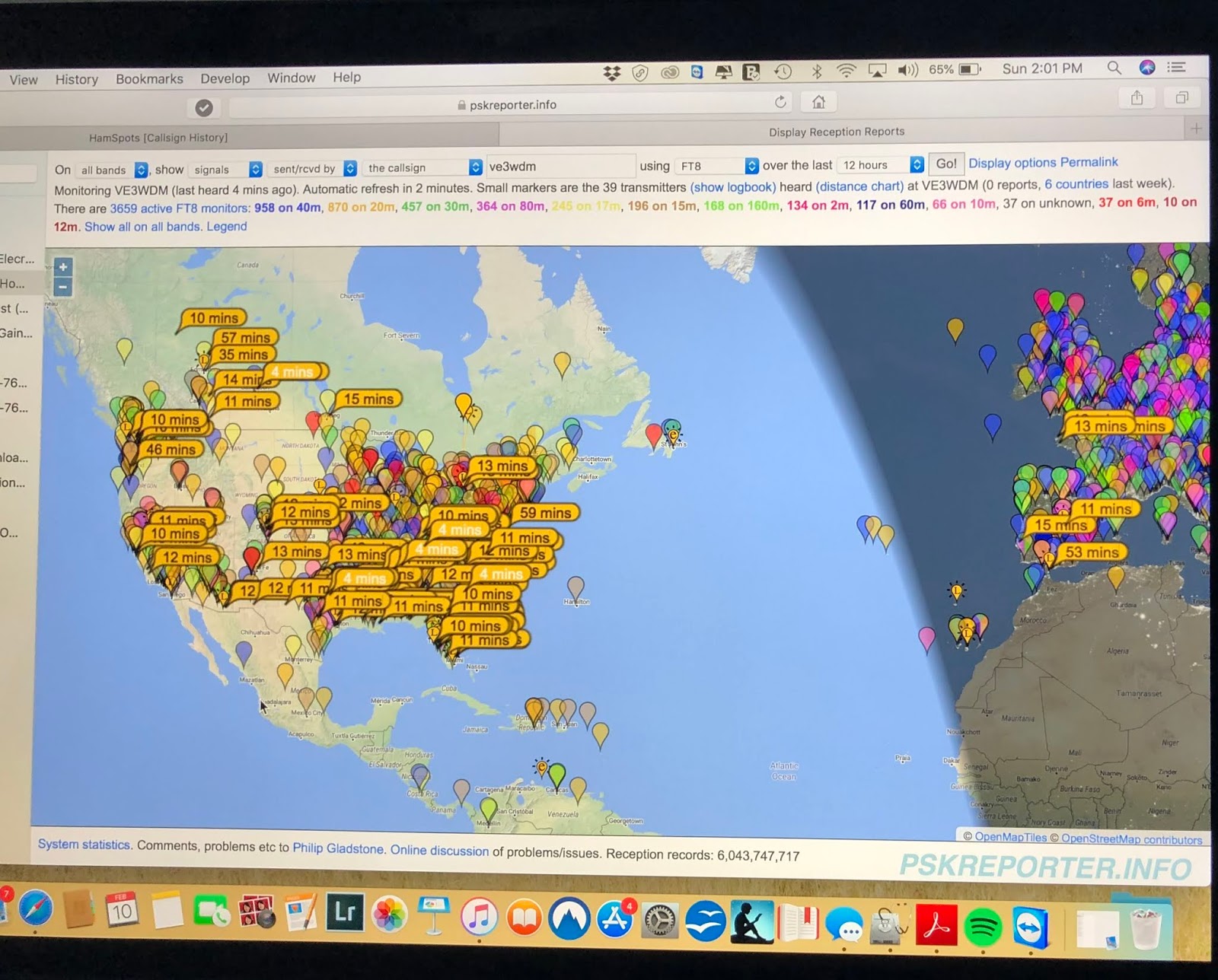
 FT8 on 20m this afternoon
 February 10th, 2019 |
  Author:
I found this site that offers some great FT8 tips:
I did remove the tick from the "auto Seq" box as by doing this it did give me somewhat of a feeling of interaction with the QSO. This evening it's going to be a cup of Earl Grey tea and go over the WSJT-X 2.0 manual very closely and see what I can glean from it. Also search out some writeup's on the internet for more tips with this mode.
SDR Transceiver up for sale!
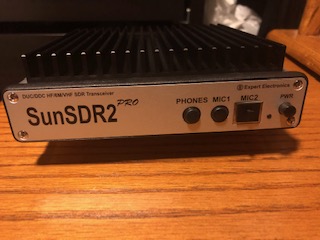
I have a 7 month old Expert Electronics Sun SDR2 pro transceiver and the E-coder for sale. It is in mint condition, non smoking environment and with about 10 hours max of operating time. The reason for selling the unit is I received an Icom 7610 for Christmas and I can't justify having both radios as the SDR2 pro is just sitting on the desk doing nothing.
New the radio and encoder sell for 2,500.00 Canadian for the 7 month old radio and encoder I am asking 1800.00 Canadian. Weil ship to U.S and Canada only.
Main capabilities
- Independent RX path based on DDC (Direct Down-Conversion) architecture
- Independent TX path based on DUC (Direct Up-Conversion) architecture
- 2 software RXs + SubRX for each of them (4 slices total) + independent wide-band Band-scope up to 80 MHz
- Remote control operation, using it, you connect PTT and CW-key to the E-Coder panel. Microphone and E-Coder are connected to the remotely set up PC
- TCI interface or seamless connection with third-party software like SDC (with its own Skimmer), LogHX, SWISSLOG and RUMlog, more are coming
- Professional TX processing module provides the most advanced tuning capability for voice operation
- ExtCTRL connector to control external devices with 8 powerful keys with open collector
- ALC connector for external power amplifiers*
- Supports use of VHF transverters**
- An opportunity to use the transceiver as a signal generator via DAC OUT connector (SMA connector)
- An opportunity to use external filters in the middle of the RF path, using ADC IN and RX OUT (SMA connector)
- Small delay in CW mode (about 10 ms)
- Input for external 10 MHz reference oscillator
- An opportunity to use the transceiver in SO2V mode
- Full duplex or half duplex modes***
- Antenna switch with 2 HF antenna connectors and separate VHF antenna connector (Mini UHF connectors)
- Internal power-meter for HF and VHF bands and SWR-meter for HF band
- Ethernet LAN interface provides fast and reliable connection to PC
- 20 watts on HF and 8 watts on VHF.
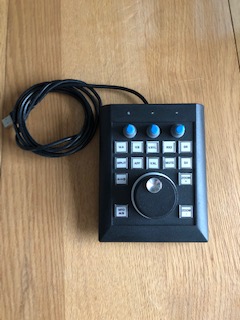
I am also selling with it the radio the E-Coder plus which has:
- 14 programable buttons with 60 possible programming options
- 3 programable encoder knobs with 13 possible programming options
- 1 optical encoder tuning knob
For an unbiased review of the radio go to Eham reviews and there you will find 11 reviews all giving the radio a 5.0.
 |
| 2 Receivers in action |
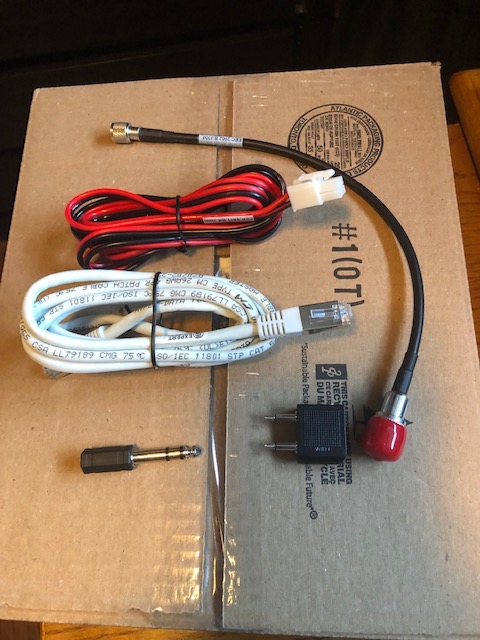 |
| All cables |
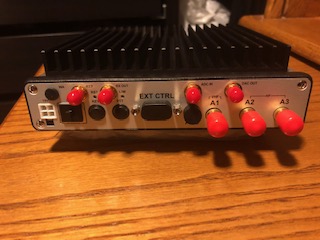 |
| Rear view |
 |
| E-coder |
RAC contest and the new IC7610

 |
| Won't make that mistake agian. |
I was thrilled with the Icom 7610 I didn't as of yet get the time to set up N1MM+ contest software so during the contest I was old school with a paper and pencil. The audio was crisp and clean, I stayed with the 250Hz filter and had not even one issue with very close adjacent stations bothering my contact station. The touch screen is very responsive and an absolute joy to use. I took advantage of the 2 independent receivers, I turned on dual watch and had one VFO on an RAC station such as VE7RAC who was very popular and the other VFO I search and pounced. With one simple button push I muted the VE7RAC station and could unmute to check on the pileup. Once things slowed down I was able to put VE7RAC in the log.
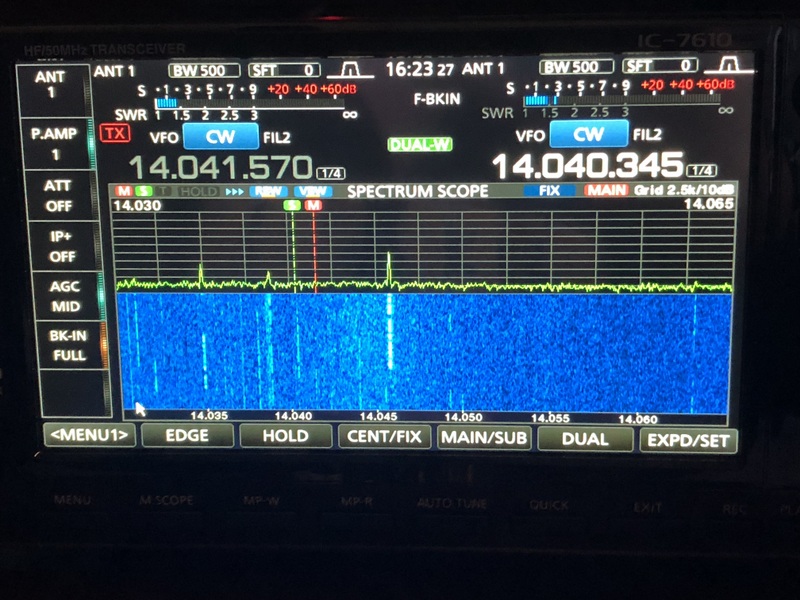 |
| Dual Watch on |
Christmas morning surprise!!!


There is going to be an Expert Electronics Sun SDR2 pro rig that is just over 6 month old up for sale very soon.
Striving for a better bandwidth
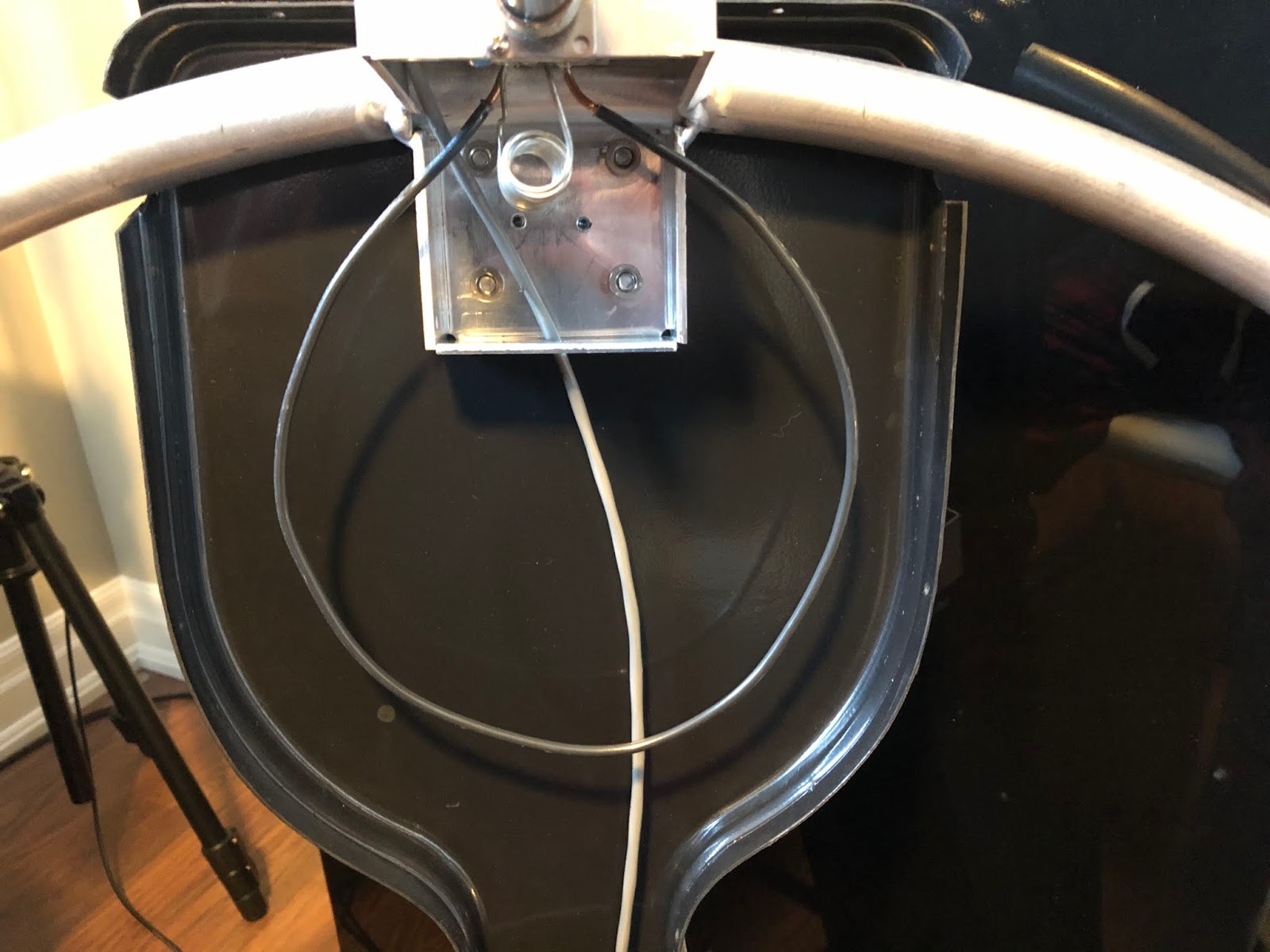 |
| Original shape of coupling loop |
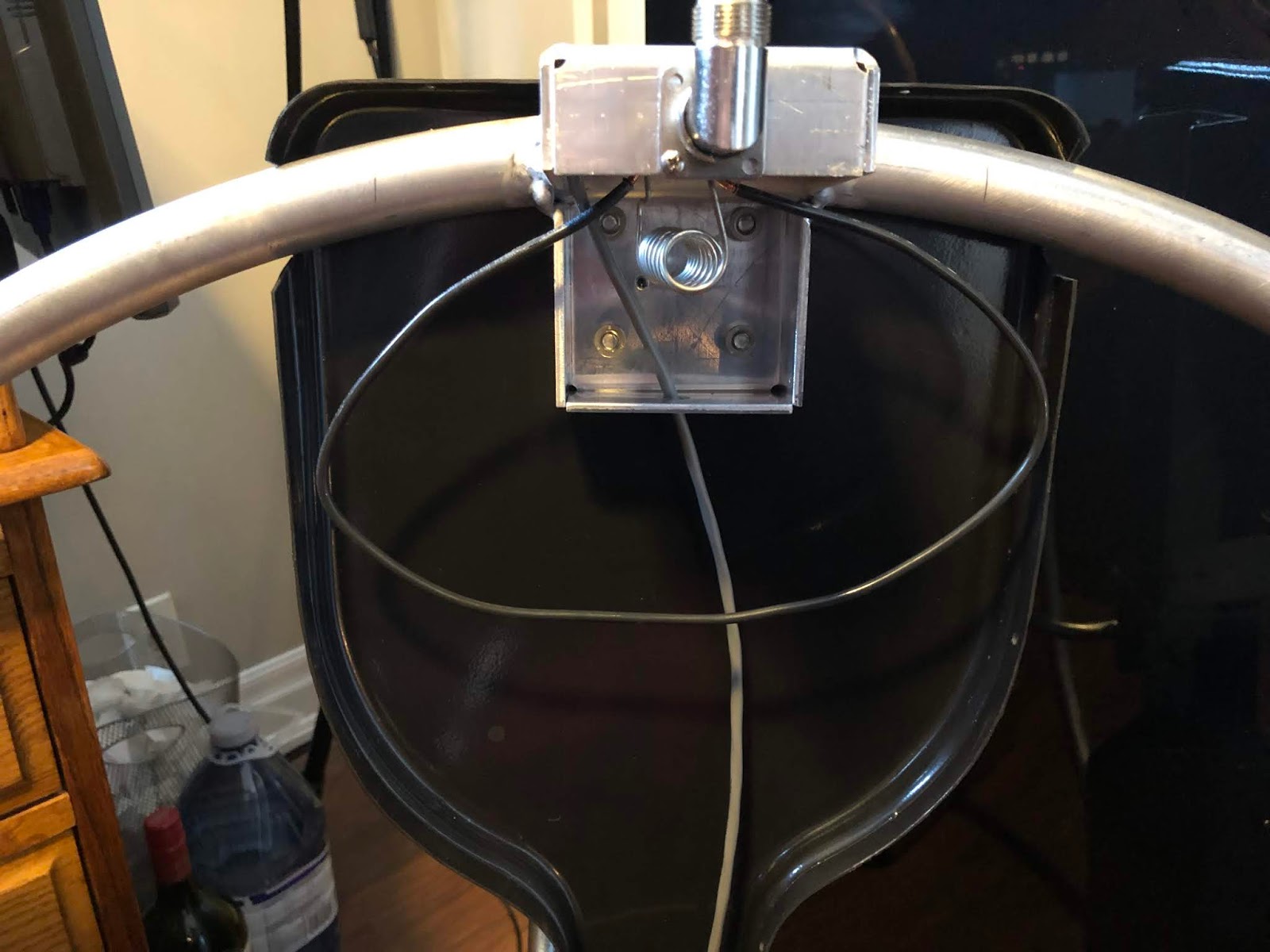 |
| New and improved shape |
Tweaking the MFJ 1788 mag loop
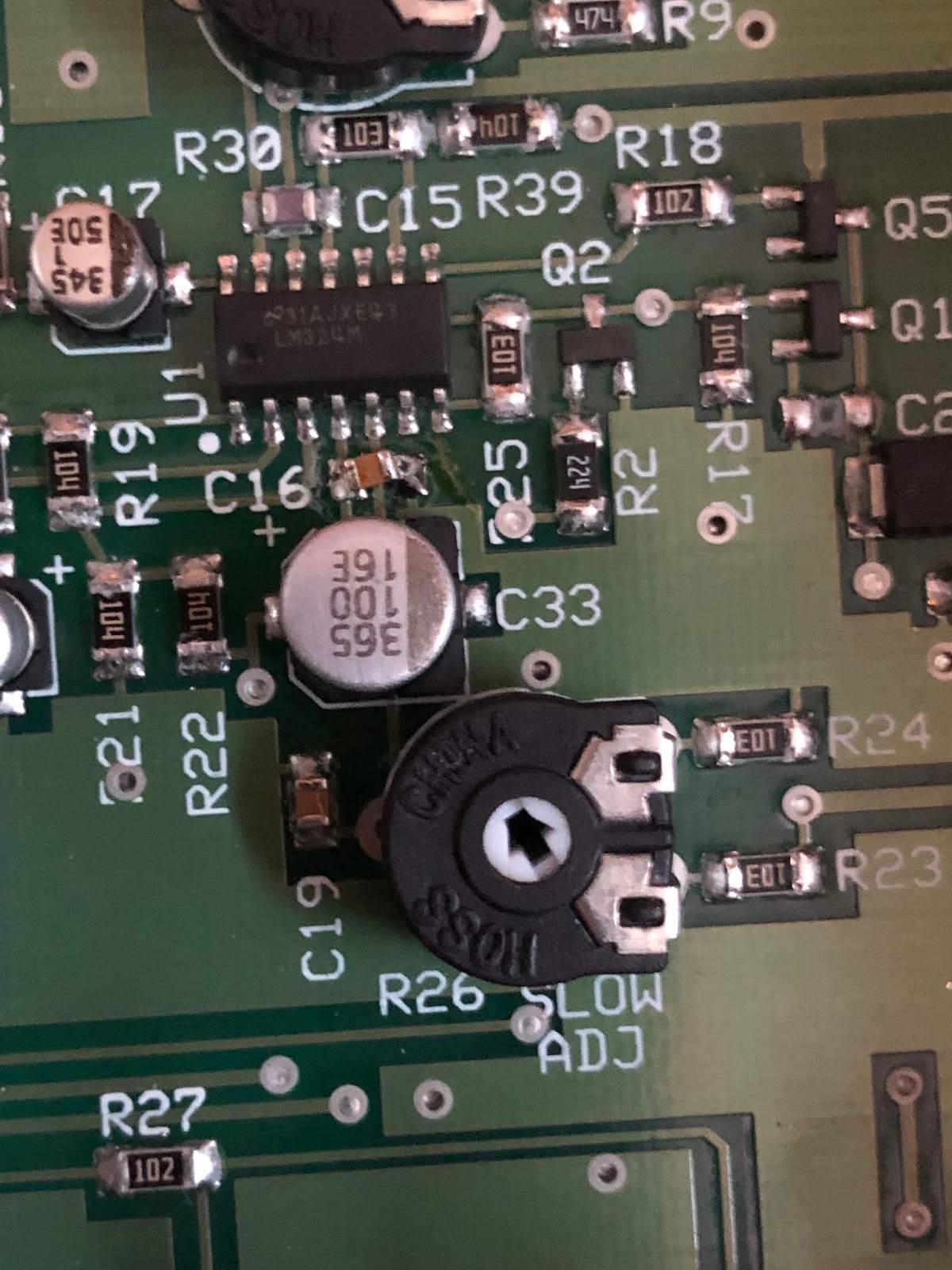 |
| The slow adjustment resistor |
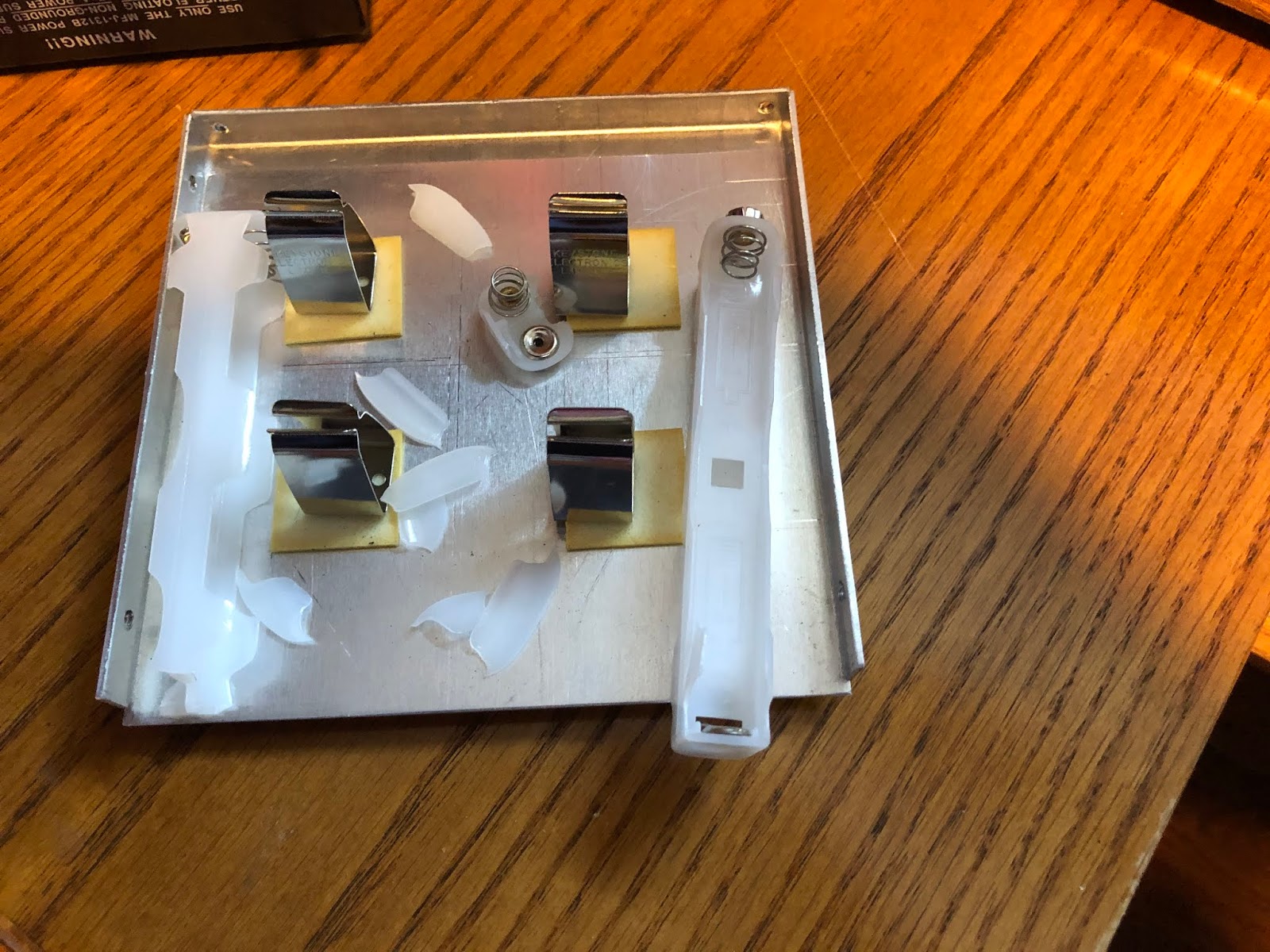 |
| What was left of battery holders |
The MFJ loop finally has a decent SWR match!!
 |
| Homemade vertical mounting....."thing" |














