 |
 Lucky again
 11 February 2014 | by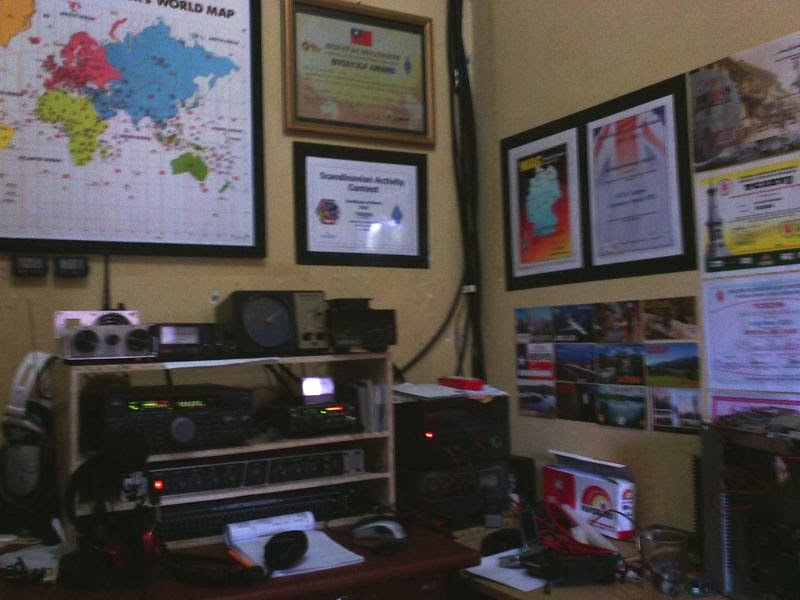
Paul Stam, PC4T, is a regular contributor to AmateurRadio.com and writes from the Netherlands. Contact him at [email protected].
SketchUp project cases
After completing a kit or small project I have a terrible habit of not finding a suitable box to put the thing in. This is partly due to the really unappealing array of cases on offer. Sverre, LA3ZA recently posted something regarding the ultimate qrss kit v3 that I gave a quick response to and this is supposed to be the long winded response.
Sometimes these cases are blow moulded polypropylene or extruded aluminium that needs better tools than I possess to make holes, especially square ones for things like USB connectors and LCD’s. So what’s the answer? well I prefer to use simple acrylic cases like those made by Dangerous Prototypes in a range called Sick of Beige (or SoB). these are simple flat sheets of acrylic that are laser cut and have 4 holes for fasteners. A really nice idea but its only half way there.

This company also like to encourage you to complete a project that looks nice. Not just with the case but also the PCB. They offer a few tools to help you do this. There are a few routes to take and I have found that with a bit of extra time you can make a really well finished project.
1. PCB sizes
CADSoft Eagle is a piece of software that allows you to draw out schematics and then layout a PCB. There are loads of alternatives (Fritzing, KiCAD, DIP Trace etc.) but in order to make use of the tools. Eagle is the way to go.
DP offer a library of PCB sizes that fit their cases. Easy, just use one that fits the project you are doing. Just install the library and pick the right size of case. Take a look here for some more info. You’ll find links to the libraries there too.
2. Case design
Now it gets a bit more complex, but not too hard. You’ll need to look at some mechanical design tools. In simple terms we need to draw something that a laser cutter can cut out. In general the ones I’ve come across use .svg or scale vector graphics files to do the cutting. Not everything produces these files in an easy way. There are loads ways to do this, it just depends on your preference. I prefer to use SketchUp as it has a handy feature I’ll come onto in a moment.
The simplest way to modify one of these cases is to use the guide by Dangerous Protoypes themselves. This is available here
I’m not going to explain how to use SketchUp, there are loads of really good tutorials about and you can build up your skills using those. I tend to go for YouTube ones as they give you the basics you need quickly and easily, without too much jargon.
I’d suggest picking a standard size case first off and then using the other tools when you get the hang of things. Use tools like offset in SketchUp to get things lines and don’t forget about tolerancing to make sure there is a clearance where you need it. It sounds simple and it really is, just put the extra holes in where you need them and hey presto, nearly done.
Export to SVG using the tool and check with something like Inkscape to make sure your case looks right.
3. Case manufacture
As I said earlier, many of the machines I’ve come across just need the data. Seeedstudio is one manufacturer but there are plenty of others. Follow their instructions and upload your files. Pay the man (or woman) and you’ll get your sheets of laser cut material back in no time. You’ll need to get fasteners and your favourite supplier may be able to help. I have a really good industrial supplier a couple of miles down the road who gets excellent quality fasteners, otherwise Farnell, Rapid or RS will give you options. Failing that try eBay if you must.
4. Going a bit further
There is an Eagle Plugin that will give you the chance to export your (empty) board to SketchUp and almost certainly you will find the parts or near equivalents in the 3D warehouse to place on the board. Just remember that whilst SketchUp is good, you need solids to be able to line up properly and whilst a free (or £500 pro version) CAD package is going to give you most of what you need. It isn’t AutoCAD Inventor or Solidworks (at almost 10 times the price). I would suggest getting a handle on the software first before getting too embedded as you may find it frustrating if you can align holes for example.
If you do go for it then you can create some really good looking CAD drawing that can be rendered into photo realistic parts. Here’s one from the website.

The range of free tools available to the hobby user is now amazing and no doubt will only get better over time.
Alex Hill, G7KSE, is a regular contributor to AmateurRadio.com and writes from Cumbria, UK. Contact him at [email protected].
First time phone VK

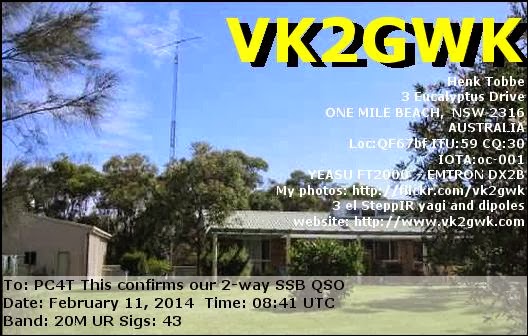
Paul Stam, PC4T, is a regular contributor to AmateurRadio.com and writes from the Netherlands. Contact him at [email protected].
It came!
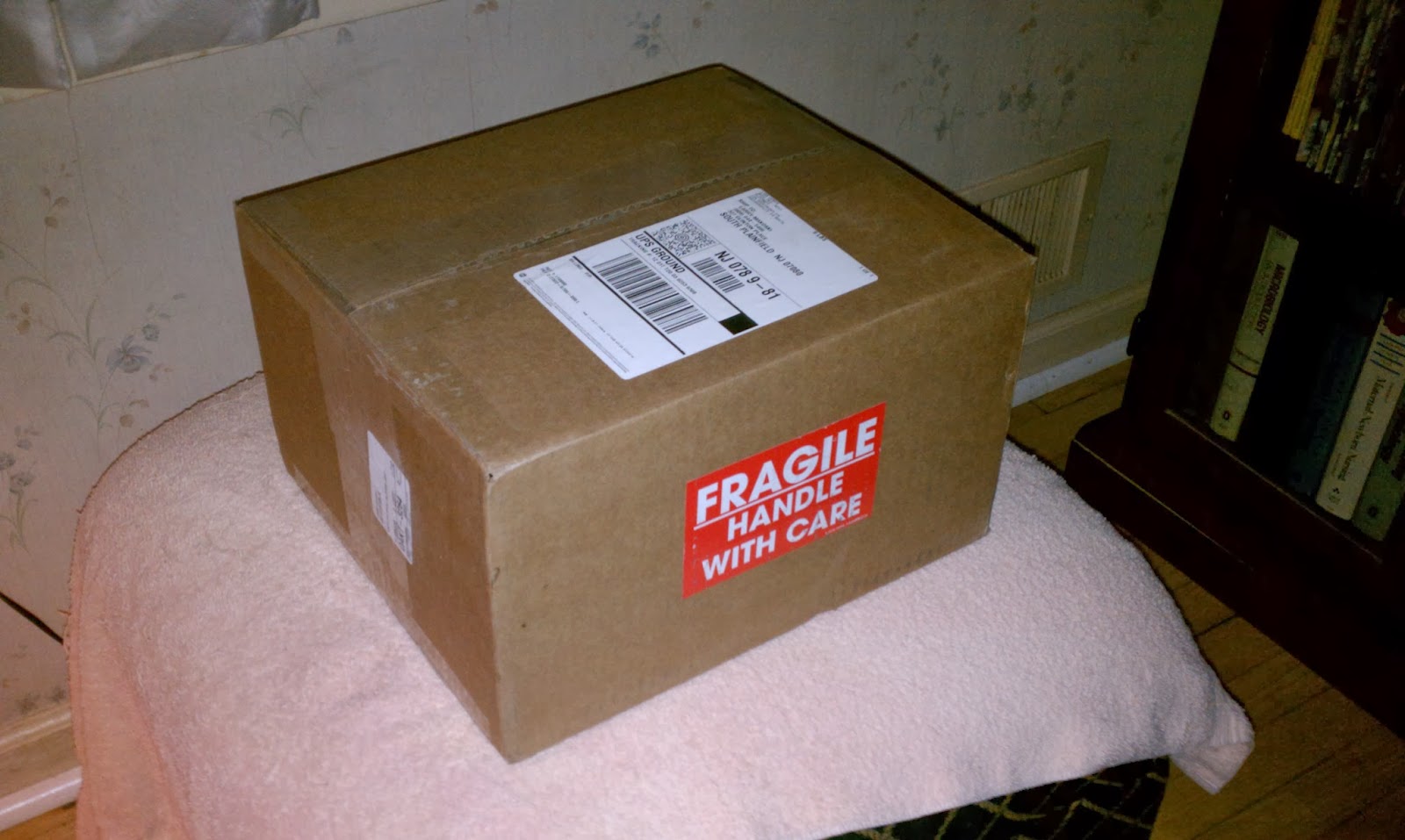
One KXPA100 kit from Aptos, California. It will be assembled this coming weekend. Tonight, I am listening for FT5ZM, and they are nowhere to be found, that I can hear them (of course). They seem to be concentrating on 17 Meters tonight, and all I can hear is their pileup – not them. Crud buckets!
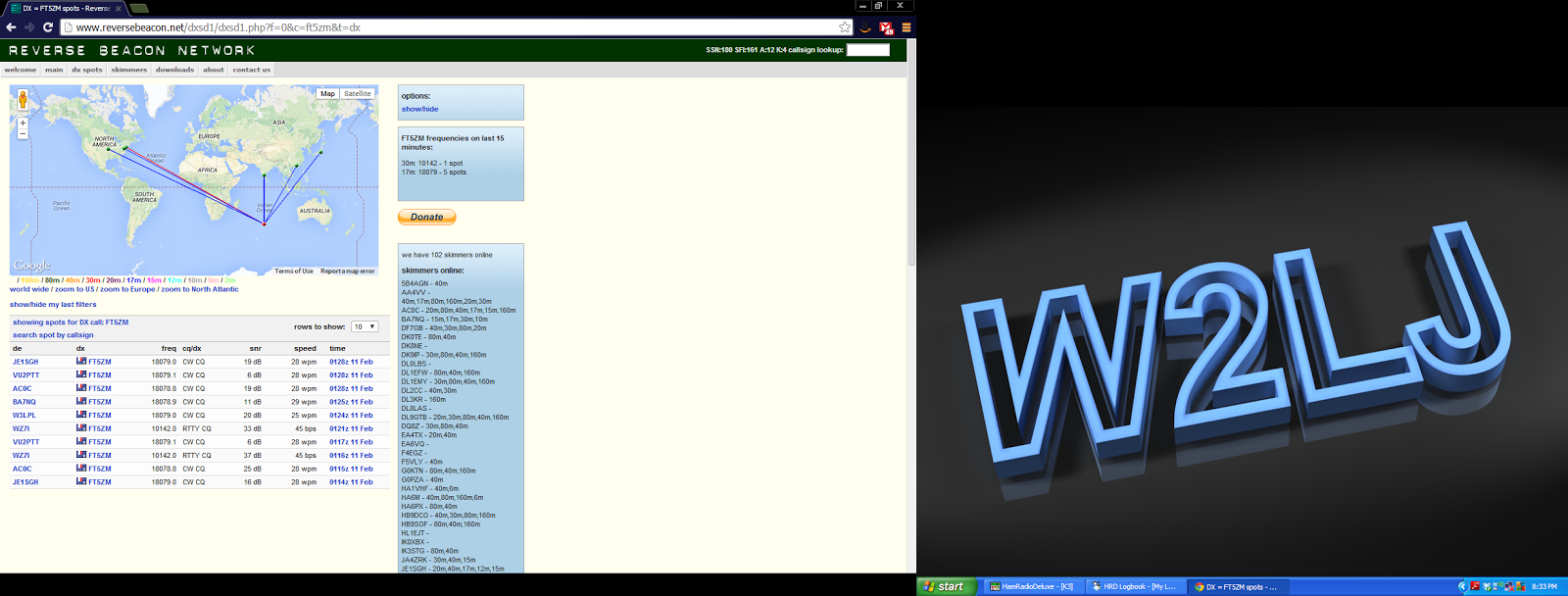
72 de Larry W2LJ
QRP – When you care to send the very least!
Larry Makoski, W2LJ, is a regular contributor to AmateurRadio.com and writes from New Jersey, USA. Contact him at [email protected].
Thank you FT5ZM!
While I write this they are still booming in with S9 signals on 15 meter, but boy, the operator sounds tired. He takes frequent breaks, just to ease the pile-up.
Still, after a few calls he got me and after the usual 59 exchange I thanked him on-air. You could hear he appreciated it and the whole team does deserve a lot of praise. They had to handle a lot of messy pile-ups, but they did well. In the end I worked them on 17, 15, 12 and 10 meters, both in CW and SSB and that is more than enough for me. No need to bother them anymore, they deserve a good rest as from coming Wednesday. Cheers, guys.
Hans "Fong" van den Boogert, BX2ABT, is a regular contributor to AmateurRadio.com and writes from Taiwan. Contact him at [email protected].
A Radio Free Weekend!

I did manage to get along to Maplins at the end of last week and grabbed some expensive N-Type connectors (as well as some other connectors, a cheap dummy load and an antenna switch!) So this evening I am hoping to sort out my Moonraker 7-element 70cm ZL-Special for the 432MHz UKAC contest tomorrow night.
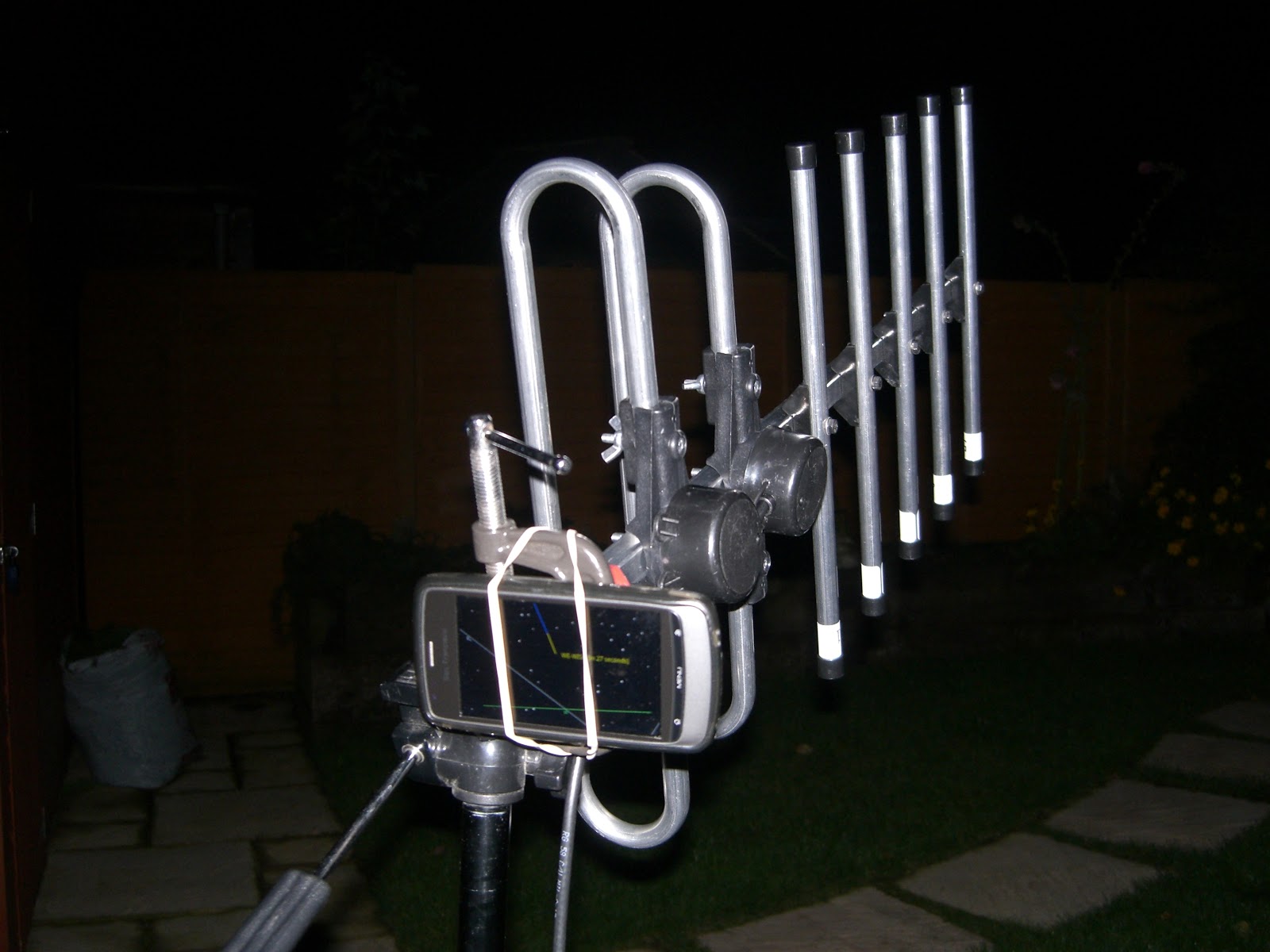
I have been reading up on the ZL since I have always been a bit confused by the antenna.
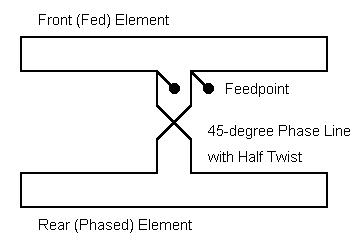
The assembly instructions for the Moonraker one were very poor and the joining of the two phased elements was achieved using simple straight wire, rather than the twisted transmission line I was expecting. It has worked reasonably well as a RX antenna but I haven't used it for TX yet.
I have found a small section of ladder line from an old FM radio antenna, so will be using that now that I have more of an understanding of how it works, the front element and the larger rear element are supposed to be approx 1/8 wavelength apart (I haven't measured it yet) the two are joined using a twisted section of transmission line 1/8 wavelength in length.
Andrew Garratt, MØNRD, is a regular contributor to AmateurRadio.com and writes from East Midlands, England. Contact him at [email protected].
LHS Episode #123: Busted for Jaycasting
 Hello, folks! It’s February 2014, and we finally announce the winner of our Raspberry Pi contest! But before all that excitement, we have a great interview with a fellow radio amateur. Around that, we have news and information about the usual suspects, and covering it all is a thick layer of fun. Thanks for tuning in, and we hope to see you all in Dayton in May. Please donate to our Indiegogo campaign if you can. Every little bit helps. And don’t forget about the perks!
73 de The LHS Guys
Russ Woodman, K5TUX, co-hosts the Linux in the Ham Shack podcast which is available for download in both MP3 and OGG audio format. Contact him at [email protected].
 Ham Radio Deluxe |
 W5SWL Electronics |
 Ham Radio Prep |
 KB3IFH QSL Cards  Hip Ham Shirts  HamRadioAuctions HamRadioAuctions Reliance Antennas Reliance Antennas Enigma Shop Enigma Shop |  morseDX  Ni4L Antennas  R&L Electronics R&L Electronics antennas.us antennas.us QRV QRV |
- Matt W1MST, Managing Editor
