 |
 Our Club Activity at the Charleston Hamfest
 18 March 2014 | by
 Last year, in 2013, before the WV Chapter of the NAQCC Club was established, I set up my QRP station at the Charleston Hamfest and worked several DX stations in Eastern Europe with just a few watts of power. I used a simple “dedicated band” dipole antenna. It drew a lot of interest from many people. I was invited back, this year, to do a special QRP forum.
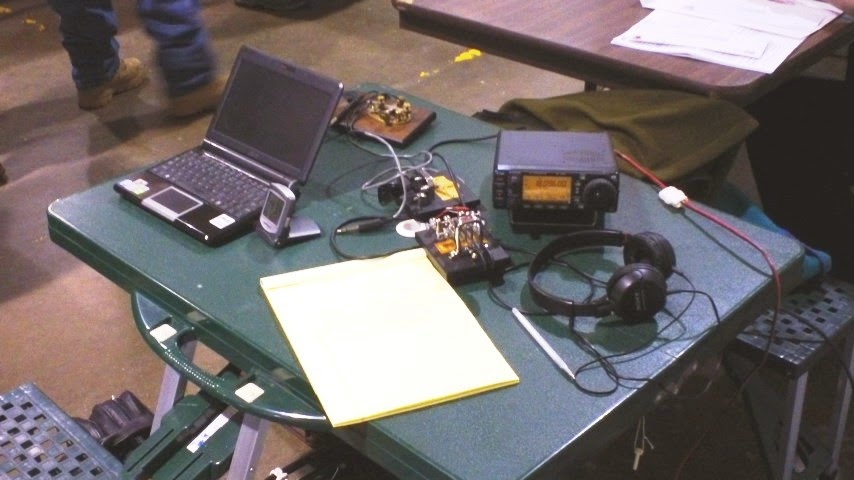
On March 15th, I saw this new opportunity, as a way for our new West Virginia Chapter to share our enthusiasm for QRP CW radio and especially the NAQCC club.
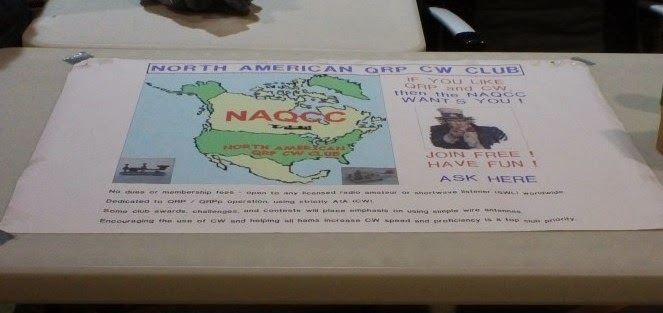
I’m very grateful to John Shannon (K3WWP) for the use of his banner. It looked great sitting on top of the table and was a good focal point for conversation. I’m also very grateful to the staff of the Charleston Hamfest for allowing us this opportunity to highlight our NAQCC club.
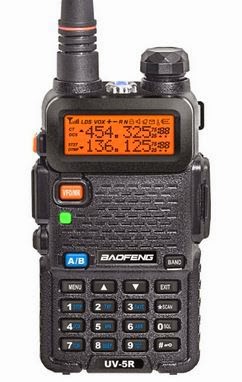
The hamfest committee provided me with a small dual band HT, to give away at the end of my presentation! I had those attending the talk put their tickets in my hat and had a little girl draw the winning call sign. This went over VERY well and allowed me a captive audience.
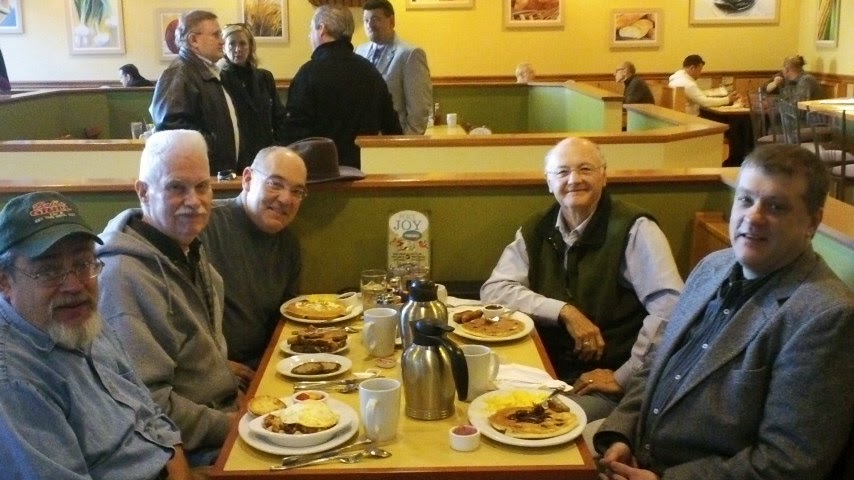
Our club members Eric (AC8LJ) and Steven (KC4URI) helped me with both the presentation and the “club table” at the event. We were also joined by Jeff (K9ESE) and Jim (NX8Z). In addition to these members of the “core group”- I met a few more members of the NAQCC club. It was nice to see Lonnie (KY8B) # 5043 and Bill (WR8S) #6608, who by the way, has a great idea for a future highlight of the club.
Bill (K3QEQ) # 1426 introduced himself to me. We were having a nice conversation about QRP, and the new chapter, and when he offered me his QSL card, I immediately realized we had previously worked many years ago. I remembered the exact CW conversation, which by the way, lasted nearly an hour at the time. We’re both Navy vets, and as old sailors, we exchanged several sea stories.
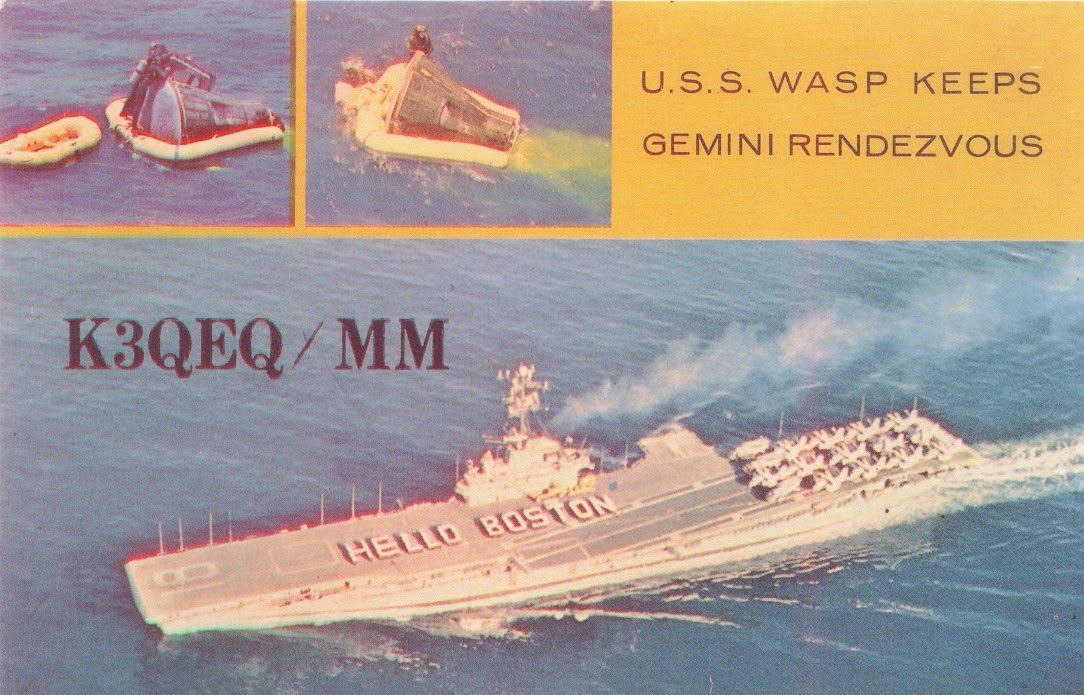
The longer I continue CW operations, the more I realize how many of us served our country when asked, and are still very proud, not only our own efforts, but of all those who served in difficult times.

John Smithson, Jr., N8ZYA, is a regular contributor to AmateurRadio.com and writes from West Virginia, USA. Contact him at [email protected].
LHS Episode #124: Dog Boarding
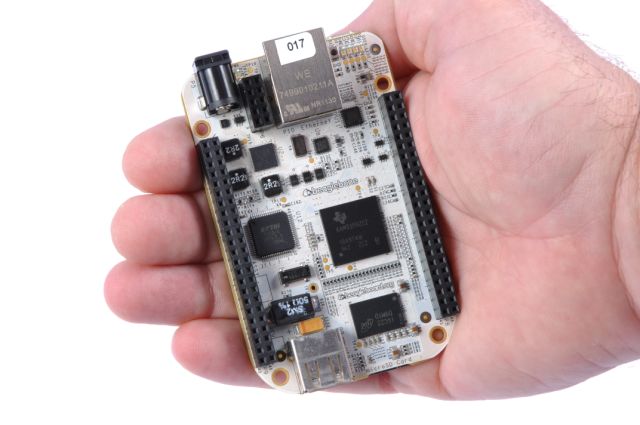 Hello, folks! A couple weeks late and a dollar or two short, we’re back! In this delectable episode of Linux in the Ham Shack, your intrepid hosts discuss a variety of topics from antenna safety to Linux conventions to getting your name on an asteroid. For our main discussion, we tackle a couple updates to Linux distributions, including one specifically for amateur radio use. Then we plow on through a heaping helping of feedback. Thanks for tuning in, and be sure to tell all your friends about us. Also, hope to see you all at Dayton this year! Rewards for those who pledged to our fund are coming soon. Stay tuned.
73 de The LHS Guys
Russ Woodman, K5TUX, co-hosts the Linux in the Ham Shack podcast which is available for download in both MP3 and OGG audio format. Contact him at [email protected].
Fun with SMD and on Six.
I had a slow radio weekend. After spending most of the week trying to get my weather station back up I finally succeeded and decided to spend time on an unfinished project instead of time behind the radio. We had our first thunderstorm of the year last week so the 1-wire lightning detector has be be done before the season really kicks off. The “radio” part was already done, but the 1-wire counter/memory part not. Maxim put everything in one IC, the DS2423P, which has a 6 pin TSOC package. I haven’t worked with SMD components a lot and never build a one-off circuit. Traditionally I would use the Manhattan style of building, but after a lot of thinking I decided to do the following: draw a lay-out of the circuit, put some copper tape on the back side of a PCB and cut out the lay-out. With solder paste the components can then be put into place and soldered on. The first step you can see on the photo below.
 Now the only thing I am still not sure of is if it is wise to put the 100 nF capacitor across one of the tracks (after I coat it with conformal coating, of course). It would save me a bridge if I do it this way. I only have one DS2423P and they are US$10 a piece, so I can’t mess it up.
On Sunday night I still got my dose of radio fun. Just before heading for bed I tuned to 6 meters and heard AH2G/B with a lot of chirp, but coming in quite well. So far I have not heard anything on six this year, apart from some local hams, so this was a welcome change. I tuned around and 9M2TO came in very strong, so working him was easy. I also heard and worked 9M6ZAE. Some traces of VK8 stations and FK8CP, but he was calling SEA/ME and didn’t answer any calls from me or other Taiwanese hams. A pity, but at least I did work my good friend BX2AB, who was also calling CQ on six in CW. It made for a funny exchange: “BX2AB de BX2ABT BT GE OM Lee, 599 in Longtan BK”
Hans "Fong" van den Boogert, BX2ABT, is a regular contributor to AmateurRadio.com and writes from Taiwan. Contact him at [email protected].
A good day on 17m
 |
| Add caption |
 story short one of his contacts had spotted him on a cluster and then all hell broke loose!! My time was up as a HUGE pile started. I'm not saying QRP stations have not busted pileups but time was moving on and dinner was soon going to be on the table. KH2L maybe next time, I am not at all disappointed as these types of events help sharpen your skills and really allows you to become familiar with your radio.
 Mike Weir, VE9KK, is a regular contributor to AmateurRadio.com and writes from New Brunswick, Canada. Contact him at [email protected].
HamRadioNow.tv – CQ Update, DXpedition Talks, and about 170 more shows
Hi, AmateurRadio.com subscribers!
I’m Gary Pearce KN4AQ, and I produce videos for and about Amateur Radio at www.HamRadioNow.tv. I’ve just released Episode 137, with a pair of DXpedition talks from the Charlotte Hamfest: the 2013 Wake Atoll K9W operation, and last month’s FT5ZM Amsterdam Island mega-DXpedition. Maybe you worked these guys? Check out what’s behind the signals you heard.
Episode 136 (embedded above) is a talk I had with CQ Editor Rich Moseson W2VU on what’s happening up there. If you’re a CQ subscriber, you know it isn’t good. Print editions have been late, with the December issue being the last one most of us have received (January is “in the mail”). CQ-VHF, Popular Communications and WorldRadioOnline are being discontinued, with some of their content being absorbed in an expanded ONLINE ONLY section of the main CQ magazine called CQ-Plus. CQ will still be a print magazine, but only the online version will have the CQ-Plus content. These were painful but necessary steps to keep CQ afloat financially.
HamRadioNow is a tv show with sort of an identity crisis. Sometimes we’re a talk show, with interviews either on Skype or at hamfests. Sometimes we’re a “documentary unit” with field-produced programs about almost anything in ham radio. And sometimes we shoot forums and seminars, like the two DXpedition talks in Episode 137, and all of last years TAPR Digital Communications Conference.
We’re really a shoestring operation – just me and a few friends helping out. But even shoestrings cost money, so you’ll see me begging for contributions from viewers who like the show. Watch first, and if you like it, send a few bucks. In those 137 episodes are really about 170 programs (some of the episodes have two or more full-length programs that just seemed to go together). The programs are hosted on YouTube (www.Youtube.com/HamRadioNow) and Blip.tv (www.blip.tv/HamRadioNow). Blip used to port us to iTunes, but they just stopped, so we’re looking for a new route there. Until then, downloads are only by whatever software you can jeep to lift stuff from YouTube (against their wishes, but it’s fine with me). Our official web site is:
We’ve been doing this for just over two years, so that’s more than one show a week. More to come, and we’ll try to announce each new one here on AmateurRadio.com.
73, Gary KN4AQ
Gary Pearce, KN4AQ, is the host of HamRadioNow.tv. If you enjoy this and other HamRadioNow programs, help keep them 'on the air' with a contribution. Contact him at [email protected].
WSPR 10 meter
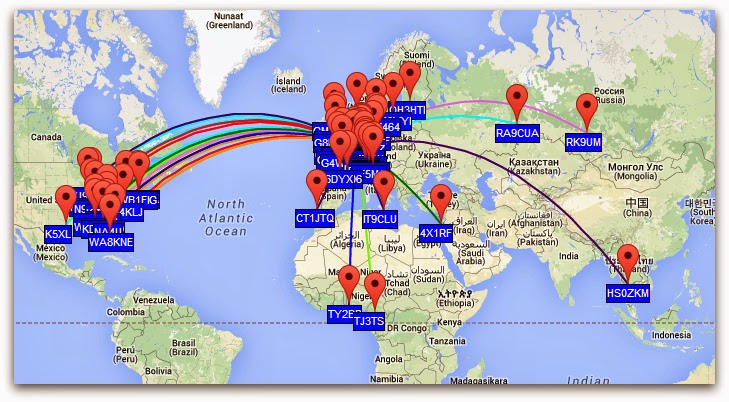
WSPR today on 10 meter, 5 watts, end fed antenna.
Paul Stam, PC4T, is a regular contributor to AmateurRadio.com and writes from the Netherlands. Contact him at [email protected].
Ham radio “ZERO” doing everything but radio “TEN”
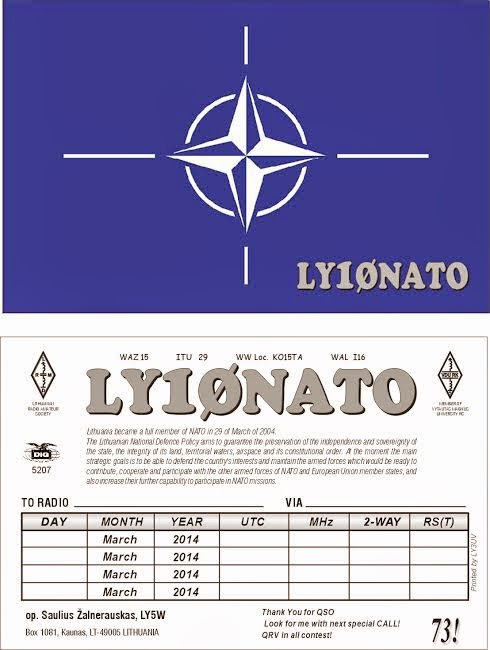
So things are up and running and on Friday I was able to make a fast contact with LY10NATO. This as you guessed it is a special activity call pertaining to NATO. The contact was made with 5 watts and my MFJ 1788 antenna. The weather here is still a winter wonderland with 15cm of snow on Wednesday, then it was temps of plus 9C on Friday and now this evening a cold weather alert has been issued! Anytime this winter wants to exit…… all the better.
Mike Weir, VE9KK, is a regular contributor to AmateurRadio.com and writes from New Brunswick, Canada. Contact him at [email protected].
 Ham Radio Deluxe |
 W5SWL Electronics |
 Ham Radio Prep |
 KB3IFH QSL Cards  Hip Ham Shirts  HamRadioAuctions HamRadioAuctions Reliance Antennas Reliance Antennas Enigma Shop Enigma Shop |  morseDX  Ni4L Antennas  R&L Electronics R&L Electronics antennas.us antennas.us QRV QRV |
- Matt W1MST, Managing Editor
